What this tool does
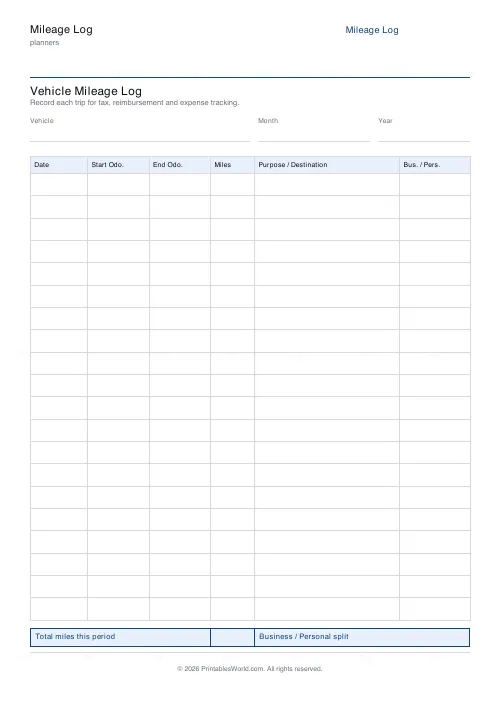
A vehicle mileage log with columns for the date, the odometer at each end, the miles driven and the purpose. Optional business/personal column, header fields for the vehicle and month, and 12 to 28 rows.
People also used
Feedback
Spotted something off with this tool?
A row per trip, with both odometer readings
Date, start reading, end reading, miles driven, and what the trip was for. An optional column marks each trip business or personal, and a totals strip runs along the bottom.
Twelve to twenty-eight rows. Header fields for the vehicle, the month and the year can be printed or left off.
Why both readings, when one number would do
Because the two readings are evidence and the miles column is a claim.
A log recording only "42 miles" cannot be checked by anybody, yourself included. Start and end readings can be reconciled against each other across a month and against the odometer itself, and that is what makes the record hold up if anyone ever asks. It catches your own arithmetic slips too. Those accumulate quietly.
Write the end reading when you stop, not later. A number reconstructed on Sunday from memory is a guess wearing a number's clothes.
What tax authorities generally want
Details vary by country and they change, so check your own current rules rather than taking a printable's word for anything. The requirements overlap a great deal in practice. This sheet carries a column for every one of the usual ones — the date, the destination or purpose, the mileage, and a way to separate business use from personal.
The two things people most often fail to keep are the purpose of each trip and a record of the year's opening and closing odometer readings. Write a real purpose — "client visit, Leeds" rather than "work" — and note the reading on the first and last day of the year somewhere safe.
Contemporaneous beats complete
A log filled in as you go, with a few gaps, is worth more than a tidy one written up in April from a diary.
Keep the sheet in the car with a pen clipped to it. The single biggest reason mileage records fail is that the log lives on a desk and the driving happens somewhere else.
The business/personal column
Worth having if the same vehicle does both, which is most people's situation.
The rule that catches people out in several jurisdictions is that ordinary commuting between home and a regular workplace is usually personal rather than business. Mark it honestly — a log where every trip is business is the pattern that attracts attention.
Settings and printing
Title, rows (12–28), the business/personal column, and the header fields. A4 or US Letter, printed at 100%.
One sheet a month at twenty rows, kept in a folder, is a system that survives a year. Twenty-eight rows suits heavy driving. Twelve suits the occasional business trip in a car that is mostly private.
FAQs
Quick answers
How many trip rows fit on one page?
Between 12 and 28 rows, with a default of 20. Row heights scale to your choice so there is always comfortable handwriting space.
Does the sheet separate business and personal miles?
Yes, when the Business / Personal column is switched on you can classify each trip. Turn it off for a log that is purely business use.
Is this an official IRS or HMRC form?
No. It is a plain, tax-friendly mileage log that captures the details authorities expect, date, odometer readings, miles and purpose, but it is not an official government form.
Does it calculate my mileage deduction?
No. It is a printable worksheet, not a calculator. You record the readings and total the miles by hand, then apply your local mileage rate yourself.
Why does it ask for both odometer readings?
Recording the start and end odometer, not just the miles, makes the log verifiable. The miles column can always be checked against the difference, which auditors prefer.
Can I log more than one vehicle?
Yes. Keep the Vehicle / Month / Year header fields switched on and print a separate sheet per vehicle, then file them together.
What paper sizes are available?
A4 and US Letter. Print at 100% scale so the odometer columns stay wide enough for six-digit readings.
Related tools
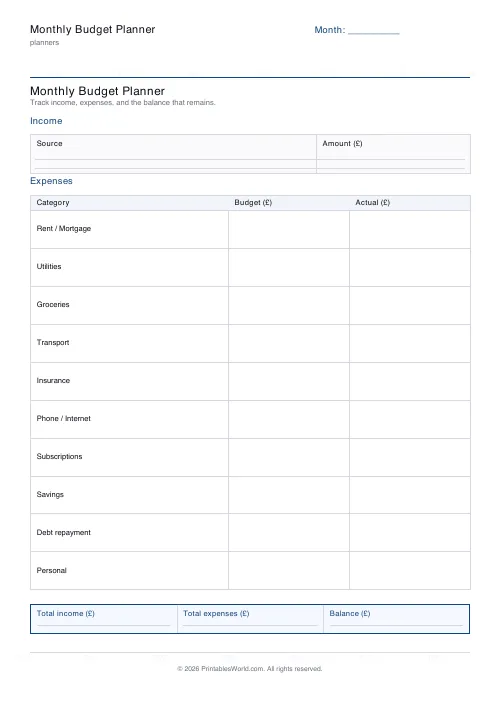
Monthly Budget Planner
One-page printable budget: income, categorised expenses, balance summary.
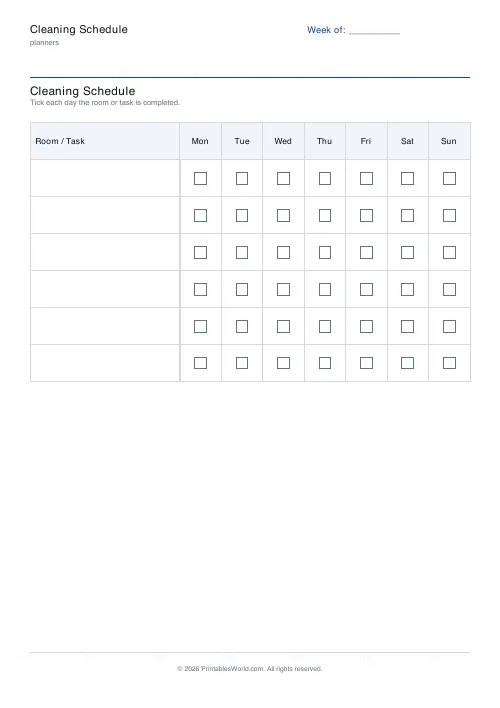
Cleaning Schedule
Print a weekly cleaning schedule grid with custom rooms and tasks across Monday to Sunday.
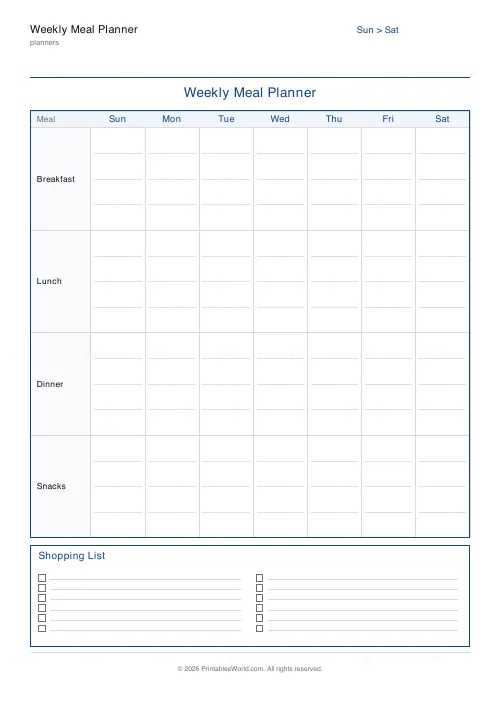
Weekly Meal Planner
Plan seven days of breakfast, lunch and dinner on one printable page.
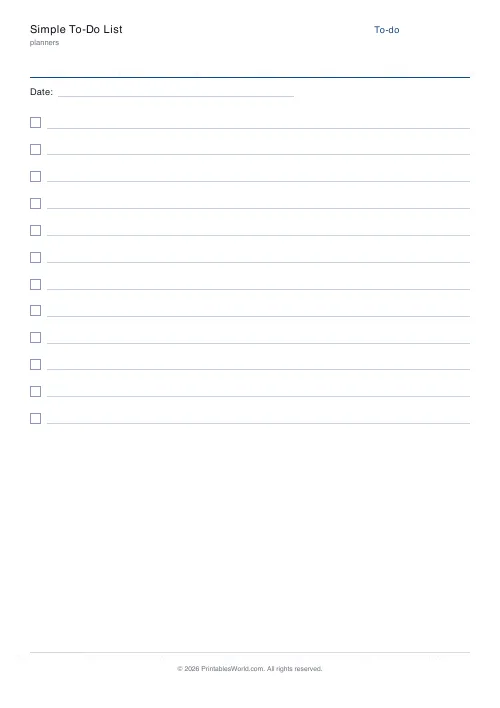
Simple To-Do List
Minimal printable to-do list with tick boxes and a configurable item count.