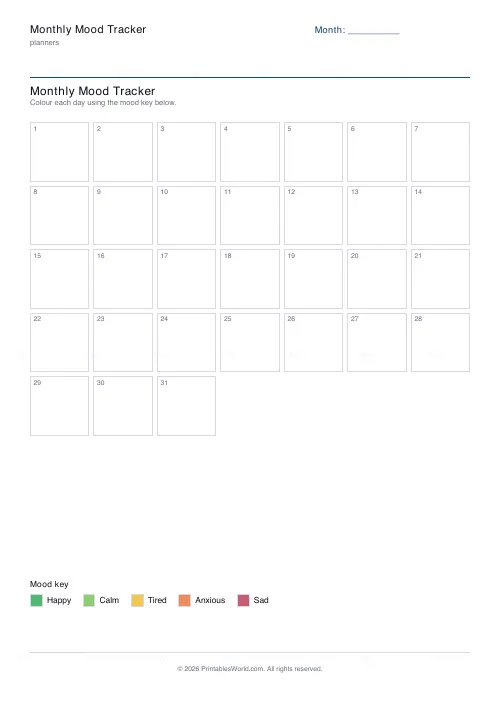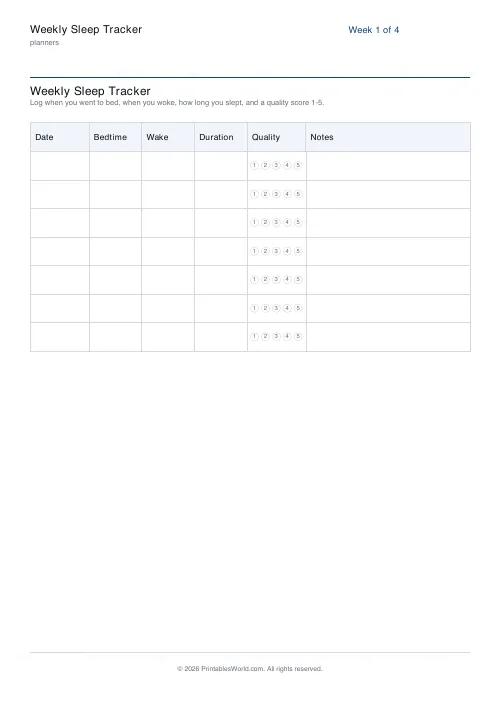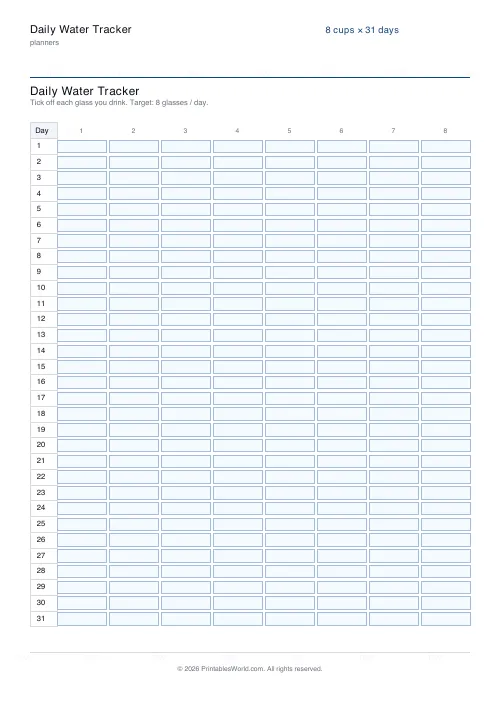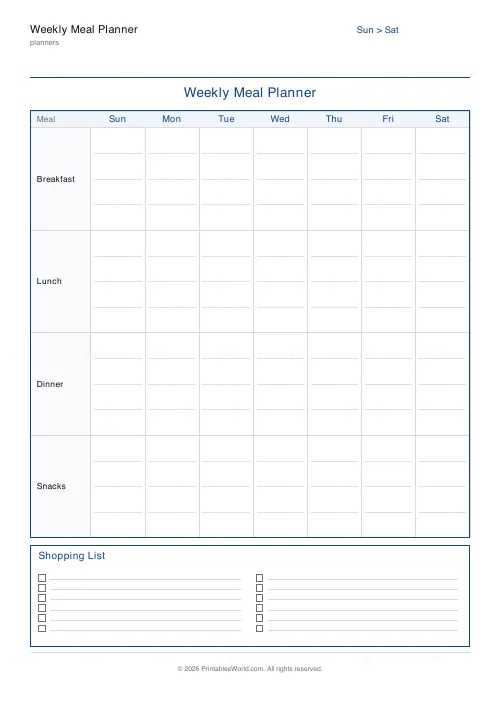
What this tool does
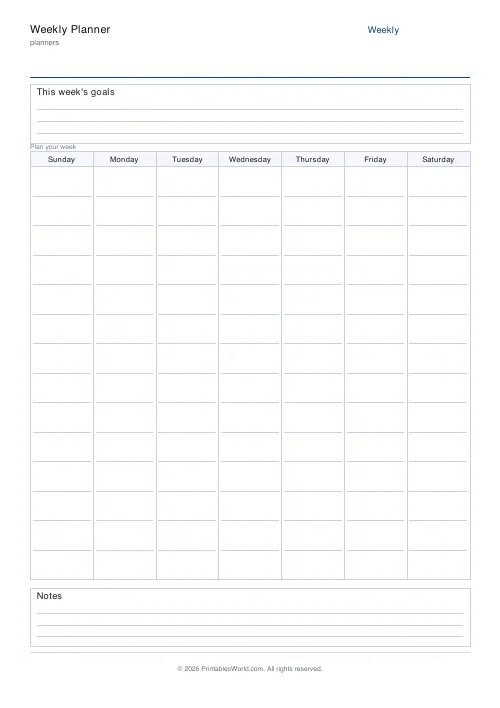
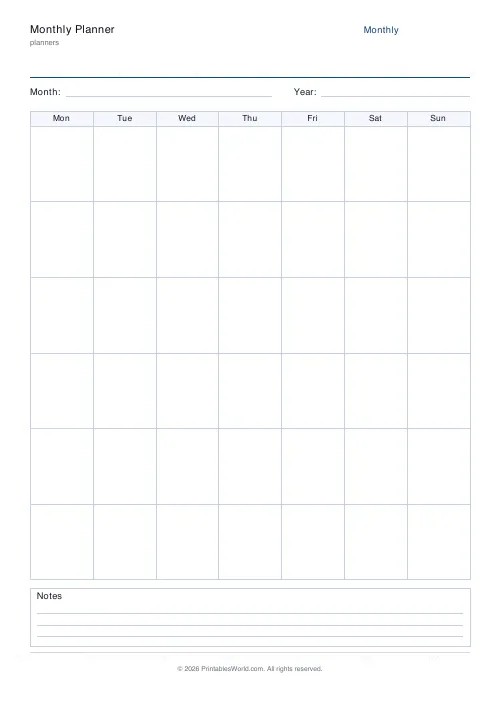
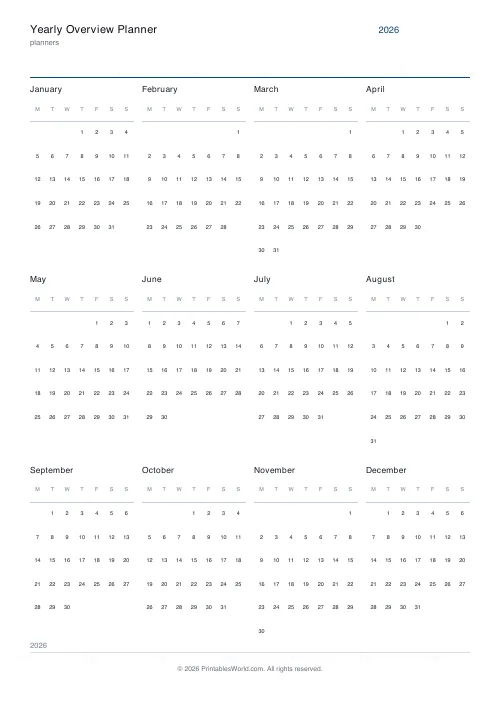
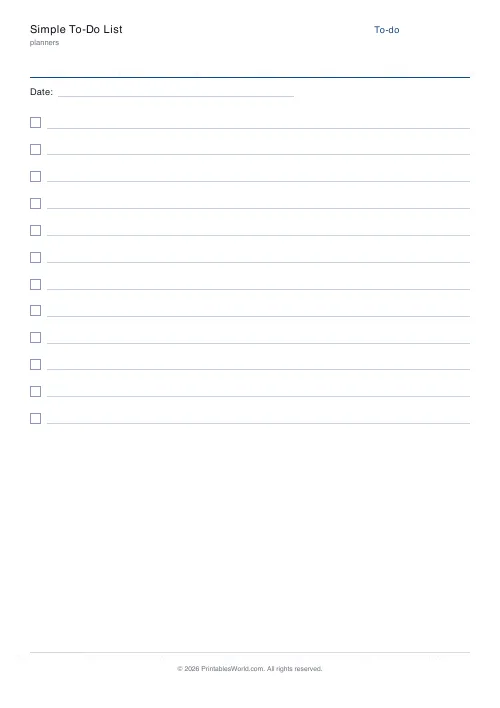
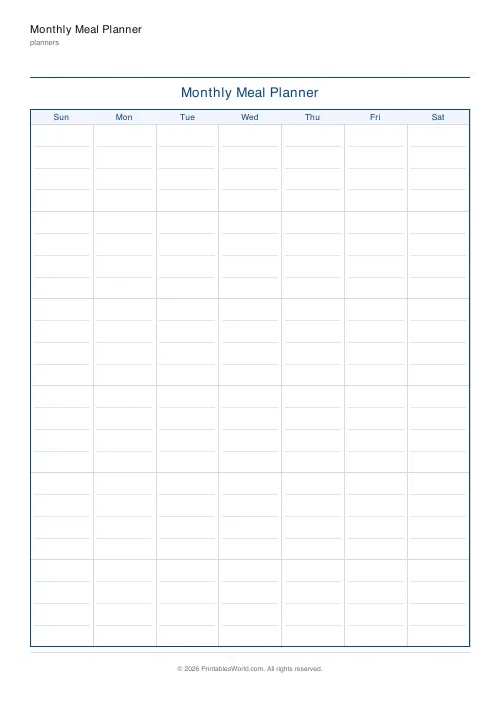
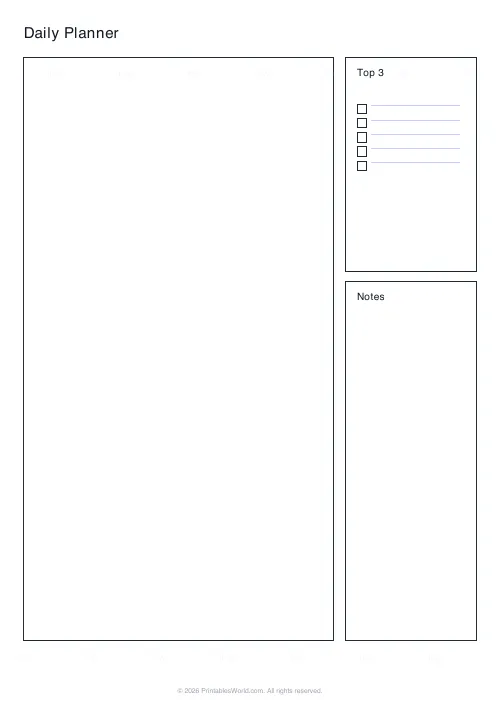
Ready-made planner pages from three starter templates: a minimal daily page, a daily time-block schedule, and a weekly grid. Pick one, pick A4 or US Letter, download a branded PDF. For placing your own text and boxes and lines freely, the Workbook Builder is the tool that does that.
People also used
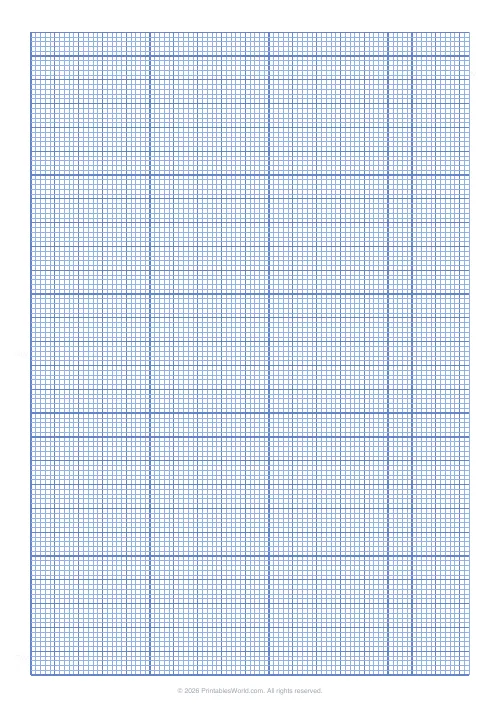
Graph Paper Generator
Create custom graph paper PDFs with square or rectangular grids, dot styles, and axis numbering.
Lined Paper Generator
Generate custom ruled paper PDFs with adjustable line spacing, colours, margins, and primary ruling styles.
Daily Planner
One-page daily planner with priorities, hourly schedule, and a notes strip.
Feedback
Spotted something off with this tool?
Three templates, one paper size, done
Pick a starter layout, pick A4 or US Letter, and the page renders. That is the whole tool, and it is worth being straight about the scope before you get further in.
- Daily Planner (Minimal). A large ruled column with a couple of side boxes, for anyone whose day is a list rather than a timetable.
- Daily Time Block. The same page, divided into time slots.
- Weekly Grid. Columns for the days and rows for the parts of the day, which is the overview version and the one most people end up printing alongside one of the others.
Every template is drawn to the millimetre and rendered through the shared branded template, so a stack of them sits together tidily in a binder.
If you want to move things around
You cannot, here. This page renders fixed layouts, and there is no canvas, no dragging, and no way to reposition a box or change a colour.
What you want in that case is the Workbook Builder, which is a full editor. Place text anywhere on an A4 or Letter page, or a shape, or a line, or a box. Add as many pages as you like, and drop in a generated activity as a page of its own. It exports through the same branded engine, so the output matches anything printed from here.
Come back to this page when you want a good planner page in ten seconds. Go there when the layout itself is the thing you are designing.
Choosing between the three
The honest test is how your day actually fails.
If things get forgotten, you want the minimal daily page, because the problem is capture rather than scheduling. If things get squeezed and overrun, you want the time block, because the problem is that four hours of work were promised to a three-hour afternoon and a list will never show you that.
The weekly grid is a different job again. It is not for planning a day, it is for seeing which day is already full before you agree to anything, and most people want it alongside one of the other two rather than instead of them.
Printing a set
A4 or US Letter, and the layout is positioned in millimetres from the top-left, so the same template prints at the same proportions on either.
Print a fortnight of daily pages behind one weekly grid and you have a working planner for the cost of the paper. Punch them together rather than stapling, because the weekly page wants to stay at the front while the daily ones get replaced.
FAQs
Quick answers
Can I remove the PrintablesWorld branding from the PDF?
No. Every page includes a branded header, footer, watermark and QR code. This is built into the shared PDF template and cannot be disabled.
How do I position objects in millimetres?
Coordinates are measured from the top-left corner of the page. The x value is the horizontal distance from the left edge, and y is the vertical distance from the top edge, both in millimetres. The generator converts these to PDF points internally.
What's the difference between a line and a box?
A line object draws a single straight stroke, horizontal or vertical, with a start point and length. A box object draws a rectangle with four sides, optional fill colour, and optional rounded corners.
How many items can I add to a checklist object?
You specify the item count when you create the checklist. The generator will render that many square tick-boxes stacked vertically, with the label text positioned beside or above the list.
Can I use the same project for both A4 and US Letter?
Yes, but you'll need to adjust margins and object positions if you switch paper sizes, because A4 (210 × 297 mm) is taller and narrower than US Letter (215.9 × 279.4 mm). The safest approach is to design once for your target size.
What happens if an object extends beyond the page margin?
The generator will still draw it, but it may be cut off by your printer's unprintable zone. Set appropriate margins (10–15 mm) and visually check your layout before printing.
Can I save my project and come back to edit it later?
The tool generates a PDF from the current project state. Saving and loading projects depends on the interface implementation. Check whether the calculator offers a save/load feature or JSON export.
Related tools
Further reading
Planners
ADHD-friendly planning: systems that work
Standard planners assume you will remember to open them. That single assumption is why they fail for a lot of ADHD brains. And what an ADHD-friendly system has to replace.
6 min read
Planners
How to build a daily routine that actually sticks
Most routines fail in week two, when motivation runs out and nothing has replaced it. The fix is structural: fewer items, fixed anchors, and a plan for the day you miss.
6 min read
Planners
Study planning for exams: a student's complete guide
A revision timetable is only as good as what goes in the slots. Here is how to build one backwards from the exam date, and which study methods the evidence actually supports.
5 min read