What this tool does
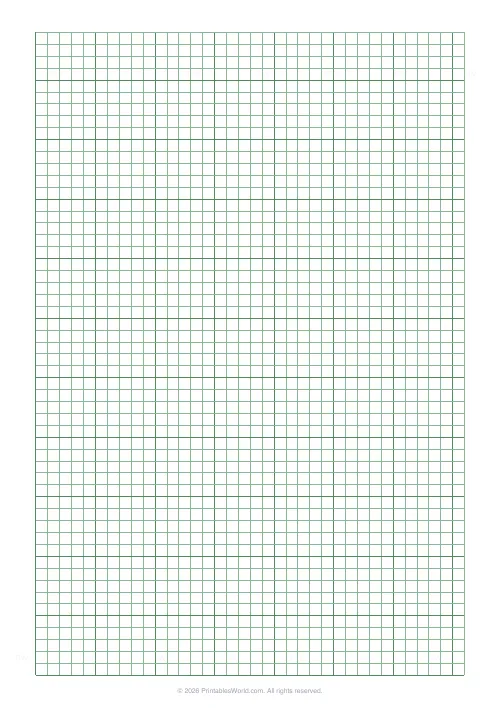
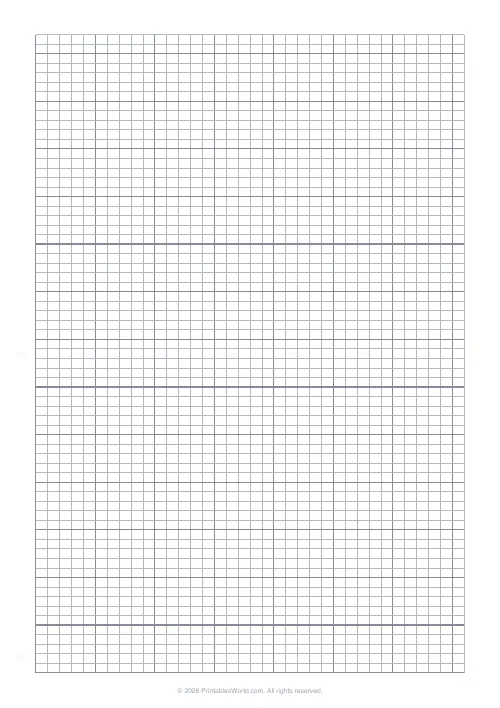
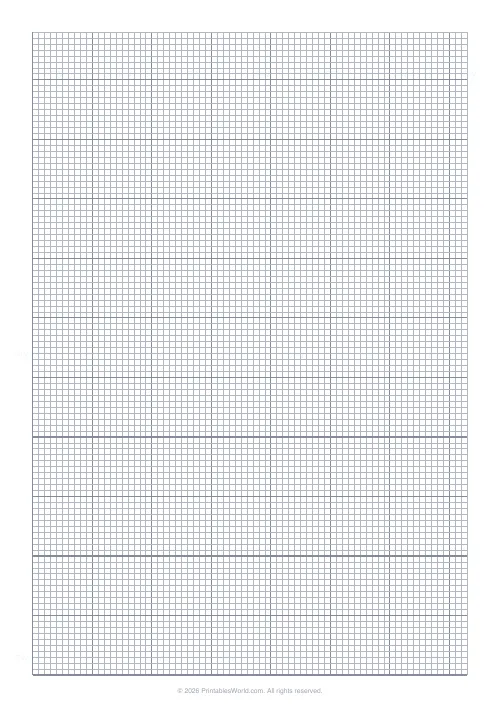
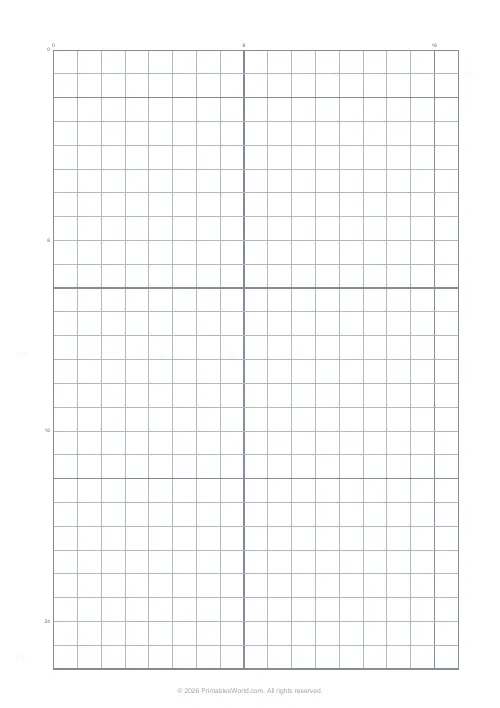
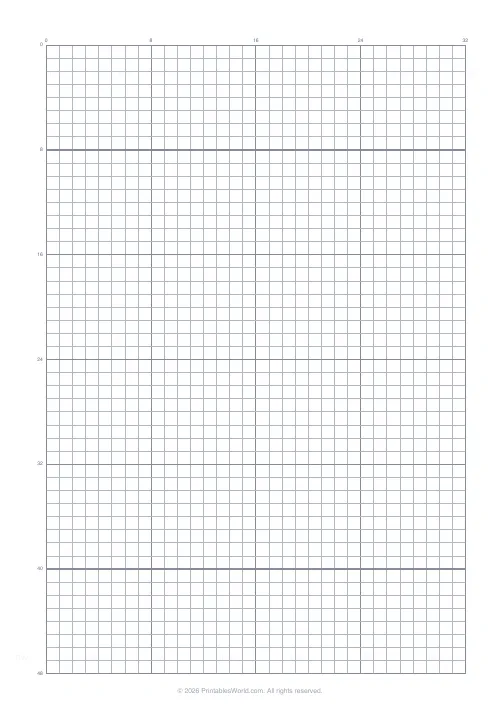
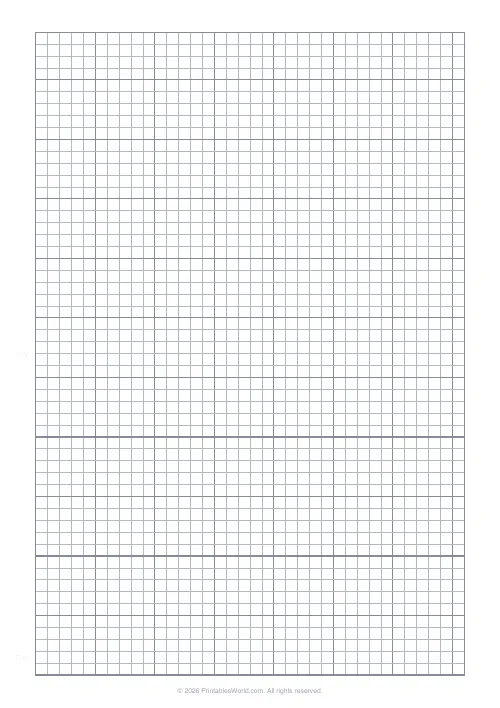
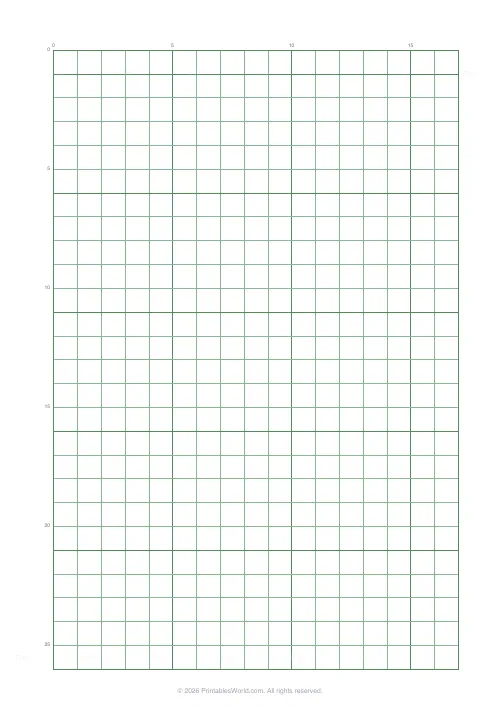
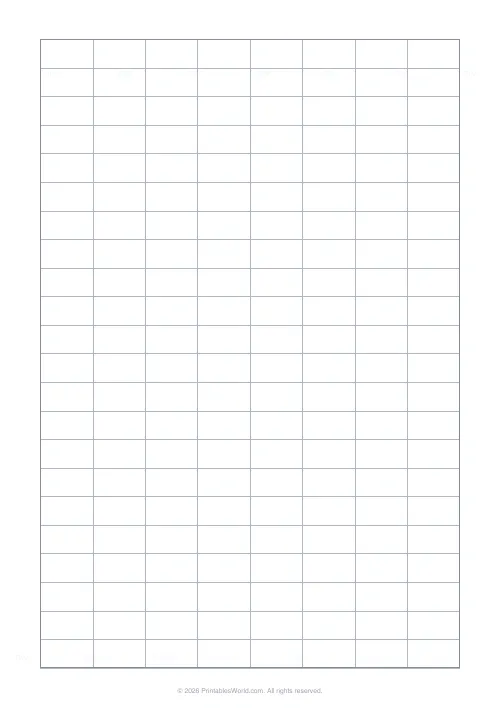
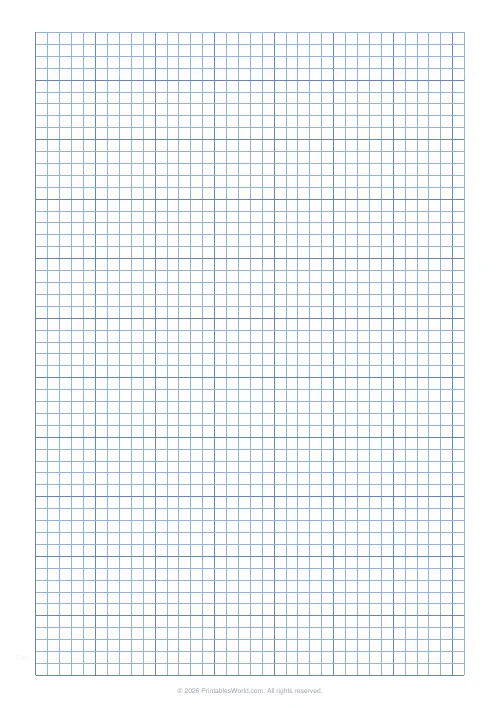
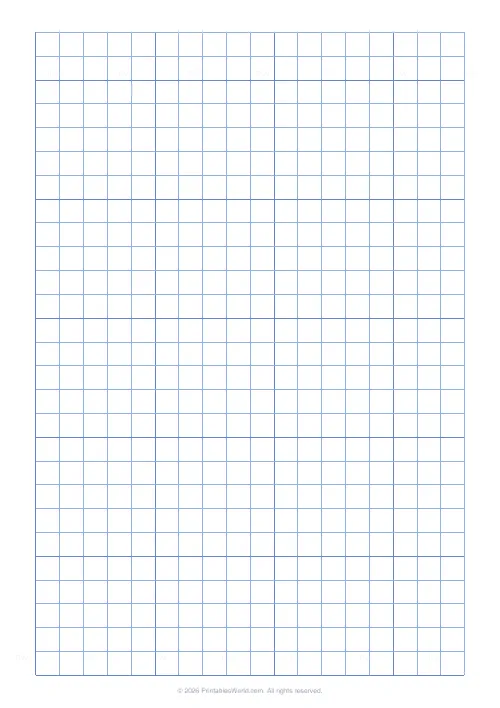
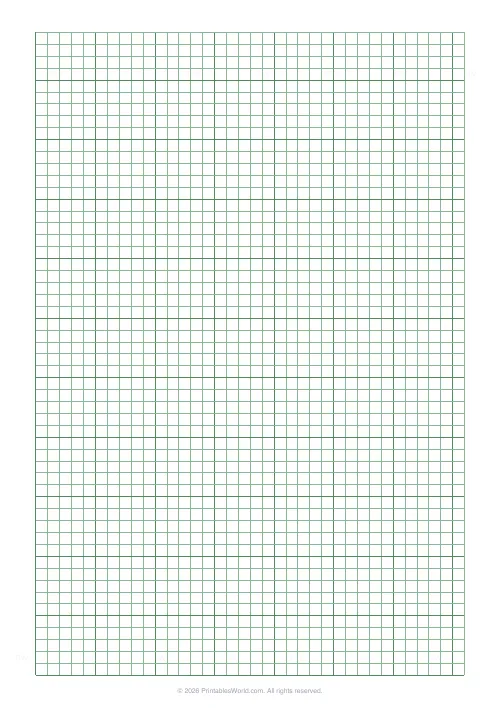
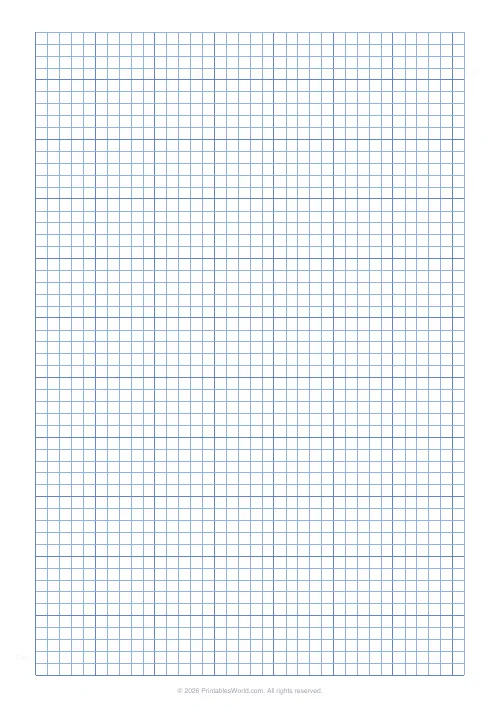
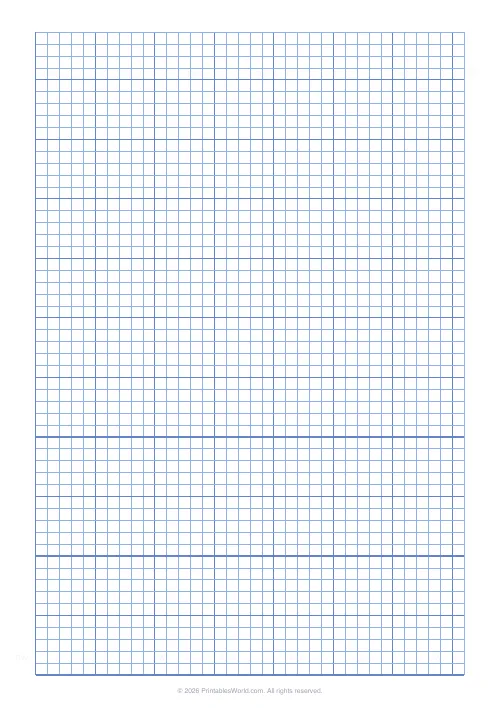
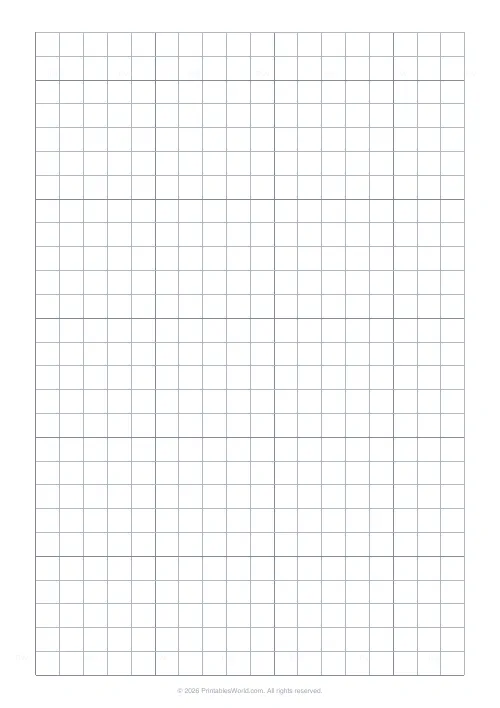
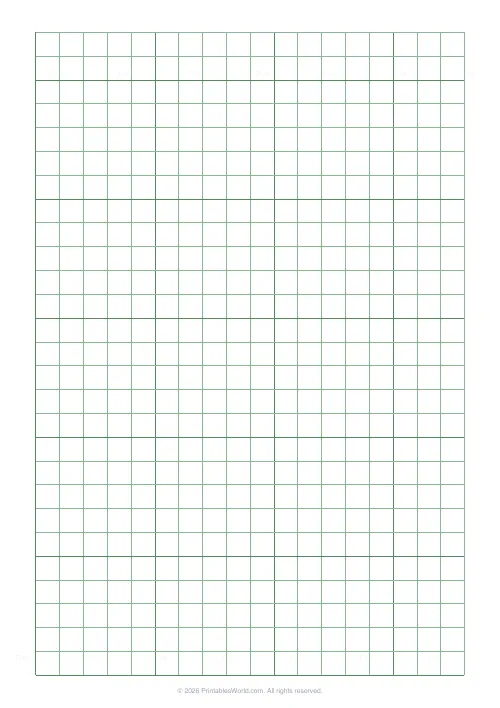
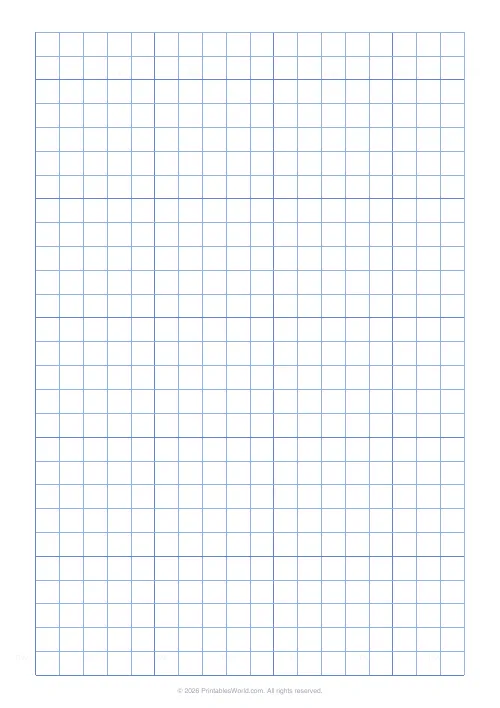
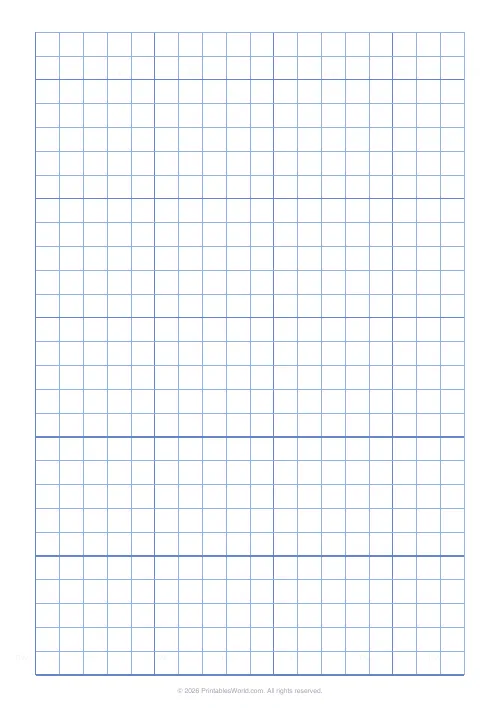
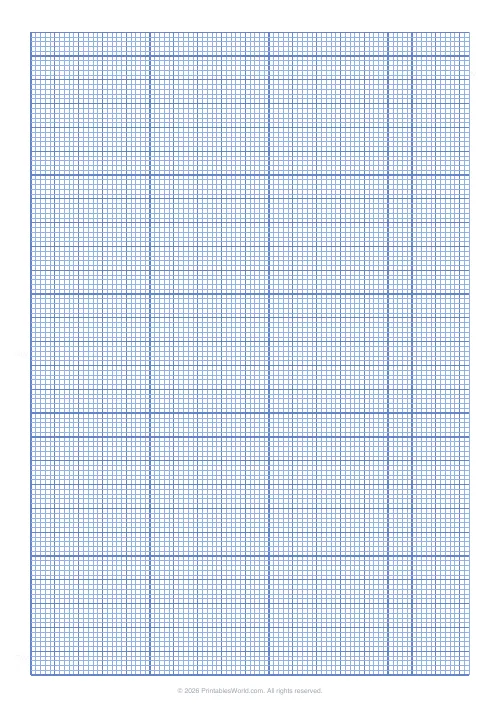
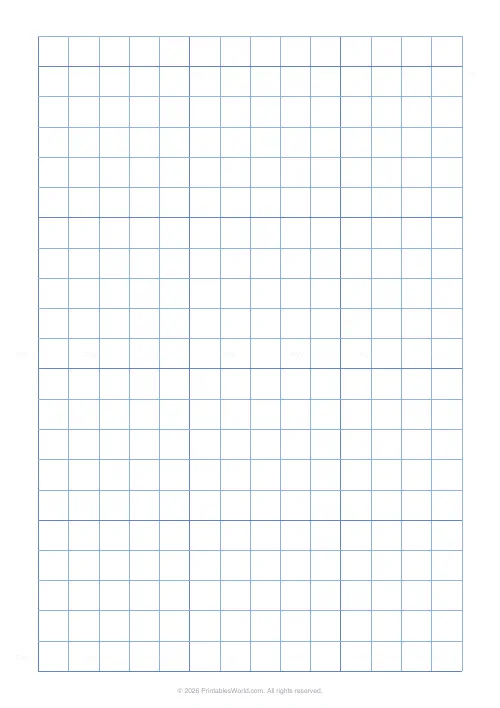
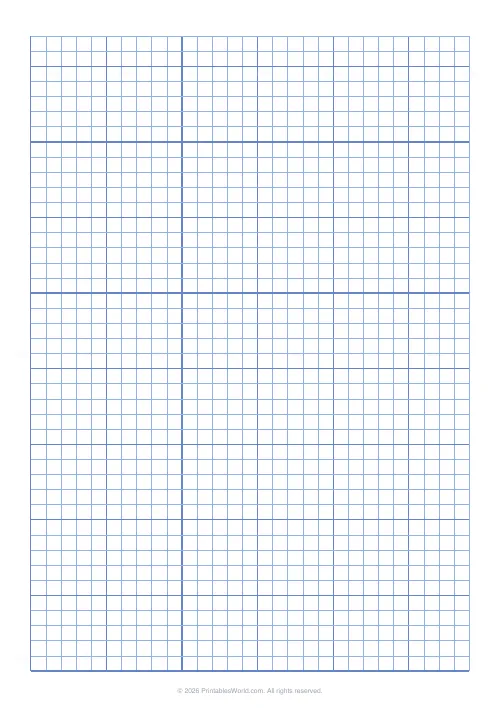
Print-ready graph paper at whatever spacing the job needs, in whatever line weight, in whatever colour. Square grids at 5, 7 or 10 mm, or type any cell size in millimetres. Rectangular cells for knitting gauge and cross-stitch. Lines or dots. Three line weights. Blue, grey, green, or a colour of your own, with bold guides every fifth cell or every tenth, optional axis numbering along the top and left, and an optional outer frame.
People also used
Lined Paper Generator
Generate custom ruled paper PDFs with adjustable line spacing, colours, margins, and primary ruling styles.
Planner Maker: Custom Printable Planner Pages
Build custom printable planner pages with lines, boxes, text and checklists in precise millimetre layouts.
Chinese Character Grid
Tian Zi Ge practice grids for handwriting Chinese characters.
Feedback
Spotted something off with this tool?
Grid paper, cut to the job
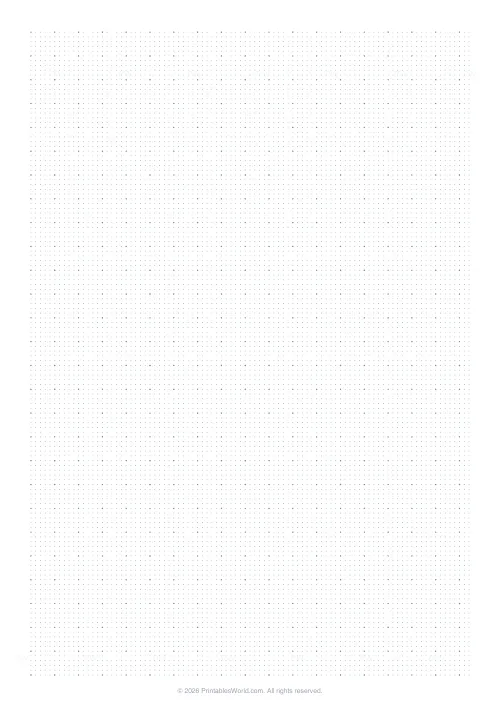
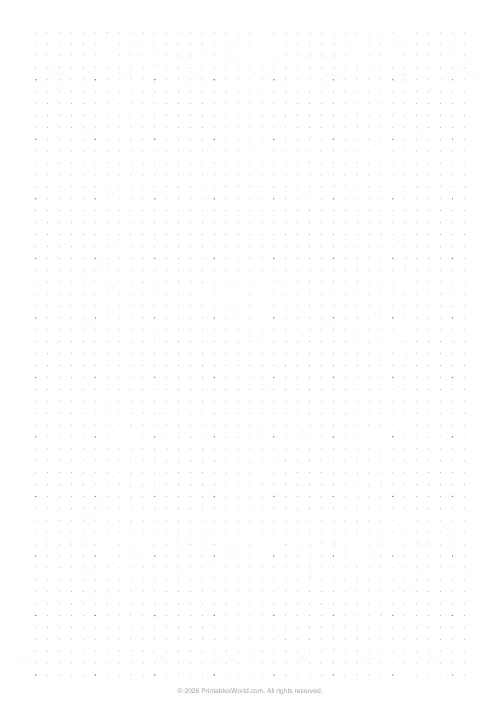
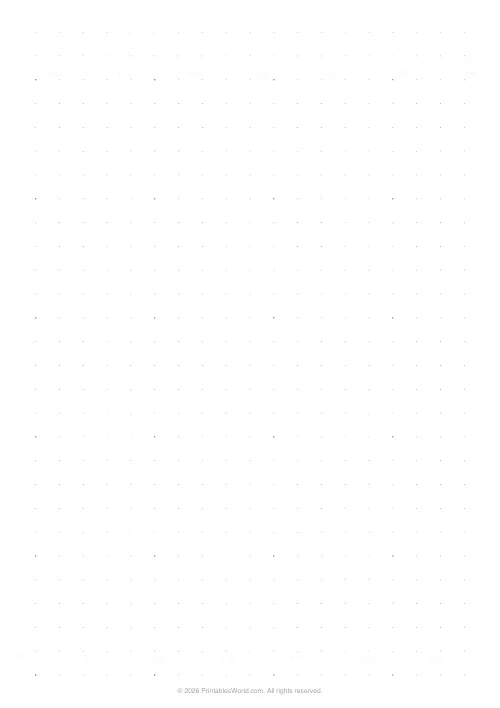
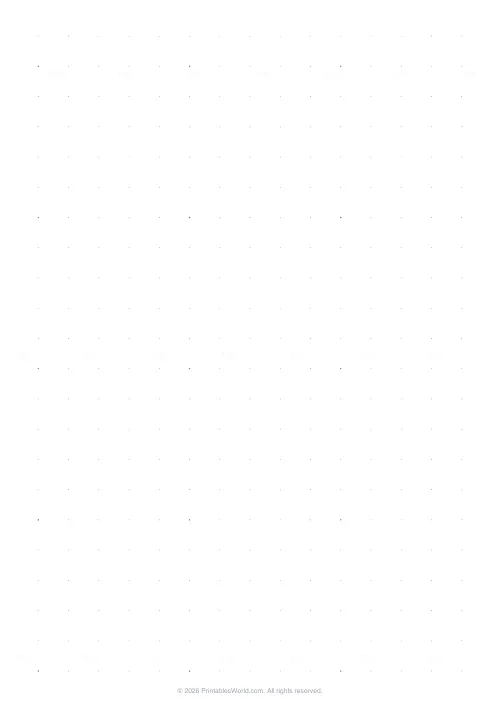
Square grids for maths and technical drawing. Rectangular cells for knitting and cross-stitch, where the stitch is not square and a square grid lies to you about the finished shape. Dots for bullet journals and for sketching, where a full grid is visual noise.
Three named sizes are on the control, 5, 7 and 10 millimetres, and you can type any cell size instead. Bold guide lines land every fifth cell by default, which is what makes counting across a page possible rather than tedious.
Every standard ruling, from one control
Set the millimetre value and you have whichever paper you were looking for:
- 2 mm. The finest standard ruling. Detailed technical plots, and not much else, because a pencil line is nearly a cell wide at this size.
- 5 mm. Squared paper as it comes in most UK and European exercise books, which is why it is the default.
- 10 mm. Centimetre squares, which is what you want for young children, for bar charts, and for a first go at coordinates where the squares need to be big enough to write inside.
- 6.35 mm. Quarter-inch, four squares to the inch, the US classroom standard.
- 12.7 mm. Half-inch, two squares to the inch. Large-format plotting.
Each of those used to be a separate page here and is now one number in a box. Ready-made PDFs of all five are in the gallery below if you would rather not touch a setting at all.
Weight and colour are not decoration
Light lines are for tracing and for overlays, where the grid must not compete with what you draw on it. Dark lines are for poor light, tired eyes, and old photocopiers.
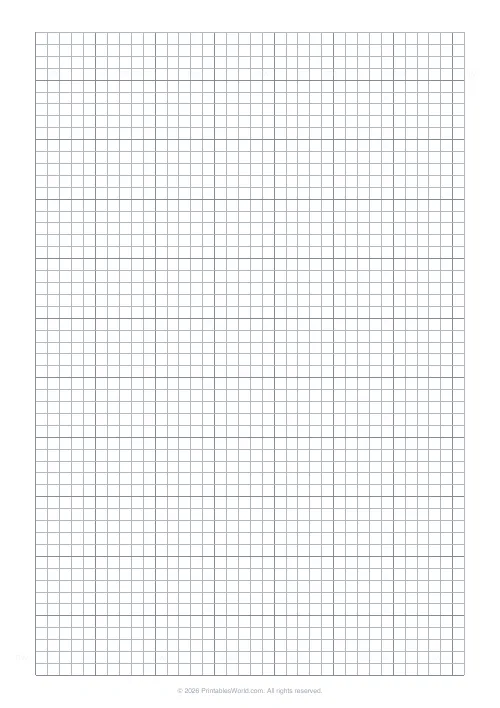
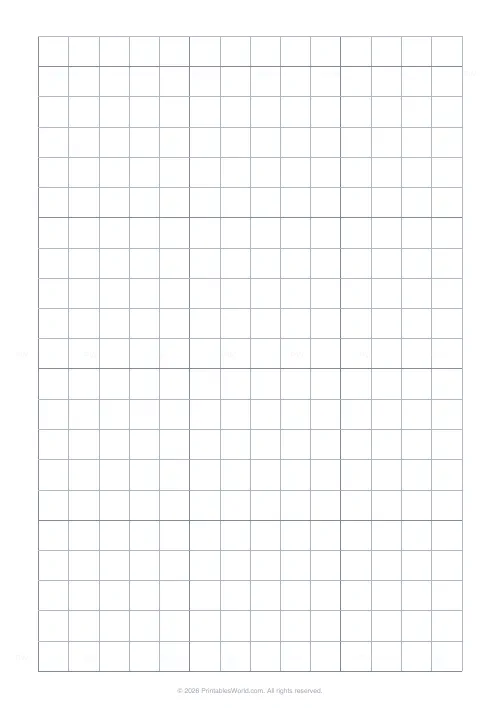
Blue is traditional printed-graph-paper colour and it has a real property beyond nostalgia: pencil reads clearly against it and it used to drop out under a photocopier. Grey uses less ink than either of the others, which is the honest reason to pick it when you are printing thirty sheets. Green is the drafting convention and is easier over a long session. A custom colour is available if you are matching something.
Bold lines are always a darker shade of whatever the grid colour is, so a custom colour stays coherent.
Axis numbering and the outer border
Turn on axis numbering and row and column numbers print along the top and the left edge. That turns the sheet into a coordinate grid without anybody drawing axes, and it is what makes pixel art and colour-by-number charts workable.
The outer border draws a heavy frame around the grid, which matters for notebook inserts and floor plans and for nothing else.
A Year 7 straight-line-graphs lesson
A4, 5 mm grid, medium weight, bold every five, axis numbering on. Thirty copies, printed duplex so the back carries the second exercise.
Pupils plot y = 2x + 3 and y = −x + 1, counting five units at a glance off the bold lines and reading the intercept straight from the printed labels rather than counting up from the corner and getting it wrong. The 5 mm spacing matches their exercise books, so nothing has to be rescaled when they move between the sheet and the book.
Charting a knitting gauge
Tick rectangular cells and give a separate width and height in millimetres. A 5 by 7 grid is roughly stockinette proportion, which means the chart on the page looks like the fabric will look.
For cross-stitch, set bold every ten and the heavy lines mark out blocks of ten stitches, which is how Aida is counted and how every published chart is divided.
What it will not do
- The grid starts at the top-left of the printable area. You cannot offset the origin or centre the grid.
- Axis numbers print along the top and the left only, never the other two edges.
- Bold lines follow a fixed rhythm of five or ten. You cannot bold one particular row.
- Dot mode draws round dots at the intersections. No crosshairs, no plus signs.
- Isometric and hexagonal grids live elsewhere on the site, as do polar and logarithmic ones. Not here.
FAQs
Quick answers
Can I create rectangular cells instead of square grids?
Yes. Enable the rectangular-cell option and enter separate widths and heights in millimetres. This is useful for knitting charts (where stitches are wider than they are tall) and cross-stitch patterns that need to match fabric gauge.
What does the bold-every-five option do?
It draws every fifth grid line in a darker, thicker stroke, creating visual blocks of 5 × 5 cells. This makes counting and coordinate work faster. You can change the rhythm to every 10 cells, or turn bold lines off entirely.
Can I print axis numbers on the grid?
Yes. Enable axis numbering to print row and column labels along the top and left edges. This is helpful for coordinate geometry, pixel art templates, and any project where you need to reference specific cells by number.
Which line colour should I choose?
Blue is the most common for general-purpose graph paper. Grey offers lower contrast for tracing and overlays. Green mimics traditional engineering paper and reduces glare under bright task lighting. You can also enter a custom RGB colour if you need a specific shade.
Does the grid fill the entire page?
No. The generator leaves a margin around the edges for hole-punching, binding, and printer margins. The grid fills the maximum printable area within those constraints, and the exact cell count depends on your chosen paper size and grid spacing.
Can I create dot grid paper instead of lines?
Yes. Select the dot style option to place small circles at every grid intersection. Dot grids are popular for bullet journals, sketching, and design work because they provide alignment guides without covering the page in lines.
What's the difference between light, medium, and dark line weight?
Light lines (0.3 pt) are subtle and work well for pencil sketches and underlays. Medium lines (0.5 pt) are the standard weight for most graph paper. Dark lines (0.8 pt) provide high contrast for ink work and low-light conditions.
Related tools
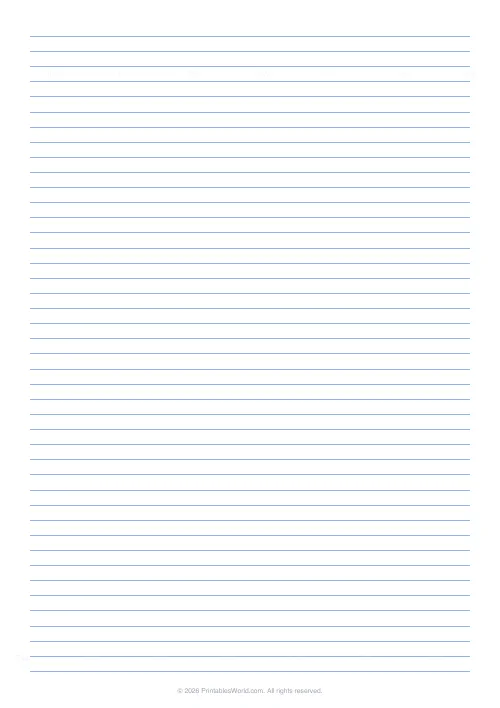
Lined Paper Generator
Generate custom ruled paper PDFs with adjustable line spacing, colours, margins, and primary ruling styles.
Planner Maker: Custom Printable Planner Pages
Build custom printable planner pages with lines, boxes, text and checklists in precise millimetre layouts.
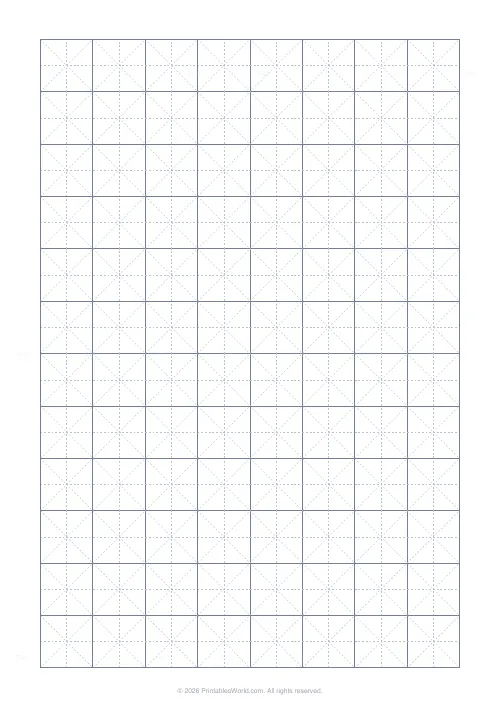
Chinese Character Grid
Tian Zi Ge practice grids for handwriting Chinese characters.
Further reading
Printable Paper
The best note-taking paper for students (Cornell, grid, lined)
The paper you take notes on quietly decides how you review them. Here is what each format is actually for, and which subjects each suits.
4 min read
Classroom Activities
Back-to-school printables every teacher needs
Sorted by when you will actually need them: the two things to print before the children arrive, the week-one set, and the routines worth establishing while everyone is still compliant.
5 min read
Math Worksheets
How to read and interpret bar charts with kids
Reading a bar chart is easy; interpreting one is not. Four questions turn a chart from something children decode into something they can reason about.
4 min read