What this tool does
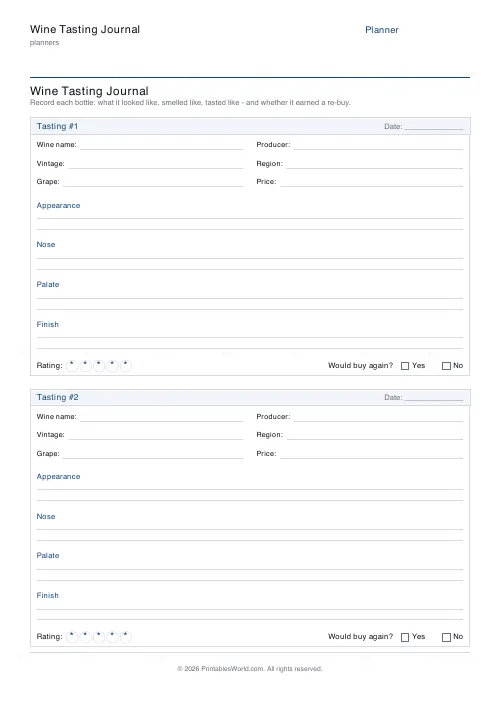
A tasting sheet with fields for wine name, producer, vintage, region, grape, price; a star rating; and ruled note sections for appearance, nose, palate, finish. One or two entries a page.
People also used
Feedback
Spotted something off with this tool?
What each entry holds
Six identifying fields at the top — wine name, producer, vintage, region, grape, price — a star rating, and four ruled note sections: appearance, nose, palate, finish.
One entry a page if you want room. Two, if you are working through a flight.
The four sections are the order you taste in
Not arbitrary headings. They follow the sequence a taster actually uses, and following that sequence slows you down enough to notice things you would otherwise walk straight past.
Appearance — colour and depth, which say something about age and grape before you have smelled anything. Nose — the largest part of what people call taste, and the section worth the most time. Palate — fruit, acidity, tannin, body, sweetness. Finish — how long it lasts after swallowing, which is one of the more reliable markers of quality.
Write before you discuss
The single most useful discipline at a tasting.
Opinions in a group converge within about thirty seconds of somebody saying "blackcurrant", and after that nobody is describing the wine any more — they are agreeing. Writing your own note first gives you something that is actually yours, and comparing afterwards is more interesting for it.
Producer and vintage, not just the name
The commonest failure of a wine note is that you cannot buy the wine again.
A grape and a region are not enough — two producers in the same appellation make quite different wine, and the same producer's 2019 and 2021 can be a long way apart. Copy the label properly, including the vintage, and the note stays useful for years rather than for the evening.
The price field earns its place
Not for accounting. For calibrating yourself.
Over a year of notes, the price column tells you something genuinely useful about your own palate: which regions and styles give you the most for your money, and where you are paying for a name. Most people find the answer surprising and slightly cheaper than expected.
Your own words
Do not reach for the professional vocabulary if it does not come naturally. "Tastes like the smell of a garden centre" is a better note for you than "notes of wet earth and geranium", because you will recognise it when you read it back.
The stars matter more than the adjectives anyway. A year of rated, dated notes is a buying guide nobody else could write for you.
FAQs
Quick answers
How many wines can I record per page?
One or two. The two-per-page layout is compact and great for flights or comparisons; the one-per-page layout gives you roomier ruled space for detailed notes.
What does each tasting entry include?
A facts grid (wine name, producer, vintage, region, grape and price), ruled sections for appearance, nose, palate and finish, a five-star rating row, and a 'would buy again?' yes/no box.
Is this a fillable PDF?
No. It prints as a clean worksheet you fill in by hand. That keeps it universal, works in any tasting room or cellar, and needs no PDF editor or app.
Is it suitable for WSET or sommelier study?
Yes. The appearance/nose/palate/finish structure mirrors the systematic approach taught in wine courses, so it works well as practice tasting sheets.
Can I rename the title for a specific event?
Yes. Edit the title field to name a particular tasting, region or wine-club evening, and it prints at the top of the sheet.
Which paper sizes are supported?
A4 and US Letter. Print at 100% scale so the entry boxes and ruled lines keep their spacing.
How should I store the finished sheets?
Keep them in a ring binder, sorted by grape, region or date. Over months the collected sheets become a personal cellar log and a reliable re-buy shopping guide.
Related tools
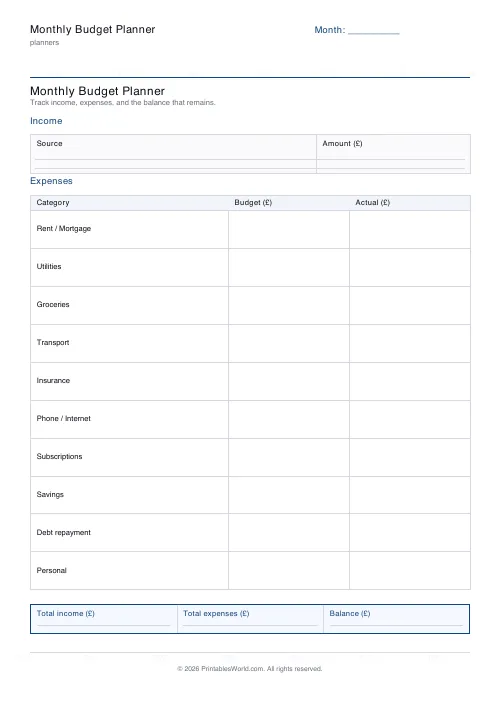
Monthly Budget Planner
One-page printable budget: income, categorised expenses, balance summary.
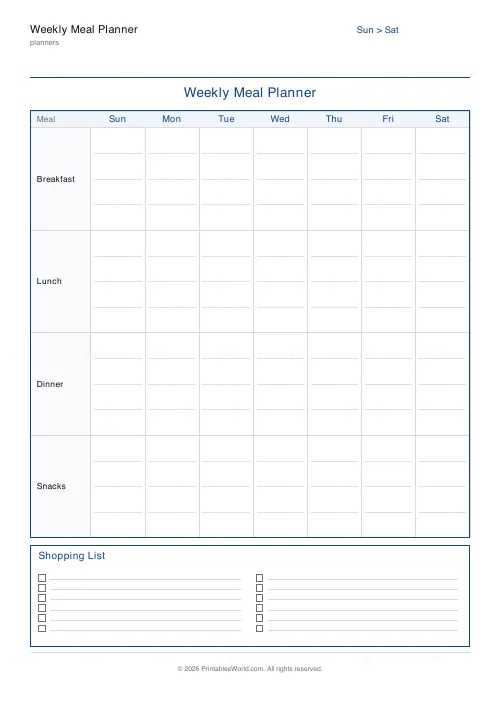
Weekly Meal Planner
Plan seven days of breakfast, lunch and dinner on one printable page.
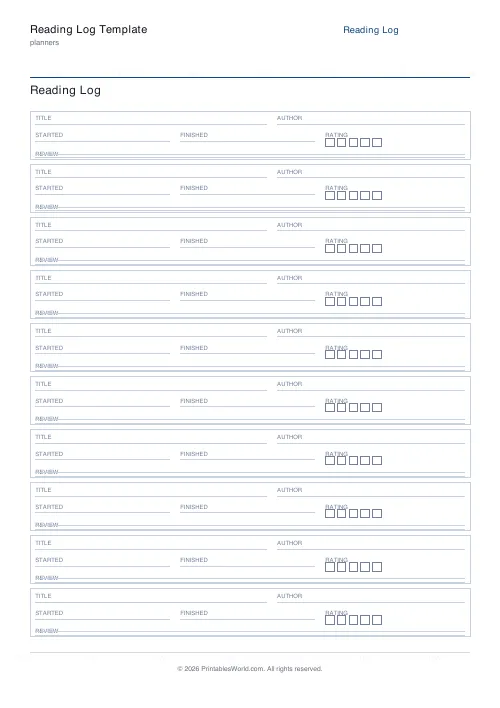
Reading Log Template
Printable reading log. Track titles, authors, dates, ratings, and reviews.
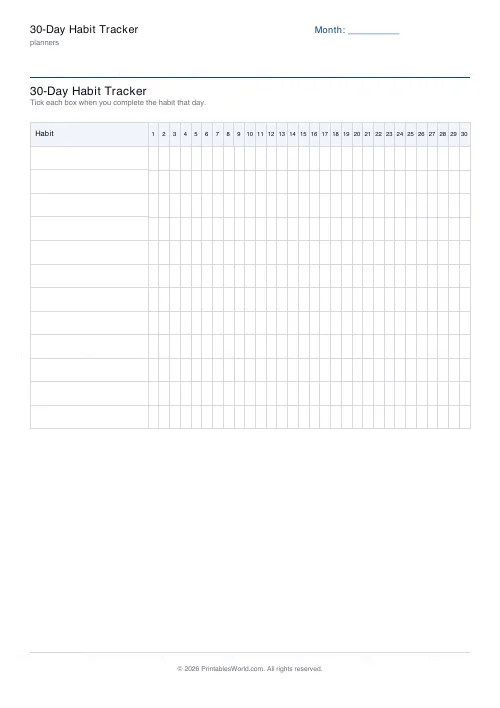
30-Day Habit Tracker
A printable 30-day habit grid to tick off every morning. One row per habit.
TV & Film Watchlist
Printable watchlist for TV shows and films. Title, type, genre, rating, notes.