What this tool does
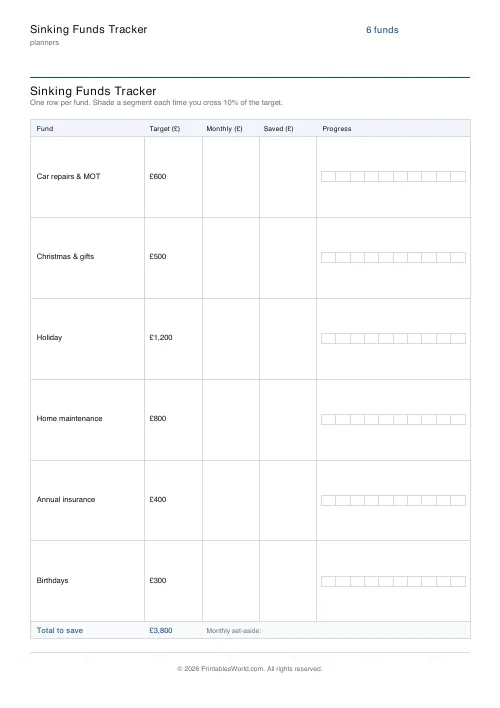
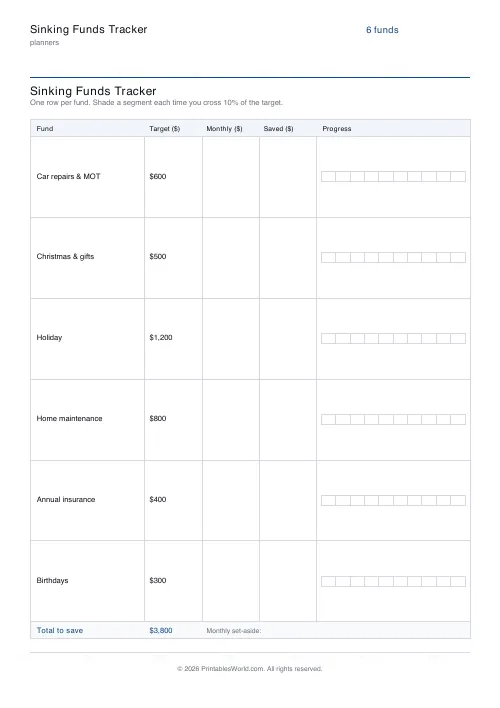
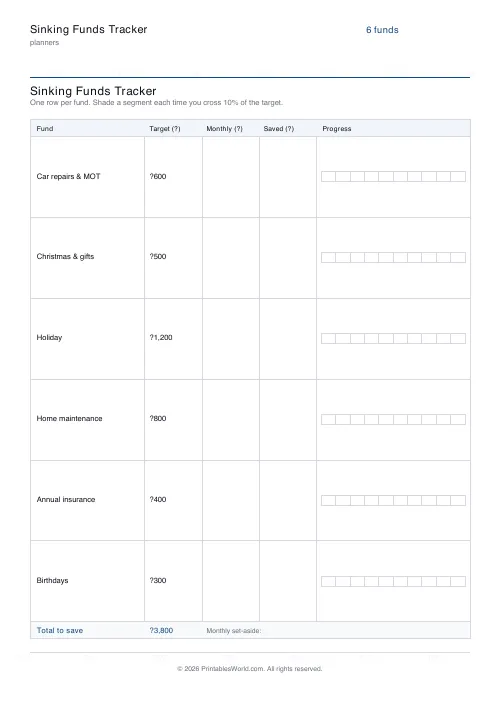
A page of sinking funds: one row each with a target, a monthly contribution, a saved-so-far figure and a ten-segment bar to shade in. Set the currency to pounds, dollars or euros; a totals row runs at the foot.
People also used
Savings Goal Tracker
Goal-based printable savings tracker with 10-segment progress bar and month-by-month deposits.
Monthly Budget Planner
One-page printable budget: income, categorised expenses, balance summary.
Monthly Bill Tracker
Printable bill tracker: due date, amount, paid check, payment method, notes.
Feedback
Spotted something off with this tool?
One row per fund
Each fund gets a name, a target, a monthly contribution column, a saved-so-far column, and a bar of ten segments to shade in as you go. A totals row runs along the foot.
The starting list is editable and deliberately ordinary — car repairs and MOT, Christmas, holiday, home maintenance, annual insurance, birthdays. Currency switches: pounds, dollars, euros.
What a sinking fund is
Money saved gradually for an expense you already know is coming.
The MOT is not an emergency. Christmas is not a surprise. The car insurance renews on the same date it renewed last year. Yet these are the bills that go on credit cards, because a £600 expense arriving in one month is painful while £50 a month for a year is not — and the only difference between those two situations is whether somebody wrote it down twelve months earlier.
Why it is not an emergency fund
An emergency fund covers what you cannot predict: a boiler, a job loss, a broken phone. It sits untouched and it is one pot.
Sinking funds cover what you can predict, and they are many small pots that are actively spent. Keeping them separate is what stops the emergency fund from being quietly drained by Christmas every year, which is the single most common way an emergency fund fails.
Filling it in
List the irregular expenses of a year first — look back through twelve months of statements, because you will forget three of them from memory. Put a realistic target against each. Divide by the number of months until it is needed, and that is the monthly contribution.
Then check the totals row. If the monthly total is more than you can actually save, the fix is to lower targets or lengthen timescales now, on paper, rather than to discover it in August.
The bar
Ten segments, so each one is a tenth of the target. Shade one in as you cross each threshold.
This is doing something the numbers alone do not. A column reading £240 of £600 is information; six rows of part-shaded bars is a picture of where the year stands, and the row that has not moved for three months is visible at a glance.
Where the money lives
The sheet tracks; it does not hold. Many people keep one savings account with the funds tracked on paper, which is simplest. Others use a bank that offers separate pots or spaces, which makes the separation real and removes the temptation.
Either works. What does not work is keeping it in your head, which is the situation this page exists to end.
FAQs
Quick answers
How many funds can I track on one sheet?
Up to fourteen named funds. The table resizes each row to fit them all on a single page, with a combined totals row at the foot.
What is the difference between a sinking fund and a savings goal?
A savings goal is usually one big target (a holiday, a deposit). Sinking funds are several smaller, recurring pots for known irregular costs, car, Christmas, insurance, each with its own row and progress bar.
Does it work out my monthly contribution?
It prints the combined target across all funds so you can divide by your timeline yourself. Each row leaves a monthly set-aside column to fill in by hand.
Which currencies are supported?
GBP (£), USD ($), and EUR (€). The chosen symbol prints in every amount column.
Related tools
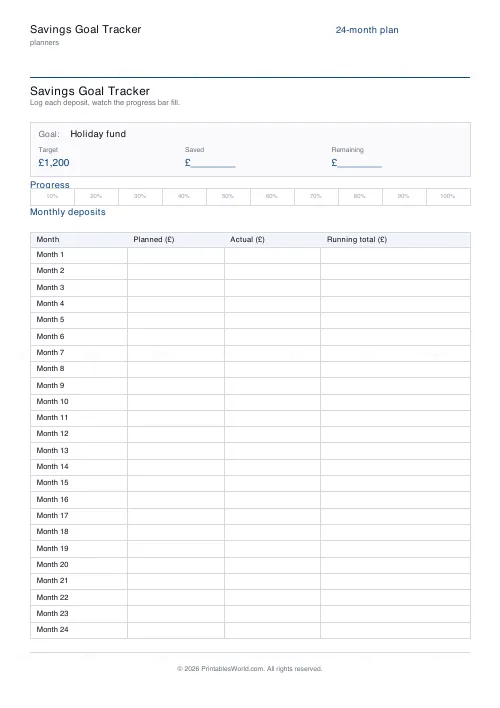
Savings Goal Tracker
Goal-based printable savings tracker with 10-segment progress bar and month-by-month deposits.
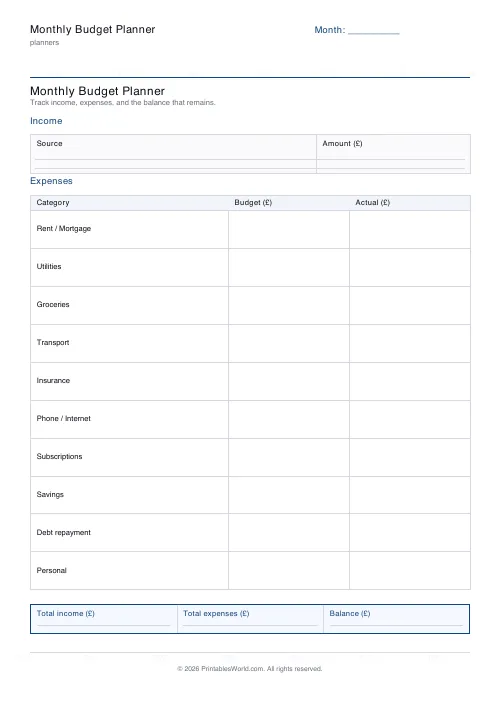
Monthly Budget Planner
One-page printable budget: income, categorised expenses, balance summary.
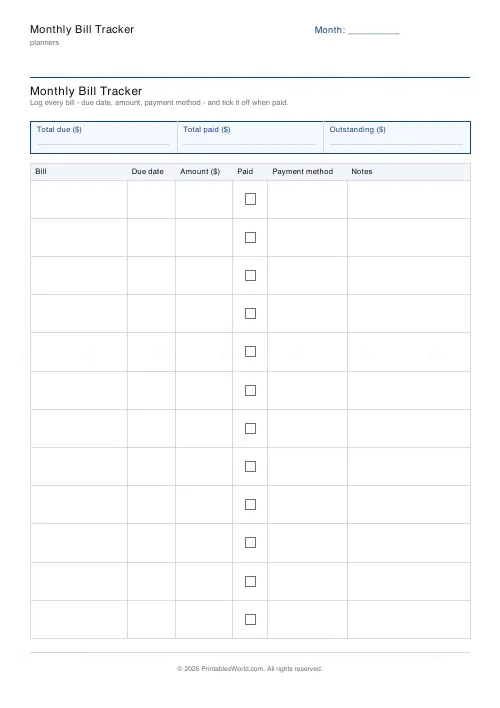
Monthly Bill Tracker
Printable bill tracker: due date, amount, paid check, payment method, notes.
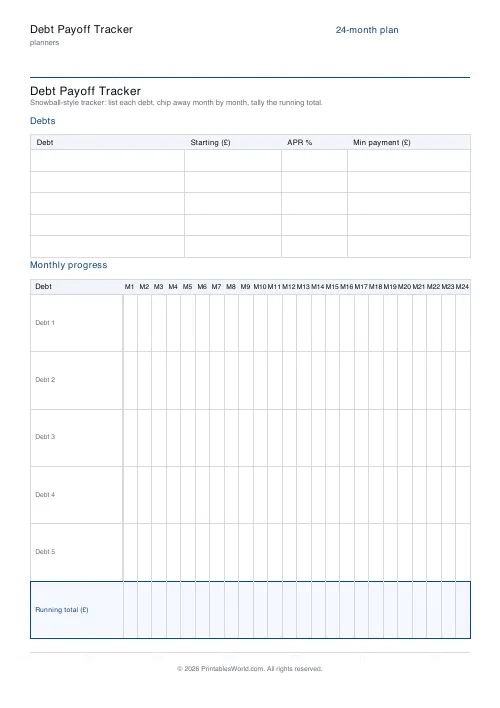
Debt Payoff Tracker
Debt snowball chart: starting balances, minimum payments, monthly progress, running total.
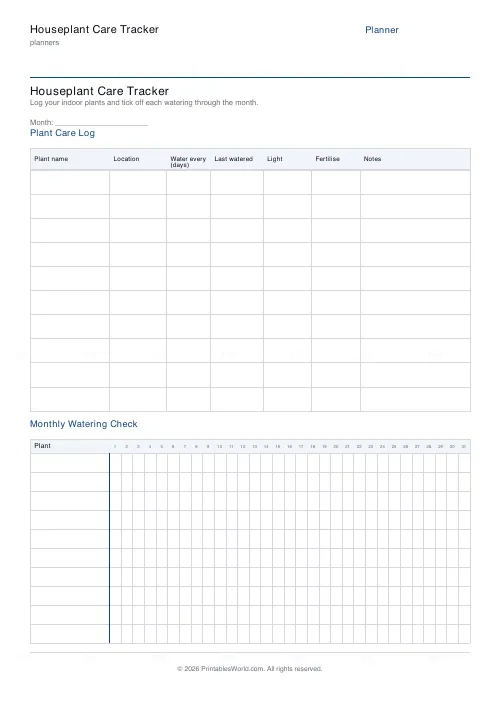
Houseplant Care Tracker
One-page printable plant care log: watering intervals, light, fertilise, and a monthly watering grid.
Further reading
Planners
How to pay off debt faster with a payoff tracker
One method costs less; the other is easier to stick to. Here is how to choose between them honestly, and why a visual tracker changes the odds either way.
5 min read
Planners
Study planning for exams: a student's complete guide
A revision timetable is only as good as what goes in the slots. Here is how to build one backwards from the exam date, and which study methods the evidence actually supports.
5 min read
Planners
Chore charts that motivate kids (without nagging)
Most chore charts fail for the same three reasons. Here is what to put on one by age, whether to attach money, and how to stop being the person who remembers everything.
5 min read