What this tool does
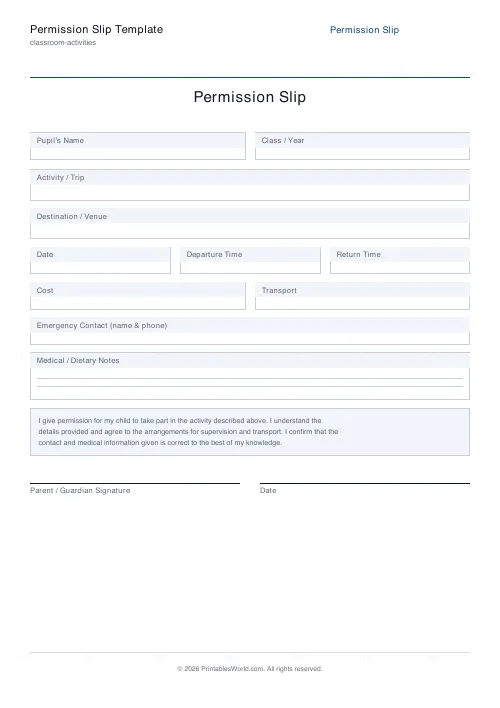
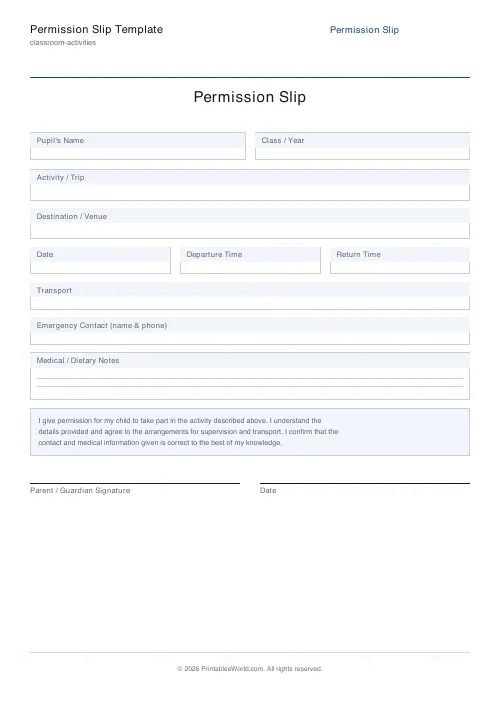
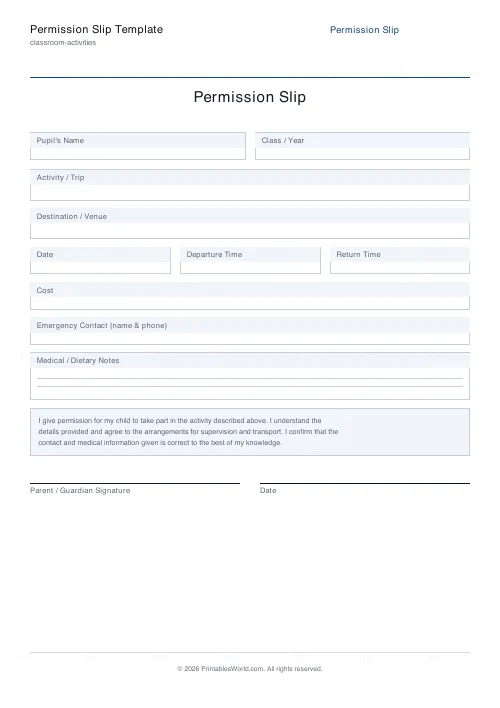
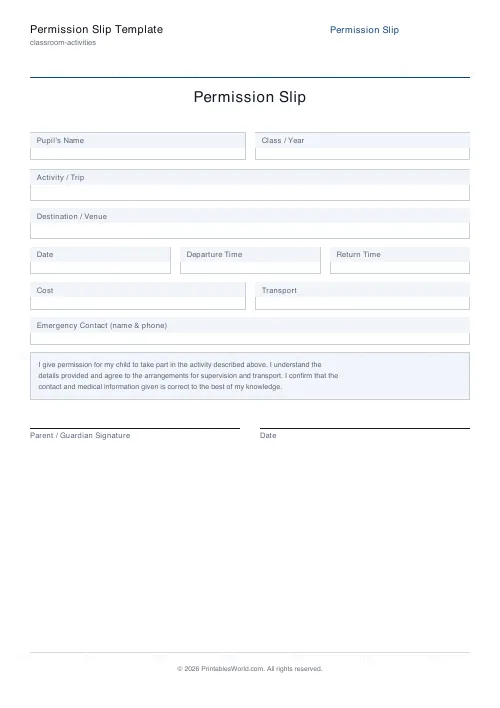
Build a tidy, branded permission slip for a school trip or activity. The fixed part of the form covers the activity, the destination, the date, and departure and return times, with a consent statement and signature lines underneath. Four sections are optional and all start switched on: cost, transport, an emergency contact, and a ruled box for medical or dietary notes. Pupil name and class fields can go too, which is what you want when the slip is being photocopied blank for a whole class.
People also used
Bingo Card Generator
Generate unique printable bingo cards with custom words, FREE centre toggle, call sheet, and seeded shuffles.
Coloring Page Maker
Create printable coloring pages with mandala, geometric, and animal templates in any line thickness.
Book Report Template
Printable book report scaffold with title, author, setting, characters, summary and rating.
Feedback
Spotted something off with this tool?
A consent form that fits on one page
Every outing needs a signature before a child leaves the premises, and retyping the same form each term is time nobody has spare. Fill in the heading and your school name, decide which optional sections you want on the page, and the generator lays out a single branded sheet: pupil name and class at the top, then the activity and where it is going, then the date with departure and return times beside it, then a consent statement with signature and date lines under that.
Deliberately plain. A parent reading it at half past eight on a Tuesday evening should be able to sign it inside a minute, and that rules out anything decorative.
The four sections you can drop
Cost, transport, emergency contact and a medical notes box all start switched on. All four switch off.
That matters more than it sounds like it should. A free walk to the local library involves no coach and no charge, and an empty cost field on a form does not read as inapplicable, it reads as something the parent has failed to fill in. Leaving a box out is clearer than leaving it blank.
Cost and transport share a row when both are showing and take the full width when only one is. The medical and dietary box is taller than the rest and carries two ruled lines inside it, on the grounds that allergy information is the last thing on this form anyone wants squeezed into a margin.
The pupil name and class fields can also go. Drop them when the slip is being photocopied blank for a whole class to complete by hand.
Getting them back
Put the return deadline on the sheet before you print it. If there is nowhere obvious, put it in the title. Then keep a class list and tick them off as they come in, because chasing three unsigned slips on the morning of the trip is precisely the failure this form exists to prevent.
For a weekly club, generate one slip covering the whole term rather than eleven of them. And once the activity is over, remember what you are holding: names, phone numbers and medical information on paper, which belongs in your normal retention and disposal policy rather than in a drawer somebody forgets about.
Why it photocopies well
Field labels sit in tinted strips above white boxes. That survives a third-generation photocopy considerably better than pale grey text on white does, which is the failure mode of most forms built in a word processor.
The page is built for A4 and US Letter from one file and stays on a single sheet, so a class set is one page per child with nothing to collate. There is no answer key, because this is a form and not a worksheet. And the PDF is assembled in your browser, so the school name and heading you type never leave the machine you typed them on.
FAQs
Quick answers
Is this permission slip free to use?
Yes. The template is completely free, with no sign-up. Fill in the trip details, then download or print as many copies as you need on A4 or US Letter.
Can I add my school's name to the form?
Yes. Enter your school or organisation name and it appears centred under the title. Leave it blank if you would rather add a printed letterhead yourself.
Which fields can I turn off?
Cost, transport, emergency contact, and medical or dietary notes are all optional toggles, as are the pupil name and class fields. Switch off any you do not need and the layout adjusts to fill the page neatly.
Does it include a parent signature line?
Yes. Below a standard consent statement the form has a parent or guardian signature line and a separate date line, ready for a handwritten signature.
Related tools
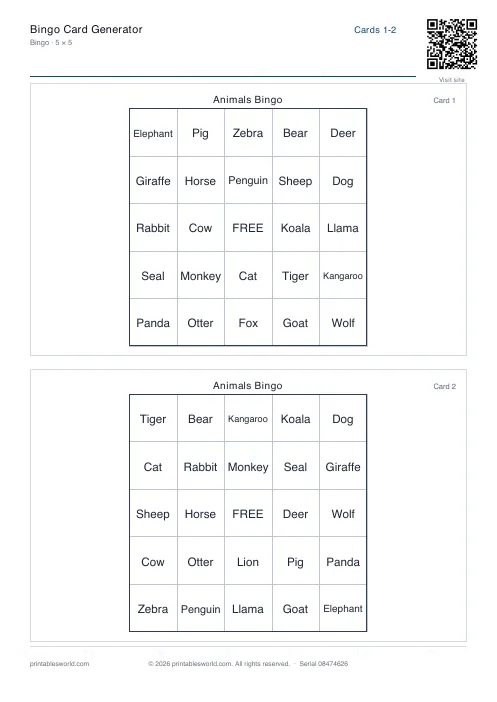
Bingo Card Generator
Generate unique printable bingo cards with custom words, FREE centre toggle, call sheet, and seeded shuffles.
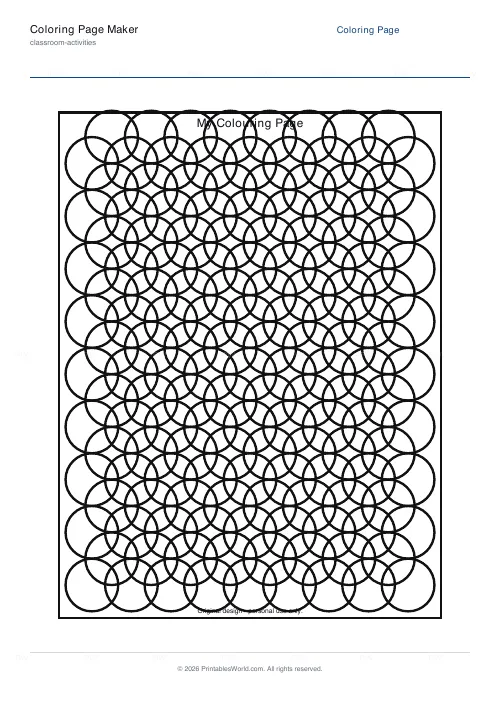
Coloring Page Maker
Create printable coloring pages with mandala, geometric, and animal templates in any line thickness.
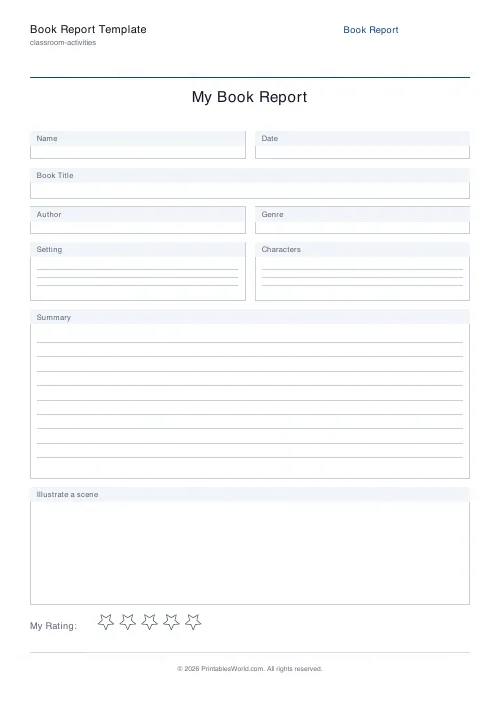
Book Report Template
Printable book report scaffold with title, author, setting, characters, summary and rating.
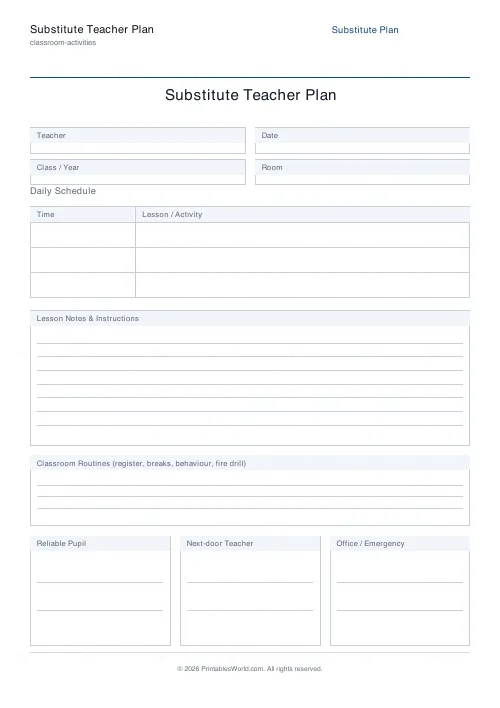
Substitute Teacher Plan
A clear hand-off form for cover teachers.
Further reading