What this tool does
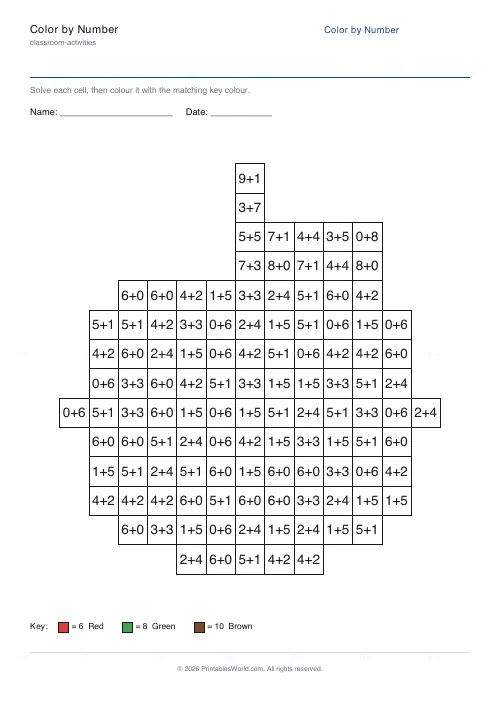
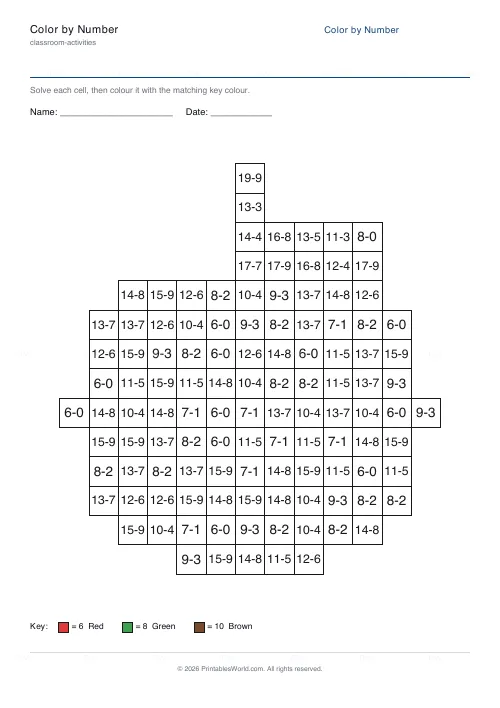
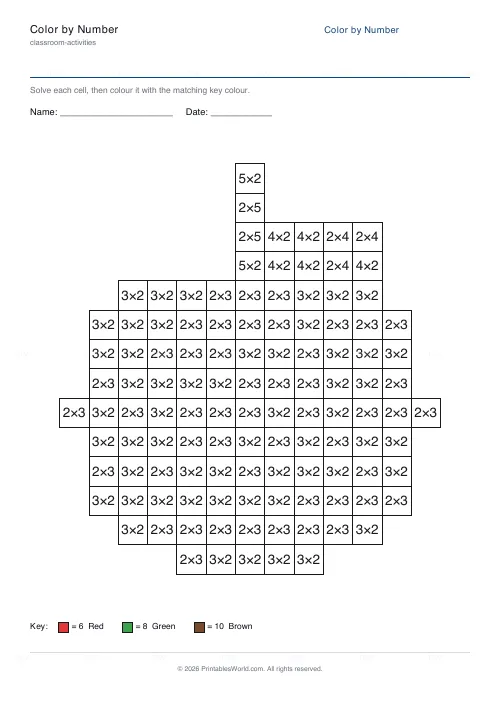
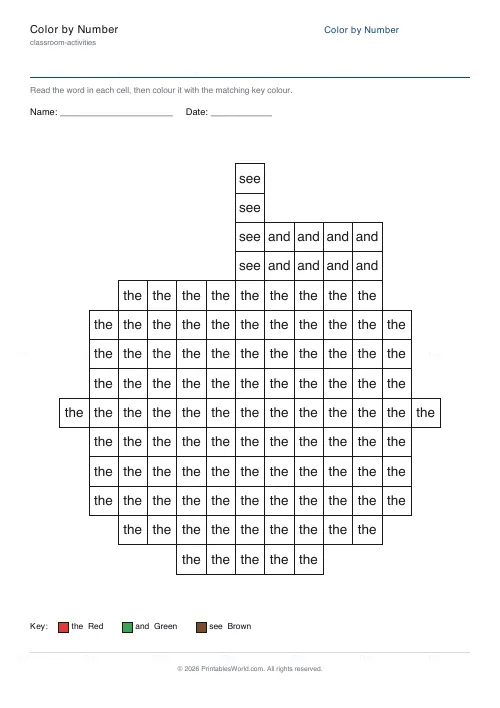
Colour-by-number worksheets from eight pictures. Each cell can carry a plain colour number, or a sum whose answer is that number, or a sight word to read. Addition and subtraction are available, so is multiplication, with a colour key at the foot of the page and an optional answer key that prints the completed picture for marking.
People also used
Coloring Page Maker
Create printable coloring pages with mandala, geometric, and animal templates in any line thickness.
Addition Worksheets Generator
Free printable addition worksheets in tables or line-by-line layouts.
Bingo Card Generator
Generate unique printable bingo cards with custom words, FREE centre toggle, call sheet, and seeded shuffles.
Feedback
Spotted something off with this tool?
A grid, a key, and a picture that appears
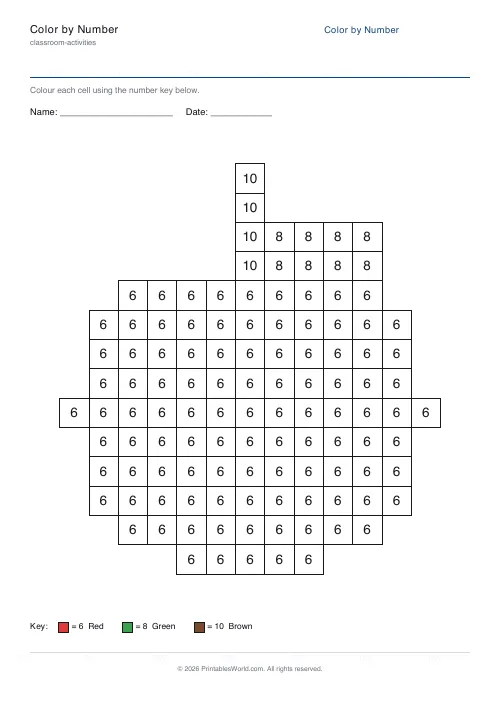
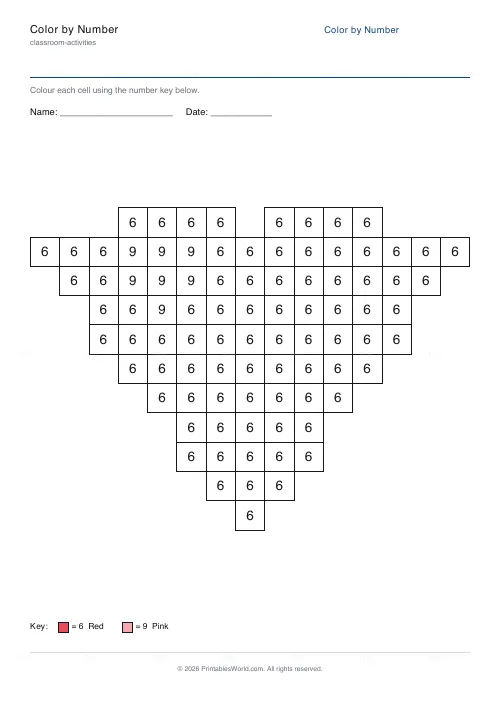
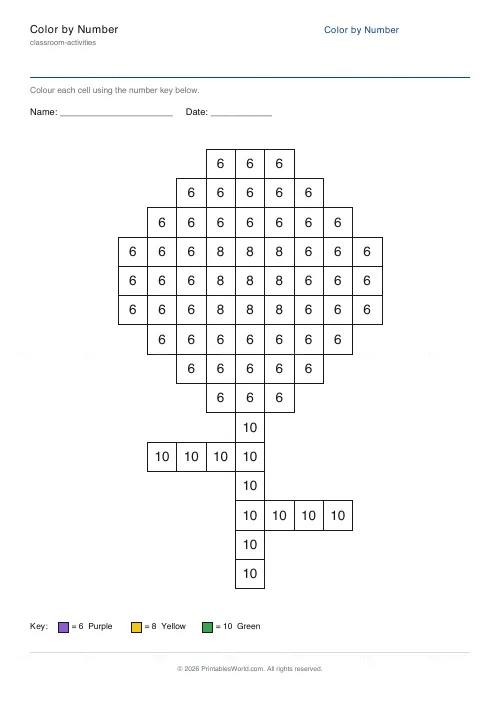
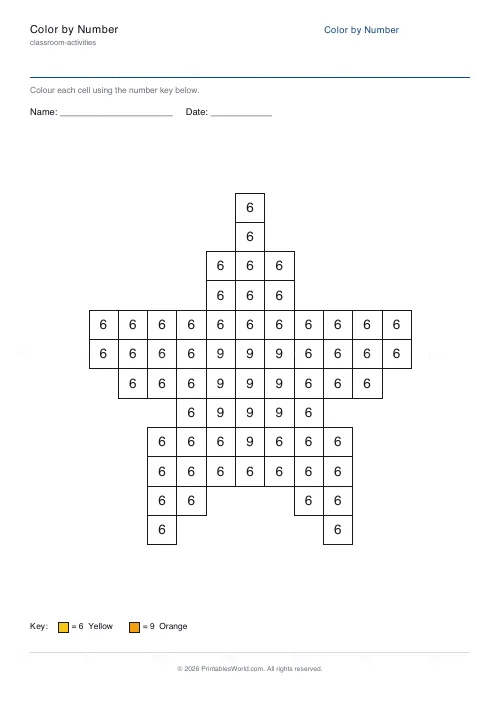
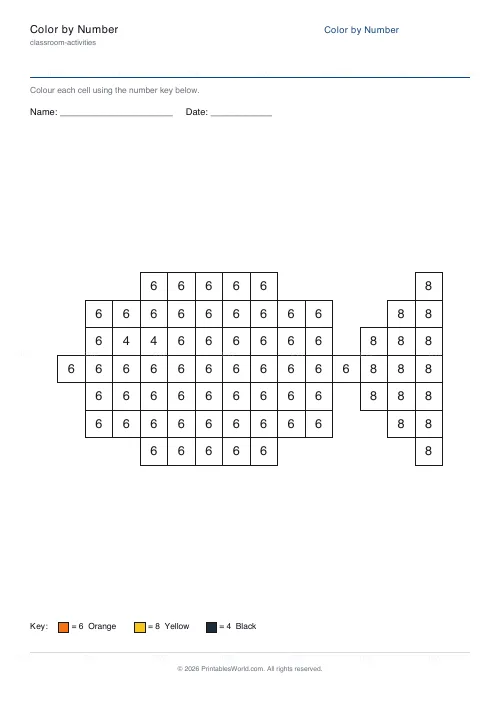
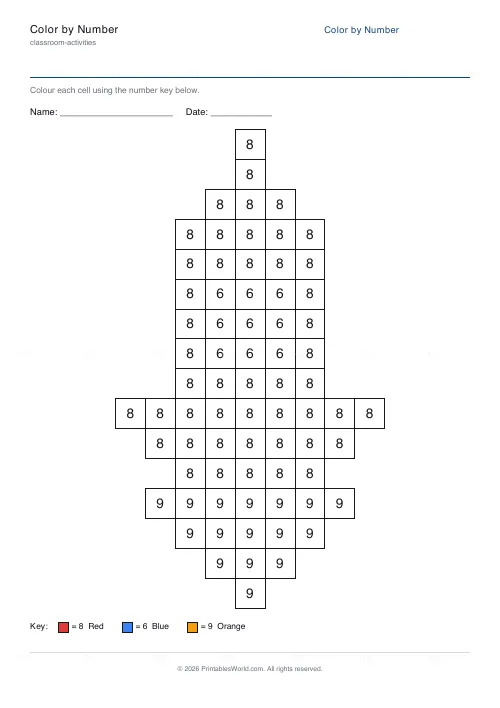
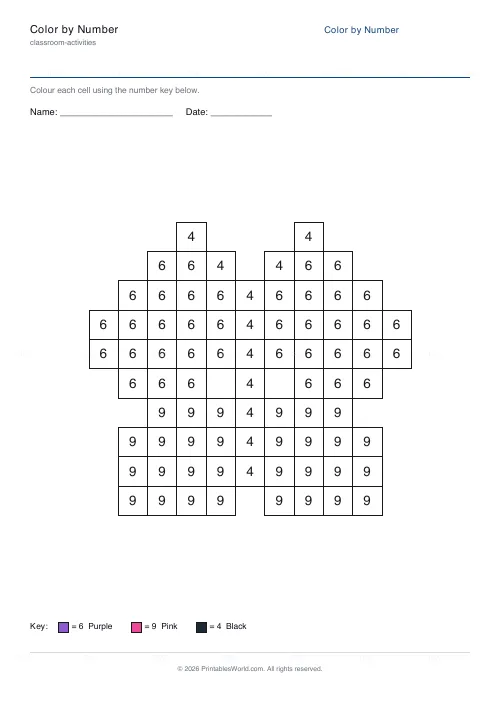
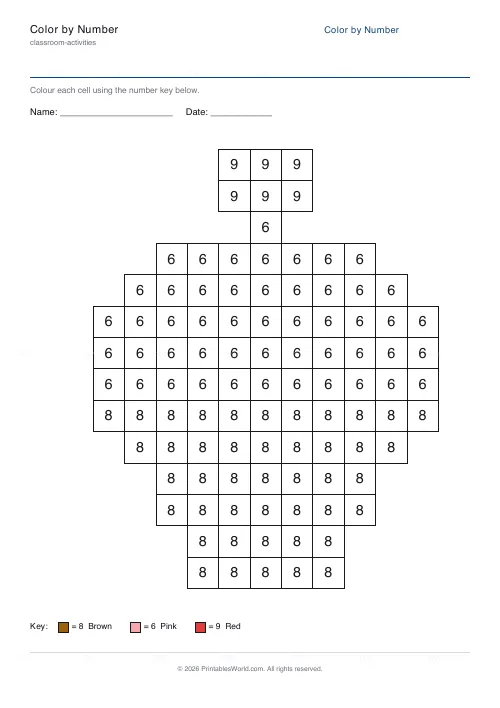
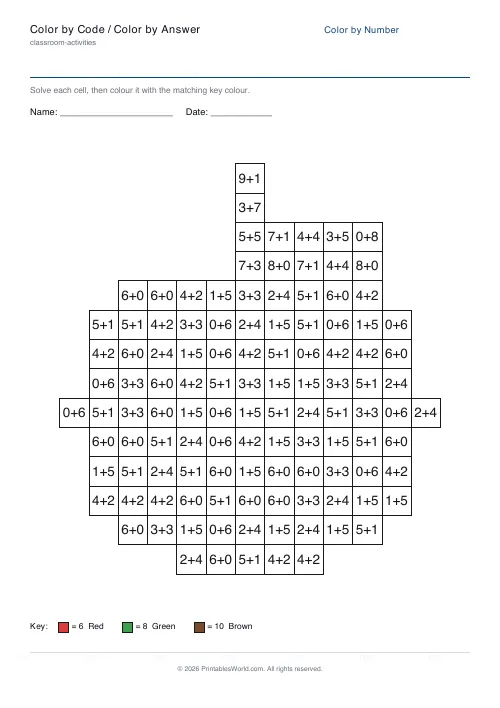
Each cell holds a clue and the key at the bottom says which colour goes with which number. Colour every cell correctly and the picture emerges.
The clue is where the teaching happens. On the simplest setting it is just the colour number, which suits a child still learning to recognise numerals. Turn it into a sum and the child has to work out the answer before they know which pencil to reach for, which is number practice wearing a colouring sheet as a disguise.
Five kinds of clue
Plain number for the youngest, where the task is colour recognition and nothing else.
Addition and subtraction, then multiplication, where each cell shows a problem whose answer is the colour number. For addition and subtraction you set the largest value that may appear, so the arithmetic matches the group. Multiplication does not use that setting: it draws from each colour's own times-table facts instead.
Sight words, which involve no arithmetic at all. The key maps words to colours and the same picture becomes reading practice.
Eight pictures, and the same one twice
An apple, a heart, a flower, a star. A fish, a rocket, a butterfly, a cupcake. Or Random, which picks for you.
Press Generate new and the picture stays while a completely fresh set of clues is drawn over it. That is the feature worth knowing about: thirty children can have the same rocket with thirty different sets of sums, so nobody can copy and everybody ends up with the same thing on the wall.
Number bonds to ten, hidden in an apple
Apple picture, addition clues, largest addend set to nine. Every red cell now shows something like 4+3 or 6+1, and each of them totals the colour number for red.
By the time the apple is finished a child has worked through dozens of addition facts. None of it felt like a worksheet, which is the point, and the ones who are secure finish faster rather than being given something different.
The answer key prints the finished picture rather than a list, so marking is holding two pages side by side and looking for a cell of the wrong colour.
Getting the pitch right
- Match the number range to what the group is genuinely working on this week, rather than to the year group they happen to be in.
- One worksheet per child, one answer key for you.
- Plain-number mode for anyone still forming numerals. The sums can wait.
- Laminate a completed sheet and pin it up as a colour reference, which saves answering the same question about which red is which thirty times.
- Add to workbook, if you want several bound into one pack.
FAQs
Quick answers
Is the color by number generator free?
Yes. Every picture, both clue types, and the answer key are free to use, with no sign-up. The PDF is generated in your browser and downloads straight to your device.
What clue types can each cell show?
Five. In number mode each cell shows the colour's number and children match it to the key. Addition, subtraction and multiplication modes show a problem whose answer is the colour's number. So they solve it first, then colour. Sight-word mode shows a word to read and match. Every mode reveals the same picture; only the thinking changes.
Can I print an answer key?
Yes. Turn on the answer key and the PDF adds a second page showing the picture fully coloured with the palette colours. It always matches the worksheet exactly, which makes marking quick.
Will the same settings always make the same sheet?
Yes. The generator is deterministic. The same picture, clue type, difficulty and seed always produce an identical worksheet. If you want a different set of addition problems for the same picture, click Generate new to draw fresh sums.
What ages is this for?
Plain-number mode suits preschool and early primary children practising colour and number recognition. Addition mode suits early primary upwards. Set the difficulty so the largest sums match what your group is working on.
Can I print on A4 and US Letter?
Both. Choose your paper size in the settings and the live preview and PDF update to match. The grid is centred and scaled to fit either size cleanly.
Related tools
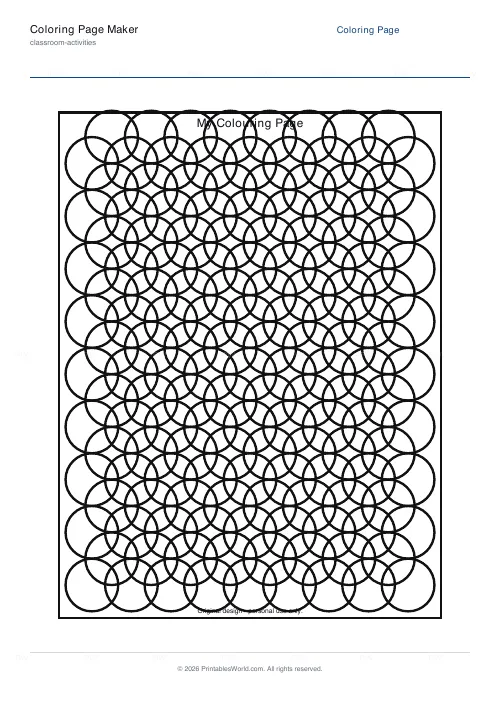
Coloring Page Maker
Create printable coloring pages with mandala, geometric, and animal templates in any line thickness.
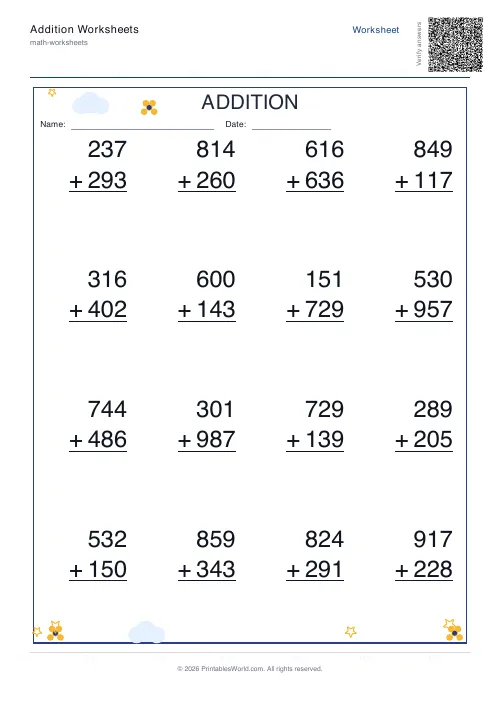
Addition Worksheets Generator
Free printable addition worksheets in tables or line-by-line layouts.
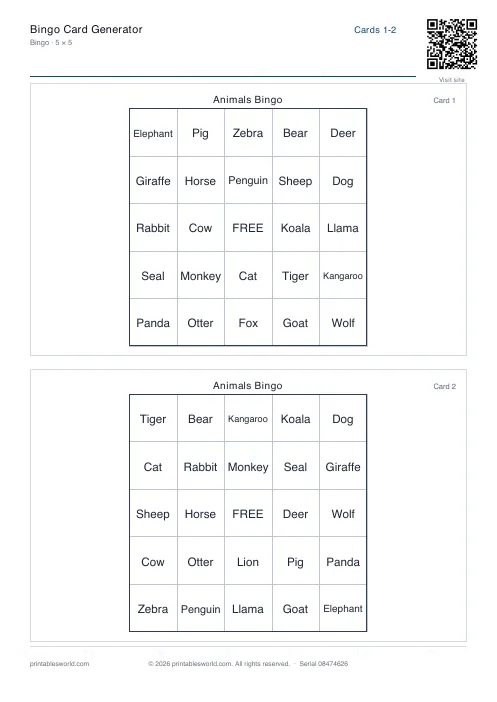
Bingo Card Generator
Generate unique printable bingo cards with custom words, FREE centre toggle, call sheet, and seeded shuffles.
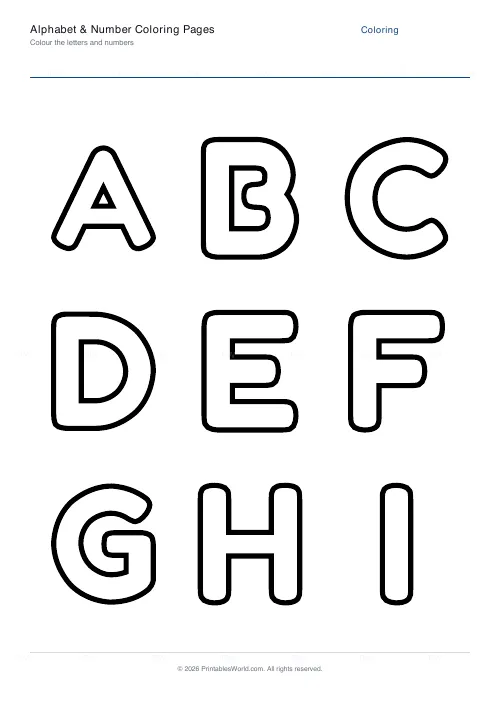
Alphabet & Number Coloring Pages
Make big bubble-outline coloring pages of letters, numbers, or both. Solid or dotted, ready to print.
Color by Code / Color by Answer
Solve the problem, find the code, colour the cell. Printable color-by-answer worksheets with a key.
Further reading
Classroom Activities
How to run a classroom economy (free printables)
A classroom economy teaches money, work and choice at once. But it collapses if the maths is wrong. Here is how to set the numbers, and the four pitfalls to avoid.
5 min read
Teaching & Classroom
How to make a custom spelling word search
Turn any spelling list into a printable class set in minutes. A practical guide to making a custom spelling word search, with a worked example and difficulty tips.
7 min read