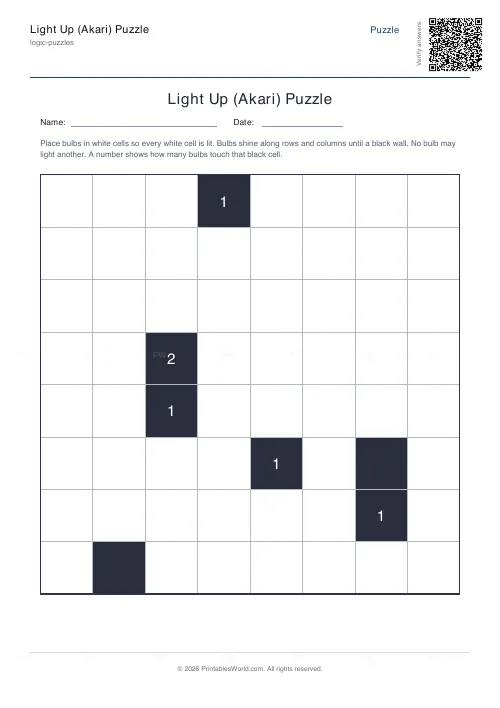
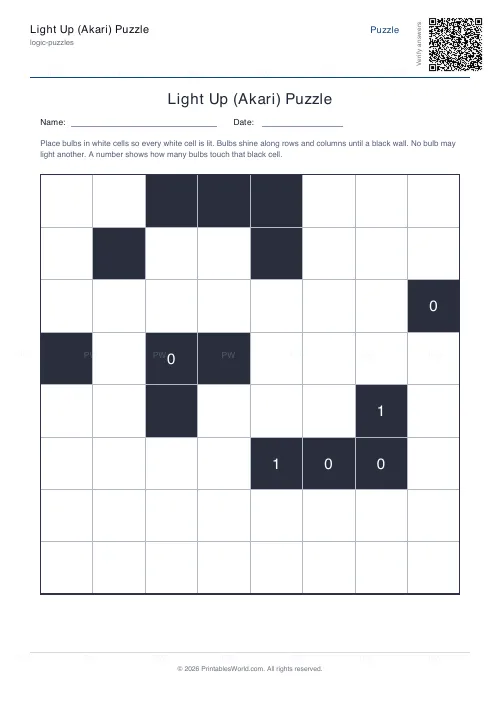
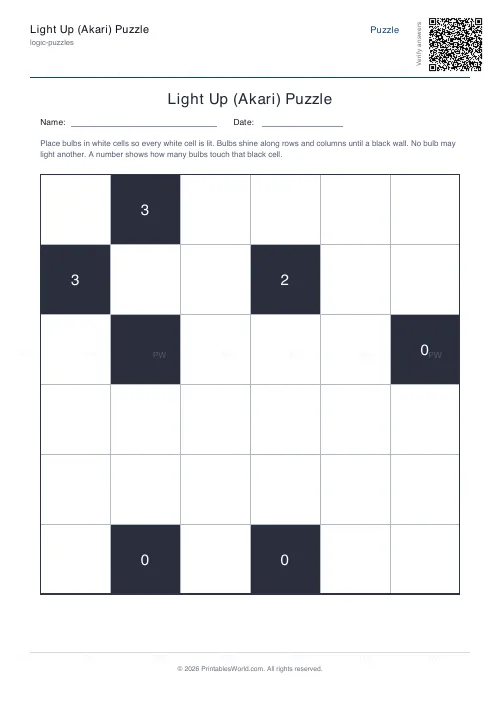
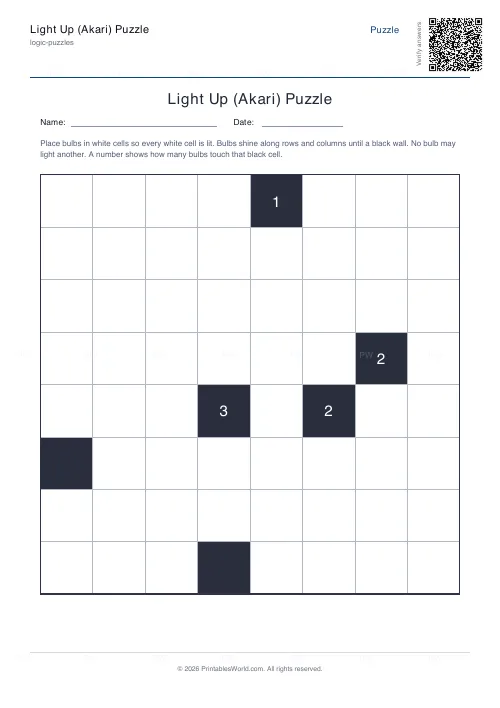
What this tool does
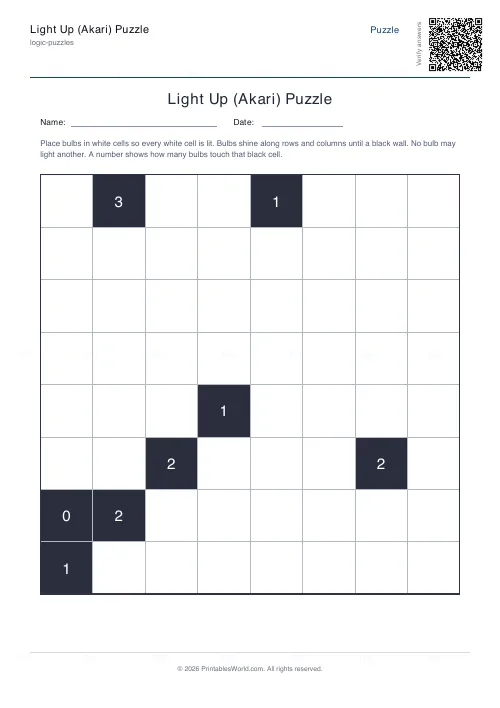
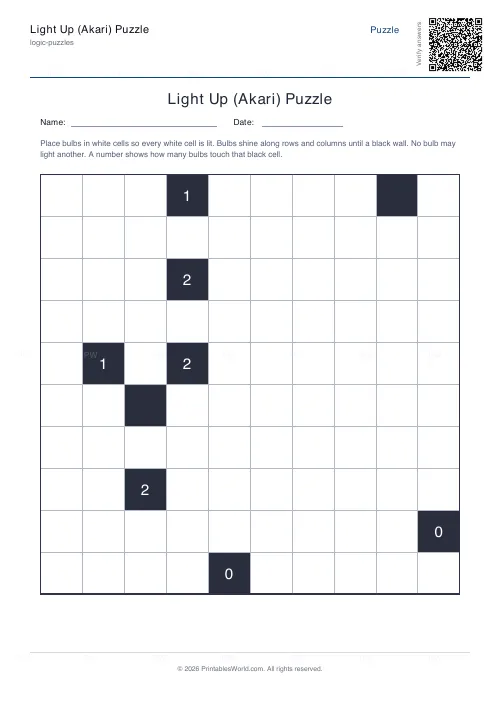
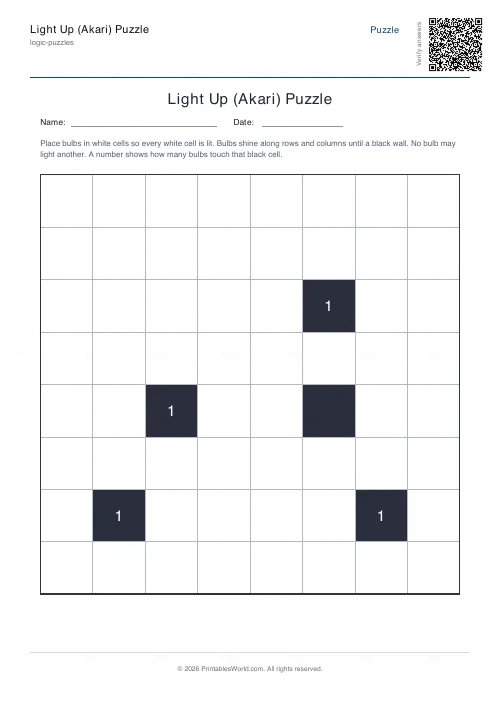
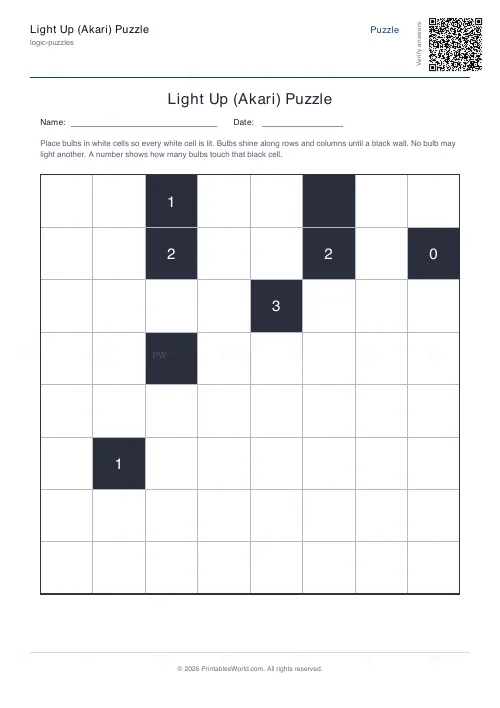
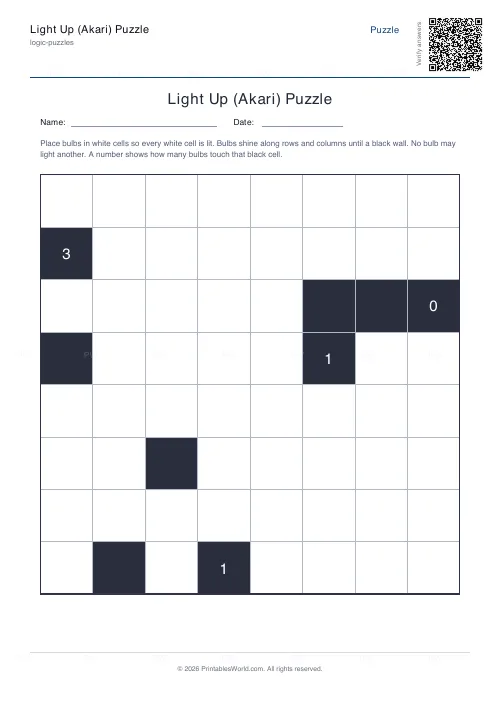
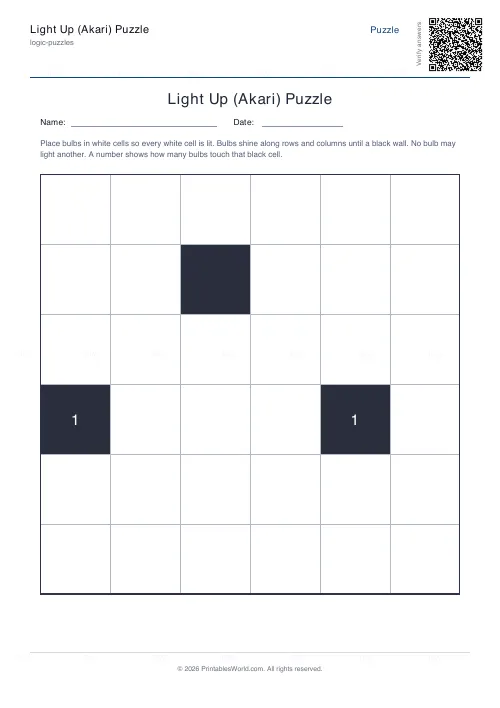
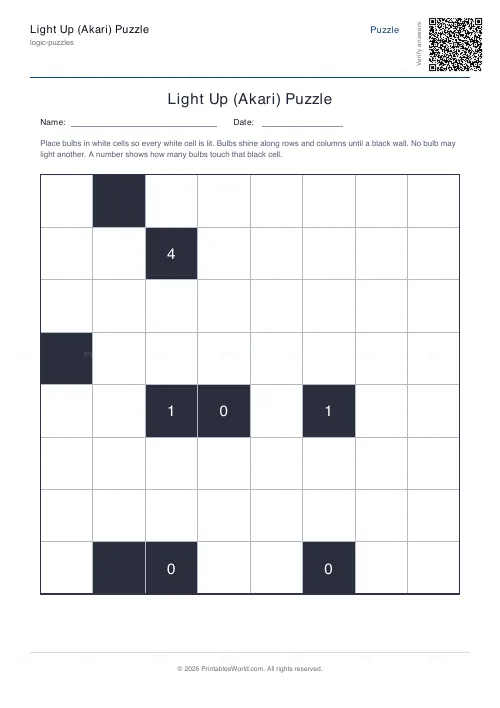
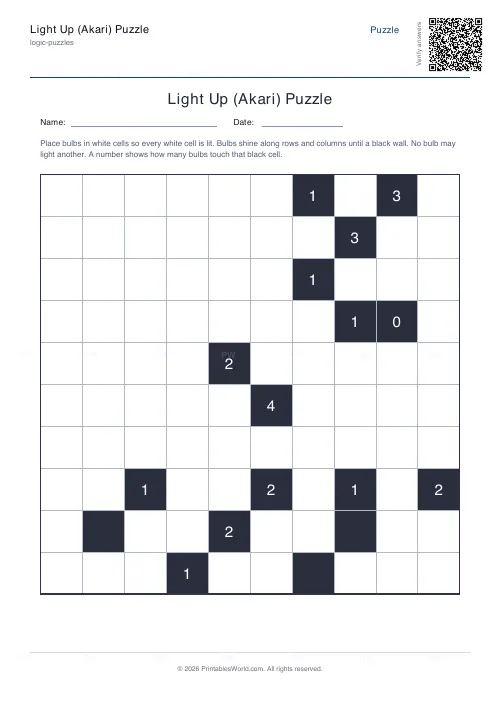
Printable Light Up puzzles, known in Japan as Akari. Place bulbs in the white cells so every white cell is lit and no bulb shines onto another. Numbered black cells say exactly how many bulbs touch their four sides. Grids from 6×6 to 10×10, built from a valid arrangement first so the answer key always matches, with an optional seed to reproduce a board exactly.
People also used
Sudoku Generator
Generate printable Sudoku puzzles with six per page, multiple difficulty levels, and optional solutions.
Binary Puzzle Generator: Printable
Create printable binary logic puzzles (Takuzu/Binairo) with customisable grid sizes and difficulty levels.
Logic Grid Puzzle Generator: Printable
Create custom logic grid puzzles with your own categories, items, and clues. Print-ready PDFs in seconds.
Feedback
Spotted something off with this tool?
Light every cell, and never let two bulbs see each other
A square grid of white cells and black walls. Put bulbs into white cells until the whole grid is lit.
A bulb lights its own square and fires a beam along its row and its column in all four directions, and that beam runs until it hits a wall or the edge of the board. So a bulb in an open row lights a great deal, and a bulb boxed in by walls lights almost nothing, which is the tension the entire puzzle runs on.
Every board here is built from a complete valid bulb arrangement and then has the bulbs removed to make the puzzle, so a solution is guaranteed and the key agrees with the sheet.
Three rules
Every white cell must end up lit, either by holding a bulb or by receiving a beam.
No bulb may light another bulb. Two bulbs sharing a row or a column with no wall between them is an illegal position, not merely an inefficient one.
A numbered black cell tells you exactly how many bulbs touch its four sides. Not diagonally: up, down, and the two sides. Black cells with no number carry no constraint at all and may have anything from zero to four bulbs against them.
Walls do two separate jobs, and noticing that is the moment the puzzle opens up. They block beams, which is what lets two bulbs live in the same row. And when numbered, they pin down exactly how many bulbs hug their edges.
Where to start on a fresh grid
The clue numbers, always. A black cell marked 4 has a bulb on every side and you can place all four without thinking. A 0 forbids bulbs on all four of its neighbours, and crossing those off is often what breaks the grid open.
Then look for a clue whose number equals the count of white cells around it. Every one of those must hold a bulb. After each placement, trace the beams and mark what they light, because a lit cell can never take a bulb afterwards and marking them is what turns the next deduction from a search into a glance.
When the clues run out, hunt for dark cells instead. A white cell that only one square can possibly reach forces a bulb into that square. Alternate between the numbers and the dark cells until the board closes.
If you ever end up with two bulbs looking at each other, the mistake happened earlier. Back up to your last forced move rather than nudging bulbs around.
Size and difficulty are separate dials
Grids run 6×6 to 10×10, eight by default. A 6×6 is a five-minute warm-up.
Difficulty changes how much you are told rather than how big the board is: easy boards show more clue numbers and use fewer walls, hard ones hide numbers so you have to lean on the lighting logic instead of the arithmetic. A hard 6×6 and an easy 10×10 are different puzzles rather than different sizes of the same one.
The seed accepts a word or a number. Type one and that exact board comes back whenever you want it; leave it blank for a fresh grid every time.
Why it works as a starter
Akari uses the same constraint-satisfaction muscles as sudoku, but the feedback is visual rather than numerical. A dark cell is obvious. A pair of bulbs staring at each other is obvious. A child does not have to be told they have gone wrong.
It also prints in plain black and white with nothing to lose in a photocopier, which makes it practical as a five-minute starter, a wet-break activity, or something to put in a travel folder. With the key on, a class marks its own work in seconds.
FAQs
Quick answers
How does a bulb light cells in Akari?
A bulb lights its own cell and sends light along its row and column in all four directions. The light keeps going until it reaches a black wall or the edge of the grid, lighting every white cell it passes.
What do the numbers on black cells mean?
A number on a black cell tells you exactly how many bulbs sit directly beside it. Up, down, left and right. A 4 means bulbs on all four sides; a 0 means no bulbs may touch it. Unnumbered black cells can have any number of neighbours.
Can two bulbs be in the same row or column?
Yes, but only if a black wall sits between them so neither lights the other. Two bulbs that can see each other along an open row or column are not allowed.
Is there an answer key?
Yes. Toggle the answer key on and the PDF adds a second page showing every bulb in its correct position, so the puzzle can be checked in seconds.
Related tools
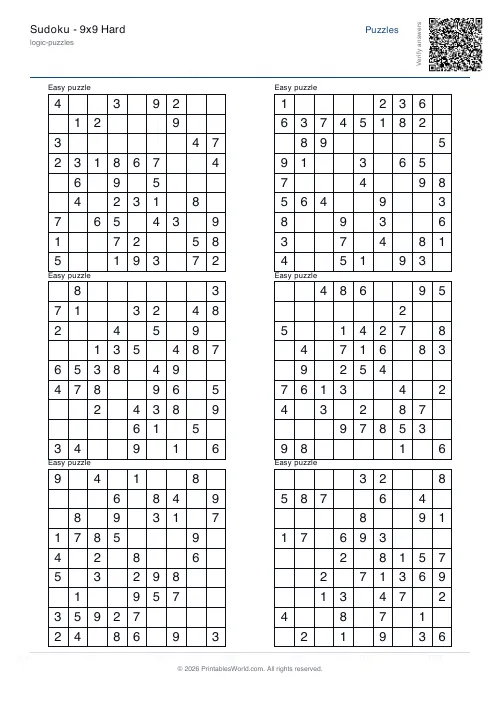
Sudoku Generator
Generate printable Sudoku puzzles with six per page, multiple difficulty levels, and optional solutions.
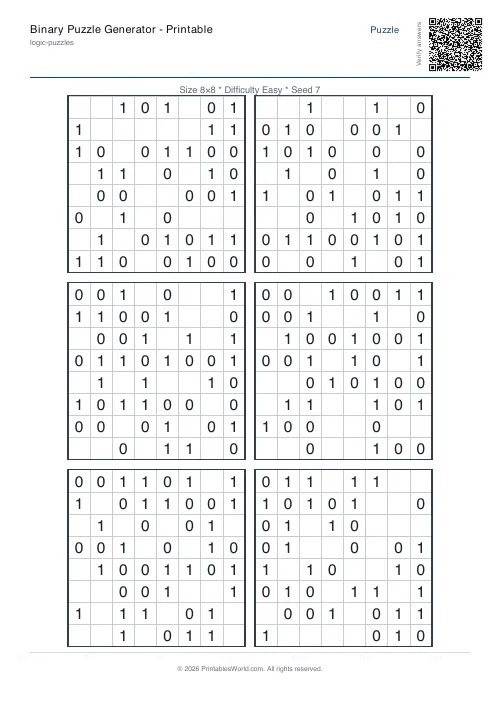
Binary Puzzle Generator: Printable
Create printable binary logic puzzles (Takuzu/Binairo) with customisable grid sizes and difficulty levels.
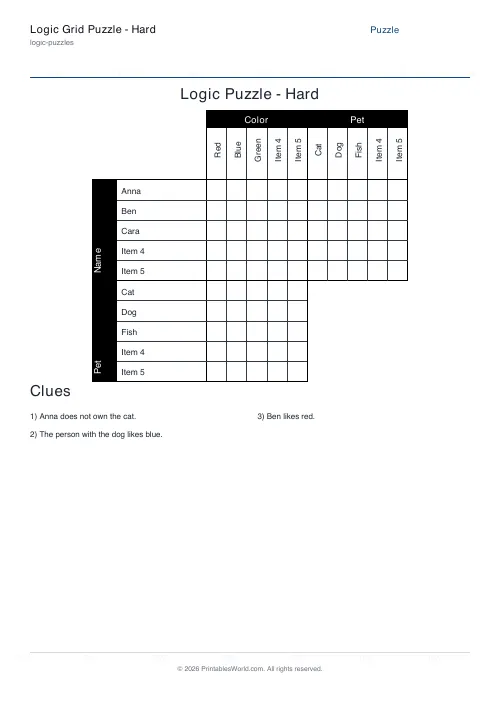
Logic Grid Puzzle Generator: Printable
Create custom logic grid puzzles with your own categories, items, and clues. Print-ready PDFs in seconds.
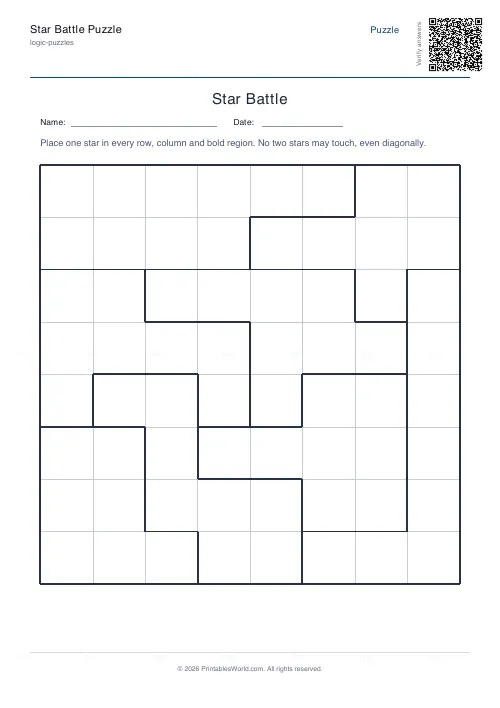
Star Battle Puzzle
Place stars so every row, column and region holds exactly one.
Further reading
Logic Puzzles
The benefits of logic puzzles for developing brains
Logic puzzles teach deduction and persistence, which are worth having. The claim that they make children generally smarter is weaker than the marketing suggests.
5 min read
Puzzles & Brain Games
Printable brain games for seniors: a free puzzle pack
A free printable puzzle pack for older adults, with a sample seven-day plan, large-print and easier-difficulty tips, and how to use the Logic Puzzles collection.
7 min read
Logic Puzzles
Kakuro, killer sudoku and other number puzzles explained
If sudoku has stopped being a challenge, these are the natural next steps. And unlike sudoku, most of them genuinely involve arithmetic.
5 min read