What this tool does
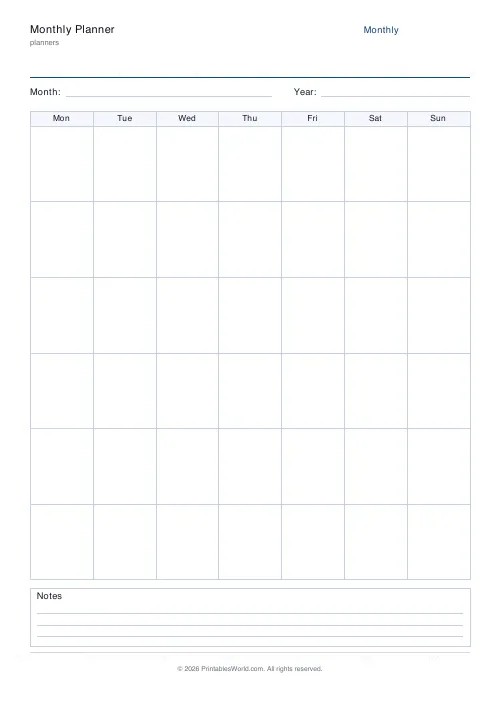
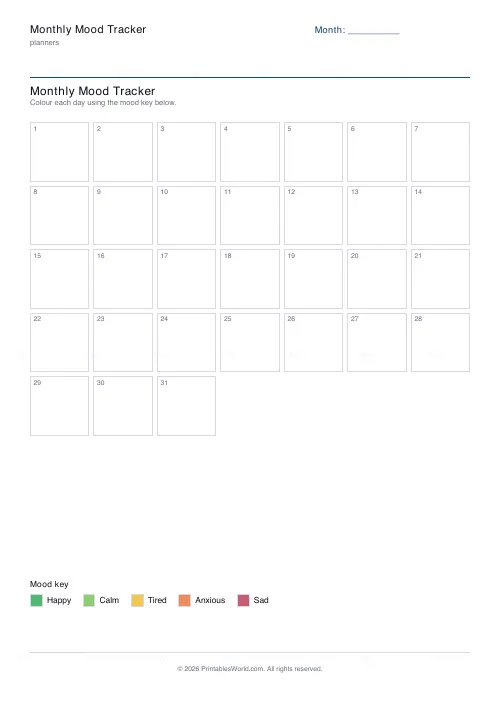
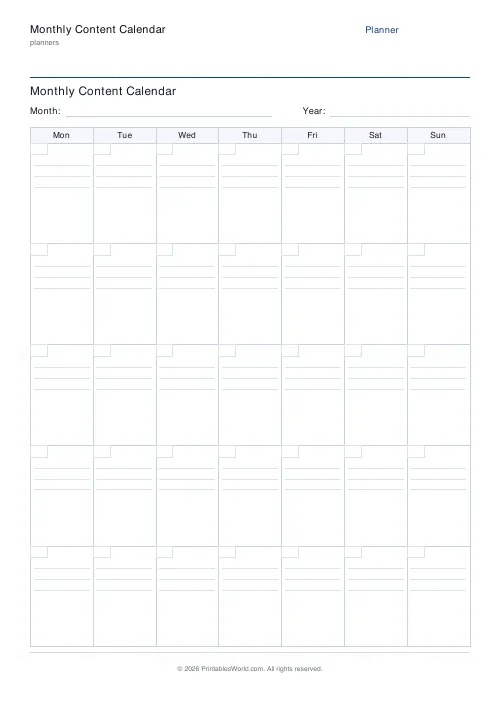
A month-grid content calendar: four to six week rows of seven day boxes, starting Monday or Sunday.
People also used
Feedback
Spotted something off with this tool?
A month of boxes
Weekday headers across the top, then four to six week rows of seven boxes. Start the week on Monday or Sunday.
Nothing is dated, so the same sheet works for any month — write the numbers in and go.
Why a grid rather than a list
A list of posts tells you what you plan to publish. A grid tells you when, and when is the part that decides whether it works.
Laid out as a month, the gaps are obvious: the fortnight with nothing in it, the three days in a row all carrying the same kind of thing, the week you are away with no posts prepared. None of that is visible in a list, and all of it is visible here in about four seconds.
Fill in the fixed things first
Product launches, event dates, seasonal moments, anything already committed. Those anchor the month.
Then work outward from them. A launch on the 18th wants something building towards it on the 11th and the 15th, and a follow-up on the 20th — and that sequence is obvious on a grid and easy to forget on a list where the launch is one line among thirty.
Vary the type, not just the topic
Write the format in each box as well as the subject. A month where every box says the same kind of thing reads as monotonous even when the topics differ.
Mix them deliberately: something teaching, something behind the scenes, something answering a question, something promotional. Colour-coding the boxes by type makes the balance visible at a glance, and it is usually less balanced than anyone expects.
Plan a month, work a week
The grid is the plan. The making happens in batches.
Trying to fill every box in advance is how a calendar becomes a source of guilt rather than a tool. Sketch the month, then prepare one week at a time, and leave two or three boxes deliberately empty for whatever turns out to be worth saying.
Why paper
Because a month on a screen is a month you scroll, and a month on a wall is a month you glance at. It is also the format that survives a meeting: three people around a printed grid make decisions, where three people around a shared screen have a discussion.
Related: the social media content planner, which is the row-per-post version with hashtags and a status column.
FAQs
Quick answers
How many weeks does the calendar show?
You choose 4, 5 or 6 week rows. Five is the default and covers most months; pick six when a month spills across six calendar weeks.
Can the week start on Sunday instead of Monday?
Yes. Toggle the week start between Monday (Mon-to-Sun) and Sunday (Sun-to-Sat) and the column headers reorder to match.
Are the dates filled in for a specific month?
No. The grid is undated. Each cell has a blank corner box so you can write the day number yourself and reuse the same sheet for any month or year.
How much can I write in each day cell?
Each cell has two to three ruled lines, enough for a headline plus the platform or publish time. For long captions, plan them here and draft the full text elsewhere.
Is this a fillable PDF?
No. It prints as a clean worksheet you fill in by hand. That keeps it universal, works offline and needs no PDF editor.
Can I use it for more than social media?
Yes. It works for blog schedules, newsletters, YouTube uploads, podcast episodes, classroom posts or any recurring content you plan by the month.
What paper sizes are supported?
A4 and US Letter. Print at 100% scale so the seven columns stay evenly spaced and the ruled lines line up.
Related tools
Simple To-Do List
Minimal printable to-do list with tick boxes and a configurable item count.
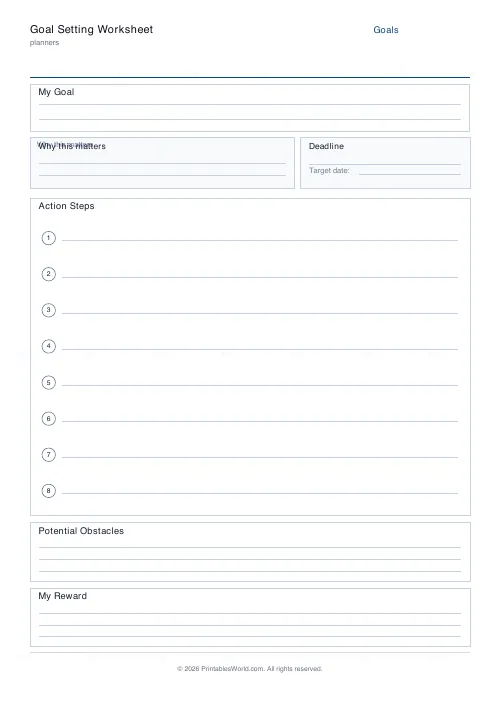
Goal Setting Worksheet
One-page goal worksheet: goal, why, deadline, steps, obstacles, and rewards.
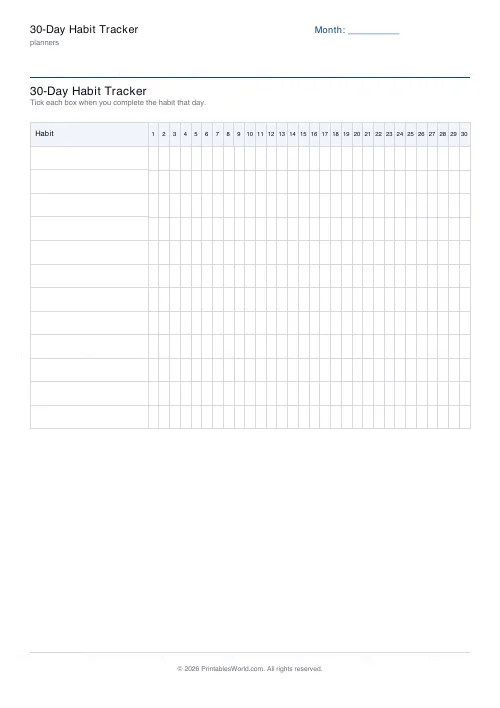
30-Day Habit Tracker
A printable 30-day habit grid to tick off every morning. One row per habit.
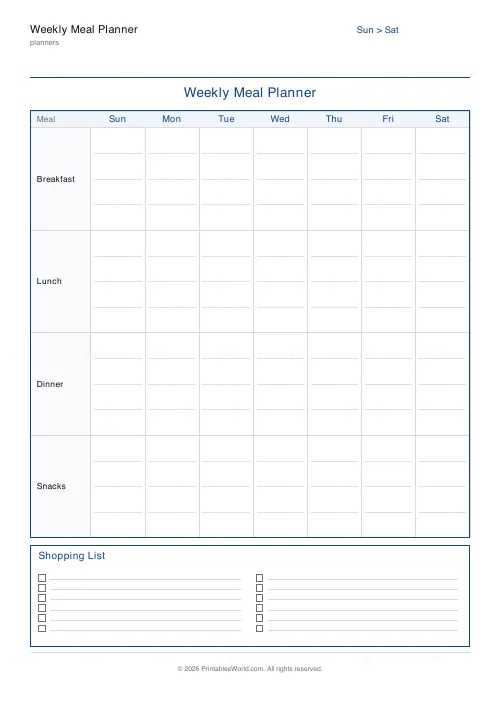
Weekly Meal Planner
Plan seven days of breakfast, lunch and dinner on one printable page.
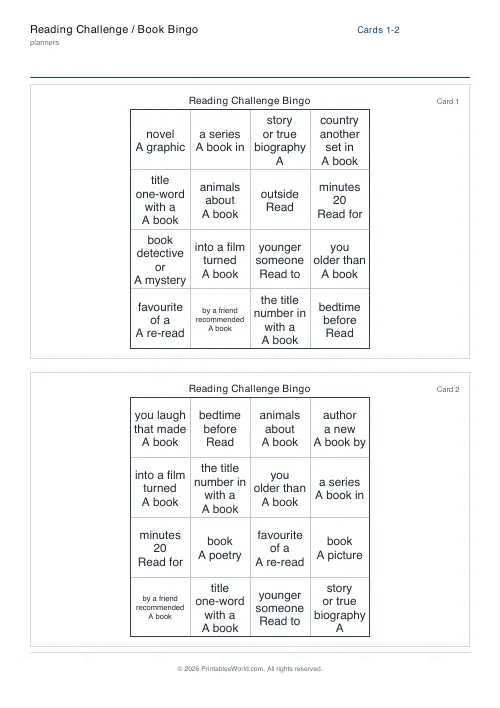
Reading Challenge / Book Bingo
Turn a reading challenge into a playful bingo card. One prompt per square.
Further reading
Planners
Meal planning 101: save time and money every week
A weekly meal plan saves money mainly by changing how you shop. Here is a thirty-minute method, the shortcuts that keep it going, and the mistake that ends most plans in week three.
5 min read
Planners
How to build a daily routine that actually sticks
Most routines fail in week two, when motivation runs out and nothing has replaced it. The fix is structural: fewer items, fixed anchors, and a plan for the day you miss.
6 min read
Planners
Study planning for exams: a student's complete guide
A revision timetable is only as good as what goes in the slots. Here is how to build one backwards from the exam date, and which study methods the evidence actually supports.
5 min read