What this tool does
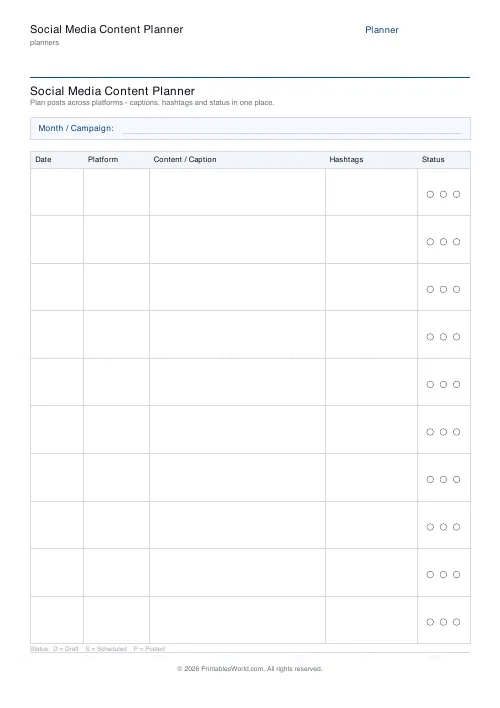
A posting schedule on one page. Columns for date, platform, content and caption, hashtags, and a status chip. 6 to 14 rows, with a month or campaign header.
People also used
Feedback
Spotted something off with this tool?
Five columns
Date. Platform. Content and caption, hashtags, status. The content column is the widest, because that is where the actual work goes, and status is narrow because it only ever holds one of three words.
A header strip carries the month or the campaign name. Six to fourteen rows, ten by default, which is a fortnight at a sensible cadence.
Batching, which is the whole idea
Posting daily means deciding what to post daily, and that decision costs far more than the posting does.
Filling in ten rows in one sitting is a different activity from inventing a post every morning: you can see repetition, spot that four of the ten are the same kind of thing, and notice the week with nothing in it. Consistency is the thing that actually moves any account, and consistency comes from a plan made in advance rather than from enthusiasm on the day.
The status column
Draft, scheduled, posted. Three states, and they matter because they are not the same.
Written is not the same as scheduled. Scheduled is not the same as published — scheduling tools fail silently, tokens expire, and a post that never went out looks identical to one that did unless you have somewhere to record the difference. Tick it after you have seen it live.
Hashtags
Its own column because hashtags are reusable and captions are not.
Keep a small set of tags per theme, written here, and you stop retyping them and stop guessing. Relevance beats volume everywhere now; ten tags that describe what the post actually is will outperform thirty broad ones on every platform that has been measured.
Why paper for a digital job
A month of posts on one page can be looked at whole, and that is the view scheduling tools are worst at.
Their calendars show you a week at a time in a browser tab that is also showing you notifications. A printed sheet on the desk shows the shape of the month: the gap, the repetition, the three sales posts in a row. It is also the format that works in a room with a client in it, and a marked-up sheet is a decision, whereas a shared screen is a discussion.
Running it
Print one per month per account. Fill it in a week ahead. Keep the finished ones, because a stack of them is a record of what you posted and roughly when — which is the thing you always want in January and never have.
FAQs
Quick answers
How many posts can I plan on one sheet?
Between 6 and 14 rows per page. The default (10) suits a fortnight or a light month; for a busy schedule print two sheets.
Which platforms does it cover?
Any of them. The Platform column is blank so you can write Instagram, TikTok, X, LinkedIn, Facebook, Pinterest, a blog, a newsletter or anything else.
What do the status circles mean?
Each row has three circles mapping to the key under the table: D = Draft, S = Scheduled, P = Posted. Tick one so you can see a post's stage at a glance.
Is this a fillable PDF?
No. It prints as a clean worksheet you fill in by hand. That keeps it universal, works offline, and needs no PDF editor or account.
Can I use it for a product launch or campaign?
Yes. Put the campaign name in the month strip, then list every launch post in date order across platforms so the whole rollout sits on one page.
Does the caption column fit a whole post?
It fits a hook and a short line of copy. Enough to plan the post. Write the full caption in your scheduler when you publish.
What paper sizes are supported?
A4 and US Letter. Print at 100% scale so the five columns stay aligned across the page.
Related tools
Simple To-Do List
Minimal printable to-do list with tick boxes and a configurable item count.
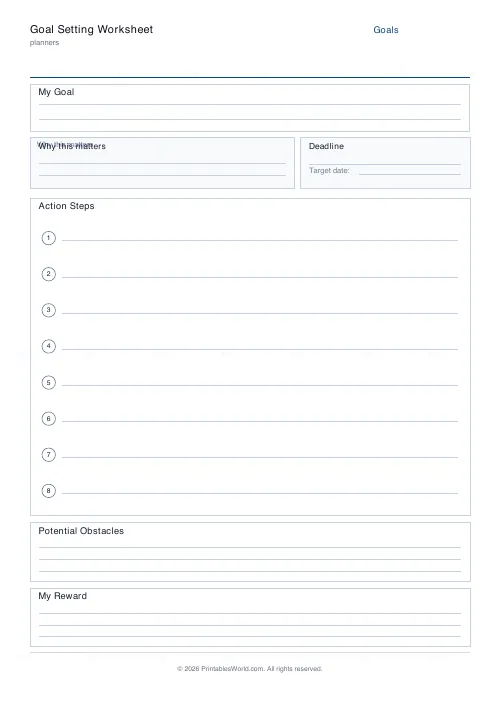
Goal Setting Worksheet
One-page goal worksheet: goal, why, deadline, steps, obstacles, and rewards.
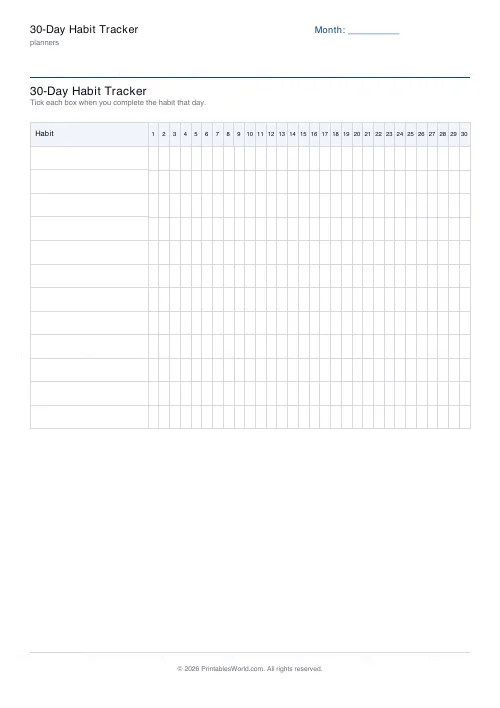
30-Day Habit Tracker
A printable 30-day habit grid to tick off every morning. One row per habit.
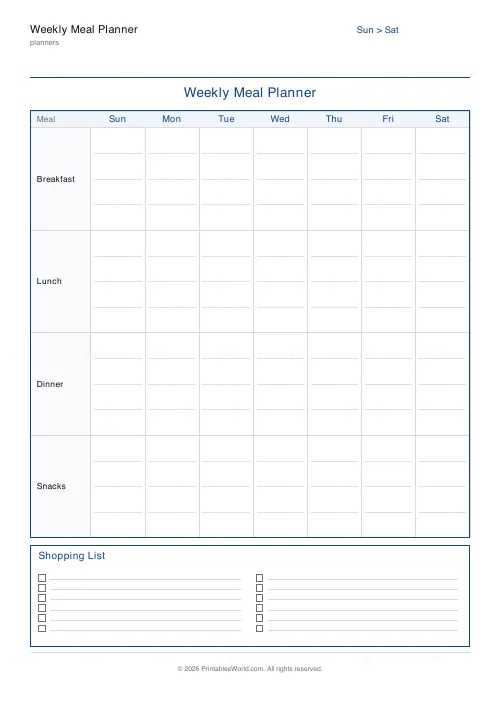
Weekly Meal Planner
Plan seven days of breakfast, lunch and dinner on one printable page.
Further reading
Planners
ADHD-friendly planning: systems that work
Standard planners assume you will remember to open them. That single assumption is why they fail for a lot of ADHD brains. And what an ADHD-friendly system has to replace.
6 min read
Planners
Study planning for exams: a student's complete guide
A revision timetable is only as good as what goes in the slots. Here is how to build one backwards from the exam date, and which study methods the evidence actually supports.
5 min read
Planners
How to pay off debt faster with a payoff tracker
One method costs less; the other is easier to stick to. Here is how to choose between them honestly, and why a visual tracker changes the odds either way.
5 min read