What this tool does
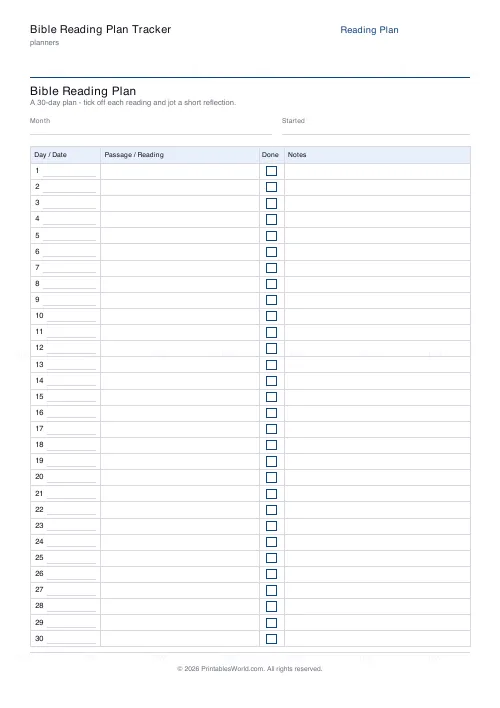
A daily reading tracker with day, date, passage, an optional tick column and notes. Choose 30, 31 or 90 days; the 90-day plan flows across several pages.
People also used
Feedback
Spotted something off with this tool?
A table, not a plan
The sheet gives you the structure — day, date, passage, a tick box, notes — and leaves the passages blank. That is deliberate: you fill in whichever plan you are following, or your church's, or your own.
Thirty, thirty-one or ninety days. The short versions fit one page; ninety flows onto several.
Why the passages are not pre-filled
Because there is no single right plan, and a generator that picked one for you would be making a decision that is not its to make.
Chronological plans, book-by-book plans, thematic plans, the traditional Old-and-New-Testament-together arrangement, the M'Cheyne calendar, a Psalm a day — they suit different people and different seasons. Write in whichever you are using and the sheet works for all of them.
The tick column earns its place
A visible row of ticks is a stronger motivator than an intention, and it makes a gap visible without any guilt attached to it.
That second part matters more. A missed day on a tracker is a blank box, not a failure, and the useful response is to carry on rather than to try to catch up on four days at once. Plans get abandoned in the catching-up phase far more often than in the missing phase.
The notes column is the point
A tick records that you read. A note records that you thought about it, and six months later the notes are the only part worth going back to.
One line is enough. A phrase that stood out, a question the passage raised, something you did not understand. Writing anything at all is what turns reading into study, and the difference in what is retained is not small.
Choosing a length
Thirty or thirty-one days suits a month-long commitment, a Lent or Advent discipline, or a first attempt. It fits one page, which is a real advantage — the whole thing is visible at once.
Ninety days suits a longer arc: a Gospel read slowly, the Psalms, a full pass through the New Testament at a manageable pace. Print it, staple it, and keep it in the front of the Bible.
Practical notes
Fill in the dates yourself, so the plan starts on the day you actually start rather than on the first of a month you have already lost a week of.
Related: the prayer journal, which many people keep alongside this.
FAQs
Quick answers
Does this tell me which passages to read each day?
No. It is a blank frame on purpose. You write in the passages from whatever plan you follow (chronological, Gospels-in-a-month, a one-year Bible, your church's readings), so it works with any reading schedule.
How many days can the plan cover?
Choose 30, 31 or 90 days. The 30 and 31-day plans fit on a single page; the 90-day plan flows across several pages automatically.
Can I turn off the tick boxes?
Yes. The check-off column is optional. Switch it off if you would rather use that space, and the table re-flows to Day/Date, Passage and Notes.
Is it a fillable PDF?
No. It prints as a clean worksheet you complete by hand. That keeps it universal, works offline, and needs no PDF editor or app.
What is the Notes column for?
A short reflection: a verse that stood out, a question, a prayer prompt, or the date you finished. Used daily it becomes a simple devotional journal.
Can a family or small group share one sheet?
Yes. Print a copy each so everyone follows the same passages, or pin one on the fridge and tick it off together as a household challenge.
Which paper sizes are supported?
A4 and US Letter. Print at 100% scale so the day numbers, columns and tick boxes stay aligned on the page.
Related tools
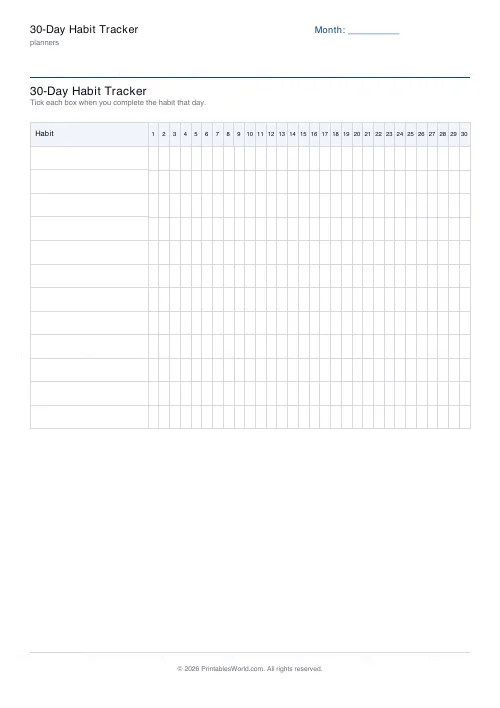
30-Day Habit Tracker
A printable 30-day habit grid to tick off every morning. One row per habit.
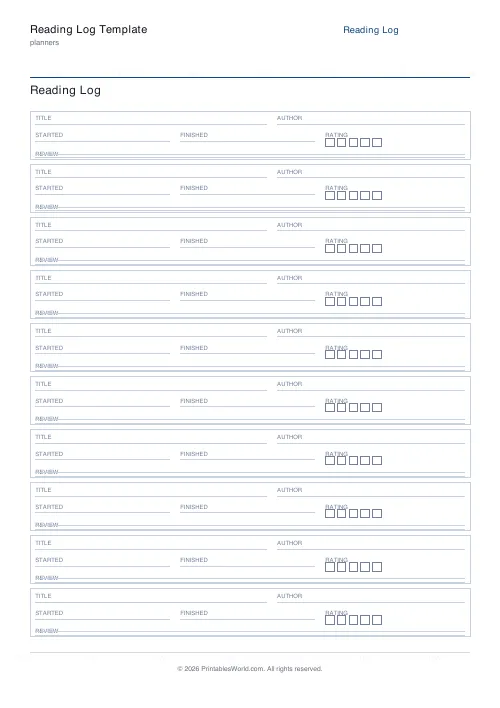
Reading Log Template
Printable reading log. Track titles, authors, dates, ratings, and reviews.
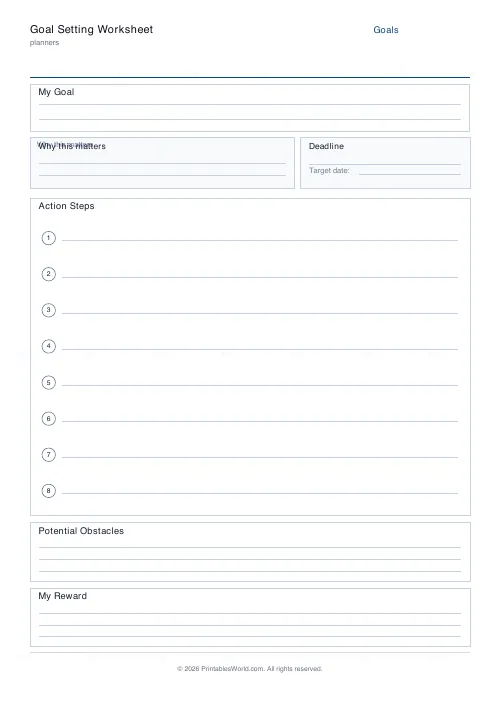
Goal Setting Worksheet
One-page goal worksheet: goal, why, deadline, steps, obstacles, and rewards.
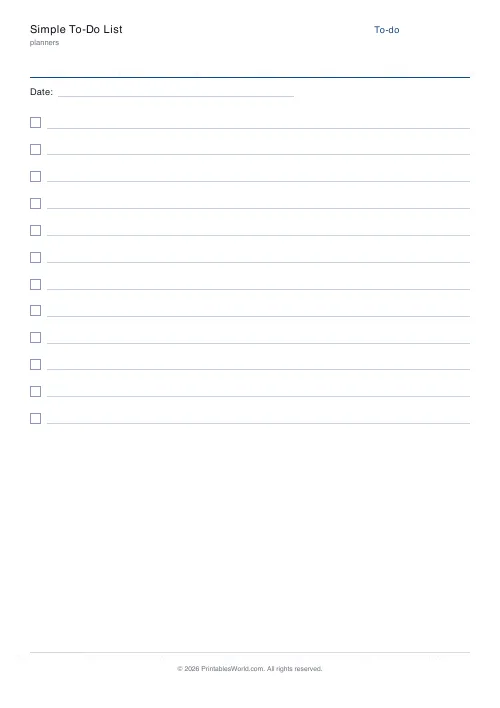
Simple To-Do List
Minimal printable to-do list with tick boxes and a configurable item count.
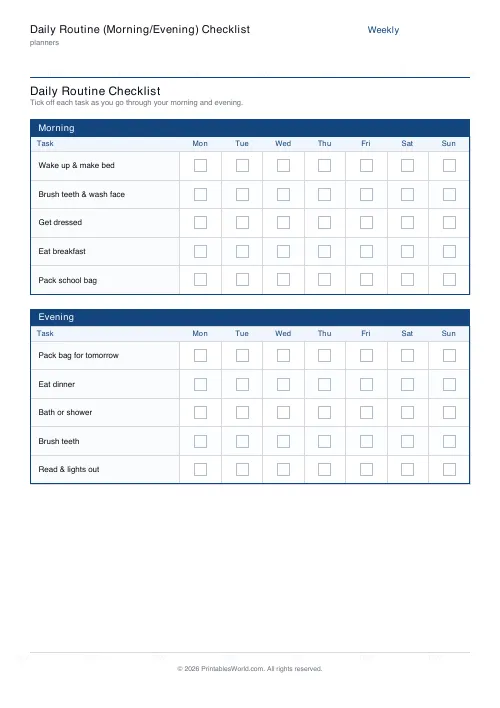
Daily Routine (Morning/Evening) Checklist
Printable morning and evening routine checklist with a tick box for every task, every day of the week.
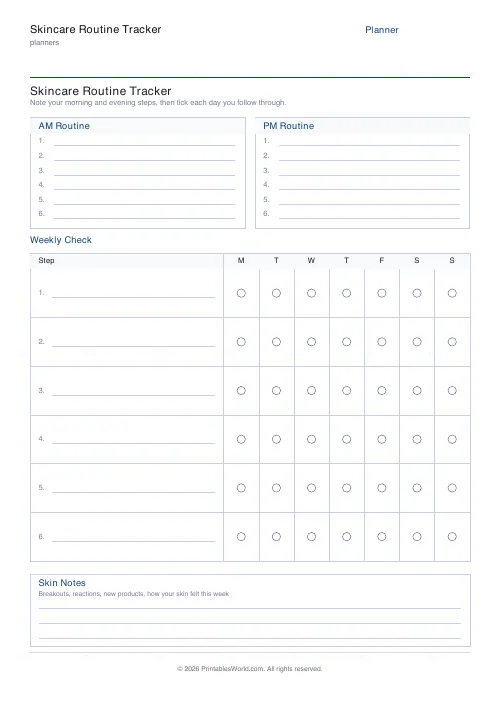
Skincare Routine Tracker
Printable AM/PM skincare steps plus a 7-day tick grid and skin-notes area.
Further reading
Planners
How to pay off debt faster with a payoff tracker
One method costs less; the other is easier to stick to. Here is how to choose between them honestly, and why a visual tracker changes the odds either way.
5 min read
Planners
How to build a daily routine that actually sticks
Most routines fail in week two, when motivation runs out and nothing has replaced it. The fix is structural: fewer items, fixed anchors, and a plan for the day you miss.
6 min read
Planners
Meal planning 101: save time and money every week
A weekly meal plan saves money mainly by changing how you shop. Here is a thirty-minute method, the shortcuts that keep it going, and the mistake that ends most plans in week three.
5 min read