Classroom Activities
Word Wall Cards Generator
Big, bold printable word wall cards from your own word list.
Last updated:
What this tool does
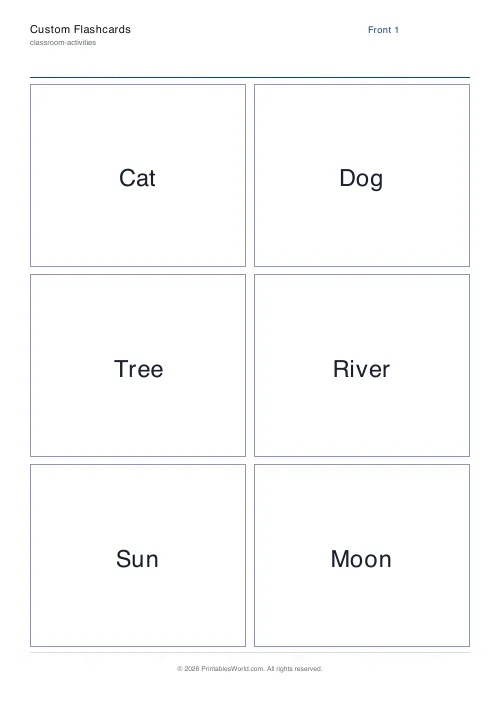
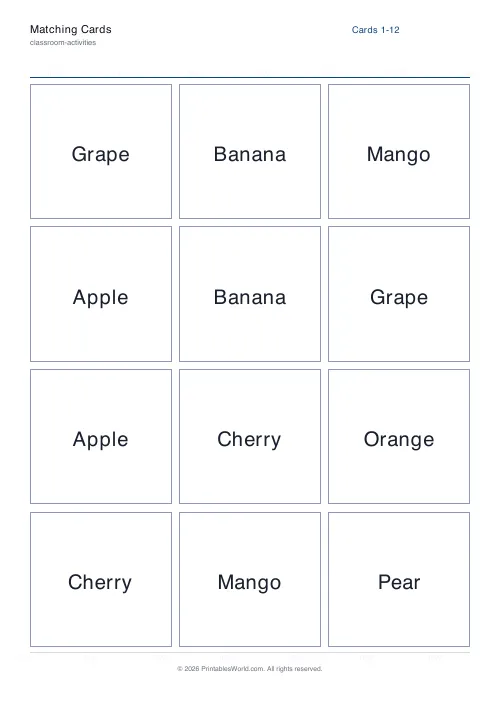
Type or paste any list of words and get a clean PDF of large, bold word wall cards — perfect for a classroom word wall, vocabulary display, sight-word board, or focus-wall. Add an optional label (part of speech, topic, or hint) after each word, pick how many cards print per page, and set the letter case so the cards match your display.
Free downloads
Ready-made Word Wall Card Set printables — free PDF downloads
No setup needed — download these print-ready word wall card sets as free PDFs. Each one was made with the generator above, so you can recreate or fully customize any of them.

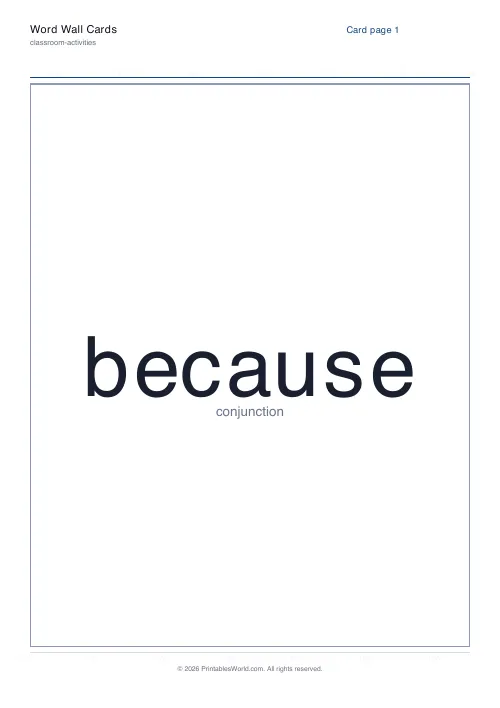
Word Wall Card Set — 1 / page
Print-ready word wall card set (1 / page) as a free PDF — made with the generator above so you can tweak and reprint.
↓ Download PDF
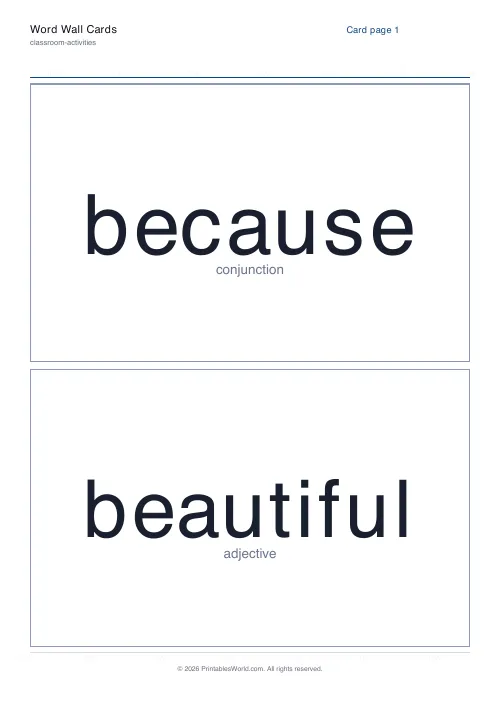
Word Wall Card Set — 2 / page
Print-ready word wall card set (2 / page) as a free PDF — made with the generator above so you can tweak and reprint.
↓ Download PDF
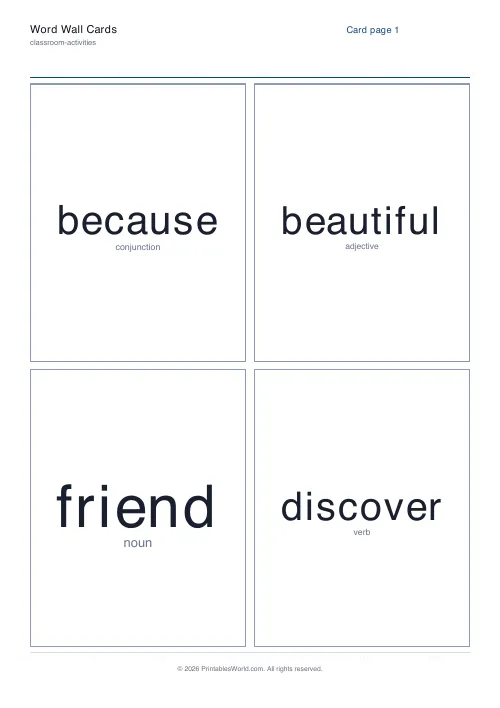
Word Wall Card Set — 4 / page
Print-ready word wall card set (4 / page) as a free PDF — made with the generator above so you can tweak and reprint.
↓ Download PDF
Word Wall Card Set — 9 / page
Print-ready word wall card set (9 / page) as a free PDF — made with the generator above so you can tweak and reprint.
↓ Download PDF
Word Wall Card Set — As typed
Print-ready word wall card set (As typed) as a free PDF — made with the generator above so you can tweak and reprint.
↓ Download PDF
Word Wall Card Set — UPPERCASE
Print-ready word wall card set (UPPERCASE) as a free PDF — made with the generator above so you can tweak and reprint.
↓ Download PDF
Settings
Build your word wall cards
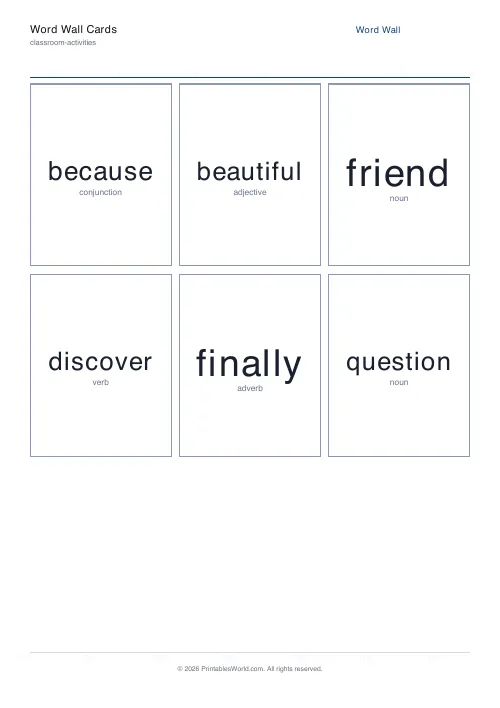
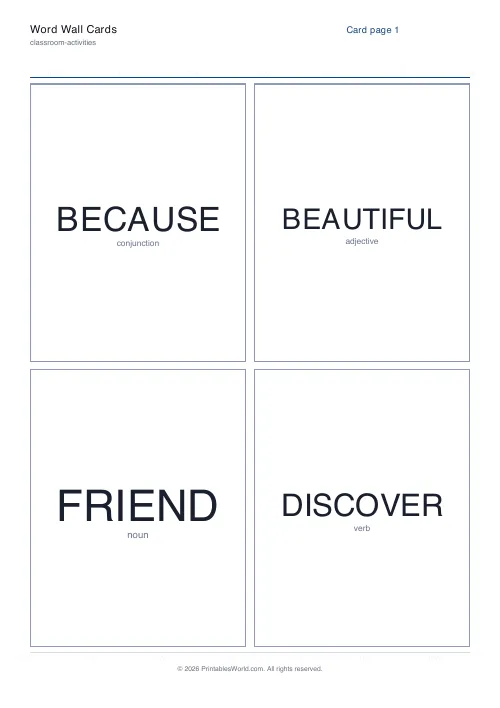
One word per line. Add an optional label after a | (e.g. because | conjunction). 6 cards ready.
Cards per page
Letter case
Paper size
Preview
Live PDF preview
The actual PDF, updated as you change settings.
People also used
Feedback
Spotted something off with this tool?
Create Printable Word Wall Cards from Your Own Word List
Paste any list of words and download a print-ready PDF of large, bold word wall cards. Each word prints big enough to read from across the room, so your wall stays useful as a reference all year.
The word wall card generator lays your words out in a tidy grid, sizes each word automatically to fill its card, and adds as many pages as your list needs. Choose 1, 2, 4, 6, or 9 cards per page and the engine handles the rest.
It is built for teachers, homeschool parents, reading specialists, and EAL/ESL tutors who want a polished, reusable word wall without hand-lettering every card.
Why use a word wall card generator?
A word wall is one of the simplest, highest-impact literacy displays in a classroom — but hand-writing dozens of cards is slow and the lettering is rarely big or consistent. Typing the list once gives you clean, uniform cards you can reprint any time. Use it for:
- high-frequency and sight-word walls
- topic and unit vocabulary displays
- spelling-pattern and word-family boards
- parts-of-speech sorting walls
- science, history, and geography key-term walls
- EAL/ESL vocabulary support
- tricky-word and "no excuse" spelling lists
Because every card uses the same layout, your wall looks professional and you can swap or add words in seconds.
What you can customise
The generator gives you control over the card content and how it prints:
- Word list: enter one word per line; extra pages are added automatically
- Optional labels: add a part of speech, topic, or hint after a
|on the same line - Cards per page: 1, 2, 4, 6, or 9
- Letter case: keep words as typed, or force UPPERCASE, lowercase, or Capitalised
- Show or hide labels under each word
- Worksheet title for the page header
- Paper size: A4 or US Letter PDF output
Each word is auto-sized to fill its card, so short words print large and long words shrink just enough to fit.
Notes and limitations
- Very long words are scaled down to fit the card width; preview before printing a large batch.
- Extended characters (emoji, some accents) use the PDF default font and may not render exactly.
- For the boldest, most readable wall, print 1, 2, or 4 cards per page.
- Print on card stock and laminate for a wall that lasts the whole year.
Who word wall cards are for
Word wall cards suit anyone building a literacy or vocabulary display.
Teachers
Build a sight-word or topic-vocabulary wall at the start of a unit and add new words as you teach them.
Homeschool families
Keep a growing spelling or vocabulary wall and reprint cards as your child masters each list.
Reading specialists
Create phonics and spelling-pattern cards grouped by word family for targeted intervention.
EAL/ESL tutors
Display everyday vocabulary with picture-free, high-contrast cards learners can read at a glance.
Word list ideas
High-frequency words
Build a wall from your year-group sight-word or tricky-word list so pupils can find them while writing.
Topic vocabulary
Add the key terms for a unit — "habitat", "predator", "adaptation" — with a one-word label for the topic.
Parts of speech
Label each word with its part of speech and sort the wall into nouns, verbs, adjectives, and adverbs.
Spelling patterns
Group words by sound or pattern ("-tion", "split digraph", "silent letters") for a phonics-focused wall.
How to use the tool
- Paste or type your words, one per line.
- Optionally add a label after a
|on each line. - Pick 1, 2, 4, 6, or 9 cards per page.
- Choose a letter case to match your display.
- Give the page a title if you want one.
- Choose A4 or US Letter as your paper size.
- Preview the cards, then download and print.
Worked example
Suppose you are starting a science unit on plants. Paste words such as "photosynthesis | process", "chlorophyll | noun", "pollination | process", and "germinate | verb".
Choose 4 cards per page and capitalised case, tick "show labels", and the engine prints clean cards with the key term big and bold and the topic label underneath. Print on card, laminate, and pin them to your science focus wall.
Methodology
The engine splits your word list into a grid based on the cards-per-page value, then auto-sizes each word to the largest font that fits the card width. An optional label prints in a smaller, muted style beneath the word. A light cut-guide border frames each card for trimming. Branding, watermark, and footer come from the shared PDF template, so every card matches the rest of the site.
Helpful preset ideas
- 1 or 2 per page for a large display wall
- 4 per page for a standard sight-word board
- 9 per page for a compact vocabulary reference
- UPPERCASE for early-years and beginner readers
- Print on 160 gsm card and laminate for durability
Designed for A4 and US Letter printing
The engine generates the same grid on A4 and US Letter. US Letter is fractionally wider than A4, so cards are slightly larger, but the card count and layout stay the same on either paper size.
Related classroom activity printables
You may also find these related classroom templates useful:
FAQs
Quick answers
How big do the words print?
Each word is auto-sized to fill its card, so the fewer cards per page you choose, the bigger the words. Use 1, 2, or 4 per page for a wall that reads from across the room.
How do I add a part-of-speech or topic label?
Type the word, then a vertical bar, then the label on the same line — for example "because | conjunction". Tick "show labels" to print it under each word, or untick it to print the word alone.
Can I print everything in capitals?
Yes. Choose a letter case — As typed, UPPERCASE, lowercase, or Capitalised — and every card follows it, regardless of how you typed the words.
How many words can I add?
There is no hard limit. The PDF adds as many pages as your list needs based on the cards-per-page you choose.
Related tools