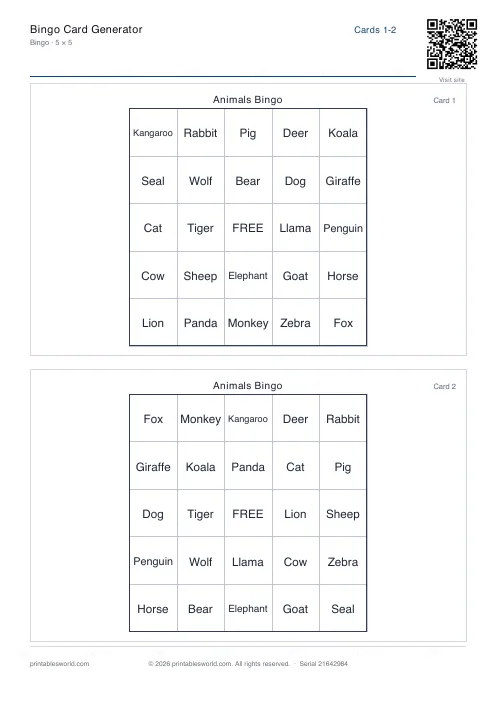
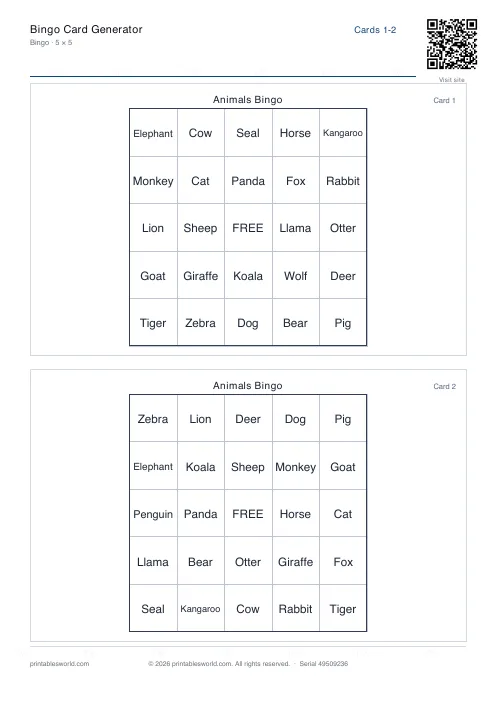
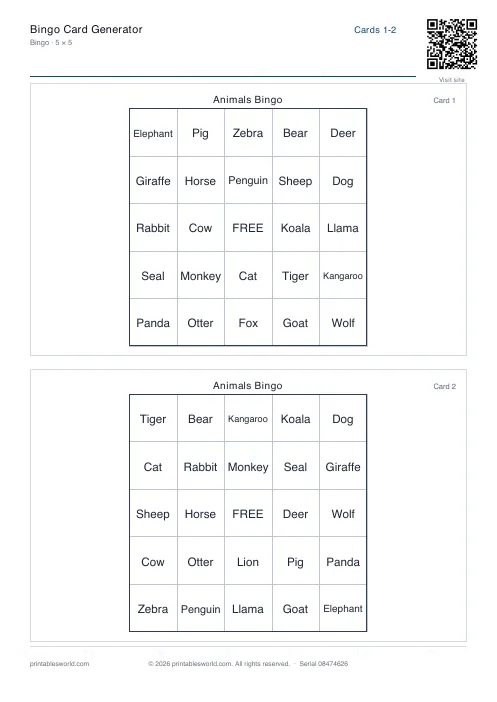
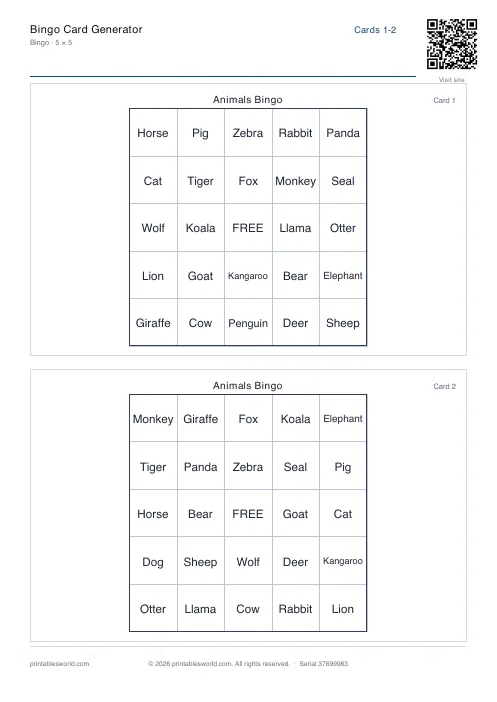
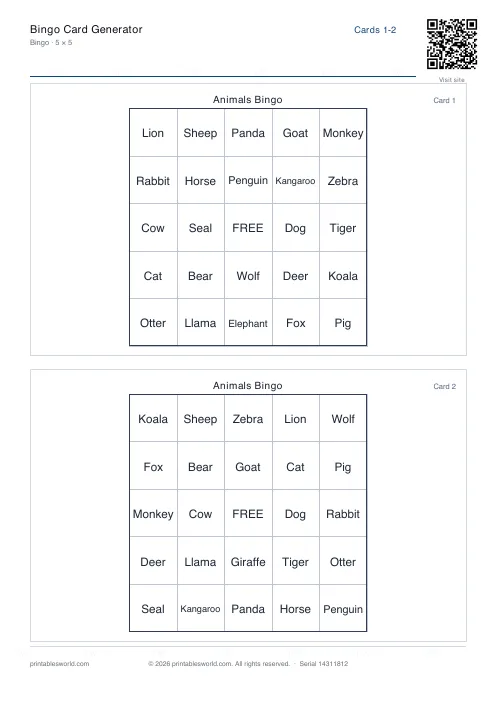
What this tool does
Unique bingo cards from any list of words or numbers. Grids of 3×3, 4×4 or 5×5, an optional FREE centre on the 5×5, and one, two or four cards to a page. Print card numbers so a winner can be checked, add a call sheet for whoever is running the game, and set a seed so the exact same set can be reprinted weeks later.
People also used
Bedtime Story Maker
Create custom bedtime stories with vocabulary, morals, and questions for children aged 3 to 10.
Coloring Page Maker
Create printable coloring pages with mandala, geometric, and animal templates in any line thickness.
Cloze Passage Generator
Wrap words in [square brackets] to remove them and build a cloze worksheet.
Feedback
Spotted something off with this tool?
Your list, shuffled into cards that are all different
Paste in words or numbers, one per line or separated by commas, and the generator deals them into grids. Every card in the batch is a different arrangement.
Sight words. Vocabulary. Times-table answers. Key dates. Anything with more entries than there are squares will work, and what comes out is a branded PDF ready to print and cut.
Grid size decides how long the game lasts
A 3×3 needs nine items and finishes fast, which is what you want for the last five minutes of a lesson. A 5×5 needs twenty-five, or twenty-four with the FREE centre switched on, and will fill a proper session.
4×4 sits between them and is the one to pick if you are unsure. Cards per page follows the same logic: four to a sheet saves paper, one to a sheet gives large text, and that matters more than it sounds for a room where somebody is calling items out from the front.
The seed is the feature nobody notices until they need it
Type a word or a number into the seed box and that exact set of cards can be regenerated at any point in the future.
Which means: two children were absent, and next week you print their two cards from the same set rather than reprinting thirty. Or a card gets destroyed at lunchtime and you replace exactly that one. Leave the seed blank and the tool picks a random one from the browser's crypto API, and that set is gone the moment you close the tab.
Seeds are case-sensitive. ClassA and classa produce completely different sets, which is either a nuisance or a convenient way to make two batches from one word.
The call sheet
A master list of every item, for whoever is running the game. Optionally sorted alphabetically, which is what you want when someone shouts bingo and you have to verify five items quickly.
It lists the items and not which cards they landed on, so checking a winner means reading their card against the sheet rather than looking anything up. Print card numbers too and the child can call out a number, which turns verification into a ten-second job instead of a scrum at the front.
Three times table, twenty-five children
Paste 3, 6, 9, 12, 15, 18, 21, 24, 27, 30, 33, 36 into the items box. Grid 4×4, twenty-five cards, two to a page, card numbers on, call sheet on.
Thirteen sheets of A4. During the game you call three sevens rather than twenty-one, so the child has to do the multiplication before they can mark anything, and the bingo card has quietly become a mental arithmetic drill that thirty children are volunteering for. Note the seed before you close the tab.
Where it will complain
- You need at least as many unique items as there are squares: nine for a 3×3, sixteen for a 4×4, and either twenty-four or twenty-five for a 5×5 depending on whether the FREE centre is on.
- Give it a short list and items will repeat within a card, or it will tell you the list is too short.
- Long words may wrap or clip, and how badly depends on the grid size and how many cards share the page. Test one before printing thirty.
- FREE centre is 5×5 only. An even grid has no middle square to give away.
FAQs
Quick answers
How many unique cards can I generate from one list?
The maximum depends on your grid size and item count. For a 5×5 grid with FREE centre, you need 24 unique items per card; the tool can produce as many unique permutations as your list allows. In practice, you can generate dozens or hundreds of cards from a 50-item list before duplicates appear.
What does the seed do?
The seed locks the shuffle order. Enter any word or number, and the generator will always produce the same set of cards from that list and seed. Leave it blank for a random shuffle every time. Use a seed if you need to reprint lost cards or add more cards to an existing set later.
Can I turn off the FREE centre square?
Yes. Toggle the FREE centre option off, and every square in the 5×5 grid (or 3×3 or 4×4) will be filled with an item from your list. The FREE centre only applies to 5×5 grids by tradition, but you control whether it appears.
How do I print multiple cards per page?
Use the <em>cards per page</em> setting. Choose 1 for large text and easy cutting, 2 for a good balance, or 4 to fit more cards on each sheet and save paper. The tool adjusts font sizes and margins automatically.
What is the call sheet for?
The call sheet is a master list of all items in your bingo set, printed on a separate page for the host. You read items aloud from the call sheet during the game. Tick <em>sort call sheet</em> to alphabetise it, making it easier to find items as you call them.
Do card numbers help track winners?
Yes. When you enable <em>include card numbers</em>, each card prints a small unique ID in the corner. Winners call out their card number, and you can verify the winning pattern quickly instead of collecting and inspecting every card.
Can I use phrases or sentences instead of single words?
Yes. The generator accepts any text, including multi-word phrases. Long phrases will wrap or shrink to fit the cell. For best results, keep entries under 20 characters if you are printing 4 cards per page, or test one sheet first to check readability.
Related tools
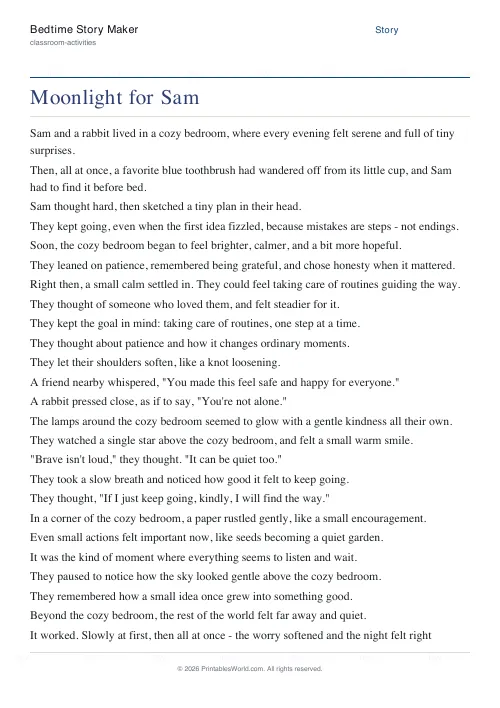
Bedtime Story Maker
Create custom bedtime stories with vocabulary, morals, and questions for children aged 3 to 10.
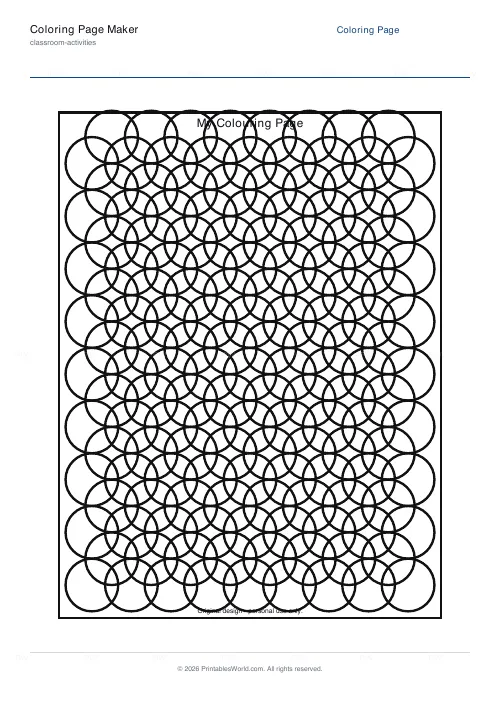
Coloring Page Maker
Create printable coloring pages with mandala, geometric, and animal templates in any line thickness.
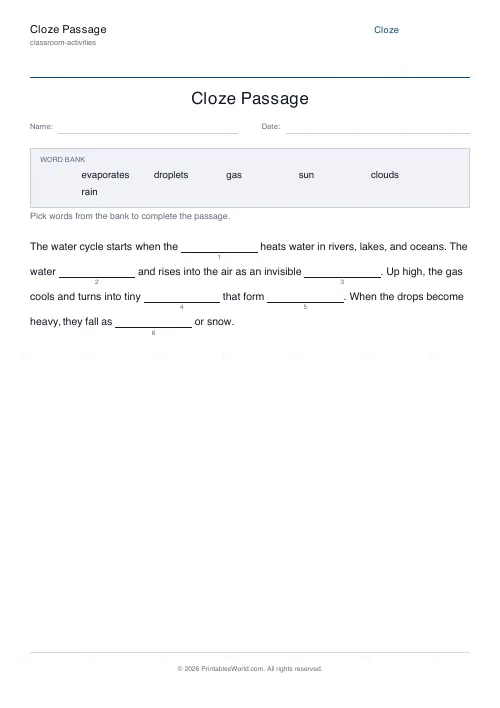
Cloze Passage Generator
Wrap words in [square brackets] to remove them and build a cloze worksheet.
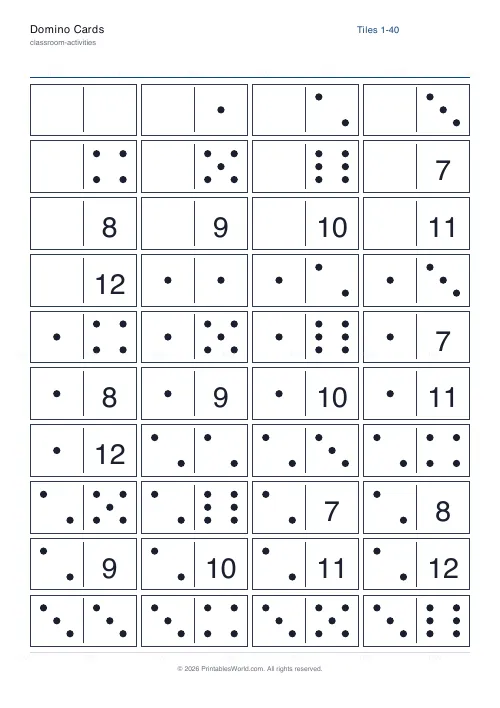
Domino Cards
Printable double-six, double-nine, or double-twelve dominoes.
Further reading
Classroom Activities
Back-to-school printables every teacher needs
Sorted by when you will actually need them: the two things to print before the children arrive, the week-one set, and the routines worth establishing while everyone is still compliant.
5 min read
Classroom Activities
20 classroom games that need zero prep
Games organised by the gap they fill: two minutes at the end of a lesson, ten minutes before assembly, or a whole wet lunchtime. Almost all need nothing but a voice.
6 min read
Math Worksheets
Making maths fun: 15 ways to practise without tears
Maths tears are usually about difficulty, length or fear of being wrong, not about maths. Fifteen practical changes, grouped by which of those three problems they actually solve.
6 min read