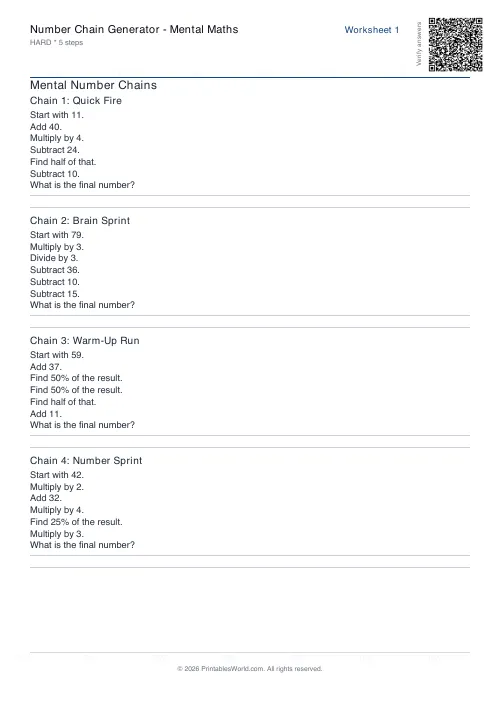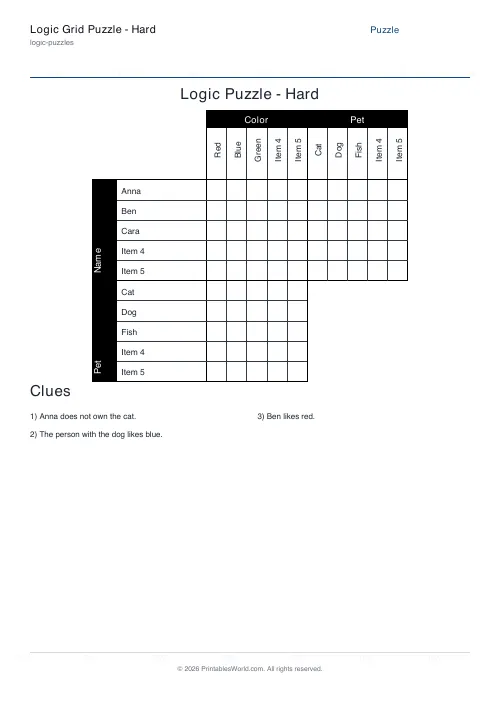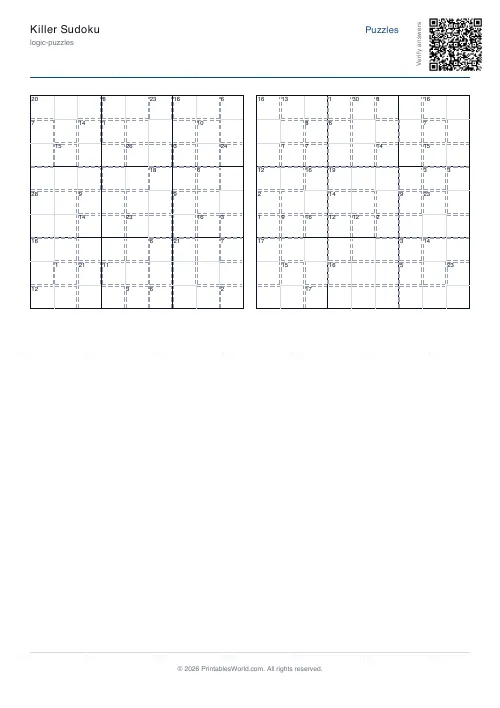
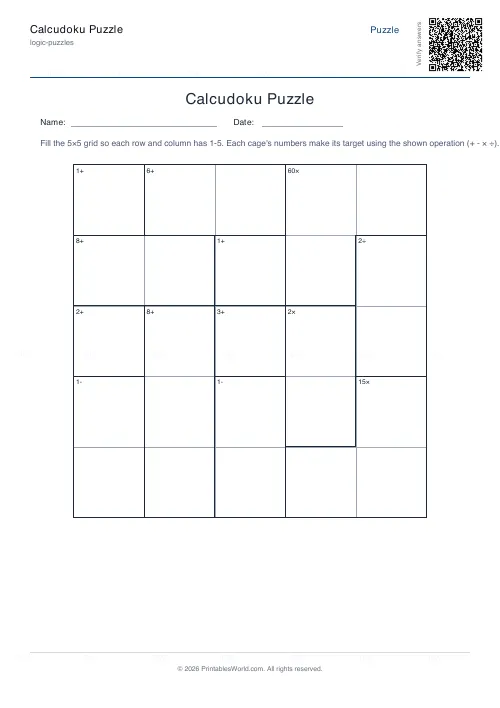
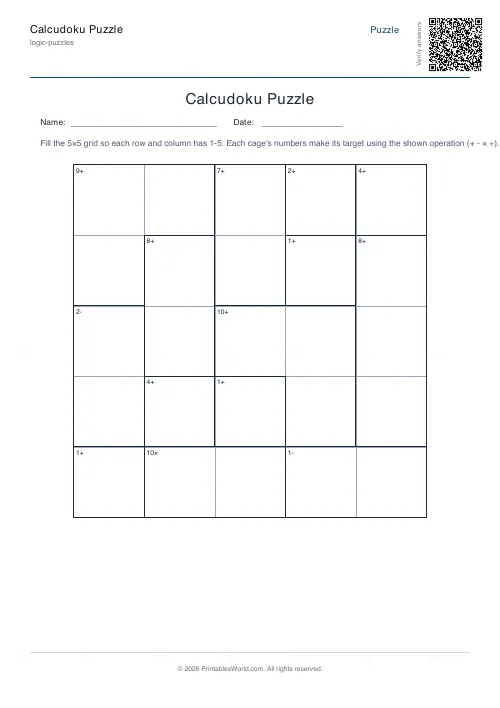
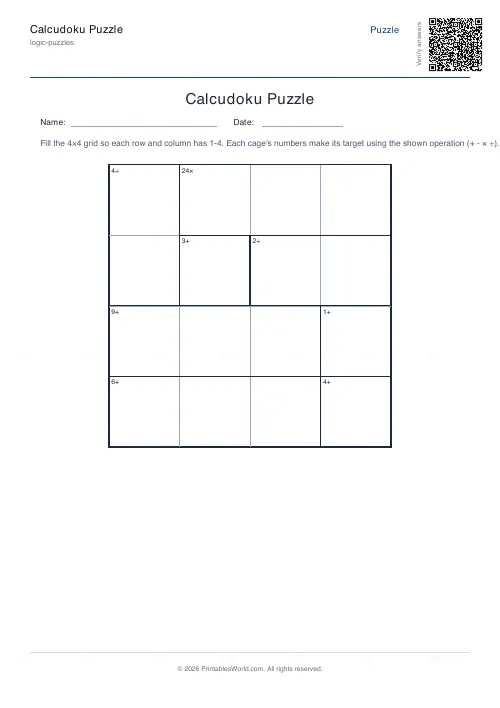
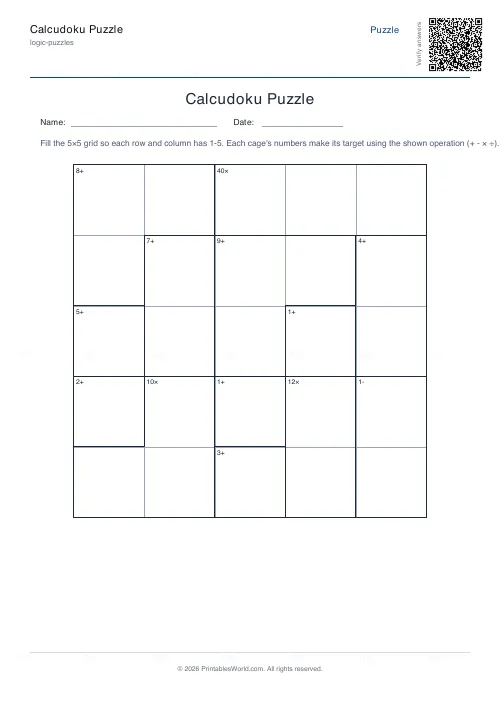
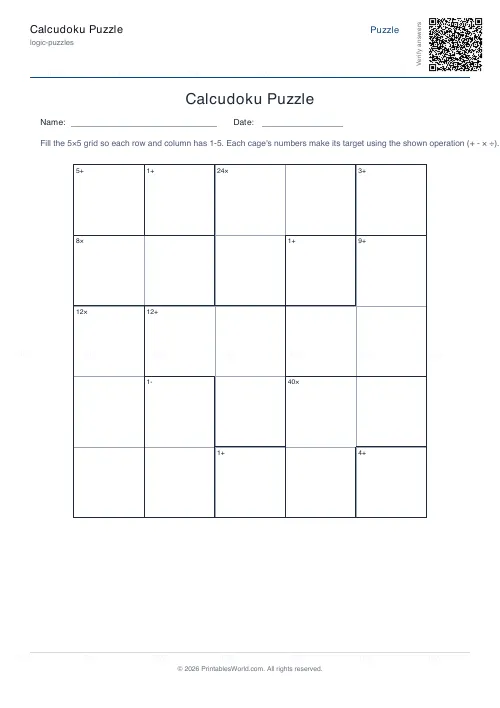
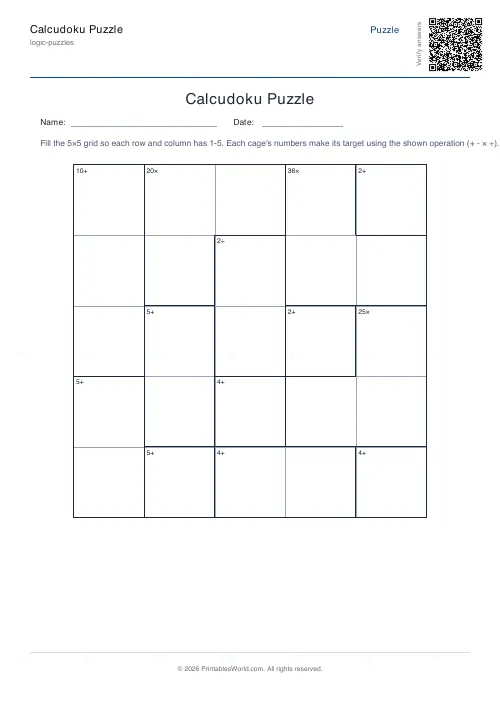
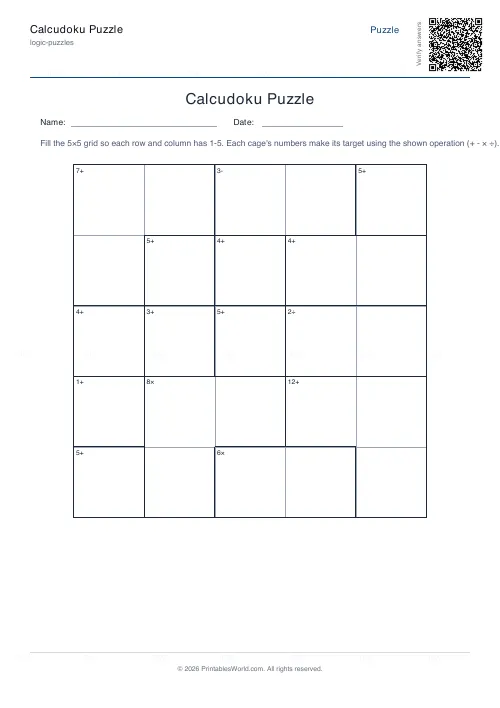
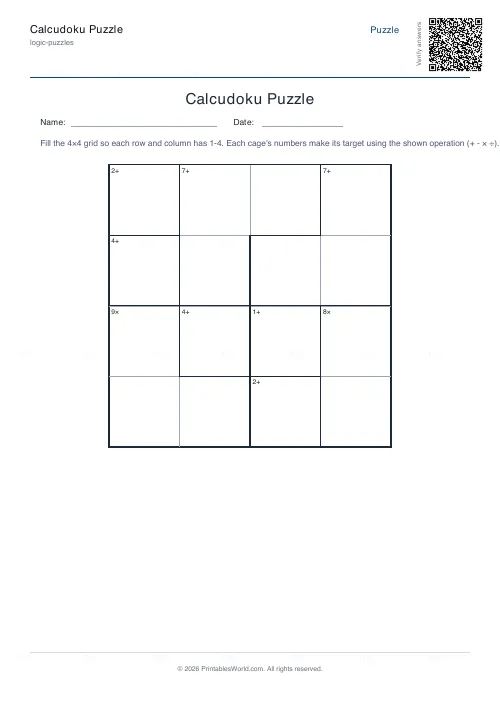
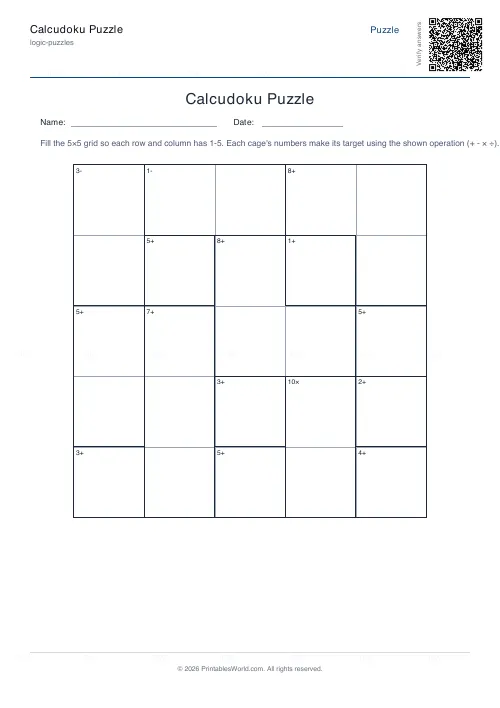
What this tool does
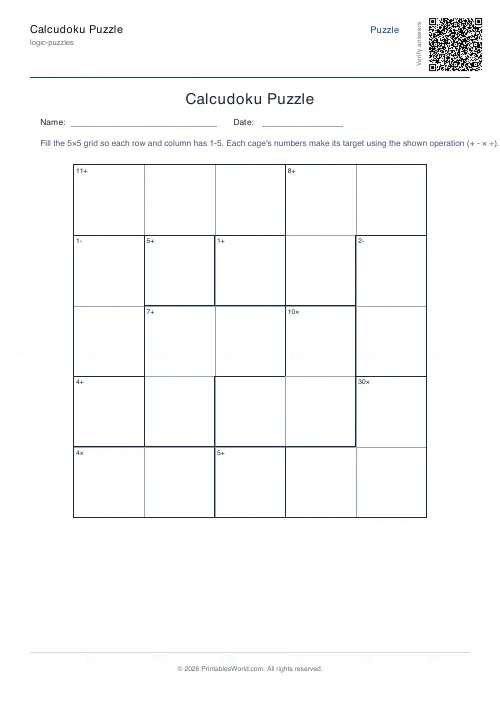
Printable Calcudoku, also sold as Mathdoku. Every row and column takes the numbers 1 to N once each, and outlined cages carry a target and an operation that the numbers inside must produce. A 4×4 grid or a 5×5, with an optional answer key and name and date fields.
People also used
Sudoku Generator
Generate printable Sudoku puzzles with six per page, multiple difficulty levels, and optional solutions.
Binary Puzzle Generator: Printable
Create printable binary logic puzzles (Takuzu/Binairo) with customisable grid sizes and difficulty levels.
Number Pyramid Generator
Create printable addition pyramid puzzles with adjustable rows, difficulty, and optional answer keys.
Feedback
Spotted something off with this tool?
A Latin square with arithmetic bolted on
Fill every cell so each row and each column holds 1 to N exactly once. That part is Sudoku without the boxes. What makes it Calcudoku is the cages: bold-outlined groups of cells, each labelled with a target and an operation that the numbers inside have to produce.
So the two rule systems constrain each other. The cage tells you what a small group of numbers multiply to; the row tells you which of those numbers are still available. Neither is enough alone, and the puzzle is the traffic between them.
Every sheet is built from a fresh seed, so thirty pupils can have thirty different grids.
Reading a cage
The label sits in the top-left cell of its cage. The number is the target and the symbol is the operation.
7+ means the numbers inside add to 7. 12× means they multiply to 12. 2− means the difference between the two is 2, larger minus smaller, and 3÷ means the larger divided by the smaller gives 3.
Two things worth knowing before you start. Subtraction and division only ever appear on two-cell cages, because a difference between three numbers is not well defined. And a single-cell cage is simply the value that goes in that square, written as an addition target, which makes it the free gift on the board.
Where to start
Single-cell cages first. They cost nothing and each one immediately removes a number from a row and a column.
Then the most restrictive two-cell cages. A large product or a large difference usually has only one or two possible pairs on a small grid, and on a 4×4 a cage marked 12× has to be 3 and 4. Pencil in the candidates for each cage, then let the Latin-square rule do the elimination: once a row holds certain numbers, the remaining cells can only take what is missing, and that frequently resolves a neighbouring cage outright.
Work back and forth between the arithmetic and the row logic. A clean Calcudoku never needs a guess.
4×4 or 5×5
The 4×4 uses 1 to 4 and is a genuine five-minute puzzle. It is the right introduction, and it is small enough that a child can hold the whole board in their head.
The 5×5 uses 1 to 5, fits more cages, and produces noticeably longer chains of reasoning. The arithmetic does not get harder, which is the point: the largest number in play is still a five, so the puzzle tests deduction rather than calculation at both sizes.
Why it works in a maths lesson
A cage marked 12× rehearses factor pairs. One marked 7+ rehearses number bonds. A child working through a grid does dozens of both without once being asked to recall a fact, because the recall is instrumental rather than the task.
That is a different experience from a page of sums, and it lands with children who have decided they are bad at maths, because the thing they are visibly good at is the reasoning.
Print several, hand out the puzzle pages and keep the answer pages, and press Generate New whenever you want a completely different arrangement of cages.
FAQs
Quick answers
What is the difference between Calcudoku and Sudoku?
Both fill a grid so numbers do not repeat in any row or column, but Sudoku also uses boxes and gives you starting numbers. Calcudoku gives no starting numbers; instead each cage shows a target and an operation the numbers inside must produce.
What do the symbols in the cages mean?
Each cage label is a target plus an operation: + means the numbers add to the target, - means their difference is the target, x means they multiply to it, and the division symbol means the larger divided by the smaller equals it. A single-cell cage just shows the value for that square.
Do I need a calculator?
No. The grids use only the numbers 1 to 4 or 1 to 5, so every cage target is small and can be worked out in your head. The puzzle tests logical deduction more than arithmetic.
Is there an answer key?
Yes. Turn the answer key on and the PDF adds a second page with the completed grid, so you can hand out the puzzle and mark it instantly. Press Generate New to create a fresh puzzle.
Related tools
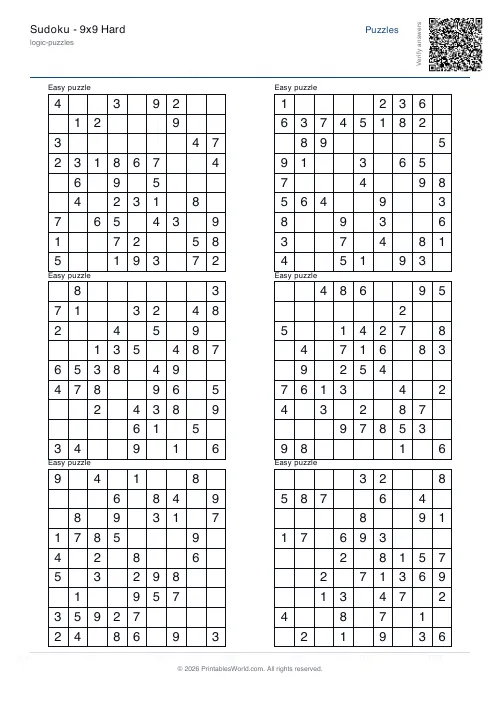
Sudoku Generator
Generate printable Sudoku puzzles with six per page, multiple difficulty levels, and optional solutions.
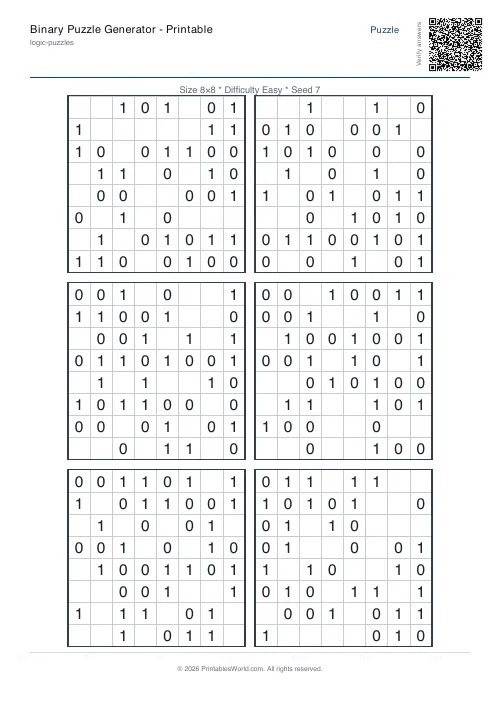
Binary Puzzle Generator: Printable
Create printable binary logic puzzles (Takuzu/Binairo) with customisable grid sizes and difficulty levels.
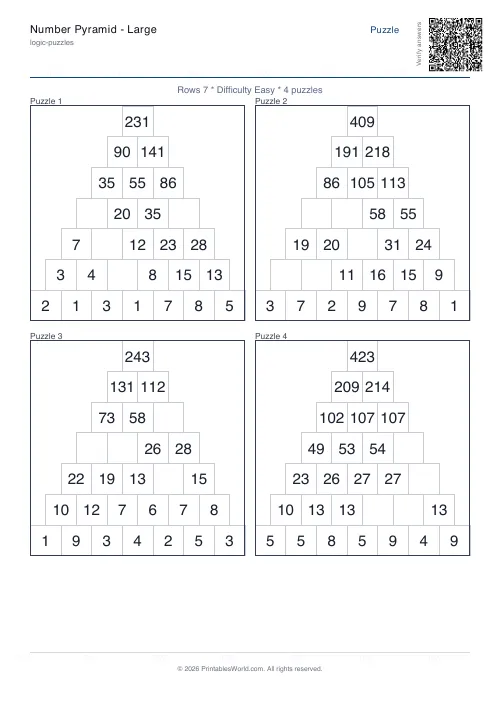
Number Pyramid Generator
Create printable addition pyramid puzzles with adjustable rows, difficulty, and optional answer keys.
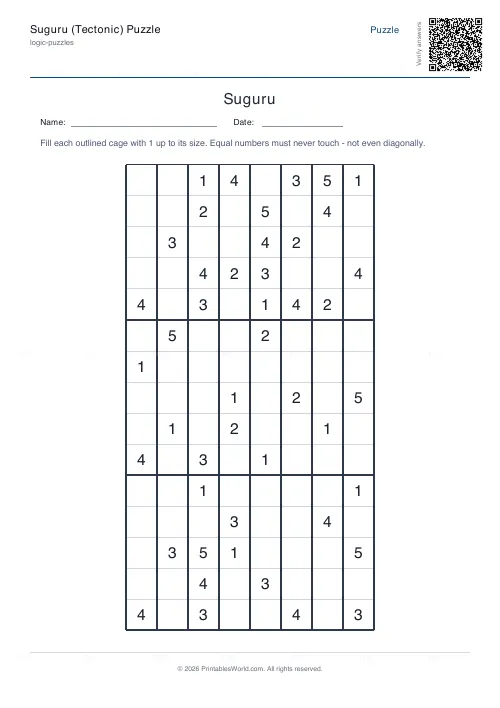
Suguru (Tectonic) Puzzle
Fill the cages so equal numbers never touch.
Further reading
Logic Puzzles
The benefits of logic puzzles for developing brains
Logic puzzles teach deduction and persistence, which are worth having. The claim that they make children generally smarter is weaker than the marketing suggests.
5 min read
Logic Puzzles
Kakuro, killer sudoku and other number puzzles explained
If sudoku has stopped being a challenge, these are the natural next steps. And unlike sudoku, most of them genuinely involve arithmetic.
5 min read
Puzzles & Brain Games
Printable brain games for seniors: a free puzzle pack
A free printable puzzle pack for older adults, with a sample seven-day plan, large-print and easier-difficulty tips, and how to use the Logic Puzzles collection.
7 min read