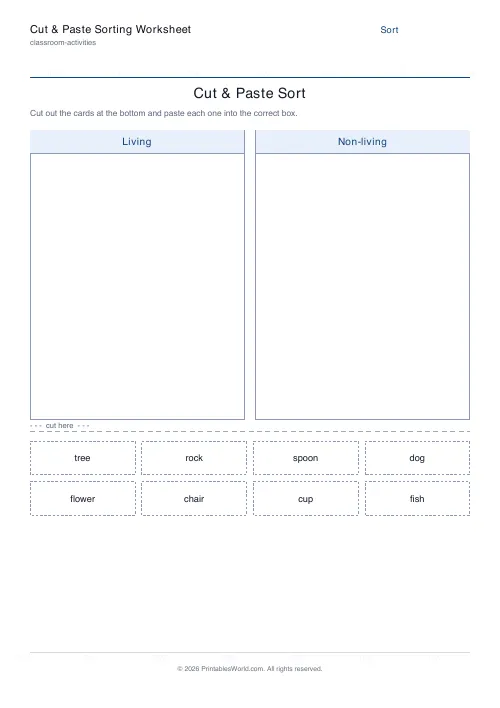
What this tool does
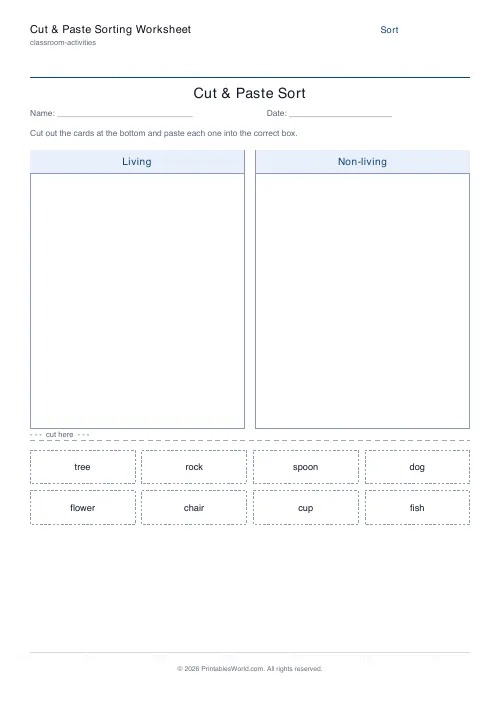
A cut-and-paste sorting worksheet you fill with your own categories and items. Two to four group boxes print at the top of the page; below a dashed cut line sits a shuffled pool of item cards. Children cut the cards out and paste each into the box where it belongs. Name and date line, optional answer-key page, A4 or US Letter.
People also used
Feedback
Spotted something off with this tool?
You supply the categories, it supplies the sheet
Type the group names and the items that belong in each. Living and Non-living. 2D shapes and 3D shapes. Nouns and verbs. The tool prints empty boxes with those headings at the top of the page, and below a dashed cut line, every item as a separate card.
The cards are shuffled. That matters: if they printed in the order you typed them, the answer would be visible in the layout, and a child could sort the page without reading a single word on it.
Between two and four groups. Two is the default, and two is where most classes should stay for longer than they do.
The cutting is not a waste of the lesson
It looks like the boring part and it is doing real work. Scissors build the hand strength and the two-handed coordination that handwriting needs, and a child who cuts twenty small cards has had a fine-motor session inside a sorting lesson without anybody scheduling one.
It also slows the activity down, which for classification is a feature. A child dragging a card across a screen decides in half a second. A child cutting one out has ten seconds to look at it before the decision has to be made.
What people build with it
In science: living and non-living, animals by habitat, materials by property. In maths: 2D against 3D, odd against even, heavy against light. In literacy: nouns against verbs, long vowel sounds against short ones, words that rhyme against words that do not. For PSHE: everyday foods against treats, or safe choices against unsafe ones.
Because you type the words, the sheet matches the lesson you actually taught rather than approximately matching one from a resource pack. And the same categories with a fresh set of items is a new worksheet in about a minute, which is what makes it worth setting up properly the first time.
Choosing items that are worth sorting
The obvious ones teach nothing. Everybody knows a dog is living and a rock is not.
Put in the arguable ones. A seed. A feather. A wooden chair. Those are where classification is actually learned, because the child has to decide what the category means rather than recall which pile the word came from last time. Expect an argument about the feather, and let it run, because that argument is the lesson and the worksheet was only the excuse for it.
The answer key is off by default, and for items like these it is worth thinking about whether you want one at all.
Getting more than one use out of a sheet
Laminate the category boxes and hand out the cards with sticky tack instead of glue, and the same set becomes a station activity that resets in ten seconds and survives a term.
Or give the same sheet to three groups and compare how they justified the borderline cards afterwards. That turns a sorting task into a discussion with evidence on the table, and it takes no extra preparation at all. As homework it works because a parent can see immediately what the child was meant to be learning, which is not true of most worksheets that come home in a bag.
FAQs
Quick answers
Can I choose my own categories and items?
Yes. Type any 2 to 4 group names and list the items for each. The items are shuffled into a single cut-out pool at the bottom of the page, so the order never gives the answers away.
How many groups and items can I use?
Use 2, 3 or 4 category groups. Each group holds up to a dozen items; keep the totals reasonable so every card fits cleanly on one page.
Is there an answer key?
Yes. Turn on the answer-key toggle and the PDF adds a second page listing every item under its correct group for fast marking.
What paper sizes are supported?
You can print on A4 or US Letter. The branded template lays the page out cleanly for both.
Related tools
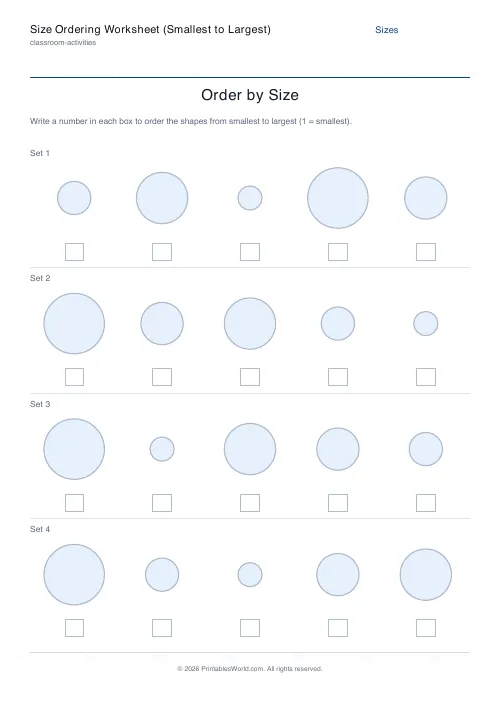
Size Ordering Worksheet (Smallest to Largest)
Number graduated shapes from smallest to largest.
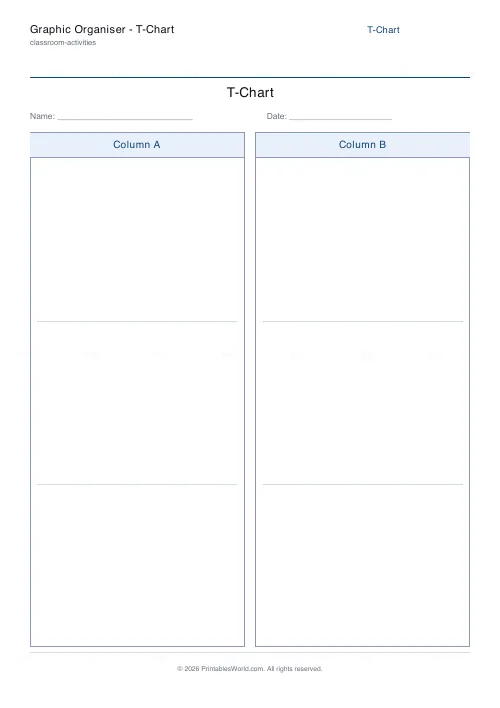
Graphic Organiser: T-Chart
A printable two-column T-chart for comparing and sorting.
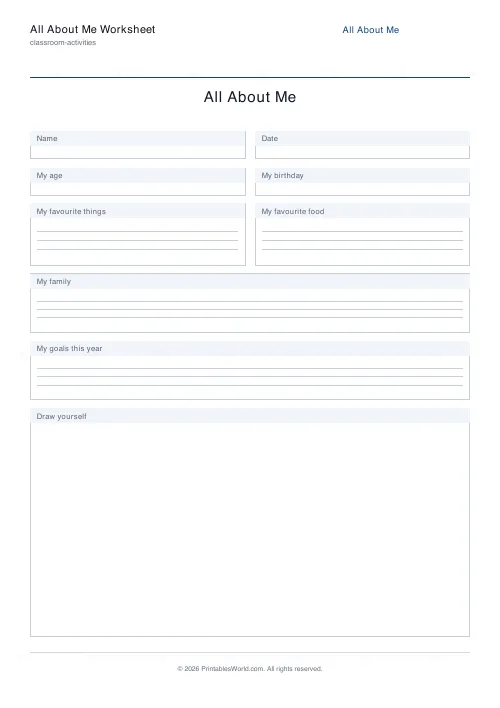
All About Me Worksheet
A back-to-school fill-in sheet for every pupil.
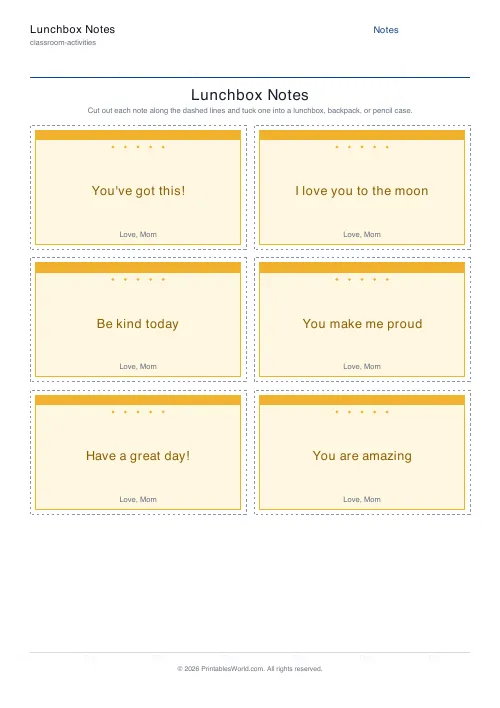
Lunchbox Notes Generator
Printable lunchbox notes with short encouraging messages to cut out and tuck into a lunchbox or backpack.
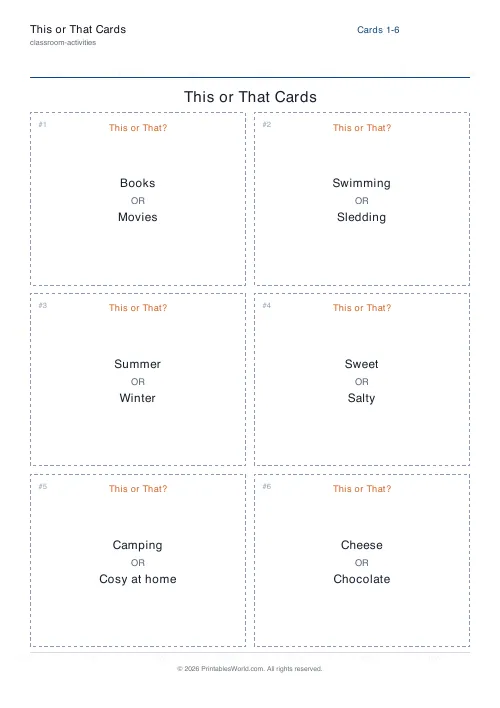
This or That Cards
Quick-fire either/or cards. One binary choice per card, no explaining required.
Further reading
Classroom Activities
How to make learning stations work in any classroom
Stations fail for two predictable reasons: the independent tasks are not truly independent, and the timing is wrong. Both are fixable before the lesson starts.
5 min read
Classroom Activities
Bingo in the classroom: 10 subjects, one game
Bingo works in almost every subject because the mechanic never changes. Only the call does. Ten variations, and the one rule that turns it from a filler into retrieval practice.
4 min read
Classroom Activities
Back-to-school printables every teacher needs
Sorted by when you will actually need them: the two things to print before the children arrive, the week-one set, and the routines worth establishing while everyone is still compliant.
5 min read