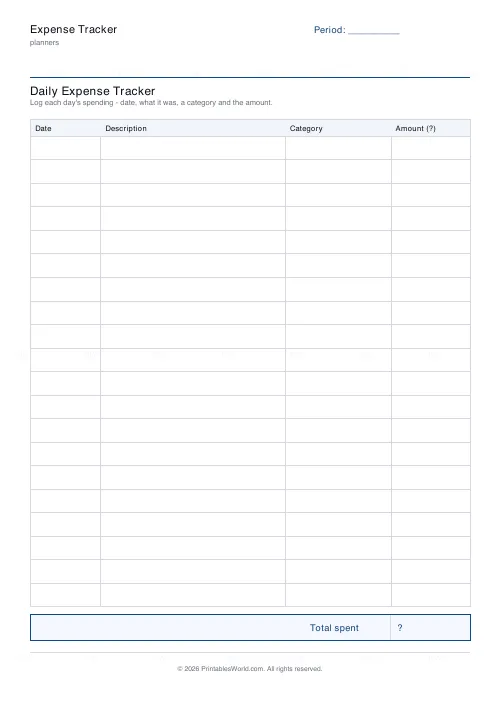
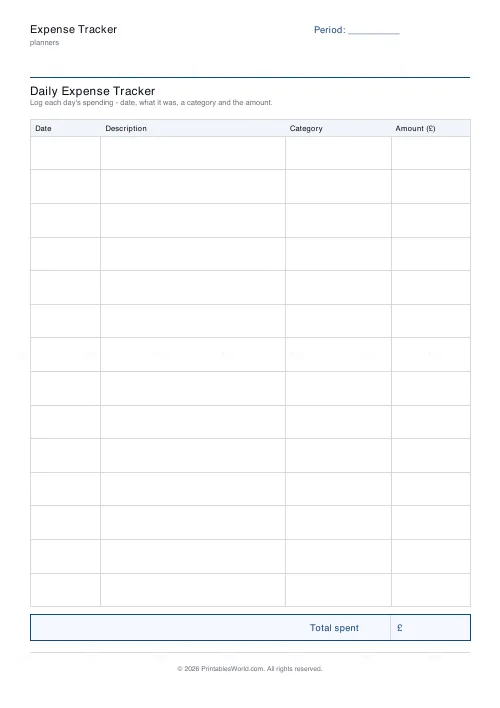
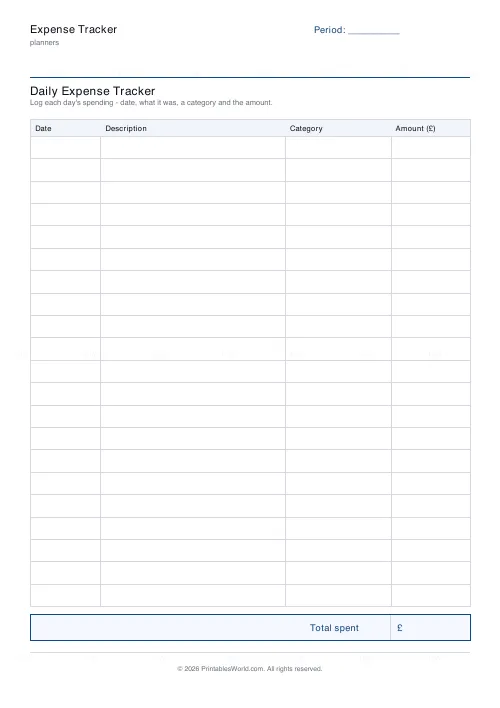
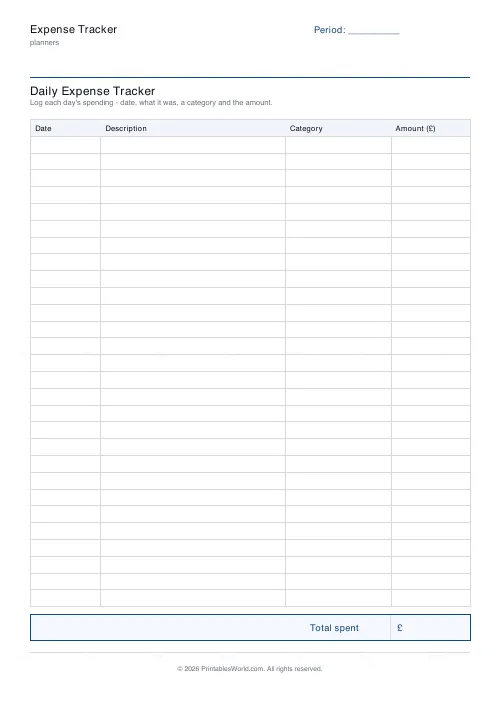
What this tool does
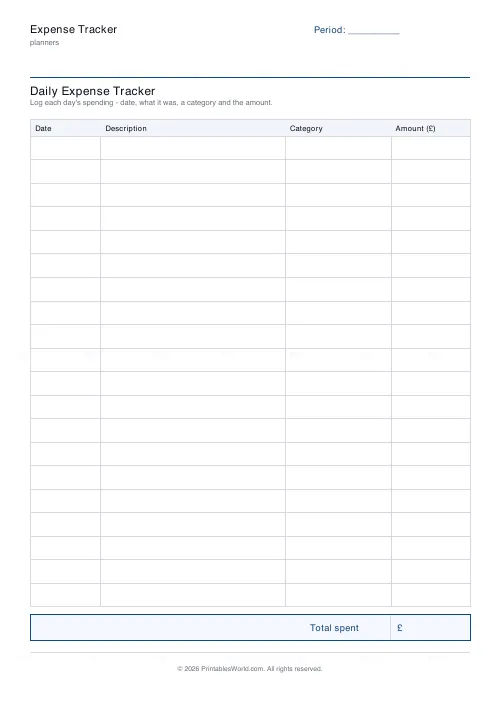
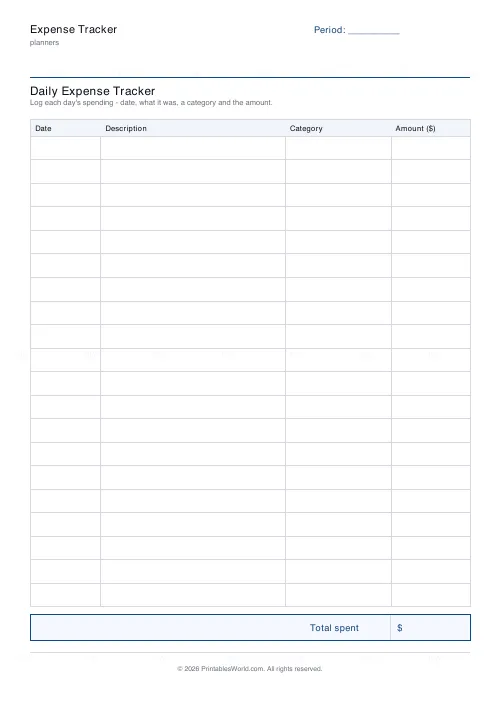
A daily spending sheet: date, description, category, amount, with a total box at the foot. 12 to 28 rows, and a period label for the month or week it covers.
People also used
Monthly Budget Planner
One-page printable budget: income, categorised expenses, balance summary.
Monthly Bill Tracker
Printable bill tracker: due date, amount, paid check, payment method, notes.
Savings Goal Tracker
Goal-based printable savings tracker with 10-segment progress bar and month-by-month deposits.
Feedback
Spotted something off with this tool?
Four columns and a total
Date, what it was, which category it belongs to, how much. Twenty rows by default. A total box at the foot.
The header takes a period label — a month, a week, a trip — and the currency switches: sterling, dollars, euros.
Write it down at the time
This is the whole discipline and there is no way around it.
Reconstructing a week's spending from memory on a Sunday produces a number that is wrong by a comfortable margin, always in the same direction. The small things vanish: the coffee, the parking, the thing you picked up on the way home. Those are exactly the expenses that add up to the gap between what people think they spend and what leaves the account.
Carry the sheet, or photograph it and write the entries up each evening. Either works; remembering on Sunday does not.
The category column is where the answers live
A list of amounts tells you the total. A list of categorised amounts tells you what to change.
Keep the set small. Six or eight, not twenty, and stable month to month, because a category list that keeps changing makes every comparison between one month and the next meaningless. Groceries, eating out, transport, household, personal, fun. If a purchase genuinely straddles two, pick one and stay consistent about which.
What a month of this actually does
Most people who track for a month find one category is roughly double what they assumed, and it is rarely the one they were worried about.
That is the point. You cannot budget your way out of a problem you have mis-identified, and the tracking is the diagnosis rather than the treatment. Track first for a month without changing anything — changing behaviour while measuring it gives you a picture of neither.
Paper against an app
Apps that read your bank feed are excellent at completeness and poor at attention. Everything is captured and nothing is noticed.
Writing an amount by hand takes four seconds and those four seconds are the mechanism — several studies of manual expense recording point the same way, and anyone who has kept one for a month recognises the effect. It also works for cash, which a bank feed does not see at all.
Related
For envelope-style budgeting rather than after-the-fact recording, the cash envelope budget. For the irregular annual bills, the sinking funds tracker.
FAQs
Quick answers
How many expenses fit on one page?
Choose between 12 and 28 rows. Fewer rows give taller lines for neat handwriting; more rows capture a busy week of spending.
Is the total worked out for me?
No. This is a printable worksheet, so you add the Amount column yourself in the total box at the foot of the page.
What should I put in the Category column?
Short, consistent tags like food, transport, bills or treats. Keeping them consistent makes it easy to add up a month later.
Which currencies are supported?
GBP (£), USD ($) and EUR (€). The chosen symbol appears in the Amount column header and the total box.
Related tools
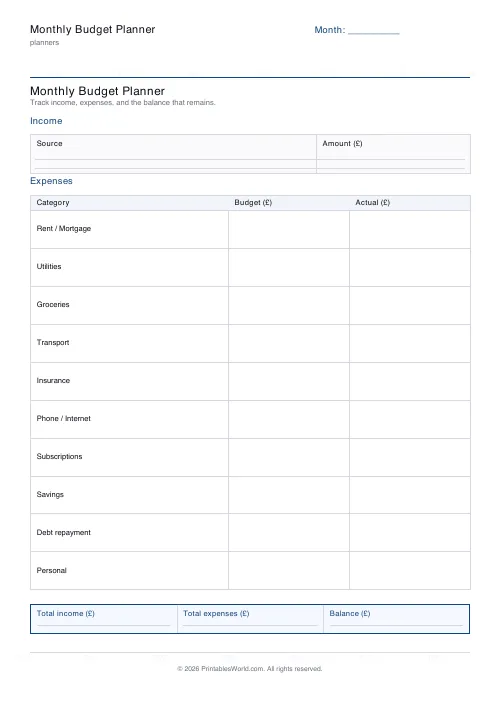
Monthly Budget Planner
One-page printable budget: income, categorised expenses, balance summary.
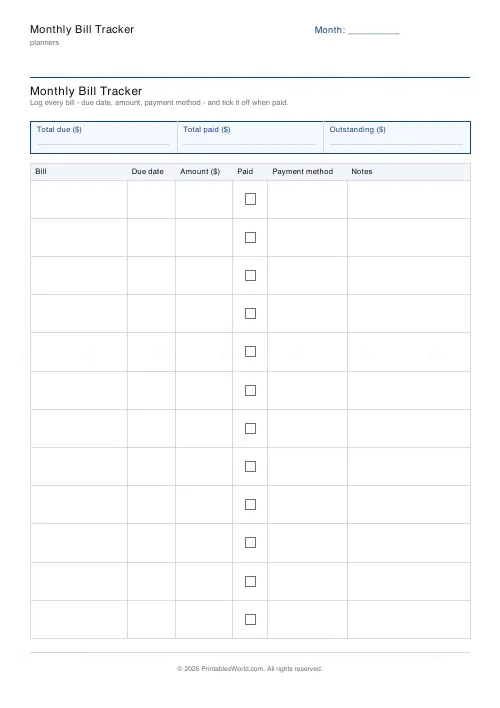
Monthly Bill Tracker
Printable bill tracker: due date, amount, paid check, payment method, notes.
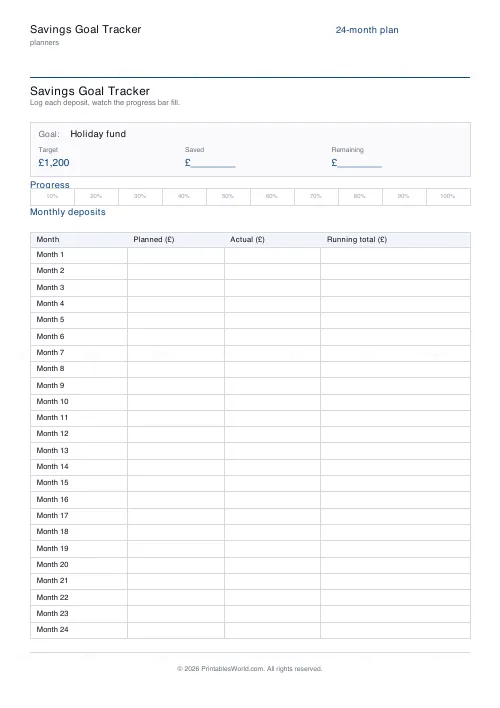
Savings Goal Tracker
Goal-based printable savings tracker with 10-segment progress bar and month-by-month deposits.
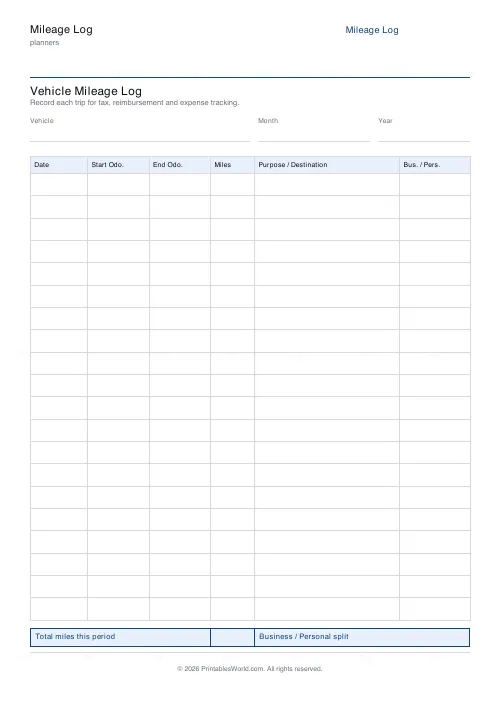
Mileage Log
Printable vehicle mileage log for tax, reimbursement and expense records.
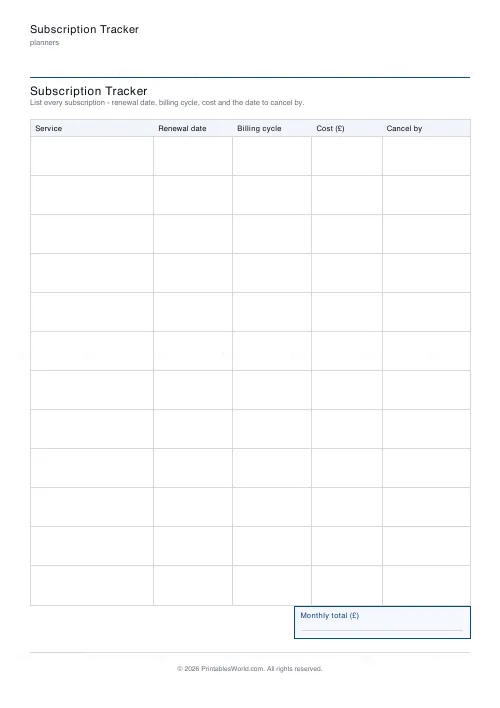
Subscription Tracker
Printable subscription tracker: service, renewal date, billing cycle, cost, cancel-by and a monthly-total box.
Further reading
Planners
How to pay off debt faster with a payoff tracker
One method costs less; the other is easier to stick to. Here is how to choose between them honestly, and why a visual tracker changes the odds either way.
5 min read
Planners
How to build a daily routine that actually sticks
Most routines fail in week two, when motivation runs out and nothing has replaced it. The fix is structural: fewer items, fixed anchors, and a plan for the day you miss.
6 min read
Planners
Study planning for exams: a student's complete guide
A revision timetable is only as good as what goes in the slots. Here is how to build one backwards from the exam date, and which study methods the evidence actually supports.
5 min read