What this tool does
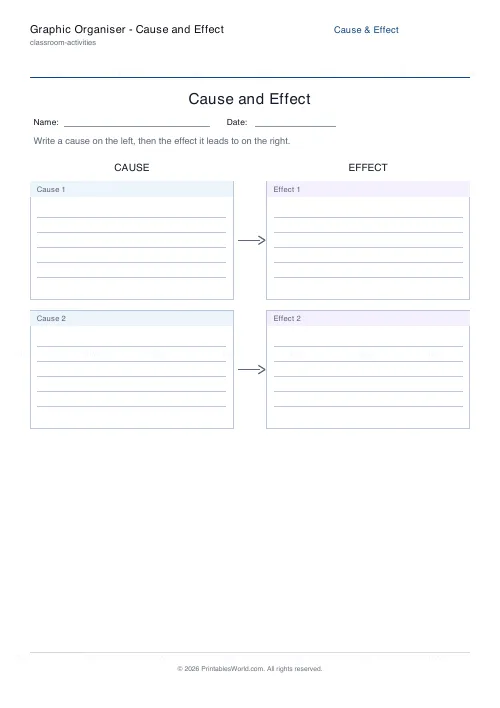
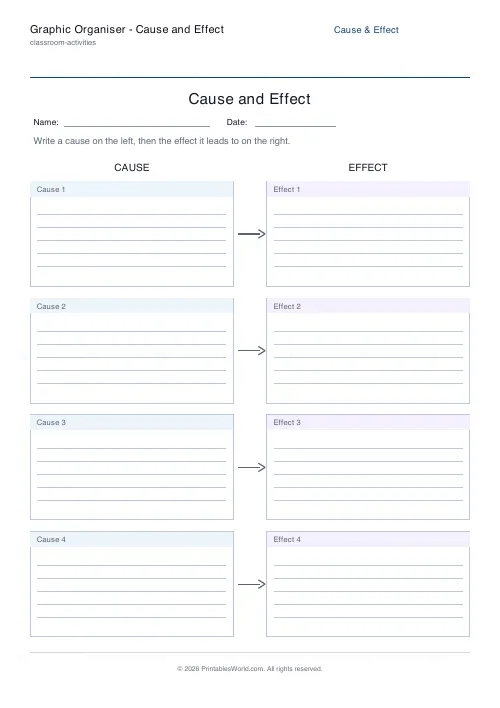
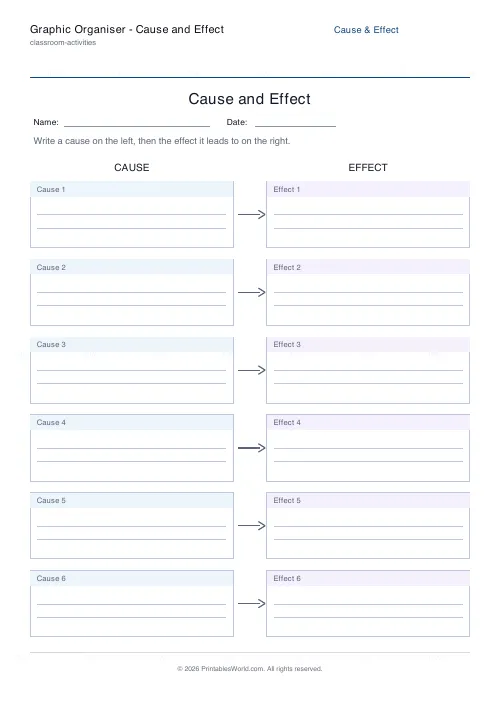
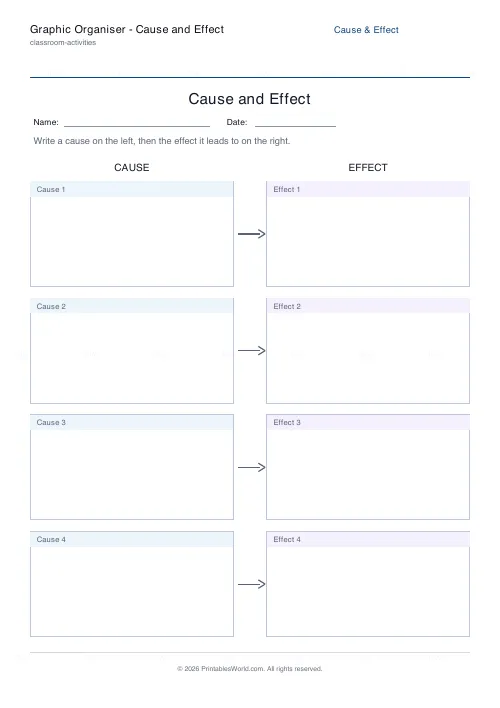
A graphic organiser with cause boxes down the left linked by arrows to matching effect boxes on the right. Set the number of rows, the prompt, and whether the boxes are ruled.
People also used
Feedback
Spotted something off with this tool?
Causes left, effects right
A column of boxes headed Cause on the left, arrows running across, and matching Effect boxes on the right. Set how many pairs you want, edit the prompt line at the top, and choose whether the boxes carry faint writing rules.
The arrow is the teaching
It only points one way, and that is the whole reason the sheet works.
Children asked to explain why something happened routinely produce two events that merely occurred near each other. The arrow forces a direction — this made that happen, not the reverse and not alongside — and a child who cannot decide which box a thing belongs in has found the exact spot where their understanding runs out.
Where it earns its place
Reading comprehension, on any story with consequences. History, where it is close to the whole discipline. Science, for anything with a variable. Personal and social education, for behaviour and its results, which is often where it lands hardest.
It also works in reverse: fill in the effects and have the child supply the causes. That is harder, and it is a better test.
One cause, several effects
Real events rarely have exactly one consequence, and the paired layout can imply that they do.
Say so out loud. Let a child run one cause into two or three effect boxes, and let them note where an effect becomes the cause of the next thing — that chain is what turns a list into an explanation, and it is the step that separates a sound history answer from a weak one.
Ruled or unruled
Rules for writing, blank for drawing. Younger children and anyone still building sentences do better with a picture in the box and the sentence said aloud, and the sheet works perfectly well that way.
Editing the prompt
The line at the top is yours. Make it specific to the text or the topic rather than leaving it generic, because "write a cause on the left" tells a child what to do and a prompt naming the story tells them what to think about.
Related: the story map and the T-chart organiser for other shapes of the same idea.
FAQs
Quick answers
What is a cause and effect graphic organiser?
It is a template that pairs causes with the effects they produce. Each cause box on the left links by an arrow to an effect box on the right, helping pupils show how one event leads to another.
How many rows can I add?
You can choose between two and six cause and effect pairs, so the sheet fits anything from a quick warm-up to a fuller analysis on a single page.
Can pupils write directly on it?
Yes. Turn on ruled lines to add faint writing guides inside each box, or leave them blank for older pupils who prefer to write freely.
What subjects is it good for?
It suits reading comprehension, history, and science. Use it to explain why events happen in a story, the consequences of historical events, or the results of an experiment.
Related tools
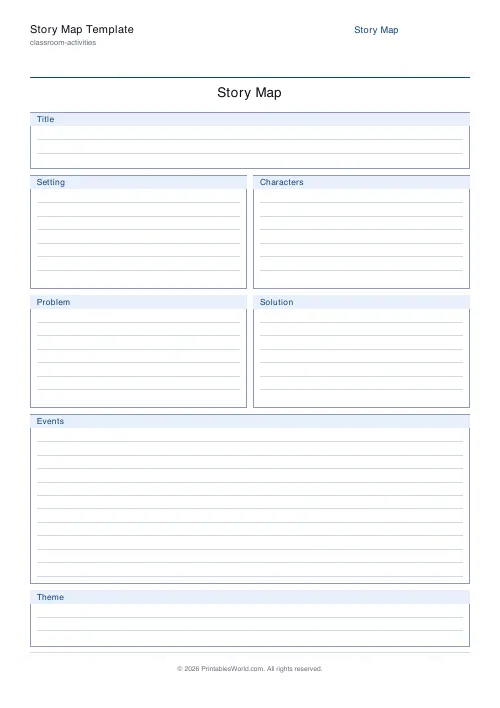
Story Map Template
Story elements on one page: Title, Setting, Characters, Problem, Events, Solution.
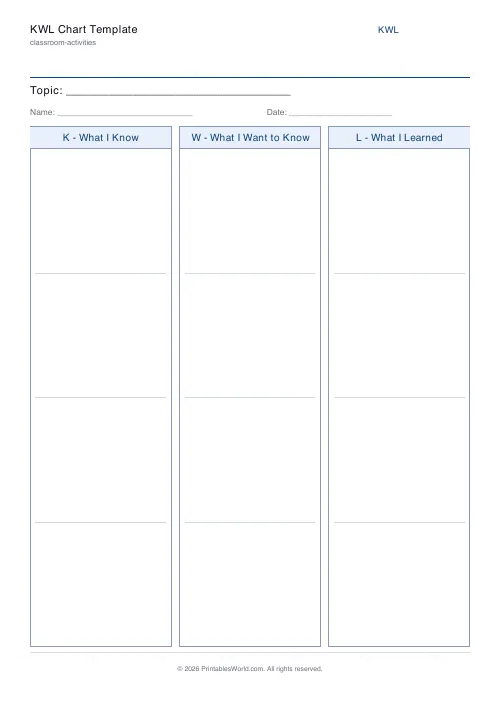
KWL Chart Template
Three-column "Know, Want to Know, Learned" graphic organiser, fillable and printable.
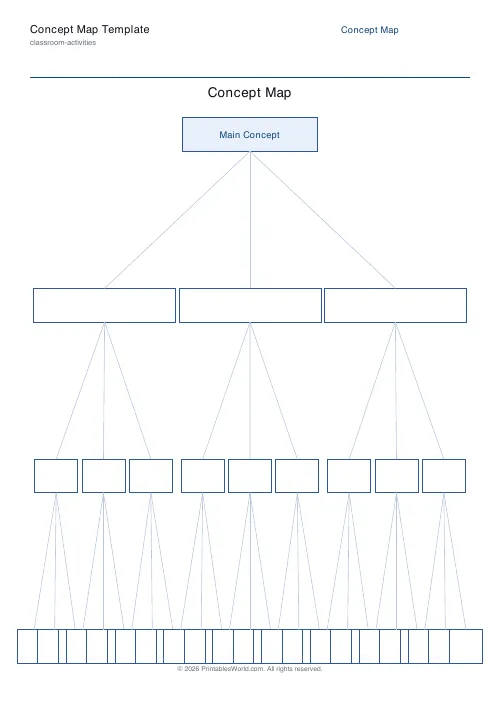
Concept Map Template
Root concept with hierarchical linked boxes in a tidy tree layout.
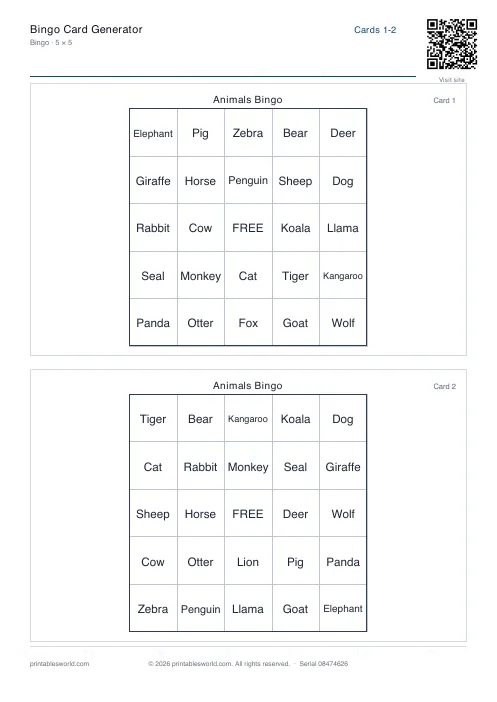
Bingo Card Generator
Generate unique printable bingo cards with custom words, FREE centre toggle, call sheet, and seeded shuffles.
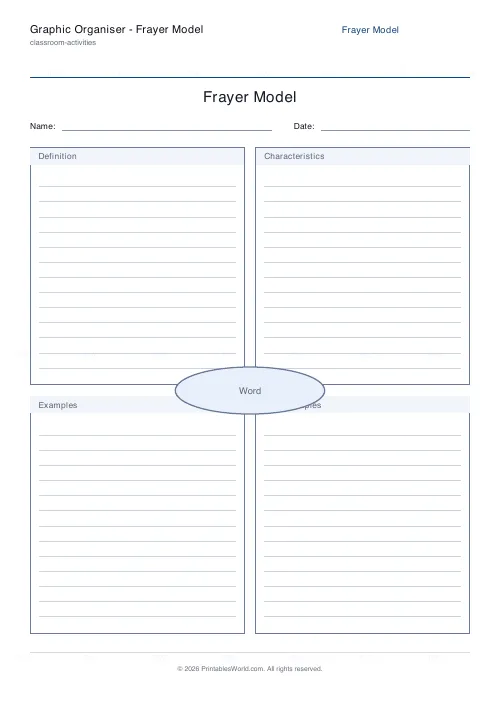
Graphic Organiser: Frayer Model
A four-quadrant vocabulary organiser around a central word.
Further reading
Classroom Activities
20 classroom games that need zero prep
Games organised by the gap they fill: two minutes at the end of a lesson, ten minutes before assembly, or a whole wet lunchtime. Almost all need nothing but a voice.
6 min read
Classroom Activities
Positive reinforcement in the classroom: charts that work
Reward charts work when they name a specific behaviour and fade over time. They backfire when they rank children publicly. Here is the difference in practice.
5 min read