What this tool does
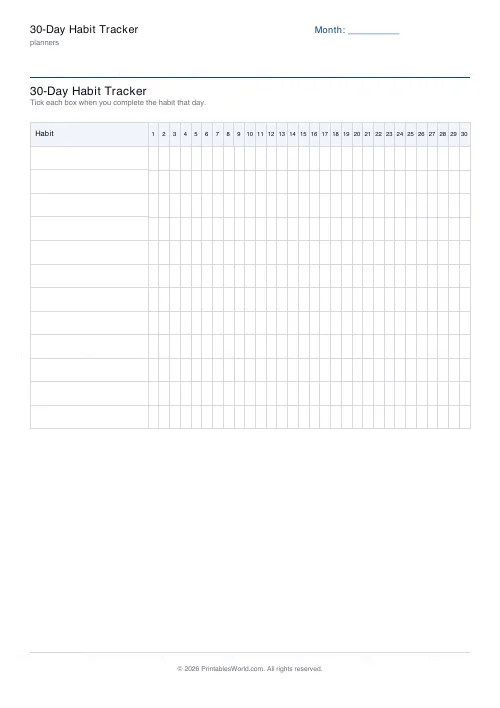
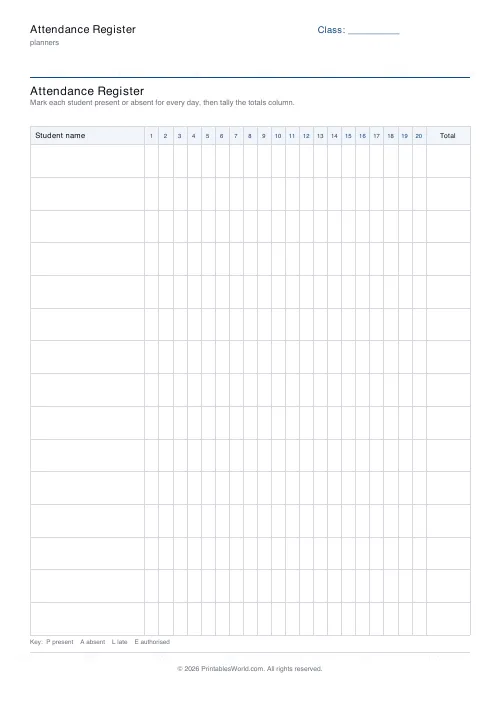
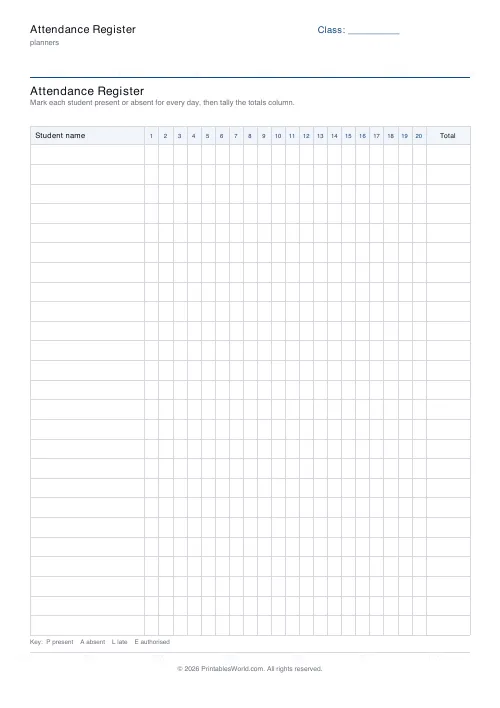
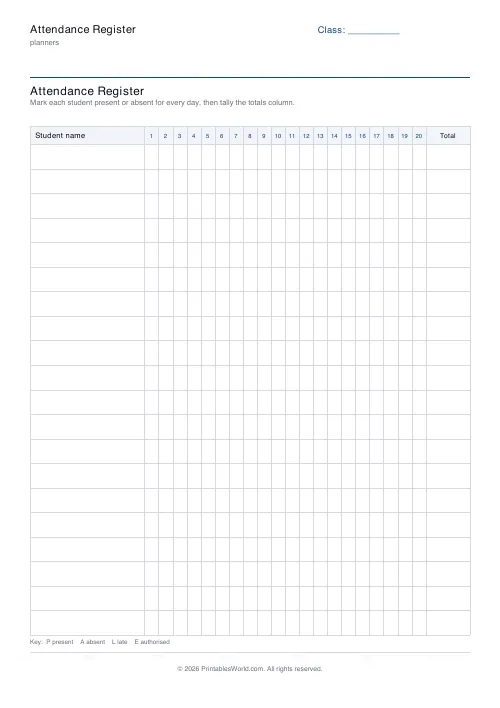
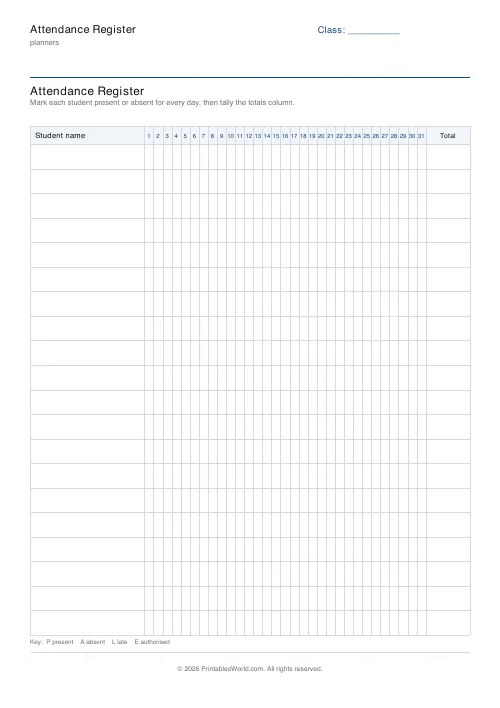
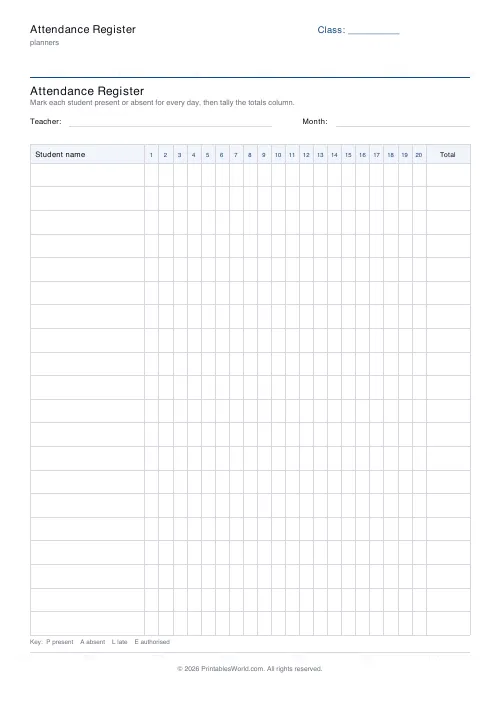
A class register: 10 to 30 name rows against 10 to 31 day columns, with a class name in the header strip.
People also used
Feedback
Spotted something off with this tool?
Names down, days across
A grid. Student names down the left, day columns across the top, a mark in each cell. Ten to thirty rows, ten to thirty-one columns, and a class or group name in the header.
Thirty-one columns covers a calendar month. Twenty covers a typical month of school days.
Use a consistent mark scheme
Decide before you start and write the key in a corner. A tick or slash for present, O for absent, L for late, and something distinct for authorised absence.
The distinction between authorised and unauthorised is the one that matters administratively — in England it is what a school is required to report and what triggers intervention thresholds — and a register that collapses the two into "absent" cannot answer the question later.
Mark it at the time
Not hours later, and certainly not on Friday afternoon.
A register completed retrospectively is a recollection rather than a record, and in a school it is a legal document besides. Somebody asks in three months whether a particular child was in on a particular morning: a mark made that morning answers it, and one made four days later does not.
Reading the grid sideways
This is what the layout gives you and a list of daily totals does not.
Read across a row and the pattern is visible: a child absent every Monday, or every afternoon, or in the fortnight before every holiday. Those patterns mean something quite different from the same number of days scattered randomly, and they are invisible in a total.
Read down a column and you see the day everybody was off, which usually has an explanation worth knowing.
Beyond school
Clubs and societies. Training courses where attendance is certified. Sports squads, where availability across a season decides selection. Volunteer rotas. Music and dance schools invoicing by attendance.
Anywhere, in short, that somebody will eventually ask who was there and when.
It holds personal data
A completed register is a list of named children or adults and where they were on given days. Store it accordingly, do not leave it on a desk in an open room, and dispose of it by shredding rather than in a recycling bin.
Related: the grade book for marks rather than presence.
FAQs
Quick answers
How many students fit on one page?
Choose between 10 and 30 name rows. Fewer rows leave more height per student; more rows fit a full class on a single sheet.
How many days can I track across the top?
Between 10 and 31 numbered day columns, so you can cover a full month or a run of weekly sessions.
Is there a totals column?
Yes. A totals column on the right lets you tally each student's attendance at the end of the period.
Can I use my own marking codes?
Yes. The printed key suggests P, A, L and E, but the cells are blank squares so you can use any codes your school prefers.
Related tools
Monthly Budget Planner
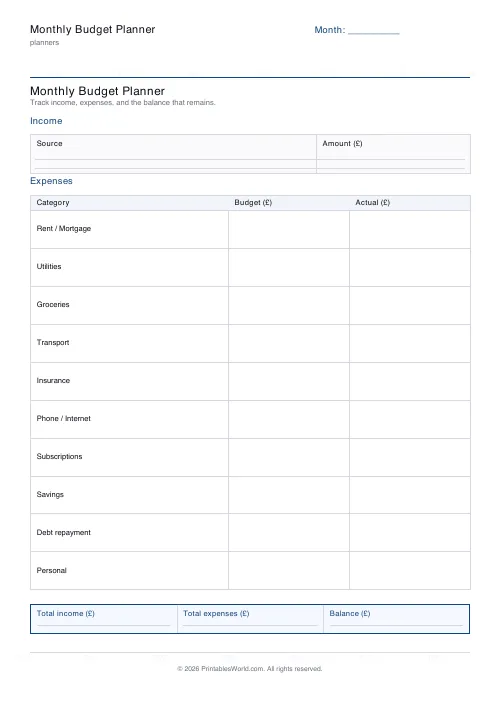
One-page printable budget: income, categorised expenses, balance summary.
Monthly Bill Tracker
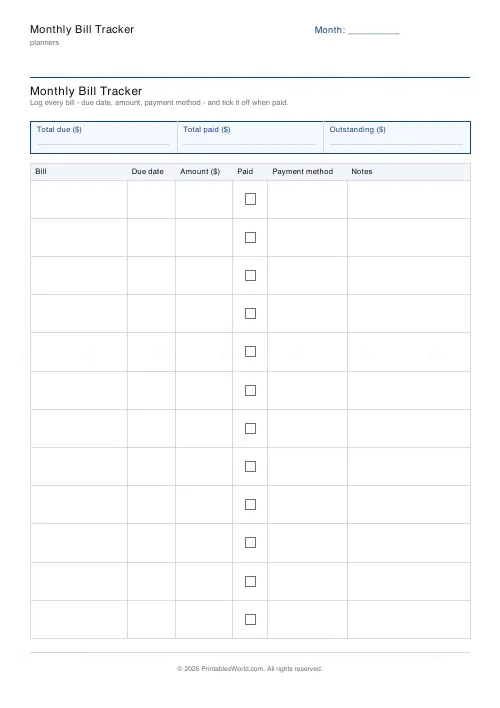
Printable bill tracker: due date, amount, paid check, payment method, notes.
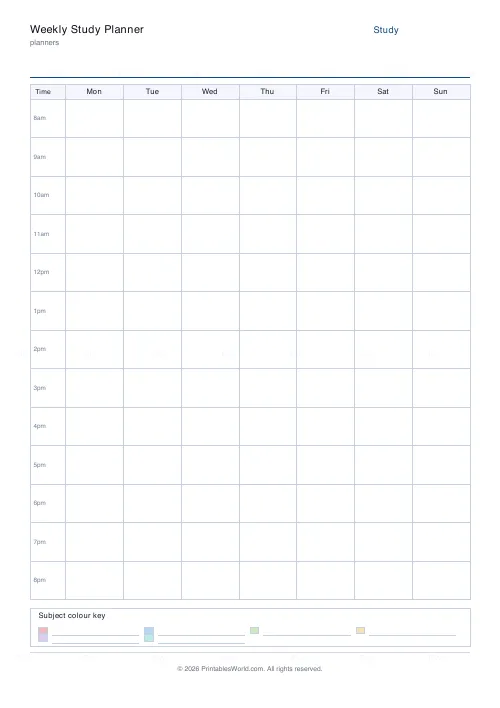
Weekly Study Planner
Weekly 7-day × hourly study timetable with a subject colour-code legend.
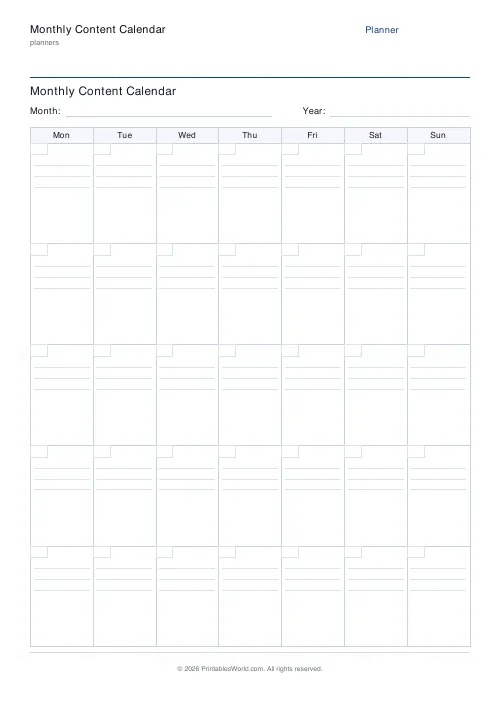
Monthly Content Calendar
One-page printable editorial calendar: 7 columns, week rows, ruled lines per day.
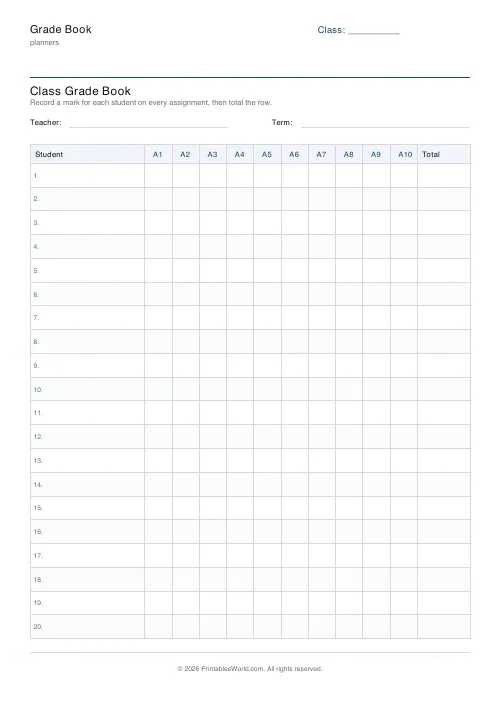
Grade Book
Printable grade book: student rows, assignment columns, running-total column.
Further reading
Planners
Study planning for exams: a student's complete guide
A revision timetable is only as good as what goes in the slots. Here is how to build one backwards from the exam date, and which study methods the evidence actually supports.
5 min read
Planners
Time blocking for beginners: a complete guide
Time blocking is deciding when each task happens, not just what. Here is how to size blocks realistically, what to do when the day breaks, and why most beginners over-schedule.
5 min read
Planners
How to build a daily routine that actually sticks
Most routines fail in week two, when motivation runs out and nothing has replaced it. The fix is structural: fewer items, fixed anchors, and a plan for the day you miss.
6 min read