What this tool does
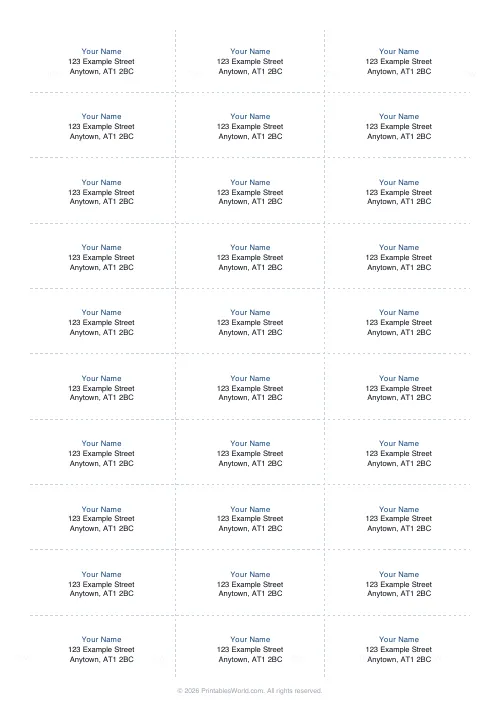
Make printable address labels, return-address labels, mailing labels and name tags. Type the text once and repeat it on every label, or paste a list to flow a different address into each cell. Choose a ready-made Avery-style layout, 30, 21 or 14 address labels, 10 shipping labels, or 8 name tags per sheet, or build a custom grid. Toggle borders, cut guides and a bold first line, then download a branded A4 or US Letter PDF.
People also used
Lined Paper Generator
Generate custom ruled paper PDFs with adjustable line spacing, colours, margins, and primary ruling styles.
Blank Invoice Template
A simple fill-in invoice you can print and complete by hand.
Graph Paper Generator
Create custom graph paper PDFs with square or rectangular grids, dot styles, and axis numbering.
Feedback
Spotted something off with this tool?
Printable address and name labels
This free label maker turns plain text into a full sheet of address labels, return-address stickers, mailing labels or name tags, laid out on a tidy grid that matches the most common Avery-style label sheets. Type your name and address once, tick repeat, and the same block prints on every label. Ideal for return addresses on envelopes, parcels and Christmas cards. Switch repeat off and the tool flows a different address into each cell, so you can print a whole mailing list in one pass.
The sheet is built from your live preview and downloads as a clean PDF you can print at home or at the office. Because it is just text on a grid, you are not locked to any one brand of sticker. Pick the layout whose label count matches the sheet in your printer.
Ready-made label layouts
- 30 per sheet: the classic small address label, 3 columns by 10 rows, perfect for return addresses.
- 21 per sheet: a roomier address label in a 3 by 7 grid.
- 14 per sheet: larger address or product labels, 2 columns by 7 rows.
- 10 shipping labels: big bordered labels in a 2 by 5 grid for parcels and packages.
- 8 name tags: large bordered cells for "Hello, my name is" badges and classroom name tags.
- Custom grid: set your own columns and rows when none of the presets fit.
How to use the label generator
- Pick a label sheet layout, or choose Custom grid and set the columns and rows.
- Type the label text. Use a new line for each line of an address; for a mailing list, leave a blank line between addresses and turn off repeat.
- Adjust the font size, and toggle the bold first line, borders and cut guides to taste.
- Check the live preview, then download or print the PDF on A4 or US Letter.
Tips for perfect labels
For peel-and-stick sticker sheets, hide the borders so only your text prints. The labels themselves provide the edges. For plain paper that you cut by hand, switch the borders or cut guides on so every label is easy to trim. Bolding the first line is handy when a name sits above an address, or when a name tag needs the person's name to stand out. If your printer drifts the text off the stickers, nudge the font size down a point and run a test print on plain paper first.
Great for home, school and small business
Use it to address invitations and thank-you cards, to label school books and lunch boxes with a child's name, to print return addresses for a craft or Etsy shop, or to run off name badges for a meeting, workshop or party. Everything is generated in your browser, so your address list never leaves your device.
FAQs
Quick answers
Can I print a different address on each label?
Yes. Turn off the repeat option and separate each address with a blank line in the text box. The tool flows one block into each label cell, so a full mailing list prints in a single pass.
Which label sheets does it match?
It includes Avery-style layouts for 30, 21 and 14 address labels, 10 shipping labels and 8 name tags per sheet, plus a custom grid where you set your own columns and rows.
Should I show borders for sticker sheets?
Usually no. Peel-and-stick label sheets already have their own edges, so hide the borders and only your text prints. Turn borders or cut guides on when you are printing on plain paper and cutting the labels by hand.
Does it work on A4 and US Letter?
Yes. Pick A4, US Letter or US Legal before you download, and the grid is laid out to fill the printable area of the page you choose.
Related tools
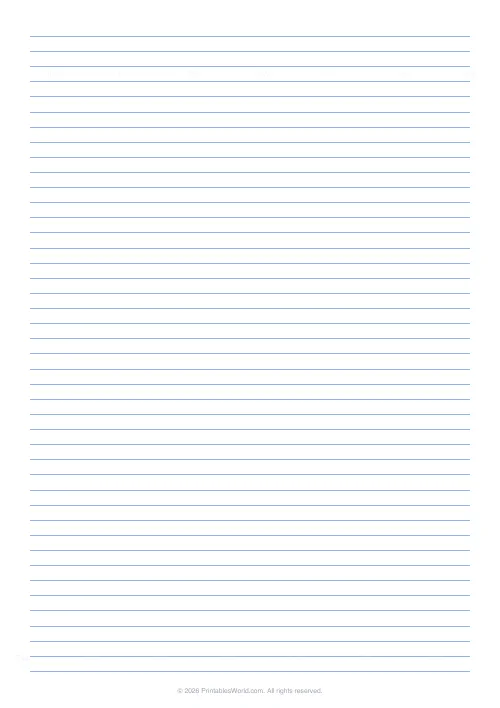
Lined Paper Generator
Generate custom ruled paper PDFs with adjustable line spacing, colours, margins, and primary ruling styles.
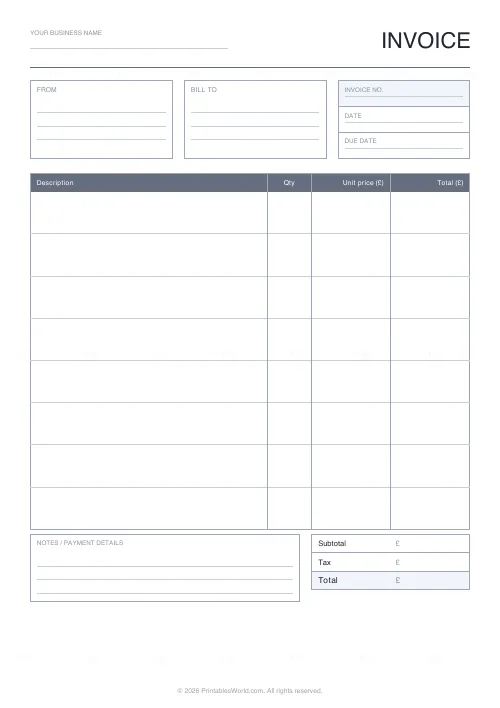
Blank Invoice Template
A simple fill-in invoice you can print and complete by hand.
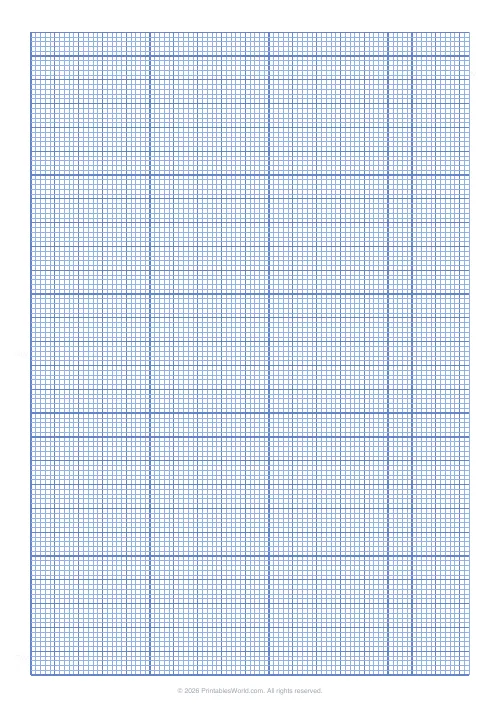
Graph Paper Generator
Create custom graph paper PDFs with square or rectangular grids, dot styles, and axis numbering.
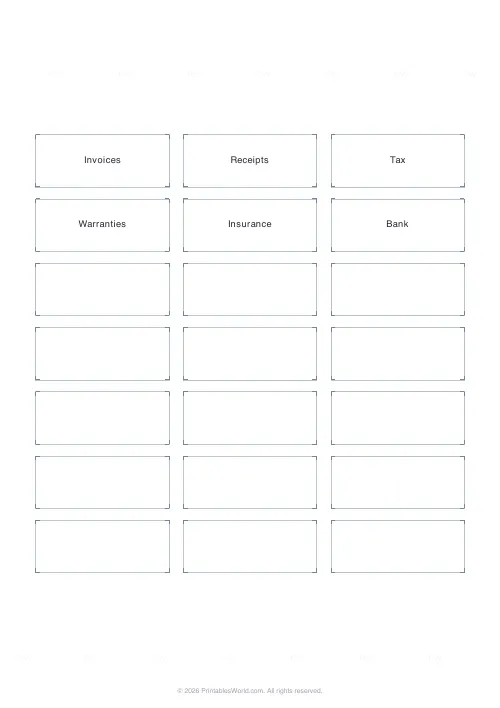
File Folder & Binder Spine Labels
Print neat, captioned file-folder and binder-spine labels on standard label sheets.
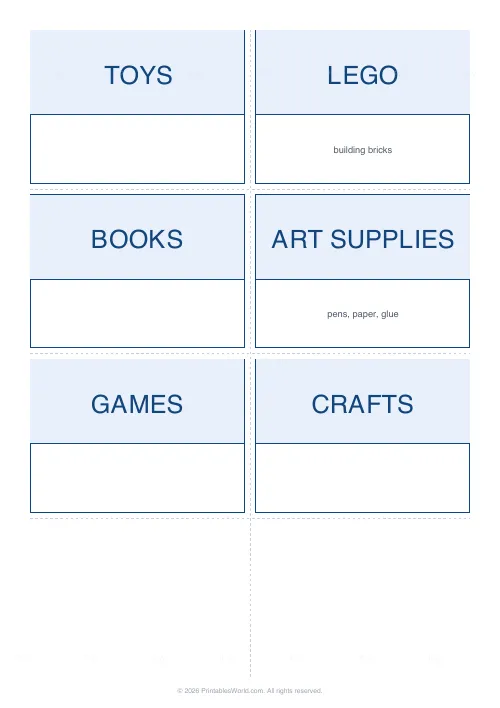
Storage Bin & Organization Labels
Printable labels for storage bins, baskets, shelves, drawers and pantry jars. Type your list and print a clean, matching set.