What this tool does
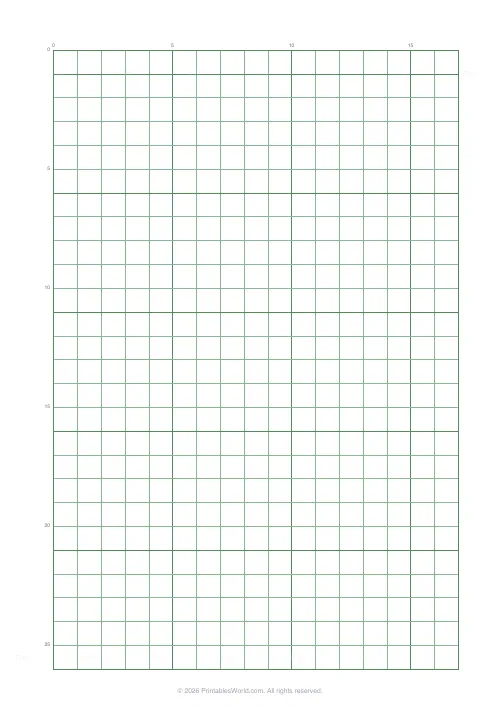
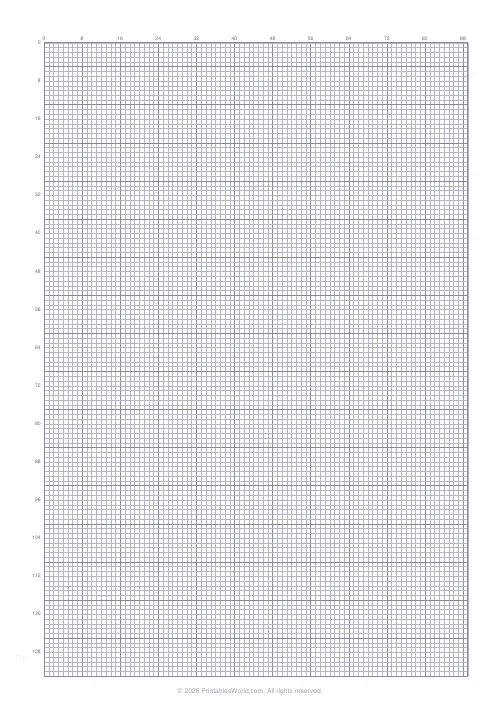
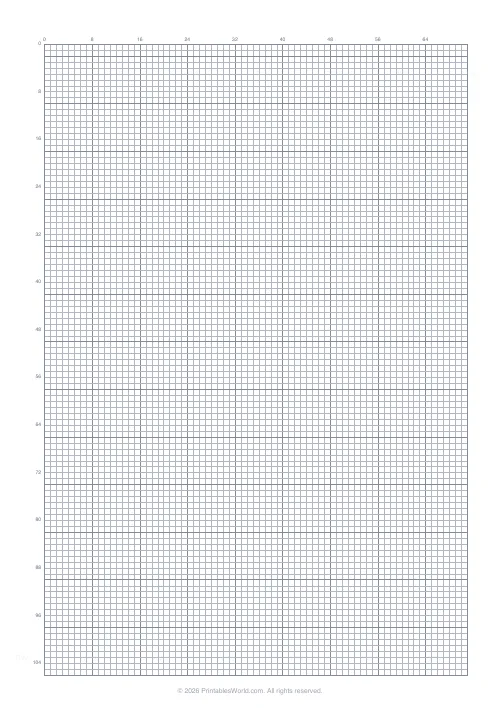
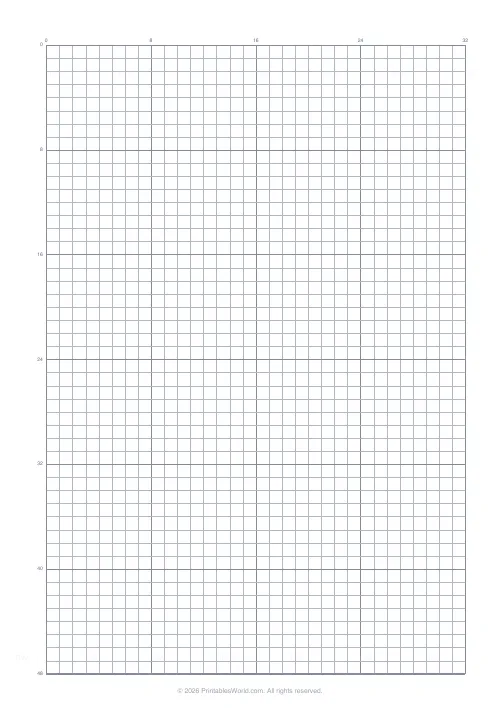
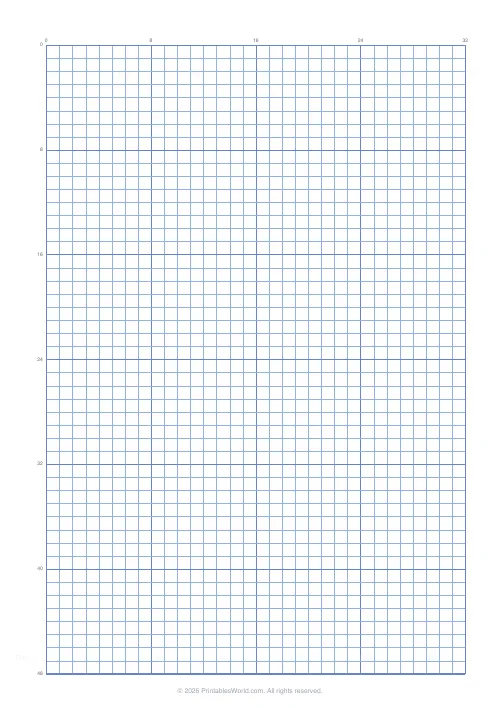
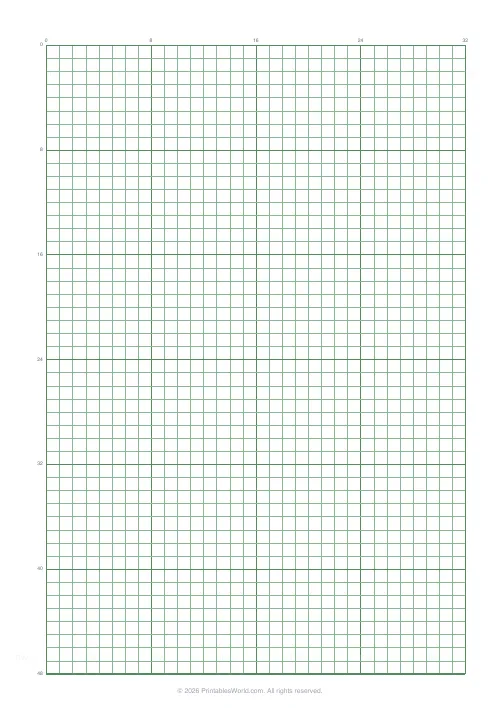
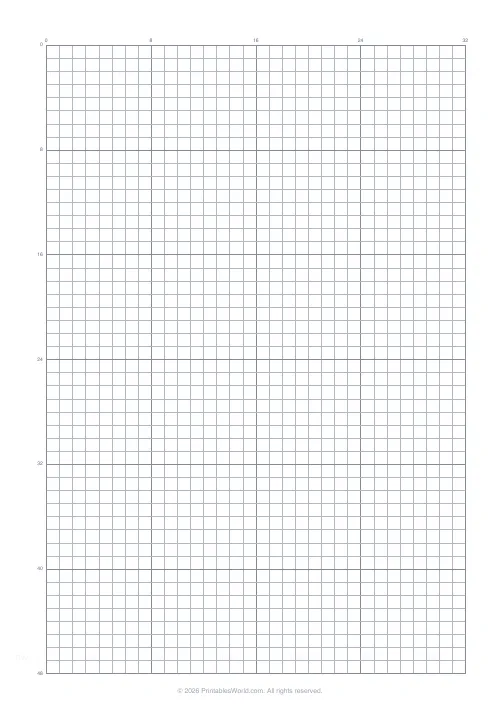
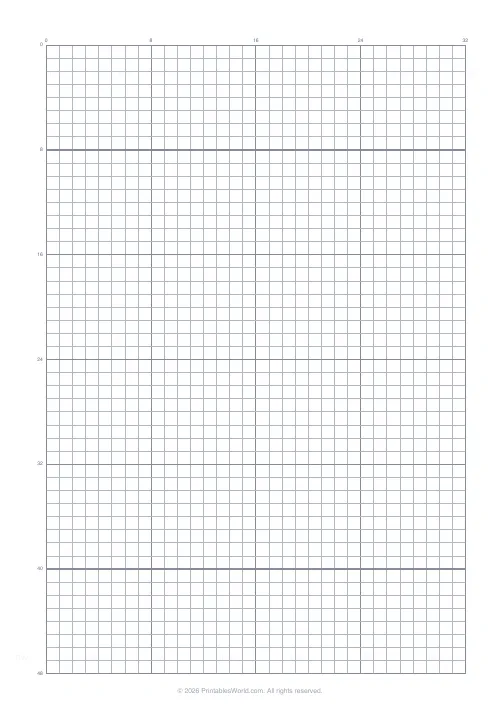
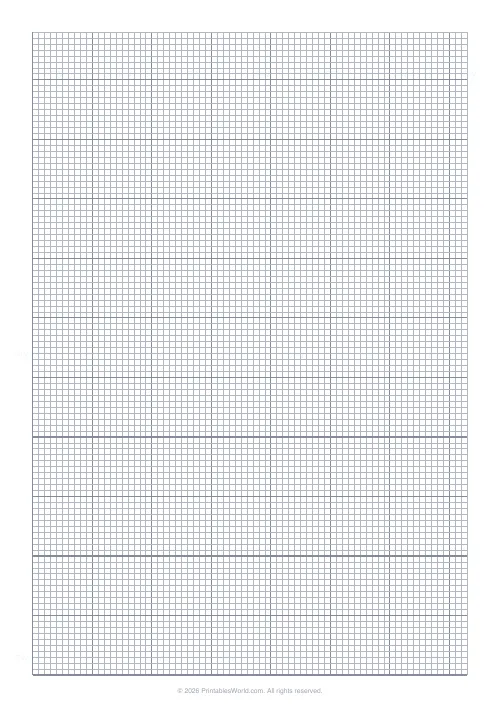
A numbered pixel-art grid at 5.5 mm cells with bold guides every eight, row and column numbers down two edges, and a heavy frame around the working area. A4 gives 32 columns across, which is the standard sprite width, with the page continuing below that so there is room to work.
People also used
Pixel Art Grid: Small (16×16)
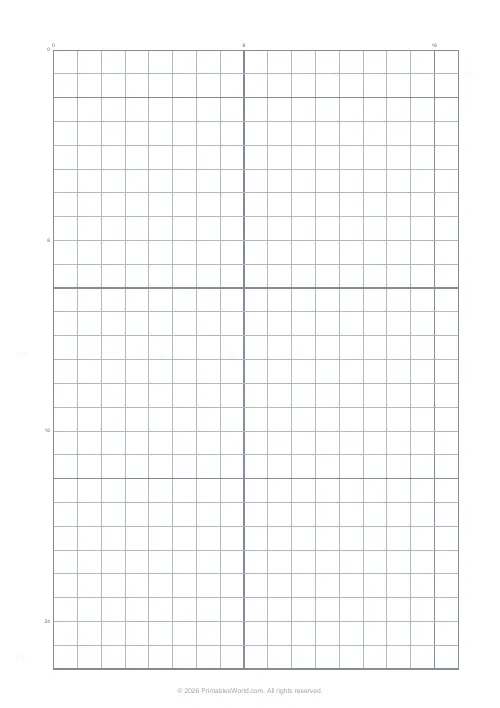
Compact 16×16 pixel grid with numbered axes for sprite design.
Graph Paper Generator
Create custom graph paper PDFs with square or rectangular grids, dot styles, and axis numbering.
Cross Stitch Grid
Square grid with every 10th line highlighted for charting cross stitch patterns.
Feedback
Spotted something off with this tool?
Cells sized for a pencil, numbered for coordinates
Each cell is 5.5 mm square, which is large enough to shade with a pencil and small enough that a sprite of any useful width still fits across a portrait page. On A4 that gives 32 columns, the standard sprite width, and the grid keeps going down the sheet so there is spare space beneath your canvas.
Rule off the square you actually want before you start. For a true 32 by 32, count 32 rows down from the top and draw a line, and use the space below it for a second attempt or for a colour key.
On US Letter the page is wider and shorter, so the cell count changes with it. Design on one paper size and stay on it, because a sprite plotted by coordinate on A4 will not land in the same cells on Letter.
Why paper before a pixel editor
A pixel grid is one of the few drawing tasks paper does as well as software, because every cell is either filled or it is not. A pencil and an eraser cover the whole problem.
What paper adds is commitment. In an editor you nudge a pixel, then nudge it back, and an hour later the silhouette is no better than it was. On paper you fill a cell and live with it, and that constraint tends to produce cleaner outlines and more deliberate colour choices. Plenty of people sketch on paper first for exactly that reason and then transfer the result cell for cell.
It also crosses over directly into cross-stitch and fuse-bead work, where a filled cell means a stitch or a bead rather than a pixel.
The numbers and the bold lines
Row and column numbers print along the top and the left edge, which turns the sheet into a coordinate grid. That is what makes a symmetry check possible: if the left half of a face occupies column 15, the right half should occupy column 18, and you can verify it rather than eyeball it.
Bold guides fall every eighth line, so the grid reads in blocks of eight in both directions. Eight is the useful interval because sprite features tend to be sized in eights: an 8×8 head, a 16×16 body, a 32-wide character.
The heavy outer frame separates the working area from the rest of the page, so a finished sheet photographs and photocopies cleanly.
Drawing a character
- Silhouette first, in light pencil. If the outline does not read at arm's length, no amount of shading will rescue it.
- Fill the base colours as flat blocks.
- Shading after that, and highlights last, one row of them at most.
- Check symmetry against the numbered axes before you commit any ink.
Two habits that improve the result more than technique does: limit yourself to four or five shades, because colour discipline matters far more than cell count; and leave one empty cell all the way round the sprite so it reads against any background.
Avoid ragged diagonals. A consistent stepping pattern, two cells then one, reads as a line; an irregular one reads as a mistake.
Printing
Vector output, so it stays sharp at any zoom. Print at full scale, because the 5.5 mm cell is the whole specification and fit-to-page quietly changes it.
Grey lines rather than black, so pencil and coloured pencil both sit clearly on top. US Legal is available if you want the same grid with more length to work down.
FAQs
Quick answers
Why 32×32?
It is a popular sprite size for detailed pixel art that still feels chunky.
Are the rows and columns labelled?
Yes. Every 8 cells along the top and left.
Will this fit on A4?
Yes. The grid is sized to fit A4 with the standard branded margin.
Can I print multiple sheets?
Yes. Generate the PDF as many times as you need.
Related tools
Pixel Art Grid: Small (16×16)
Compact 16×16 pixel grid with numbered axes for sprite design.
Graph Paper Generator
Create custom graph paper PDFs with square or rectangular grids, dot styles, and axis numbering.
Cross Stitch Grid
Square grid with every 10th line highlighted for charting cross stitch patterns.
Further reading
Printable Paper
Graph paper sizes: which grid for which task
What graph paper sizes and grid spacings mean, how to match a grid to maths, art or design, and how to set it all in the free graph paper generator.
7 min read
Printable Paper
Bullet journalling with dot grid paper: a starter guide
The bullet journal was designed to be fast, not beautiful. Here is the original system, why dot grid suits it better than lines or blank, and the four pages you actually need.
5 min read
Printable Paper
The best note-taking paper for students (Cornell, grid, lined)
The paper you take notes on quietly decides how you review them. Here is what each format is actually for, and which subjects each suits.
4 min read