What this tool does
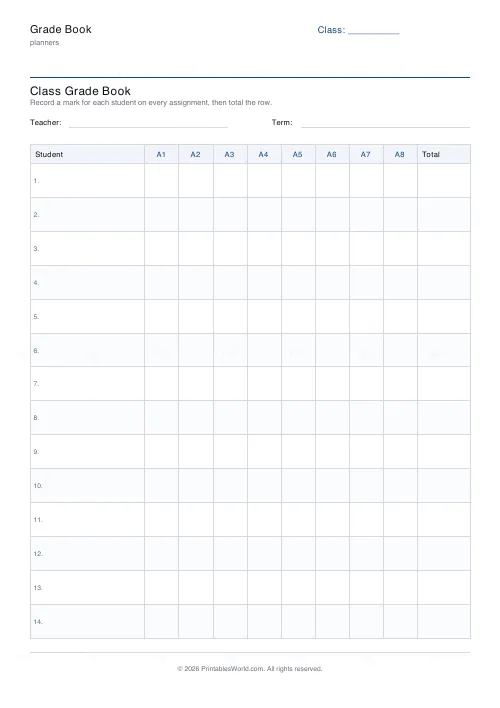
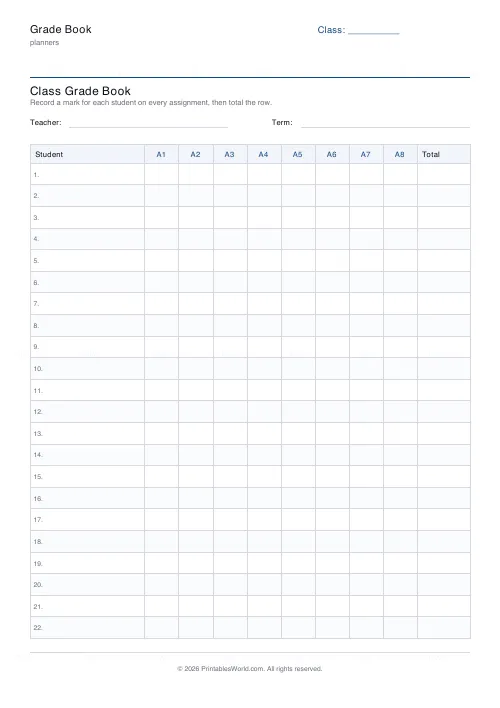
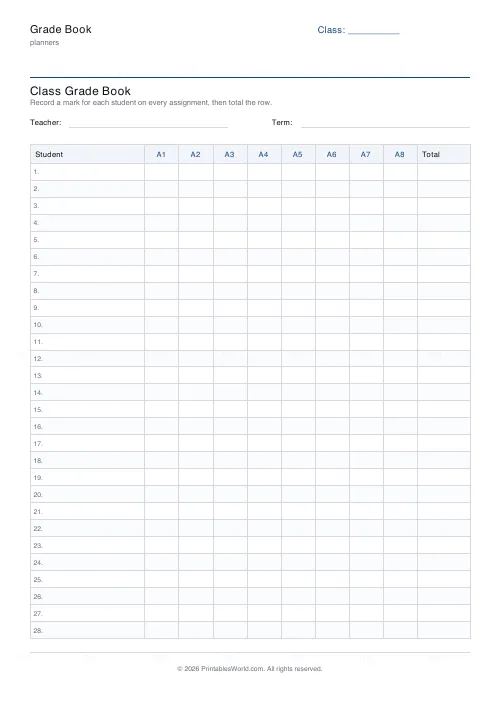
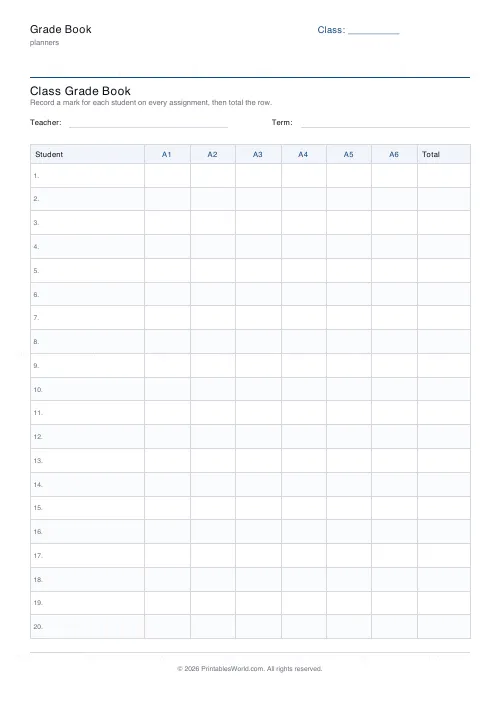
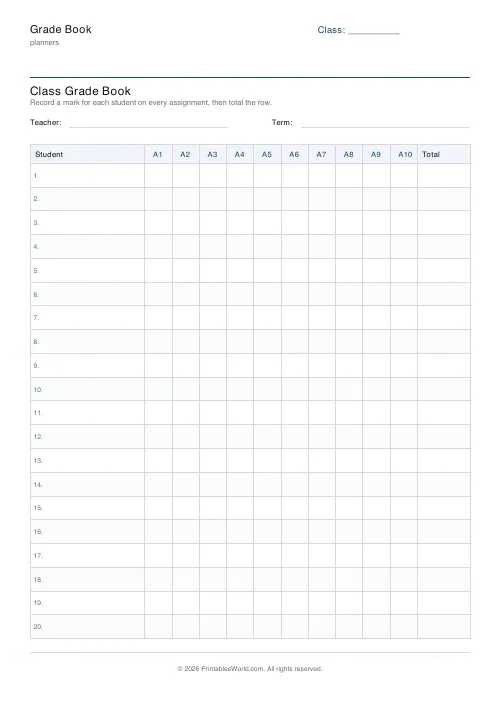
A paper mark book: 10 to 28 student rows down the left, 4 to 10 assignment columns across, and a total column at the right.
People also used
Feedback
Spotted something off with this tool?
The grid
Student names down the left, assignment columns across the top, a running total on the right. Twenty rows and eight columns by default, and both adjust to fit your class and your term.
Nothing is pre-filled. The column headings are blank because your assessments are not anybody else's.
Paper still has a place
Nobody is arguing that a mark book should replace the school's system, which does the reporting and the analysis and has to hold the record of account.
What it does not do is sit open on the desk while you mark thirty books. Logging into anything to enter one mark, thirty times, is a friction that ends with marks accumulating in piles and being entered in a mass on a Sunday — which is when errors happen. Write them down as you mark, transfer them once, and the transfer becomes a five-minute job you can concentrate on.
What the paper copy is really for
Seeing the class at once.
A screen shows you one pupil or one assignment. A sheet shows you the whole grid, and patterns come off it immediately: the column where everybody dropped, which is about your teaching rather than their effort; the row that is fine except for the two pieces set over the same fortnight; the pupil who is quietly sliding and has not been noticed because each individual mark was acceptable.
That is a five-second read on paper and a report to run on a system.
Filling it in
Head the columns before the term starts if you can, so the sequence is visible. Pencil, because groups change.
Some teachers write raw marks, some percentages, some a grade. Raw marks are the most useful on this sheet, since the totals column then means something and any conversion can happen later. If you use percentages, note the denominator somewhere or a column of numbers becomes uninterpretable by half-term.
Beyond a class register
Tutors tracking a handful of pupils across weeks. Homeschooling families keeping a record for reporting. Club and squad coaches recording attendance and attainment. Anyone running a course who needs the grid and not the software.
Keeping it
Print one per class per term and keep the used ones. A stack of terms is a record you can flip through, and it survives a change of school platform, a lost password and a system migration — all three of which happen.
It also contains pupil names and marks, so treat the sheet as the confidential document it is.
FAQs
Quick answers
How many students and assignments fit on one page?
Choose 10 to 28 student rows and 4 to 10 assignment columns. Fewer rows leave more height per student for clearer marks.
Can I label the assignment columns?
The columns print as A1 to A10. Write the real assignment name above each column, or keep a short key alongside the sheet.
Is the total worked out for me?
No. The right-hand column is left blank so you can add the row up by hand, work out an average, or write a final grade.
Does it store any pupil data?
No. It is a blank printable. You hand-write names and marks, so no student information is stored anywhere.
Related tools
Monthly Budget Planner
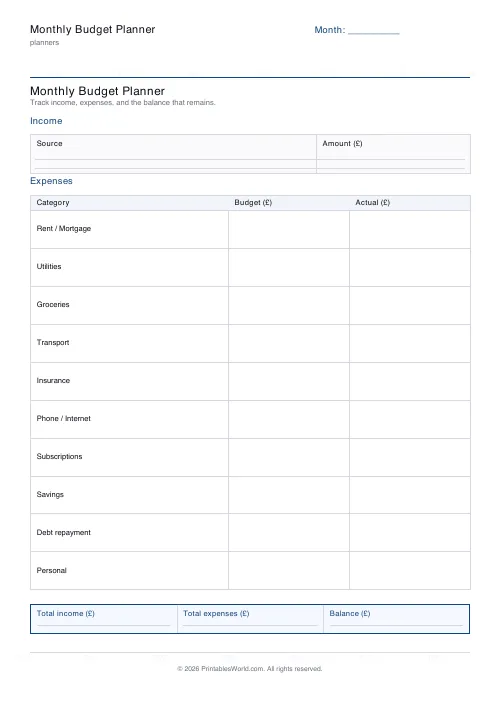
One-page printable budget: income, categorised expenses, balance summary.
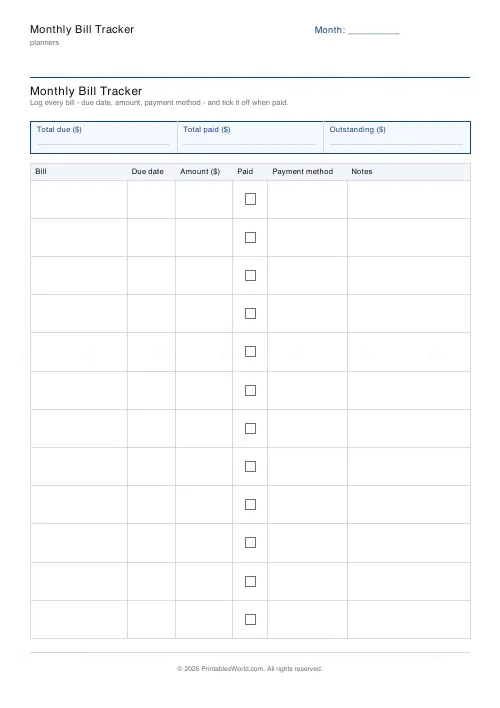
Monthly Bill Tracker
Printable bill tracker: due date, amount, paid check, payment method, notes.
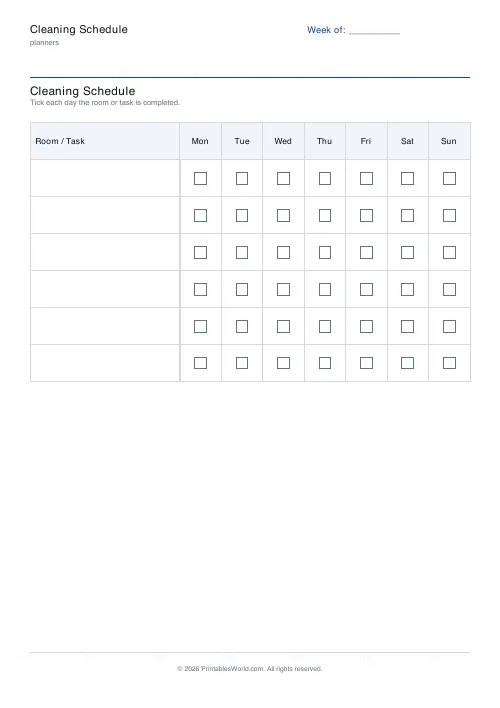
Cleaning Schedule
Print a weekly cleaning schedule grid with custom rooms and tasks across Monday to Sunday.
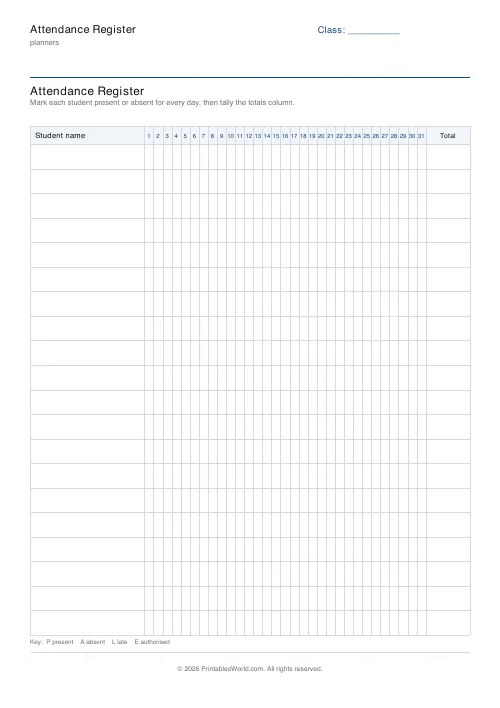
Attendance Register
Printable class attendance register: student-name rows, day columns, totals.
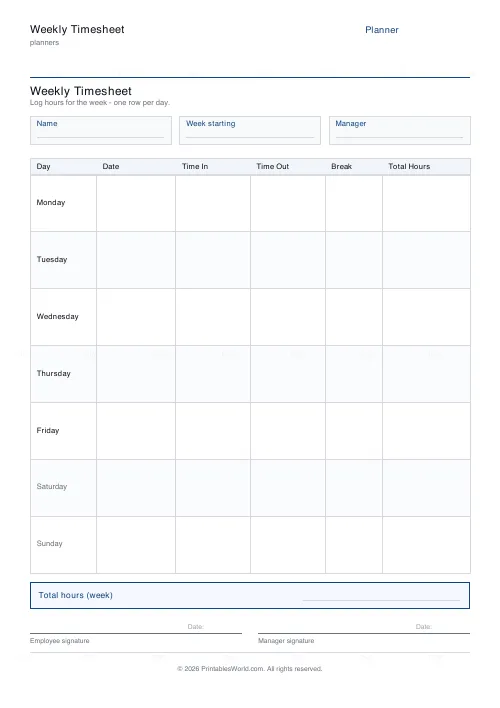
Weekly Timesheet
One-page printable work-hours timesheet: day-by-day rows, break column, weekly total and signature line.
Further reading