What this tool does
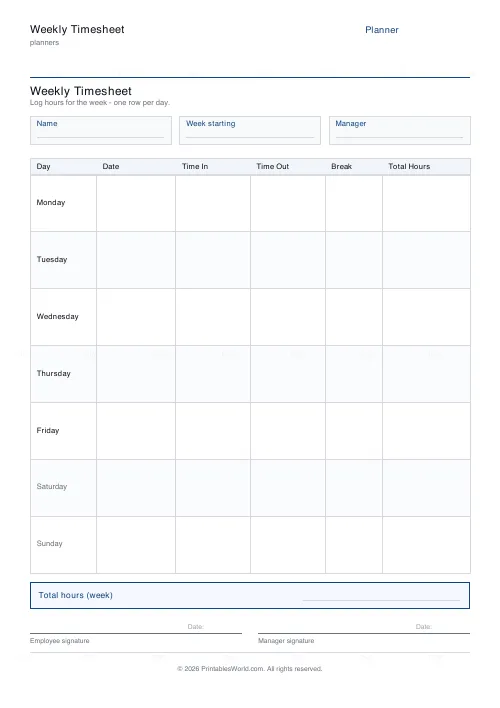
A work-hours timesheet: name, week starting, manager, then a row per day with time in, time out, break and total hours. Weekly or fortnightly, with an optional signature line.
People also used
Feedback
Spotted something off with this tool?
The layout
A header for the name, the week starting date and the manager. Then a row per day: date, time in, time out, break, total hours. A weekly total box, and a signature line if you want one.
Choose weekly or fortnightly — the fortnightly version simply prints two weeks of rows.
The break column is not optional
It is a separate column because it has to be subtracted, and because in most places it is a legal requirement rather than a courtesy.
UK working time rules give an uninterrupted twenty-minute break to anyone working more than six hours, and unpaid breaks do not count towards hours worked. A timesheet that records in and out but not the break systematically overstates the total, which is a problem whether the sheet is used for payroll or for a dispute.
Fill it in daily
Reconstructing a week on Friday afternoon produces round numbers, and round numbers are a sign of estimation rather than recording.
Write the times as they happen. A sheet showing 08:47 and 17:12 is evidently a record; one showing 09:00 and 17:00 every day for a month is evidently not, and if the sheet is ever the subject of a disagreement that distinction matters a great deal.
The signature line
Include it when the sheet leaves your hands. A countersigned timesheet is a document both parties have agreed; an unsigned one is your assertion.
Leave it off when the sheet is only for your own use — freelancers tracking hours against a project, someone checking how much time a client is actually taking.
Who uses it
Hourly and shift staff. Contractors billing by time. Agencies and temporary placements, where the sheet is the invoice's supporting evidence. Small employers with no payroll system, and volunteers whose hours have to be reported to a funder.
Also anyone on a salary who suspects they are working considerably more than they are contracted for, and would like to know rather than suspect.
Keeping it
Keep copies once they are signed — scan or photograph them the same week. Employment records are typically kept for several years, and a paper sheet handed over without a copy has stopped being your evidence.
Related: the time blocking planner for scheduling the hours rather than recording them.
FAQs
Quick answers
What is the difference between the weekly and biweekly options?
Weekly prints seven day-rows (Monday to Sunday) on one page. Biweekly prints fourteen day-rows, two full weeks, for a fortnightly pay period, with a light divider between the two weeks.
Which columns are on the timesheet?
Each day-row has Day, Date, Time In, Time Out, Break and Total Hours. A weekly total box sits beneath the table.
Does the sheet add up the hours for me?
No. It prints as a clean worksheet you fill in by hand. There are no formulas, which keeps it universal, offline and printer-friendly. You total the daily hours yourself in the total box.
Can I remove the signature line?
Yes. The signature line is a toggle. Turn it off if you do not need employee and manager sign-off, and the table simply extends to use the extra space.
Which time format should I use?
Either 24-hour or am/pm works. The Time In and Time Out cells are blank, so use whichever your workplace prefers. Just be consistent across the week.
Is this suitable for contractors and freelancers?
Yes. Log billable hours per day, total the week, and attach the signed sheet to an invoice. The title can be renamed for a specific client or project.
What paper sizes are supported?
A4 and US Letter. Print at 100% scale so the columns and the total box stay aligned.
Related tools
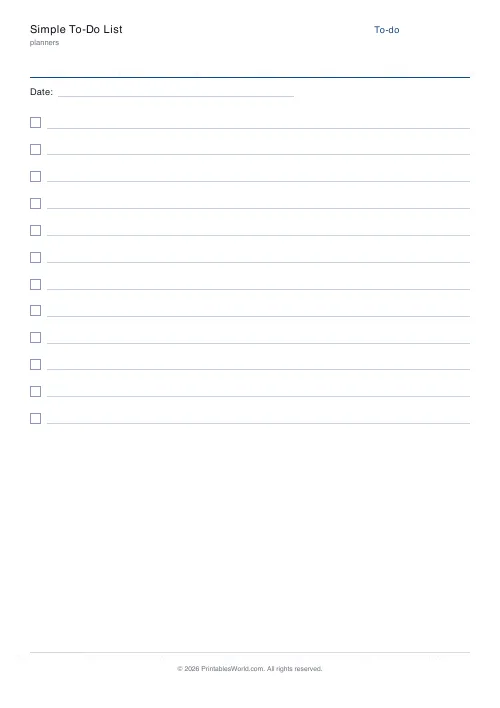
Simple To-Do List
Minimal printable to-do list with tick boxes and a configurable item count.
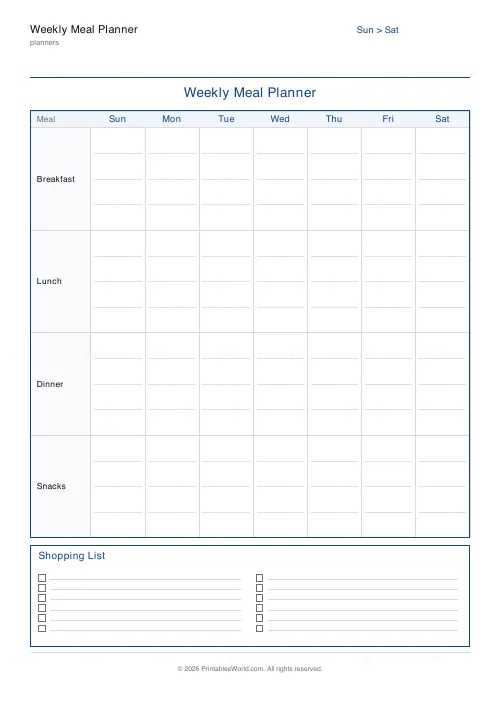
Weekly Meal Planner
Plan seven days of breakfast, lunch and dinner on one printable page.
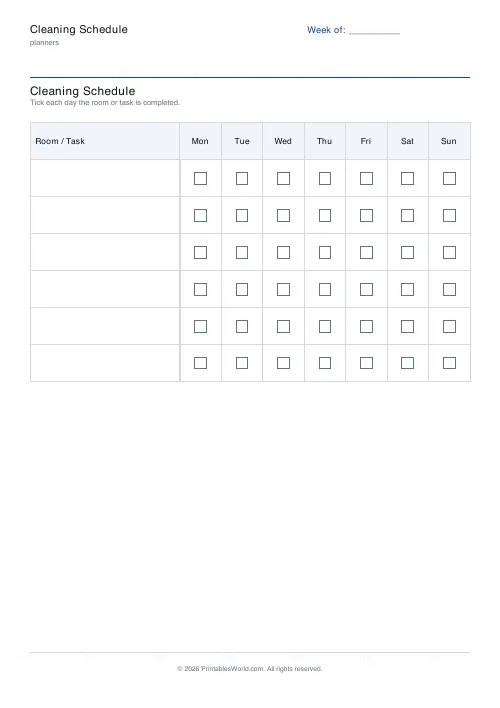
Cleaning Schedule
Print a weekly cleaning schedule grid with custom rooms and tasks across Monday to Sunday.
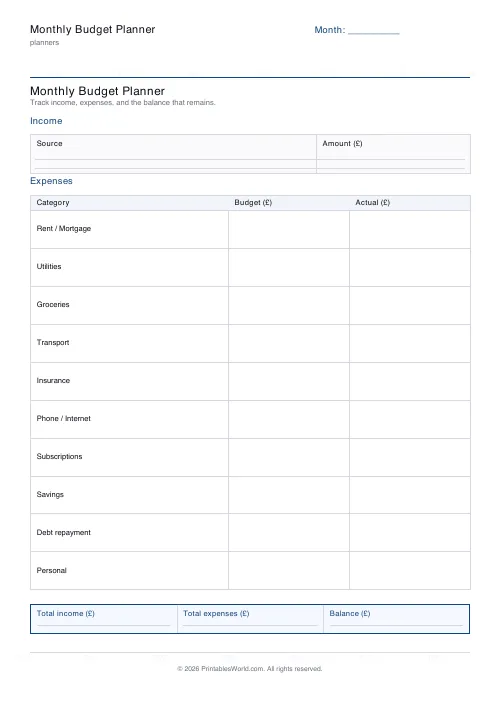
Monthly Budget Planner
One-page printable budget: income, categorised expenses, balance summary.
Further reading
Planners
Meal planning 101: save time and money every week
A weekly meal plan saves money mainly by changing how you shop. Here is a thirty-minute method, the shortcuts that keep it going, and the mistake that ends most plans in week three.
5 min read
Planners
ADHD-friendly planning: systems that work
Standard planners assume you will remember to open them. That single assumption is why they fail for a lot of ADHD brains. And what an ADHD-friendly system has to replace.
6 min read
Planners
Time blocking for beginners: a complete guide
Time blocking is deciding when each task happens, not just what. Here is how to size blocks realistically, what to do when the day breaks, and why most beginners over-schedule.
5 min read