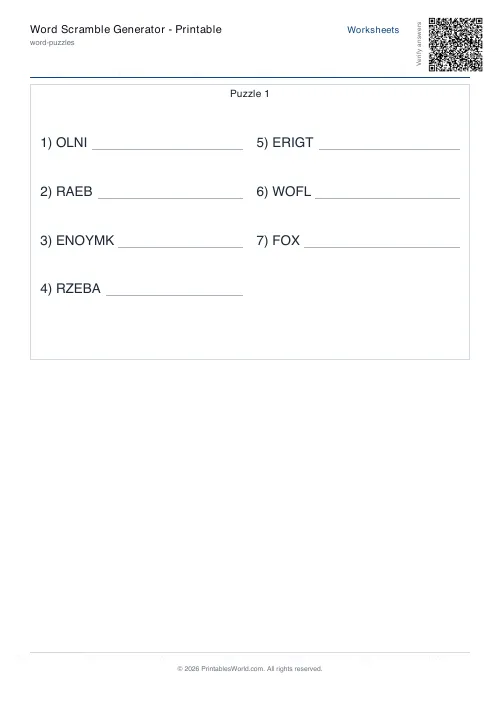
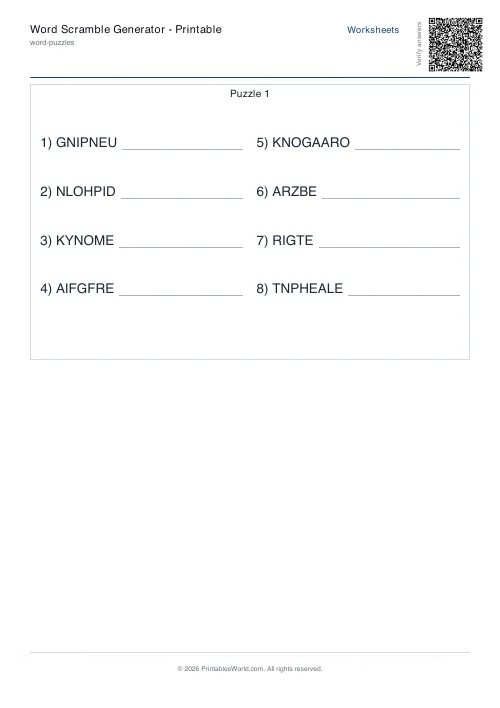
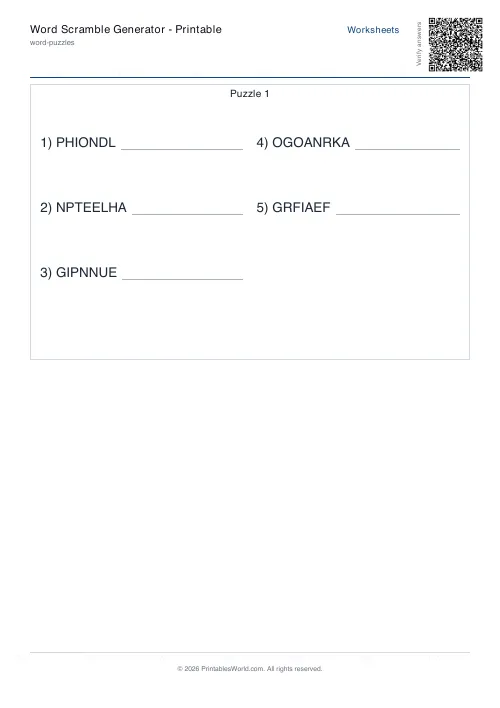
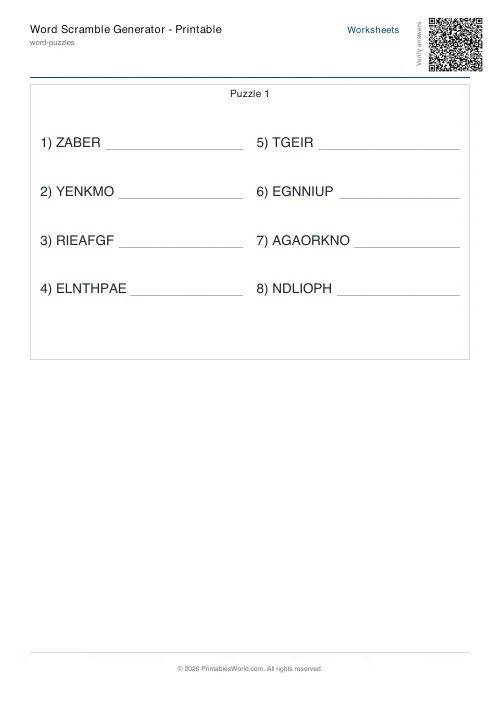
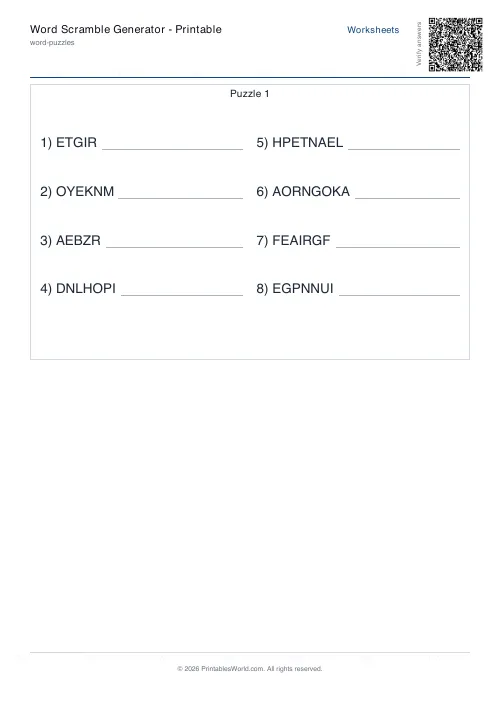
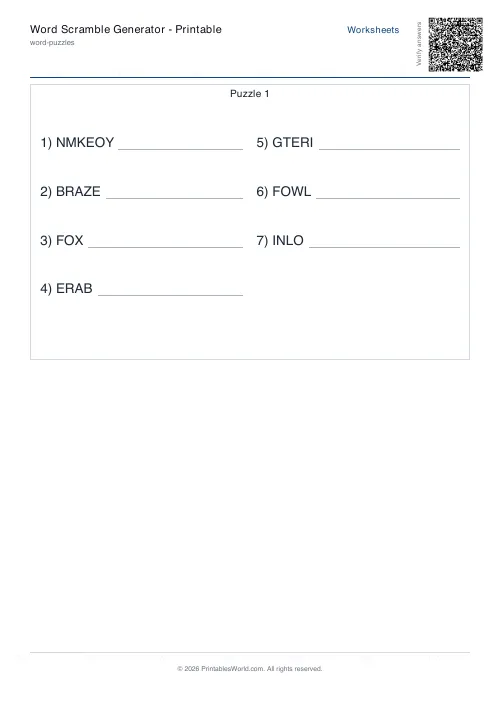
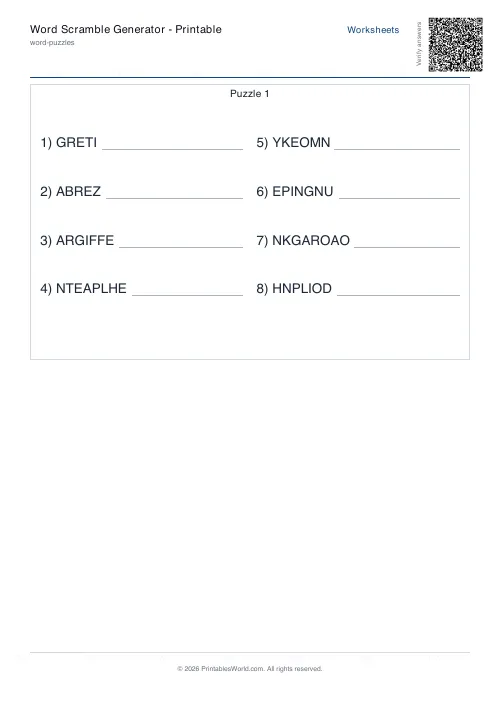
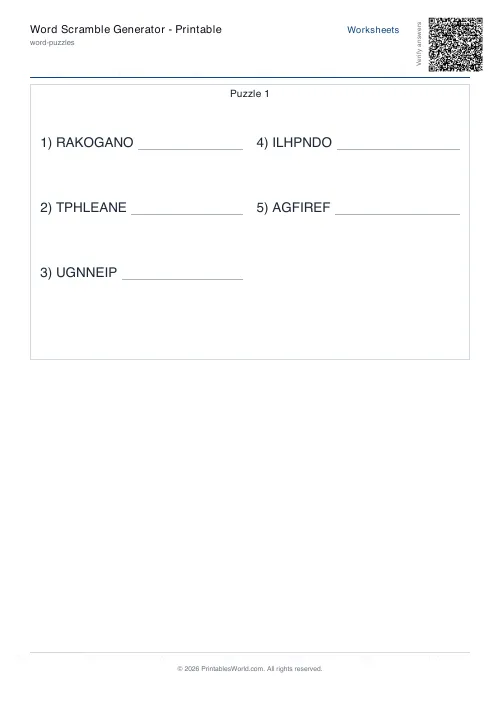
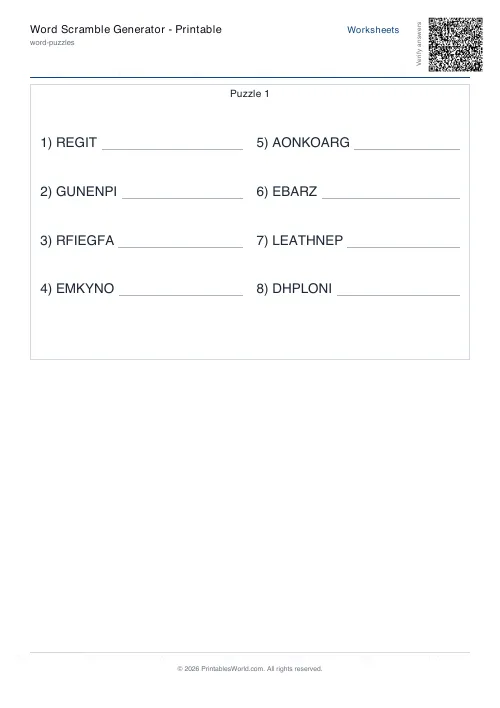
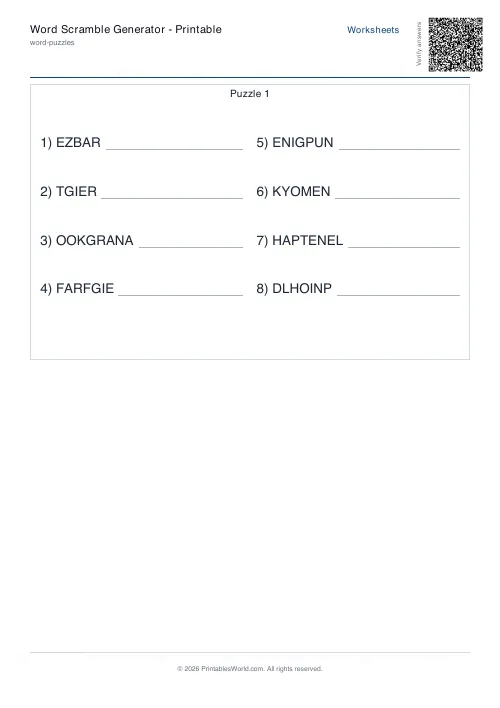
What this tool does
Word-scramble worksheets built from your own list. Paste words or phrases, pick how many appear, and each one prints with its letters shuffled and a space to write the answer. Difficulty filters the list by word length: easy takes 3 to 6 letters, medium 5 to 8, hard 7 to 12. Optional answer key.
People also used
Feedback
Spotted something off with this tool?
Your words, letters shuffled
Paste a list, separated by commas or line breaks, and each word prints with its letters rearranged and a line to write the real word on. Letter counts are preserved exactly, so a six-letter word scrambles to six letters and nobody can shortcut by counting.
Phrases work too. Paste SOLAR SYSTEM and each word is scrambled on its own and then printed together, which keeps the phrase recognisable as two words while both halves stay hidden.
Everything is stripped to letters and set in capitals before shuffling, so 20th-century arrives as THCENTURY.
Difficulty is a length filter
Easy keeps words of 3 to 6 letters. Medium takes 5 to 8. Hard takes 7 to 12, and anything outside the band you pick is silently dropped from your list.
Worth knowing, because it is where the surprises come from. Set hard on a list of spelling words for six-year-olds and you may get three questions instead of ten, since most of the list was too short to qualify at all. If a sheet comes out shorter than you asked for, this is why.
Avoid original, and the words it cannot help
A random shuffle of a short word will sometimes produce the word itself, which is not a puzzle. The avoid-original setting makes the scrambler try again, up to twelve times, until the arrangement differs from the input.
It cannot always succeed. A three-letter word with a repeated letter has very few distinct arrangements, and a word like AAA has exactly one, so the attempts run out and the original comes through. That is a property of the word rather than a fault in the tool, and it is the reason very short words are left alone entirely.
A water-cycle recap
Ten terms pasted in: evaporation, condensation, precipitation, collection, runoff, groundwater, aquifer, percolation, transpiration, reservoir. Word count ten, take them in order, hard difficulty because almost all of them run past seven letters.
Avoid original on, answer key on, a title typed. What comes back is ten scrambled terms with writing space, and a second page with the answers. Twenty-five copies, and Friday's recap took under a minute to prepare.
The vocabulary is the point rather than the puzzle. A child who unscrambles PRECIPITATION has read the word letter by letter, which is more attention than they would give it in a glossary.
First or random, and why it matters
First takes the words in the order you typed them, so the same list always gives the same sheet. Random draws a different subset each time.
Random is the one that turns a long bank into a term of worksheets. Paste forty vocabulary words, ask for twelve at random, and every Friday is a different sheet from the same list without you touching anything.
Worth knowing before you print
- Twenty words is the cap, so everything stays on one page with the key behind it.
- One and two-letter words are not scrambled. There is nothing to shuffle.
- If the filtered list is shorter than the count you asked for, you get what survived rather than an error.
- A shuffle is not checked for being solvable, or for accidentally spelling something else. Glance at the preview if that would matter.
- Punctuation is stripped before shuffling. So are digits, and so is every other symbol.
FAQs
Quick answers
Can I use multi-word phrases in my list?
Yes. Each word in the phrase is scrambled separately, then the scrambled words are printed together. For example, "SOLAR SYSTEM" might appear as "LROAS MTSYSE".
What happens if I enter more words than the word count setting?
The generator picks the first <em>n</em> words (in First mode) or a random sample of <em>n</em> words (in Random mode) from your list. The rest are ignored for that worksheet.
How does difficulty filtering work?
Difficulty sets a letter-count range: Easy (3–6), Medium (5–8), Hard (7–12). The generator only includes words that fall within that range. If a word is too short or too long, it's skipped.
Why is Avoid Original useful?
For short words or words with repeated letters, a random shuffle can accidentally produce the original spelling. Avoid Original forces the scrambler to try again (up to twelve times) until the arrangement changes.
Can I print the same worksheet twice with identical scrambles?
Each time you click Generate, the scrambles change because the tool uses a fresh random seed. If you need identical copies, generate once and print multiple times from the saved PDF.
Does the answer key show the original order of my word list?
The answer key lists the unscrambled words in the same order they appear on the scrambled worksheet, which may differ from your input list if you chose Random selection mode.
What if my list has fewer words than the difficulty range allows?
The generator uses as many valid words as it can find. If only three words in your list fall within the chosen difficulty range, the worksheet will contain three scrambles even if you requested ten.
Related tools
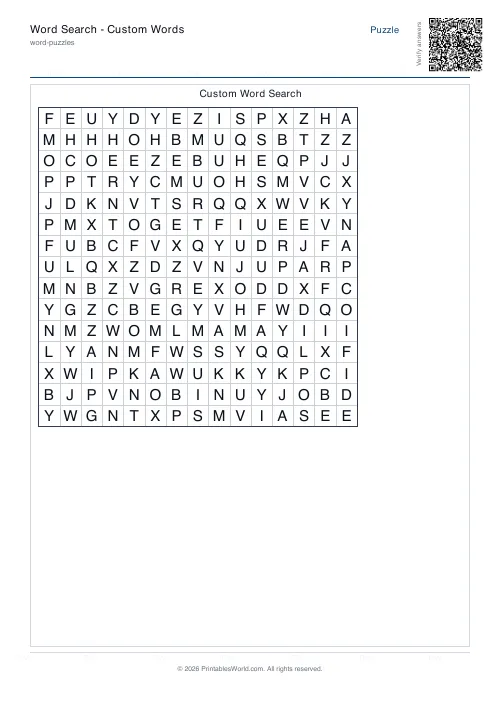
Word Search: Custom Words
Enter your own word list and generate a printable word search.
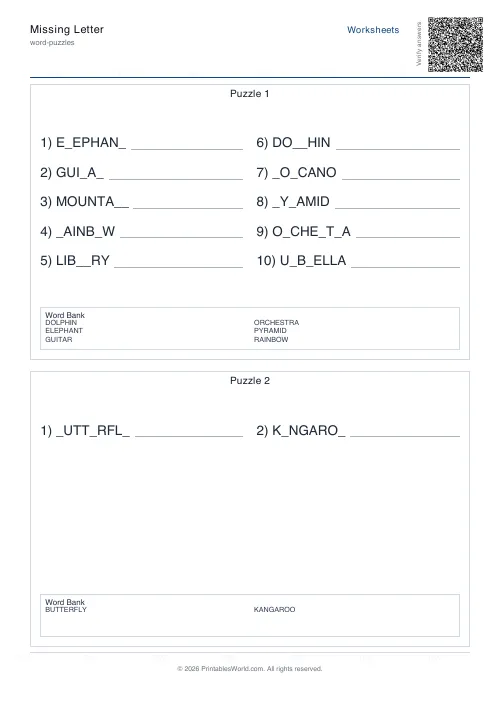
Missing Letter Generator
Create printable missing-letter worksheets where students fill in blanks to complete words.
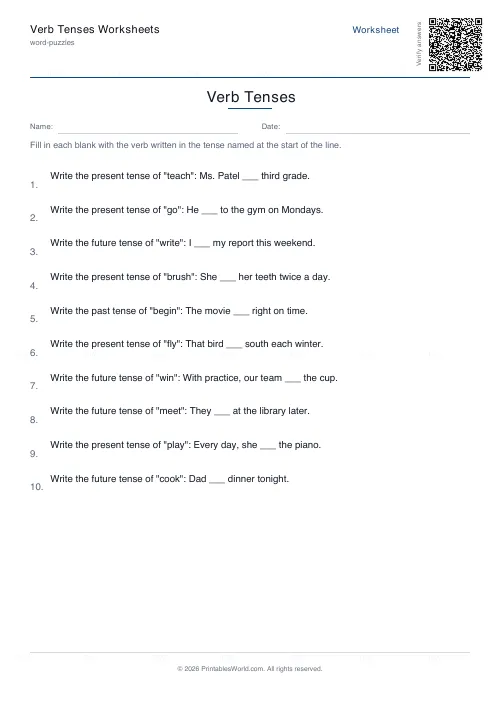
Verb Tenses Worksheets
Practise changing verbs into the past, present, or future tense.
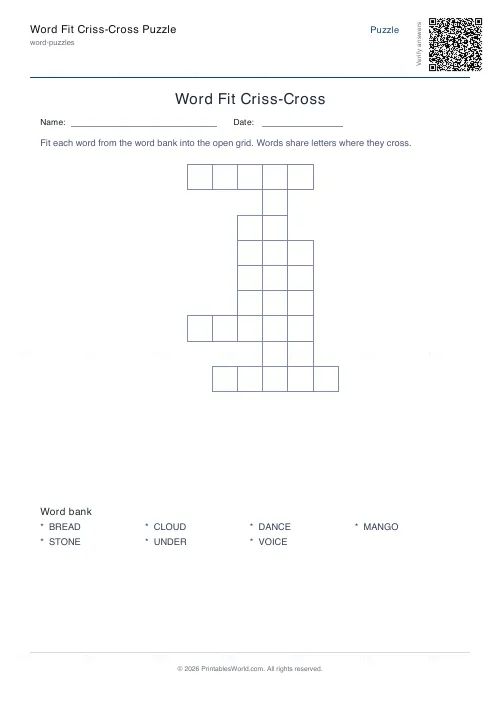
Word Fit Criss-Cross Puzzle
Slot a word list into an interlocking criss-cross grid.
Further reading
Literacy & Spelling
Do word searches help spelling? What works
Do word searches help spelling, or just fill time? What they practise, what the evidence suggests, and how to turn a spelling list into useful recall practice.
8 min read
Word Puzzles
Sight words: the complete teaching guide
Sight words are usually taught as words to memorise. Most of them are partly decodable, and treating them that way works better. Here is how, and how many to teach at once.
6 min read
Word Puzzles
Phonics at home: CVC words, blends and beyond
The order matters more than the materials, and one small thing, saying pure sounds rather than "buh" and "cuh", makes blending dramatically easier.
6 min read
More like this
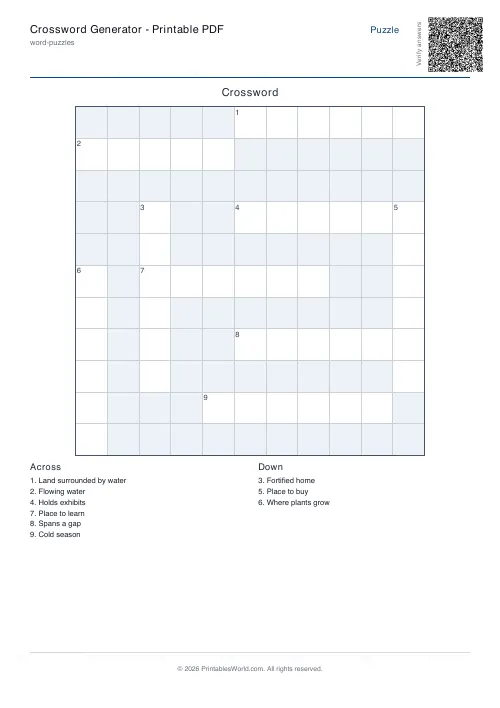 Crossword Generator: Printable PDF
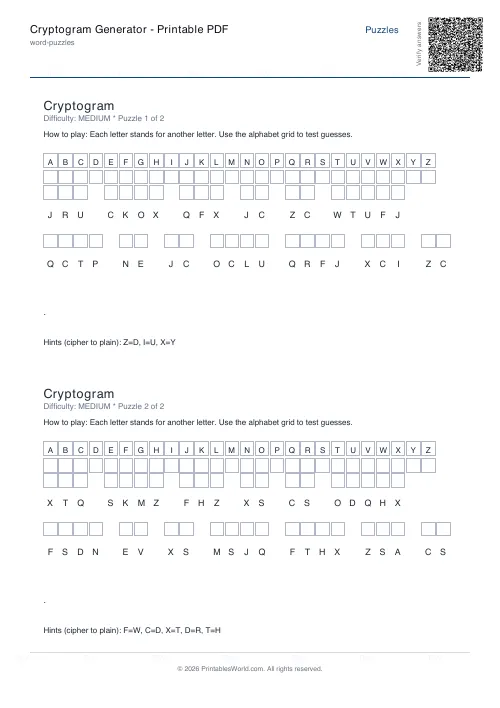 Cryptogram Generator: Printable PDF
- Missing Letter Generator
- Word Search: Custom Words
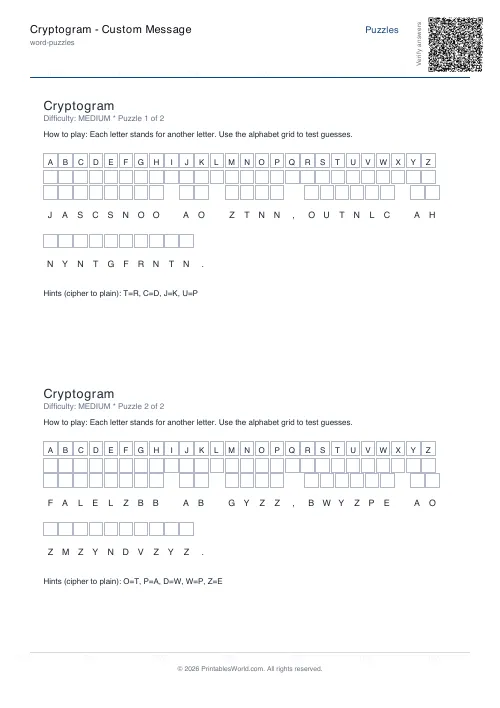 Cryptogram: Custom Message
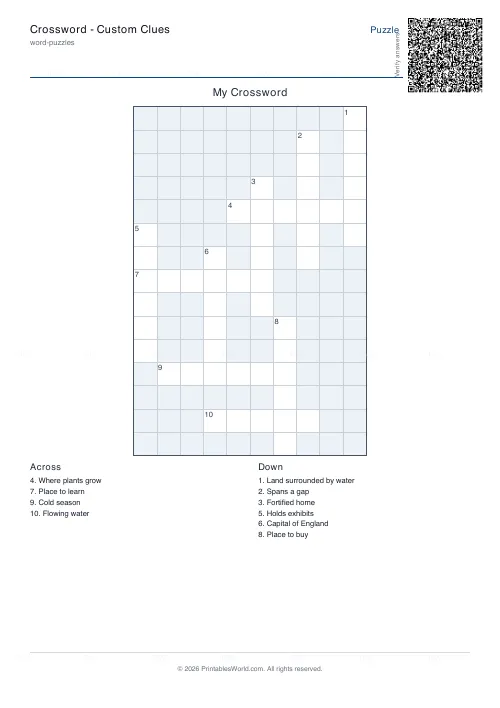 Crossword: Custom Clues
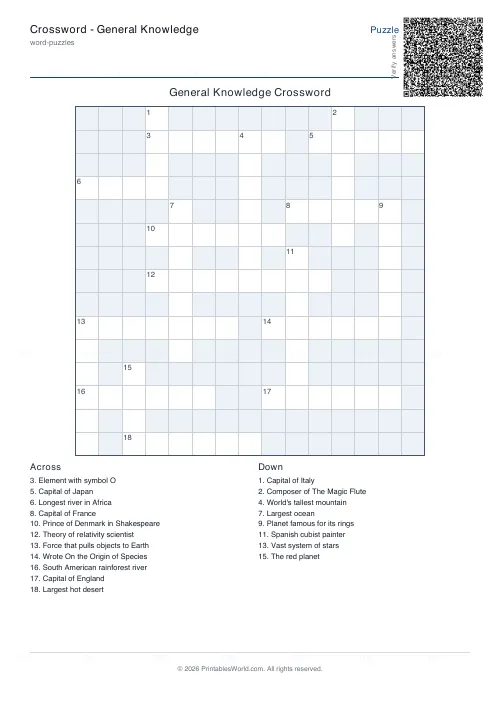 Crossword: General Knowledge
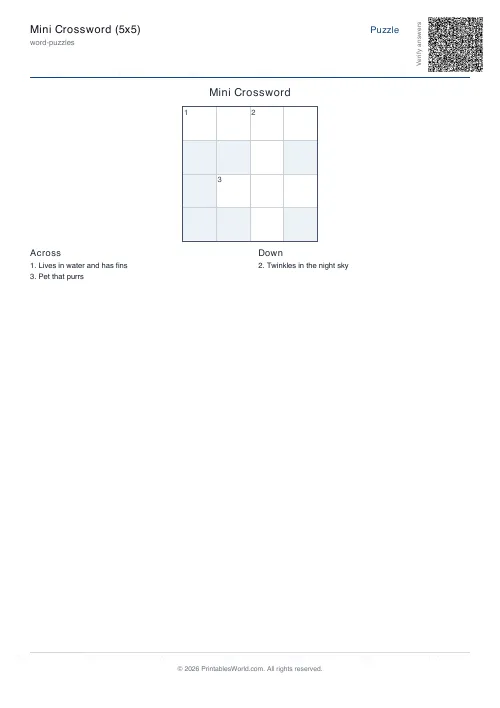 Mini Crossword
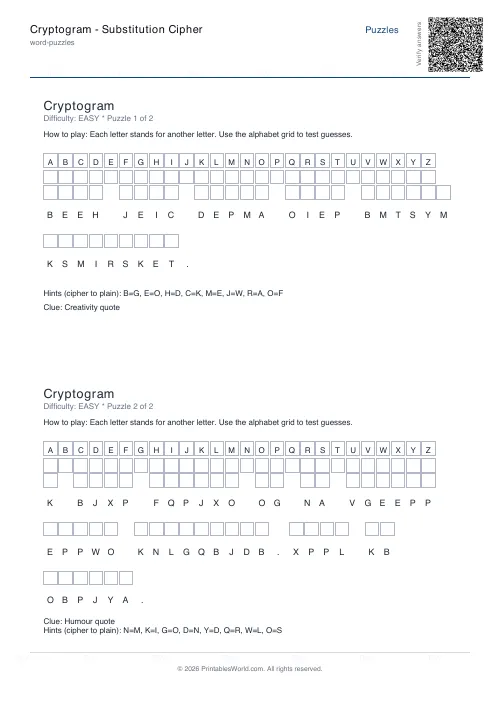 Cryptogram: Substitution Cipher
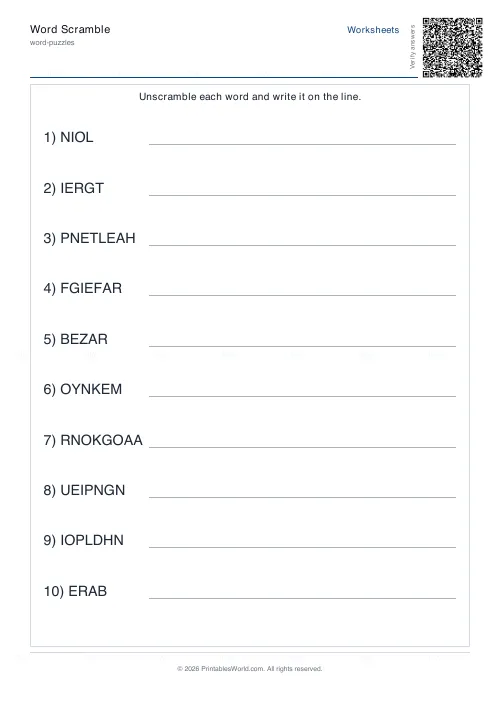 Word Scramble Generator
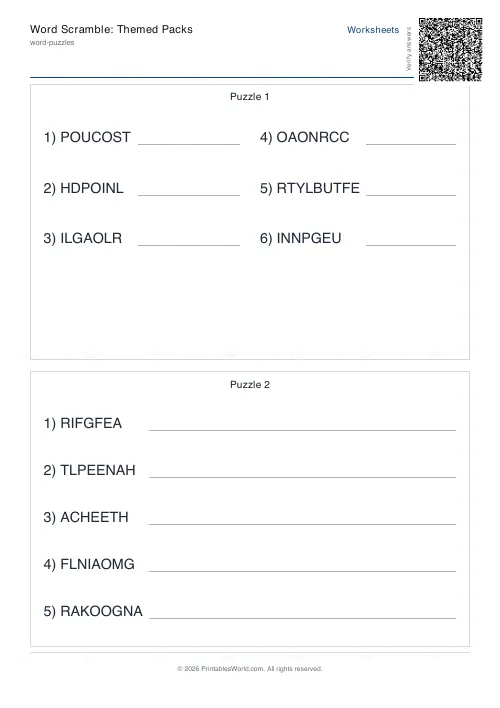 Word Scramble: Themed Packs
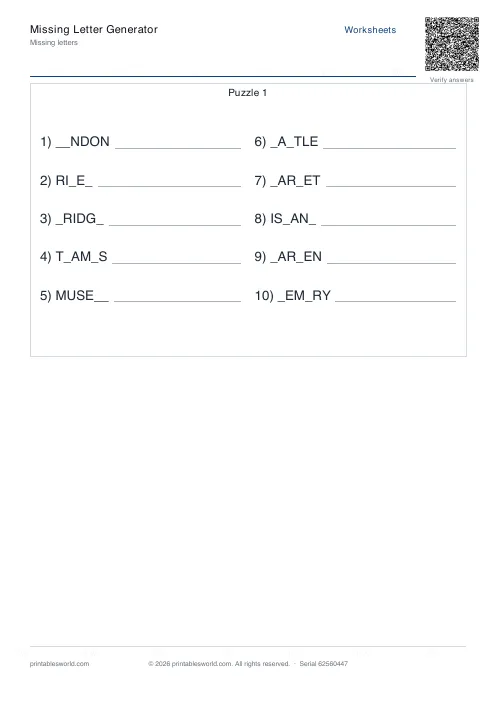 Missing Letters Puzzle
 Acrostic Poem Template
 Alphabetical Order Worksheet