What this tool does
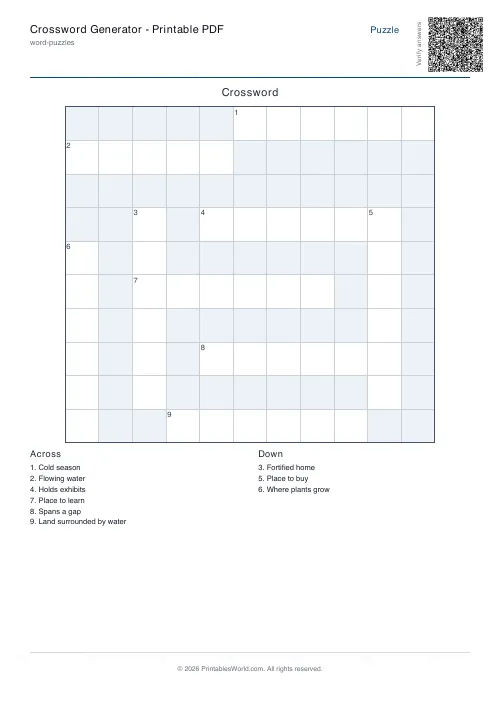
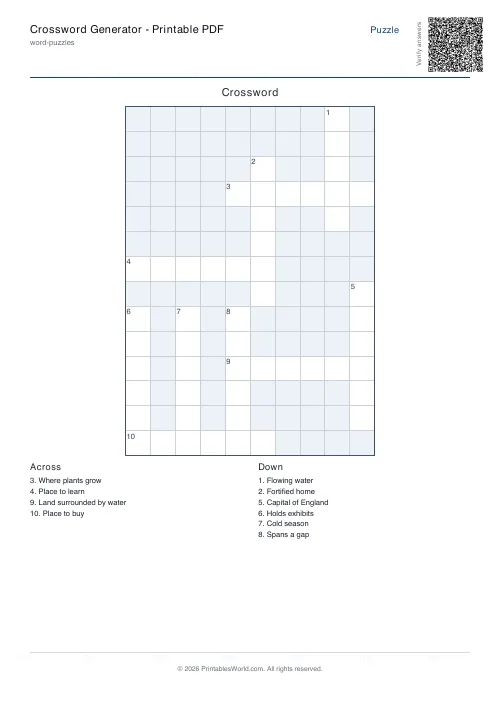
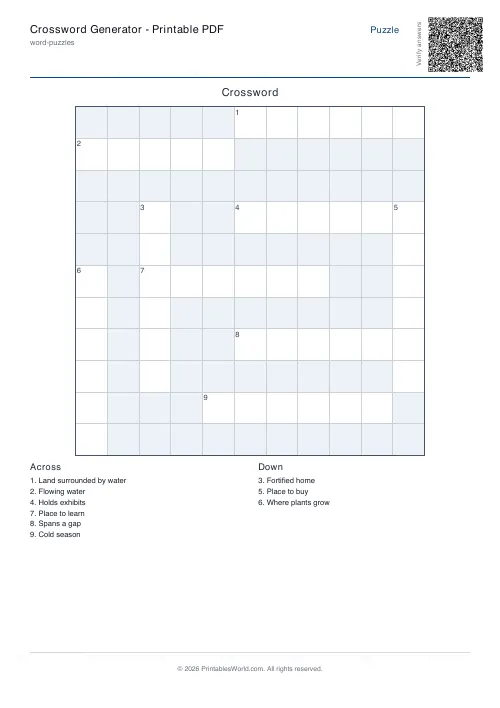
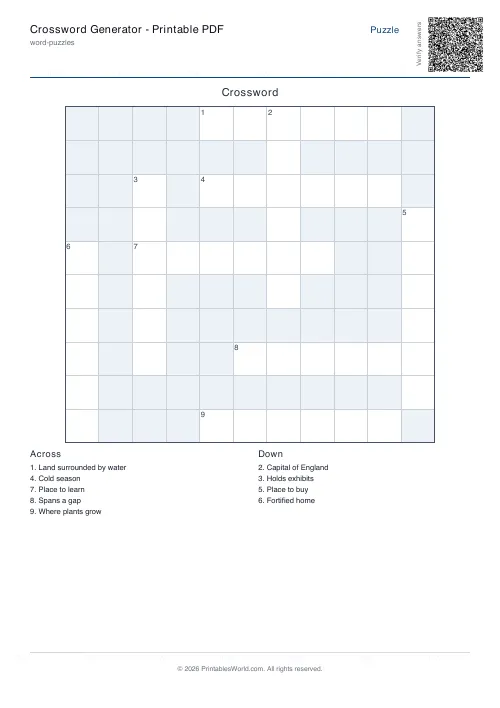
Build printable crosswords from your own words and your own clues. Paste a list, or load one of the prepared word banks. The grid can size itself or be pinned to an odd square between 11 and 21, and you control the shortest word allowed, the cap on how many words go in, and how hard the packer works to make them cross. Out comes a PDF with numbered Across and Down lists and an optional solution page.
People also used
Word Search: Custom Words
Enter your own word list and generate a printable word search.
Word Scramble Generator: Printable
Turn your word list into printable scrambled-letter worksheets with optional answer keys.
Analogies Worksheets
Complete word analogies, A is to B as C is to ___, with a curated bank of relationships.
Feedback
Spotted something off with this tool?
Your words, your clues, a grid built around them
Paste a word list. Add clues if you have them, and if you do not, the answer itself is printed as the clue, which is less useless than it sounds for a vocabulary revision sheet where recognising the word is the task.
The generator then tries to pack those words into a grid so that they cross. That is the hard part of making a crossword and it is the reason a generator beats a word processor: numbering entries by hand is tedious, but finding an arrangement where fourteen words interlock is genuinely difficult, and it is what the attempts and backtracking settings exist to buy.
Grid size, and why Auto is usually right
Leave the size on Auto and the generator picks a square that fits your list. Or pin it to an odd number from 11 up to 21 in steps of two, which is the traditional shape range for a hand-made puzzle.
Pin it when the puzzle has to fit a known space, like a half-page in a newsletter. Otherwise Auto is better, because a grid that is too large for the word list produces a sparse puzzle with words floating unconnected in the corners, and that reads as a mistake rather than as a design.
The intersection settings are the difficulty
This is where a puzzle stops being a word list on a grid and becomes a crossword.
Requiring intersections tells the packer to prefer arrangements where words cross each other. Then the minimum-intersections number sets how many crossings each word must have: zero accepts anything, one is the default and produces a normal-looking puzzle, and two produces the dense interlocked grid you see in a newspaper. Two is also the setting most likely to leave words out, because a word that cannot find two crossing partners is dropped rather than floated.
That trade is the whole tension of crossword construction, and it is worth understanding before you blame the tool for losing three of your words.
When words do not fit
The generator reports back. It lists which words went in, in which direction and at which position, and which ones did not make it.
Read that list rather than regenerating blindly. Words fail to place for predictable reasons: they are too long for the grid, too short to be worth crossing, or they share no letters with anything else on your list. A themed list of eight words that all begin with the same letter and share nothing else will fight the packer forever. Change a word, lower the minimum intersections, or raise the attempts, in that order.
Backtracking depth and the attempt count both control how many arrangements get tried before the generator settles. Turn them up when a list is stubborn. They cost nothing but a second or two.
Numbered clues, as printed
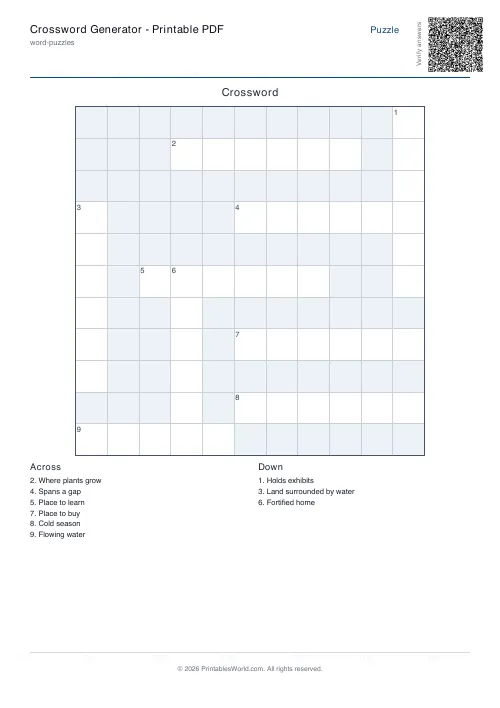
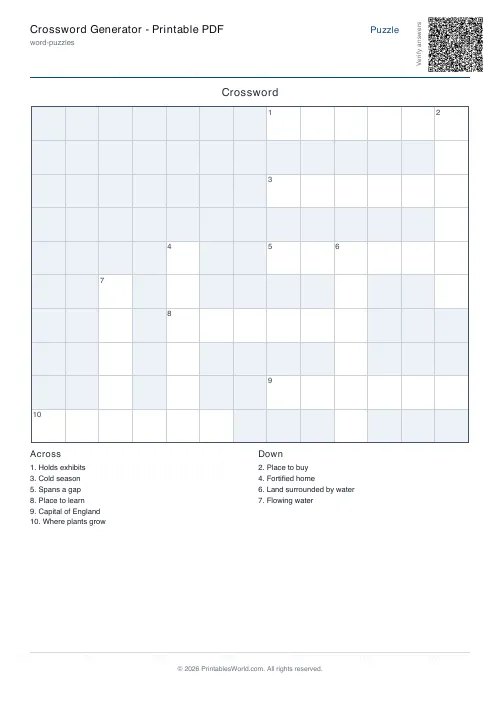
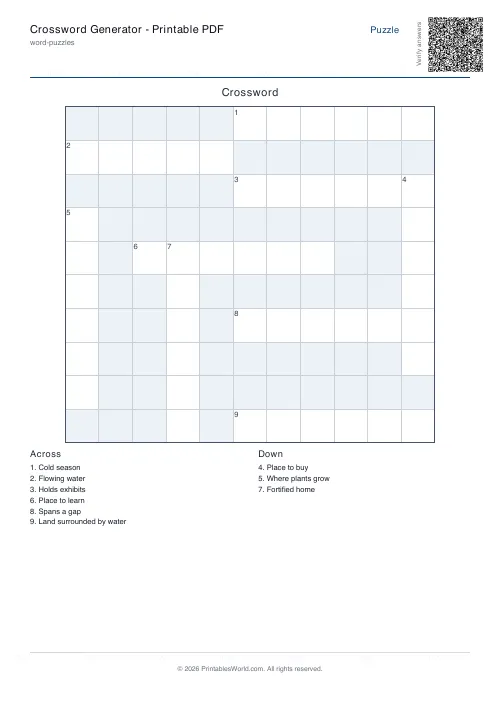
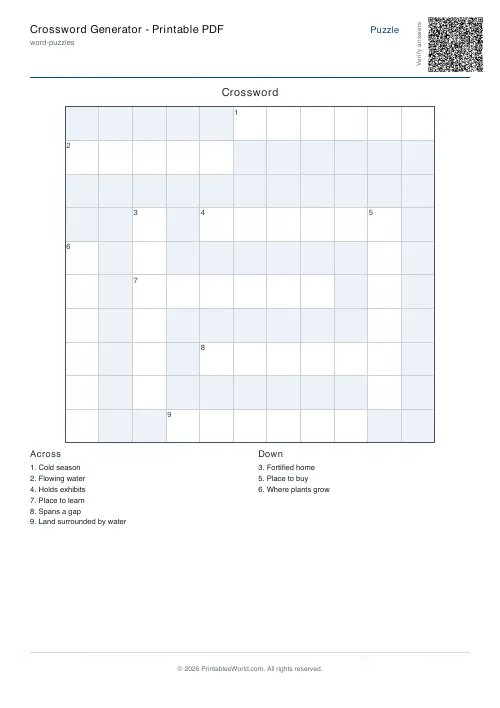
The PDF carries standard numbered Across and Down lists under the grid, using the normal crossword numbering rule rather than a made-up one, so a child who has done a puzzle in a newspaper recognises the format immediately.
The solution page can be included or left out. Include it for marking, leave it out when the sheet is going home.
Same seed, same puzzle
Every generation is seeded. Keep the seed with the same list and settings and you can reproduce a puzzle exactly, months later, which matters when a class set gets lost or when you want next year's group to sit the same paper.
Change nothing but the seed and you get a completely different arrangement of the identical words, which is how you make four versions of one vocabulary test in about a minute.
What people actually use it for
Vocabulary revision, mostly. A topic word list from a science unit turns into a puzzle that rehearses spelling and definition at the same time, and children will do it voluntarily in a way they will not do a matching exercise.
Beyond that: spelling practice, reading-topic reinforcement, homeschool literacy work, seasonal packs, and party or club activity sheets. The common thread is that the words are yours. A fixed crossword PDF gives you one puzzle about somebody else's topic; this gives you a puzzle about the eight words your class got wrong on Friday.
FAQs
Quick answers
What does the Crossword Generator do?
It creates a printable crossword puzzle from your chosen words and optional clues, then outputs a numbered grid with Across and Down clue lists.
How do I provide clues?
List clues with the format WORD=Clue text or use a tab between word and clue. Words without clues print the word itself as the clue.
Can I add my own clues?
Yes. The tool accepts optional clues alongside your words, and those clues are used in the final puzzle when the spelling matches the word entry.
What if I do not enter clues?
If a clue is missing, the generator falls back to using the answer text for that entry.
Can I control intersections?
Yes. You can require intersections and set a minimum number per word, which produces tighter, more interlocked grids.
What does backtracking effort do?
Higher effort runs more placement passes to fit more of your words; lower effort is faster but may leave more unplaced.
Why are some words not included in the puzzle?
Some entries may not fit the selected grid or may not connect well enough under the chosen intersection and generation settings. The page shows these in the unplaced list.
Does it include a solution page?
Yes. Toggle the solution option to add a second PDF page with all letters revealed.
Can I reuse the same crossword later?
Yes. Provide the same seed, words, and settings to regenerate the same crossword.
Related tools
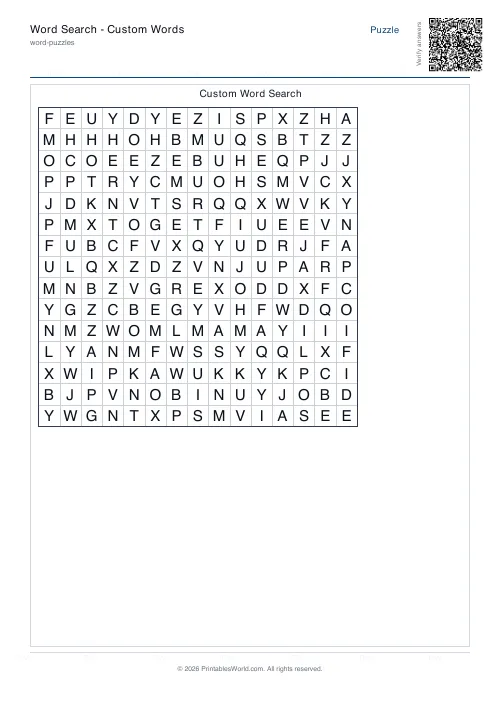
Word Search: Custom Words
Enter your own word list and generate a printable word search.
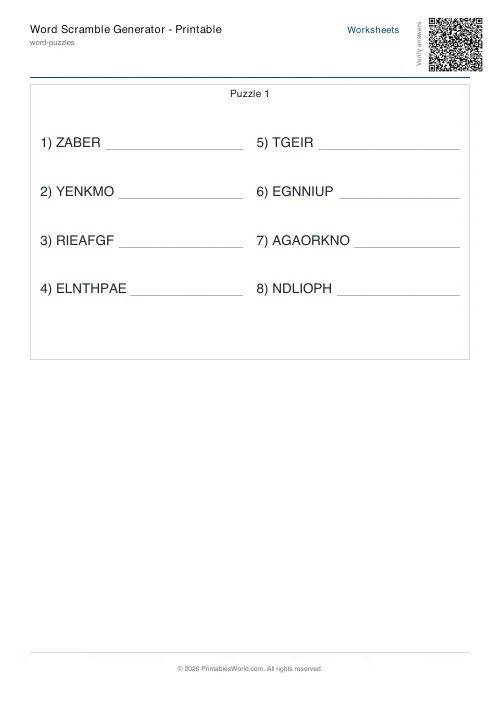
Word Scramble Generator: Printable
Turn your word list into printable scrambled-letter worksheets with optional answer keys.
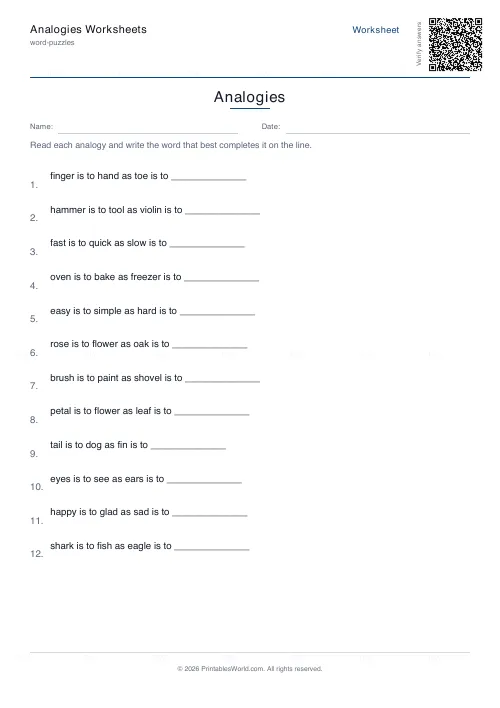
Analogies Worksheets
Complete word analogies, A is to B as C is to ___, with a curated bank of relationships.
Spelling Test Template
Numbered blank lines for dictation spelling tests, plus a teacher copy.
Further reading
Word Puzzles
Crosswords for kids: age-by-age difficulty guide
The grid size matters less than the clues. Here is what suits each age, and the four clue types that work with children. Plus the one that does not.
5 min read
Word Puzzles
Fun ways to build vocabulary in kids
Children learn most words by meeting them repeatedly in context, not by memorising lists. Here is what that means practically, and where word lists still earn their place.
5 min read
Teaching & Classroom
How to make a custom spelling word search
Turn any spelling list into a printable class set in minutes. A practical guide to making a custom spelling word search, with a worked example and difficulty tips.
7 min read
More like this
- Word Scramble Generator: Printable
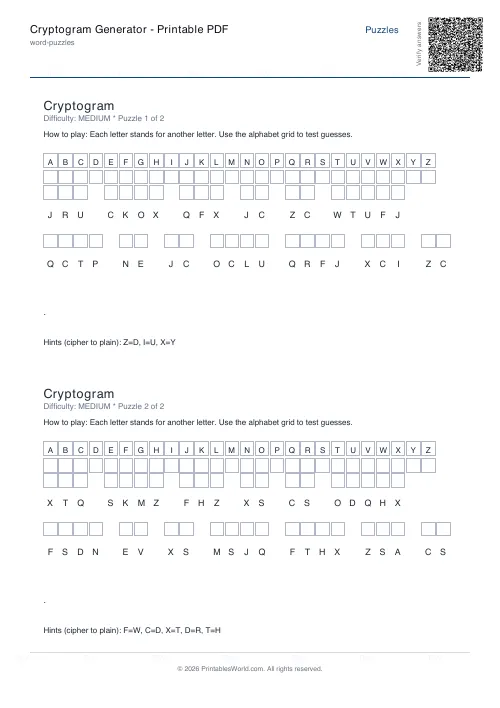 Cryptogram Generator: Printable PDF
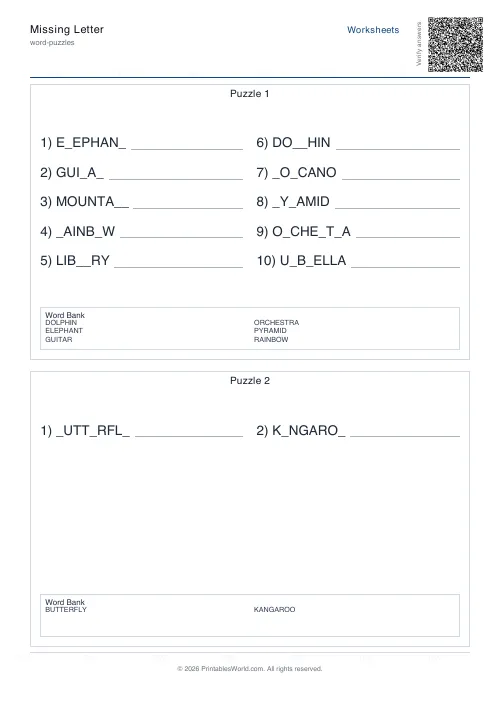 Missing Letter Generator
- Word Search: Custom Words
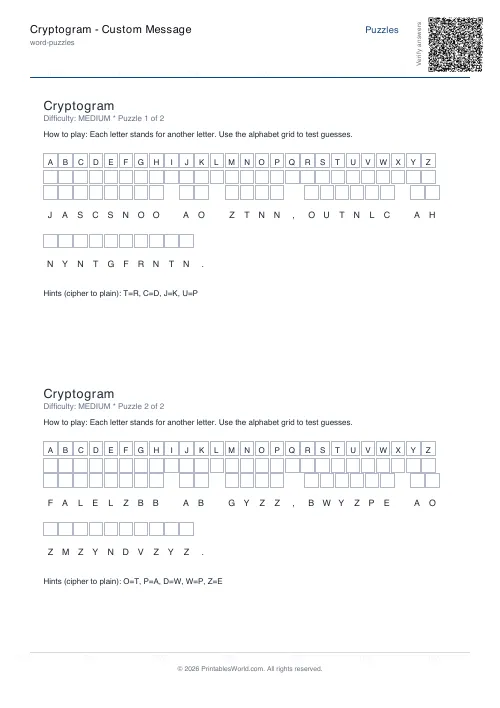 Cryptogram: Custom Message
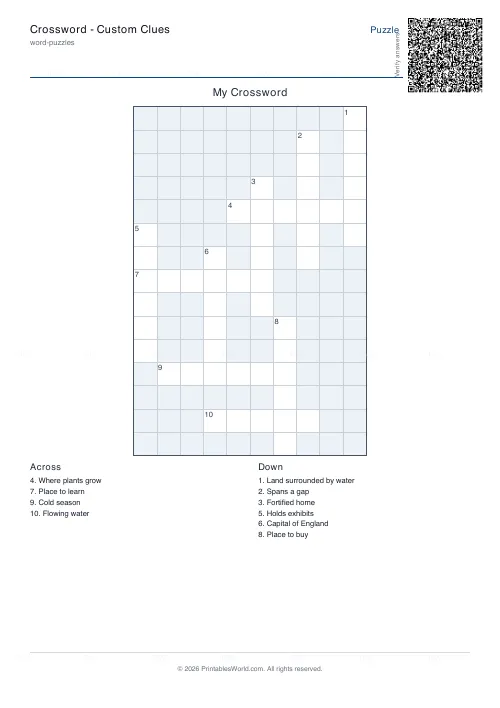 Crossword: Custom Clues
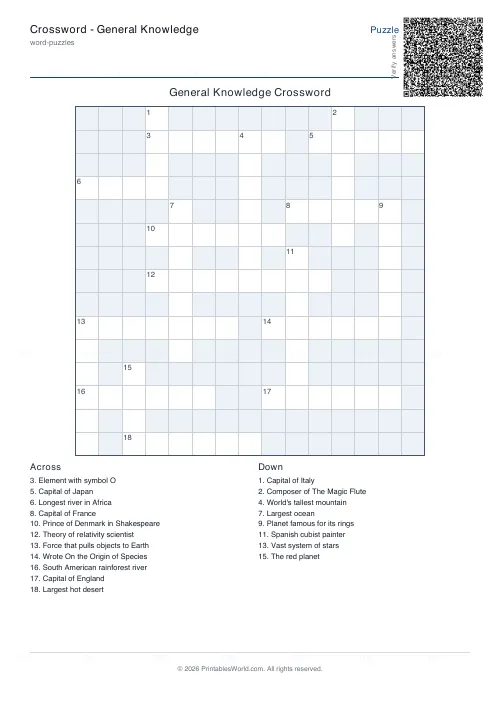 Crossword: General Knowledge
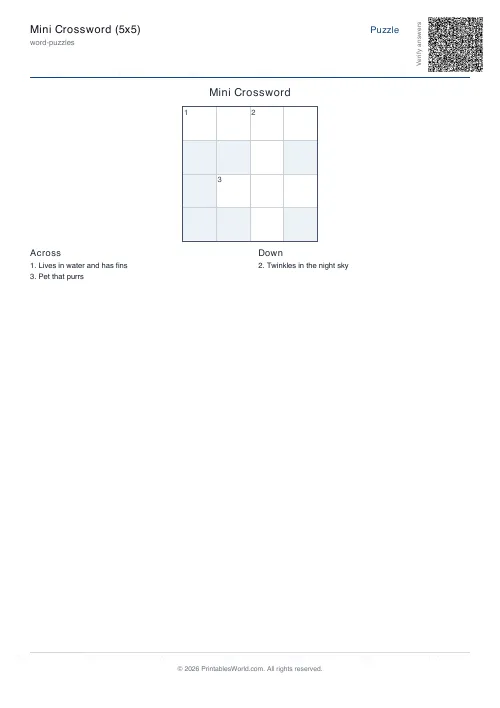 Mini Crossword
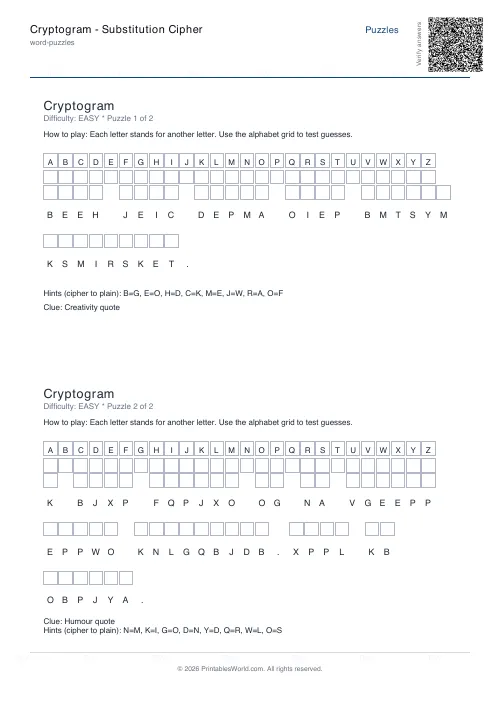 Cryptogram: Substitution Cipher
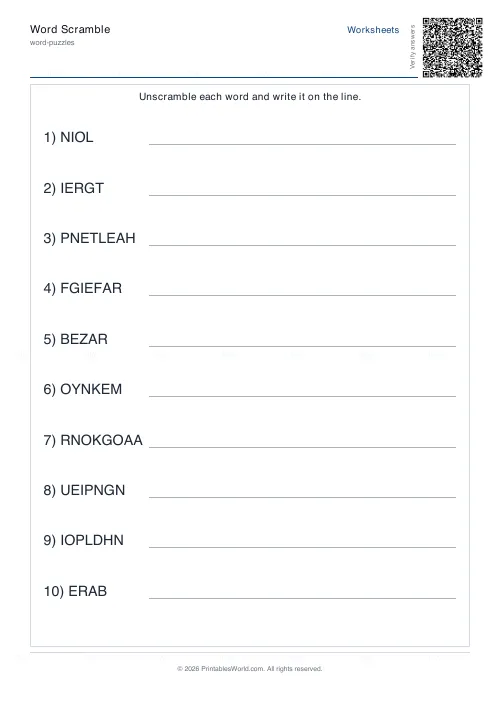 Word Scramble Generator
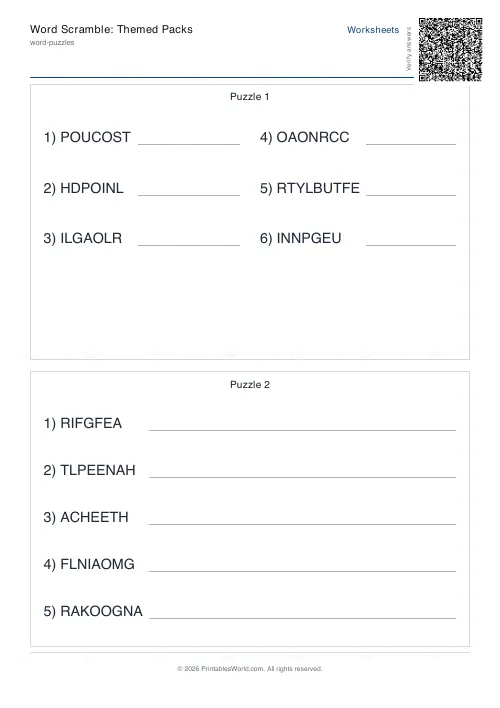 Word Scramble: Themed Packs
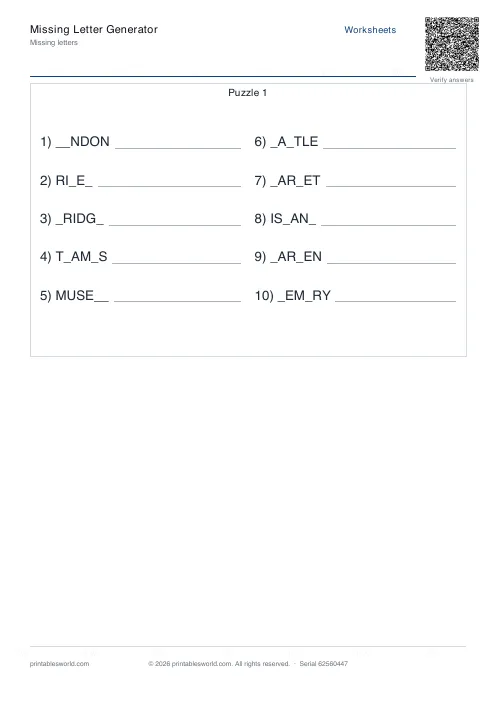 Missing Letters Puzzle
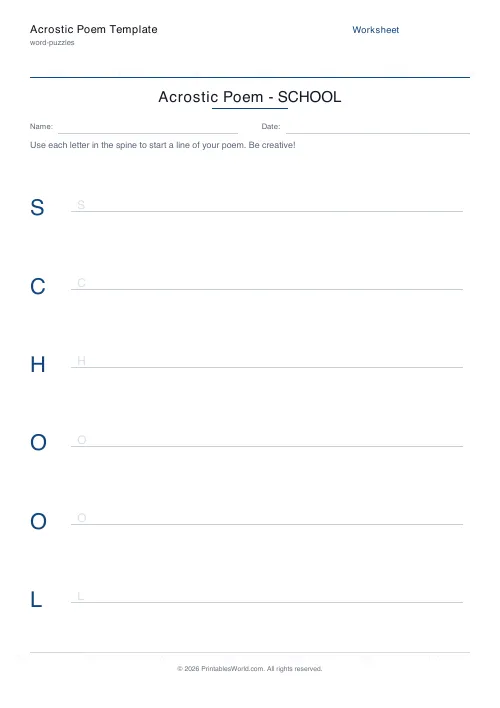 Acrostic Poem Template
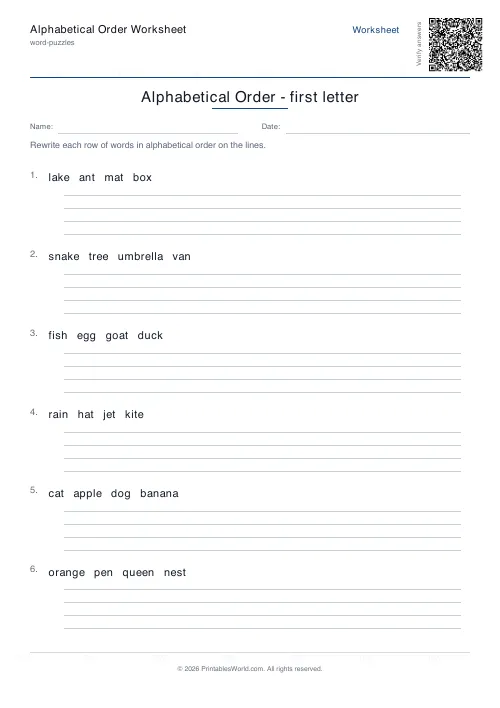 Alphabetical Order Worksheet