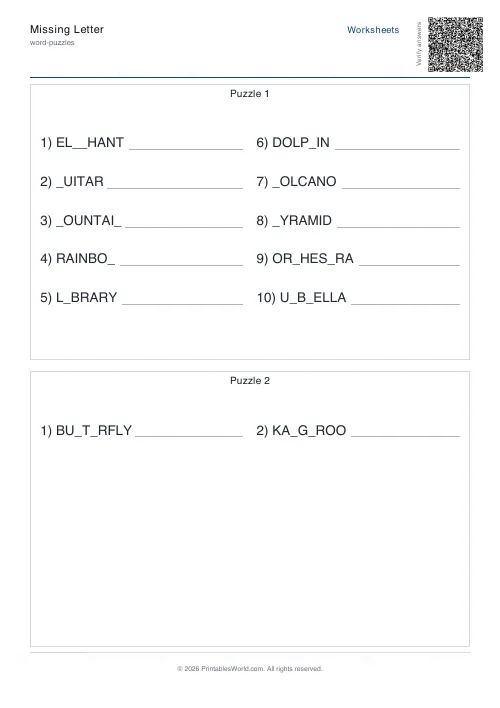
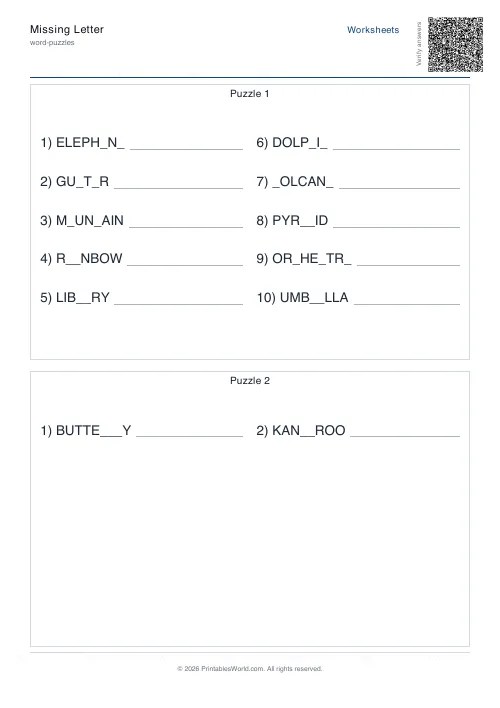
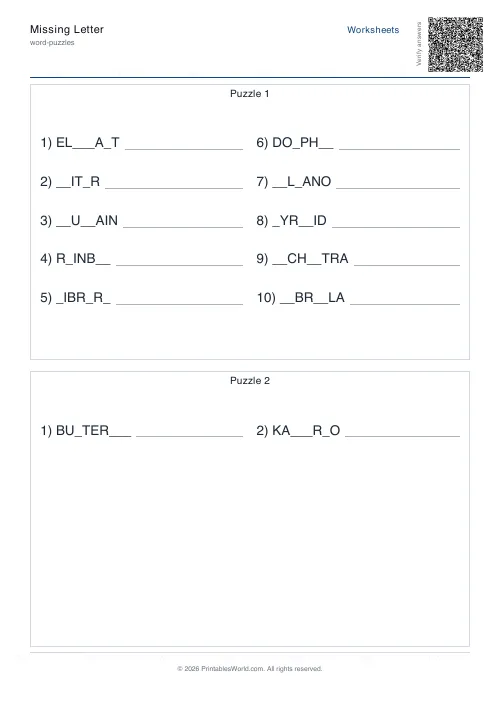
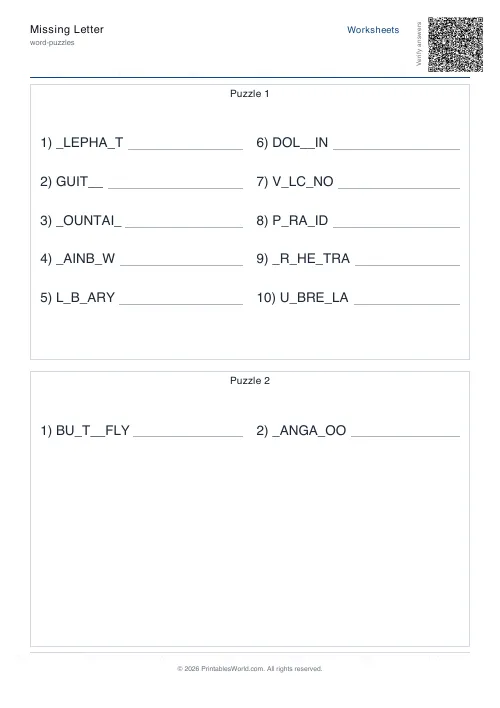
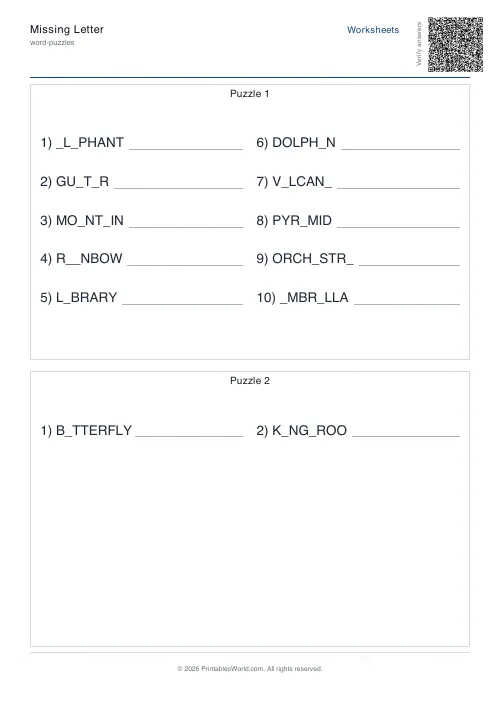
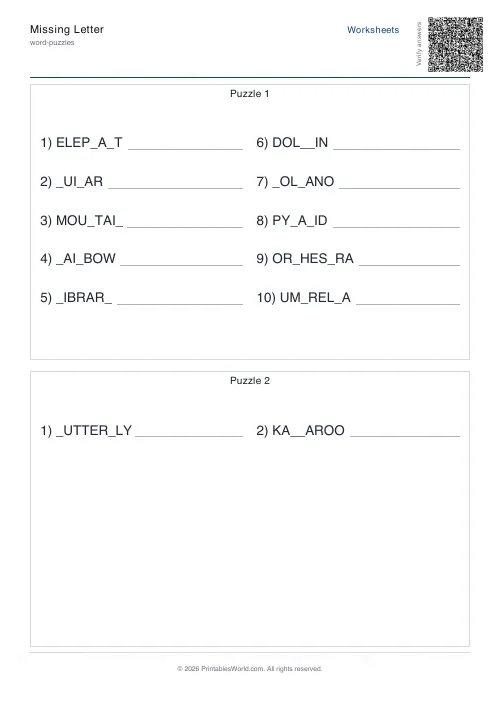
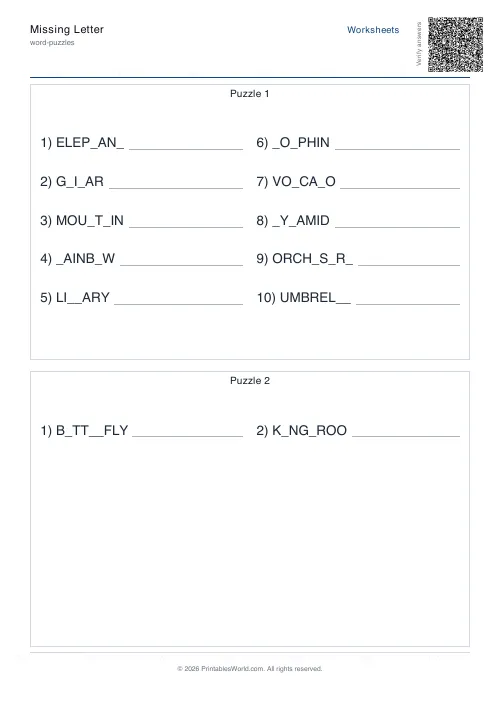
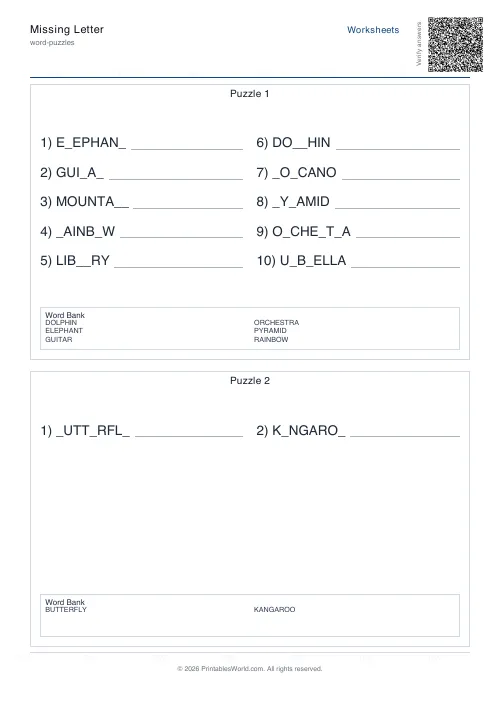
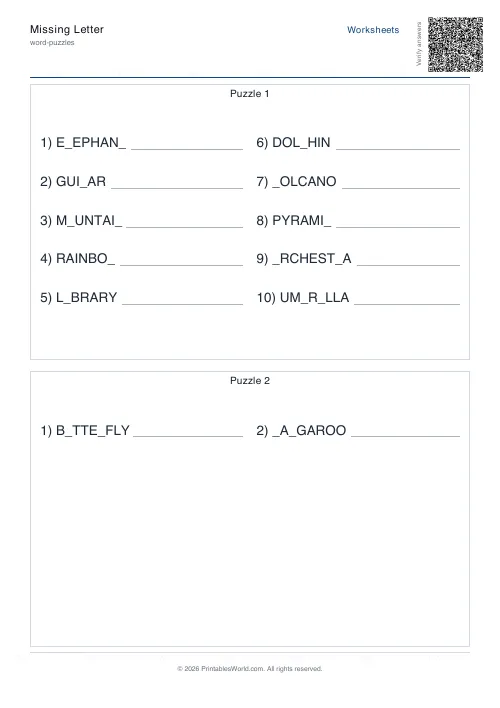
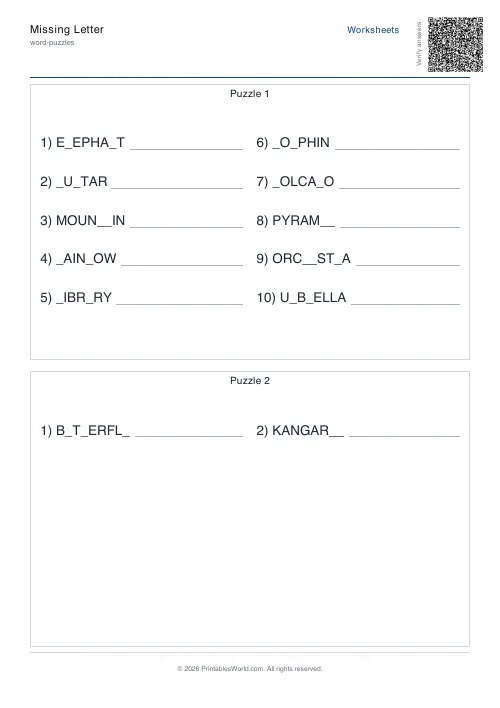
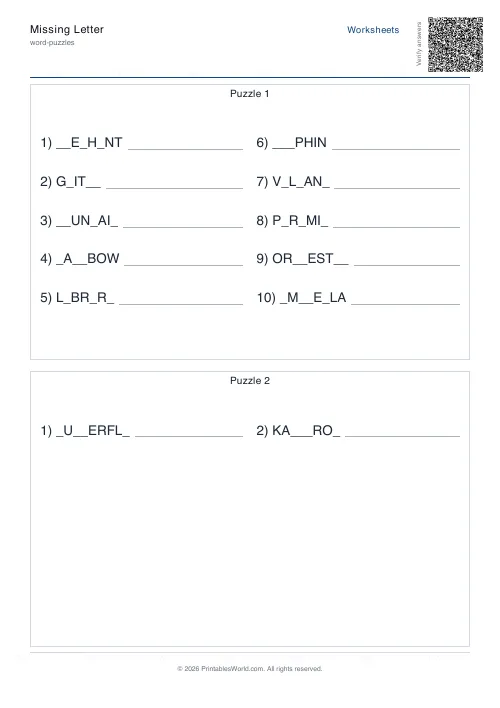
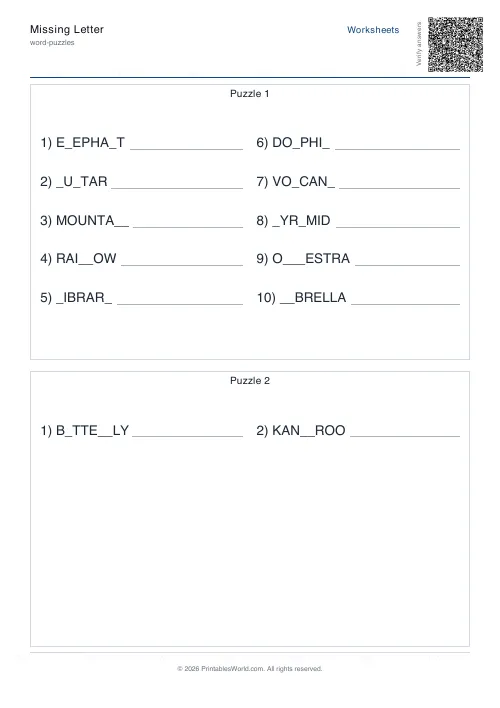
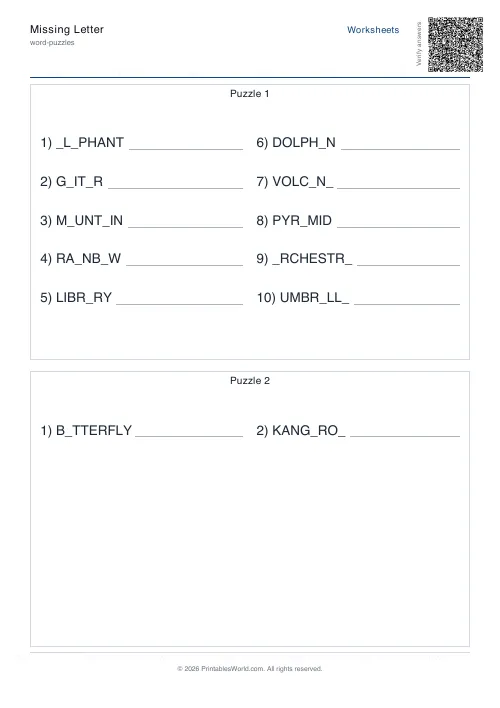
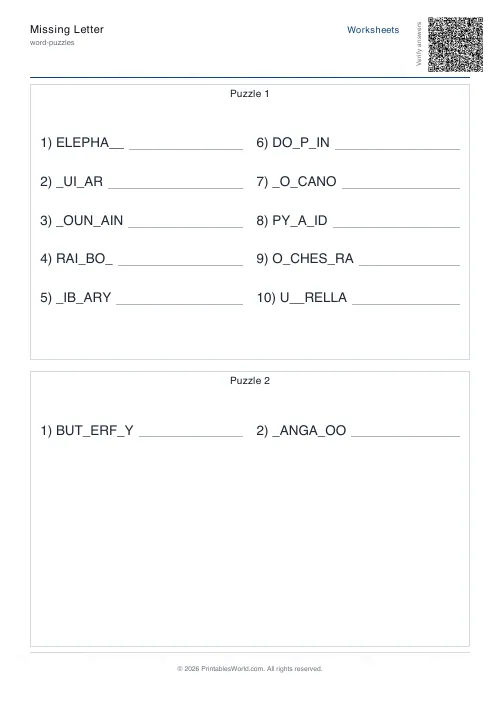
What this tool does
This generator produces printable missing-letter worksheets where each word has one or more letters replaced with blanks. You choose which letters to hide (random, vowels only, or consonants only), how many to remove per word, and whether to include a word bank and answer key. Pick your own words or let the tool select them based on difficulty.
People also used
Word Scramble Generator: Printable
Turn your word list into printable scrambled-letter worksheets with optional answer keys.
Word Search: Custom Words
Enter your own word list and generate a printable word search.
Analogies Worksheets
Complete word analogies, A is to B as C is to ___, with a curated bank of relationships.
Feedback
Spotted something off with this tool?
C_T, and why that is a different job from writing CAT
Paste a word list and this hides letters inside the words rather than hiding whole words. CAT becomes C_T. BEAUTIFUL on the hard setting comes out closer to B__T_F_L. The child is not producing a word from nothing, they are repairing one, which is a more forgiving task and a more diagnostic one: the letters left standing carry the phonics, and the gaps sit exactly where you put them.
Up to twenty words go in. Past ten they split across separate puzzle sheets of ten, numbered as you would expect, so a twenty-word list arrives as two pages rather than one crowded one. Everything else is optional: a word bank along the bottom, an answer page behind, your own heading, your own instruction line.
Choosing which letters disappear
Three masking modes, and the choice matters far more than the count. Vowels only is the phonics setting: blank the vowels in TRAIN, BEACH and SNAIL and you have a long-vowel exercise rather than a memory test. Consonants only inverts it, leaving the vowel skeleton visible, which suits work on blends and clusters. Random ignores the distinction and is the hardest of the three, because the child cannot predict what sort of letter is missing before they look.
Whatever the mode, at least one letter always survives. A fully blanked word is not a missing-letter question, it is dictation.
What Auto actually removes
You can force exactly one, two or three blanks per word. Auto is the more interesting setting because it scales with the word and with the difficulty band. Easy takes roughly a fifth of the letters and never fewer than one. Medium takes about three-tenths and never fewer than two. Hard takes close to half and never fewer than three. So a four-letter word on Hard loses three letters and keeps one, while a ten-letter word on Easy loses two.
Difficulty filters the list before any of that happens. Easy keeps words of three to six letters, Medium five to eight, Hard seven to twelve. Anything outside the band is dropped.
When your list does not fit the setting you chose
Worth knowing, because it is silent. If the length filter leaves fewer words than the sheet needs, the generator abandons the filter and falls back to your whole list. Ask for ten hard words and hand it CAT, DOG and PIG, and you get CAT, DOG and PIG rather than an error or an empty page.
That is the right default for a teacher in a hurry, but it means a sheet can come out easier than you asked for without saying so. If the words look shorter than you expected, this is why.
A Year 2 long-vowel lesson, start to finish
Ten words go in: TRAIN, BEACH, LIGHT, BOAT, FRUIT, SNAIL, DREAM, FLOAT, CLEAN, NIGHT. Word count ten, take the first ten rather than a random draw, Medium difficulty, vowels only, Auto. Out come TR__N, B__CH, L_GHT, B__T, FR__T and the rest.
Word bank on for the first pass, so the task is matching a pattern to a slot rather than producing it cold. Answer key on, so the second page carries the complete words and the class can mark in pairs. Then run the same ten words again with the word bank off. That second sheet is materially harder and took about fifteen seconds to make.
The word bank is the real difficulty dial
Most settings here change the sheet by degrees. The word bank changes what the task is. With it, the child is matching. Without it, they are spelling. Generating both versions of one list is the cheapest differentiation available on this page, and the two sheets look identical from across the room, which matters more than it should.
Selection mode does something similar for repeat practice. First takes your words in order, so the same list always gives the same sheet. Random draws a fresh subset each time from a longer bank. Paste forty spelling words, ask for twelve at random, and one list covers a term of Friday tests.
On paper
Blanks print as underscores, which photocopies more cleanly than boxes and lets a child write over the line rather than squeeze inside a cell. The sheet is laid out for A4 and US Letter from the same file.
Before anything is masked, the list is stripped of everything that is not a letter and set in capitals, and multi-word entries are split into their parts. So an apostrophe never becomes a blank the child cannot fill, and pasting a sentence gives you its words rather than one unbroken string.
FAQs
Quick answers
Can I use multi-word phrases or only single words?
You can paste multi-word phrases; the generator splits them into individual tokens and masks each token separately. For example, "NEW YORK" becomes two entries: one for "NEW" and one for "YORK".
What's the difference between Auto and fixed remove modes?
Auto calculates the number of letters to hide based on word length and difficulty. Typically 20–45% of the word. Fixed modes (One, Two, Three) always hide exactly that many letters, or as many as possible if the word is shorter.
Does vowels-only mode hide all vowels in a word?
No. It hides only the number of vowels specified by your remove mode setting, chosen randomly from the available vowels. At least one letter always remains visible.
Can I control which specific letters are hidden?
The tool picks masking positions randomly within the constraints you set (vowels, consonants, or any letter). You cannot manually specify which exact positions to hide.
How many words fit on one worksheet page?
The generator supports up to 20 words per worksheet. All entries, the optional word bank, and instructions fit on a single page; the answer key prints on a second page if you enable it.
Will the same word list always produce the same masked worksheet?
The tool uses a random seed, so each generation shuffles and masks differently. If you need consistent output for test-retest scenarios, generate once and save the PDF.
Can I generate worksheets without an answer key?
Yes. Untick the Include Answer Key box and the PDF will contain only the worksheet page. This is useful when you want students to self-mark using a word bank or when you plan to review answers verbally.
Related tools
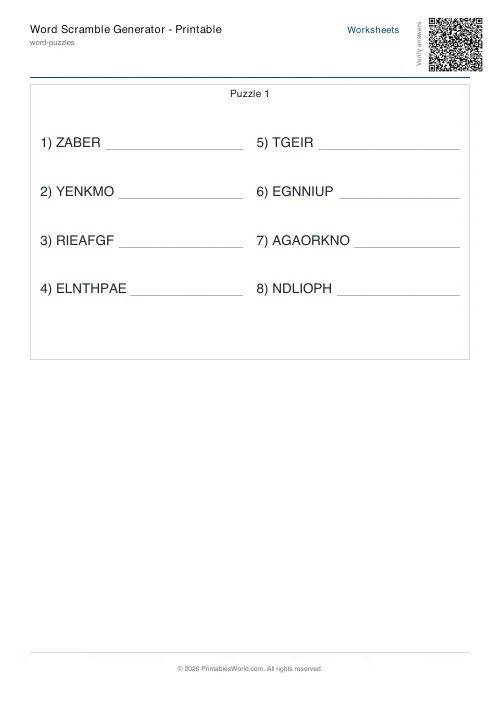
Word Scramble Generator: Printable
Turn your word list into printable scrambled-letter worksheets with optional answer keys.
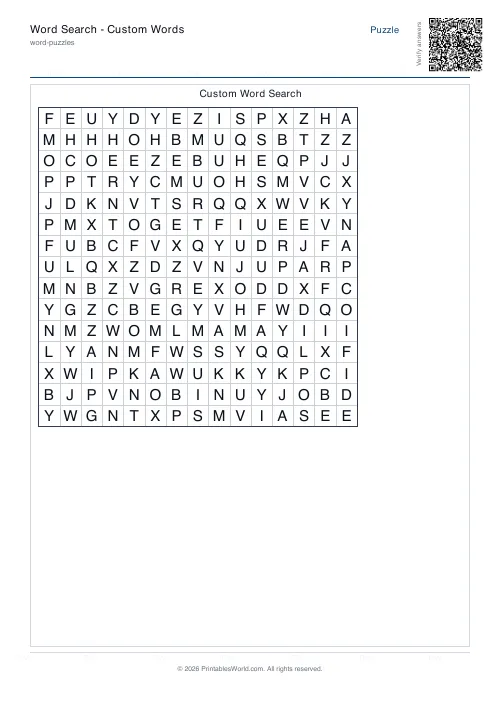
Word Search: Custom Words
Enter your own word list and generate a printable word search.
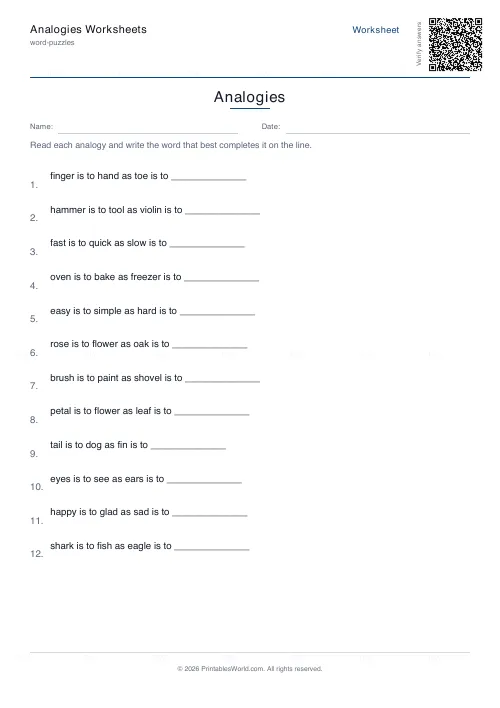
Analogies Worksheets
Complete word analogies, A is to B as C is to ___, with a curated bank of relationships.
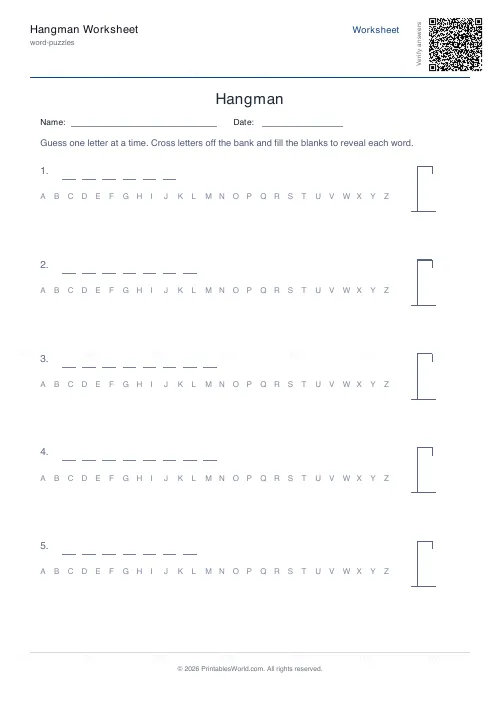
Hangman Worksheet
Printable hangman game sheets with blanks, an alphabet bank and a gallows.
Further reading
Word Puzzles
Sight words: the complete teaching guide
Sight words are usually taught as words to memorise. Most of them are partly decodable, and treating them that way works better. Here is how, and how many to teach at once.
6 min read
Literacy & Spelling
Do word searches help spelling? What works
Do word searches help spelling, or just fill time? What they practise, what the evidence suggests, and how to turn a spelling list into useful recall practice.
8 min read
Word Puzzles
Phonics at home: CVC words, blends and beyond
The order matters more than the materials, and one small thing, saying pure sounds rather than "buh" and "cuh", makes blending dramatically easier.
6 min read
More like this
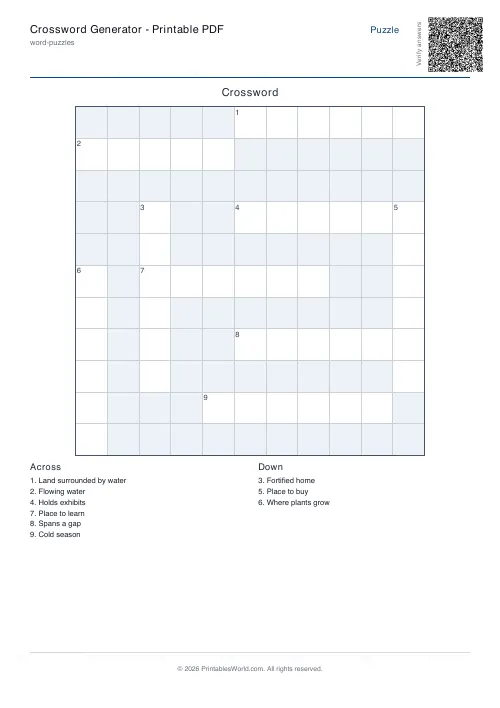 Crossword Generator: Printable PDF
- Word Scramble Generator: Printable
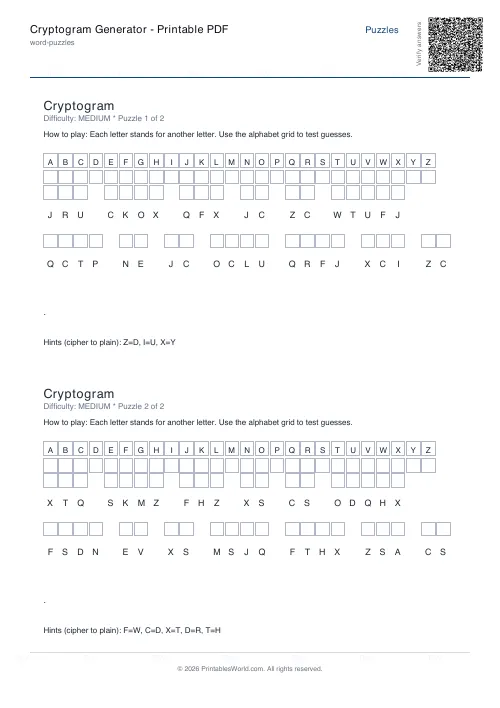 Cryptogram Generator: Printable PDF
- Word Search: Custom Words
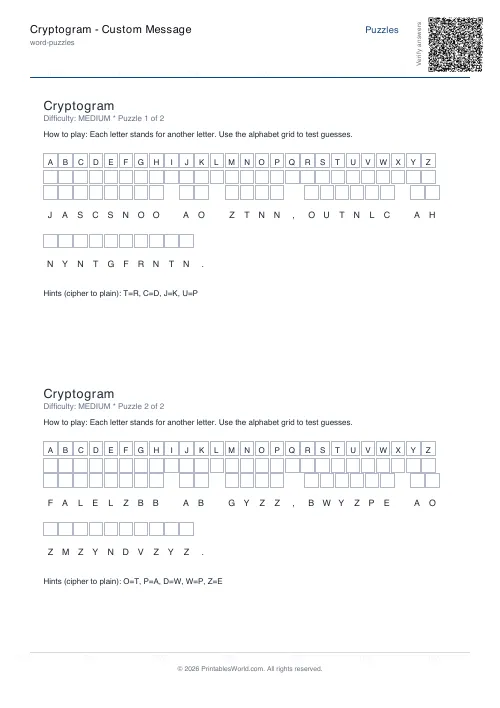 Cryptogram: Custom Message
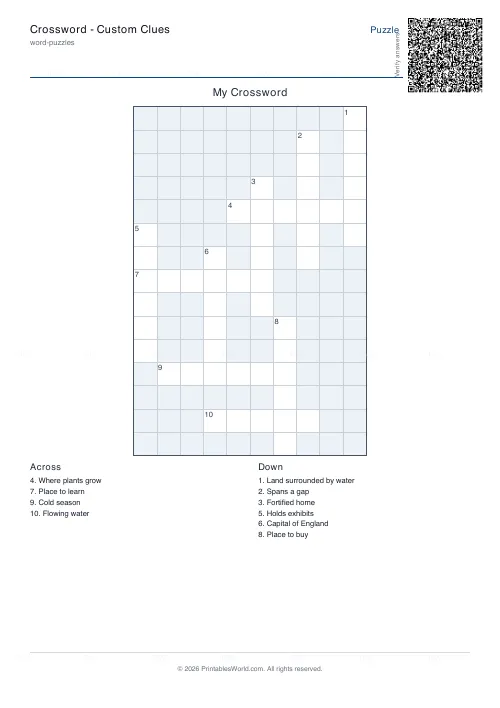 Crossword: Custom Clues
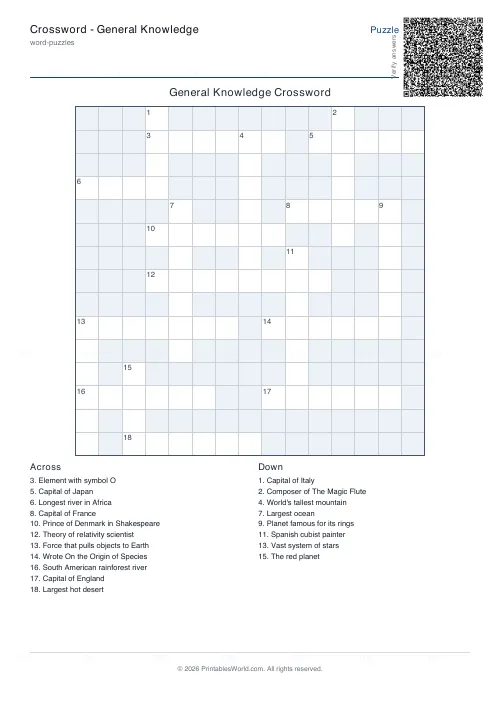 Crossword: General Knowledge
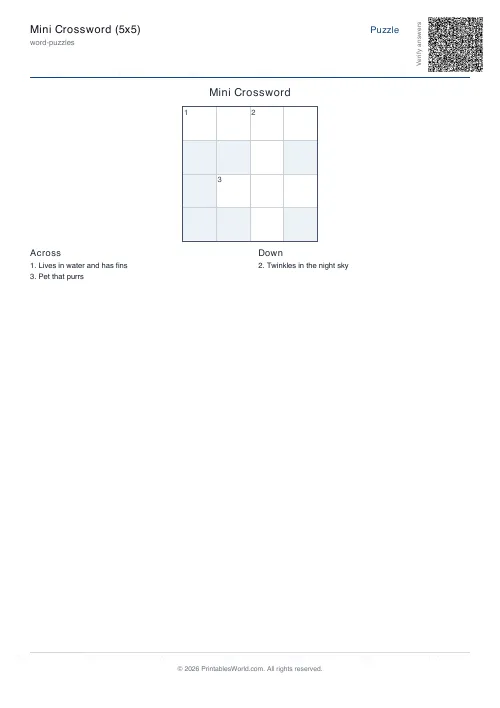 Mini Crossword
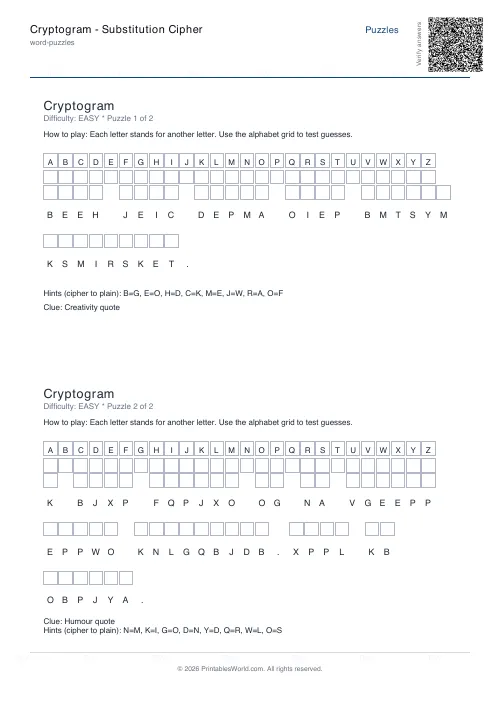 Cryptogram: Substitution Cipher
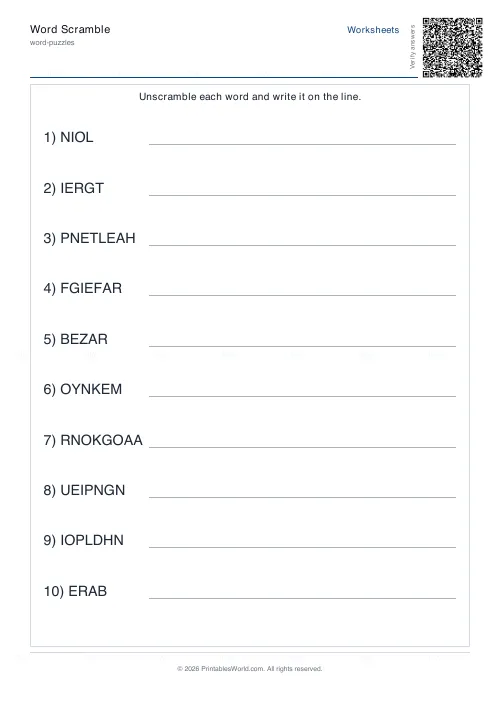 Word Scramble Generator
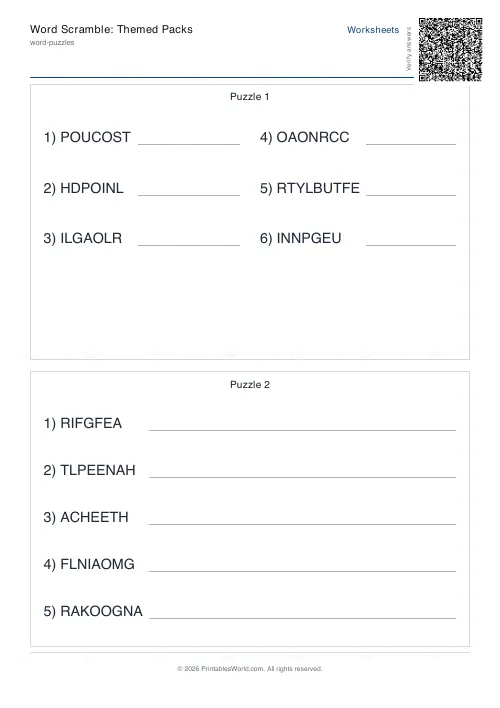 Word Scramble: Themed Packs
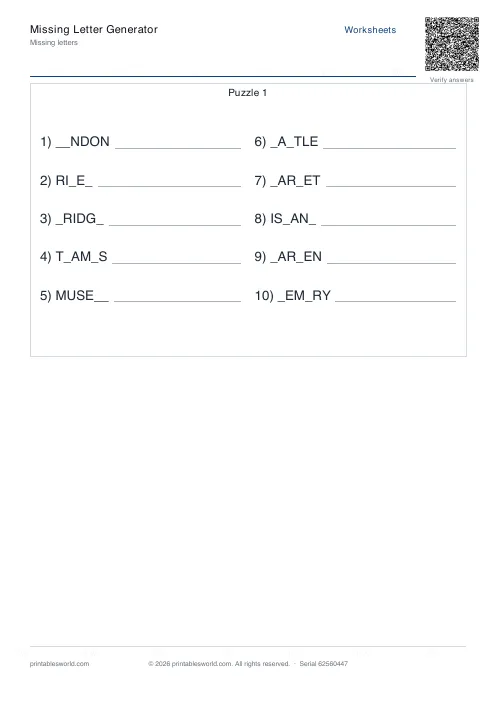 Missing Letters Puzzle
 Acrostic Poem Template
 Alphabetical Order Worksheet