What this tool does
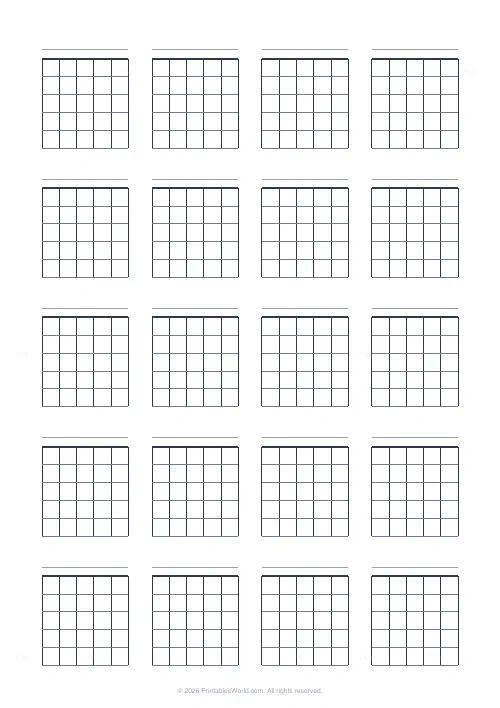
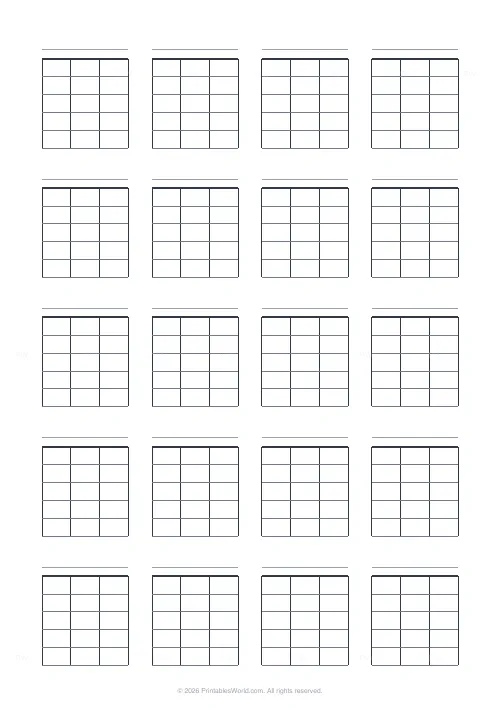
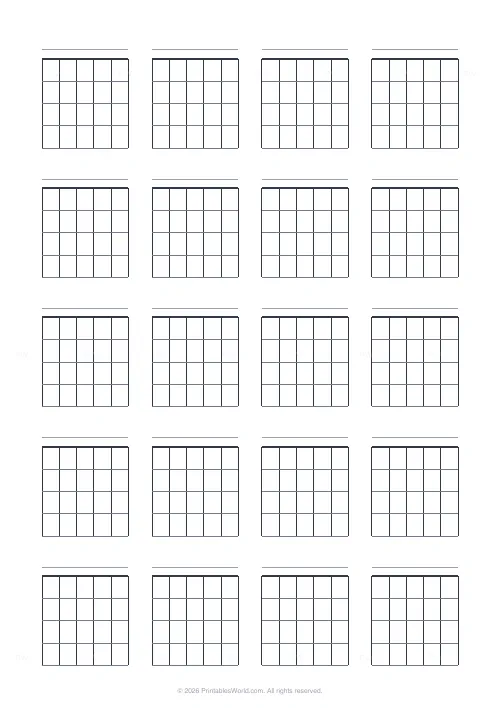
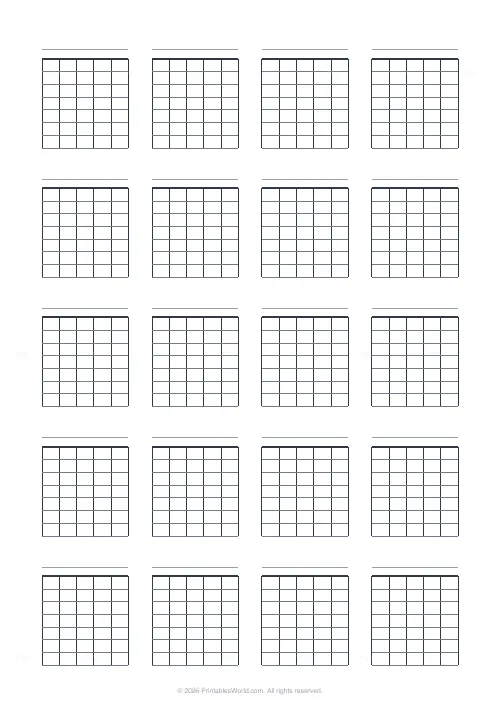
Blank chord charts: a page of empty fretboard diagrams with vertical strings, horizontal fret lines, a thick nut bar and a label space above each box. Guitar or ukulele, three to nine frets per box, and a grid of up to eight boxes across by ten down.
People also used
Feedback
Spotted something off with this tool?
Empty diagrams, laid out by the page
Each box shows the strings as vertical lines, the frets as horizontal ones, a thick bar across the top for the nut, and a line above it for the chord name. Nothing is printed inside.
Four across and five down by default, so twenty diagrams: enough for a whole song, a scale workout, or a set of new shapes from one lesson. The grid goes as wide as eight and as deep as ten if you want them smaller.
Reading and marking a diagram
Hold it as though the neck is facing you, standing upright. The vertical lines are the strings, running lowest on the left to highest on the right. Six of them for guitar, four for ukulele. The horizontal lines are frets, and the thick bar at the very top is the nut.
A dot marks where a finger presses. An O above a string means play it open. An X above a string means do not play it at all, and it is the marking beginners leave off and then wonder why the chord sounds muddy.
The chord name goes on the label line above the box.
Frets per box
Between three and nine, at five by default.
Four or five covers every open chord, because open chords live in the first few frets by definition. Go higher only when you are noting barre shapes further up the neck, and remember to write the fret number beside the box when you do, since a diagram with the nut drawn at the top implies the first fret and will be read that way otherwise.
Three ways to fill a sheet
A song, in order. Write every chord in playing sequence and the page becomes a roadmap you can read while playing rather than a reference you have to search.
One family per page. All the open majors, or every shape of one chord up the neck. Pinned above a practice space, this is the sheet that gets looked at daily.
Blank, handed to a class. Students fill in the shapes from the lesson themselves, which reinforces both the fingering and how a diagram is read. A student who has drawn twenty diagrams reads them fluently; one who has only been given them does not.
FAQs
Quick answers
How do I read a blank chord diagram?
The vertical lines are the strings (left to right, lowest to highest), the horizontal lines are the frets, and the thick bar at the top is the nut. Mark a dot where a finger presses a string, an O for an open string and an X for a muted string.
Does it work for ukulele as well as guitar?
Yes. Choose guitar for six strings or ukulele for four strings, and the diagrams are drawn with the correct number of vertical string lines.
How many chord boxes fit on a page?
You decide. Set the boxes per row and boxes per column and the generator fills the whole page with that grid. For example four across and five down gives twenty diagrams per sheet.
Is there a space to write the chord name?
Yes. With the label option on, a thin line is drawn above every box so you can write the chord name. You can turn it off for a cleaner grid.
Related tools
Guitar Tab Paper
Six-line guitar tablature paper with string labels.
Blank Piano Keys Template
Printable keyboard diagrams for labelling notes and scales.
Music Staff Paper
Five-line stave manuscript paper with selectable staves and clef label.
Classroom Seating Chart Grid
Blank desk grid for planning classroom seating arrangements.
Further reading