What this tool does
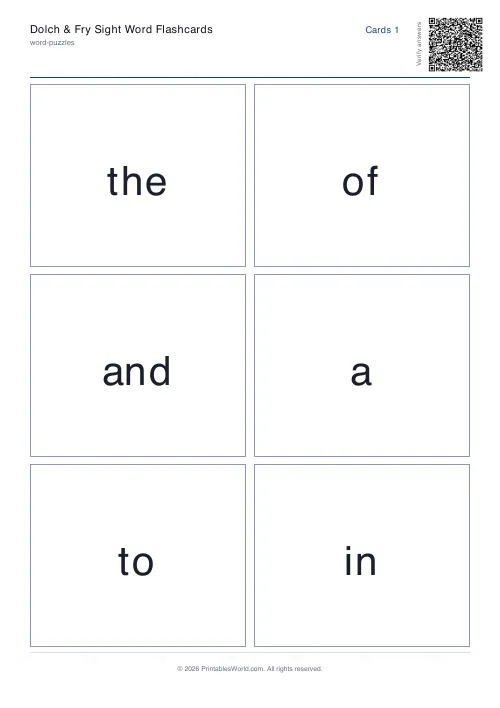
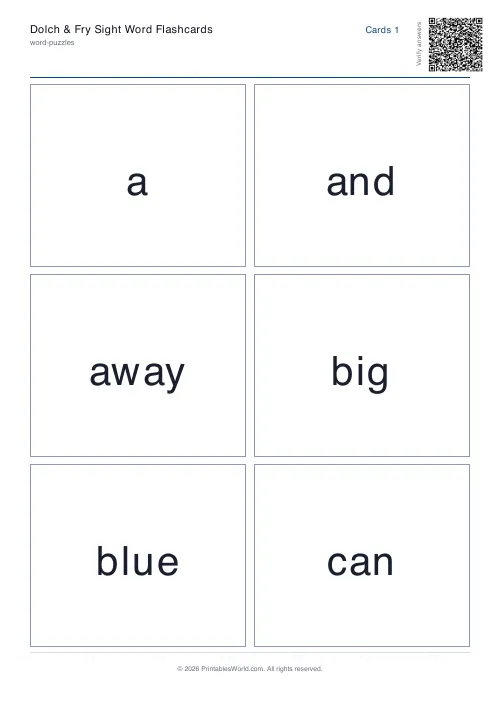
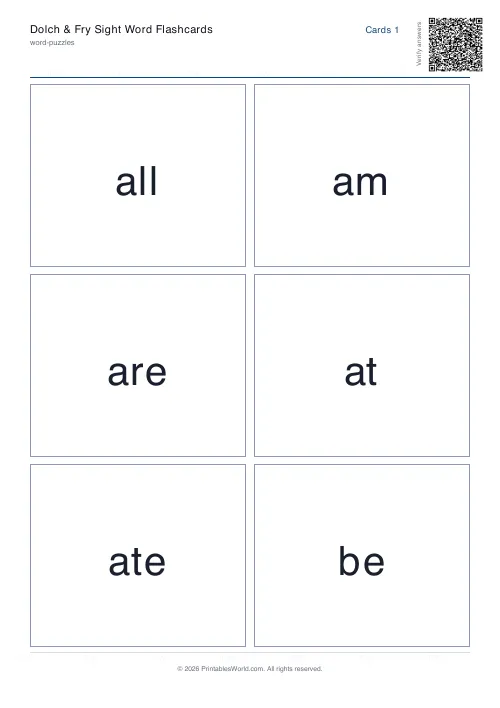
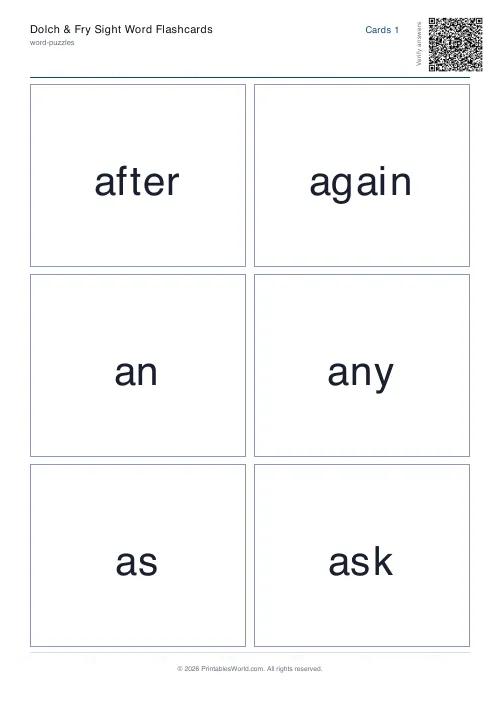
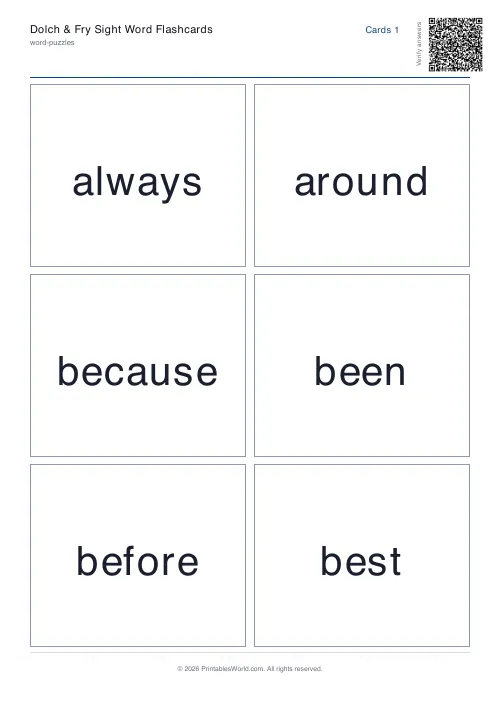
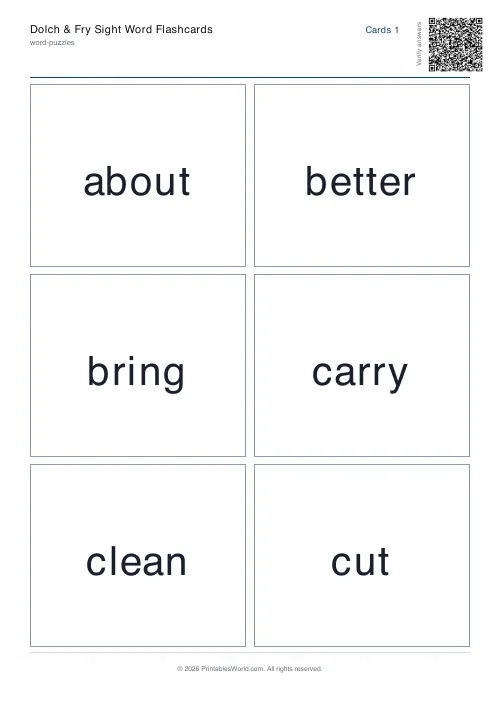
Flashcards from the standard sight-word lists — Fry's first 25 and the five Dolch lists — or your own words. Four to eight a page, with optional backs.
People also used
Feedback
Spotted something off with this tool?
The lists
Fry's First 25 by default, plus all five Dolch lists, from pre-primer up to third grade. Or type your own words and ignore the lists entirely.
Four to eight cards a page, and the backs can be turned off if you only want the word.
What a sight word is
A word a child should recognise instantly, without decoding it.
Two things make a word a candidate. It appears extremely often — the Dolch and Fry lists are frequency lists, and between them they account for a very large share of the words in any children's book. Or it cannot be sounded out reliably: said, one, who, they all break the phonics rules a child has just been taught.
They are not a replacement for phonics
Worth being clear, because the two get set against each other and should not be.
Systematic phonics is how children learn to read, and the evidence for that is strong. Sight words are a small set of high-frequency and irregular words learned alongside it, so that a child reading a sentence is not stopped four times by the, was and said. Teach phonics, and use these for the words phonics does not cover.
Fry or Dolch
Both are frequency lists, compiled decades apart, and they overlap heavily.
Dolch is organised by grade level and is the commoner choice in schools, so its lists give you a ready-made sequence to work through. Fry's is ordered strictly by frequency instead, which makes those first 25 the highest-value words in the language by a wide margin, and a reasonable place to start with any child on any curriculum.
How to work through them
A few at a time. Five new words is plenty; a child who has met twenty in one sitting has learnt none of them.
Aim for instant recognition rather than correctness. A word that takes three seconds to work out is not yet a sight word, and the useful test is speed rather than accuracy. Once a word is instant, retire the card and bring it back a fortnight later to check.
Uses beyond drilling
Lay several on a table and have the child find the one you say. Hide them round a room. Snap, or pairs, with two sets. Build sentences from cards on the floor.
All of those are better than a deck worked through in order, because a five-year-old will do them for longer.
Related: alphabet and number flashcards for letters, and the handwriting practice generator to write the same words out.
FAQs
Quick answers
What is the difference between Dolch and Fry sight words?
Dolch lists are grouped by reading level (pre-primer through third grade); Fry lists rank words purely by frequency. Both cover the high-frequency words beginning readers see most often.
Can I print the flashcards double-sided?
Yes. Turn on mirrored back pages and the deck adds aligned back pages. Print duplex and flip on the short edge so each back lines up with its front.
Can I use my own word list?
Yes. Choose the custom option and paste any words, one per line or comma-separated, and the flashcards rebuild instantly.
How many cards fit on a page?
Four, six or eight per page. Six is the usual choice. Large enough to read across a room but economical on paper.
Related tools
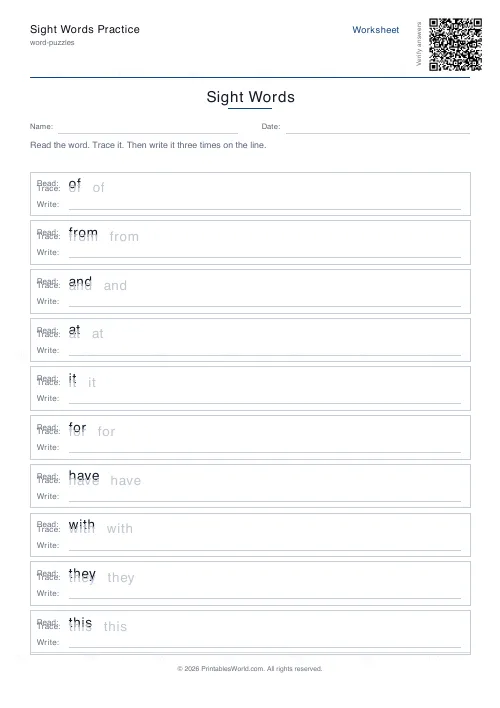
Sight Words Practice
Read, trace, and write high-frequency sight words.
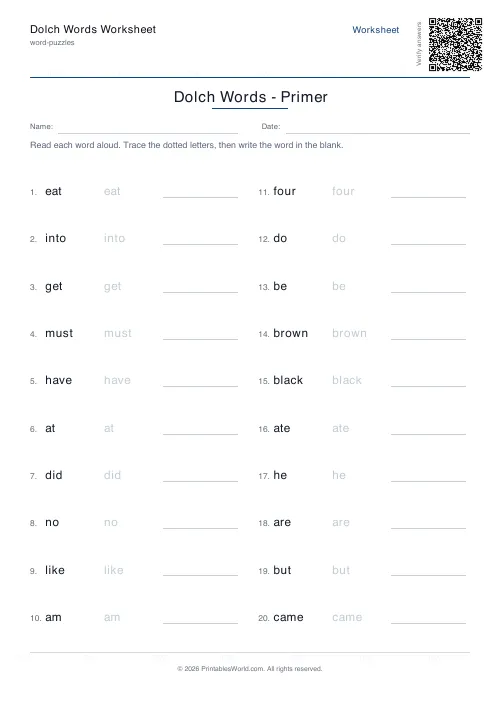
Dolch Words Worksheet
Pre-Primer through Grade 3 Dolch sight word practice.
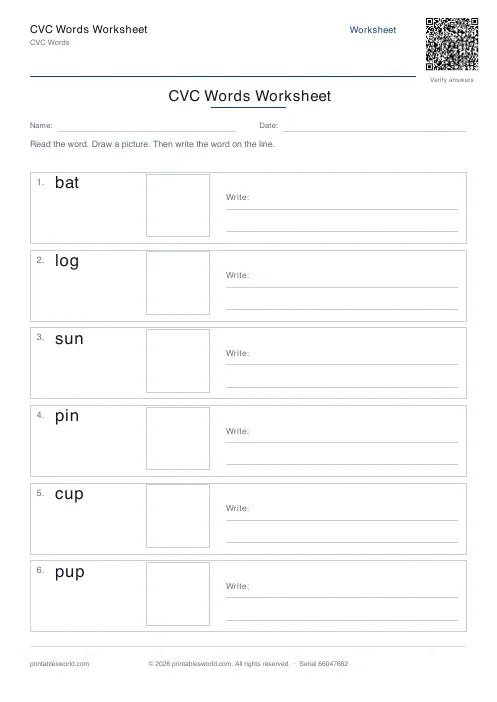
CVC Words Worksheet
Read, draw, and write consonant-vowel-consonant words.
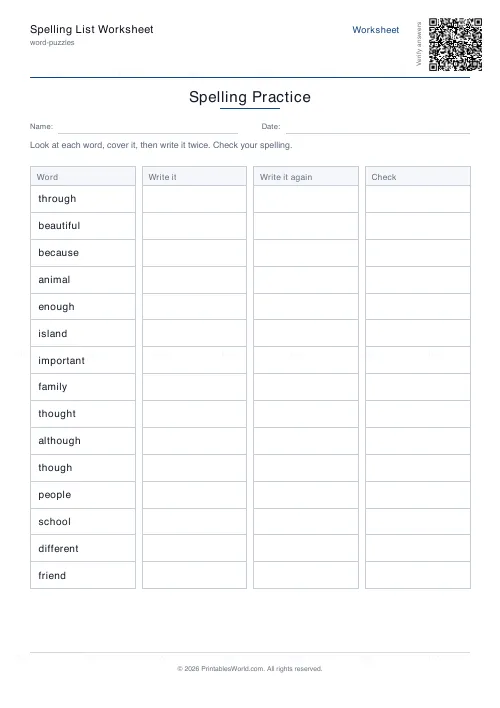
Spelling List Worksheet
Look, cover, write, and check. Practice any spelling list.
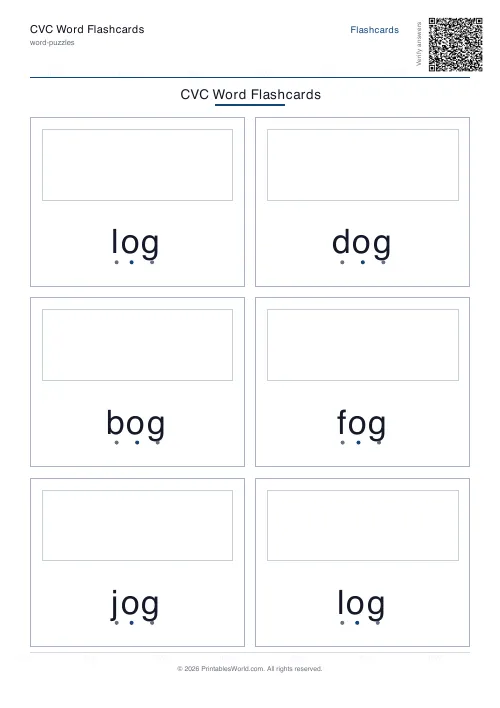
CVC Word Flashcards
Printable cut-out flashcards for consonant-vowel-consonant words.
Further reading
Word Puzzles
Sight words: the complete teaching guide
Sight words are usually taught as words to memorise. Most of them are partly decodable, and treating them that way works better. Here is how, and how many to teach at once.
6 min read
Literacy & Spelling
Do word searches help spelling? What works
Do word searches help spelling, or just fill time? What they practise, what the evidence suggests, and how to turn a spelling list into useful recall practice.
8 min read
Word Puzzles
Phonics at home: CVC words, blends and beyond
The order matters more than the materials, and one small thing, saying pure sounds rather than "buh" and "cuh", makes blending dramatically easier.
6 min read
More like this
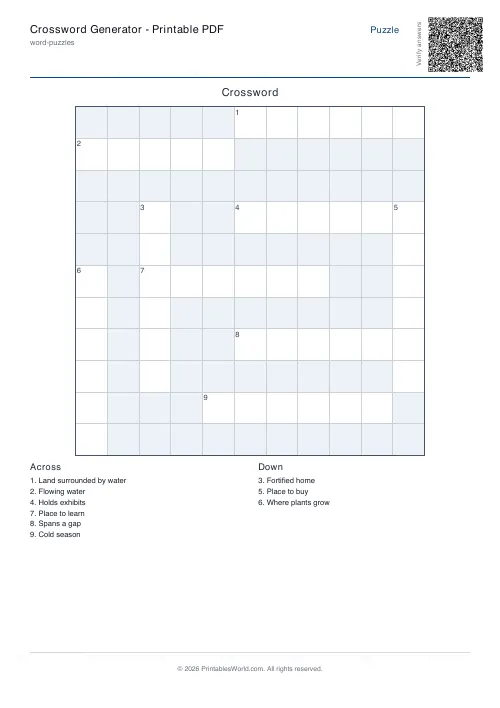 Crossword Generator: Printable PDF
 Word Scramble Generator: Printable
 Cryptogram Generator: Printable PDF
 Missing Letter Generator
 Word Search: Custom Words
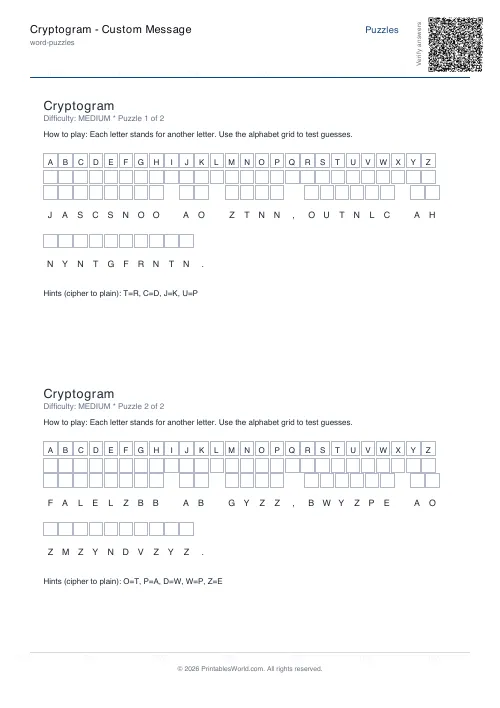 Cryptogram: Custom Message
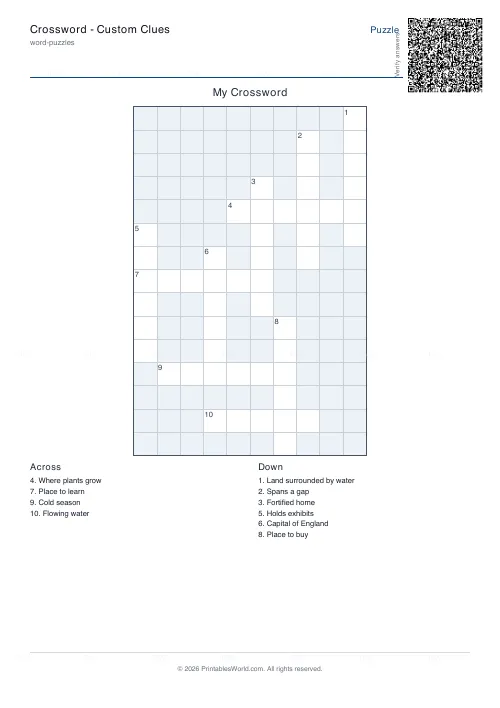 Crossword: Custom Clues
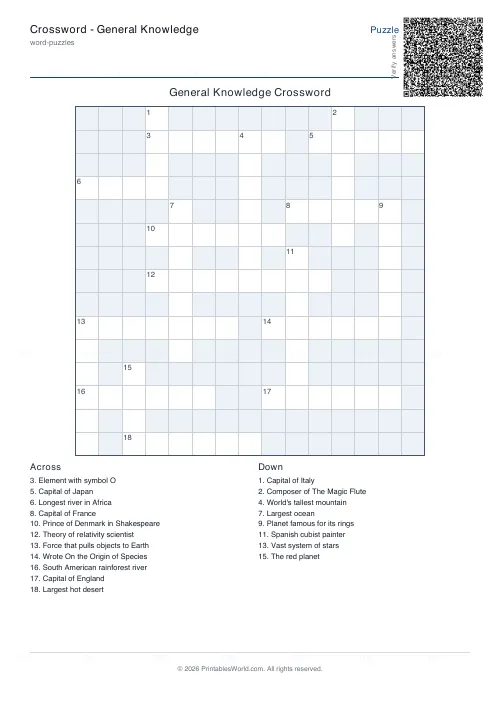 Crossword: General Knowledge
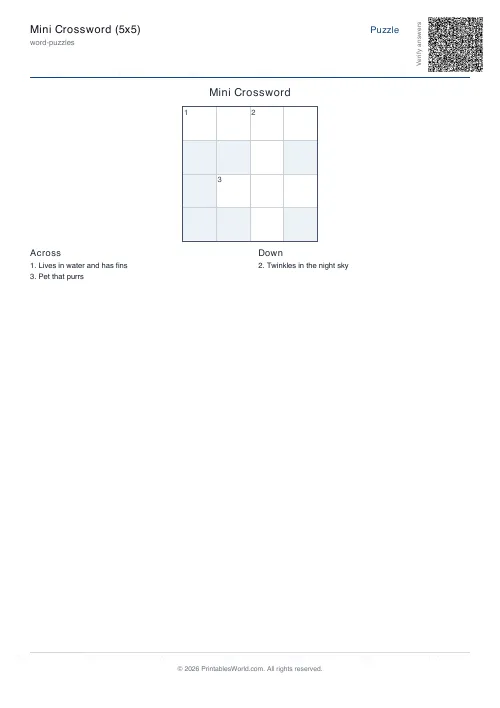 Mini Crossword
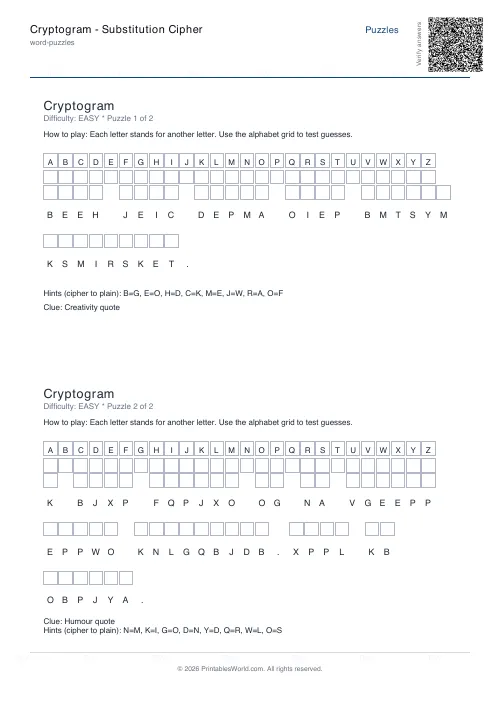 Cryptogram: Substitution Cipher
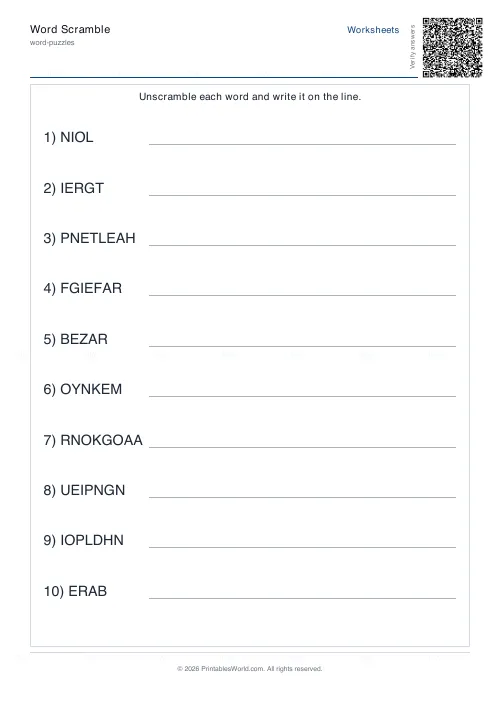 Word Scramble Generator
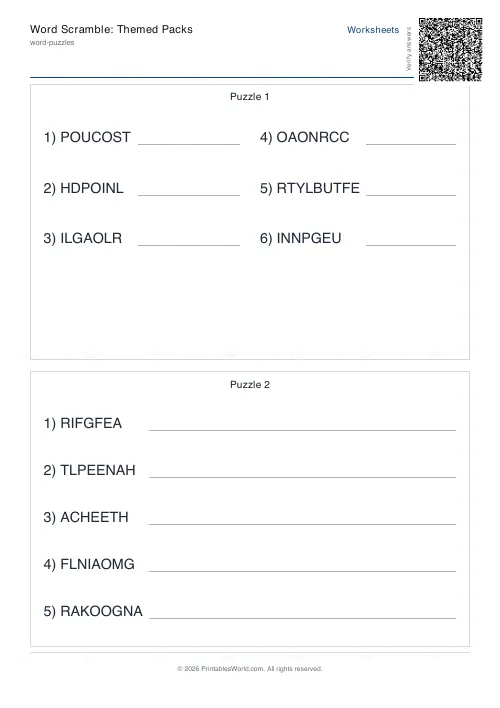 Word Scramble: Themed Packs
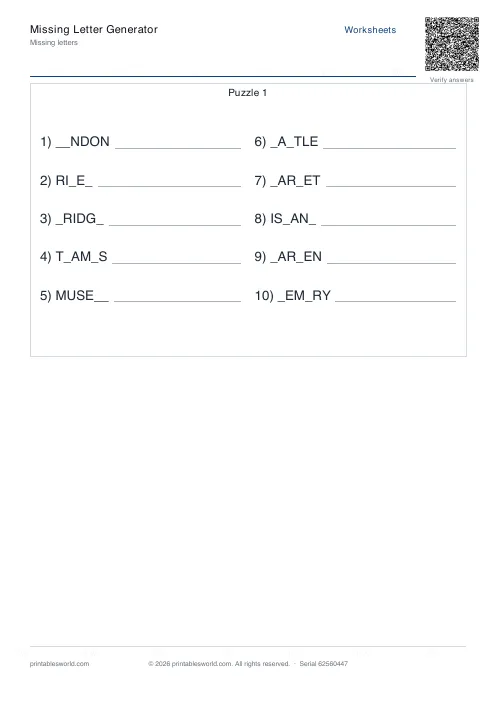 Missing Letters Puzzle
 Acrostic Poem Template