What this tool does
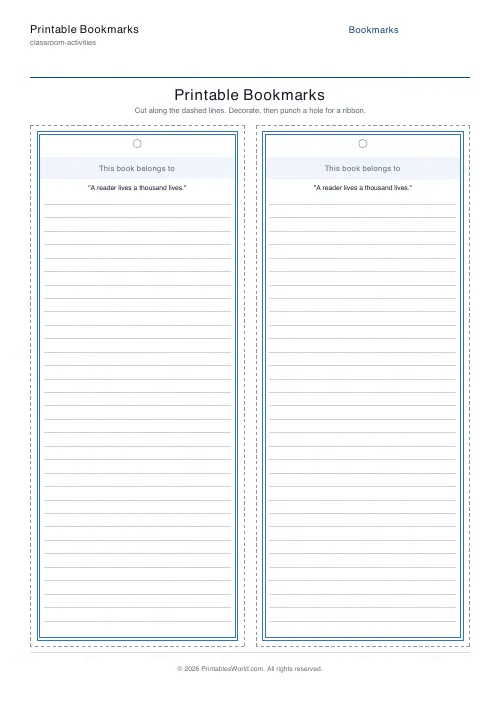
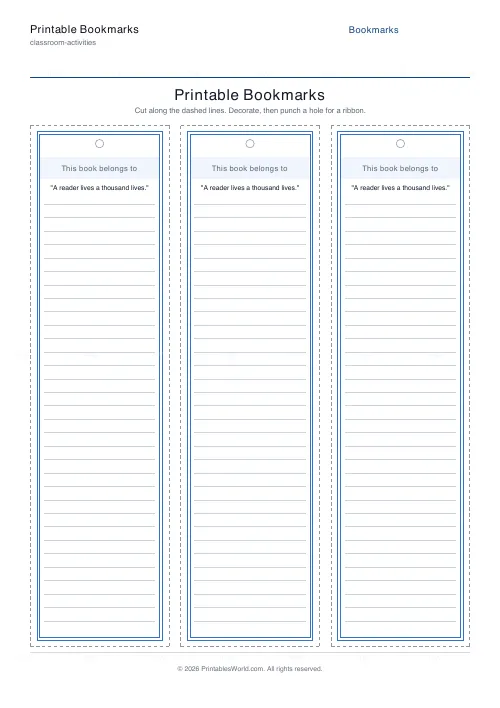
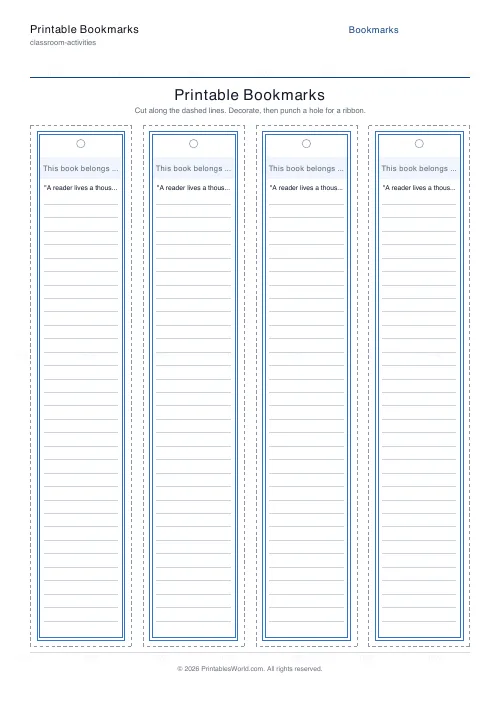
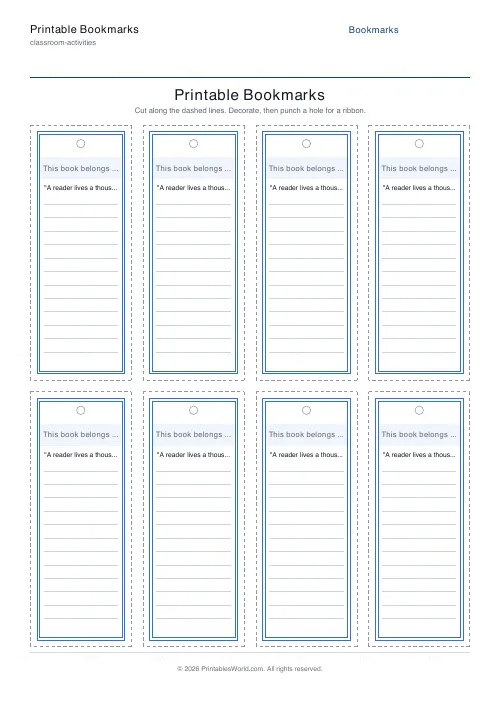
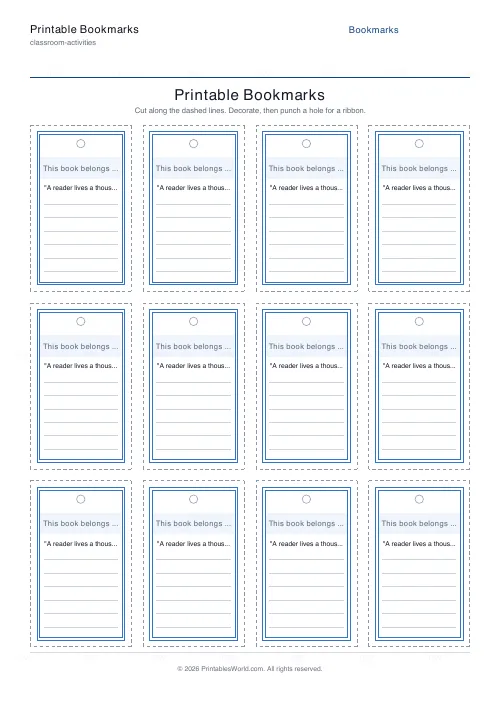
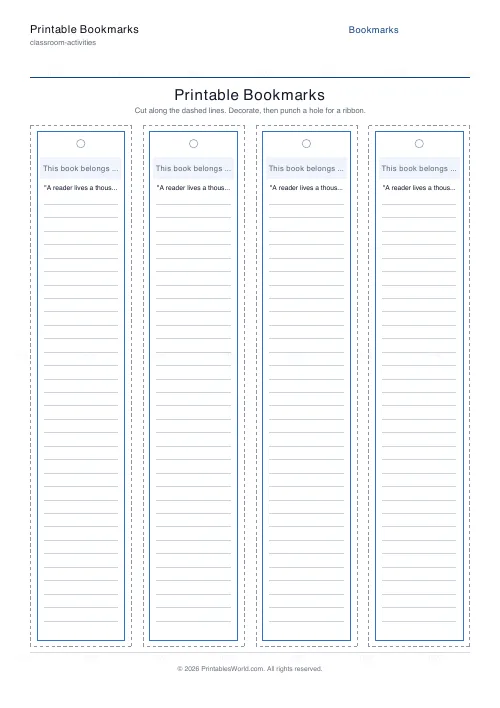
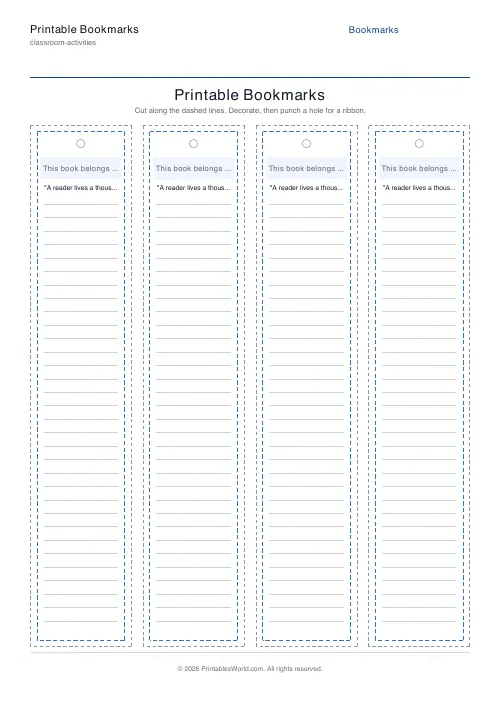
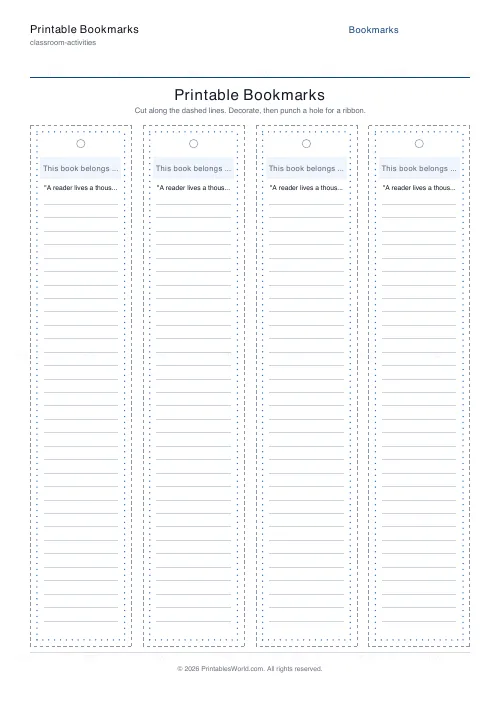
A page of bookmarks ready to cut out. One to six across and up to four down, so anywhere from a single wide card to twenty-four narrow strips. Four border styles, a title band, an optional quote, ruled lines to write on, and a punch-hole circle for a ribbon. Dashed cut lines throughout.
People also used
Coloring Page Maker
Create printable coloring pages with mandala, geometric, and animal templates in any line thickness.
Bingo Card Generator
Generate unique printable bingo cards with custom words, FREE centre toggle, call sheet, and seeded shuffles.
Certificate of Achievement
Formal classroom certificate with name, reason, date, and signature line.
Feedback
Spotted something off with this tool?
Several to a page, with the cut lines drawn
Bookmark rectangles tiled across the sheet, each with a dashed line to snip along. Four across in a single row is the default, which gives the classic narrow strip.
Push it to six columns and four rows for twenty-four small ones, or drop to a single column for a wide card with room for a proper quote. The title band prints on every bookmark, defaulting to This book belongs to, and can be anything: a class motto, a reading challenge, a child's name.
What goes on one
- Border. Four styles: solid, double, dashed, dotted. Double is the default and it is the one that best survives being coloured over.
- Quote. Optional, centred near the top, and keep it short, because a bookmark at four to a page is around 50 mm wide and a long quote sets uncomfortably small on one.
- Ruled lines. On by default. Somewhere to write a name, a reading goal, or a favourite line from the book.
- Punch hole. A marked circle at the top. On by default.
Leave the lines blank on purpose
The most useful version of this sheet is not the one you fill in before printing.
Hand out blank bookmarks with a border and nothing else and they become a colouring activity, a reward that the child has made themselves, and something they will actually keep. A bookmark somebody printed for you gets lost; one you drew on stays in the book.
For a reading challenge, print with the title band set and the lines empty, so a child writes the book title on it as they finish each one.
Cutting, punching, lasting
Print at full scale, or the dashed lines stop matching the rectangles.
Card stock rather than copier paper for anything used daily, because a paper bookmark in a hardback is creased within a week. Punch the hole after cutting rather than before, thread the ribbon last, and laminate if it is meant to be a keepsake rather than a term's use.
FAQs
Quick answers
How many bookmarks fit on one page?
You choose. Set the number of columns (1 to 6) and rows (1 to 4) to fit anything from a single wide bookmark to a full page of narrow strips. Four columns by one row is a common layout for standard-width bookmarks.
Can I add my own text?
Yes. Every bookmark shows a title band (for example "This book belongs to") and you can add a short quote that prints centred near the top. Ruled lines leave room for children to write their own name or favourite line.
Is there a punch hole for a ribbon?
Yes. Keep the punch-hole toggle on and a marked circle prints near the top of each bookmark. Cut the bookmark out, then use a standard hole punch on the circle to thread a ribbon or tassel.
What paper should I use?
Plain paper is fine for a quick colouring or craft activity. For bookmarks that will be used every day, print on card stock and consider laminating them after cutting and decorating.
Related tools
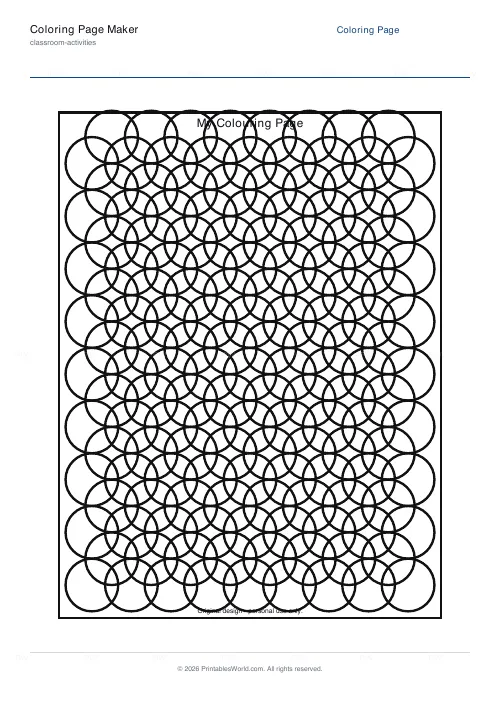
Coloring Page Maker
Create printable coloring pages with mandala, geometric, and animal templates in any line thickness.
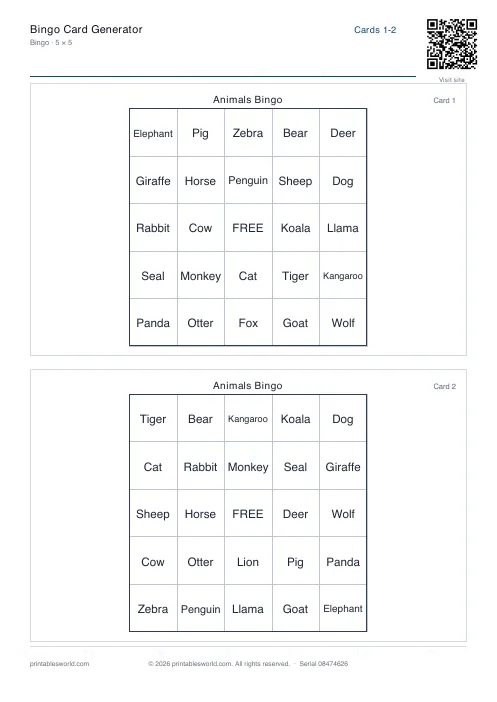
Bingo Card Generator
Generate unique printable bingo cards with custom words, FREE centre toggle, call sheet, and seeded shuffles.

Certificate of Achievement
Formal classroom certificate with name, reason, date, and signature line.
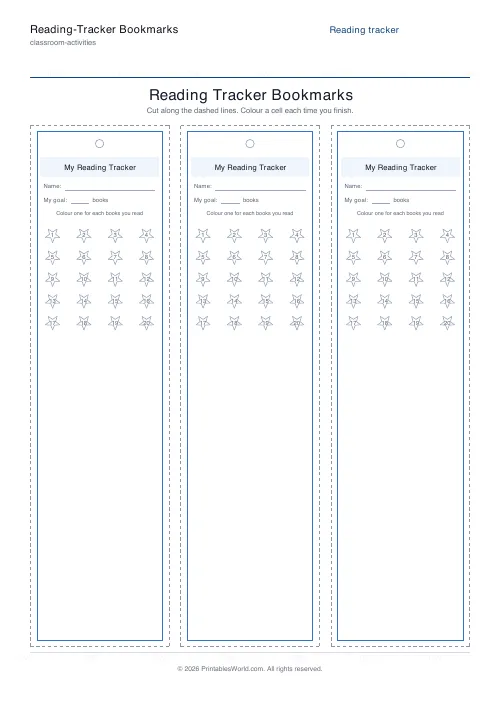
Reading-Tracker Bookmarks
Cut-out bookmarks with a numbered tracker grid kids colour as they finish books.
Further reading