What this tool does
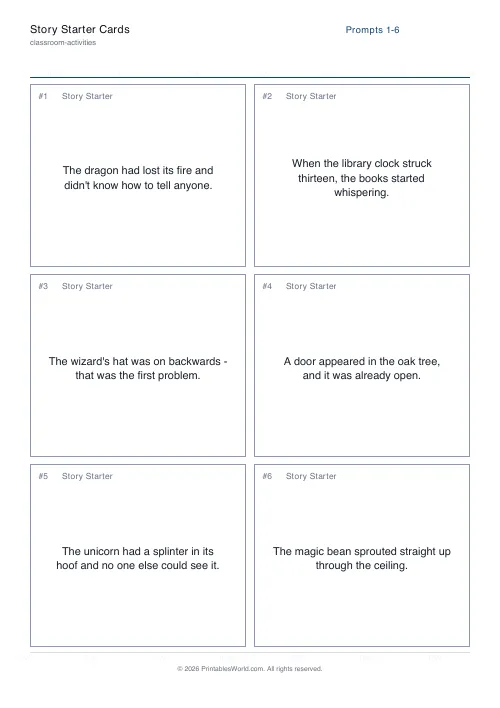
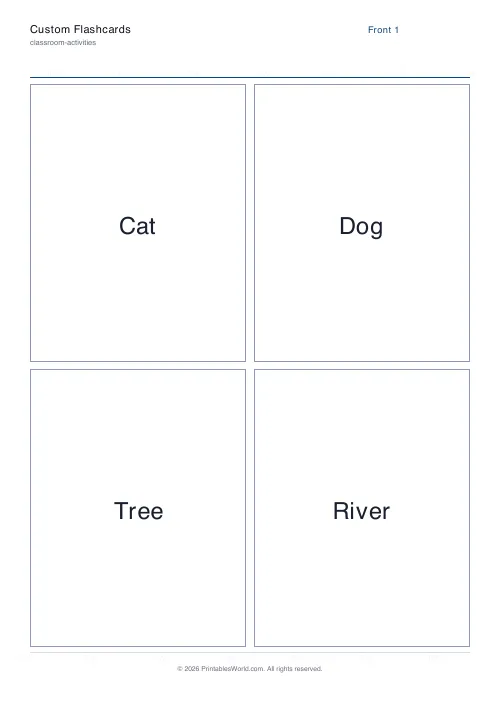
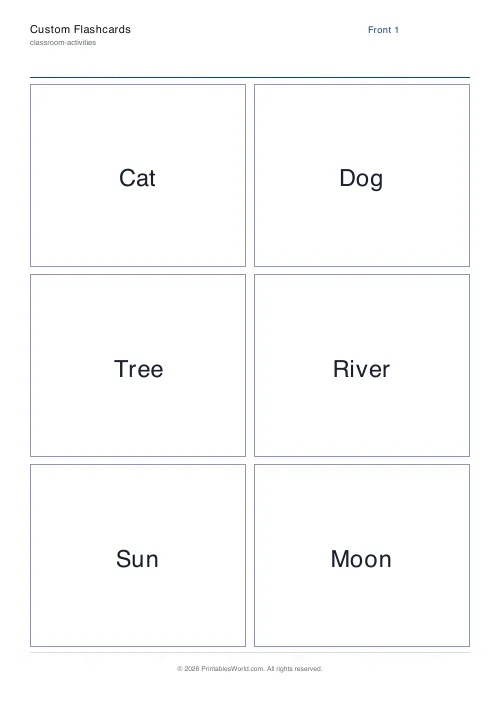
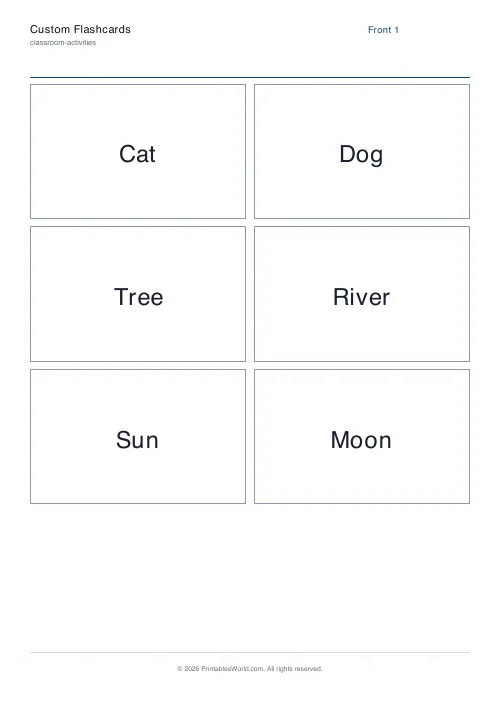
Paste a list of front/back pairs and get a printable deck. The back page mirrors the front grid so a duplex print lines up when flipped on the short edge. Four, six or eight cards a page.
People also used
Feedback
Spotted something off with this tool?
Front and back, aligned for duplex printing
Type the pairs and the sheet prints the fronts on one page and the backs on the next, with the back grid mirrored left to right.
That mirroring is the part that is easy to get wrong by hand and annoying to discover after cutting. Print double-sided, flip on the short edge, and every back lands behind its own front. Flip on the long edge instead and the deck comes out with the answers behind the wrong questions.
Cards per page
Four, six or eight. Four gives large cards that are easy to read across a room and hold a full definition. Eight gives a pocket deck.
Match the size to the length of the backs. A one-word answer works at eight to a page; a two-sentence definition set at that size is small enough that people stop reading it and start guessing from the first few words.
Why flashcards work, and the way most people use them wrongly
They work because of retrieval. Looking at the front, failing to recall, and then seeing the back is a stronger memory event than reading both sides together — and the failed attempt is part of the mechanism, not a waste of it.
The common mistake is to read through the deck rather than testing with it. A card looked at is not a card recalled, and a deck read three times feels productive while doing very little.
The second mistake is not separating the deck. Cards you get right should be tested less often than cards you get wrong; keeping them in one pile means most of your time goes on the ones you already know.
Writing good pairs
One idea per card. A back with three facts on it will be recalled partially, and partial recall is hard to grade honestly.
Make the front a real question where you can. "Cat" tests nothing in particular; "What is the French for cat?" has one right answer and you know immediately whether you had it.
Keep it reversible. A good pair works in both directions, and a deck you can turn round and run backwards is worth twice as much as one that only goes one way.
Setting it up
A title, your list of front/back pairs, and cards per page. A4 or US Letter.
Printing
Card, or paper glued to card — on plain paper the back shows through the front, which defeats the object entirely.
Print at 100% so the fronts and backs stay in register. Any scaling applied to one page and not the other puts the whole deck out of alignment.
FAQs
Quick answers
How do I print the backs so they line up with the fronts?
Print the PDF double-sided and choose “flip on the short edge” (sometimes called “short-edge binding”). The engine already mirrors the back page for you.
How many pairs can I add?
There is no hard limit. The PDF adds as many pages as you need. For legibility, keep each back text under about 20 words.
Can I mix languages or symbols?
Yes for standard Latin text. Extended characters (emoji, some accents) use the PDF default font and may not render exactly; preview before printing a large batch.
What paper size should I use?
A4 works well for most classrooms; US Letter is fine too. Both render the same grid and card count.
Related tools
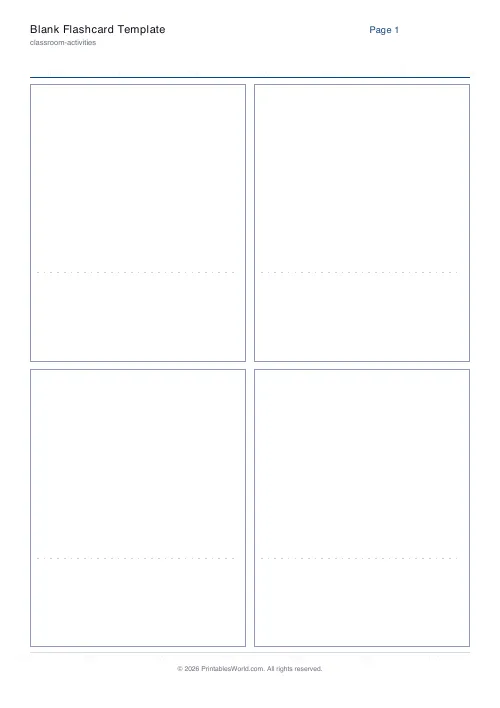
Blank Flashcard Template
Print blank flashcards ready to fill in by hand.
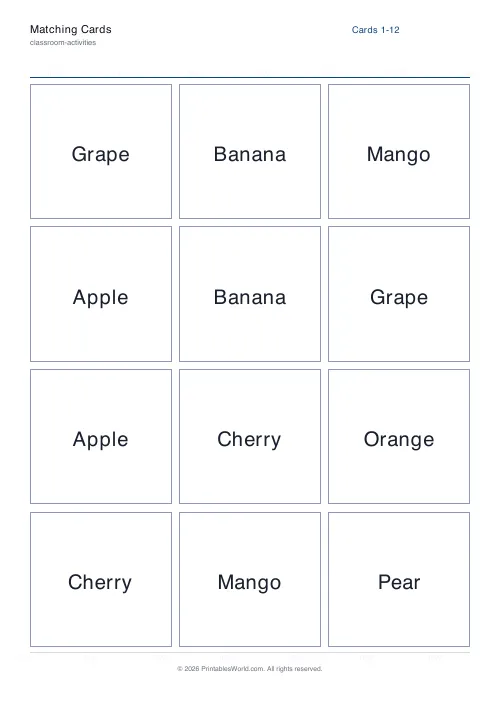
Matching Cards
Pairs of identical cards for a concentration-style match game.
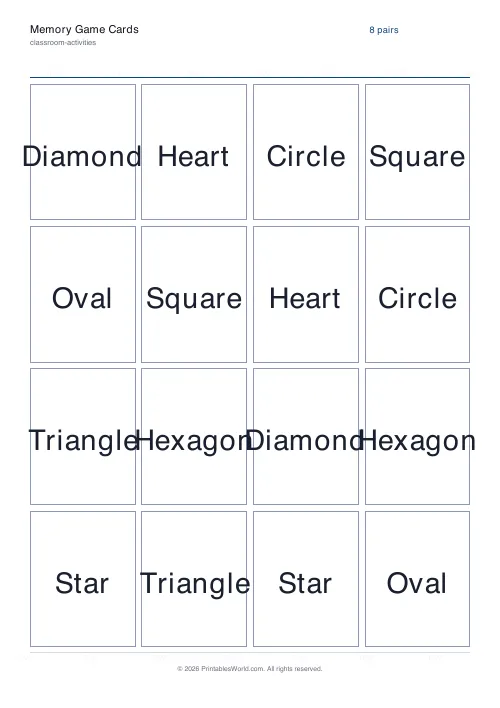
Memory Game Cards
Grid of paired cards for a classic flip-and-match memory game.
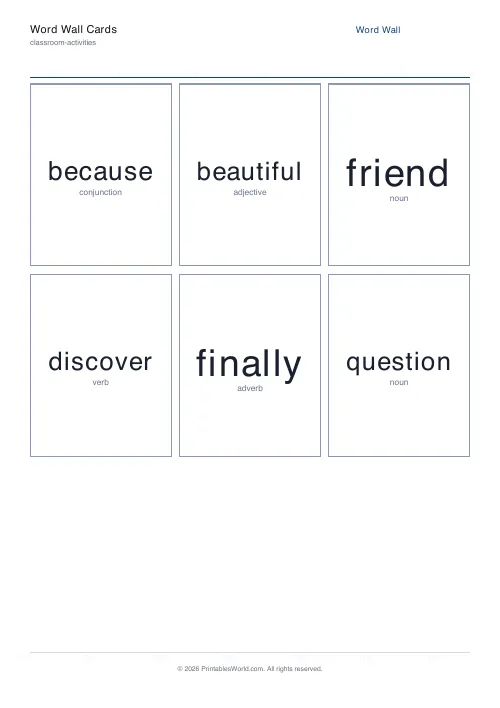
Word Wall Cards Generator
Big, bold printable word wall cards from your own word list.
Further reading
Teaching & Classroom
How to make a custom spelling word search
Turn any spelling list into a printable class set in minutes. A practical guide to making a custom spelling word search, with a worked example and difficulty tips.
7 min read
Classroom Activities
Bingo in the classroom: 10 subjects, one game
Bingo works in almost every subject because the mechanic never changes. Only the call does. Ten variations, and the one rule that turns it from a filler into retrieval practice.
4 min read