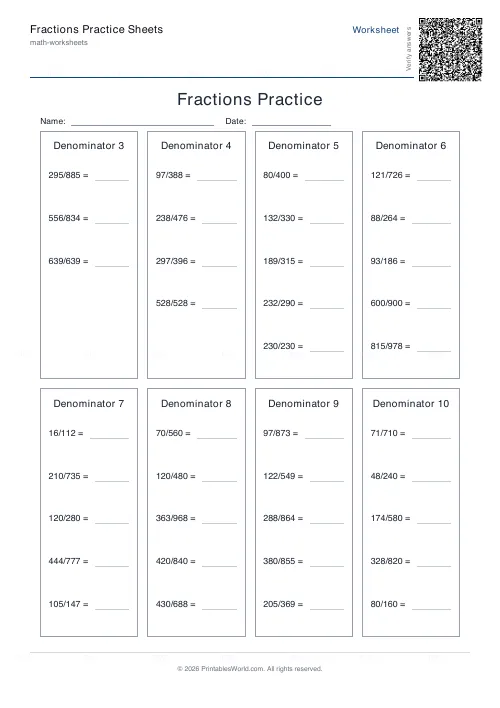
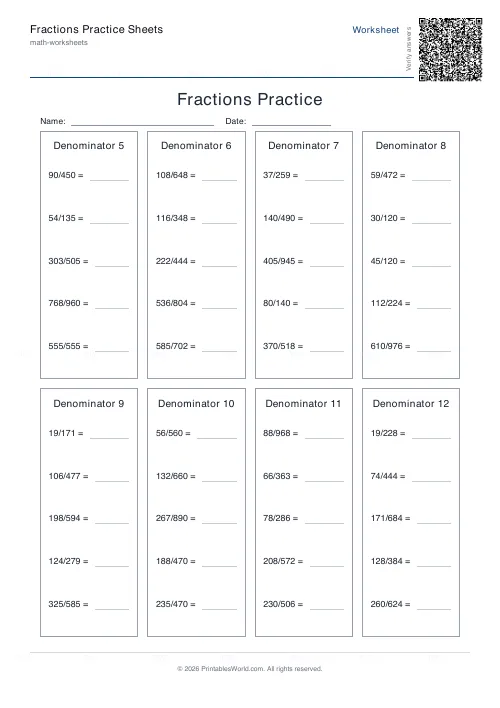
What this tool does
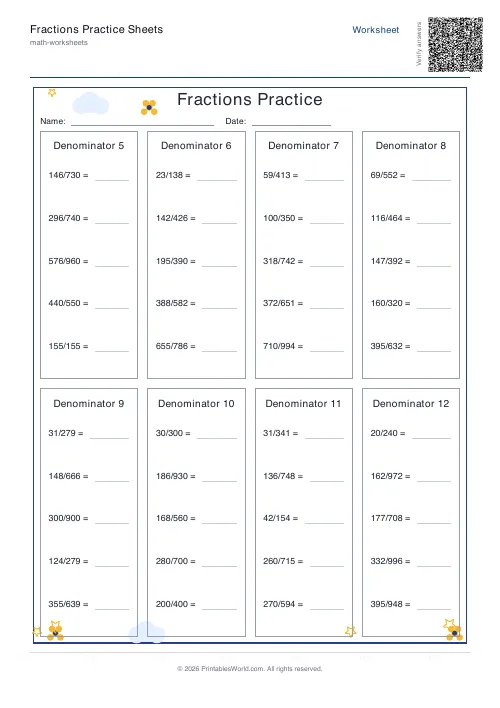
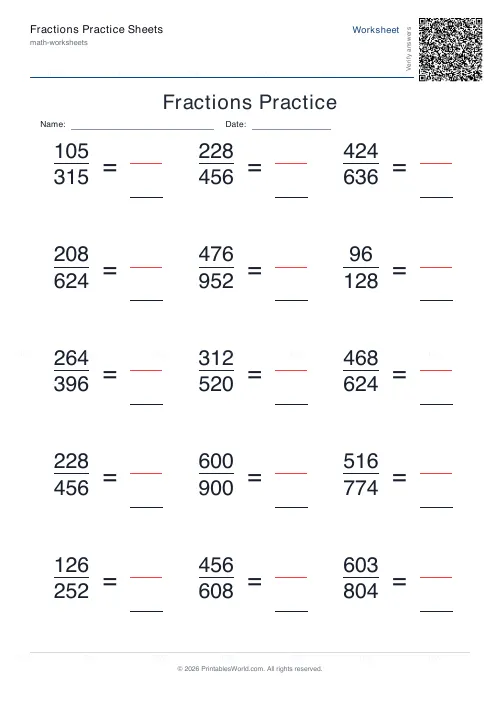
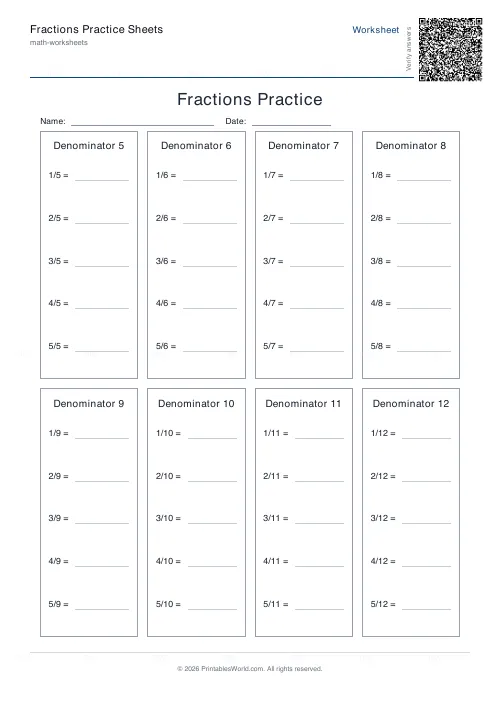
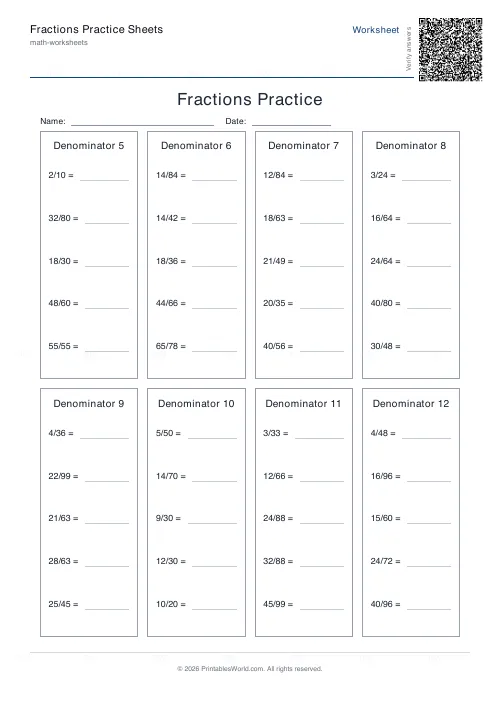
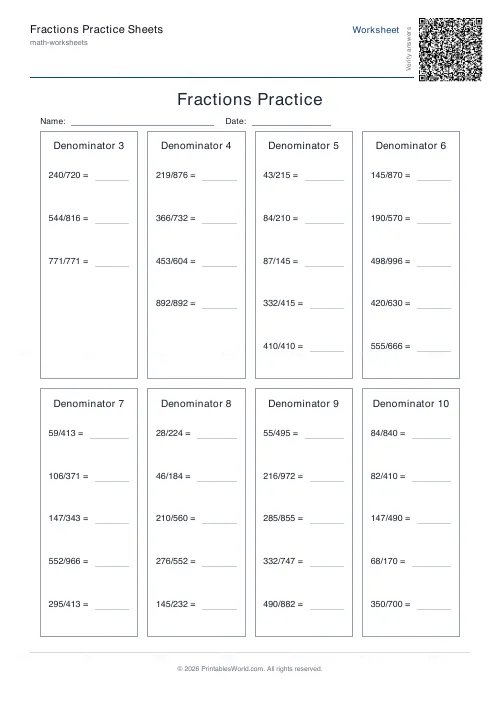
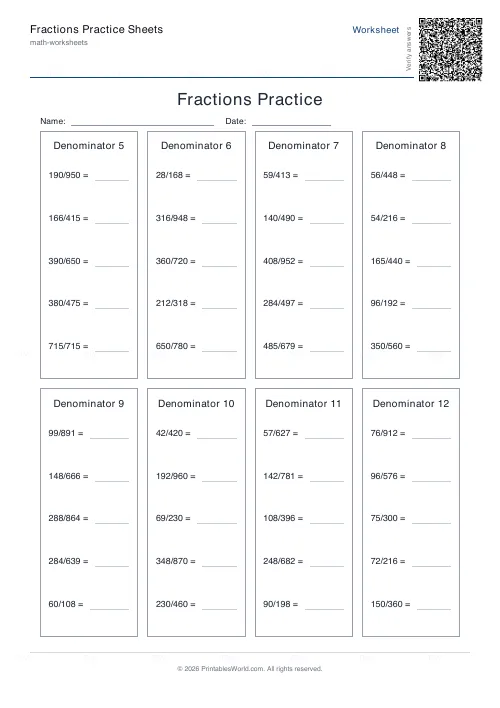
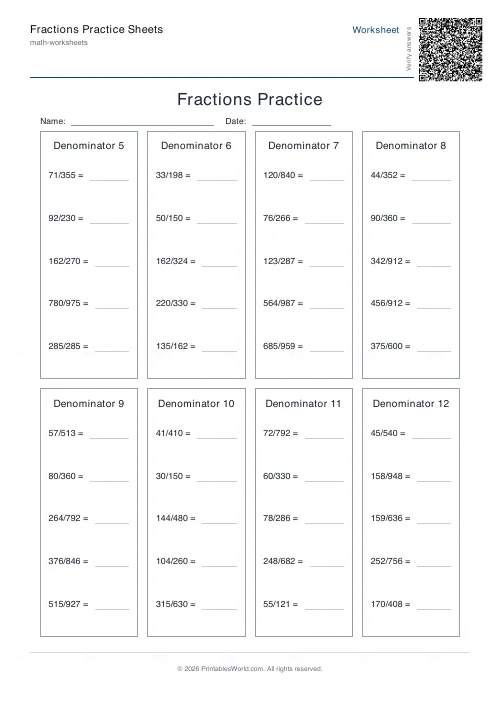
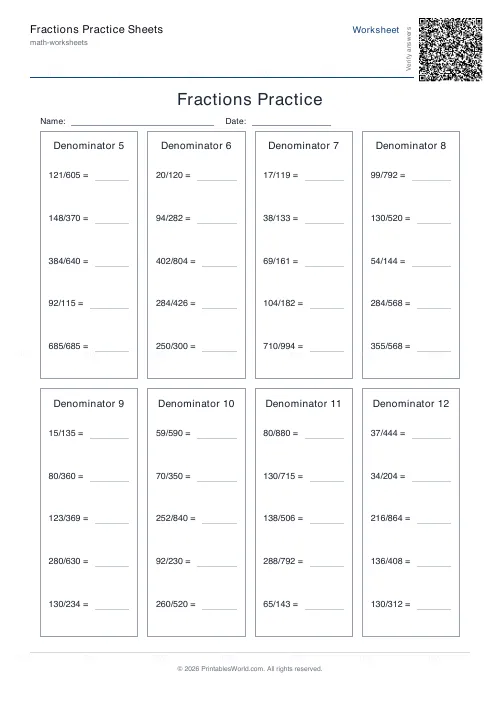
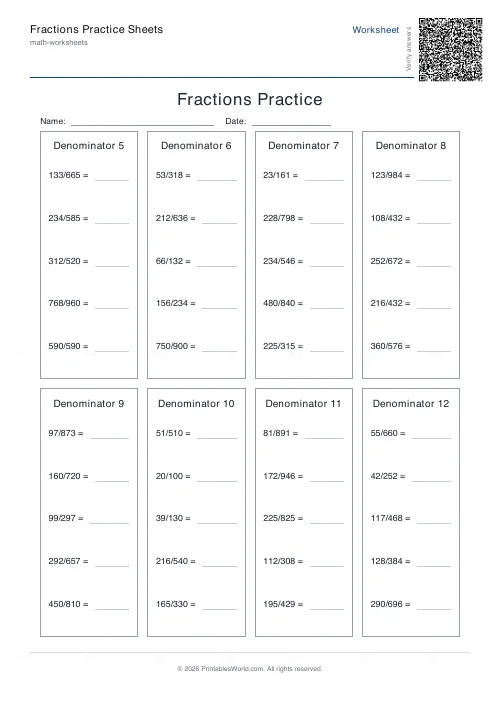
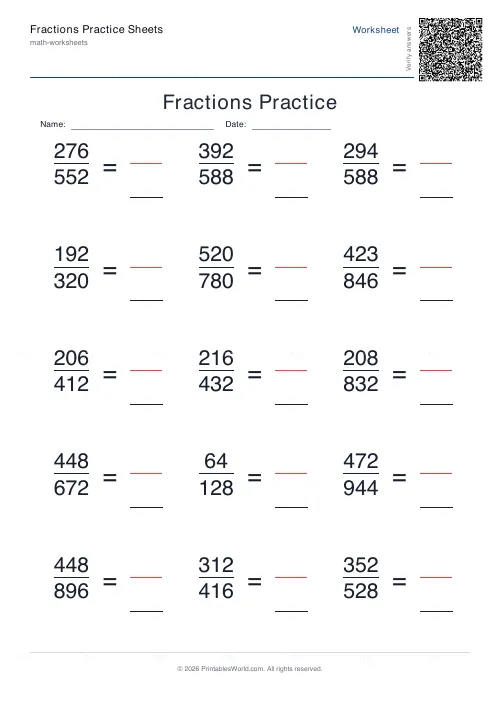
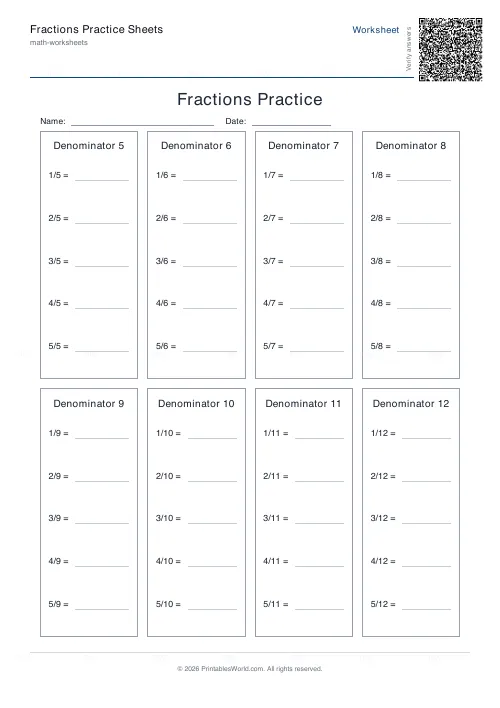
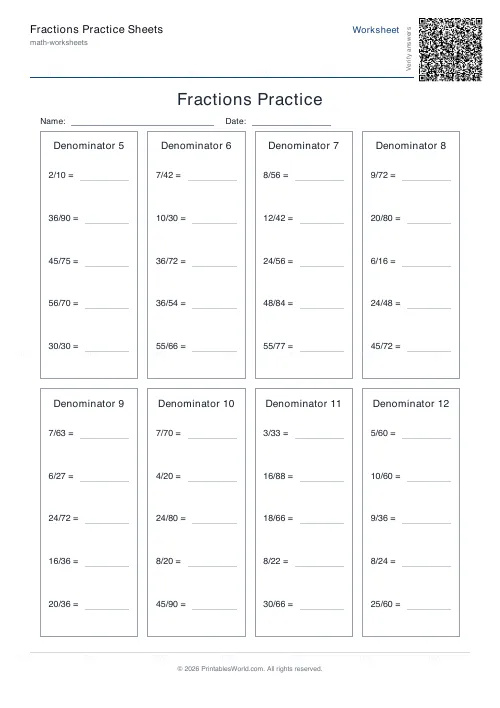
Fraction simplification sheets. Every problem is a fraction to reduce to lowest terms. Set how many digits the numerator and denominator carry, from one up to six, cap the denominator range, and decide whether improper fractions appear. Table layout or line-by-line, five to fifteen problems a page, printed blank or with answers or both.
People also used
Addition Worksheets Generator
Free printable addition worksheets in tables or line-by-line layouts.
Multiplication Table Generator
Create free printable multiplication tables in table or line-by-line format with custom ranges and themes.
Mixed Tables Generator
Print mixed-operations worksheets combining addition, subtraction, multiplication and division on one page.
Feedback
Spotted something off with this tool?
Reduce it to lowest terms
6/8 becomes 3/4. 12/30 becomes 2/5. That is the sheet. The arithmetic behind it is handled properly, with the generator finding the greatest common divisor and reducing, so the key is right by construction and not because somebody sat and checked it.
Table layout packs problems into rows and columns for quick drilling. Line-by-line gives each fraction its own row with space to show the working, which matters because showing the working is how you find out whether a pupil divided by the GCD or cancelled by twos until it stopped.
Digit count is the difficulty, and it moves fast
One to six digits in the unsimplified fraction, and the jump between settings is steeper than the numbers suggest.
One digit gives things like 8/12, where a child can see the common factor. Two digits gives 36/48, where they cannot see it and have to look for it. Three gives 126/162, which reduces to 7/9 by a factor of eighteen, and no pupil finds that by inspection: they have to factorise both numbers properly.
Which is the useful progression. Start at one digit so the method is learned on fractions where the answer is visible, then raise it so the method becomes necessary rather than optional.
Improper fractions, on or off
Off and every fraction is under one whole. On and you get problems like 18/12, which reduces to 3/2.
That is a genuinely different question, because the answer is a fraction greater than one and a pupil has to decide whether to leave it improper or convert to a mixed number. Neither is wrong, and being explicit about which you want before handing the sheet out saves an argument at marking time.
Keep them off while simplifying itself is new. The two skills are separable and mixing them early means a pupil failing at one gets marked down for the other.
The missing-question mode
A variant that hides part of the problem rather than the answer, so the pupil works backwards to find what was cancelled.
It is worth reaching for once straightforward simplifying is fluent, because it tests whether a child understands that both parts of the fraction were divided by the same number. Plenty who can reduce correctly cannot reconstruct, and that gap is exactly where equivalent-fraction work later falls over.
Printing a differentiated set
Five to fifteen problems a page. The denominator range takes a preset ending at 10 or 12, or a custom value up to 30, which is what lets you keep a sheet inside the times tables a class actually knows.
Same layout, different digit count, is the cheapest differentiation here: three groups get three sheets that look identical from two desks away. Print blank for the class and answers for yourself, or Both stacked in one file when they mark their own.
Themes add a decorative border. Ocean, space, forest. Worth it if the sheet is going to children who need it to look like less of a test than it is.
FAQs
Quick answers
Can I control how difficult the fractions are?
Yes. Set the denominator range to 10 or 12 for easier problems suitable for primary school, or push it higher for secondary students. Increase the digit count to make numerators and denominators larger (e.g., 126/162 instead of 6/8). Including improper fractions adds another layer of challenge.
What's the difference between table and vertical layout?
Table layout arranges fractions in rows and columns across the page, fitting more problems per sheet. Vertical layout lists fractions line by line with extra space underneath each one, giving students room to show their factoring or division work. Choose table for quick drills, vertical for assessed work where you want to see their method.
How many problems fit on one page?
You can choose between 5 and 15 problems per sheet. The generator adjusts spacing and font size to fit your selection. Table layouts handle higher counts more compactly; vertical layouts use more space per problem, so 10–12 is typical for that style.
Does the answer key show the working, or just the final answer?
The answer key displays only the simplified fraction (e.g., ¾ for 12/16). It does not show the steps or the greatest common divisor calculation. This keeps the key concise for quick marking.
Can I print on US Letter paper, or only A4?
Both. The PDF generator formats every worksheet to fit A4 (210×297 mm) and US Letter (8.5×11 in) paper without clipping or requiring manual scaling. Print directly on whichever size your printer uses.
Will I get the same fractions every time I generate a worksheet?
No. Each time you click generate, the tool creates a new random set of fractions (when random-problem mode is active). If you want to reuse the exact same worksheet, save the PDF after your first generation.
Can I add a custom title or my school's name to the worksheet?
Yes. Type your custom heading into the title field before generating. You can also toggle name and date fields at the top of the page so students can write their details before starting.
Related tools
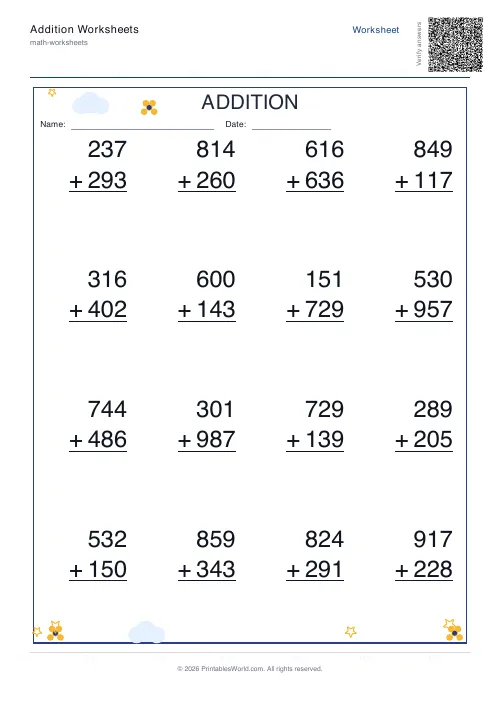
Addition Worksheets Generator
Free printable addition worksheets in tables or line-by-line layouts.
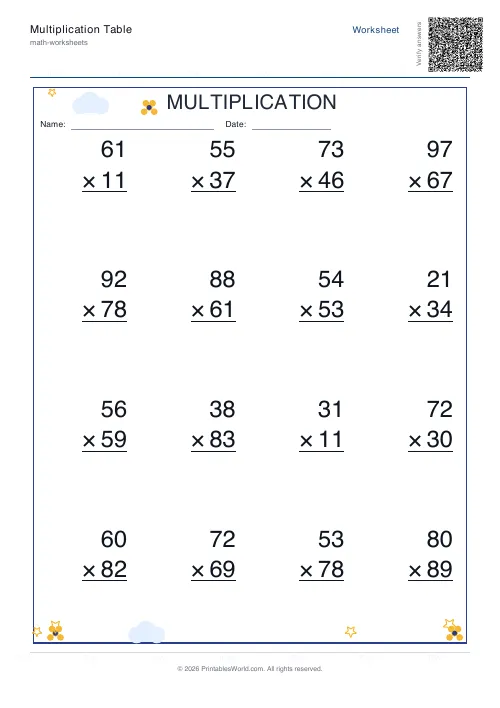
Multiplication Table Generator
Create free printable multiplication tables in table or line-by-line format with custom ranges and themes.
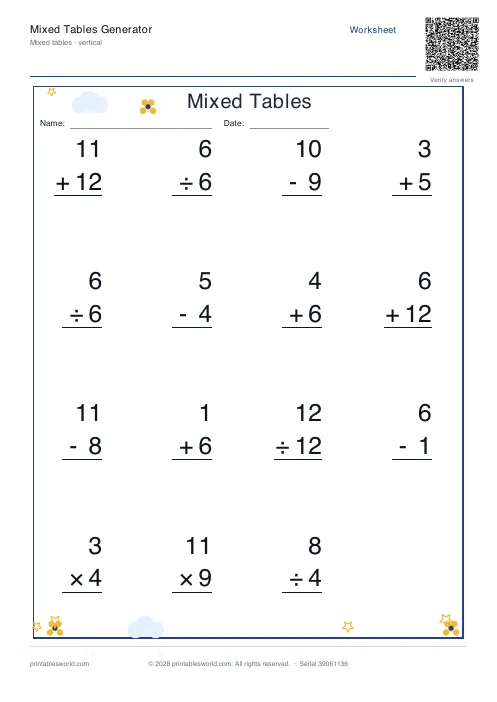
Mixed Tables Generator
Print mixed-operations worksheets combining addition, subtraction, multiplication and division on one page.
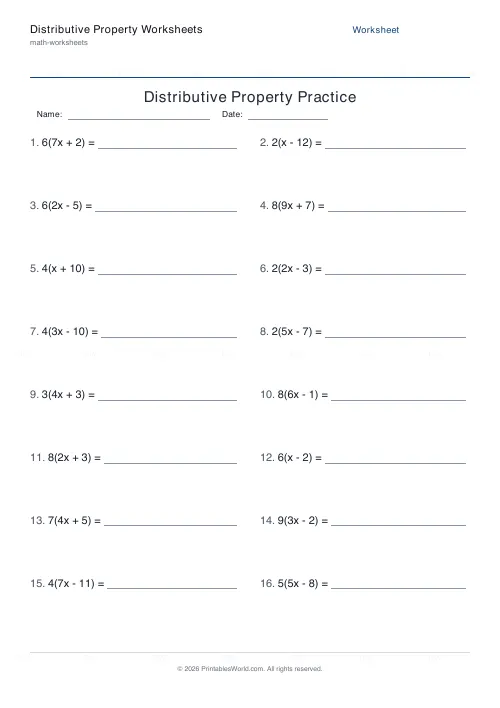
Distributive Property Worksheets
Generate worksheets that expand brackets like a(b ± c) or factor out a common factor from ab ± ac.
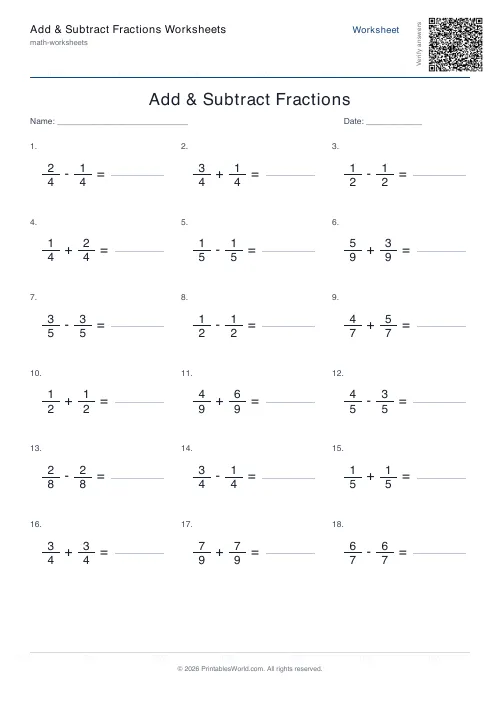
Add & Subtract Fractions Worksheets
Printable adding and subtracting fractions practice.
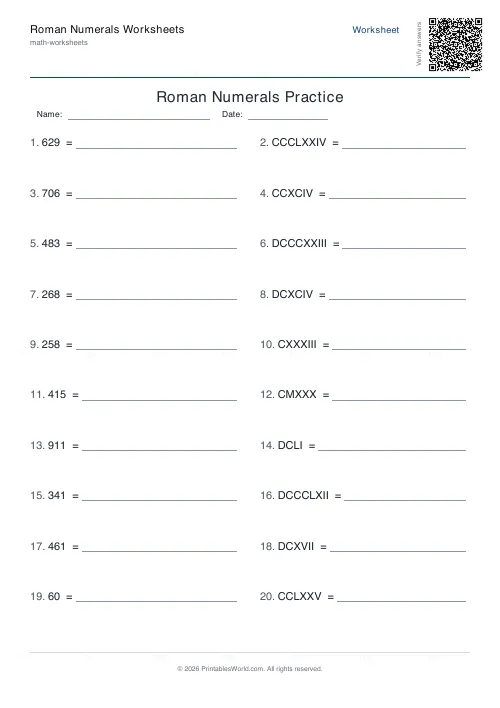
Roman Numerals Worksheets Generator
Generate custom Roman numeral conversion worksheets with adjustable ranges and answer keys.
Further reading
Math Worksheets
Fractions made simple: teaching fractions at home
Fractions go wrong when the rules arrive before the meaning. Here is the order that works, the four misconceptions to head off early, and how to use everyday objects before any worksheet.
6 min read
Math & Numeracy
How to help a child who's stuck on times tables
A simple two week plan to help child with times tables, using short daily practice and free printable multiplication grids you can customise and print.
7 min read
Math Worksheets
How many maths worksheets per day? A parent's guide
The honest answer is less than most parents assume. And the number of questions matters less than whether the session ends well.
5 min read
More like this
- Addition Worksheets Generator
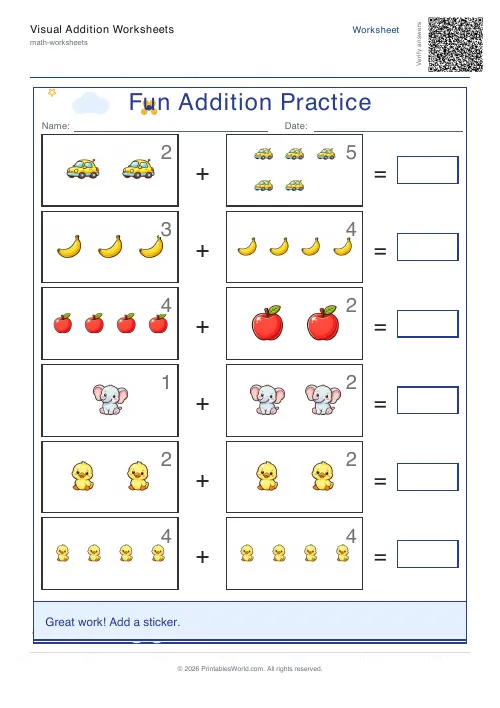 Visual Addition Worksheets Generator
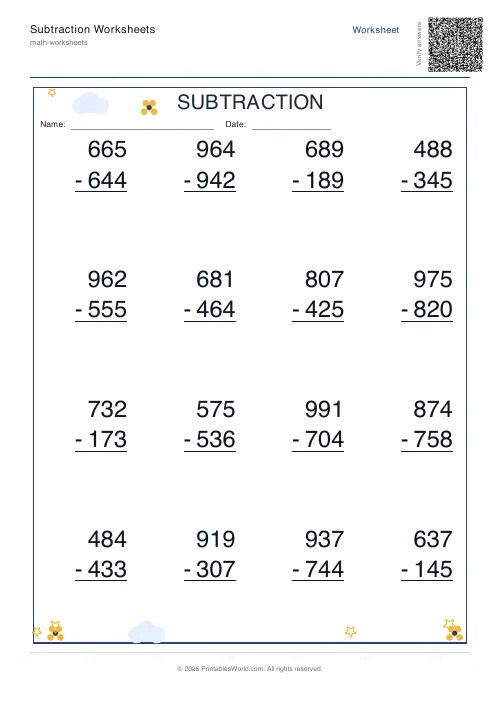 Subtraction Worksheets Generator
- Multiplication Table Generator
- Mixed Tables Generator
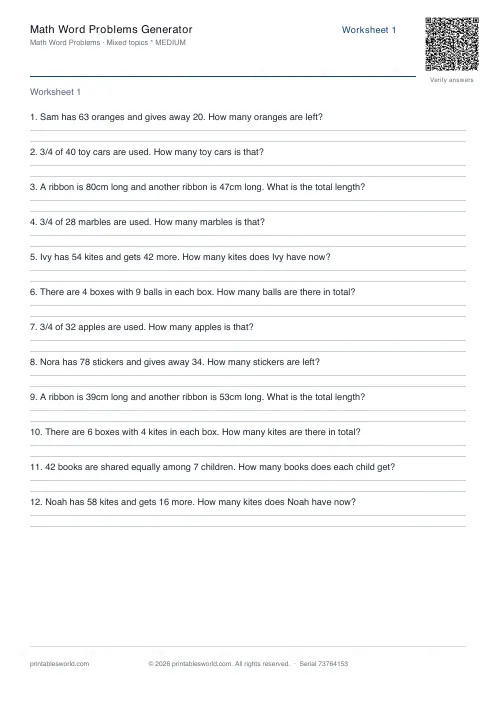 Math Word Problems Generator
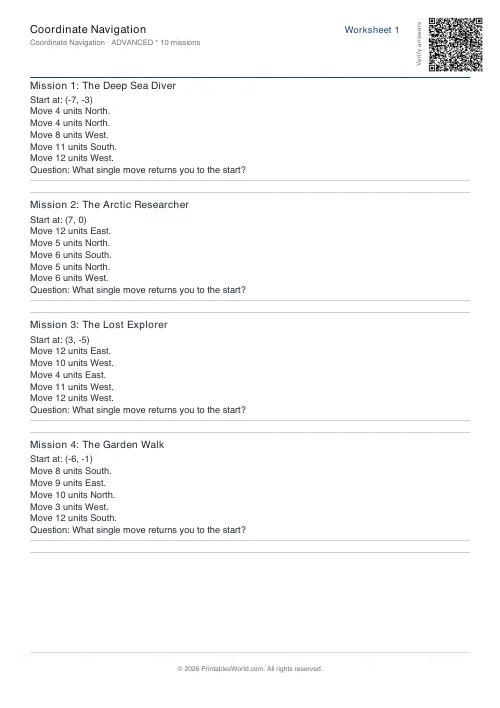 Coordinate Navigation Generator
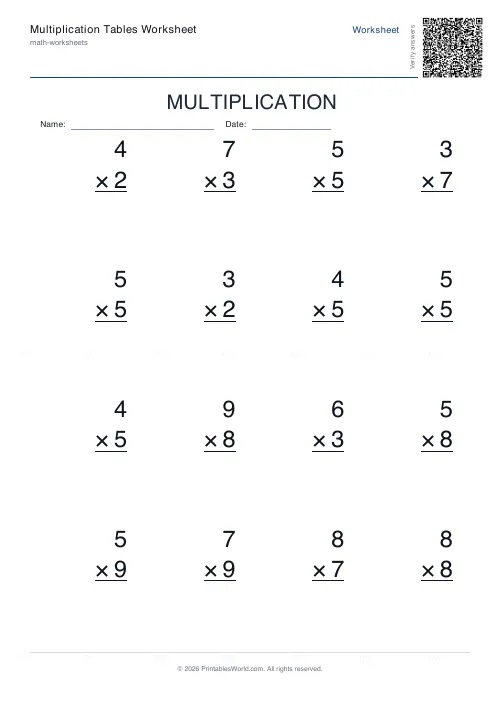 Multiplication Tables Worksheet
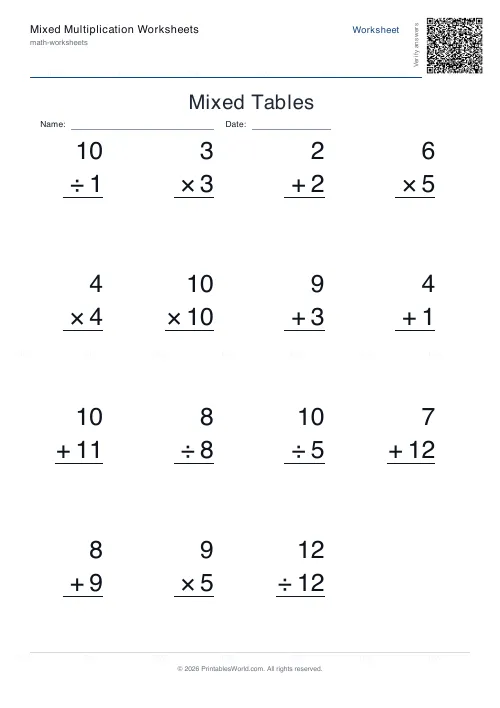 Mixed Multiplication Worksheets
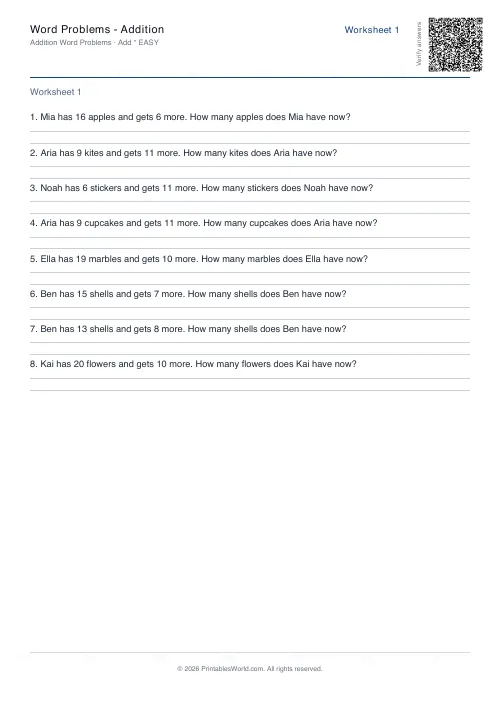 Word Problems: Addition
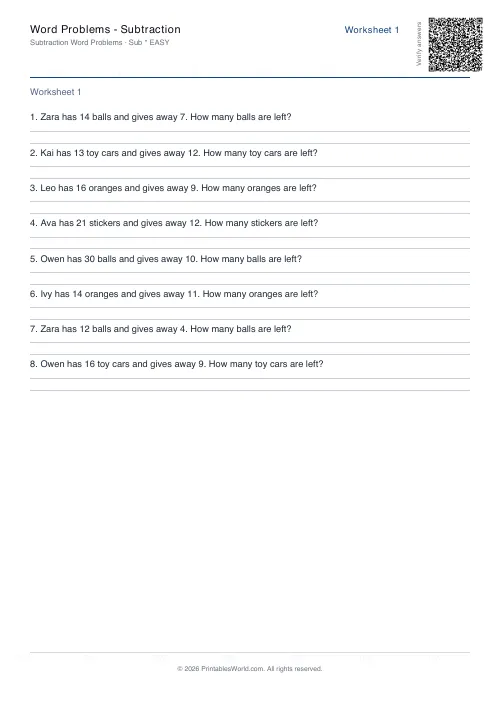 Word Problems: Subtraction
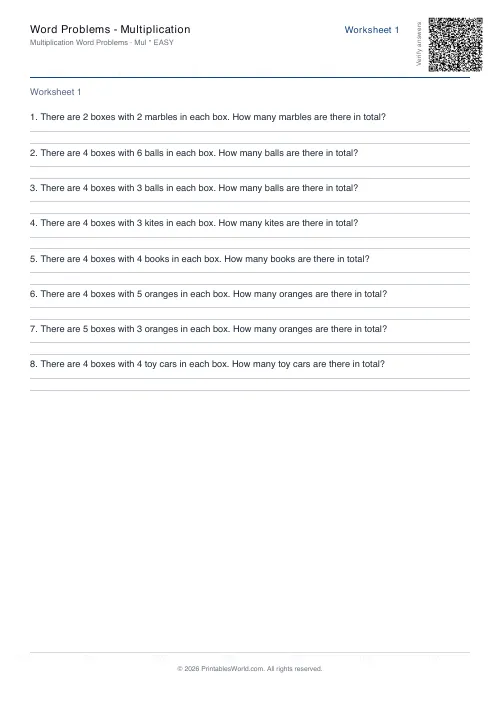 Word Problems: Multiplication
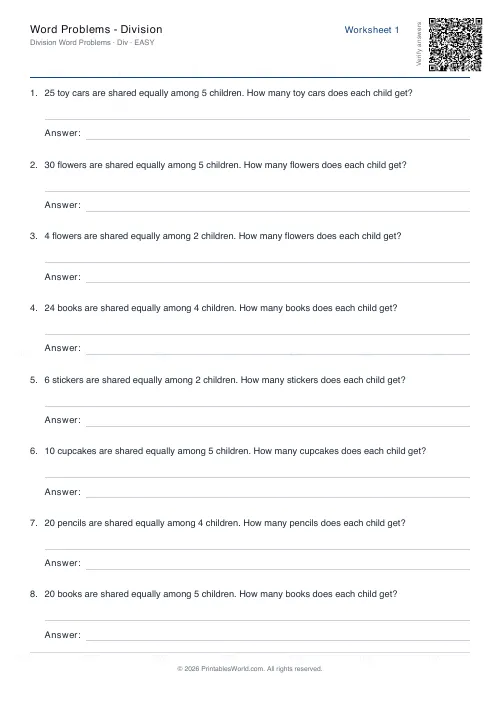 Word Problems: Division
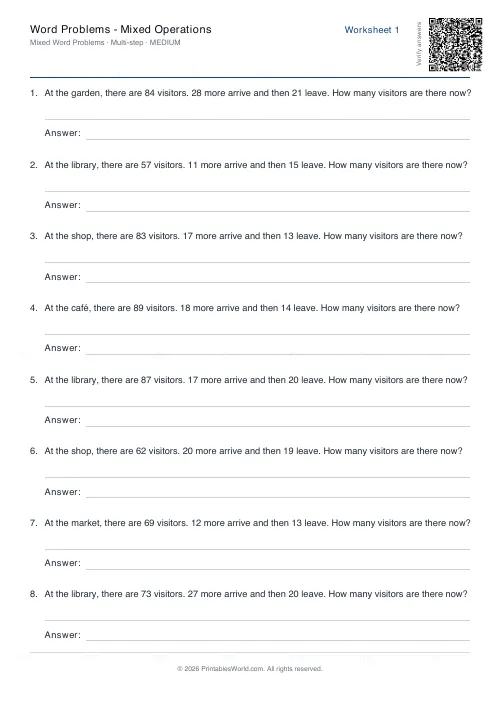 Word Problems: Mixed Operations