What this tool does
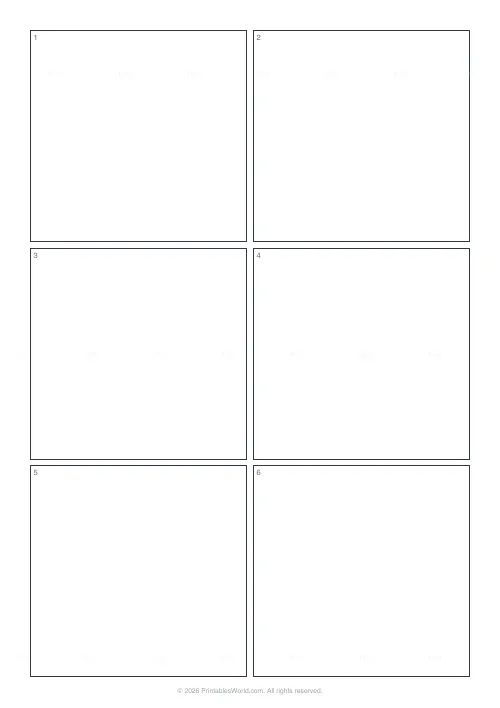
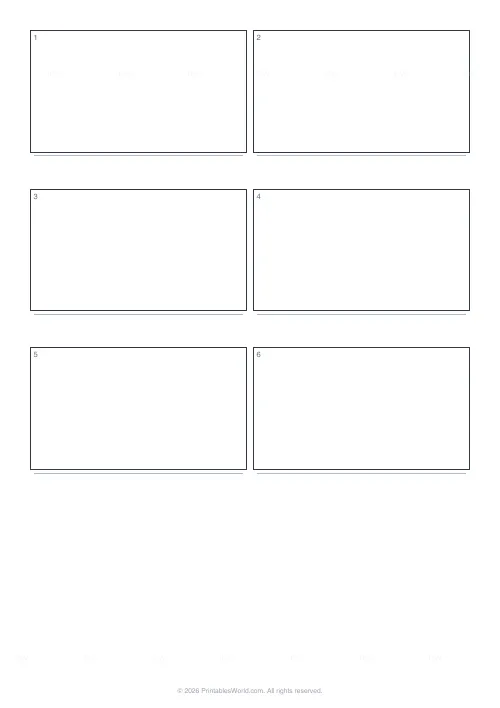
Blank manga and comic pages, already ruled. Six panel layouts, from a classic 2-1-2 up to a nine-panel grid. An adjustable gutter between panels, and a dashed bleed guide you can switch off. Nothing at all is printed inside the panels, so the same sheet works for thumbnails, for pencils, and for finished inks.
People also used
Feedback
Spotted something off with this tool?
The measuring, already done
Empty panels, even gutters, an optional bleed guide round the edge. Print it and start thumbnailing, instead of spending twenty minutes with a ruler and then discovering the third row is two millimetres out.
The panels are completely blank. No numbers in the corners, no captions, no watermark across the artwork, which matters because anything printed inside a panel ends up inside the finished drawing.
Six layouts
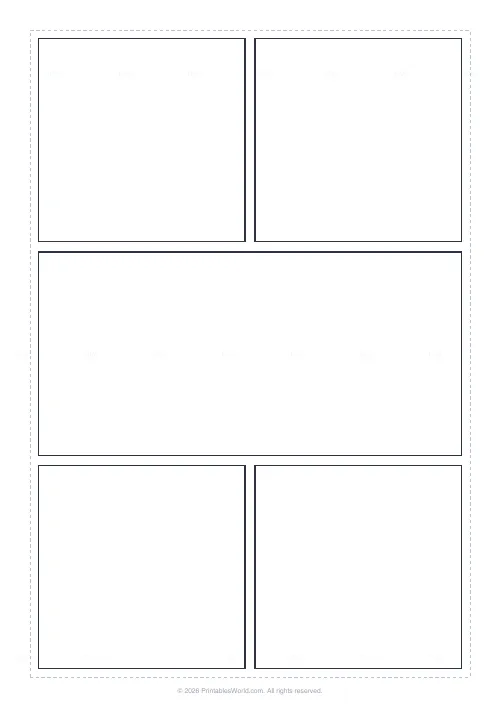
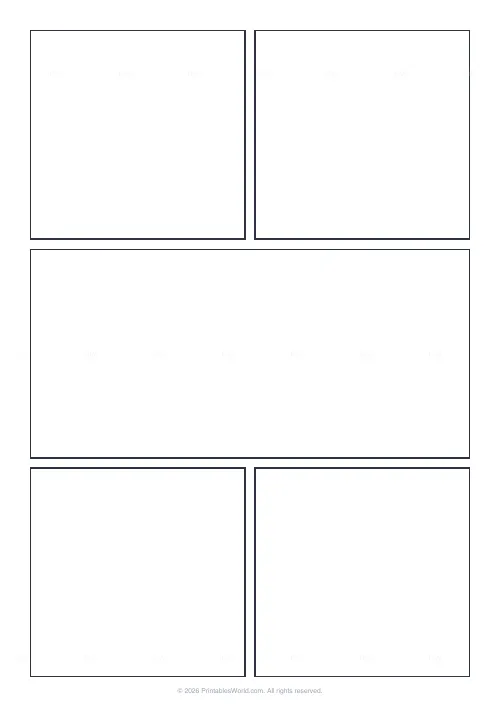
- Classic 3-row. Two panels, then one wide, then two. The workhorse manga page and the right default.
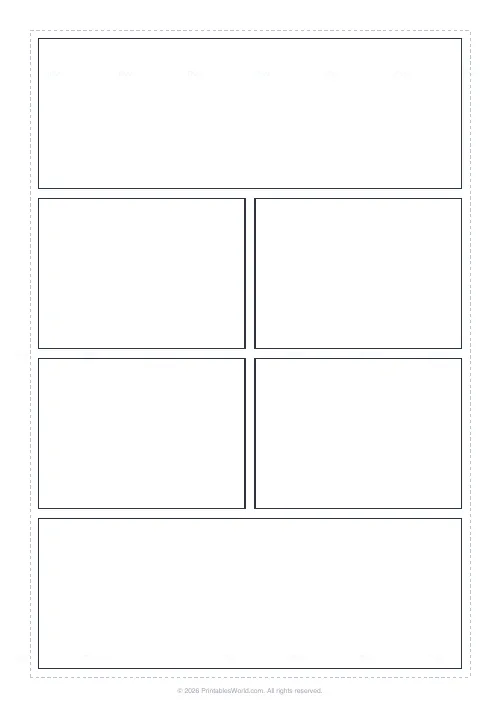
- Action 4-row. A full-width establishing panel at the top, two paired rows of beats in the middle, and a full-width panel to close.
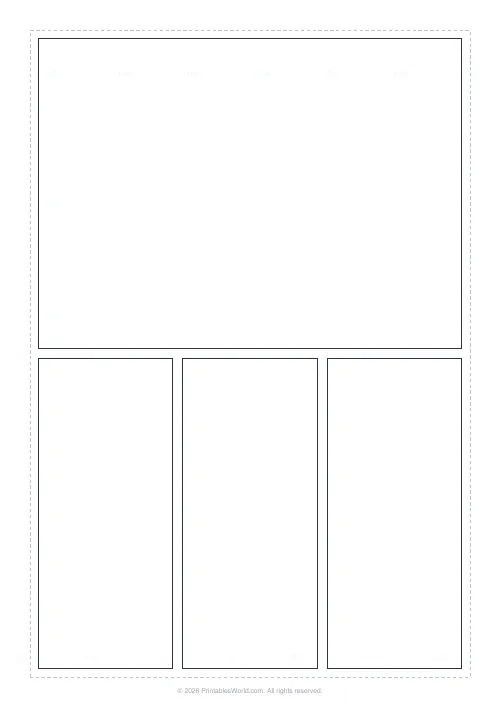
- Splash feature. One large hero panel above a row of three reactions. For the moment when something actually happens and you need the room to show it.
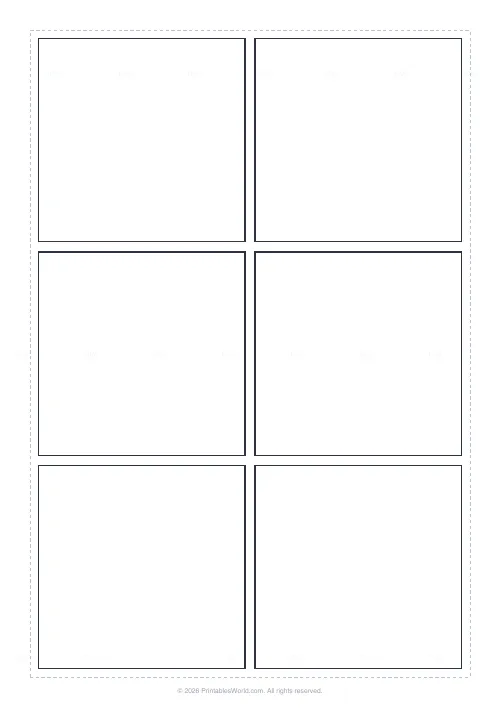
- Grid 2×3. Six even panels.
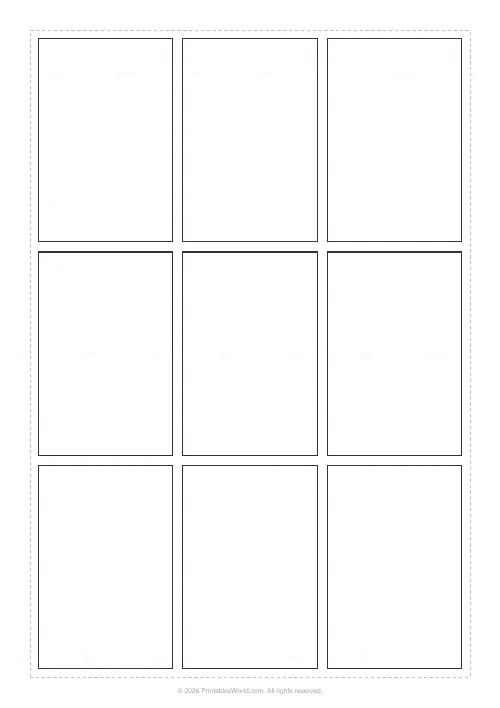
- Grid 3×3. Nine of them. Tight and rhythmic, and a great deal harder to fill well than it looks from the empty page.
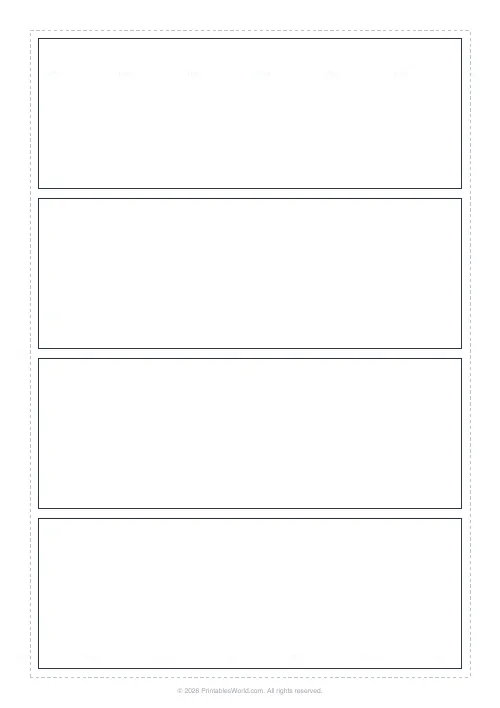
- Wide strips. Four full-width rows, one panel each. Cinematic, and the layout that most rewards a horizontal composition.
The gutter is pacing
It is the white space between panels, and it is not decoration. A wide gutter reads as a longer pause. A tight one packs the action together and speeds the eye up.
Set it anywhere from a hairline to a generous gap. Most pages want one consistent gutter throughout, and the time to change it is between pages rather than within one, because an inconsistent gutter reads as a mistake rather than as rhythm.
The bleed guide, and why to leave it on
A dashed line marking a safe inner area. Keep anything that matters inside it, and especially the speech.
Trimming and printer cropping both eat the outer few millimetres of a page, and the thing you lose is always the last word of a line of dialogue. Switch the guide off only for a final clean sheet where you already know the composition.
Making the page work
Vary the panel sizes to control pace. A large panel slows the reader down because there is more to look at; a run of small ones speeds them up. That is the main lever a comics page has and it costs nothing.
Decide the reading order before you draw anything. Manga runs right to left and top to bottom; Western comics run left to right. Getting that wrong is not a stylistic choice, it makes the page unreadable, and it is very hard to fix once inked.
Print spares. Redrawing one panel is much easier than redrawing a page, and a spare sheet costs less than the twenty minutes you would otherwise spend rescuing a bad inking decision.
FAQs
Quick answers
Are these templates really blank?
Yes. The panels are empty with no numbering or captions, and there is no watermark across the artwork. Just a tiny printablesworld.com line in the bottom corner of the page.
What is the bleed guide for?
The dashed inner rectangle marks a safe area. Keep important art and lettering inside it so nothing is lost if the printed page is trimmed or your printer crops the edges. You can turn it off for a clean sheet.
Which way should manga panels be read?
Traditional manga is read right-to-left and top-to-bottom. Western comics read left-to-right. Choose a layout that suits your story and number your own panels in the reading order you want.
Can I change the gutter between panels?
Yes. The gutter slider sets the gap between panels in points, from a tight hairline up to a wide cinematic spacing, and the panels resize automatically to fill the page.
Related tools
Further reading
Printable Paper
Bullet journalling with dot grid paper: a starter guide
The bullet journal was designed to be fast, not beautiful. Here is the original system, why dot grid suits it better than lines or blank, and the four pages you actually need.
5 min read
Printable Paper
Music manuscript paper: a guide for musicians
The number of staves on a page is not a style choice. It decides how much music fits and how legible it is at a music stand.
4 min read