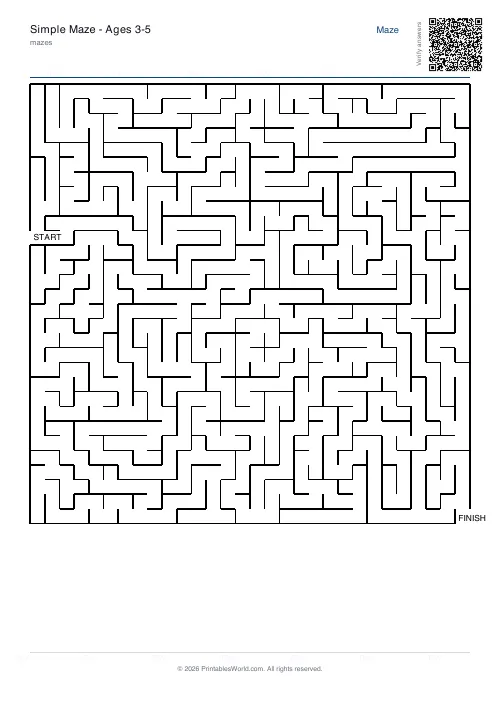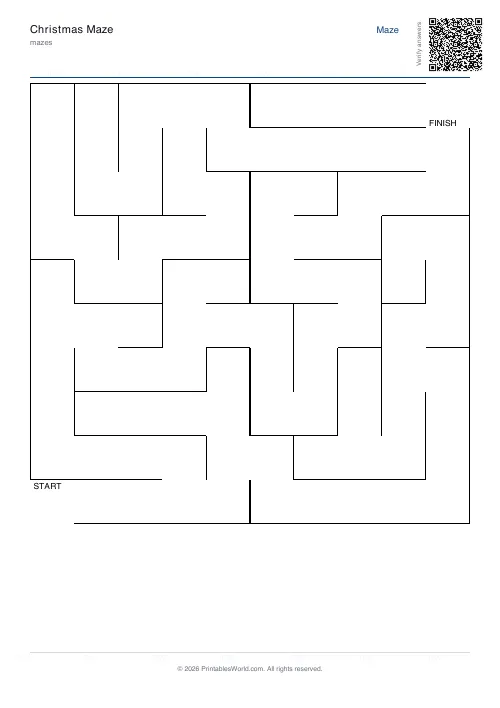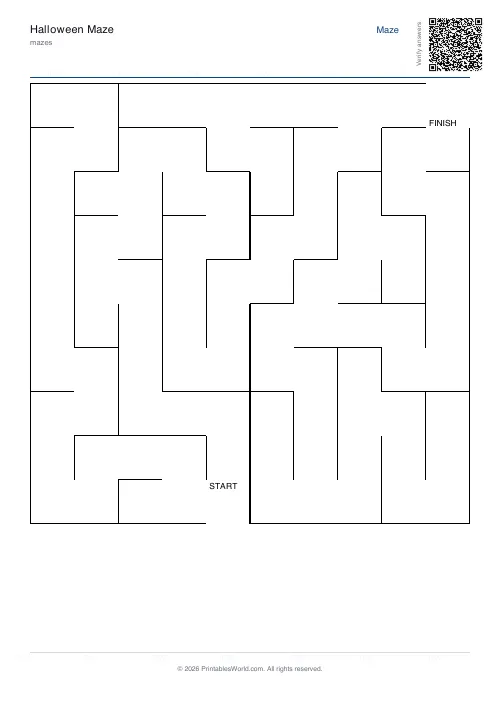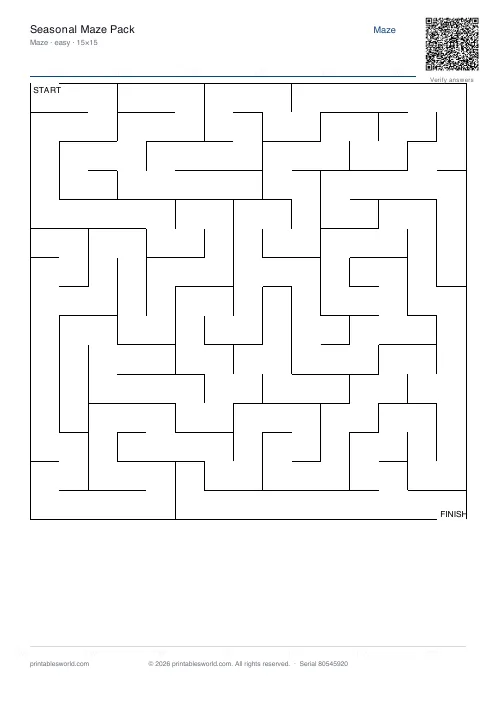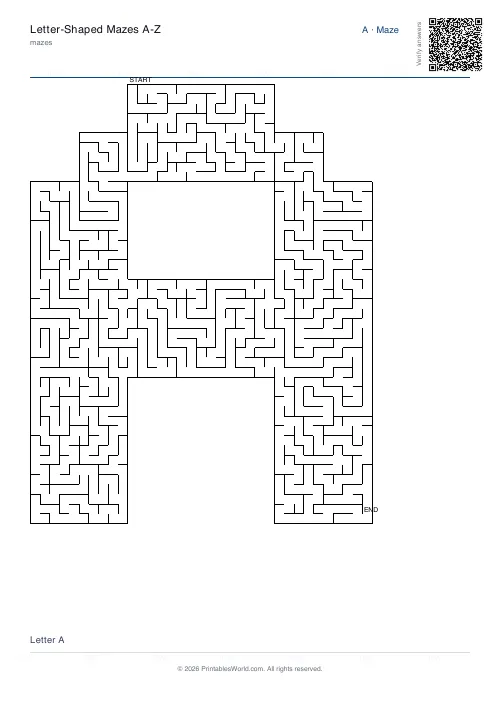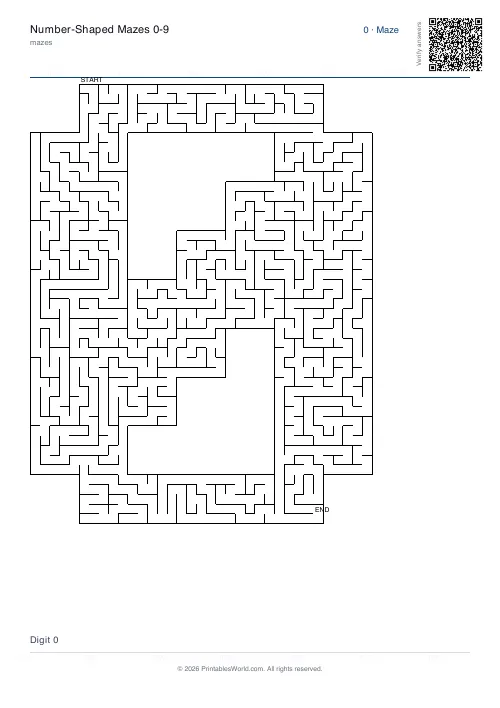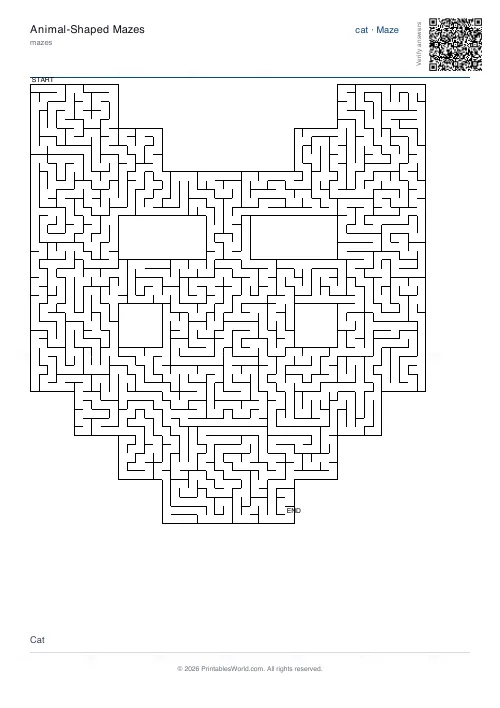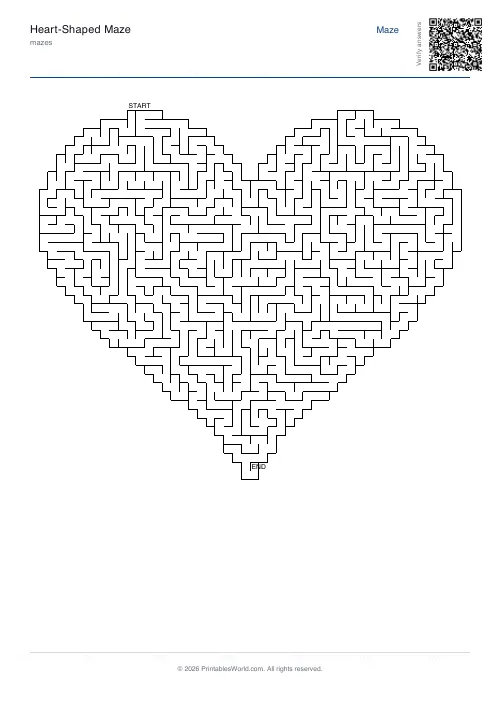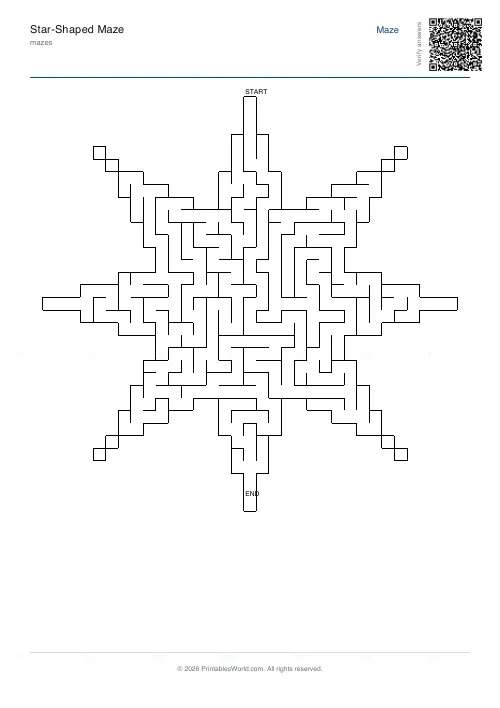
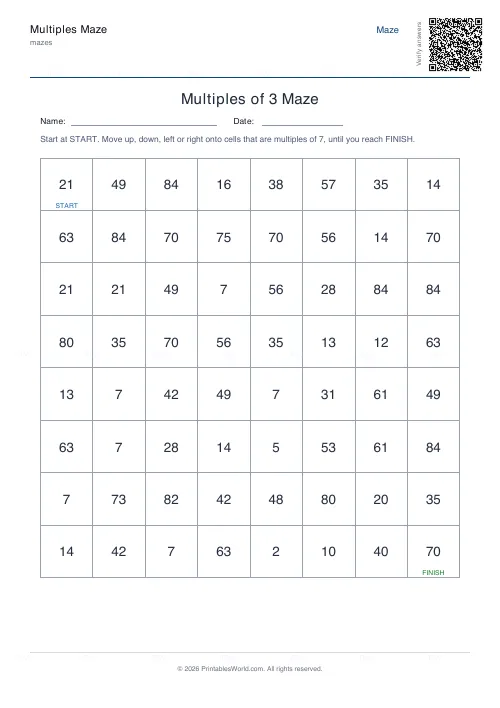
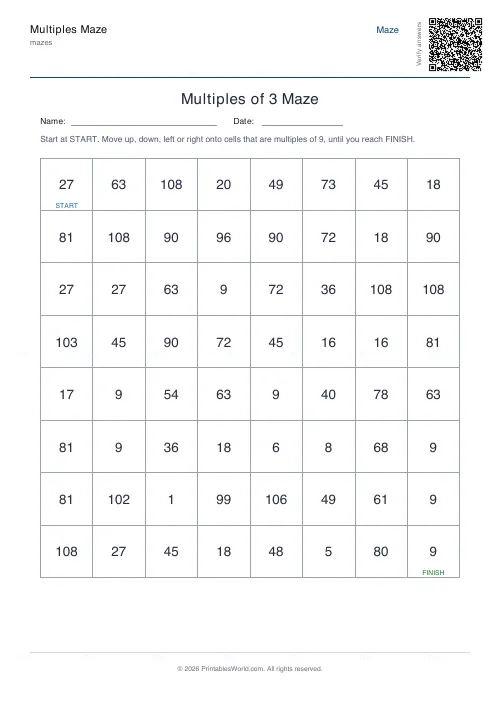
What this tool does
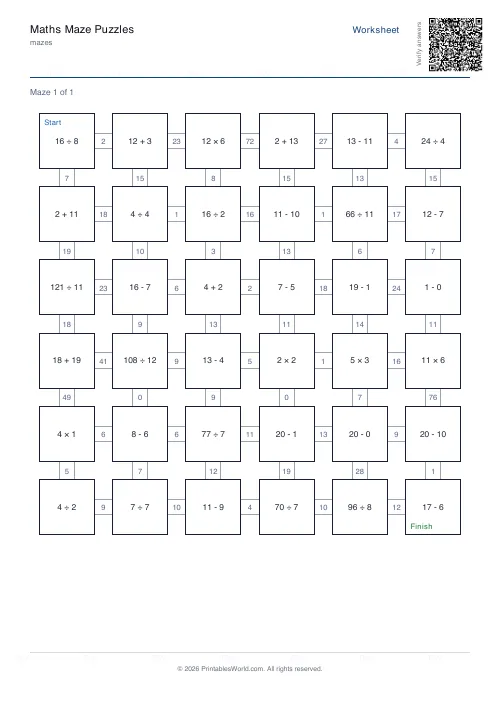
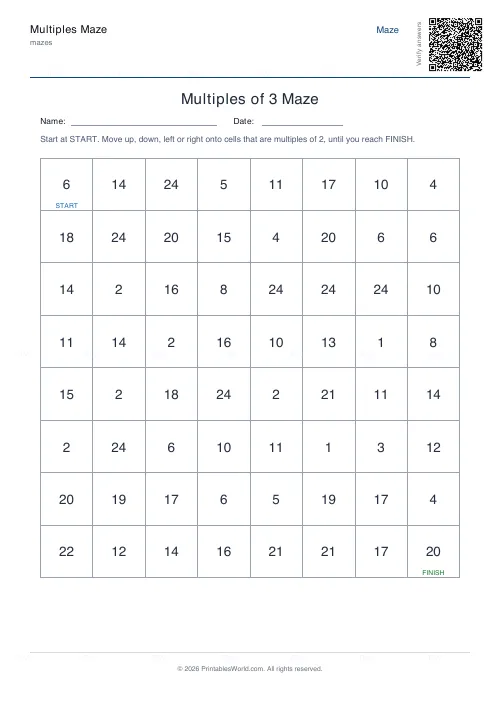
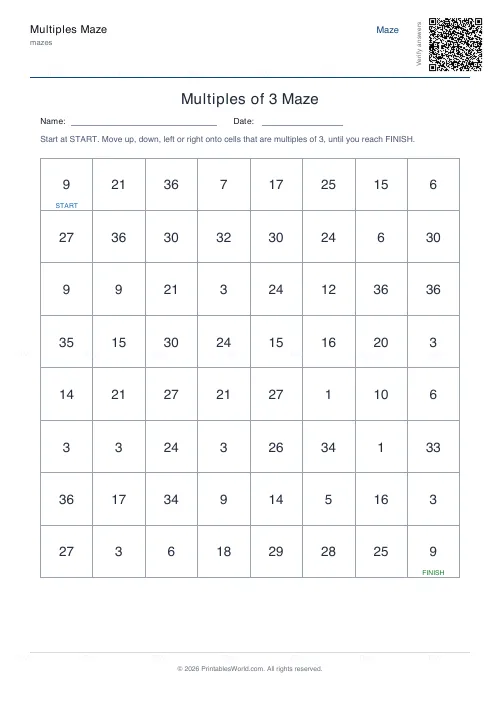
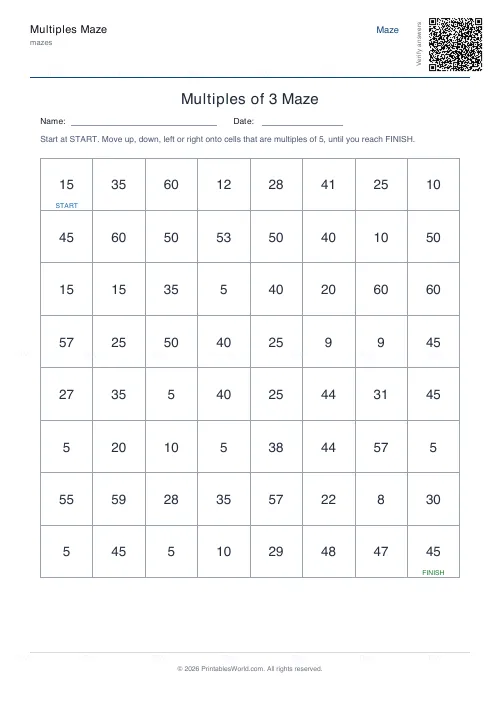
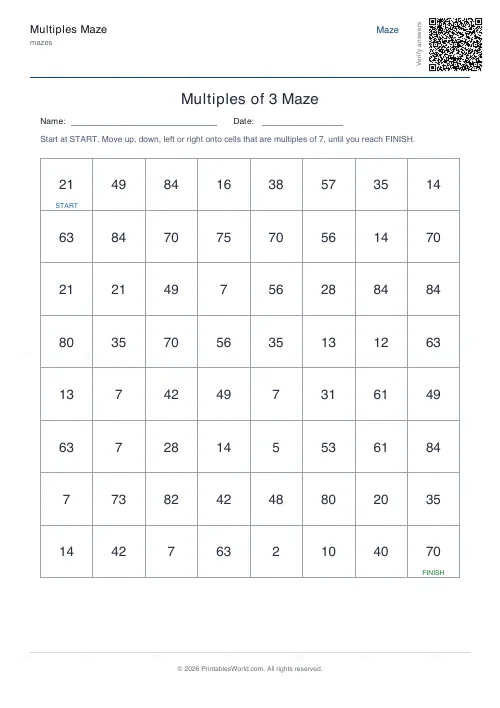
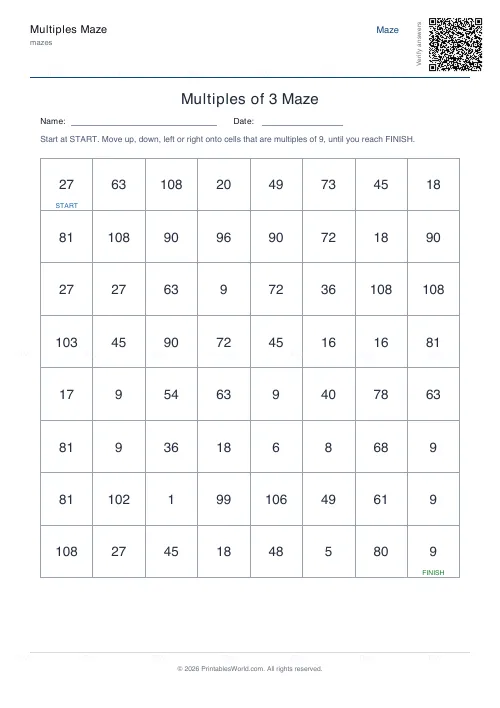
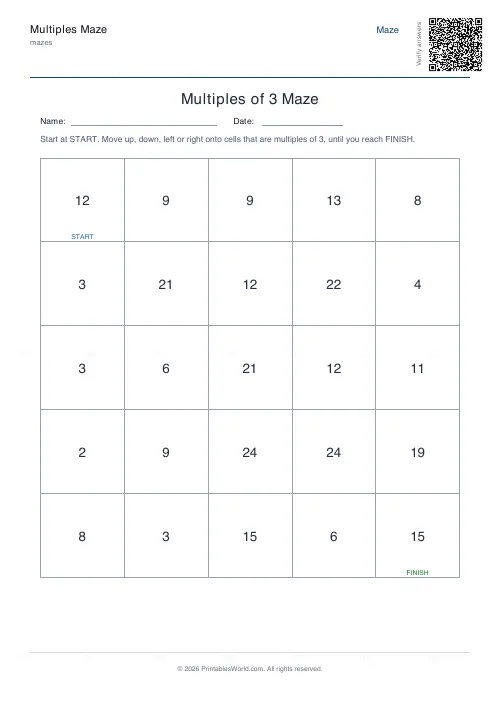
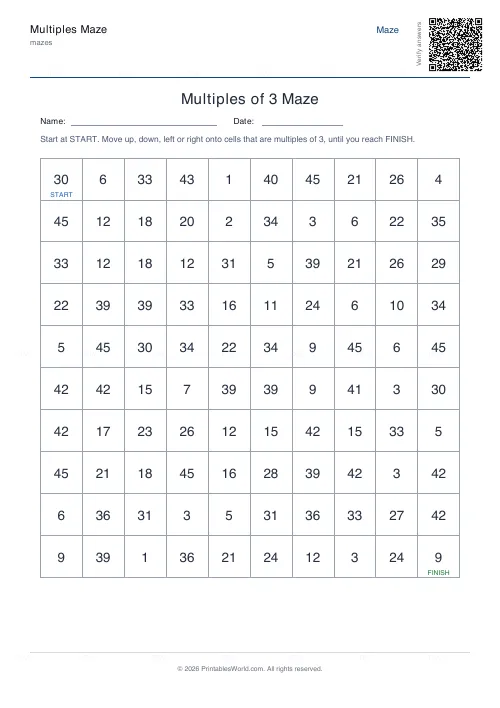
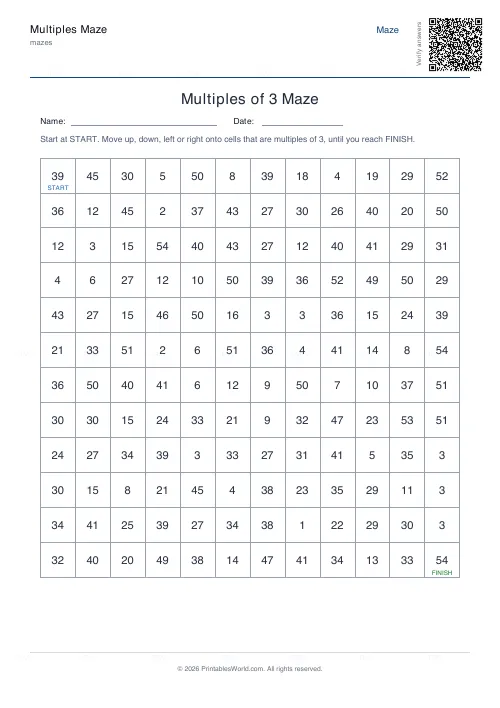
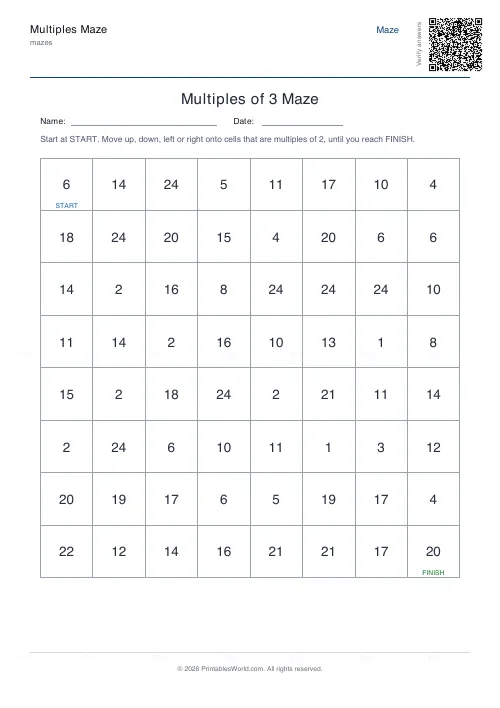
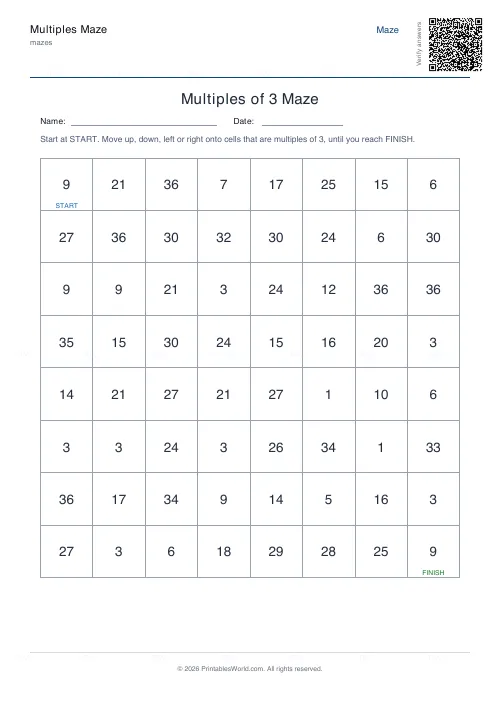
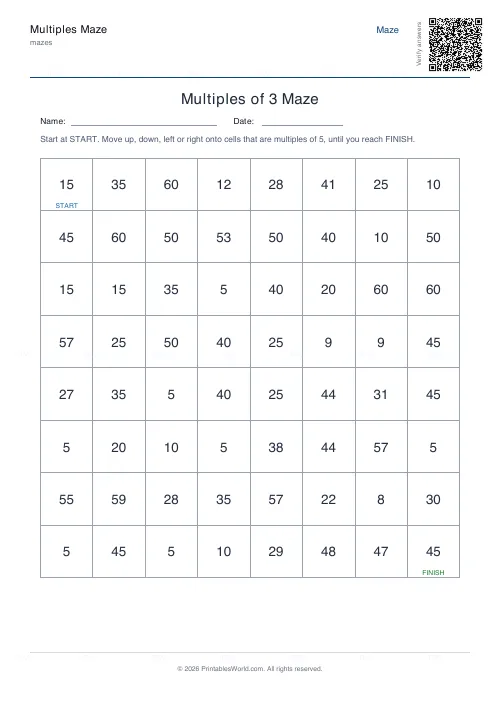
A number grid where you may only step onto multiples of your chosen number. Trace the path from start to finish; a correct route is built first, so one always exists.
People also used
Math Maze Generator
Print math maze worksheets where students solve arithmetic to find the correct path through the grid.
Multiplication Table Generator
Create free printable multiplication tables in table or line-by-line format with custom ranges and themes.
Mixed Tables Generator
Print mixed-operations worksheets combining addition, subtraction, multiplication and division on one page.
Feedback
Spotted something off with this tool?
Step only on multiples
Every cell holds a number. You move orthogonally, never diagonally, and you may only land on cells that are multiples of the number you chose. Follow them from start to finish.
Set the grid size and the step, with an optional solution page.
How it is built, and why a path always exists
The route comes first. A connected path of genuine multiples is constructed from start to finish, and only then are the remaining cells filled with numbers that are not multiples.
So the puzzle cannot be unsolvable, and the solution cannot disagree with the grid — both come from the same construction rather than from a search that might fail.
What it drills that a worksheet does not
Recognition rather than recall.
A times-table sheet asks what 7 × 6 is. This asks whether 42 is in the seven times table, which is the same knowledge running backwards, and children who are fluent forwards are frequently slow at it. That backwards direction is what division and factorising both depend on, so it is worth the practice.
The divisibility rules do most of the work
Worth teaching alongside, because a child testing every cell by long division will give up.
Even numbers for 2. For 3, add the digits and see whether that total divides by 3. Last two digits for 4. Ends in 0 or 5 for 5, and 6 is simply the 2 test and the 3 test together. Nine is the digit-sum trick again; 10 ends in 0.
Seven has no easy rule, which is exactly why a maze of sevens is the hard one and why it is the most useful sheet in the set.
Choosing the step
Start with twos, or fives, or tens: the pattern is visible enough that a child spots the route almost by eye. Threes and fours next. Then the sixes and sevens and eights, where it becomes real work.
A bigger grid does not straightforwardly mean harder. More cells means more wrong turns, but it also means more multiples to spot, and difficulty comes mostly from which number you picked.
Marking it
Print the solution. A wrong path is more instructive than a wrong answer, because you can see exactly which cell the child accepted and ask why they thought it was a multiple.
Related: the factors and multiples sheets, and the math maze where each step is a calculation.
FAQs
Quick answers
How do you solve a multiples maze?
Start in the START square and move up, down, left or right onto a neighbouring cell only if its number is a multiple of the chosen step N. Keep following multiples of N until you reach the FINISH square.
Which times tables can I practise?
You can set the step to any number from 2 to 12, so the same generator covers the 2, 5 and 10 times tables for beginners and the 6, 7, 8, 9 and 12 tables for older pupils.
Is there a solution page?
Yes. Toggle the solution on and the PDF adds a second page that highlights the correct multiples path from start to finish, so marking takes seconds.
Can I make every maze different?
Yes. Each generation builds a fresh maze with a new path and new numbers, so you can print a unique puzzle for every pupil. Press Generate New to reshuffle the preview.
Related tools
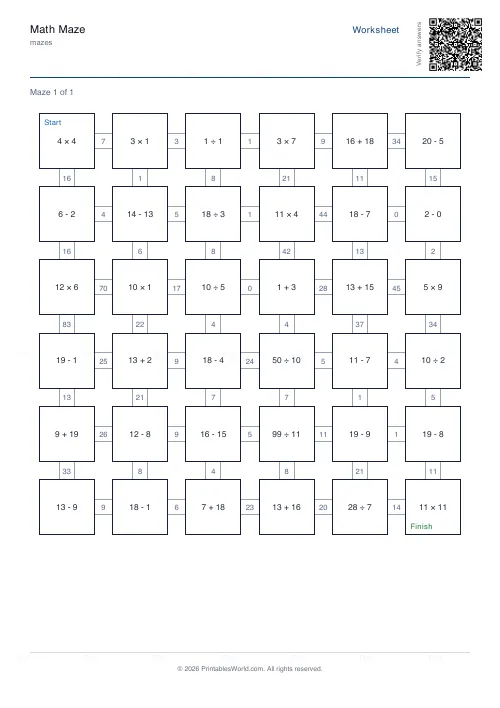
Math Maze Generator
Print math maze worksheets where students solve arithmetic to find the correct path through the grid.
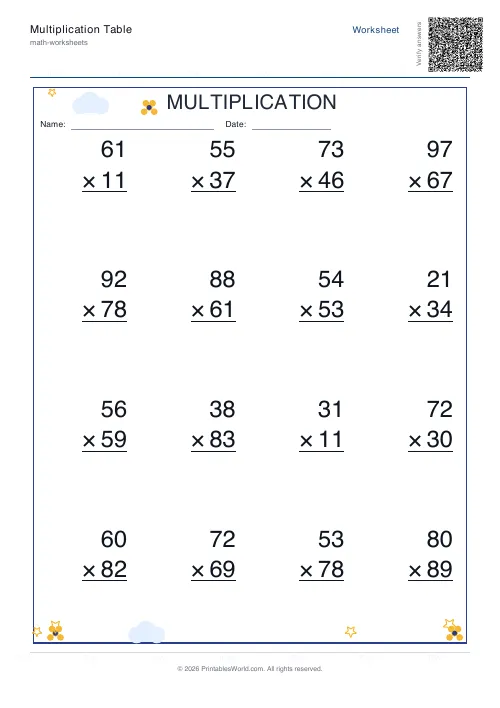
Multiplication Table Generator
Create free printable multiplication tables in table or line-by-line format with custom ranges and themes.
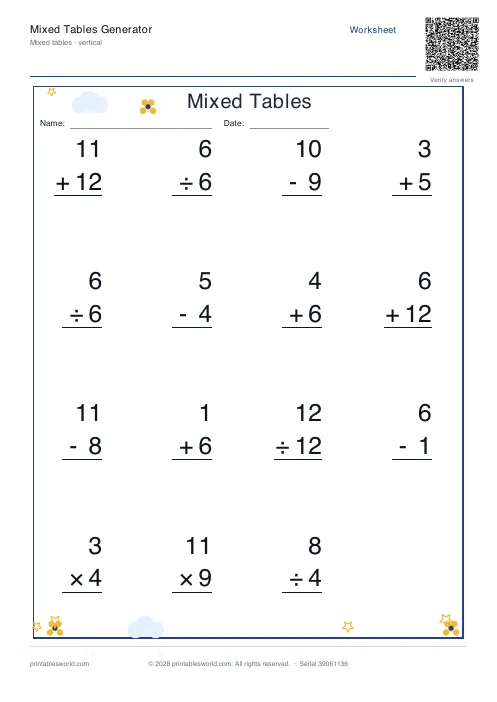
Mixed Tables Generator
Print mixed-operations worksheets combining addition, subtraction, multiplication and division on one page.
Further reading
Mazes
Why mazes are great for kids' development
Mazes are one of the few activities that exercise pencil control and forward planning at the same time. Which is why they suit the years just before formal handwriting.
4 min read
Mazes
Printable maze difficulty: matching mazes to ages
Maze difficulty has two independent dials, and confusing them is why a maze is either too fiddly or too easy. Here is which to turn for which child.
4 min read