What this tool does
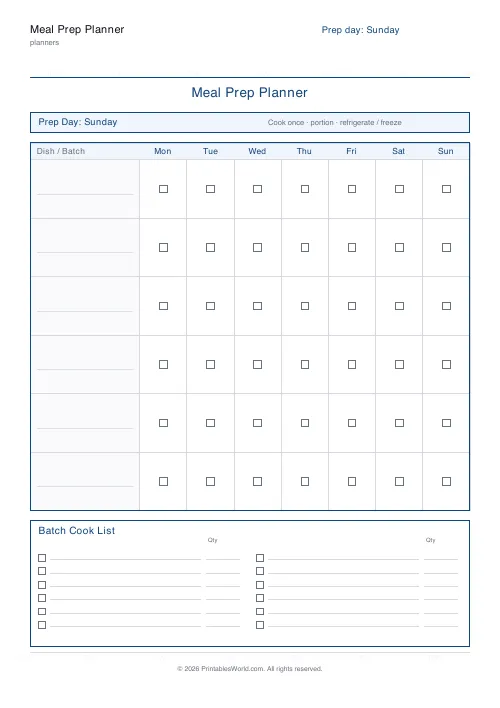
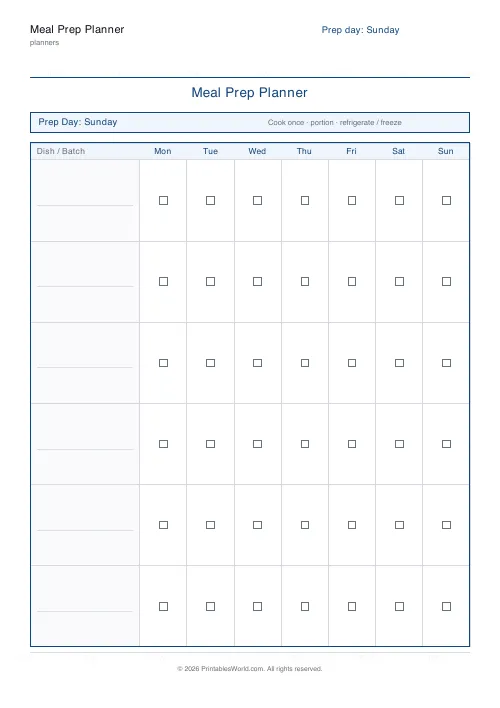
A batch-cooking sheet: a list of what you are cooking in bulk on prep day, and a grid marking which dish covers which day of the week. Four to twelve dish rows.
People also used
Feedback
Spotted something off with this tool?
Cook once, then know what you are eating
Two parts. A batch cook list, for what goes in the oven on prep day, and a grid underneath where each dish gets a row and each day of the week a column — tick the days that dish covers.
Pick your prep day. Sunday is the default because that is when most people do it, but the sheet does not care.
The grid is the part that stops the waste
The failure mode of batch cooking is not the cooking. It is that four containers of chilli come out of the freezer on Wednesday because nobody knew what was in there or what it was for.
A row per dish and a tick per day answers both questions at a glance. It also makes the arithmetic visible: eight portions across five dinners does not work, and you can see that on the sheet before you cook rather than on Thursday when you run out.
Count portions, not dishes
The commonest planning error is treating one recipe as one meal.
A chilli that yields six portions covers three dinners for two people. Write the yield next to the dish on the batch list and the grid stops being a wish and becomes a plan. If a dish covers three days, tick three.
Leave gaps deliberately
Batch cooking every meal in a week is how people give it up after a fortnight, because eating the same three things in rotation gets grim faster than anyone expects.
Cover four or five dinners and leave the rest. The gaps are where the takeaway, the leftovers and the thing you actually fancy go, and a plan with room for those survives.
What to cook in bulk, and what not to
Things that reheat well and improve overnight: stews, chilli, curry, ragu, soup, roasted vegetables, grains.
Things that do not: anything crisp, most fish, salad leaves, pasta already sauced. Cook the sauce in bulk and the pasta fresh — it takes ten minutes and it is the difference between a meal and a penance.
Controls and printing
A title, the prep day, how many dish rows (four to twelve), and the batch list on or off. A4 or US Letter.
Six rows is the default and about right for a week. More than eight and you are cooking for longer than most people's prep day allows.
Stick it on the freezer door, not in a drawer. The sheet only works if it is where the containers are. Print at 100%.
FAQs
Quick answers
What is the difference between this and the weekly meal planner?
The weekly planner is a day-by-day menu grid. The meal prep planner is built for batch cooking: it anchors everything to one prep day, gives you a batch cook list, and uses a portion grid to show which cooked dish covers which days.
Can I change the prep day from Sunday?
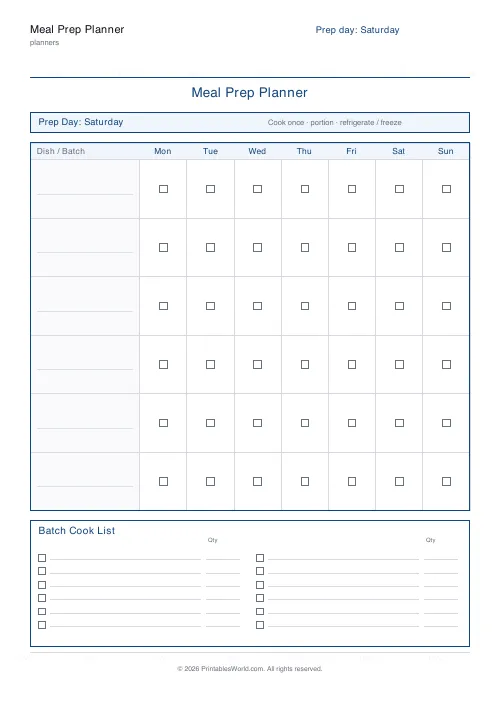
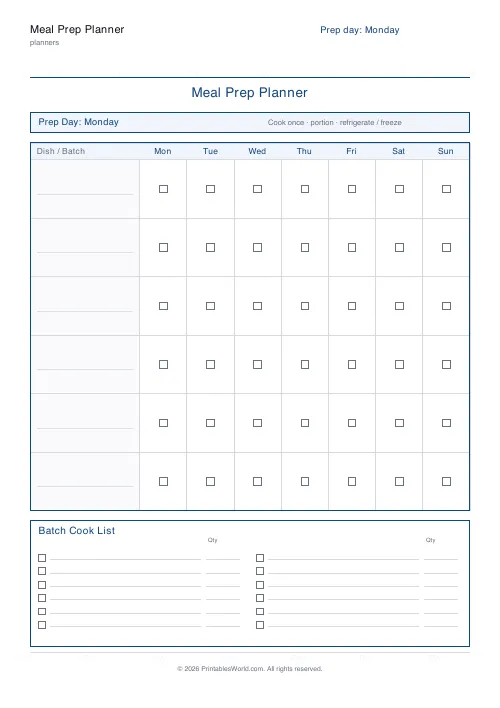
Yes. Pick any day of the week and it shows in the banner and the page header. Sunday is the default because it is the classic prep day, but Saturday and Monday are common too.
How many dishes can I track?
Between 3 and 10 dish rows. Use fewer rows for a light prep week and more when you are filling the freezer.
What paper size is best?
A4 or US Letter both work well. Pick whichever matches your printer and fridge door.
Related tools
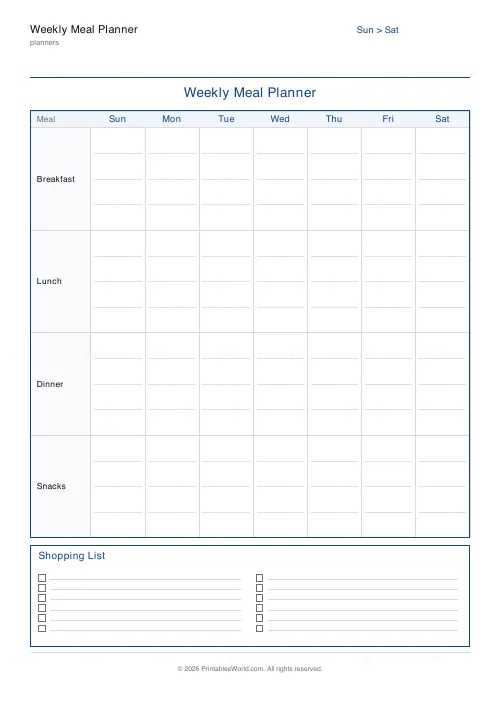
Weekly Meal Planner
Plan seven days of breakfast, lunch and dinner on one printable page.
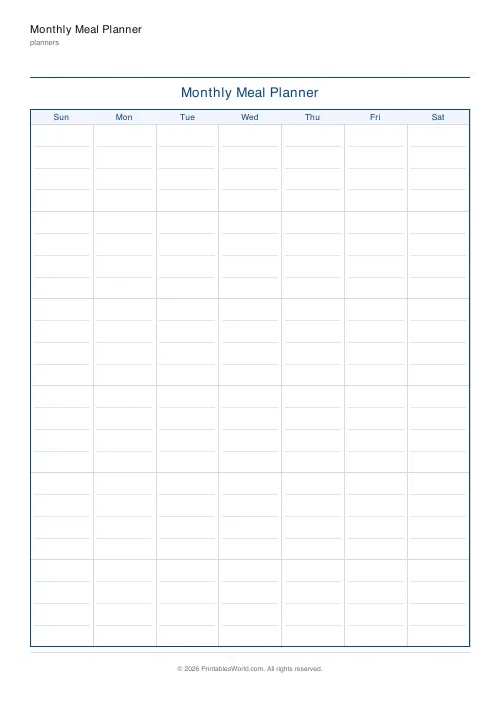
Monthly Meal Planner
A calendar-style monthly meal planner with space to write meals in every day.
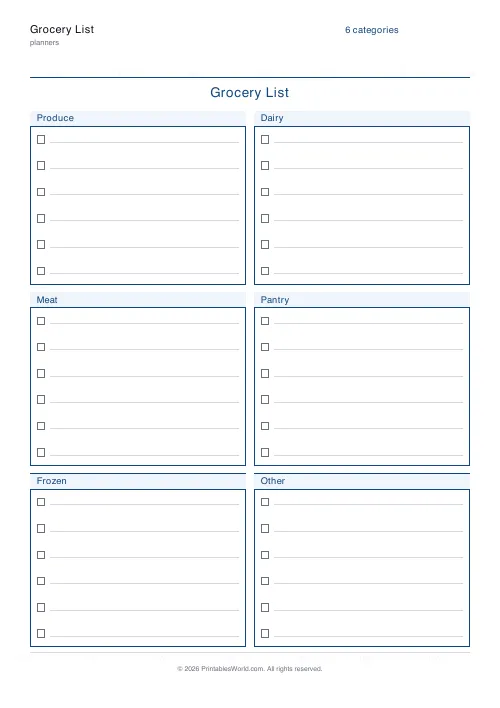
Grocery List
Printable categorised grocery list with tick boxes for every item.
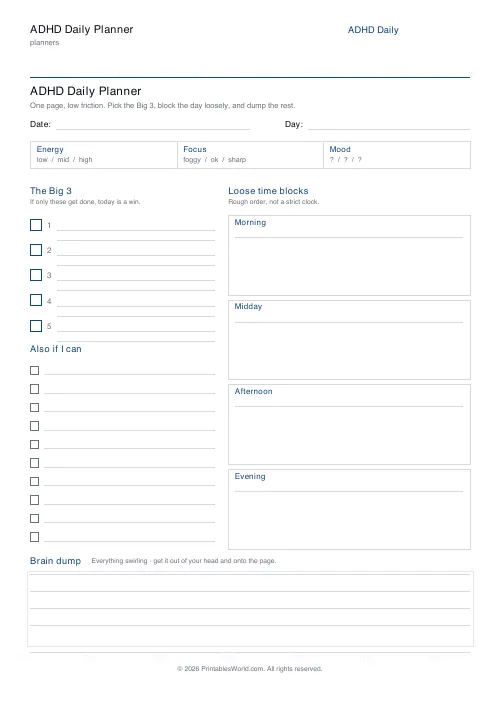
ADHD Daily Planner
A low-friction one-page daily planner built for ADHD brains: the Big 3, loose time blocks, an energy check-in, and a brain dump.
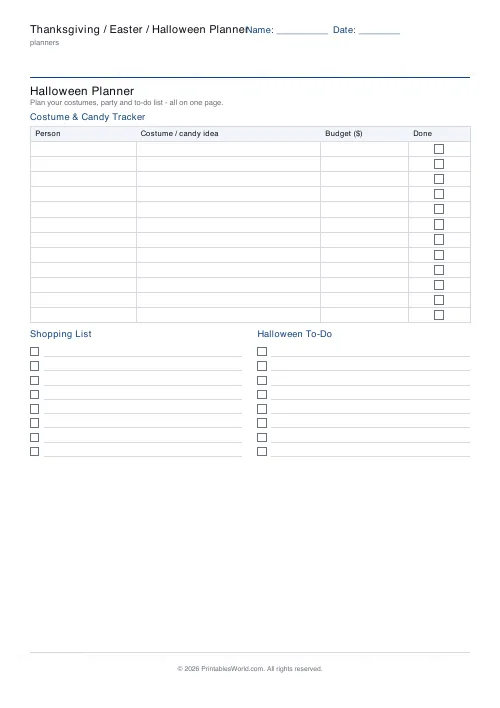
Thanksgiving / Easter / Halloween Planner
Free printable holiday planner for Thanksgiving, Easter and Halloween. Guest tracker, shopping list and festive to-do, all on one page.
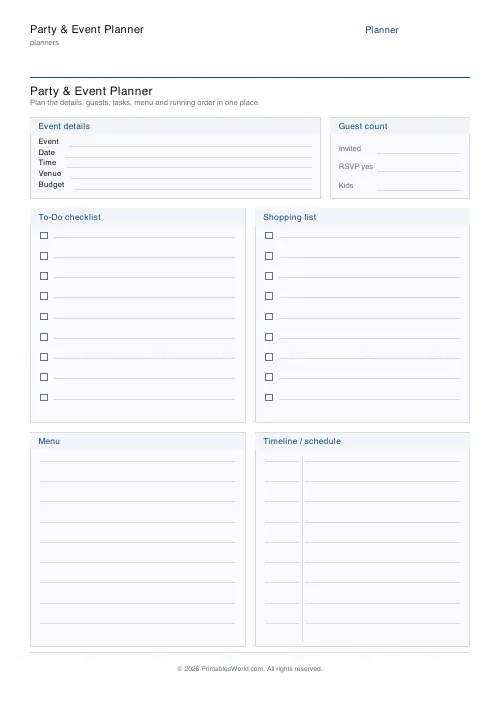
Party & Event Planner
One-page printable party planner: event details, guests, to-do, shopping, menu and running order.
Further reading
Planners
Meal planning 101: save time and money every week
A weekly meal plan saves money mainly by changing how you shop. Here is a thirty-minute method, the shortcuts that keep it going, and the mistake that ends most plans in week three.
5 min read
Planners
ADHD-friendly planning: systems that work
Standard planners assume you will remember to open them. That single assumption is why they fail for a lot of ADHD brains. And what an ADHD-friendly system has to replace.
6 min read
Planners
How to build a daily routine that actually sticks
Most routines fail in week two, when motivation runs out and nothing has replaced it. The fix is structural: fewer items, fixed anchors, and a plan for the day you miss.
6 min read