Classroom Activities
Printable Assistant
Chat to build a printable. Type a topic, get a word search, crossword, color by number, maze and more.
Last updated:
What this tool does
Tell the assistant what you need in plain words. "word search about dinosaurs", "crossword from my spelling list", "color by number of a rocket". And it figures out which printable to make, asks for anything it's missing, and builds the PDF for you. It works from a library of ready-made topics or from your own word list, with a live preview and instant download. No sign-up, and it all runs in your browser.
Assistant
Preview
Your printable appears here once I have enough to go on.
People also used
Word Search: Custom Words
Enter your own word list and generate a printable word search.
Crossword Generator: Printable PDF
Custom word lists into printable crossword puzzles with numbered clues.
Color by Number Generator
Make printable color-by-number sheets. Numbers, sums, or sight words, with an answer key.
Feedback
Spotted something off with this tool?
What this tool does
The Printable Assistant is a quick way to make a printable without hunting through settings. You type what you want, the type of sheet and what it's about, and it detects the rest, asks any follow-up it needs (a word list, a phrase, a couple of options), and generates the PDF. Behind the chat it drives the same generators as the rest of the site, so every sheet comes out on the shared branded template.
What you can make
- Word search: from a topic or your own words.
- Crossword: paste a word (and optional clue) list and the layout is solved for you.
- Word scramble and missing letters: great for spelling and vocabulary practice.
- Cryptogram: hide your own sentence, or use a random quote.
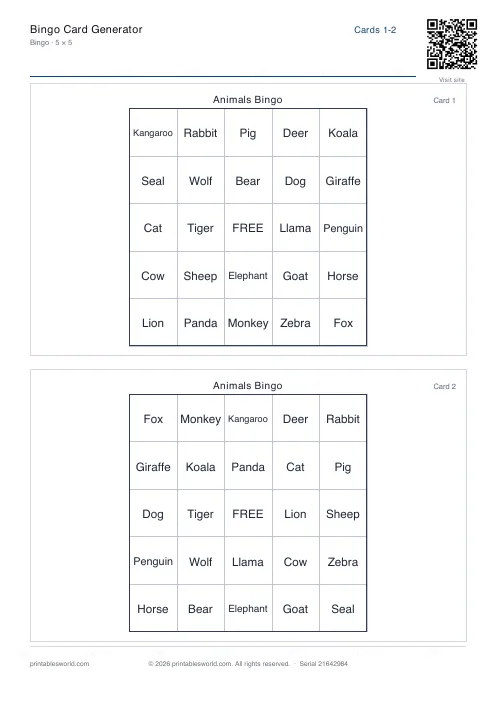
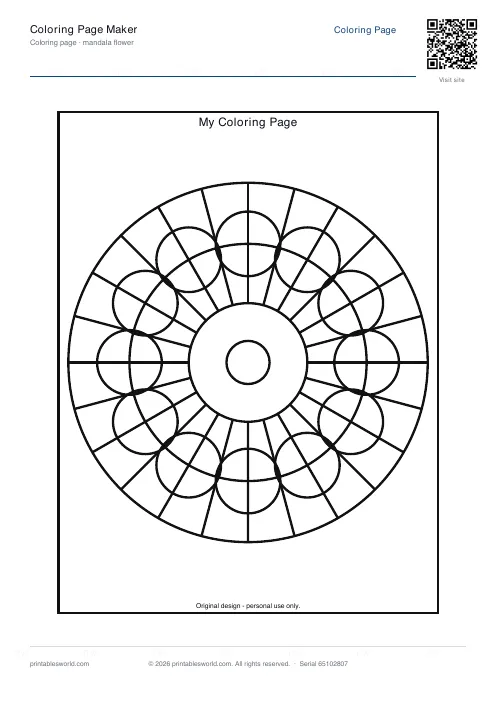
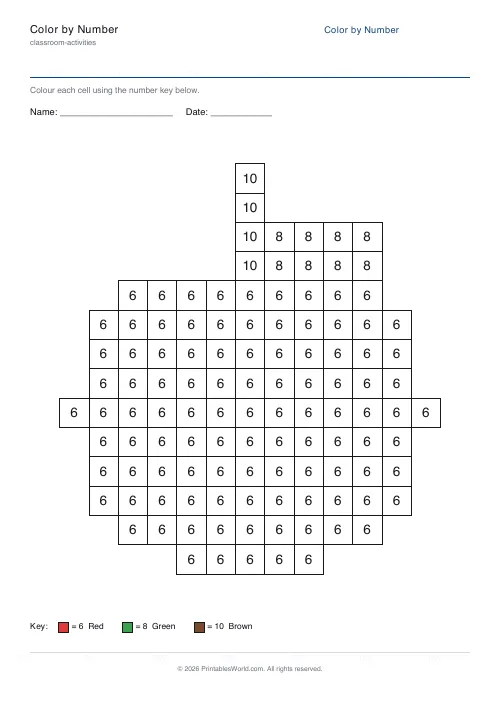
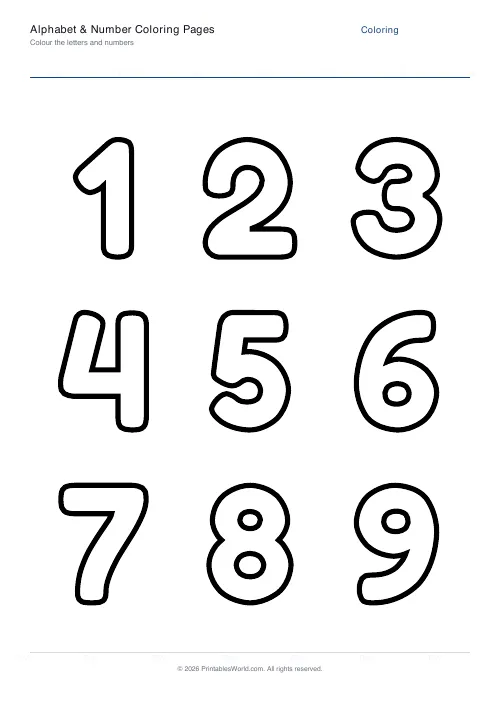
- Color by number and coloring pages: pick a picture or theme.
- Maze: choose easy, medium or hard.
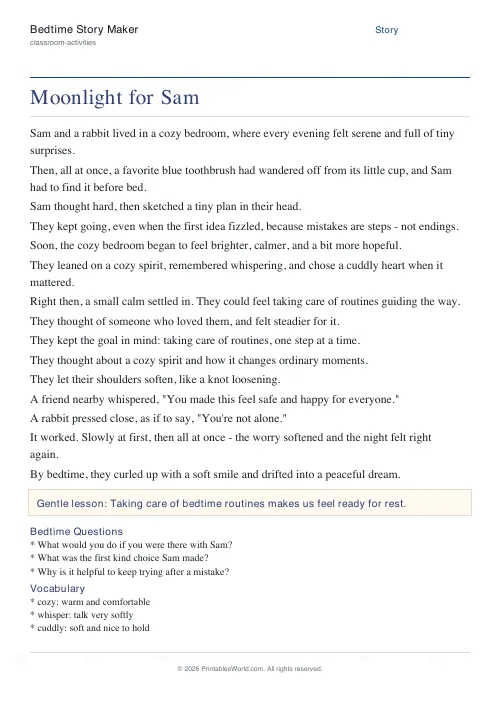
- Short story: a themed template story to read together.
How to use it
- Type a request, e.g. "crossword for ocean animals". Or tap an example.
- If the assistant needs words, paste your own (commas or new lines) or pick a topic chip.
- Adjust the options it offers. Paper size, answers on or off, difficulty, and so on.
- Watch the live preview, then download or print.
- Type another request any time, or tap New to start over.
How it works (and what "no AI server" means)
This assistant runs entirely in your browser. There's no account, no upload, and nothing is sent to a server. It detects what you want by recognising keywords, then matches your topic to a built-in library of word lists, or uses the exact words you paste. That means it's instant and private, but it can only theme topics that are in the library; for anything else, paste your own words and it will build the puzzle around them. For crosswords and word searches that's actually the powerful part: you give the words, and the engine solves the layout.
Who it's for
Teachers building a quick starter or homework sheet from this week's spelling list; parents who want a themed activity for a rainy afternoon; tutors who need a fast, printable warm-up. If you can describe it, you can usually make it in a sentence or two.
Tips
- For vocabulary practice, paste your class word list straight into the chat. The crossword and word search build around exactly those words.
- Turn answers off for the version you hand out, and on for your own copy.
- Tap Shuffle to get fresh puzzles (or a new random picture) with the same settings.
- Use the topic chips when you want a ready-made themed list in one tap.
FAQs
Quick answers
Does the Printable Assistant use AI?
Not an AI server. It runs entirely in your browser and detects what you want from keywords, then builds the sheet with the site's own generators. There's no account, no upload, and nothing leaves your device. Which keeps it fast and private.
What can it make?
Word searches, crosswords, word scrambles, missing-letter sheets, cryptograms, color by number, coloring pages, mazes and short stories. Just describe what you want, like "word search about space" or "maze, hard".
Can I use my own words?
Yes. And for spelling or vocabulary lists that's the best way. Paste your words separated by commas or new lines and the assistant builds the puzzle around exactly those words. For crosswords, you can add clues too and the layout is solved automatically.
What if my topic isn't recognised?
The themed library covers many common topics, but not everything. If your topic isn't found, the assistant simply asks you to paste a few words, then builds the printable from those.
Can I print an answer key?
Yes. For puzzles, the assistant offers an answers toggle. Keep it on for your own copy and turn it off for the version you hand out.
Is it free?
Yes, free with no sign-up. Every sheet downloads as a clean, branded PDF for A4 or US Letter.
Related tools
Word Search: Custom Words
Enter your own word list and generate a printable word search.
Crossword Generator: Printable PDF
Custom word lists into printable crossword puzzles with numbered clues.
Color by Number Generator
Make printable color-by-number sheets. Numbers, sums, or sight words, with an answer key.
Further reading
Teaching & Classroom
How to make a custom spelling word search
Turn any spelling list into a printable class set in minutes. A practical guide to making a custom spelling word search, with a worked example and difficulty tips.
7 min read
Classroom Activities
How to run a classroom economy (free printables)
A classroom economy teaches money, work and choice at once. But it collapses if the maths is wrong. Here is how to set the numbers, and the four pitfalls to avoid.
5 min read