What this tool does
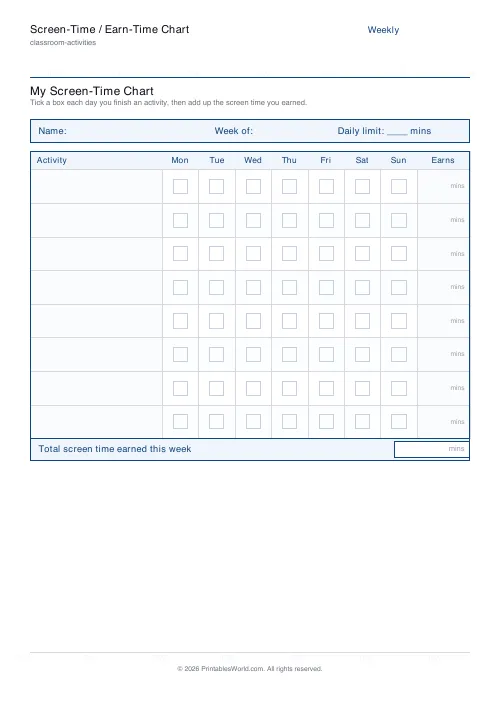
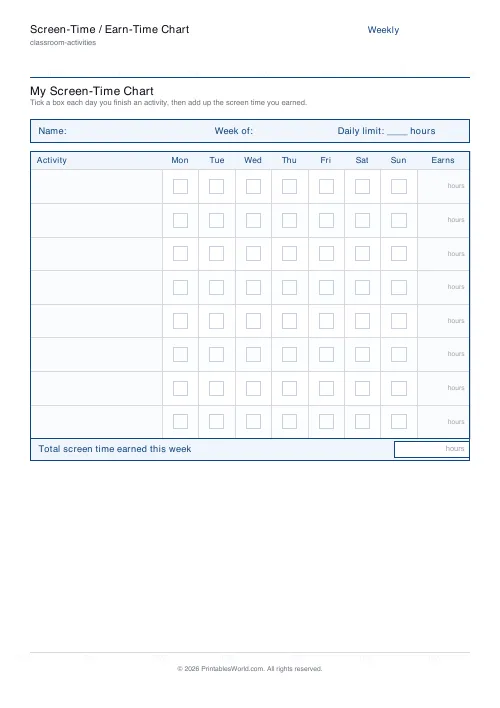
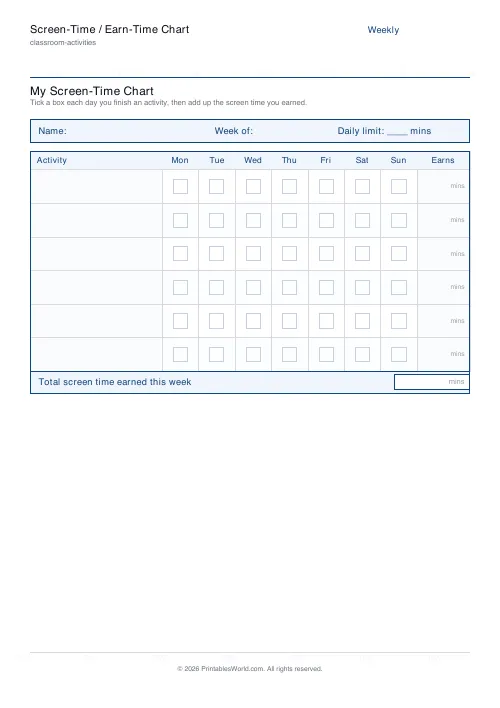
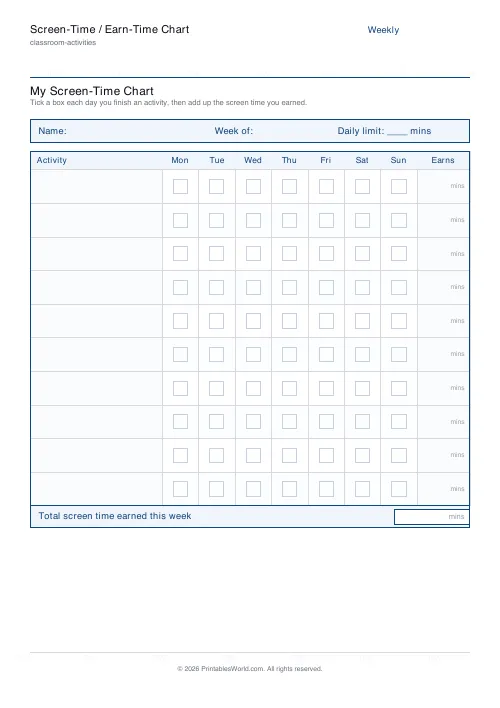
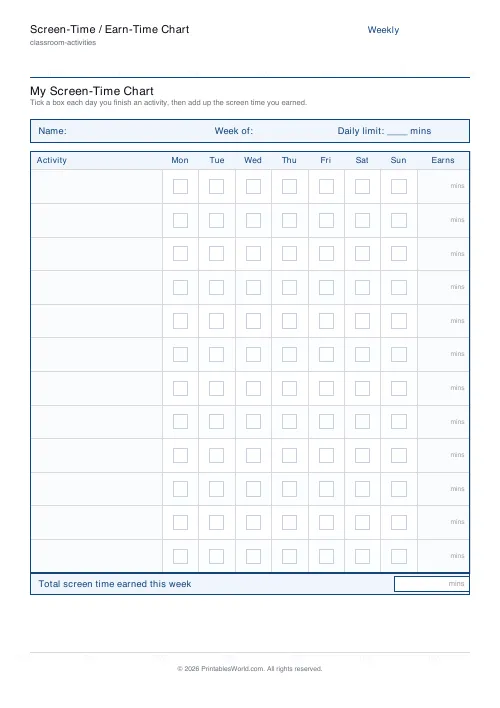
An earn-your-screen-time chart: activities down the side, seven days across, a tick box for each, and a minutes column setting what each activity is worth.
People also used
Reward Chart for Kids
Printable weekly reward chart with named rows and tick boxes for each day.
Behavior Chart for Kids (Daily / Weekly)
Printable daily or weekly behavior chart for children. Behaviors and goals down the side, days or time slots across the top.
Kids Daily Routine Chart (Morning/Bedtime)
Printable morning and bedtime routine chart for children. Two routine blocks × 7 days of check circles.
Feedback
Spotted something off with this tool?
How the sheet works
Down the left, a list of activities — eight by default, and you write them yourself. Across the top, the seven days. Each cell is a tick box.
On the right sits the minutes column: how much screen time each activity earns. Along the top there is space for the child's name, a daily limit, and a running total earned.
Earning rather than losing
The design choice here is the important one. Screen time is earned by doing things, not taken away as punishment.
Removing time that a child already considers theirs produces an argument every single time, and the argument is about fairness rather than about the behaviour. Earning it produces a different conversation: the child looks at the chart, works out what to do, and does it. You are no longer the person confiscating anything. The chart is.
Setting the values
Write real numbers in the minutes column and keep them modest. Ten minutes for tidying a room, fifteen for reading, twenty for homework done without being asked three times.
Two mistakes to avoid. Values so low that a full week of effort buys half an hour, which is transparently unfair and will be treated as such. And values so high that Saturday morning's chores buy the whole weekend, which teaches the wrong lesson about the exchange rate.
Set the daily limit box too, and mean it. Earned minutes accumulate; they do not override the ceiling.
Choosing the activities
Involve the child in writing the list. A chart imposed on someone is a rule, and a chart they helped write is an agreement, and the second one survives contact with a wet Tuesday.
Mix easy wins with harder things. Include something they already do well, so the first tick arrives quickly — the first few days decide whether the chart becomes part of the week or ends up behind the fridge.
Making it stick
Put it where the screen is. Tick it together at the same time each day. Do the tally on the same evening every week.
Expect to redraw it after a fortnight. The first version always has one activity nobody ever does and one value that turns out to be wrong, and adjusting it in front of the child is not weakness — it is the part that shows the chart is a shared arrangement.
Related
For chores tied to pocket money rather than to screens, the allowance chore chart. For behaviour without a currency attached, reward punch cards.
FAQs
Quick answers
How many activities should I list?
Pick 5 to 12. Younger children do well with 5–6 simple activities; older children can handle up to 12 with different earn values.
Does the chart add up the screen time for me?
No. The 'Earns' column and 'Total screen time earned this week' box are left blank so the child can fill them in by hand. Tallying the week is part of the routine.
Can I change the time unit?
Yes. Enter any short label such as mins or hours and it appears in the daily-limit strip, the Earns column and the total box.
Can I print a blank chart and fill it in by hand?
Yes. Leave the Activities list blank and the rows print empty, ready to write in. Handy if you change the activities each week.
Related tools
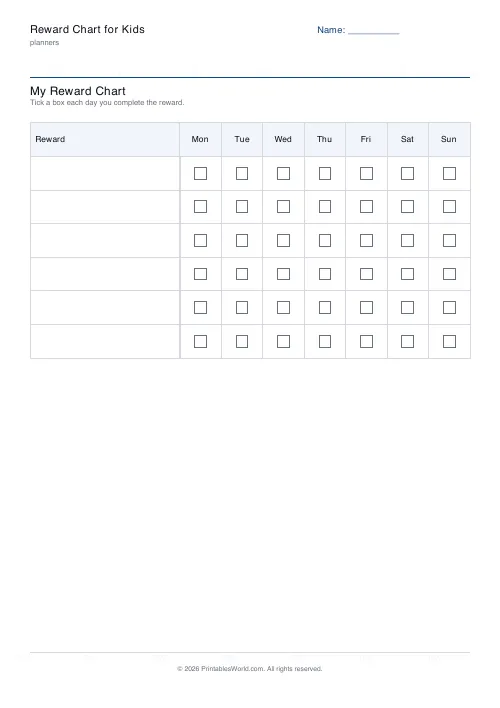
Reward Chart for Kids
Printable weekly reward chart with named rows and tick boxes for each day.
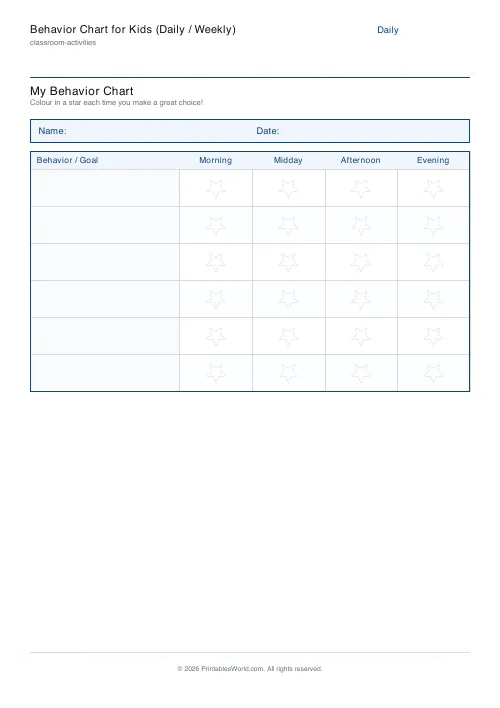
Behavior Chart for Kids (Daily / Weekly)
Printable daily or weekly behavior chart for children. Behaviors and goals down the side, days or time slots across the top.
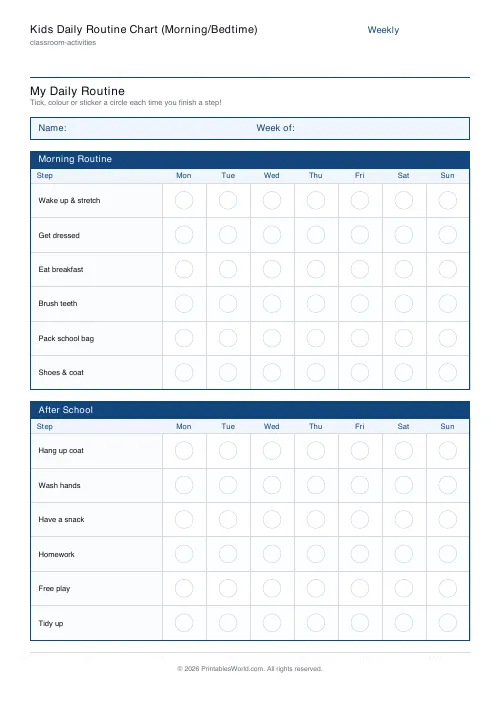
Kids Daily Routine Chart (Morning/Bedtime)
Printable morning and bedtime routine chart for children. Two routine blocks × 7 days of check circles.
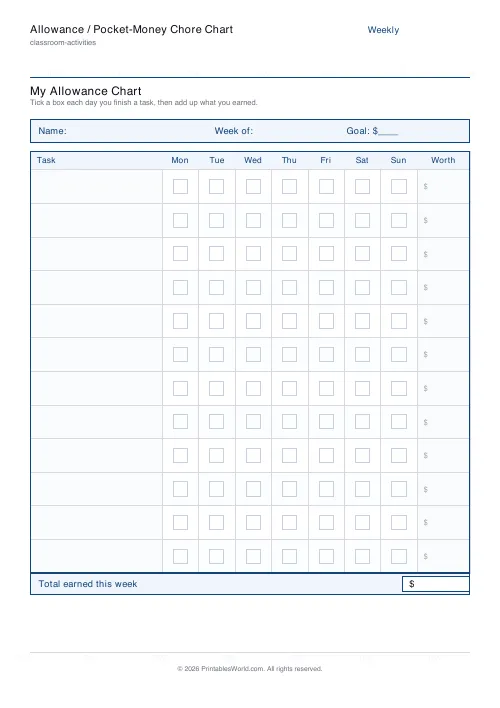
Allowance / Pocket-Money Chore Chart
Printable allowance chart. Tasks × 7 days of tick boxes, a money column and a weekly total.
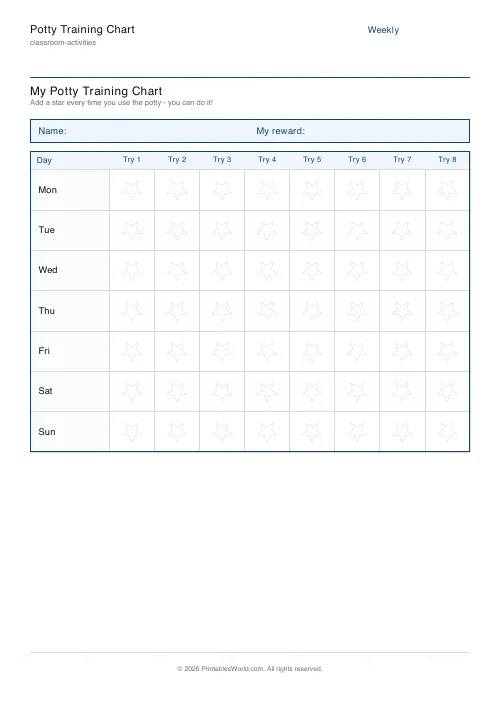
Potty Training Chart
Printable potty training reward chart. 7 days × potty-time star boxes for toddlers.
Further reading
Classroom Activities
Positive reinforcement in the classroom: charts that work
Reward charts work when they name a specific behaviour and fade over time. They backfire when they rank children publicly. Here is the difference in practice.
5 min read
Classroom Activities
Escape room activities for the classroom: a how-to
A classroom escape room is a sequence of puzzles with a story on top. The design decision that matters most is whether groups work through them in order or all at once.
5 min read