Classroom Activities
Party Invitation Generator
Clean, typographic printable party invitations — pick a design, add the details, download a PDF.
Last updated:
What this tool does
A smart, design-led party invitation you can personalise in seconds. Pick one of ten clean typographic designs, type the event title, an intro line, the date, time, location, and an RSVP message, then download a print-ready PDF. No sign-up, no watermark fuss — just a tidy invitation you can print as many times as you like.
Free downloads
Ready-made Party Invitation printables — free PDF downloads
No setup needed — download these print-ready party invitations as free PDFs. Each one was made with the generator above, so you can recreate or fully customize any of them.

Party Invitation
Print-ready party invitation as a free PDF — made with the generator above so you can tweak and reprint.
↓ Download PDF
Settings
Customize the invitation
Pick a design, then fill in the party details.
Design
Paper size
Preview
Live PDF preview
The actual PDF, updated as you change settings.
People also used
Feedback
Spotted something off with this tool?
Create a Printable Party Invitation in Seconds
Design a clean, typographic party invitation that looks considered rather than thrown together. Choose one of ten ready-made designs, type the event title, a short intro line, the date, time, location, and an RSVP message, then download a print-ready PDF for a birthday, classroom celebration, end-of-term party, or any get-together. Everything is typeset for you, so the layout stays crisp from one invitation to the next.
Because the spacing, borders, and motifs are handled automatically, you can fill in the details and have a polished invitation ready to print in under a minute. Output is available in A4 or US Letter PDF format, so it prints cleanly from a UK classroom printer or an American home office.
This is a free printable template — teachers, parents, tutors, and club organisers can personalise one and reprint as often as they like, with no sign-up.
Why use this party invitation template?
A printed invitation gives an event a sense of occasion that a quick group message cannot, and it doubles as a handy reminder pinned to the fridge or stuck in a school bag. This printable party invitation gives you a ready-made, branded layout so you can focus on the wording rather than the design. Use it for:
- children's birthday parties
- classroom end-of-term celebrations
- class assembly or open-day invites
- holiday and seasonal gatherings
- club socials and team get-togethers
- homeschool group meet-ups
- graduation and achievement parties
- family celebrations and anniversaries
Each design uses a coordinated palette, a tidy border, and a small celebratory motif, so the finished invitation feels intentional without being cluttered.
What you can customise
The fields are intentionally simple so you can produce an invitation quickly:
- Design — pick from ten palettes and motif styles, from bright confetti to elegant rose or minimal mono
- Event title — the headline, for example "Ava's 7th Birthday" or "Class 4B End-of-Term Party"
- Intro line — a short welcoming sentence such as "You are invited to celebrate with us!"
- Date and time — printed prominently in the details block
- Location — the address or venue
- RSVP line — a reply-by date and contact detail, printed in a soft footer pill
- Paper size — A4 or US Letter PDF output
Everything else, including the decorative border, the "You're Invited" eyebrow, the motif, and the spacing, is handled automatically by the branded template.
The ten designs
Each design pairs a colour palette with a border treatment and a celebratory motif, so picking one sets the whole tone of the invitation in a single click.
- Confetti Bright — pink frame with scattered confetti specks and a trio of balloons
- Sky Balloons — calm blue with a dotted border and balloons
- Mint Fresh — green with a scalloped edge and a star burst
- Sunshine — warm gold with confetti and sparkles
- Lavender — soft purple serif with sparkle accents
- Classic Navy — formal navy and gold with a ring motif
- Rose Elegant — rose serif with corner flourishes
- Bunting Party — playful multi-colour bunting
- Minimal Mono — restrained charcoal with a single accent
- Teal Modern — clean teal with a banded border and star burst
Who these invitations are for
The template works for a wide range of settings where you want a tidy, printed invite.
Parents
Put together a birthday or celebration invitation in a minute, print one per guest, and hand them out at the school gate or pop them in party bags.
Teachers
Invite families to a class assembly, open day, or end-of-term party with a consistent, professional-looking invite that matches across the whole class.
Homeschool families
Organise a co-op meet-up or a unit-completion celebration with a printed invitation that gives the occasion a little extra weight.
Club organisers
Promote a social, a tournament, or a season-end party with a clean invite you can print, pin up, or photograph and share.
Wording tips for a clear invitation
Lead with the who and what
Put the celebrant and the occasion in the event title, for example "Ava's 7th Birthday", so the most important information lands first.
Keep the intro line short
One welcoming sentence reads best. "You are invited to celebrate with us!" sets the tone without crowding the layout.
Make the RSVP easy to act on
Include a reply-by date and a single contact method so guests know exactly how and when to respond.
How to use the tool
- Pick a design that matches the occasion.
- Type the event title.
- Add a short intro line (or leave it blank).
- Set the date and time.
- Enter the location.
- Add an RSVP line with a reply-by date and contact.
- Choose A4 or US Letter.
- Preview the invitation, then download the PDF and print.
Worked example
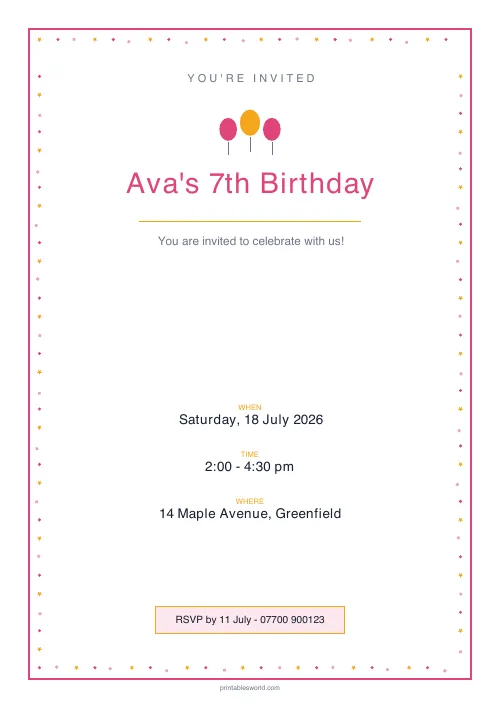
Suppose you are inviting children to Ava's seventh birthday. Choose the Confetti Bright design, set the event title to "Ava's 7th Birthday", add the intro line "You are invited to celebrate with us!", set the date to "Saturday, 18 July 2026", the time to "2:00 – 4:30 pm", the location to "14 Maple Avenue, Greenfield", and the RSVP to "RSVP by 11 July — 07700 900123".
The PDF prints with a confetti border, a trio of balloons at the top, the title in a bright display colour, the date, time, and location in a clean centred details block, and the RSVP in a soft footer pill — ready to print one per guest.
Notes and limitations
- The event title fits comfortably on one or two lines; shorter titles print largest.
- The intro and RSVP lines wrap to two lines each — keep them concise for the cleanest result.
- One invitation prints per PDF. For a guest set, print multiple copies of the same PDF rather than merging different invites.
- Print at 100% scale so the border sits correctly inside the printable area.
- For a more premium feel, print on 120–160 gsm card stock.
Methodology
The engine draws the branded full-page invitation inside the shared page layout, then typesets the event title in a large display face, the intro line in an italic below it, and the date, time, and location in a centred details block with small accent labels. The RSVP prints in a soft pill at the foot of the page. No content is randomised — each input produces a deterministic, identical layout, which is what keeps a stack of invitations looking uniform.
Designed for A4 and US Letter Printing
The invitation template is set up for both A4 and US Letter paper sizes, so it works from a UK classroom printer or an American home office without cropping the border. Print at 100% scale for the cleanest frame, and consider trimming or folding for a card-style finish.
Related classroom templates
You may also find these related printable classroom templates useful:
FAQs
Quick answers
Can I print more than one invitation?
Yes. One invitation prints per PDF, but you can print as many copies of the same PDF as you need — one per guest. To change the wording for a different event, just edit the fields and regenerate.
How long can the event title be?
The title fits comfortably on one or two lines. Shorter titles print largest, so keep it to the celebrant and occasion where you can, for example "Ava's 7th Birthday".
Can I change the colours and style?
Yes. Pick from ten designs, each pairing a colour palette with a border and a celebratory motif — from bright confetti and balloons to elegant rose, classic navy, or minimal mono.
What paper is best for printing?
Standard 80 gsm works for hand-outs, but 120–160 gsm card feels much more like a keepsake invite. Print at 100% scale for the best margins.
Related tools
Birthday Certificate
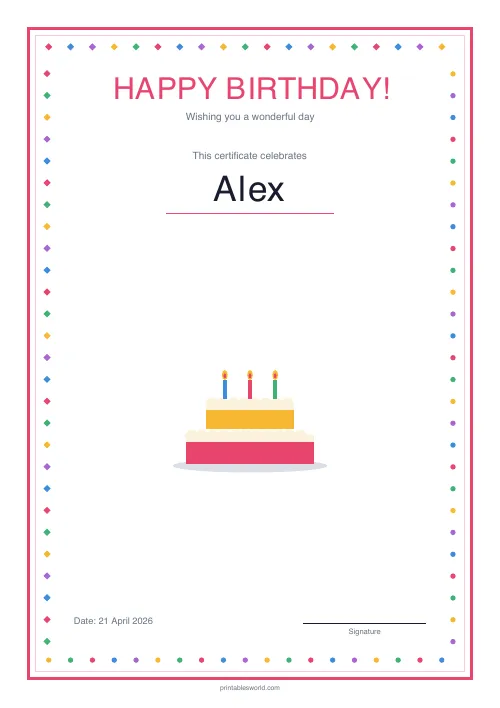
A cheerful "Happy Birthday!" certificate with a colourful border.
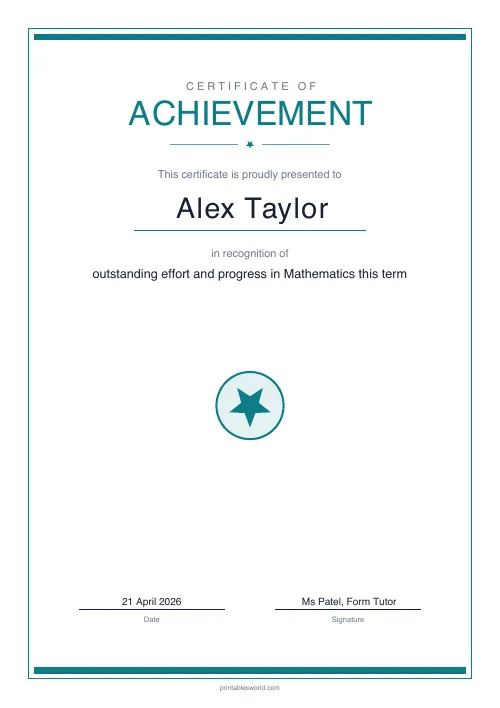
Certificate of Achievement
Formal classroom certificate with name, reason, date, and signature line.
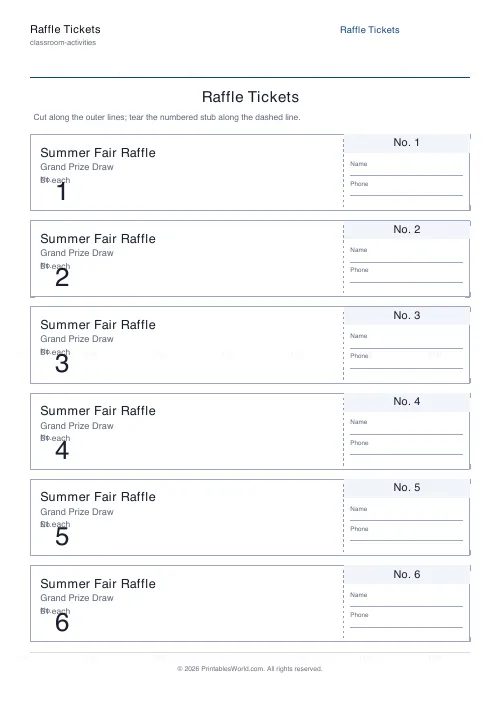
Raffle Tickets
Sequentially numbered tear-off raffle tickets with matching stubs.
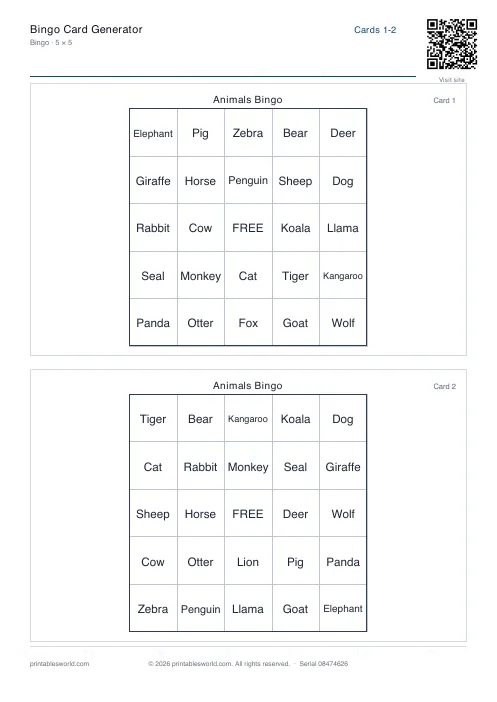
Bingo Card Generator
Generate unique printable bingo cards with custom words, FREE centre toggle, call sheet, and seeded shuffles.