What this tool does
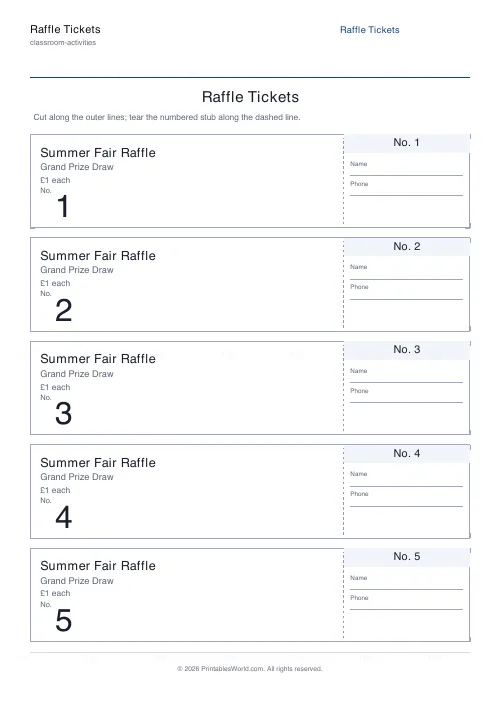
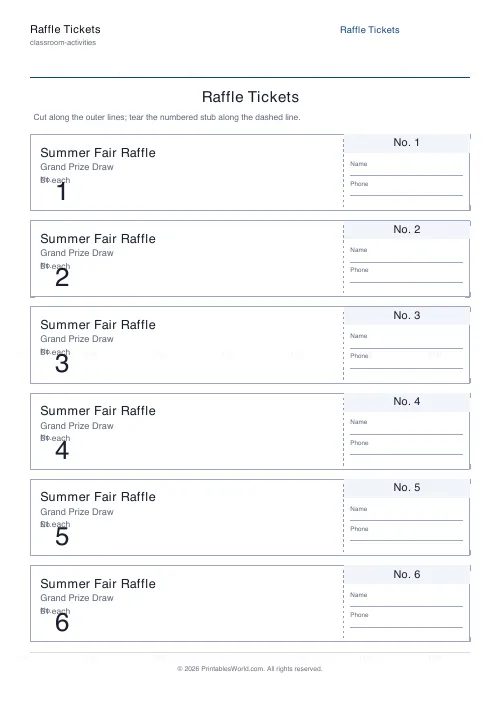
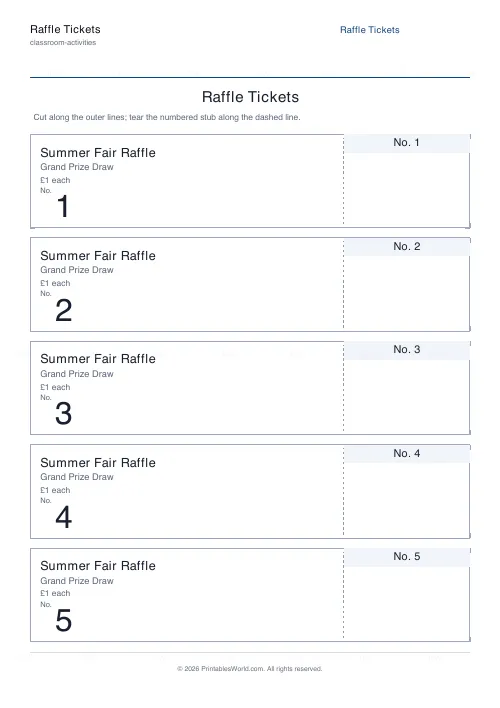
Printable raffle tickets, each one split into a main ticket and a matching-numbered tear-off stub. Set the starting number so a second batch carries on where the first stopped, choose how many tickets you need and how many share a page, and type your event name, your prize and your price onto every one of them. Optional name and phone lines on the stub, and corner cut marks to trim by.
People also used
Bingo Card Generator
Generate unique printable bingo cards with custom words, FREE centre toggle, call sheet, and seeded shuffles.
Coloring Page Maker
Create printable coloring pages with mandala, geometric, and animal templates in any line thickness.
Certificate of Achievement
Formal classroom certificate with name, reason, date, and signature line.
Feedback
Spotted something off with this tool?
Two halves, one number
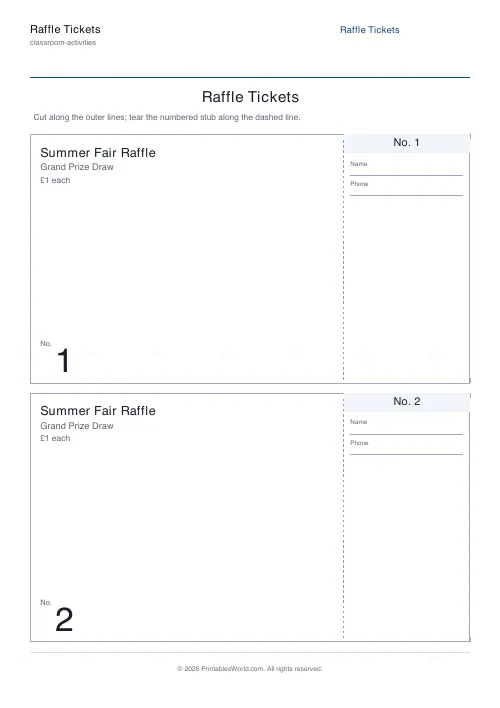
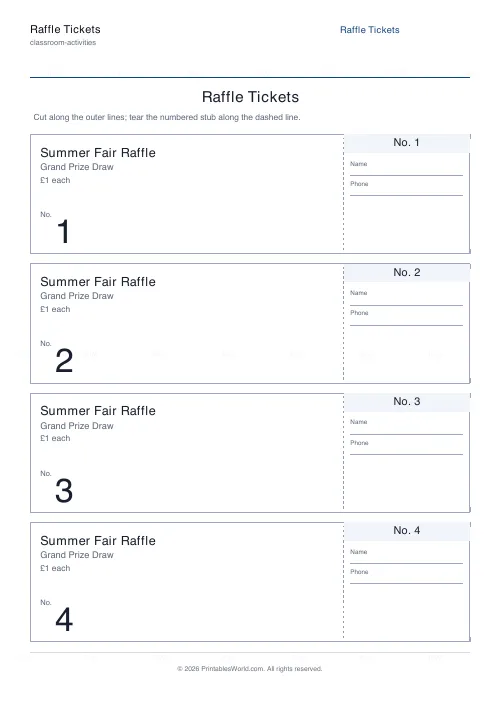
Each ticket is split by a dashed perforation line. The buyer keeps the large main part with the event details and a big number on it. You keep the stub, which carries the same number and, if you want them, lines for a name and a phone number.
At the draw you pull a stub out of the tub, read the number, and find whoever is holding the matching ticket. That is the entire mechanism and it has not needed improving in a hundred years.
Numbering runs sequentially. No gaps, no repeats, so a run of twenty prints 1 through 20.
The start number is the one setting people forget
It exists for one reason: so a second print run carries on from where the first one stopped.
Sell out your first hundred, set the start number to 101, print another hundred, and every number across both batches is still unique. Forget to do it and you have two tickets numbered 34 in the same tub, which is discovered at the worst possible moment, in front of everyone, with a prize on the table. Write down where you finished before you close the tab.
How many to a page
Between one and eight. Five unless you change it, which is the standard cloakroom-ticket density and cuts easily with a guillotine or with a steady hand and a metal ruler.
One to a page makes a large ticket suitable for an expensive draw or a formal event. Eight makes small ones, and small tickets are harder to write a name on, so if the stub fields are on you probably want fewer per sheet rather than more. Corner cut marks print by default to give you something to line up against.
Event details, printed on all of them
Event name. Prize. Price. Type them once and they appear on every ticket in the run, which is the difference between this and writing two hundred tickets out by hand at a kitchen table the night before.
Be specific in the prize line. Grand Prize Draw sells fewer tickets than the actual prize does, because a buyer at a school fair is deciding in about two seconds and wants to know what they might win. The price line matters for the same reason, and it stops the volunteer on the stall having to answer the same question two hundred times.
Running the draw
Print on card rather than copier paper if you can. Stubs get folded, shoved into a tub, stirred by hand and pulled out damp, and 80gsm paper does not enjoy any of that.
Keep the sold stubs in number order rather than throwing them loose into a box, and finding the winner takes a second instead of a minute of rummaging in front of a waiting room. For a longer event, sell in numbered blocks and draw an early-bird prize from one block partway through, which gives people a reason to buy before the last ten minutes.
FAQs
Quick answers
Are the tickets numbered sequentially?
Yes. Set a start number and the tool numbers every ticket in order with no gaps or repeats. The main ticket and its tear-off stub always share the same number.
How do the tear-off stubs work?
A dashed perforation line separates the main ticket from the numbered stub. Sell the main part to the buyer and keep the matching stub for the draw, then match the drawn stub's number to the winning ticket.
How many tickets can I print?
From a single ticket up to several hundred. Choose how many tickets to print and how many appear on each page, and the tool lays them out across as many sheets as needed.
Can I add my event name and prize?
Yes. Enter your event name, prize and price and they print on the main part of every ticket. You can also add Name and Phone lines to the stub to record buyer details.
Related tools
Bingo Card Generator
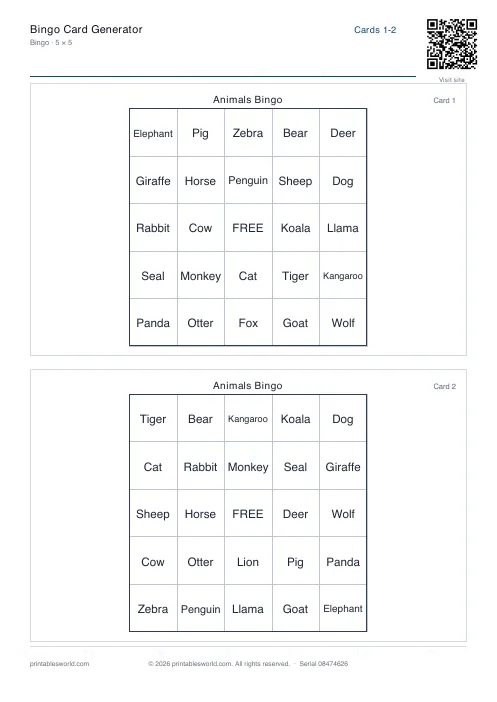
Generate unique printable bingo cards with custom words, FREE centre toggle, call sheet, and seeded shuffles.
Coloring Page Maker
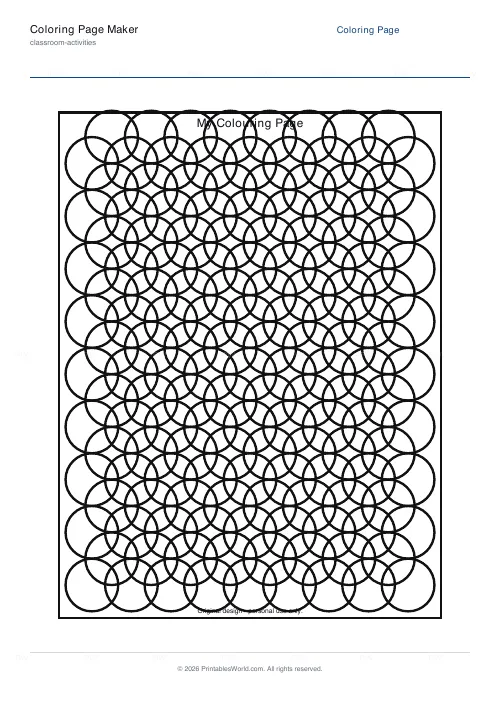
Create printable coloring pages with mandala, geometric, and animal templates in any line thickness.
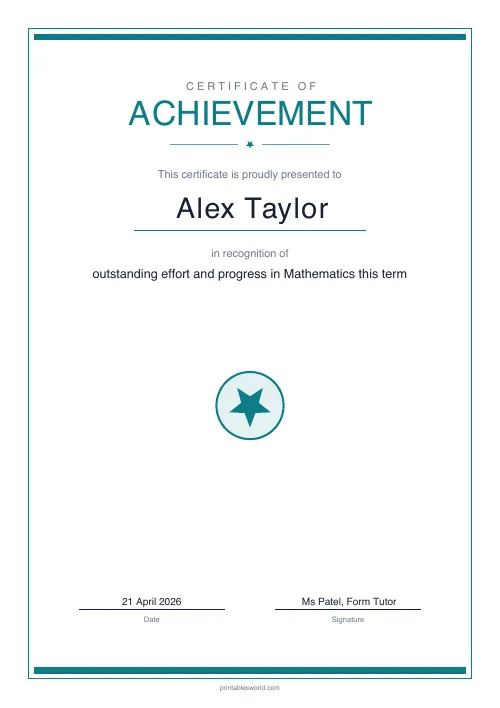
Certificate of Achievement
Formal classroom certificate with name, reason, date, and signature line.