What this tool does
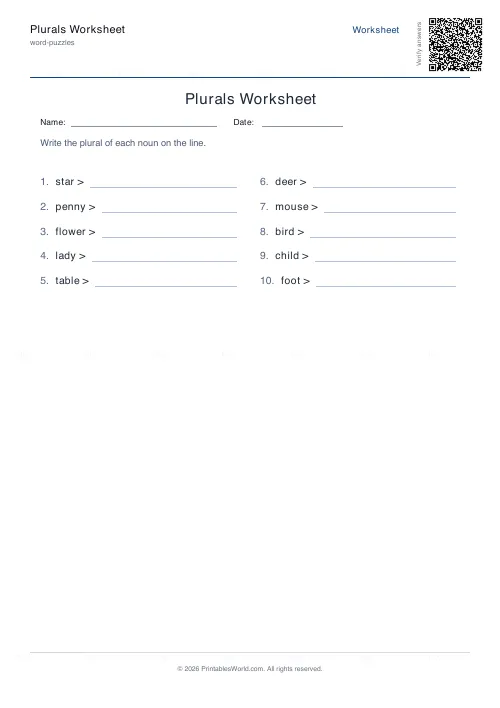
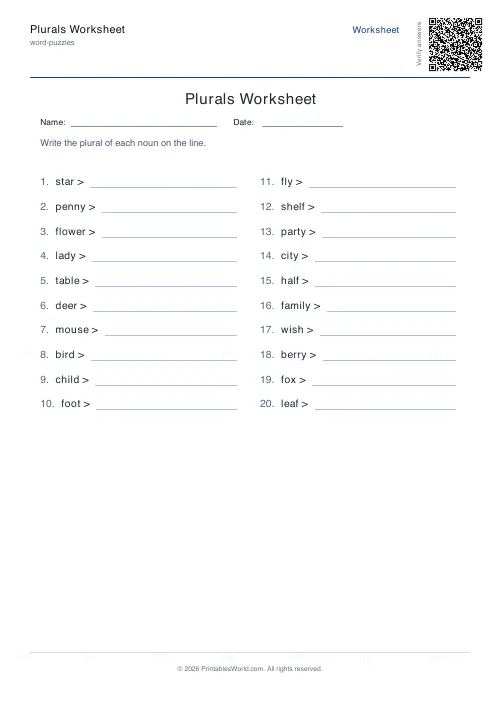
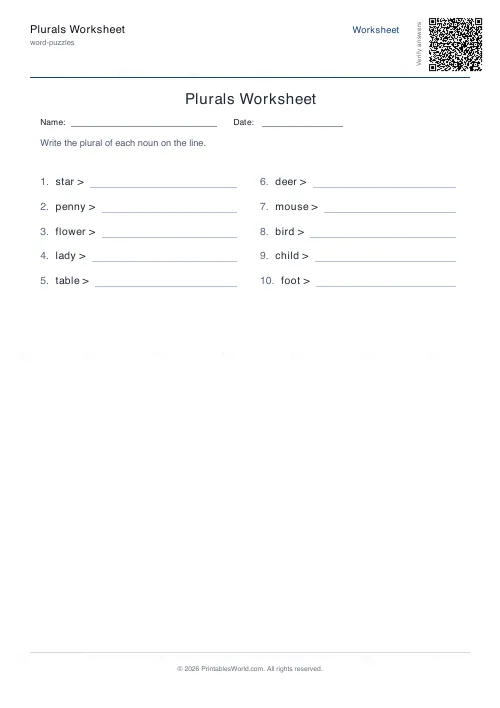
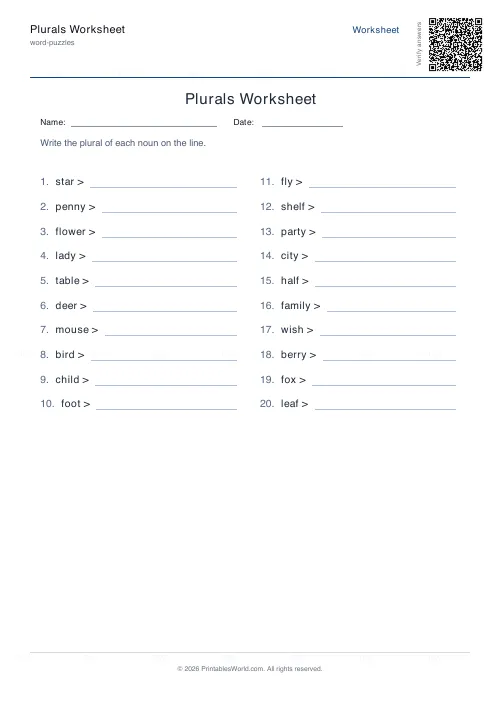
Printable plurals worksheets. Each row prints a singular noun, an arrow and a blank line, and the pupil writes the plural. The word bank is curated and mixes the straightforward -s endings with -es, with -ies, with -ves, and with the irregulars that have to be learned outright. Four to fifty nouns a sheet, reshuffled every time, and an optional answer key.
People also used
Feedback
Spotted something off with this tool?
A noun, an arrow, a line
The pupil writes the plural. That is the entire sheet, and it is harder than it looks, because English forms plurals about six different ways and only one of them is adding an s.
The word bank deliberately mixes the easy cases with the awkward ones, so a child cannot get through a row on autopilot. Four to fifty nouns to a sheet, twenty by default, reshuffled on every generation.
The six patterns, in the order they cause trouble
Most nouns just take -s. Cat, cats. Book, books. Nobody has ever struggled with this one.
Nouns ending in s, x, z, ch or sh take -es, because the extra vowel is needed to say the word at all: box becomes boxes, brush becomes brushes. Say them aloud and the rule explains itself, which is why this is the one to teach by ear rather than by list.
A consonant followed by y turns into -ies. Baby, babies. City, cities. But only after a consonant, which is why day stays days, and that exception catches nearly every child once.
Words ending in f or fe often swap to -ves: leaf, leaves; knife, knives. Often, not always, and the exceptions here are learned rather than derived.
Then the irregulars, which have no rule at all. Child, children. Mouse, mice. Foot, feet. Person, people. And finally the ones that refuse to change: sheep, fish, deer.
Teach one pattern, then test all of them
Running a mixed sheet after teaching a single rule is not unfair, it is the whole assessment. A child who has just been taught -ies will apply it to everything for about a week, and a mixed sheet is how you find that out before it sets.
Afterwards, ask them to circle every plural that took -es and say why. The explanation is the learning; the worksheet is only where the evidence is.
For an older class, cover the key and it becomes a spelling test. Or have them sort the finished words into groups by which rule applied, which forces them to notice that leaves and cities got there by different routes.
The irregulars want a different treatment
They are not a rule, so practising them like one does not help. Matching cards work. So does a chant: child children, mouse mice, foot feet, said fast, twice, before anybody writes anything.
Two minutes of that before a written sheet is worth more than two more rows on the sheet, because the only mechanism available for an irregular is memory and memory prefers sound to paper.
The key is a mark scheme you can trust
Singular and plural pairs are curated rather than generated, so every answer on the key is spelt correctly and there are no edge cases where the tool and the teacher disagree.
That matters more than it sounds for this particular topic, because English plural spelling is exactly the sort of thing an algorithm gets subtly wrong, and a key that is wrong twice a page is worse than no key at all.
FAQs
Quick answers
Which plural rules does this worksheet cover?
It mixes regular -s endings, -es endings (after s, x, z, ch, sh), consonant + y changing to -ies, -f/-fe changing to -ves, and irregulars such as child/children, mouse/mice and foot/feet, plus a few unchanged plurals like sheep and fish.
What age or year group is this for?
Forming plurals is usually taught in Year 1 to Year 3 (Grade 1 to 3). Using more problems and relying on the irregular and -ves words makes the same worksheet useful for older pupils revising spelling.
Is there an answer key?
Yes. Toggle the answer key on and the PDF adds a second copy with every correct plural filled in, so marking takes seconds.
Can I make every worksheet different?
Yes. Each generation reshuffles the curated word list, so you can print a unique sheet for every pupil. Press Generate New to reshuffle the preview.
Related tools
Further reading
More like this
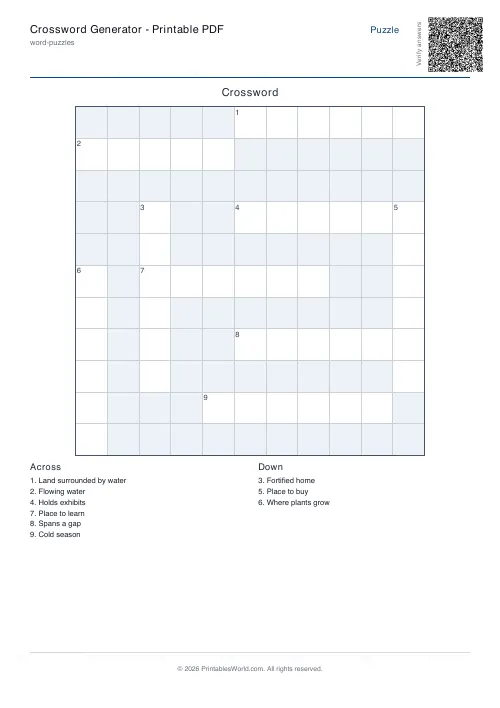 Crossword Generator: Printable PDF
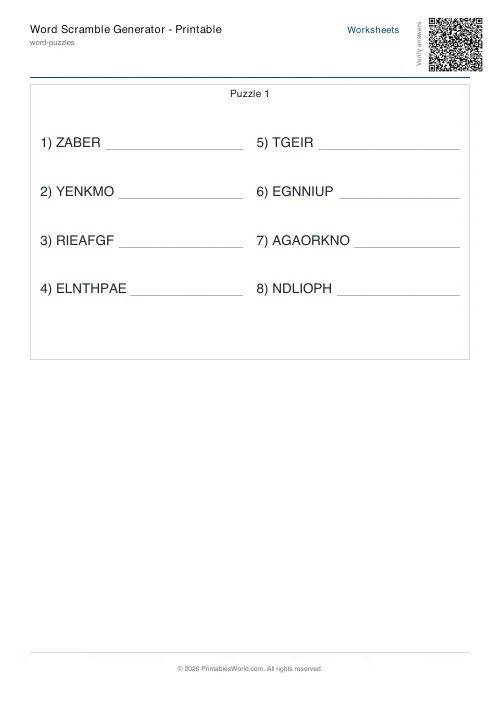 Word Scramble Generator: Printable
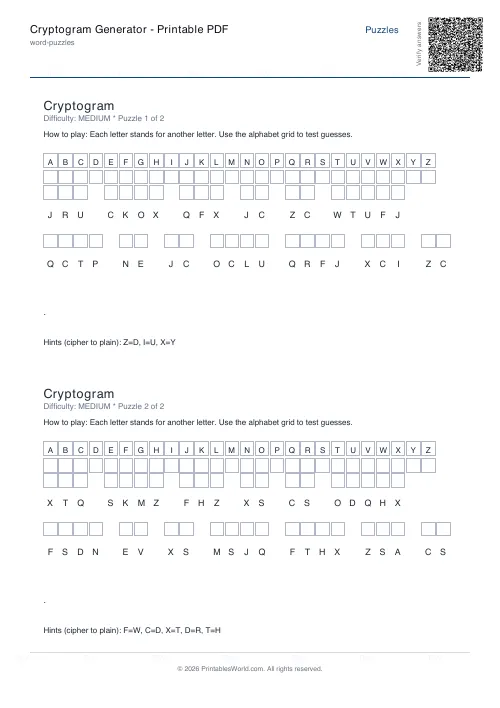 Cryptogram Generator: Printable PDF
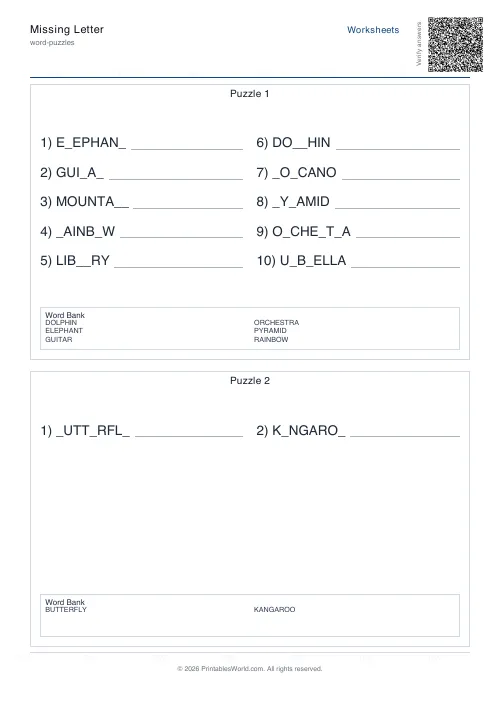 Missing Letter Generator
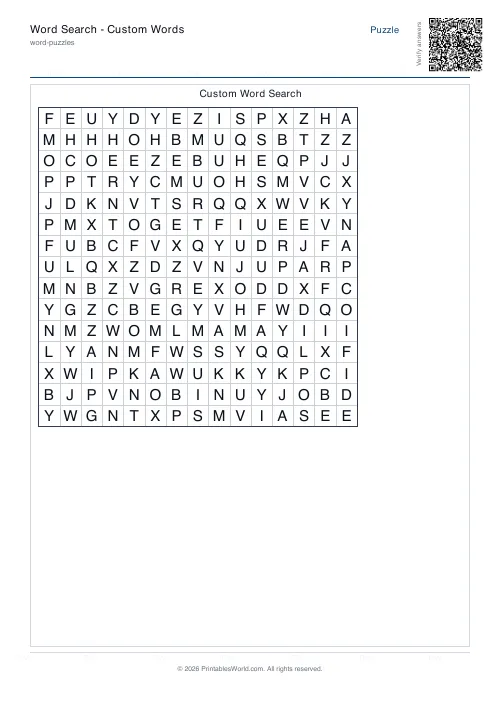 Word Search: Custom Words
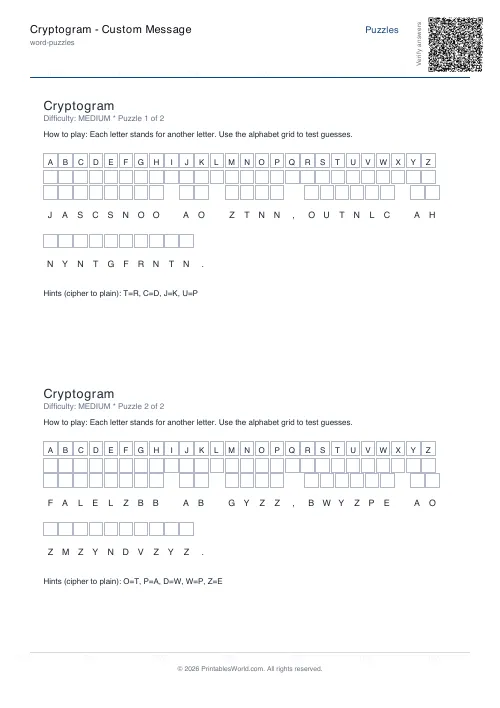 Cryptogram: Custom Message
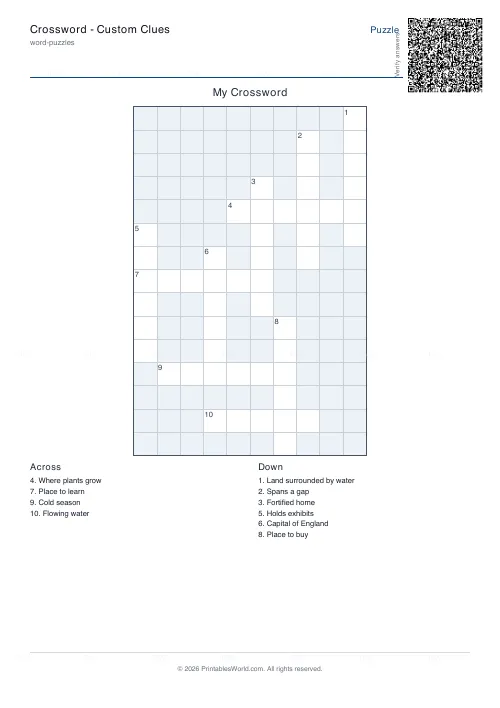 Crossword: Custom Clues
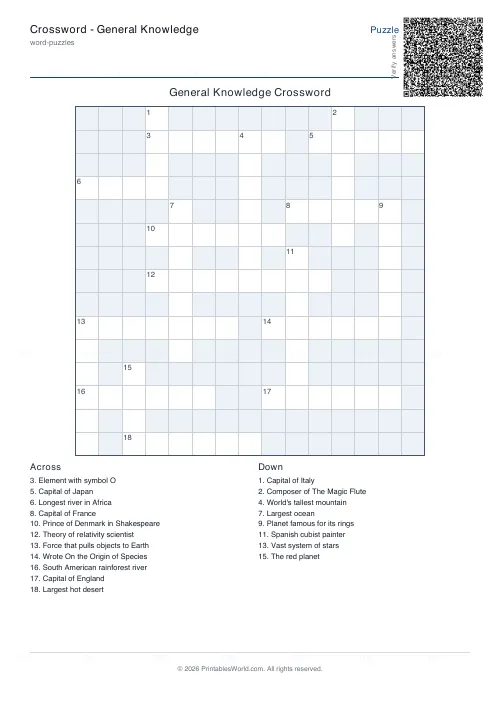 Crossword: General Knowledge
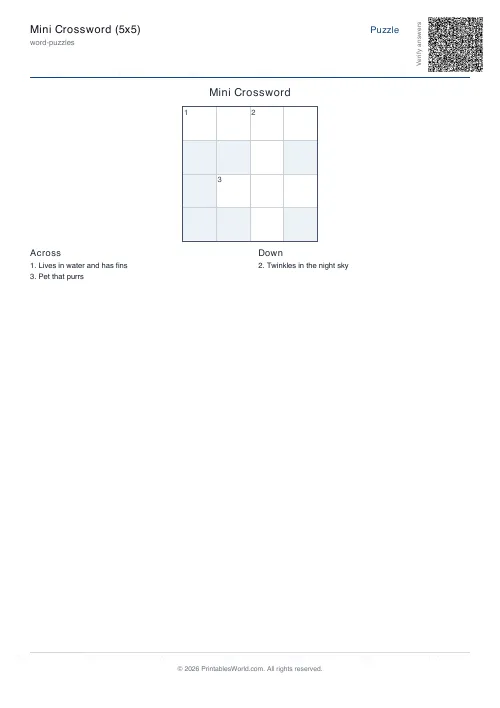 Mini Crossword
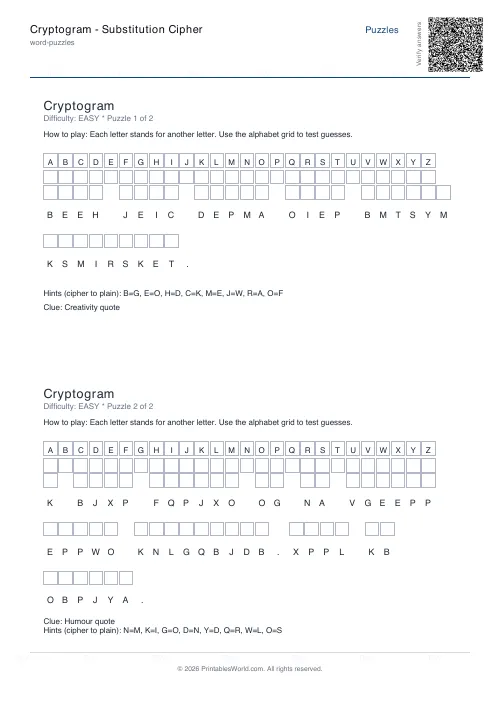 Cryptogram: Substitution Cipher
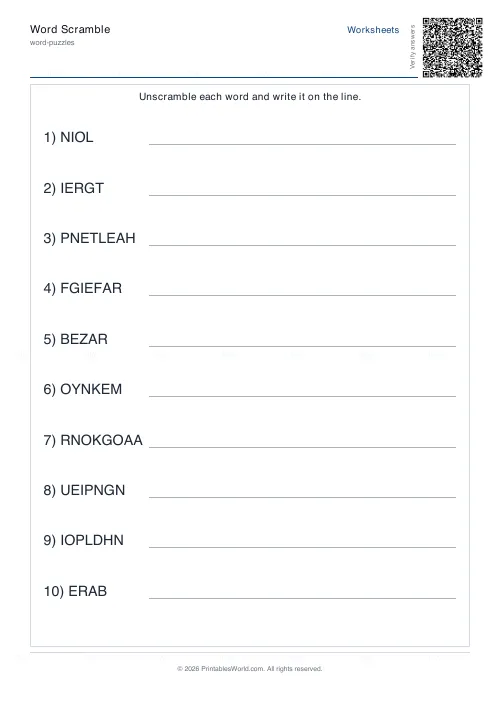 Word Scramble Generator
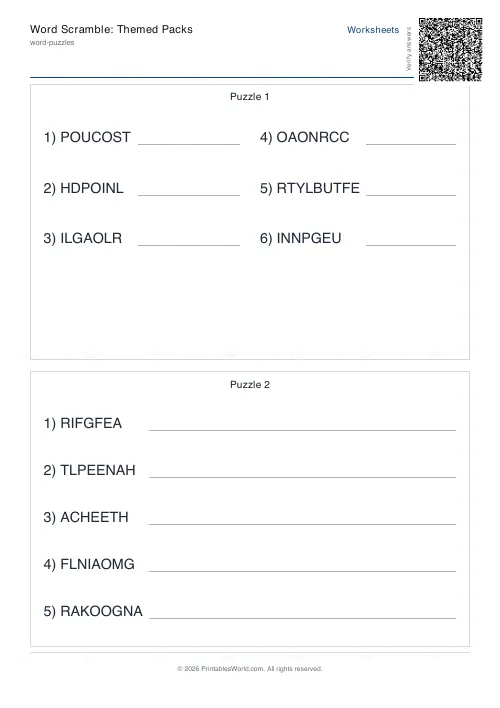 Word Scramble: Themed Packs
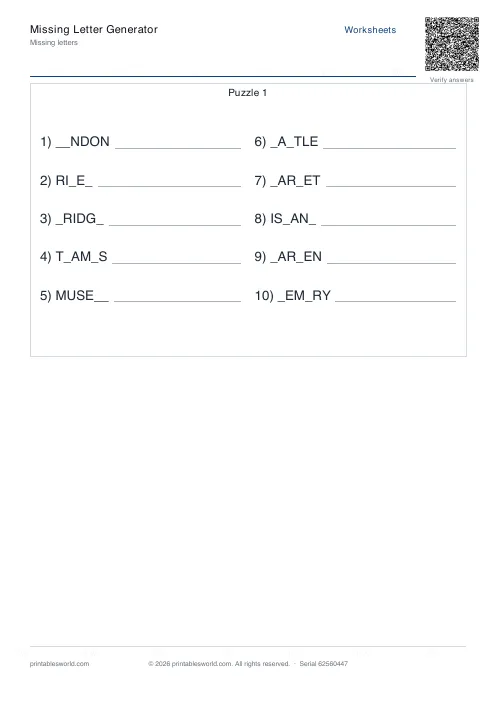 Missing Letters Puzzle
 Acrostic Poem Template