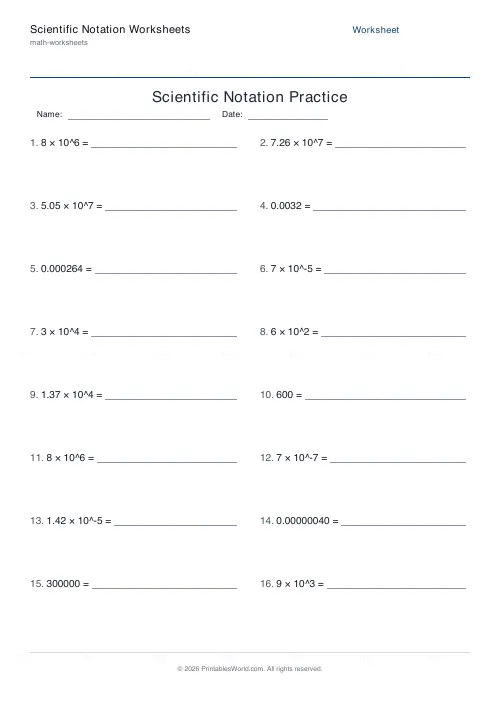
What this tool does
Convert between ordinary numbers and scientific notation, in either direction or mixed. Covers large numbers with positive exponents and small ones with negative exponents.
People also used
Square & Cube Numbers Generator
Printable squares, cubes, square roots and cube roots worksheets with optional answer keys.
BODMAS Order of Operations Generator
Order-of-operations practice with brackets, exponents and mixed arithmetic.
Prime Numbers Worksheets Generator
Generate worksheets to identify primes, factorise numbers, or list primes in a range.
Feedback
Spotted something off with this tool?
Both directions, both sizes
Write 45,300 as 4.53 × 10⁴. Or go the other way: 3.6 × 10⁵ is 360,000. Mixed alternates.
Sixteen questions by default, and the set covers small numbers too — negative exponents for anything below 1.
The form
One digit before the decimal point, then the rest, then a power of ten. The leading number must be at least 1 and less than 10.
That constraint is what makes the notation useful: it is a standard form, so two numbers written this way can be compared at a glance by their exponents. 45.3 × 10³ equals the right amount and is not in scientific notation, and marking it wrong is not pedantry — the whole point is that there is exactly one way to write each number.
Counting the moves
The exponent is how many places the point moved, and the sign says which way.
Moving left, to make a big number smaller, gives a positive exponent. Moving right, to make a small number bigger, gives a negative one. 0.00072 becomes 7.2 × 10⁻⁴, because the point travelled four places right.
The reliable check is size: a positive exponent means a number bigger than 10, a negative one means smaller than 1. A pupil who has written 0.00072 as 7.2 × 10⁴ can catch it in a second by asking whether their answer is large or small.
Why anyone bothers
Because the alternative is counting zeros, and people are bad at counting zeros.
The speed of light is 3 × 10⁸ metres per second. A hydrogen atom is about 1 × 10⁻¹⁰ metres across. Written out, those are strings of digits nobody can read accurately or compare — and in science, orders of magnitude are usually what matter, which is precisely what the exponent shows.
The link to index laws
Multiplying two numbers in scientific notation means multiplying the fronts and adding the exponents. Dividing means subtracting them.
That is not a new rule, it is the index laws applied. Pupils who see the connection stop treating this as a separate topic, and their arithmetic with very large and very small numbers gets suddenly easier.
Level and use
Typically thirteen to sixteen in maths, and it turns up in science well before that in practice. Sixteen questions is a lesson; run one-direction sheets first and mix them once both are secure.
Related: exponents and powers.
FAQs
Quick answers
What is scientific notation?
Scientific notation writes a number as a coefficient between 1 and 10 multiplied by a power of ten. For example, 45,300 becomes 4.53 × 10^4 and 0.000453 becomes 4.53 × 10^-4. It is a compact way to express very large or very small numbers.
Does the worksheet cover small numbers as well as large ones?
Yes. Every sheet mixes large numbers with positive exponents and small numbers with negative exponents, so students practise moving the decimal point both to the right and to the left.
What is the difference between the three modes?
Standard to Scientific asks students to rewrite an ordinary number in scientific notation. Scientific to Standard asks them to expand a power of ten back into an ordinary number. Mixed interleaves both directions on the same sheet.
How is the exponent written on the sheet?
Powers of ten are printed with a caret, for example 4.53 x 10^4 and 7.2 x 10^-4. This keeps the notation clear and unambiguous when printed on any printer.
Can I include an answer key?
Yes. Toggle the answer key on and the PDF adds a second page listing every fully worked solution in the same order as the questions, which makes marking fast.
How many problems can I put on one sheet?
You can choose anywhere from 4 to 40 problems. They are arranged in two columns; if you need more, simply generate a second PDF.
Will it print correctly on US Letter paper?
Yes. The PDF is designed to fit both A4 and US Letter without cropping or scaling. Load your paper and print at 100 percent.
Related tools
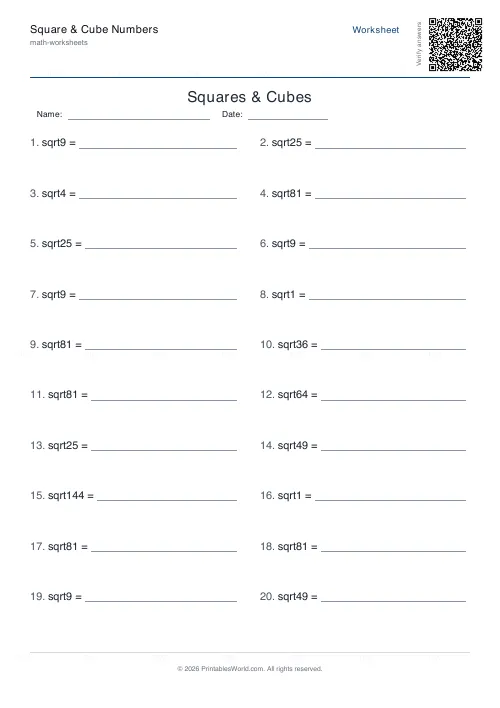
Square & Cube Numbers Generator
Printable squares, cubes, square roots and cube roots worksheets with optional answer keys.
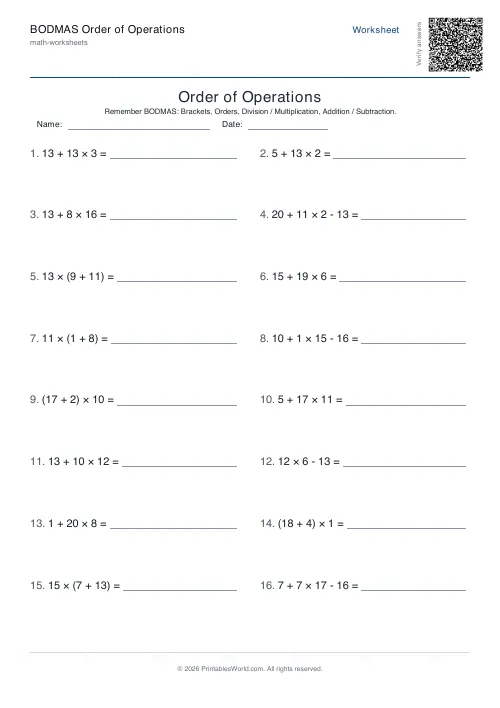
BODMAS Order of Operations Generator
Order-of-operations practice with brackets, exponents and mixed arithmetic.
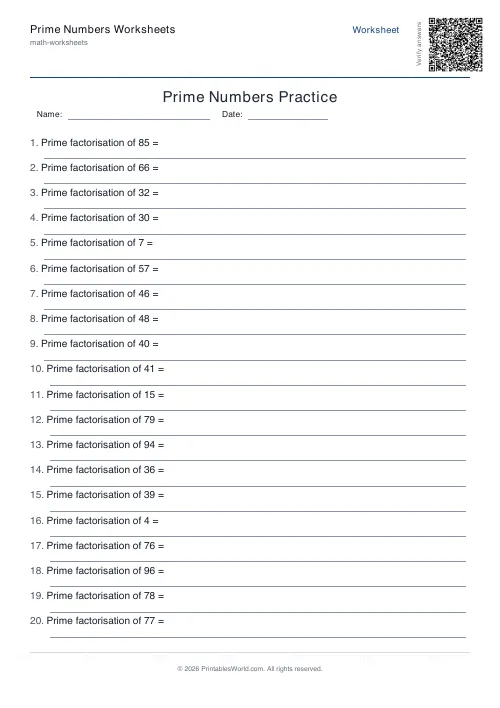
Prime Numbers Worksheets Generator
Generate worksheets to identify primes, factorise numbers, or list primes in a range.
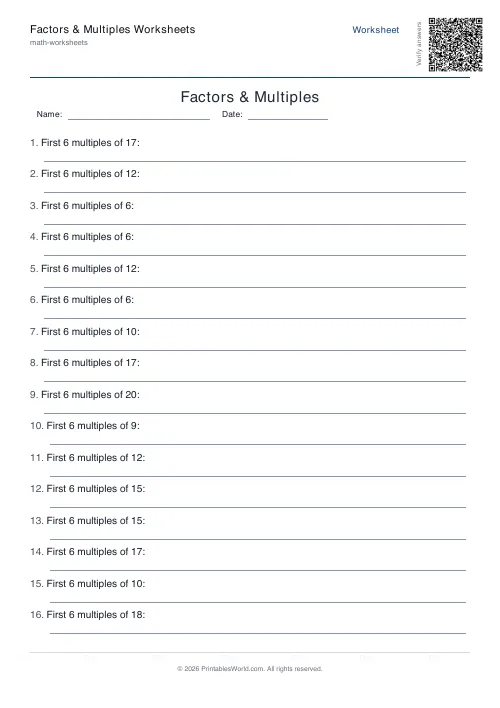
Factors & Multiples Worksheets
Generate printable worksheets for factors, multiples, HCF and LCM practice with custom ranges and answer keys.
Further reading
Math Worksheets
Ten frames and number bonds: early maths foundations
A ten frame is two rows of five. That arrangement does something a row of counters cannot. It makes quantities visible without counting, which is where number sense starts.
5 min read
Math Worksheets
Addition strategies: number lines, regrouping and more
Column addition is the destination, not the route. Here are the strategies that come before it, why each matters, and how to tell which one a child is actually using.
5 min read
Math Worksheets
Understanding BODMAS and PEMDAS: order of operations explained
BODMAS and PEMDAS describe the same rule in different words. The trouble is that both hide two facts the acronym cannot express. Which is where nearly every mistake comes from.
5 min read
More like this
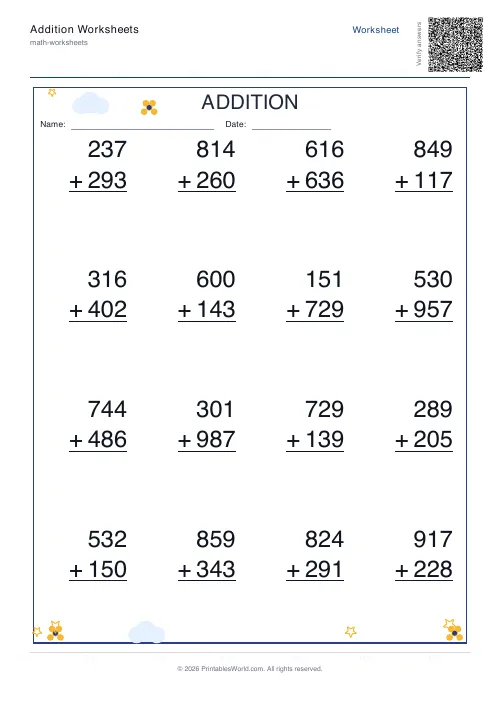 Addition Worksheets Generator
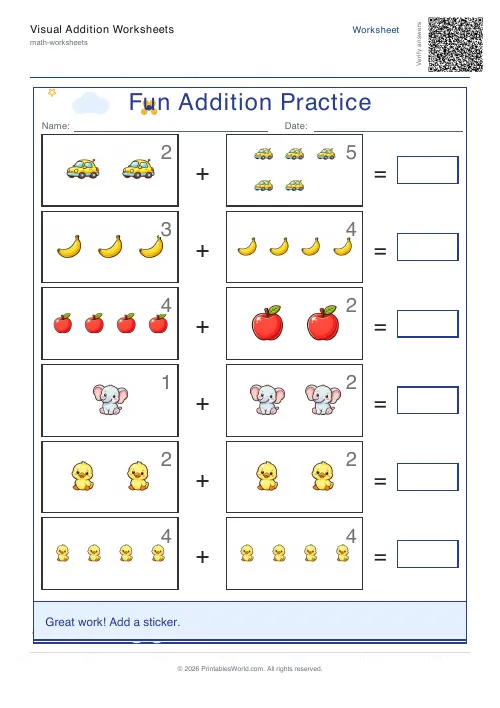 Visual Addition Worksheets Generator
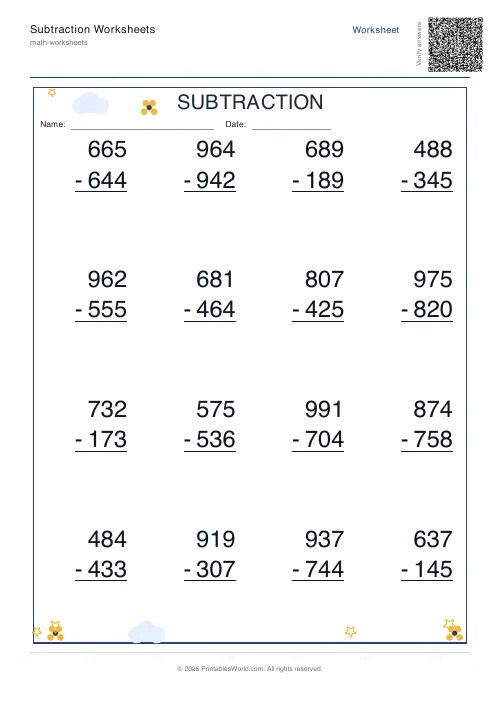 Subtraction Worksheets Generator
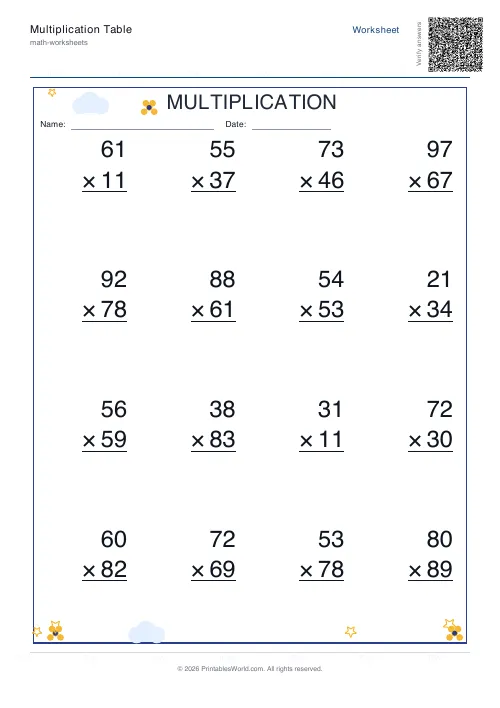 Multiplication Table Generator
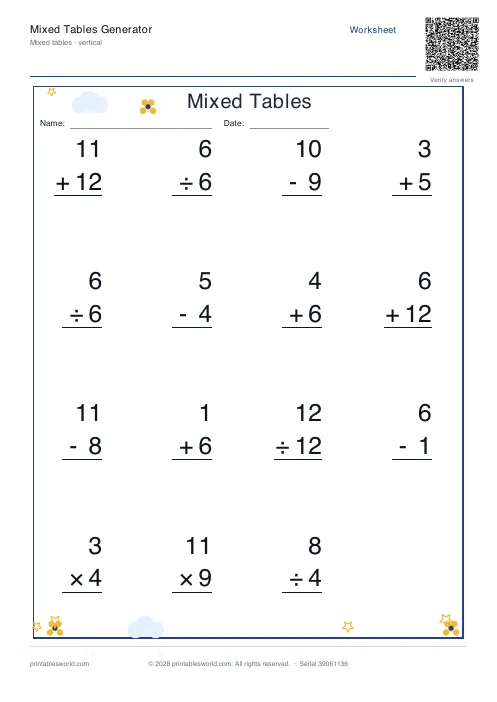 Mixed Tables Generator
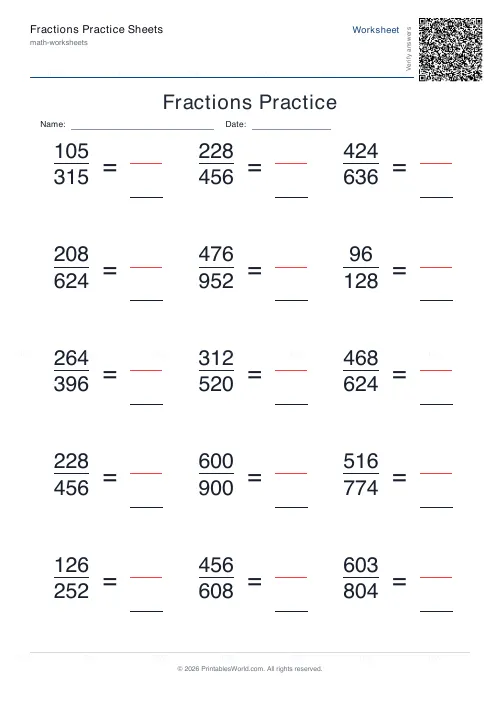 Fractions Practice Sheets Generator
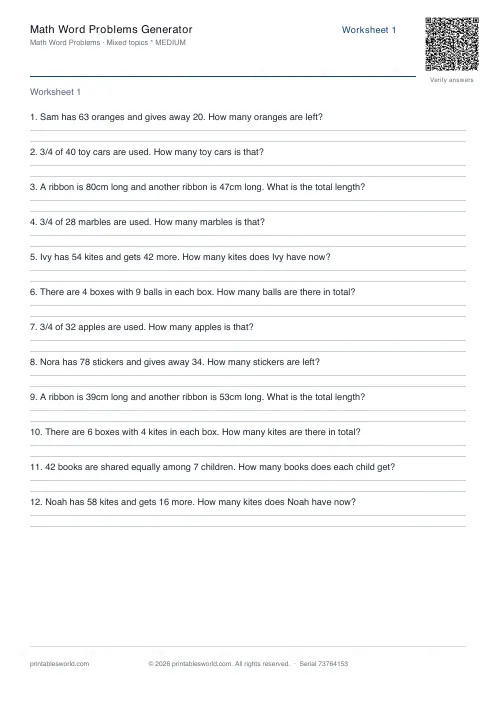 Math Word Problems Generator
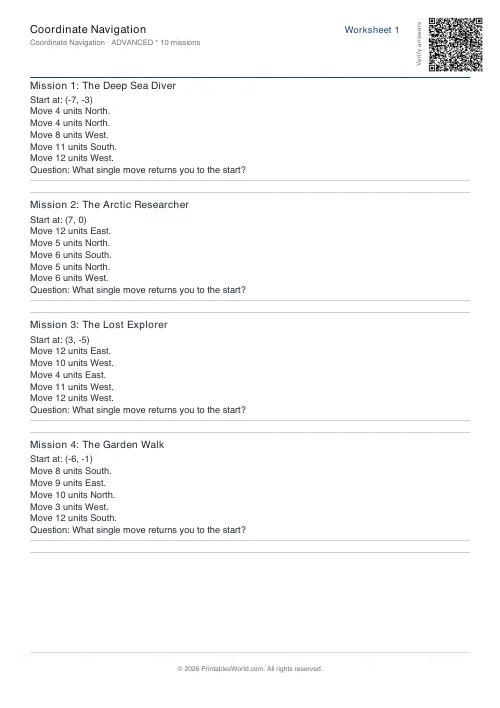 Coordinate Navigation Generator
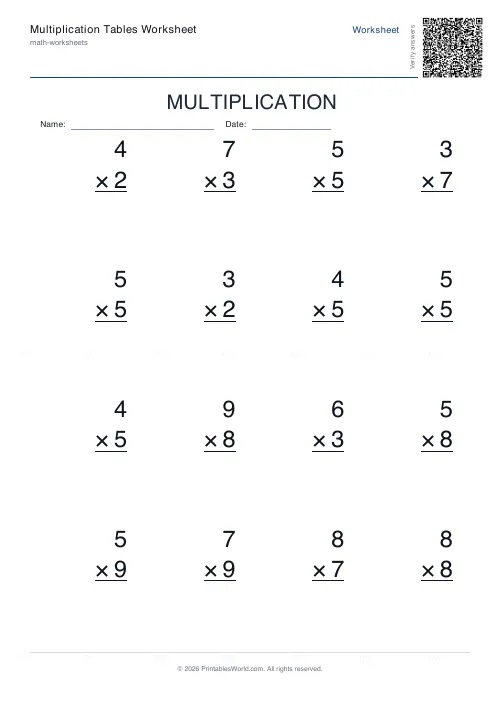 Multiplication Tables Worksheet
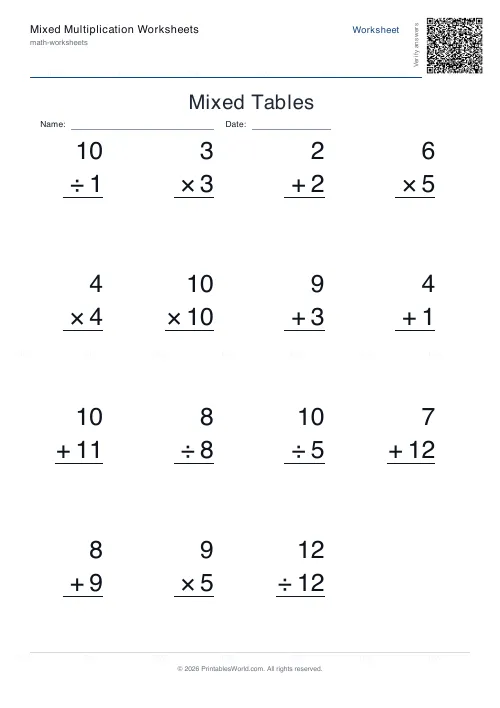 Mixed Multiplication Worksheets
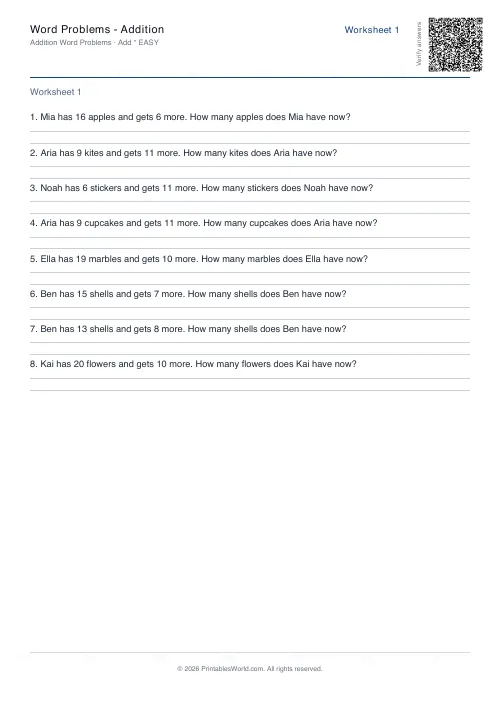 Word Problems: Addition
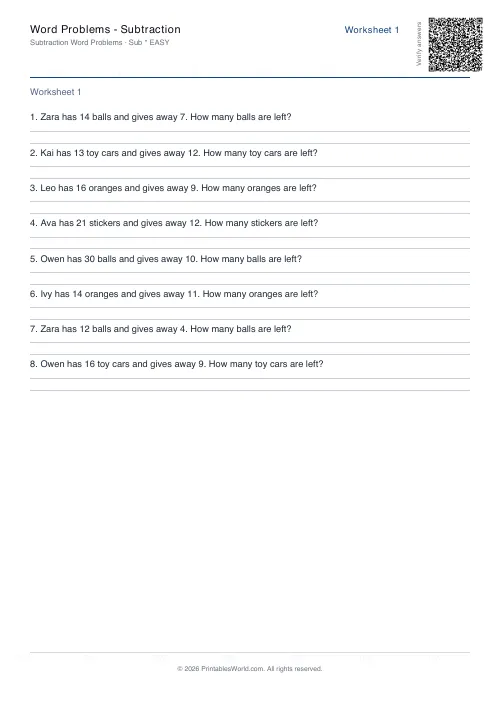 Word Problems: Subtraction
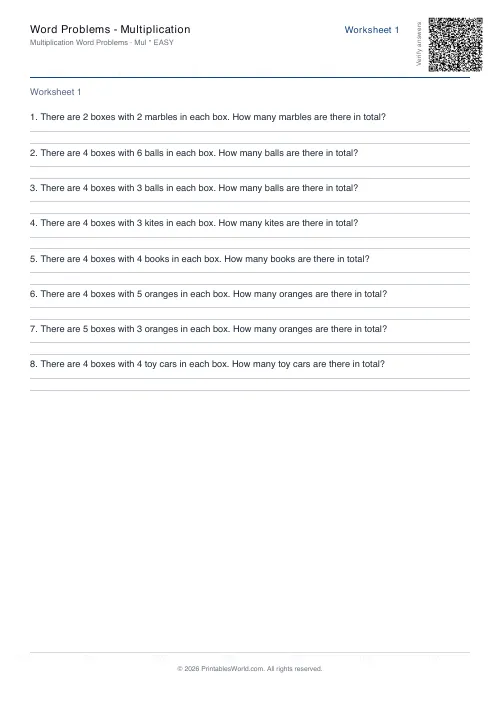 Word Problems: Multiplication
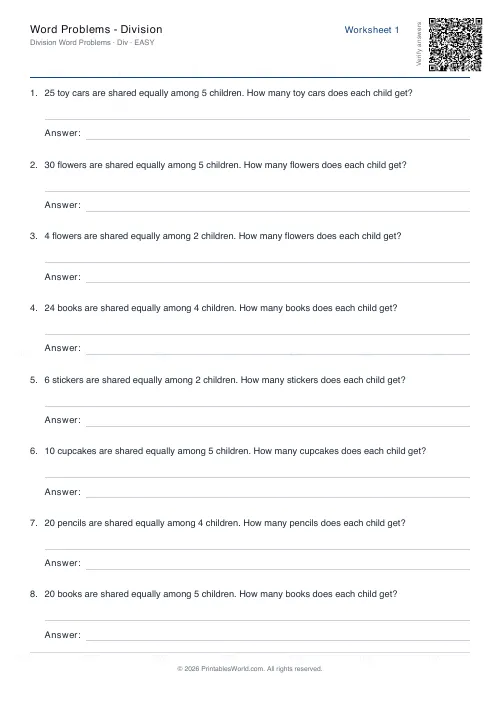 Word Problems: Division