Word Puzzles
Word Search Generator — Printable PDF
Build custom word search puzzles from your word list and print with optional solutions.
Last updated:
What this tool does
This generator builds word search puzzles from your own word list. You control grid size (10×10 to 25×25), whether words can run diagonally or backwards, and whether they may overlap. The PDF includes your puzzle and an optional colour-coded solution page showing where each word was placed.
Free downloads
Ready-made Word Search Puzzle printables — free PDF downloads
No setup needed — download these print-ready word search puzzles as free PDFs. Each one was made with the generator above, so you can recreate or fully customise any of them.
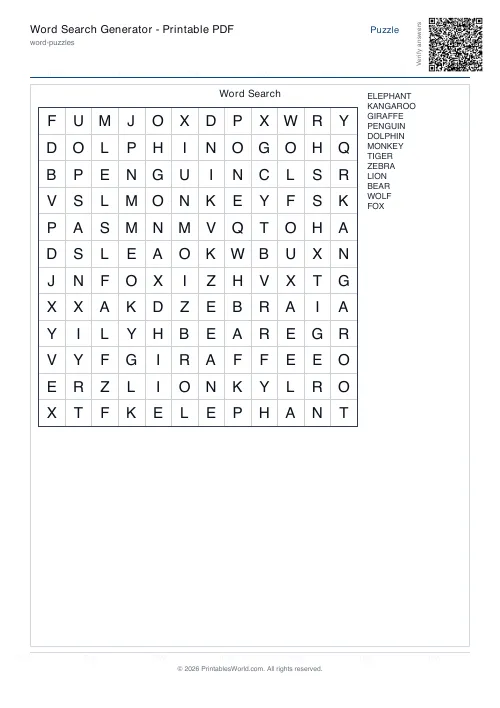
Word Search Puzzle — 12x12
Print-ready word search puzzle (12x12) as a free PDF — made with the generator above so you can tweak and reprint.
↓ Download PDF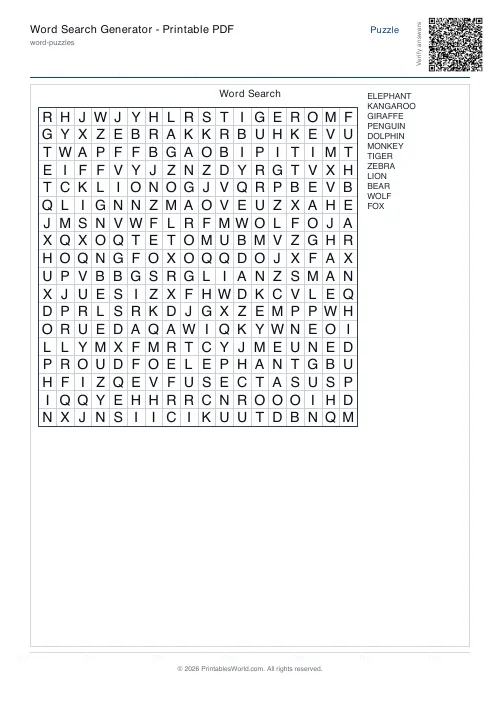
Word Search Puzzle — 18x18
Print-ready word search puzzle (18x18) as a free PDF — made with the generator above so you can tweak and reprint.
↓ Download PDF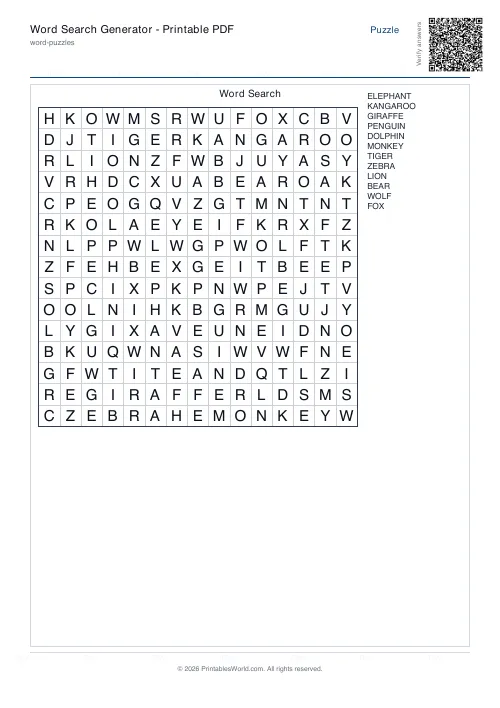
Word Search Puzzle — No diagonals
Print-ready word search puzzle (No diagonals) as a free PDF — made with the generator above so you can tweak and reprint.
↓ Download PDF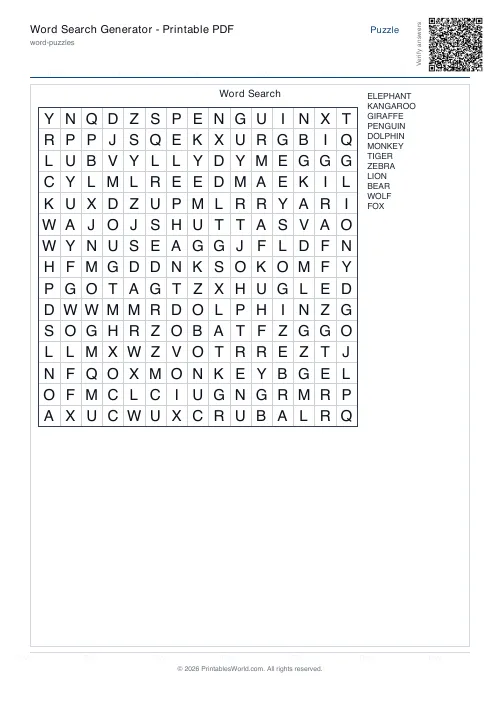
Word Search Puzzle — With diagonals
Print-ready word search puzzle (With diagonals) as a free PDF — made with the generator above so you can tweak and reprint.
↓ Download PDF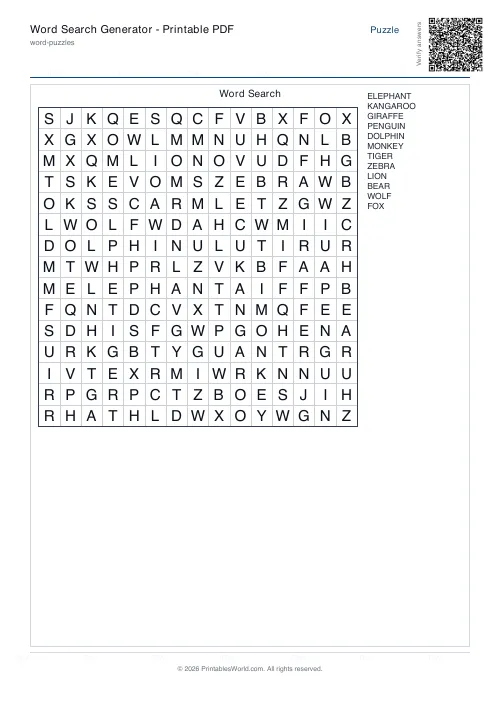
Word Search Puzzle — Forwards only
Print-ready word search puzzle (Forwards only) as a free PDF — made with the generator above so you can tweak and reprint.
↓ Download PDF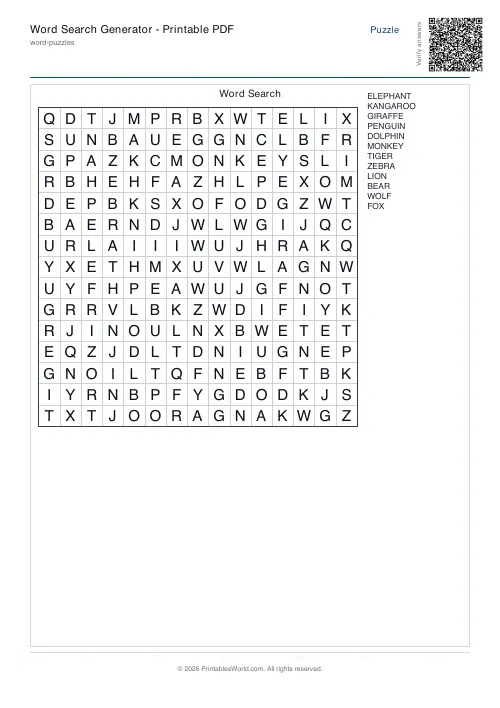
Word Search Puzzle — With backwards
Print-ready word search puzzle (With backwards) as a free PDF — made with the generator above so you can tweak and reprint.
↓ Download PDF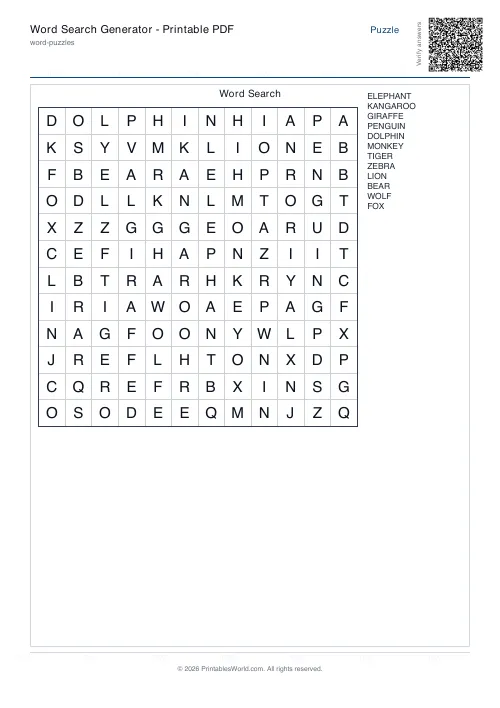
Word Search Puzzle — 12x12, with answer key
Completed answer key for the 12x12 word search puzzle — print-ready PDF for fast marking.
↓ Download PDF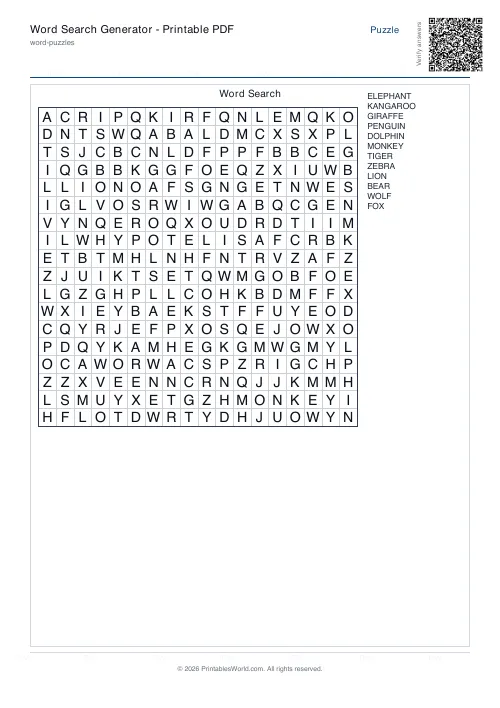
Word Search Puzzle — 18x18, with answer key
Completed answer key for the 18x18 word search puzzle — print-ready PDF for fast marking.
↓ Download PDF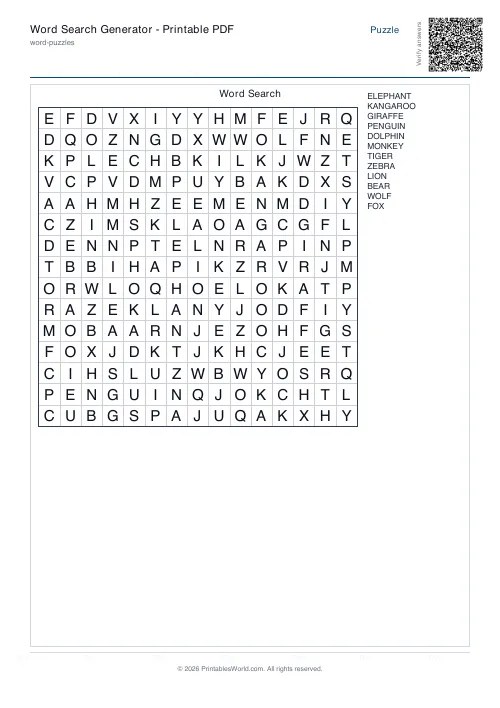
Word Search Puzzle — No diagonals, with answer key
Completed answer key for the No diagonals word search puzzle — print-ready PDF for fast marking.
↓ Download PDF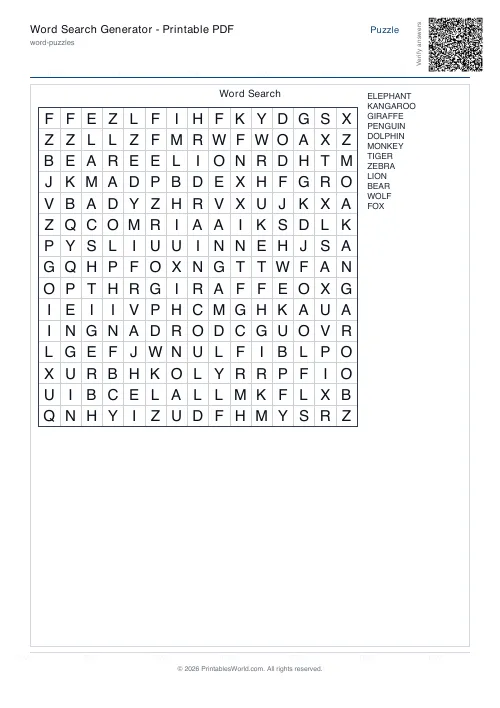
Word Search Puzzle — With diagonals, with answer key
Completed answer key for the With diagonals word search puzzle — print-ready PDF for fast marking.
↓ Download PDF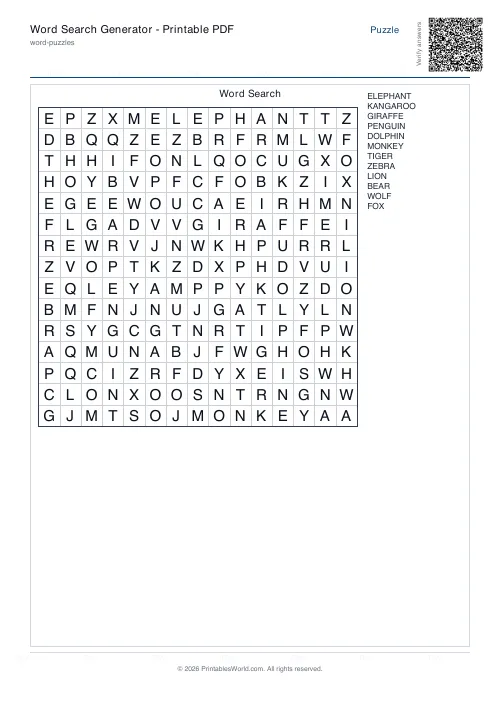
Word Search Puzzle — Forwards only, with answer key
Completed answer key for the Forwards only word search puzzle — print-ready PDF for fast marking.
↓ Download PDF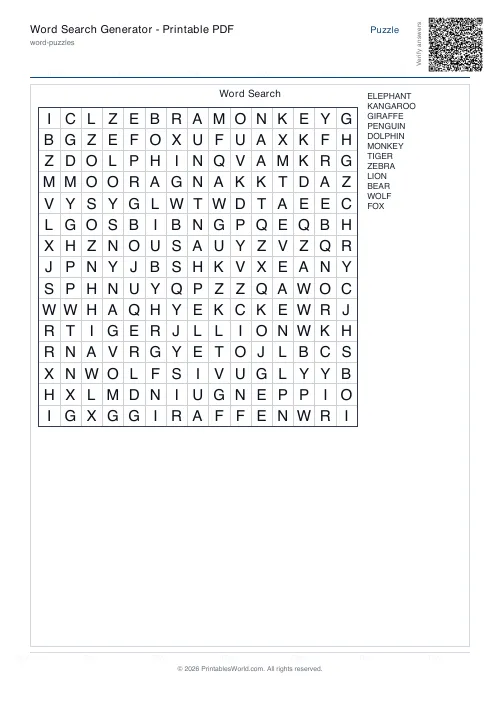
Word Search Puzzle — With backwards, with answer key
Completed answer key for the With backwards word search puzzle — print-ready PDF for fast marking.
↓ Download PDF
Settings
Customize your word search
15×15 grid on A4 paper, plus a colour-coded solution page.
Paper size
Preview
Sample grid
Live preview reflects your word list and settings.
People also used
Crossword Generator — Printable PDF
Custom word lists into printable crossword puzzles with numbered clues.
Word Scramble Generator — Printable
Turn your word list into printable scrambled-letter worksheets with optional answer keys.
Cryptogram Generator — Printable PDF
Create printable cryptogram puzzles from famous quotes or your own text with customisable difficulty and hints.
Feedback
Spotted something off with this tool?
What you can customise
Every word search is built around the options you choose:
- Word list — paste or type one word per line; the generator strips punctuation and removes duplicates automatically.
- Grid size — from 10×10 up to 25×25 cells, depending on how many words you want to hide and how much challenge you want.
- Diagonal placement — toggle whether words may run diagonally (down-right, down-left, up-right, up-left) in addition to horizontal and vertical.
- Backwards words — allow words to read right-to-left, bottom-to-top, or along backwards diagonals.
- Overlapping letters — let words share cells where letters match, packing more words into a smaller grid.
- Puzzle title — appears at the top of the printed page; leave blank if you prefer no heading.
- Solution page — optional second page with each placed word highlighted in colour so you can verify placement or provide an answer key.
How to use the tool
- Type or paste your word list into the text box, one word per line.
- Choose a grid size that comfortably fits your words — 15×15 is a safe starting point for ten to fifteen medium-length words.
- Tick the boxes for diagonals, backwards, and overlaps according to the difficulty you want.
- Enter a title if you want one printed at the top of the page.
- Click Generate PDF and wait a moment while the algorithm places your words.
- Review the preview; if some words did not fit, try a larger grid or fewer direction constraints.
- Download and print on A4 or US Letter paper.
Who word search puzzles are for
Teachers
Reinforce spelling lists, vocabulary themes, or subject terminology. Print a class set in seconds and include the solution page for quick marking.
Parents and homeschoolers
Turn any list — sight words, country names, family members — into a screen-free activity. Adjust difficulty by toggling diagonals and backwards placement.
Puzzle hobbyists
Create themed puzzles for parties, newsletters, or personal challenge. The colour-coded solution page makes it easy to check your own work or confirm every word was placed.
Worked classroom example
A Year 5 teacher preparing a geography unit on European capitals enters fifteen city names: PARIS, BERLIN, MADRID, ROME, VIENNA, ATHENS, LISBON, OSLO, WARSAW, PRAGUE, DUBLIN, BRUSSELS, STOCKHOLM, BUDAPEST, AMSTERDAM. She selects an 18×18 grid, enables diagonals but disables backwards to keep difficulty moderate, allows overlaps to fit all fifteen words, and titles the puzzle "European Capitals". The generator places fourteen words successfully; AMSTERDAM is too long and does not fit. She switches to 20×20, regenerates, and all fifteen words appear. She downloads the two-page PDF — puzzle on page one, colour-coded solution on page two — and prints thirty copies for the class.
How it works under the hood
The generator normalises your word list by converting to uppercase and removing non-letter characters, then attempts to place each word in the grid according to your direction rules. It tries random starting positions and directions up to a configurable number of attempts per word. If overlaps are allowed, it checks that crossing letters match. Empty cells are filled with random letters. Words that cannot be placed within the attempt limit are reported separately so you know to adjust your settings.
Designed for A4 and US Letter printing
The PDF layout fits both A4 (210×297 mm) and US Letter (8.5×11 inch) paper with comfortable margins. Grid cells scale automatically so that a 10×10 puzzle uses larger type than a 25×25 grid, keeping every puzzle readable without requiring landscape orientation or poster-size sheets.
Notes and limitations
- Maximum grid size is 25×25; larger grids produce cells too small to read comfortably on standard paper.
- Very long words (more than the grid dimension) will not fit and appear in the unplaced list.
- The algorithm uses a finite number of placement attempts per word; if you disable all direction options or choose a very small grid, some words may remain unplaced.
- Random fill letters are drawn uniformly from A–Z and do not favour common English letter frequencies.
- Accented characters and non-Latin scripts are stripped during normalisation.
FAQs
Quick answers
What happens if my words do not all fit in the grid?
The generator will try each word up to the maximum number of attempts you set. Any words that cannot be placed are listed separately in the output so you know which ones were left out. To fix this, try a larger grid size, enable more direction options (diagonals, backwards, overlaps), or reduce the number of words.
Can I use the same word list to generate multiple different puzzles?
Yes. Each time you click generate, the algorithm uses a different random seed, so word positions and orientations will vary. The filler letters will also be different, giving you a fresh puzzle layout every time.
How do I print the solution page?
When you generate the PDF, the solution page is included automatically as the second page if you have that option enabled. Each placed word is highlighted in a distinct colour. Print both pages or just the puzzle page depending on whether you want an answer key.
What grid size should I choose for a list of twenty words?
A 20×20 or larger grid is usually safe for twenty words of average length, especially if you enable diagonals, backwards, and overlaps. If your words are short (four to six letters), you may fit them in an 18×18 grid. Preview the result and increase the size if any words are left unplaced.
Does the tool work on mobile devices and tablets?
Yes. The generator runs in any modern browser. On smaller screens you will need to scroll to see all the options, but PDF generation and download work the same way. Print from your device or transfer the PDF to a computer for printing.
Can I prevent words from overlapping each other?
Yes. Uncheck the "Allow overlaps" box. Words will only be placed in empty cells, which may require a larger grid or fewer words to fit everything successfully.
Are there any limits on the number of words I can enter?
There is no hard limit on the word count in the input box, but practical grid size (maximum 25×25) and placement attempts mean that very long lists may result in many unplaced words. For best results, aim for ten to thirty words depending on grid size and direction settings.
Related tools