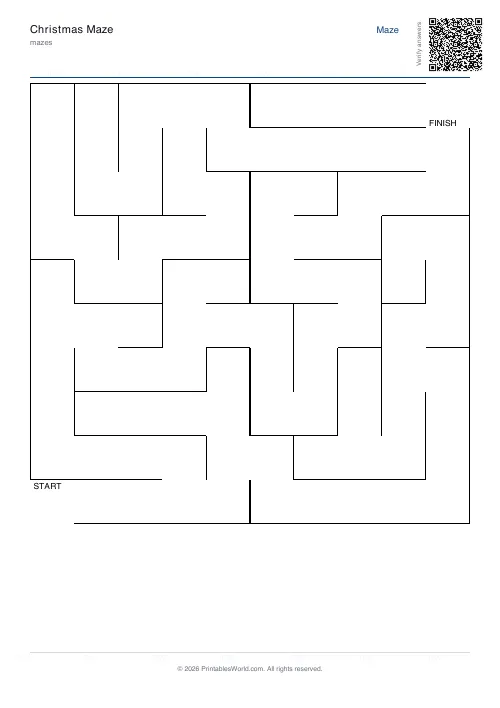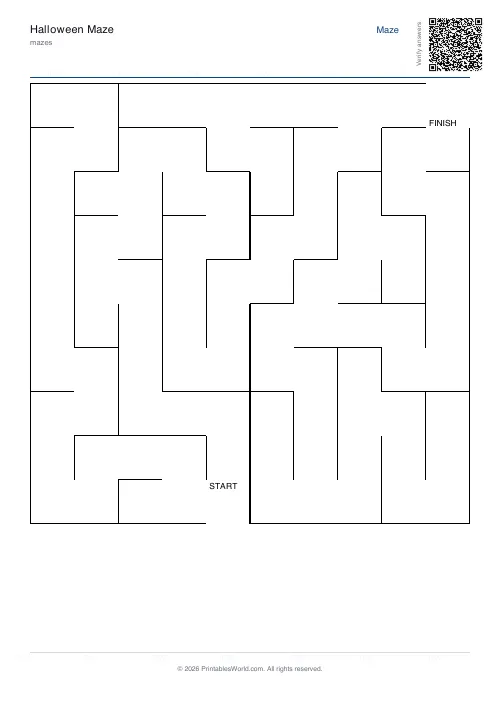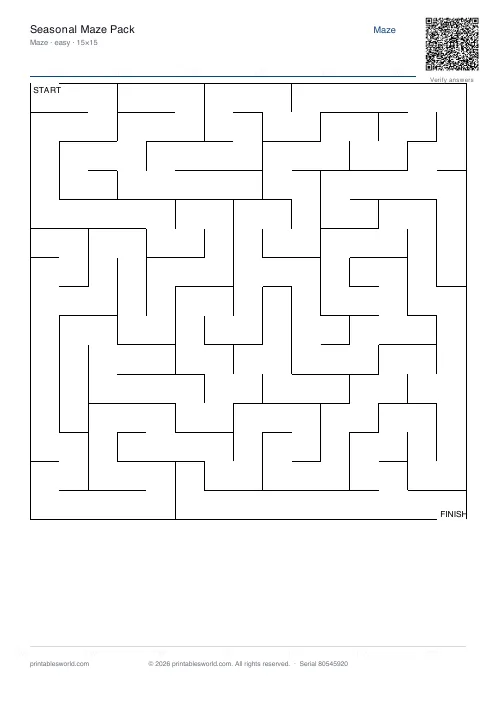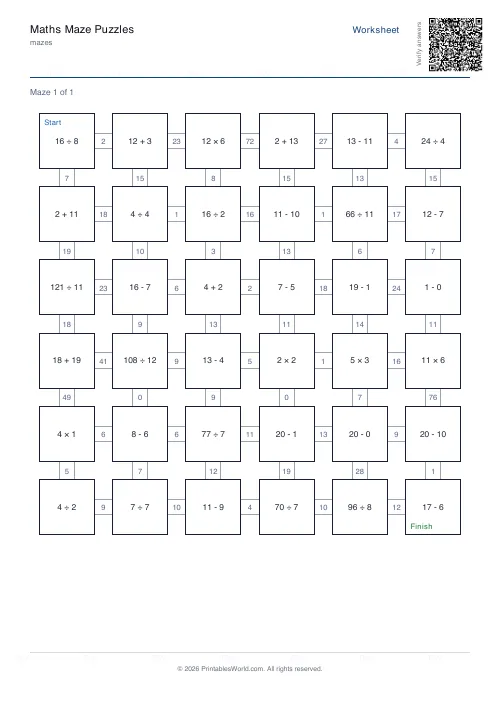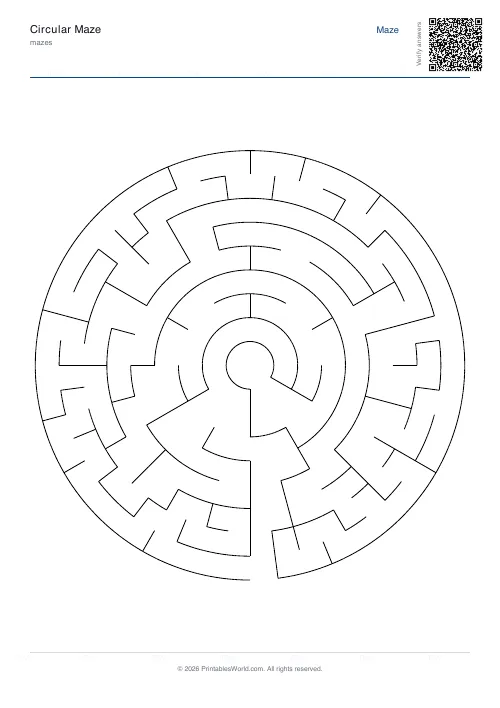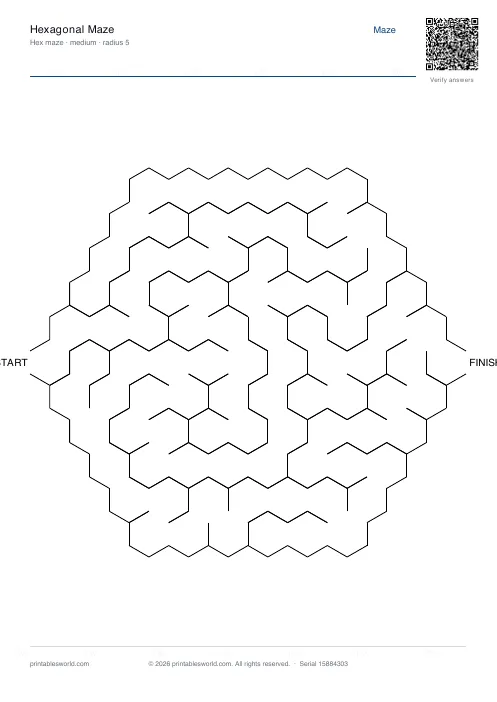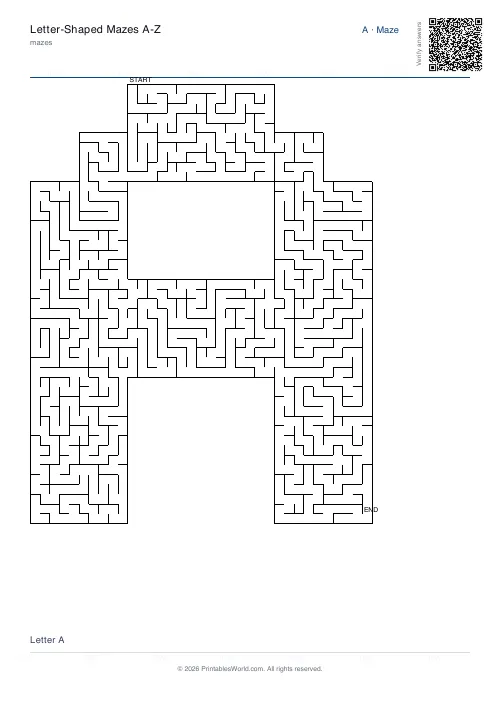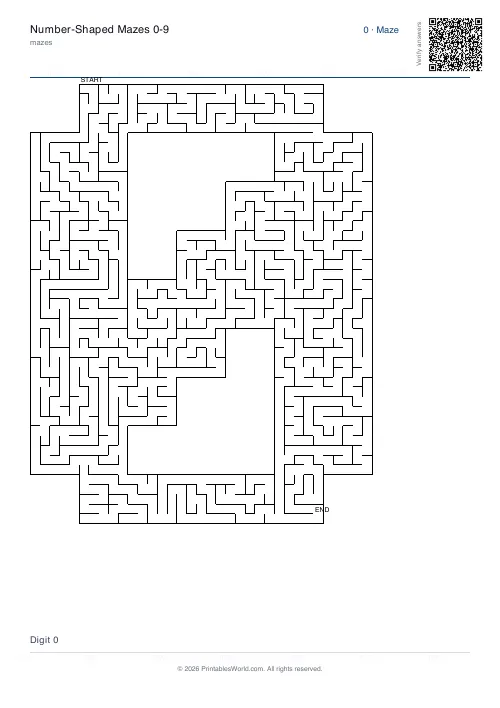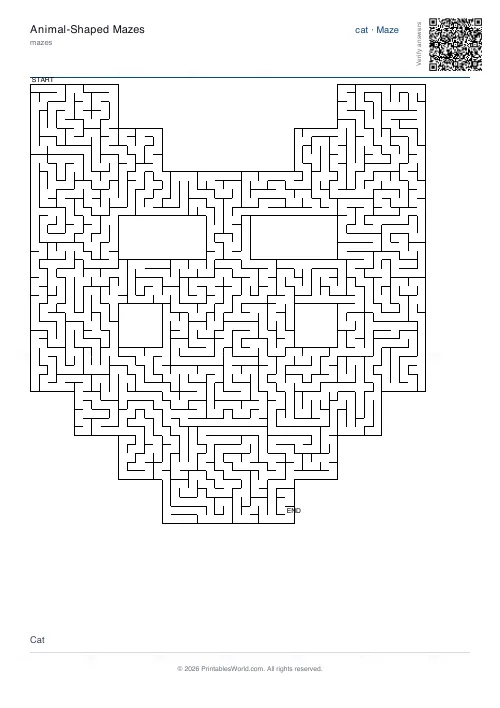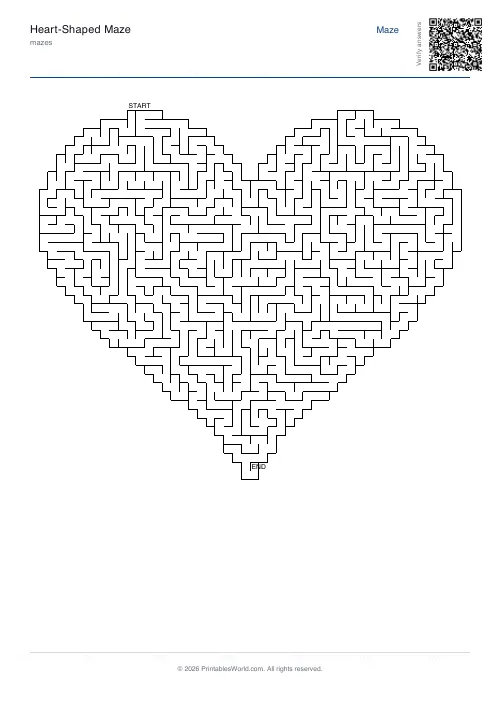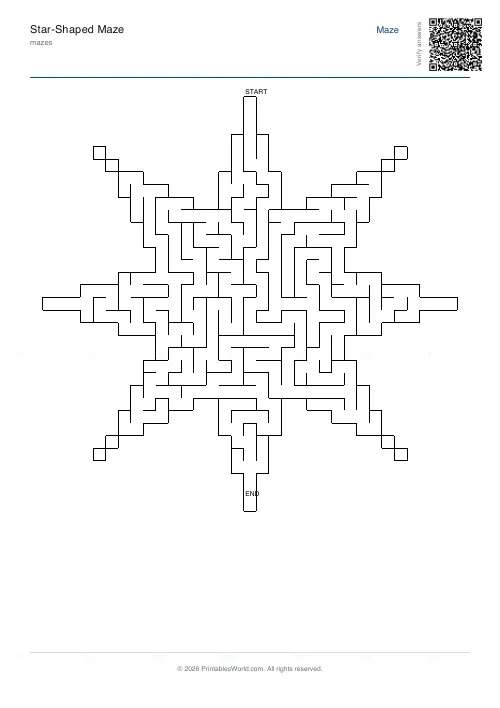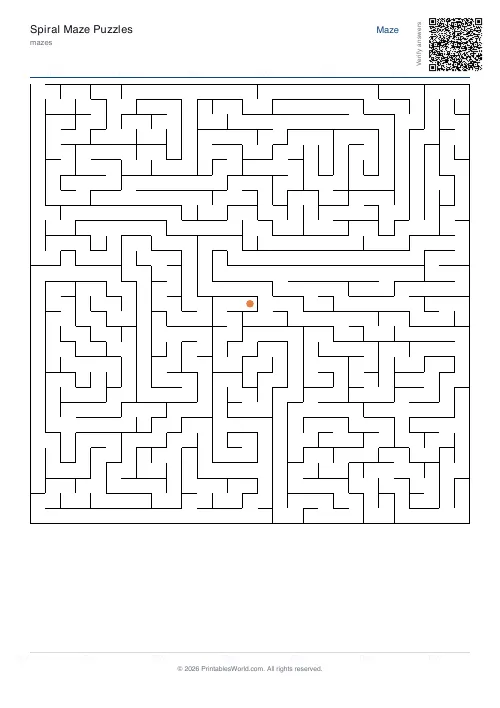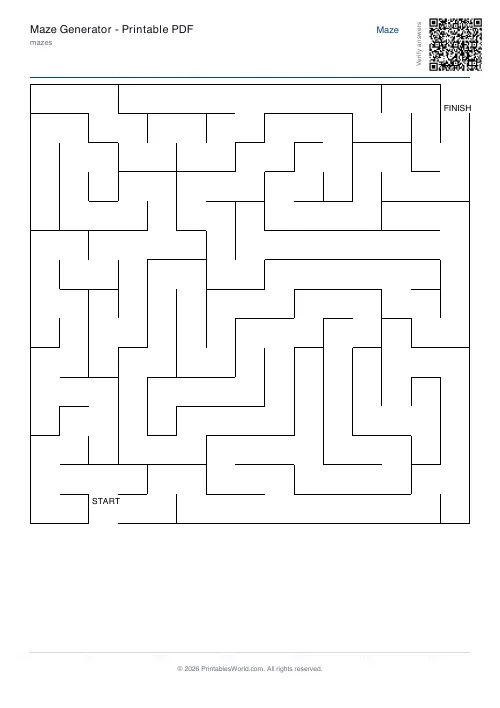
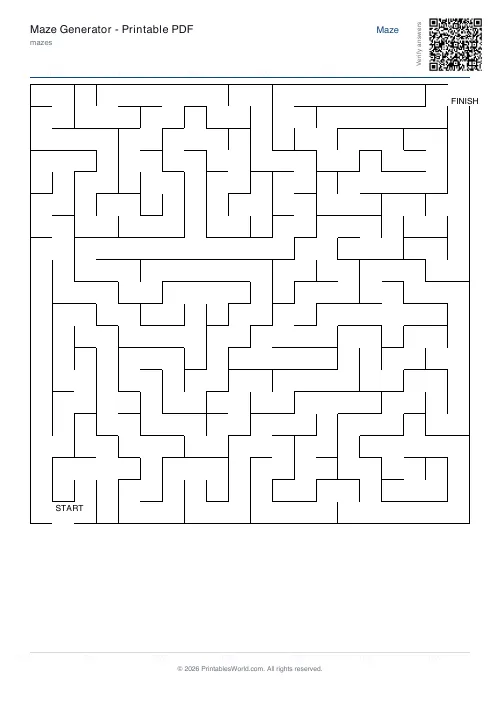
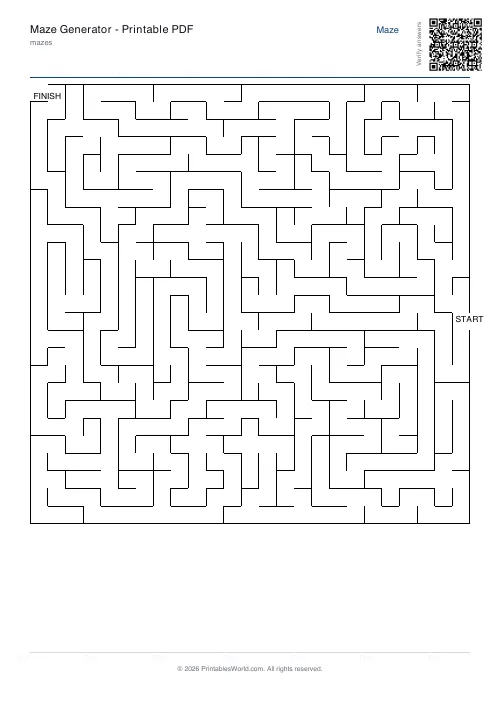
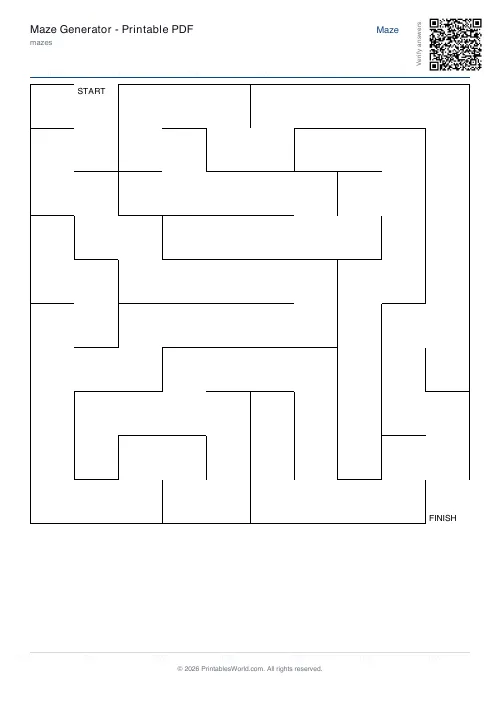
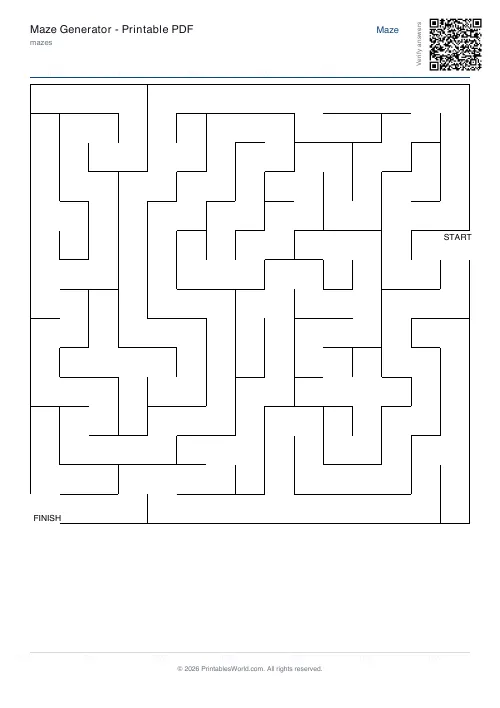
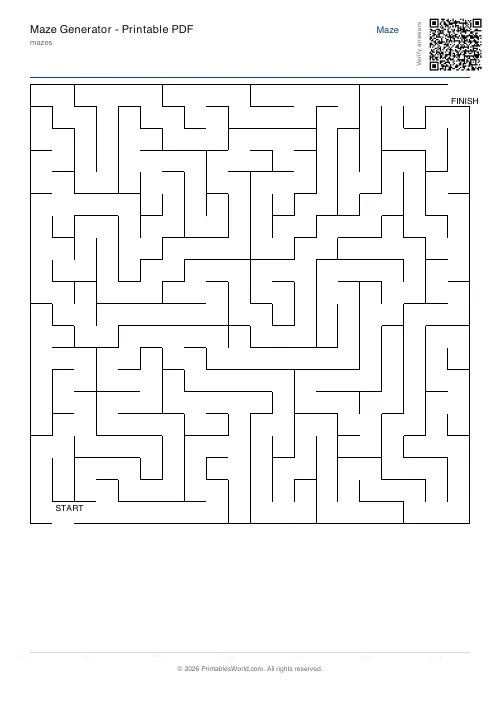
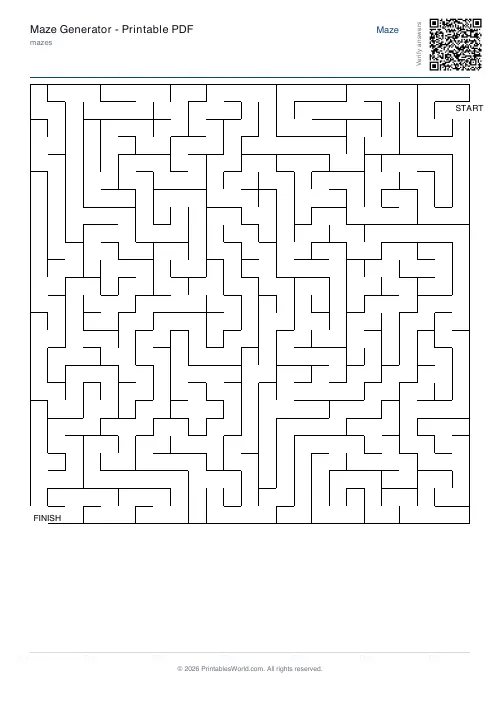
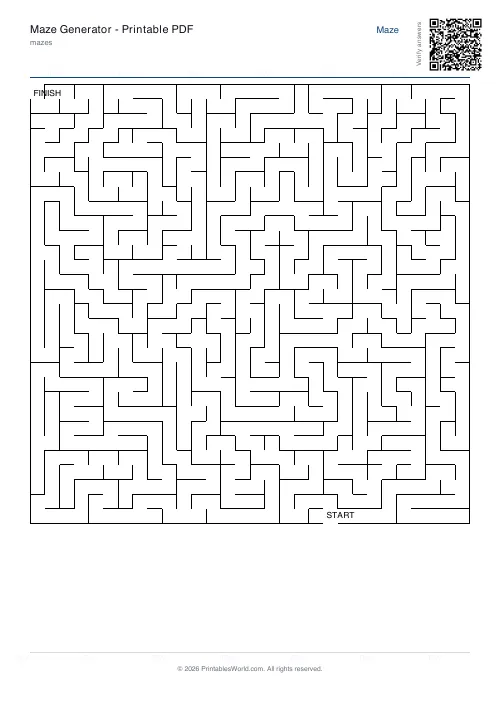
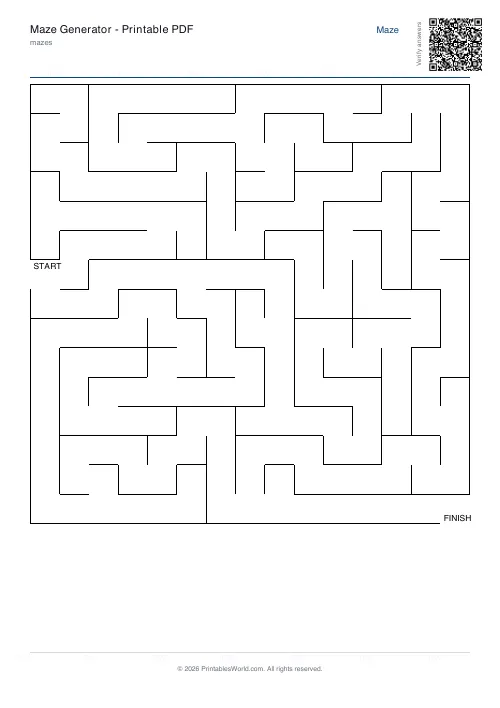
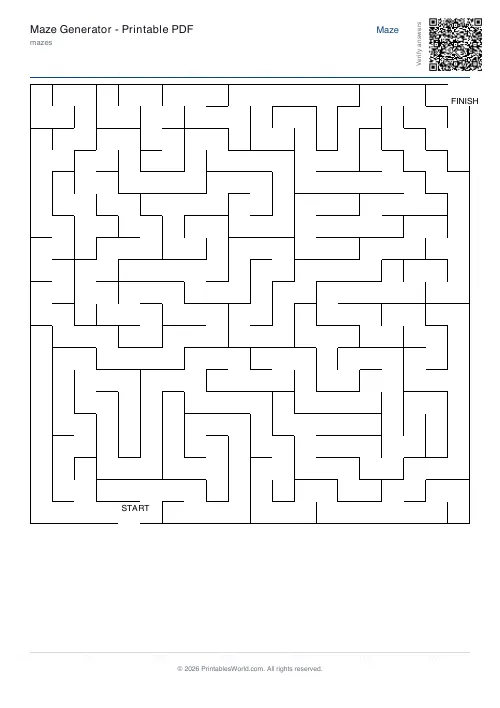
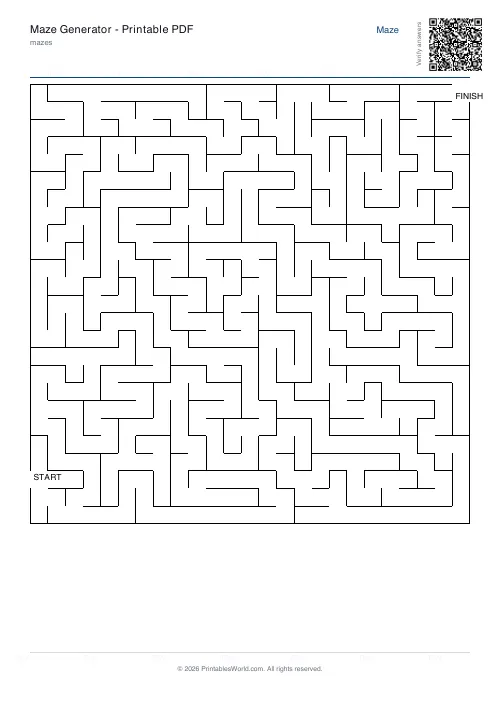
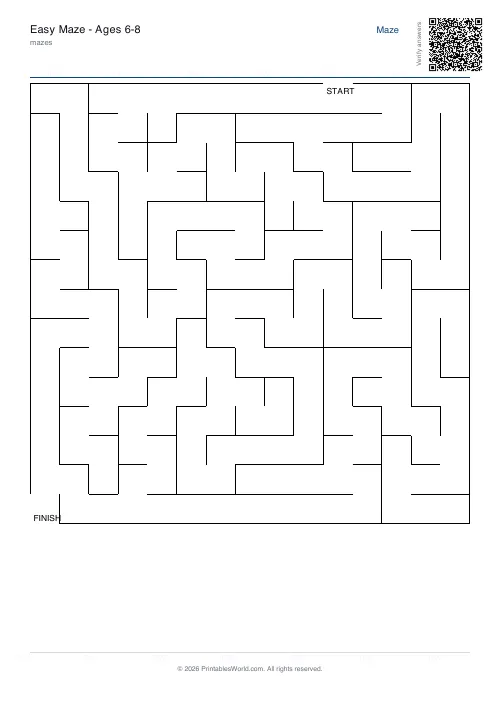
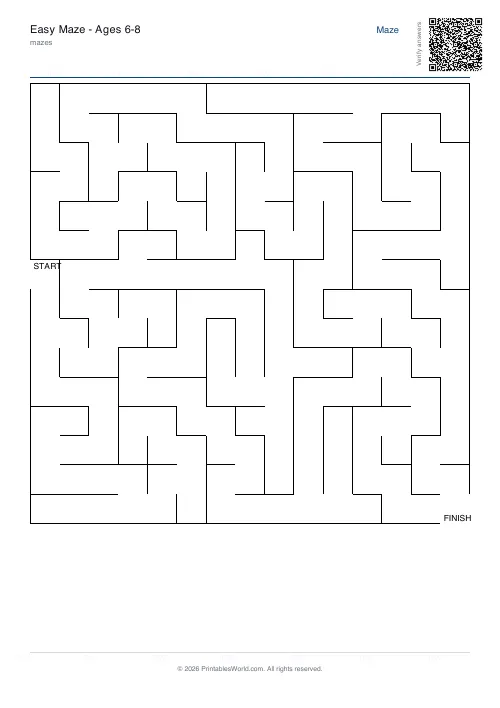
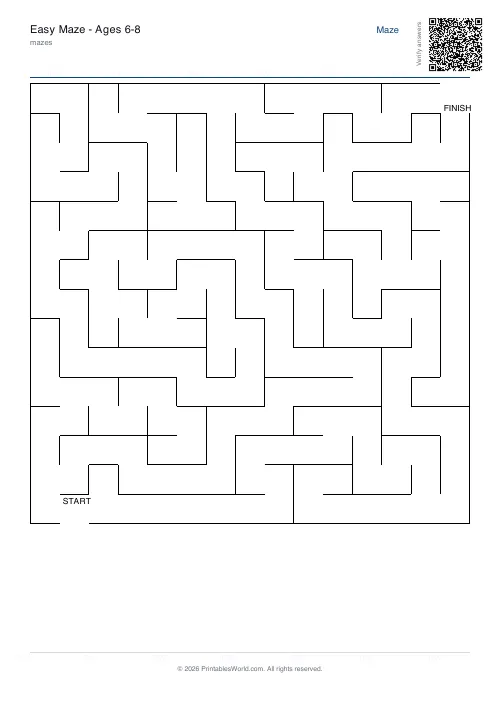
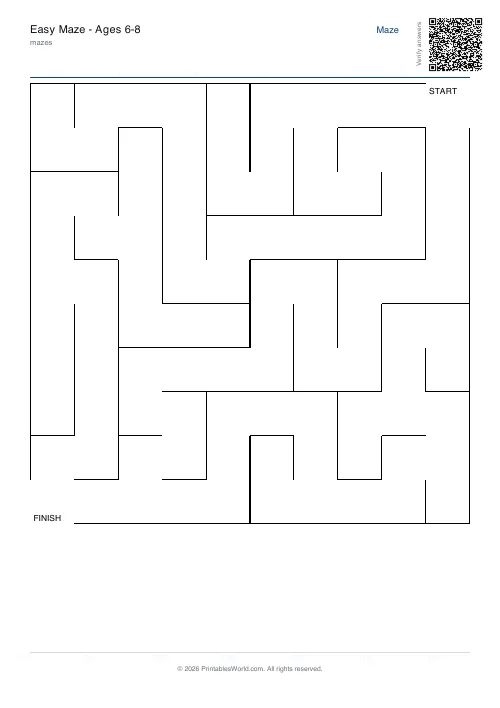
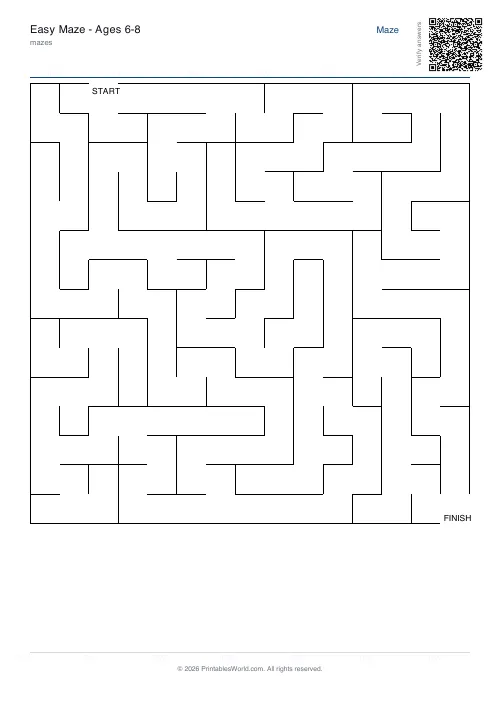
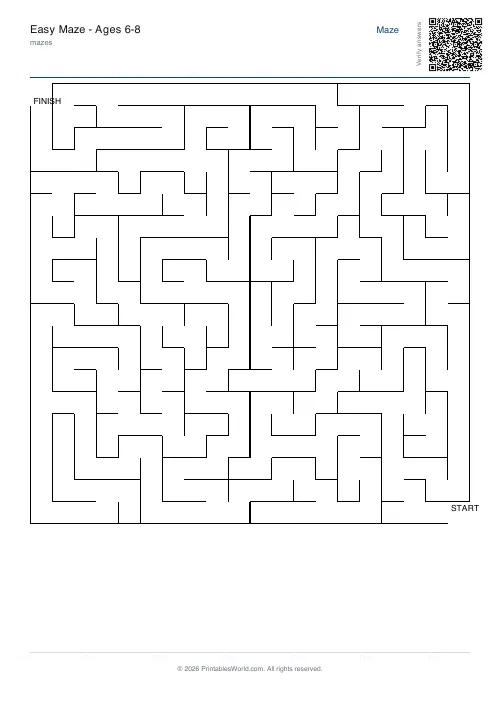
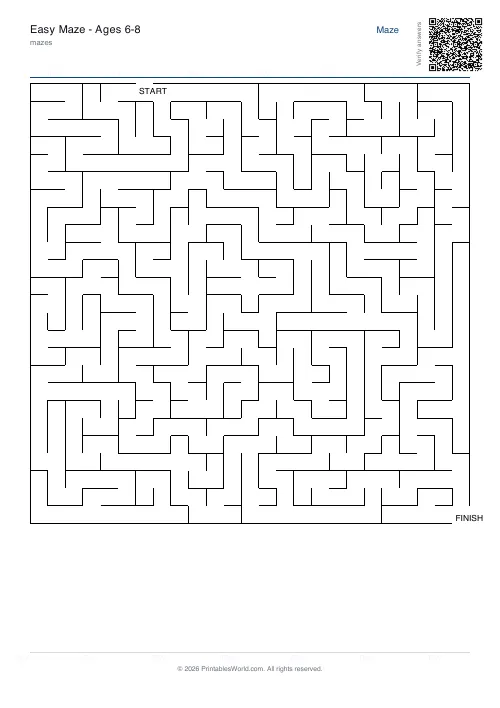
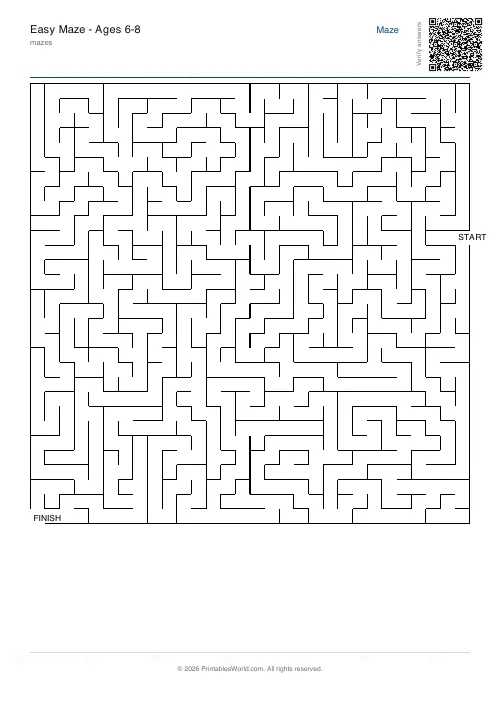
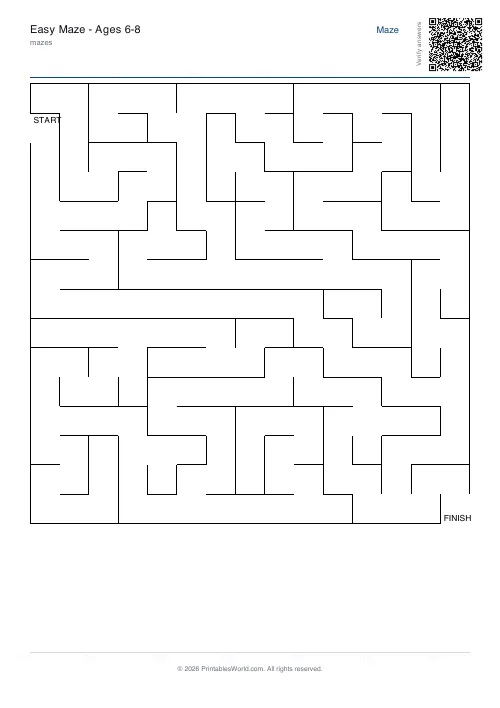
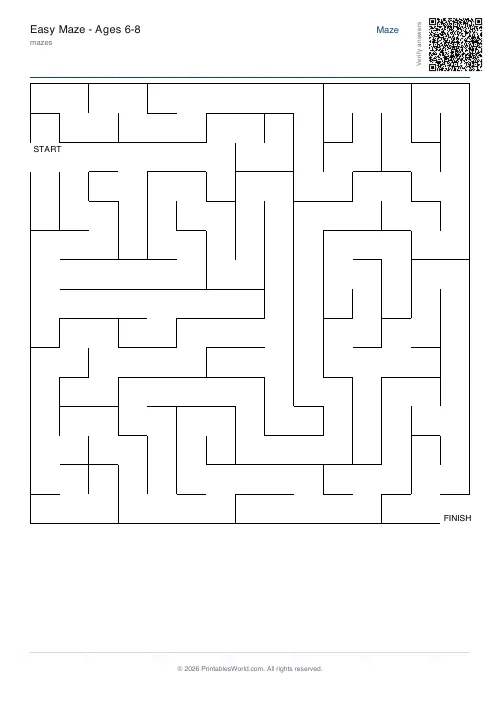
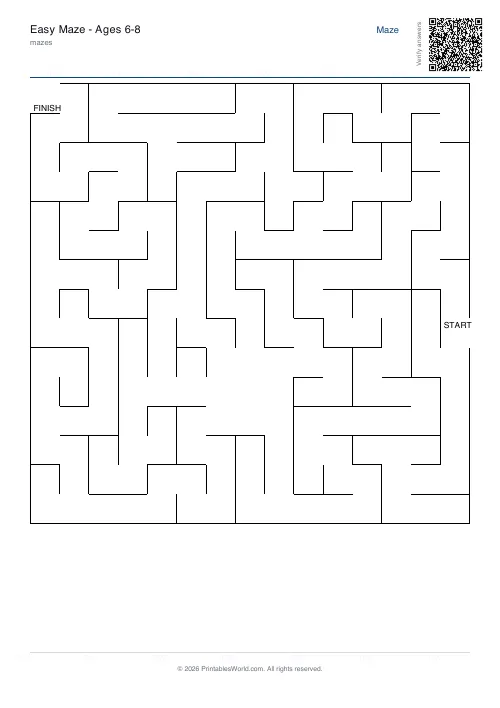
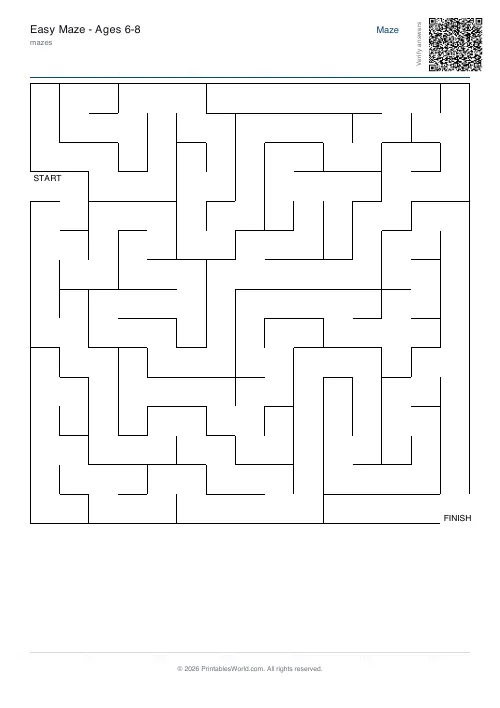
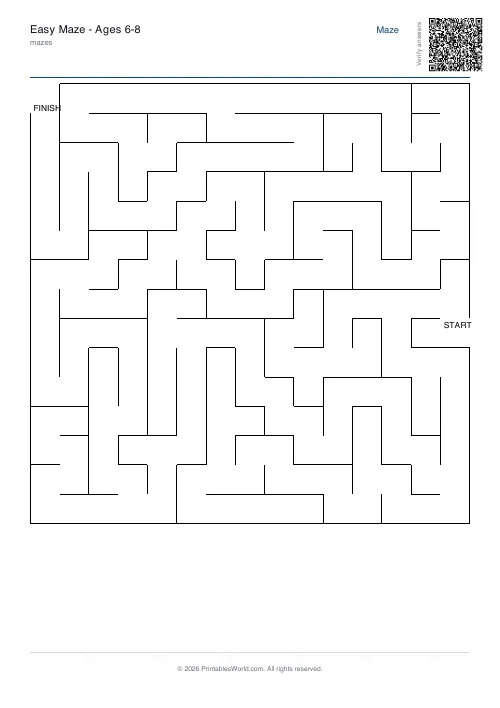
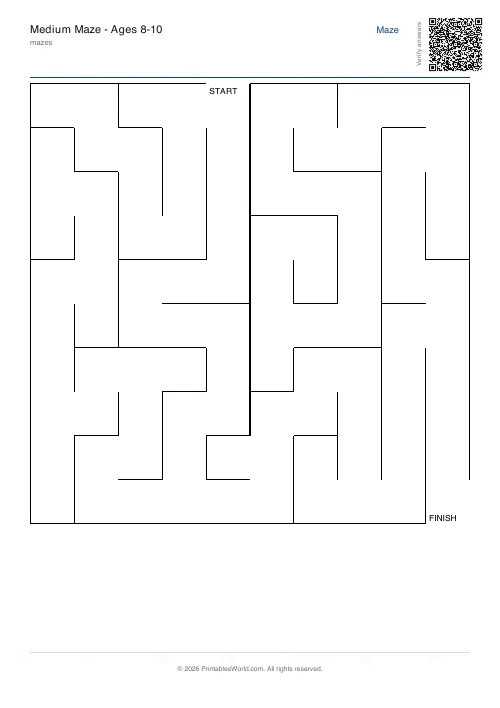
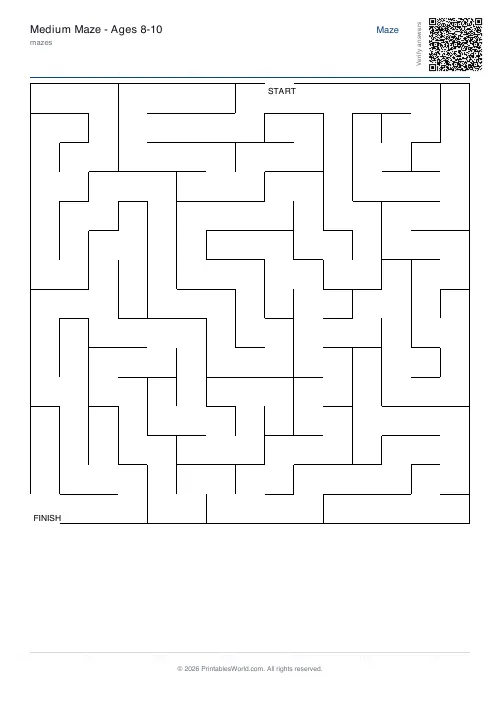
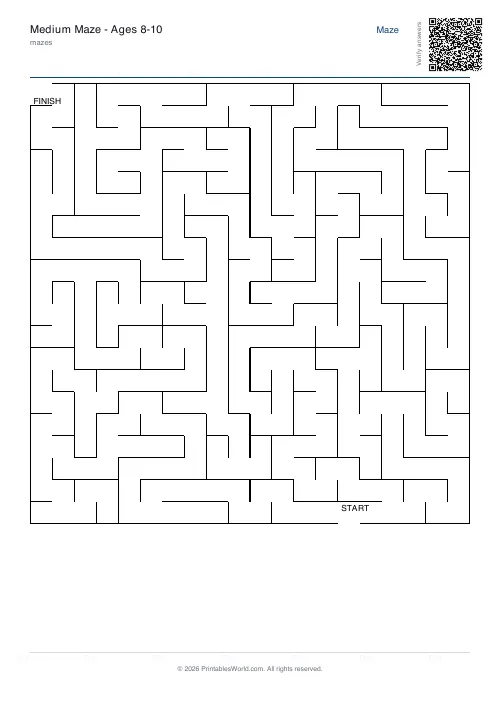
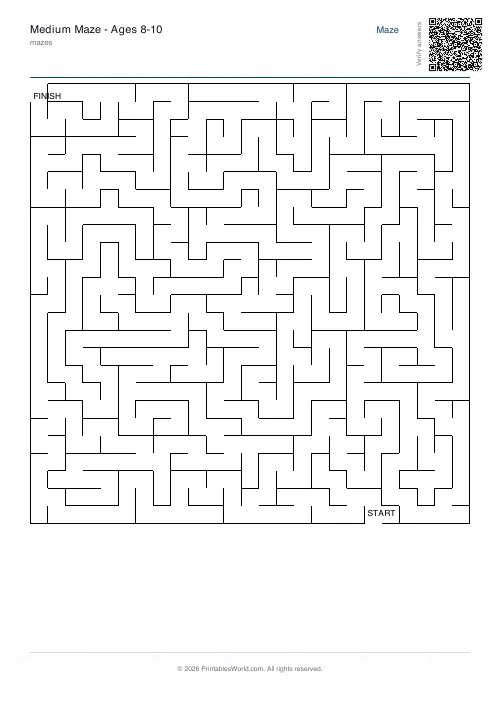
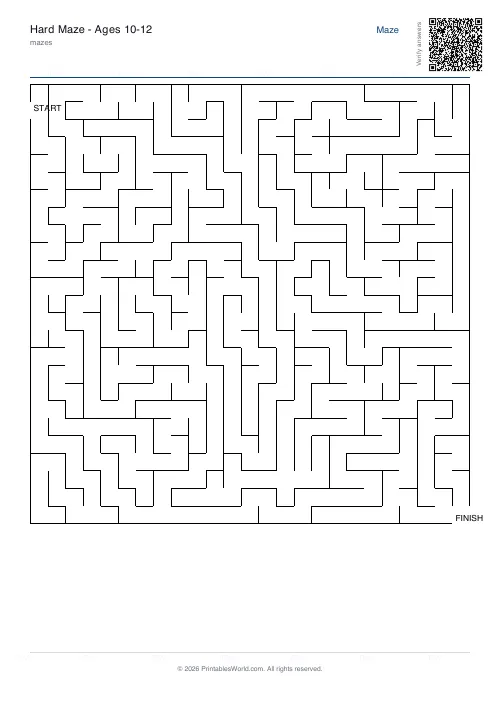
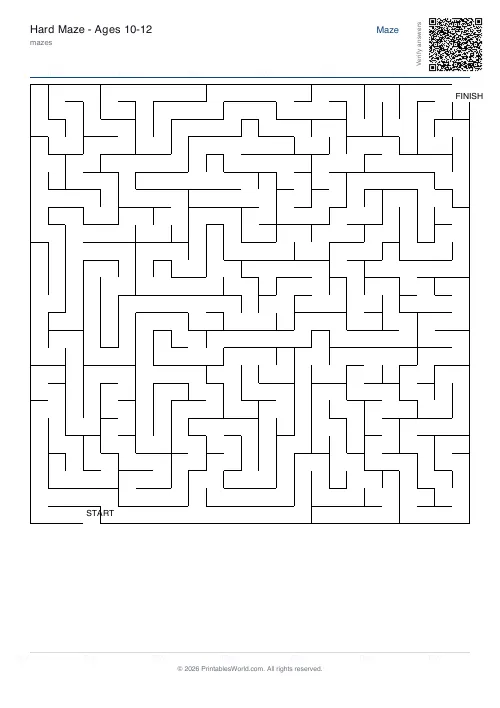
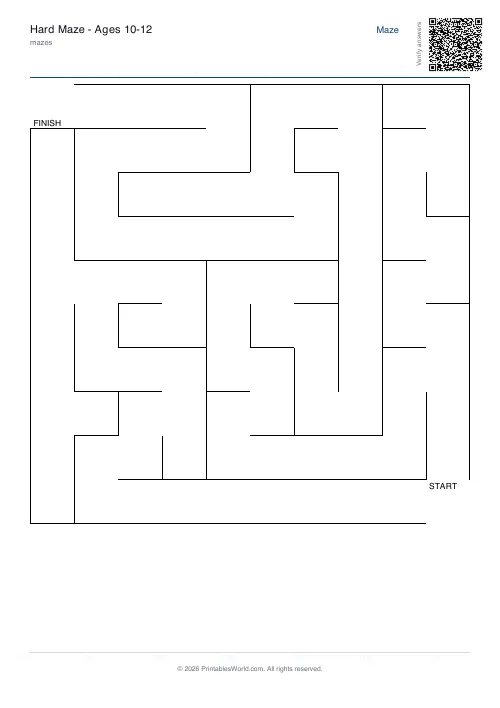
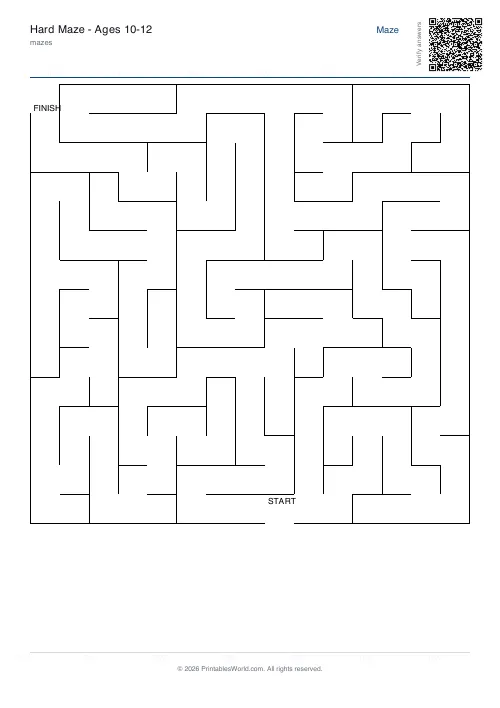
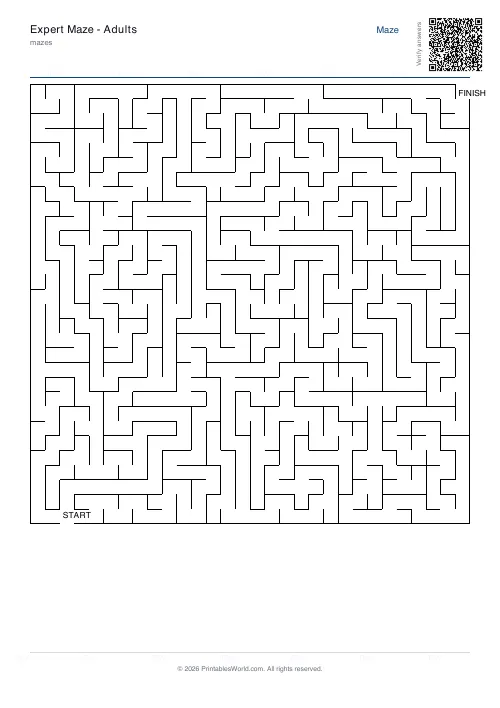
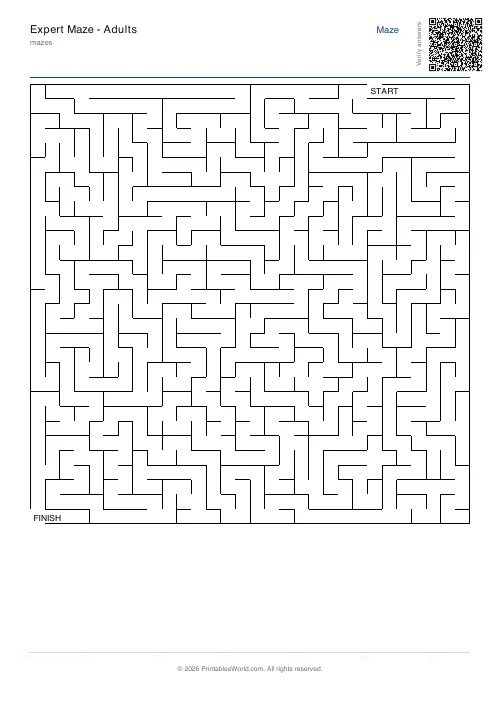
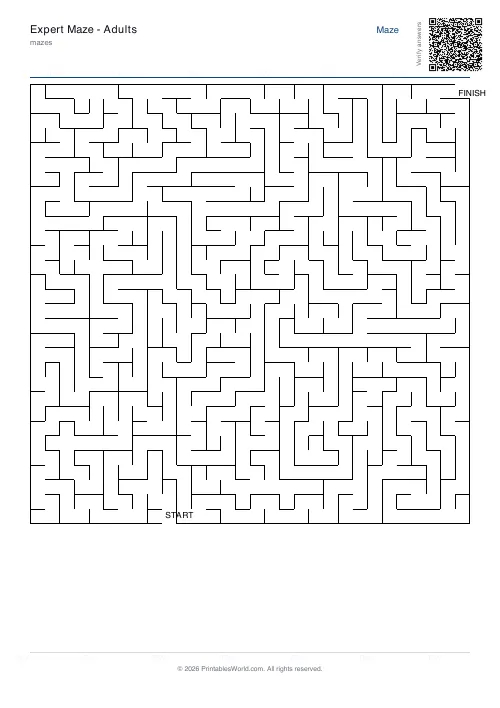
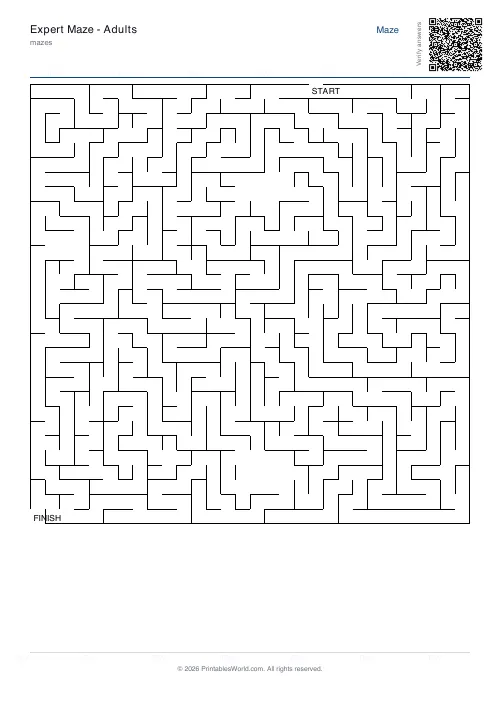
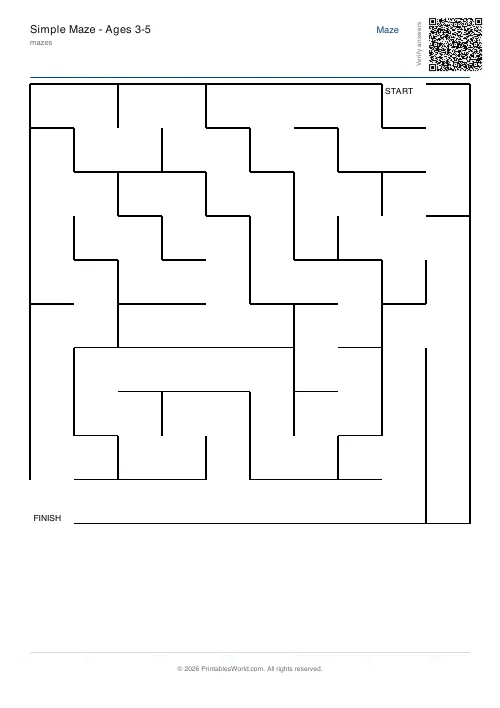
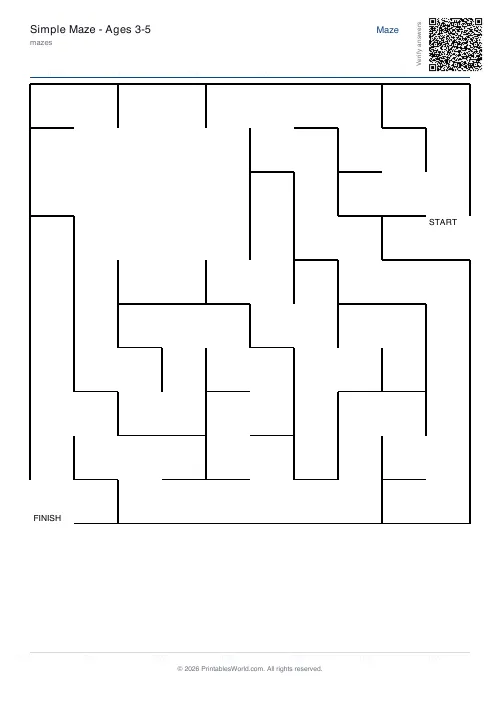
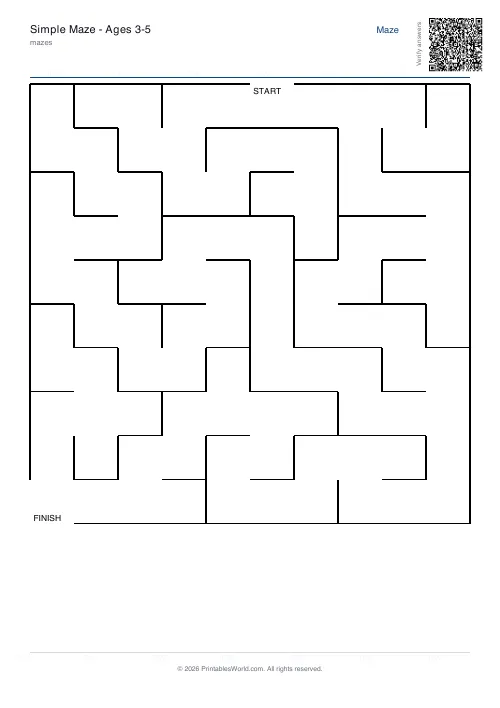
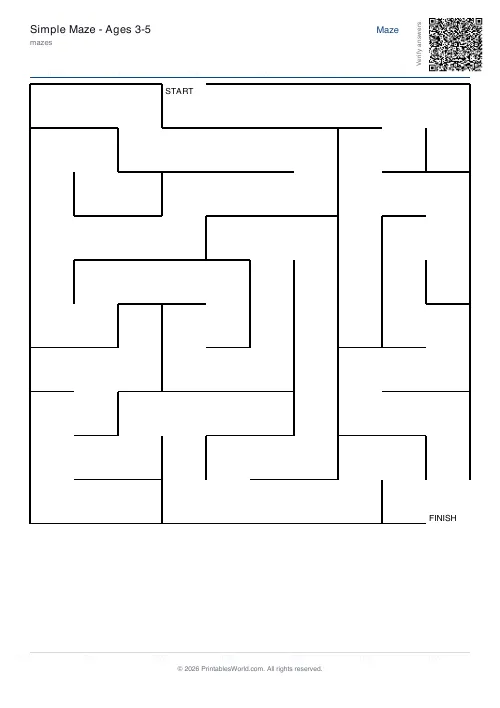
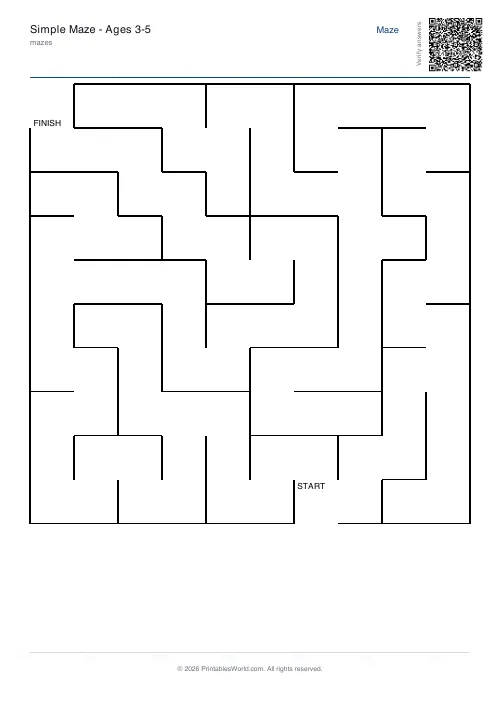
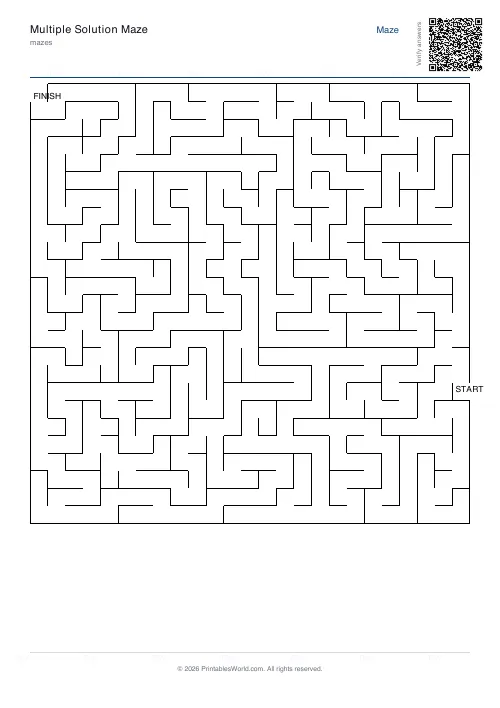
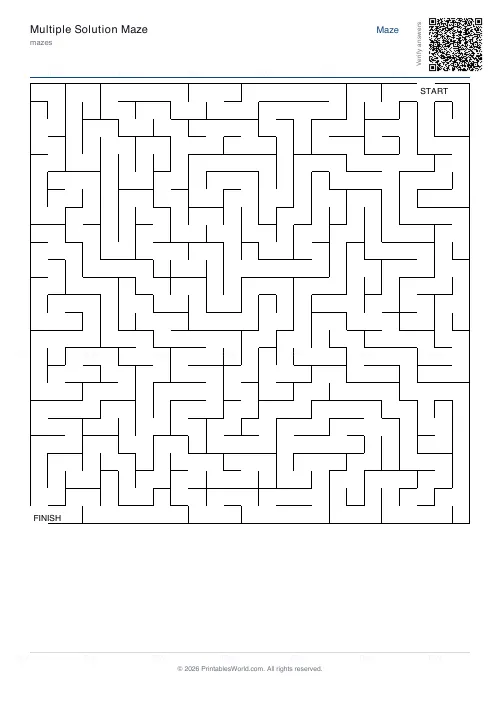
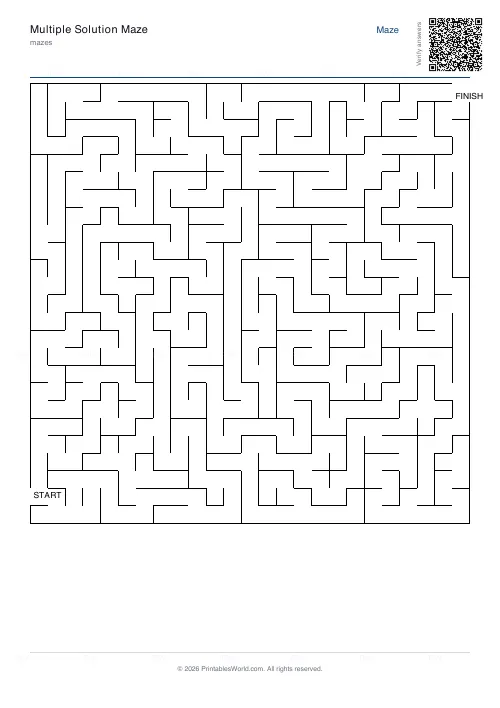
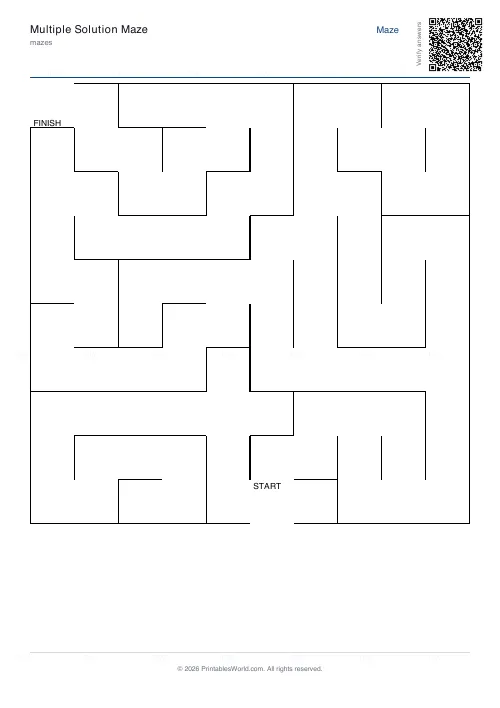
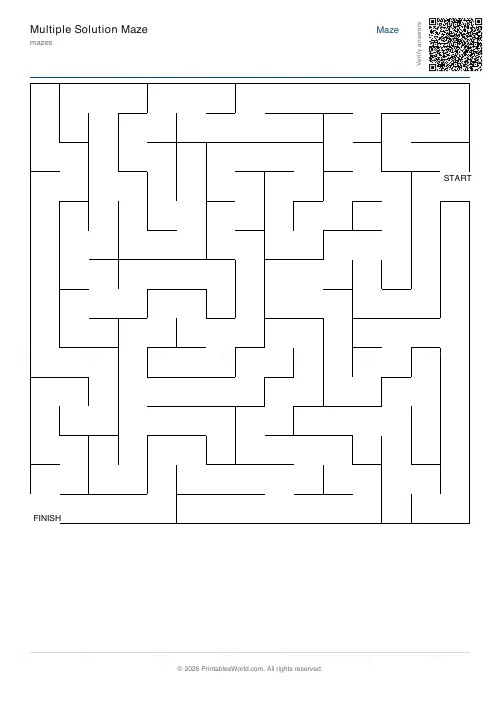
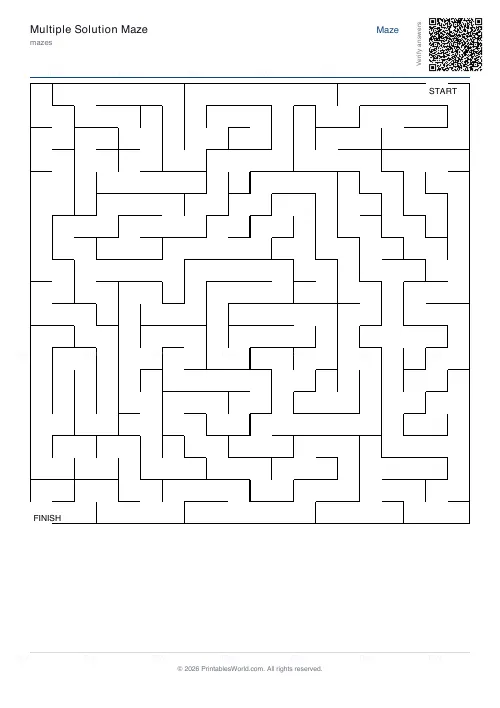
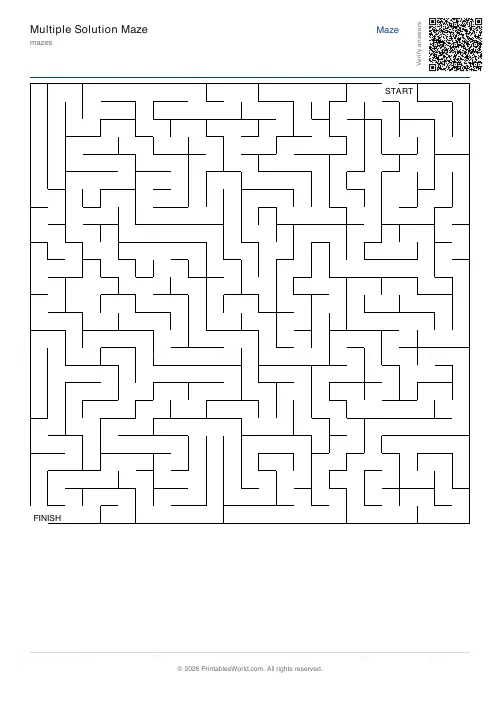
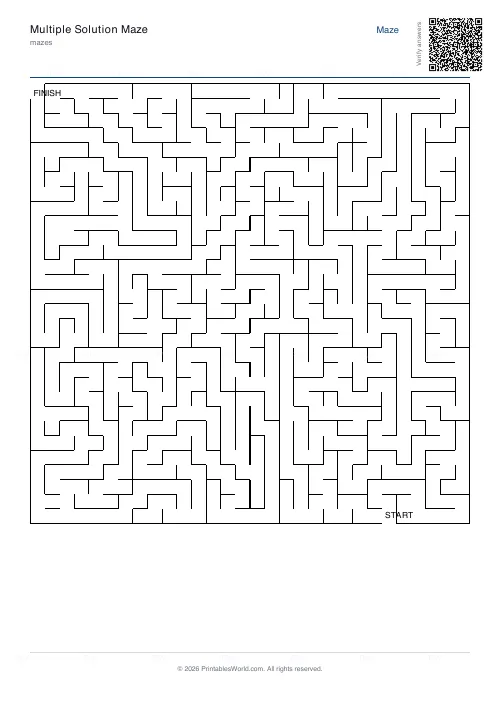
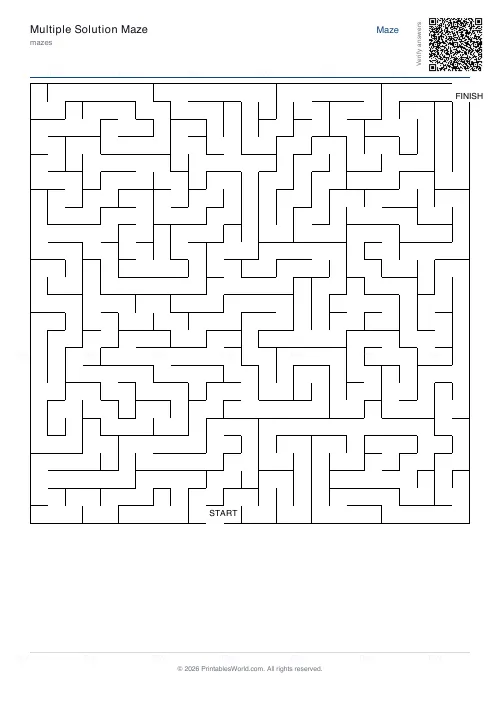
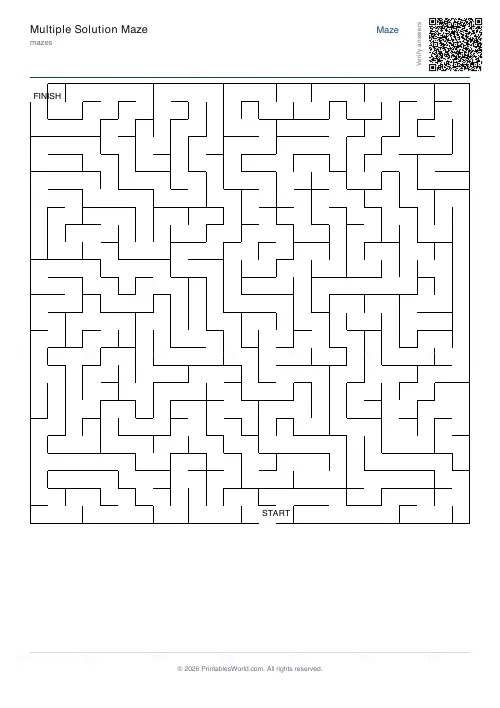
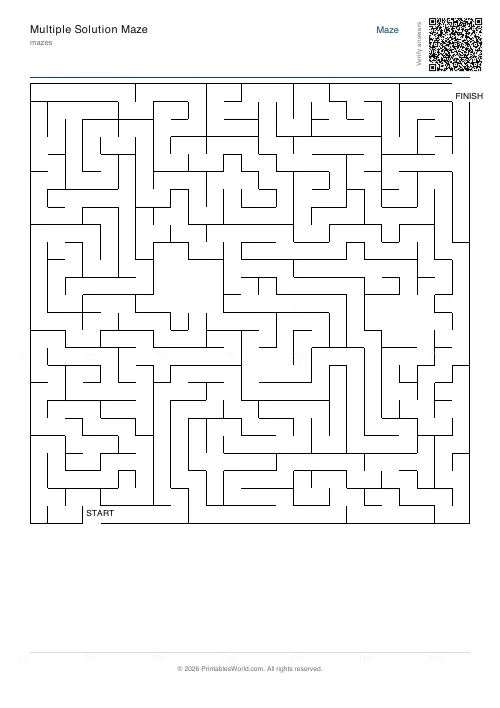
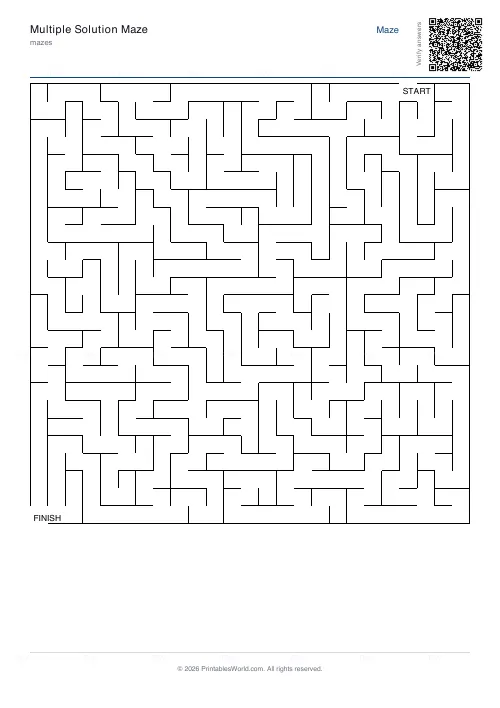
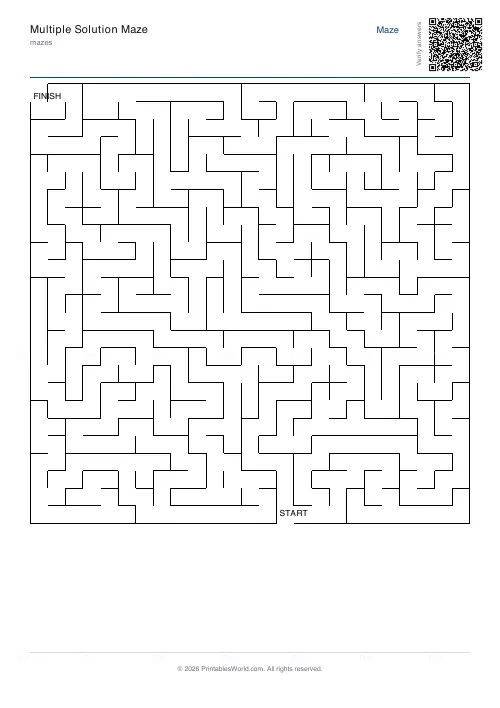
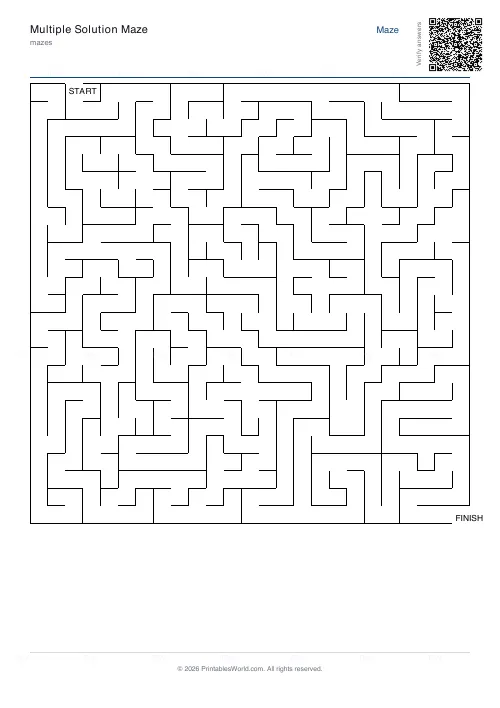
What this tool does
Print-ready PDF mazes with control over grid size, over difficulty, and over the structure of the walls themselves. Perfect mazes have exactly one route through. Braided mazes have their dead ends opened up so the grid contains loops. Room-based layouts carve open chambers into the walls before the corridors are cut. Set the line thickness for the age of the solver, put the start and finish in opposite corners or anywhere on the edges, and add a solution overlay page when you need an answer key.
People also used
Math Maze Generator
Print math maze worksheets where students solve arithmetic to find the correct path through the grid.
Sudoku Generator
Generate printable Sudoku puzzles with six per page, multiple difficulty levels, and optional solutions.
3D Isometric Maze
Maze drawn in isometric 3D perspective. Visually striking.
Feedback
Spotted something off with this tool?
Three kinds of maze, and they solve differently
A perfect maze has exactly one route from start to finish and no loops anywhere in it. Every wrong turn is a dead end, which means the classic keep-your-hand-on-one-wall trick will always get you out. This is what most people picture.
A braided maze has had some of its dead ends opened, so the grid contains loops. Wall-following stops working. The solver can circle back to a junction they have already visited without realising it, and that is a harder and more disorientating puzzle even at the same grid size.
Rooms carves open chambers into the grid before the corridors are cut, which produces a different-looking sheet: pockets of open space joined by narrow passages, closer to a dungeon map than a hedge maze.
The difficulty ladder, ages three to adult
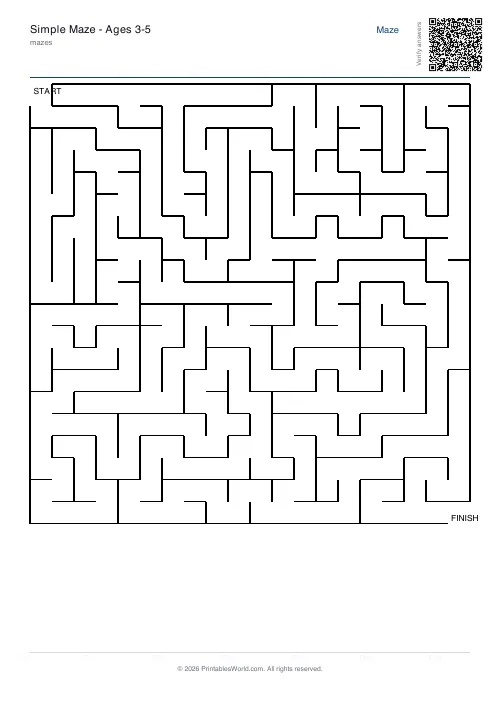
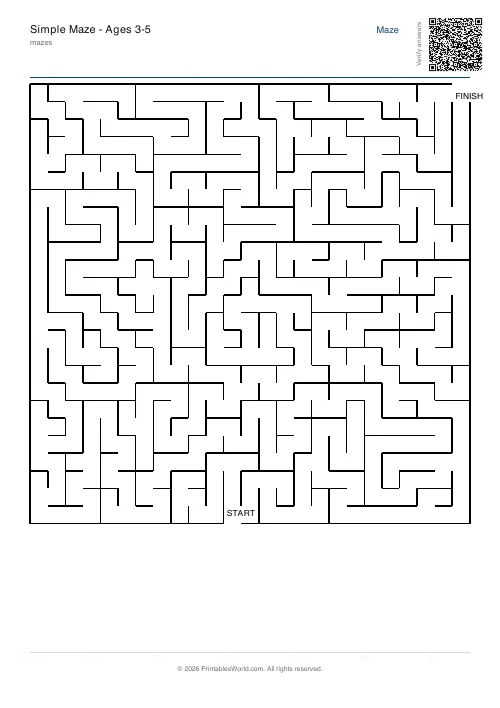
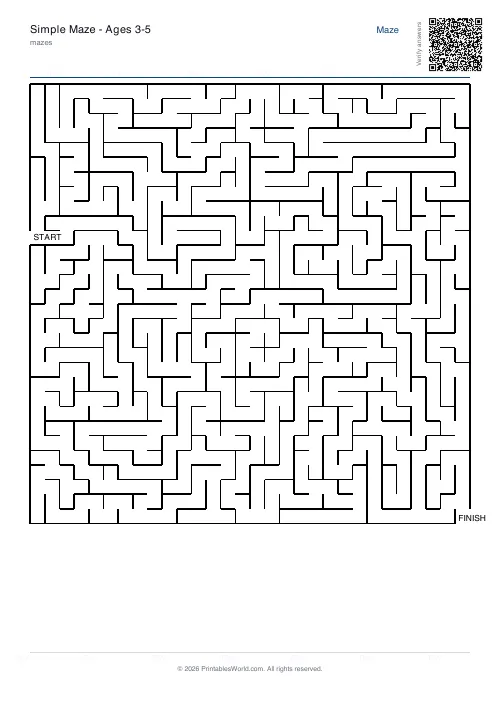
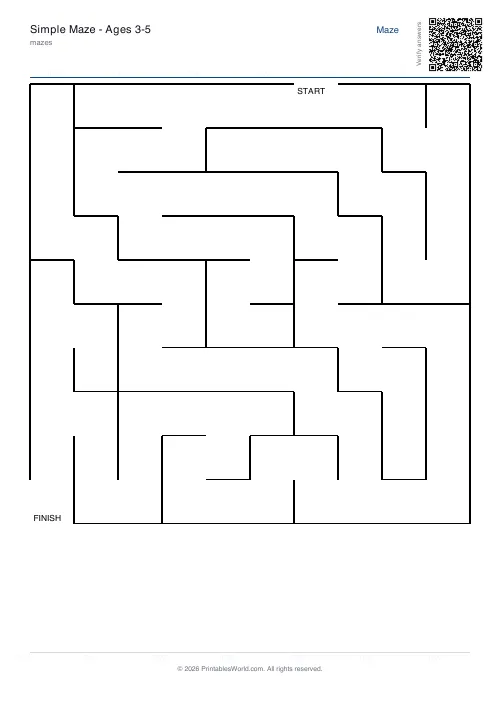
Difficulty is not one control. It comes from grid size and the difficulty setting working together, with line thickness deciding whether a small child can physically see the corridor. These five combinations each used to have their own page and are now presets here:
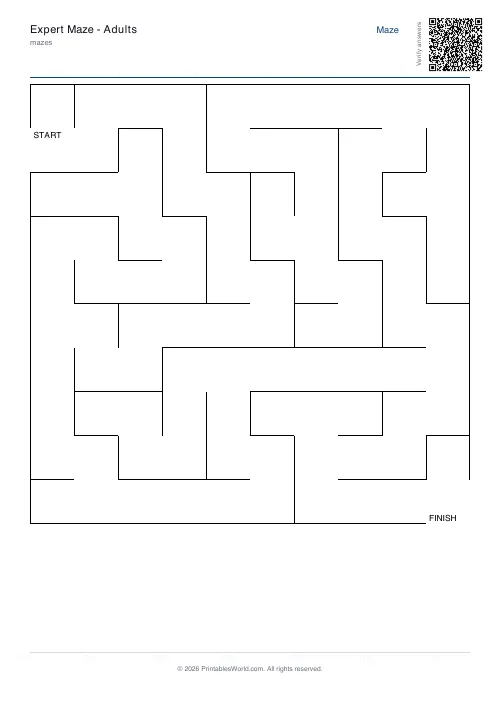
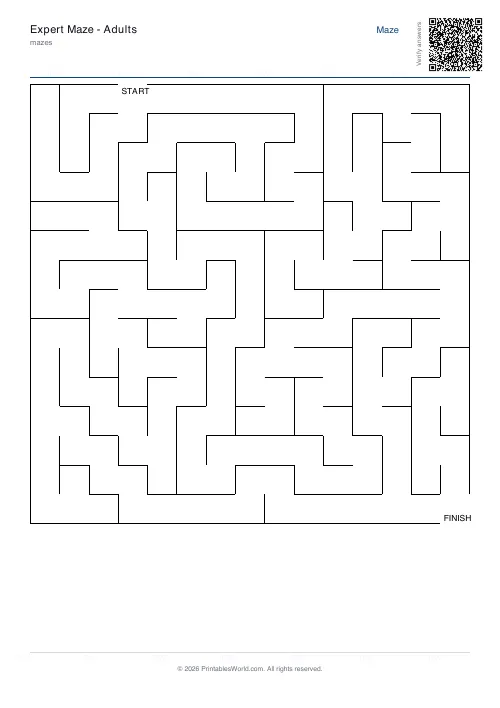
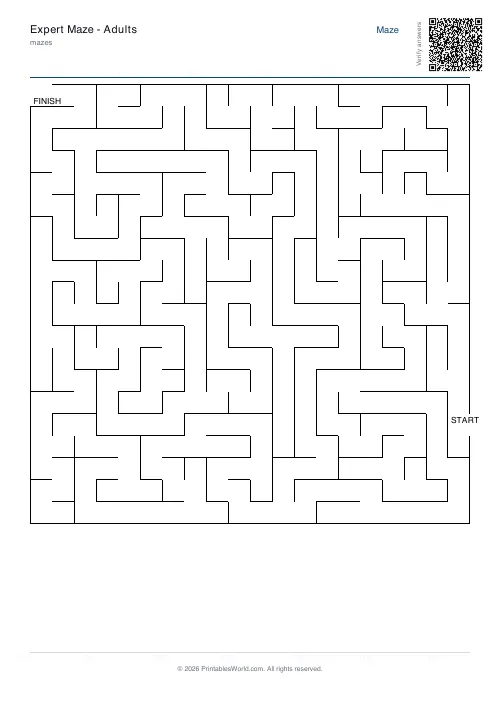
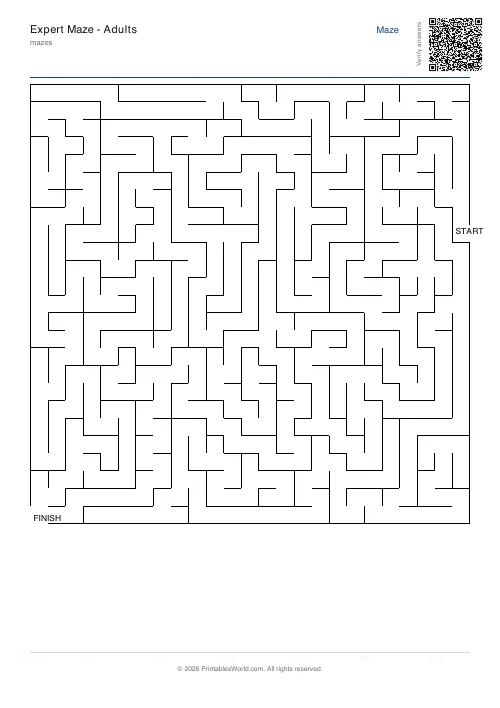
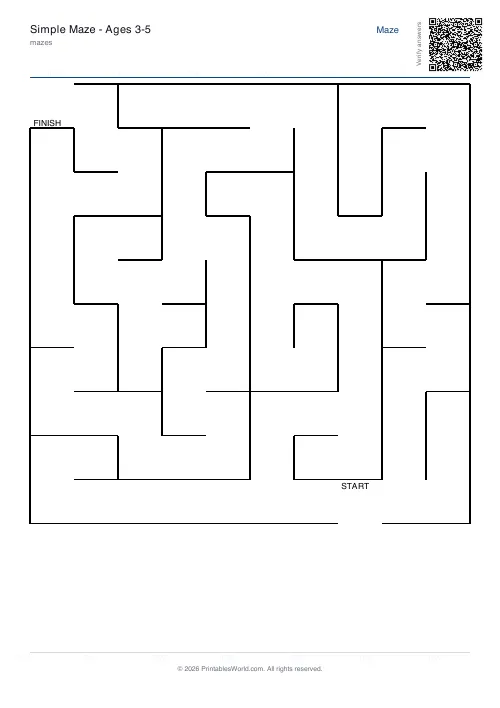
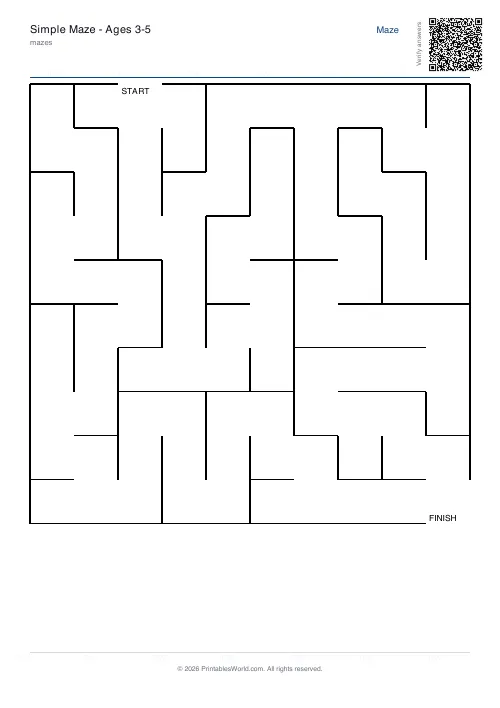
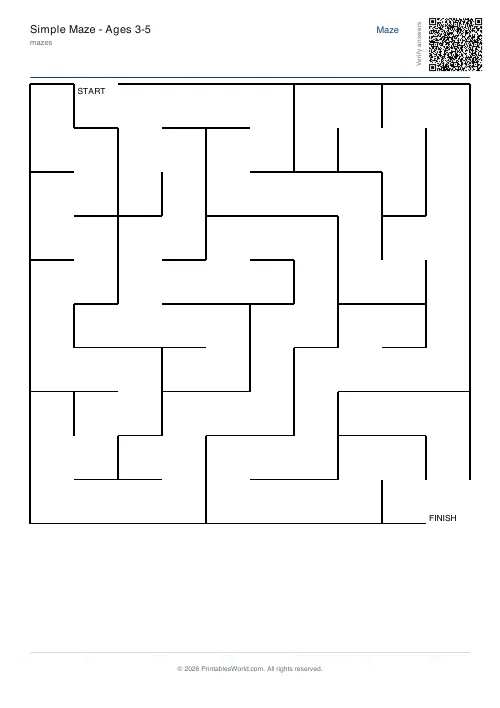
- Ages 3 to 5. 10×10, easy, thick lines. Corridors wide enough for a crayon, which is the actual constraint at this age.
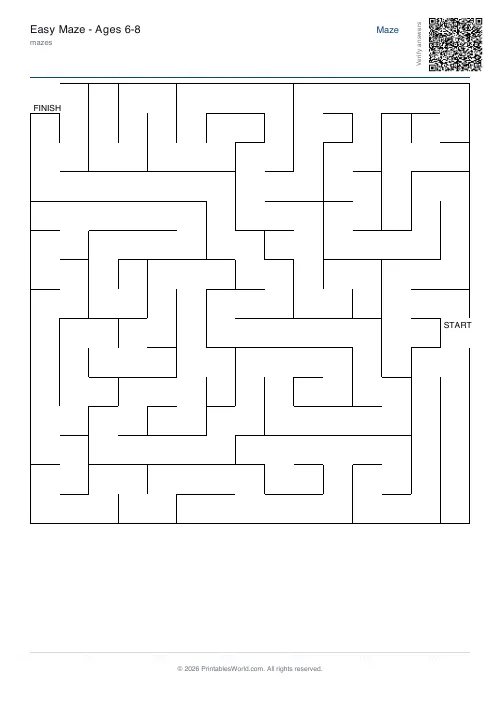
- Ages 6 to 8. 15×15, easy, medium lines.
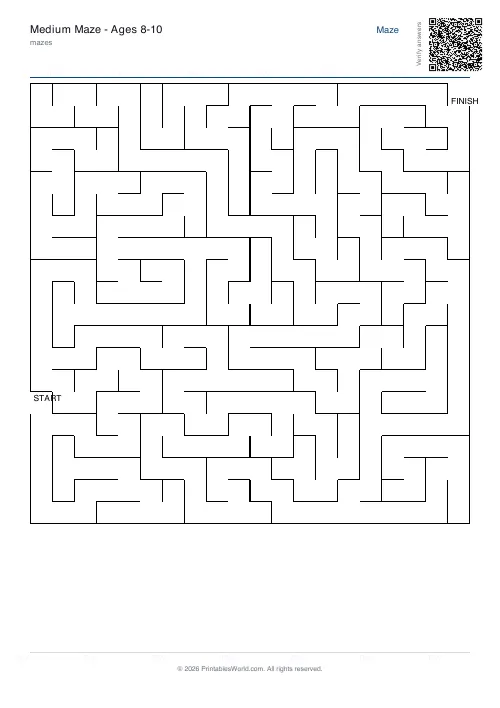
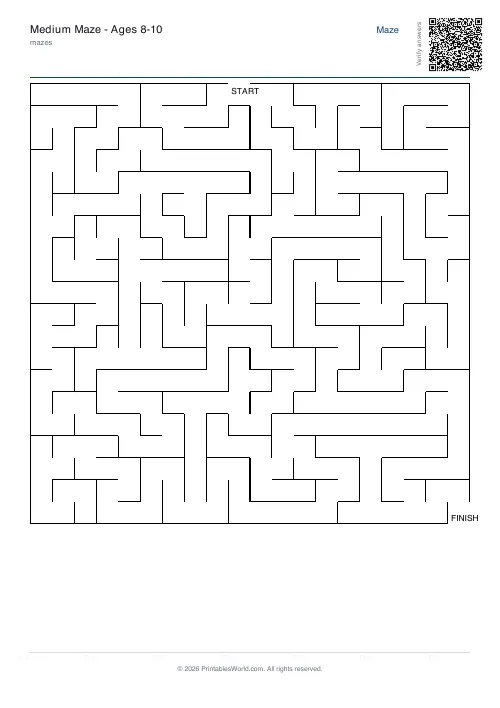
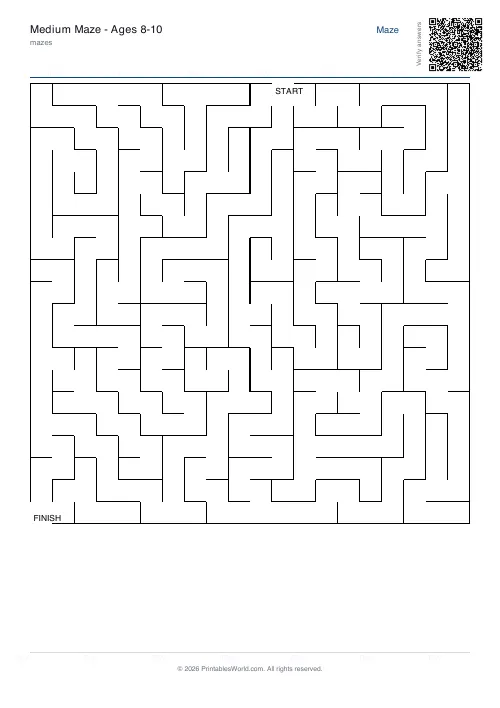
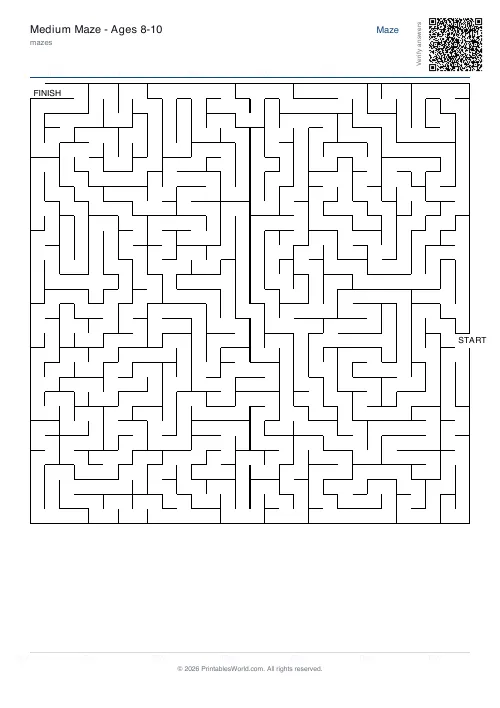
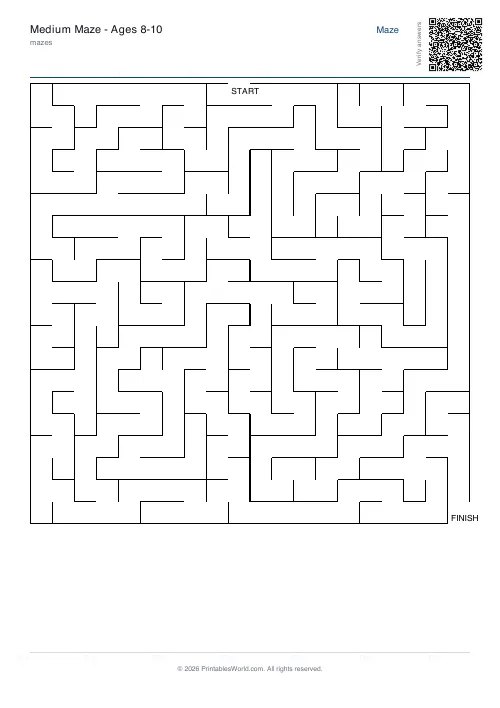
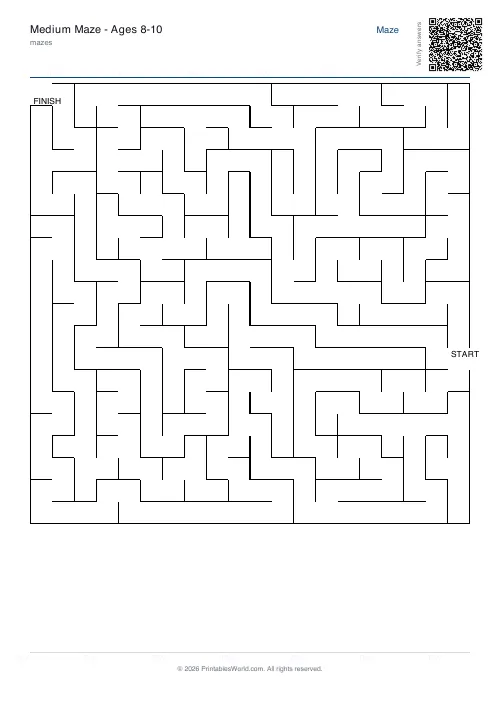
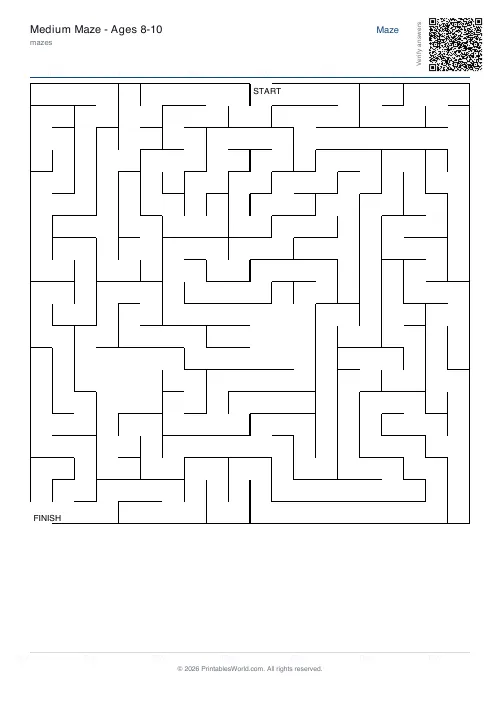
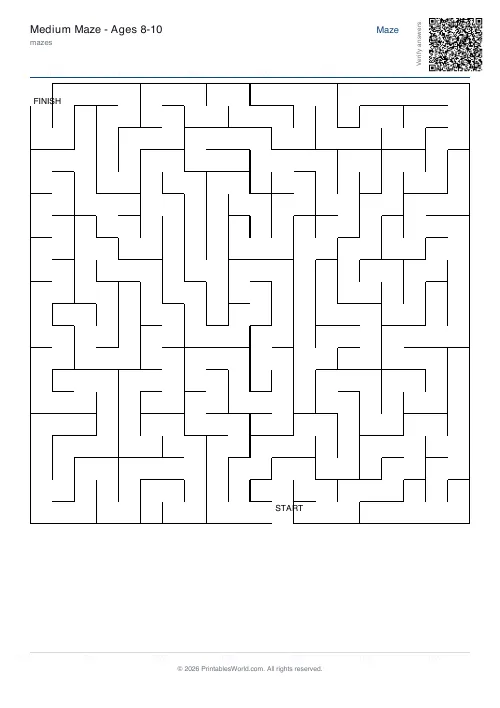
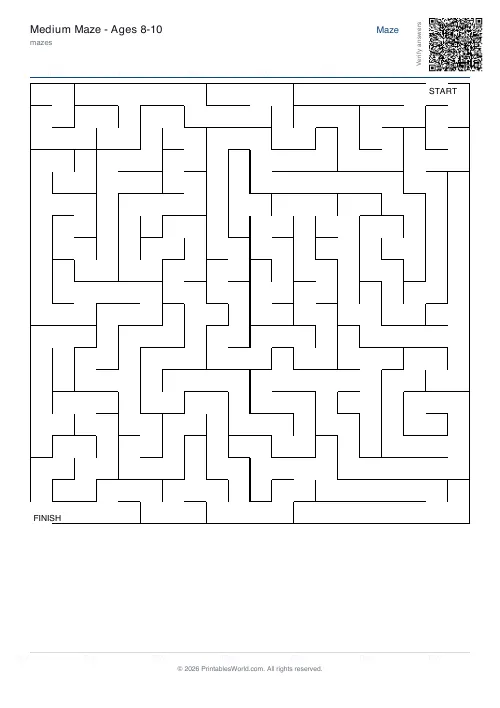
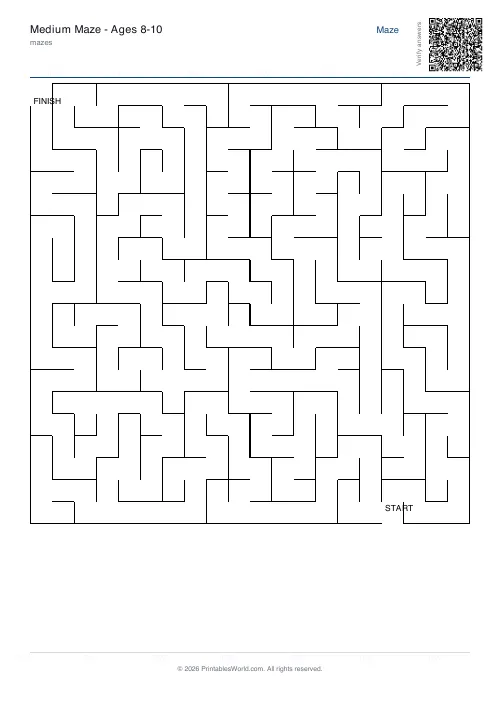
- Ages 8 to 10. 20×20, medium difficulty, medium lines.
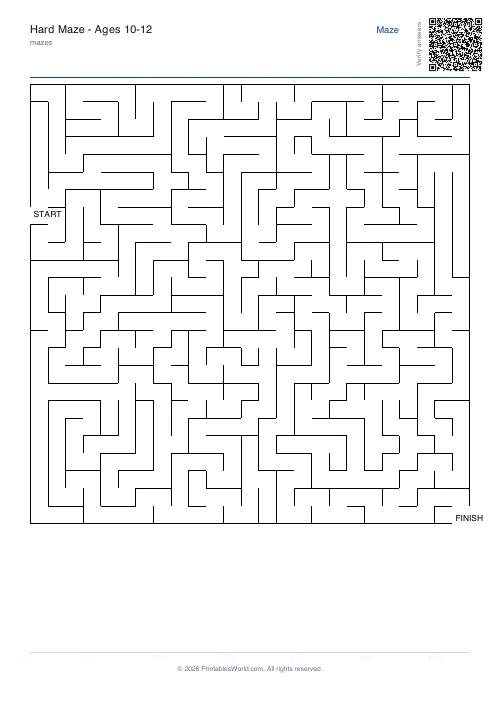
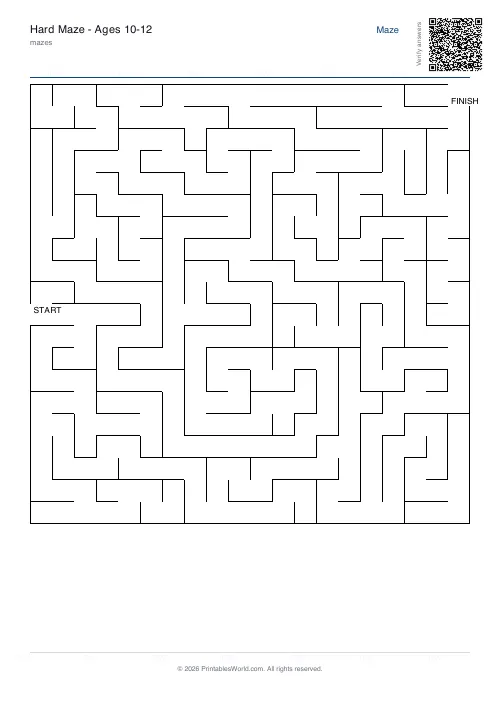
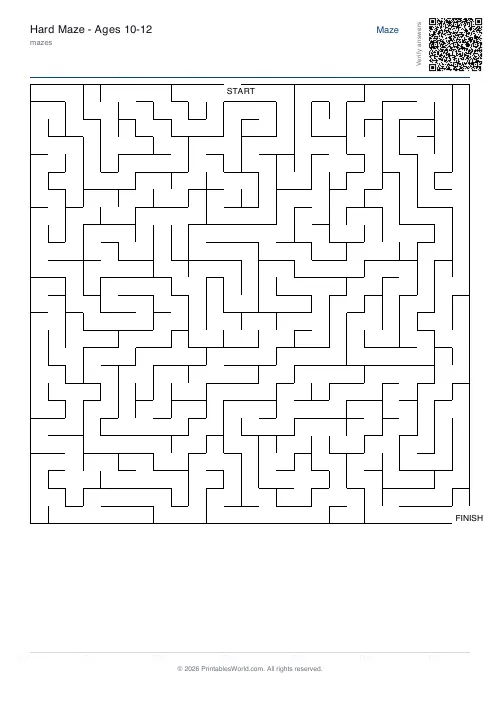
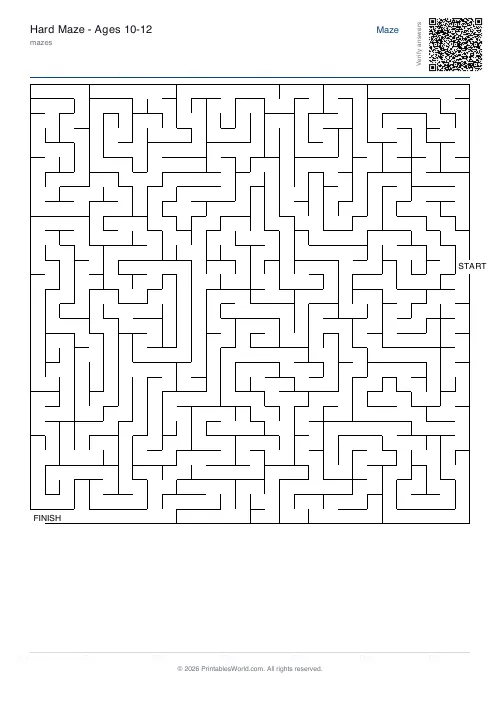
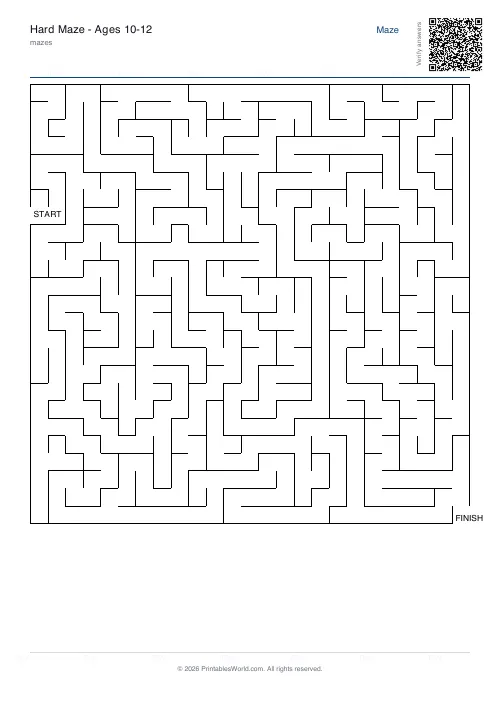
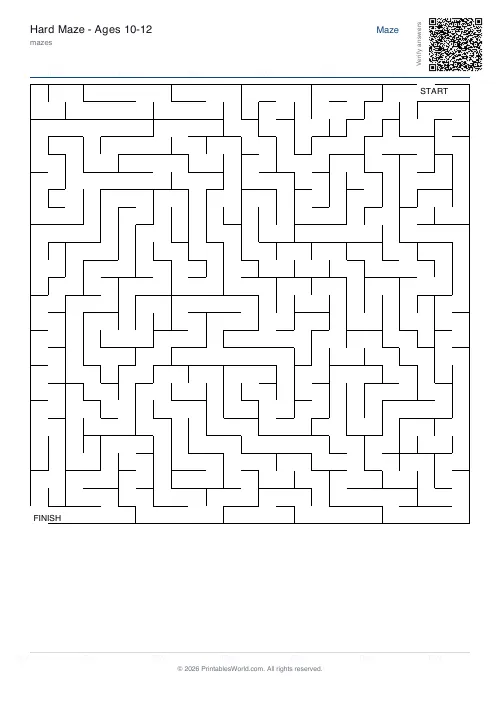
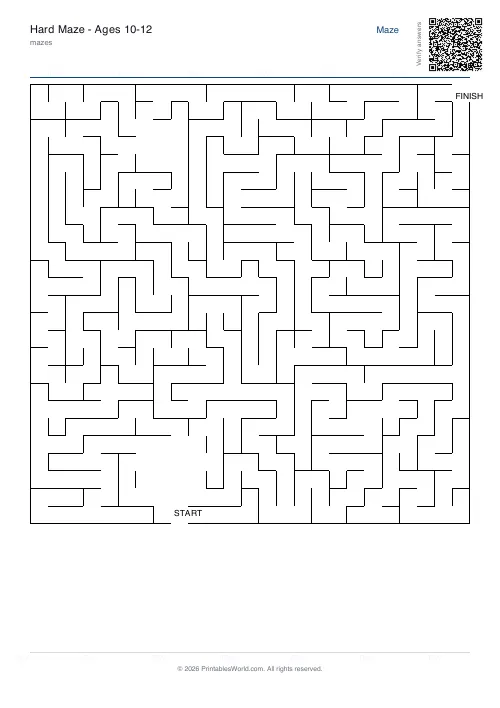
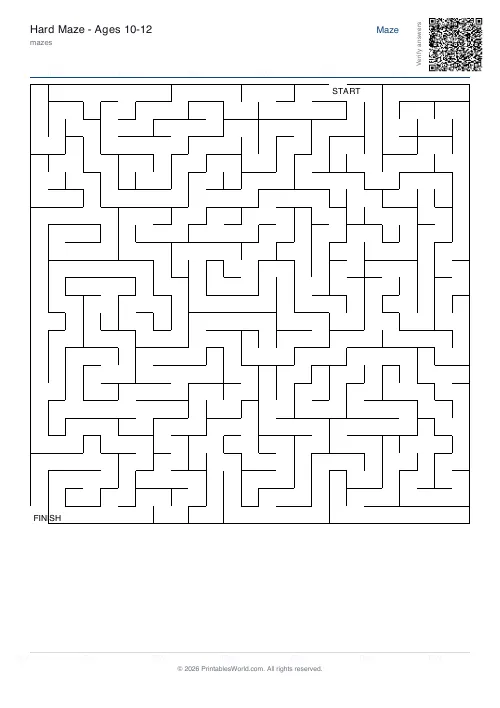
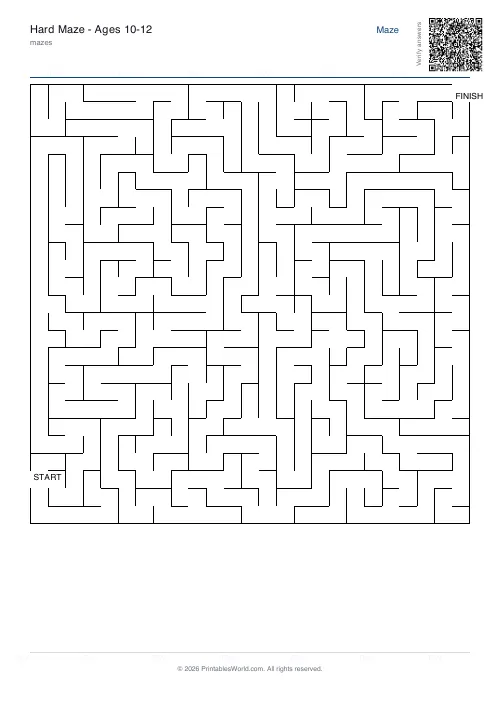
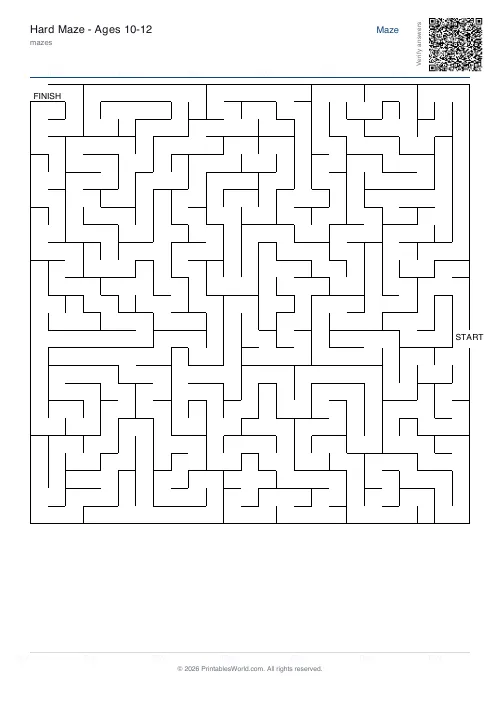
- Ages 10 to 12. 25×25, hard, thin lines.
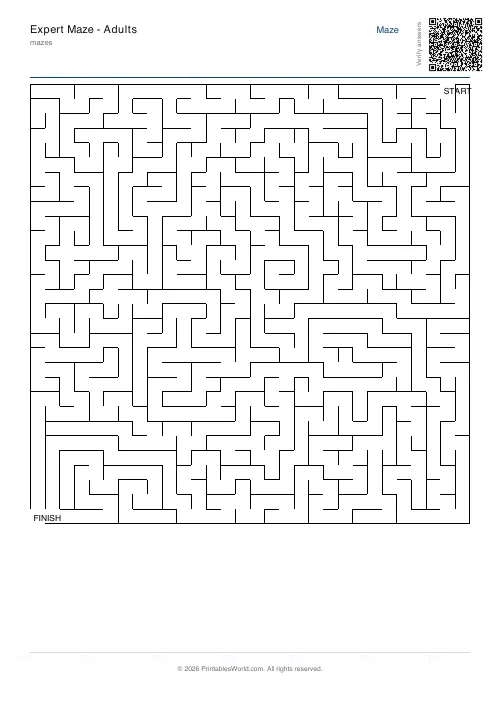
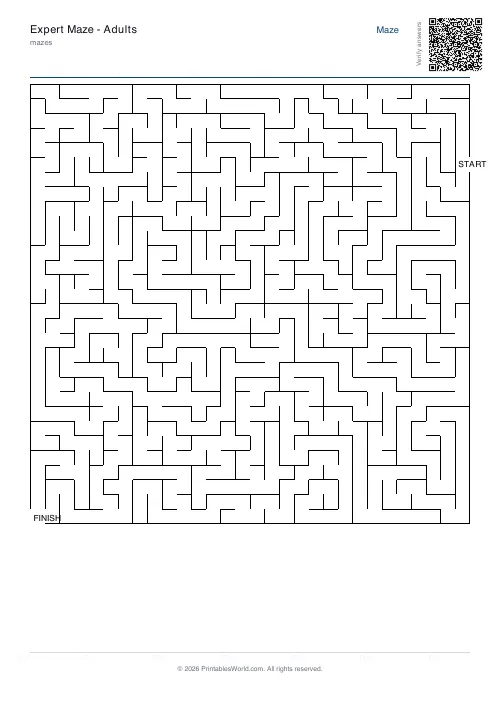
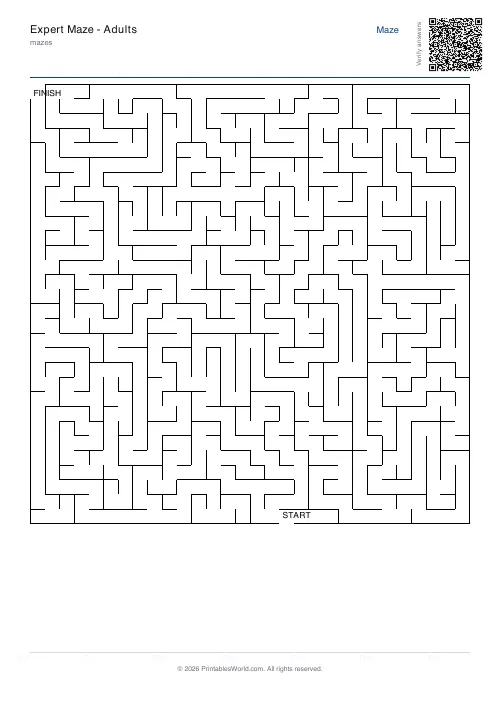
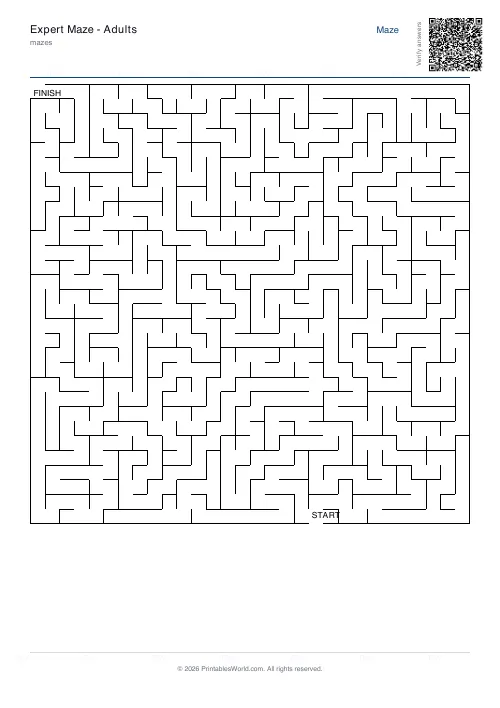
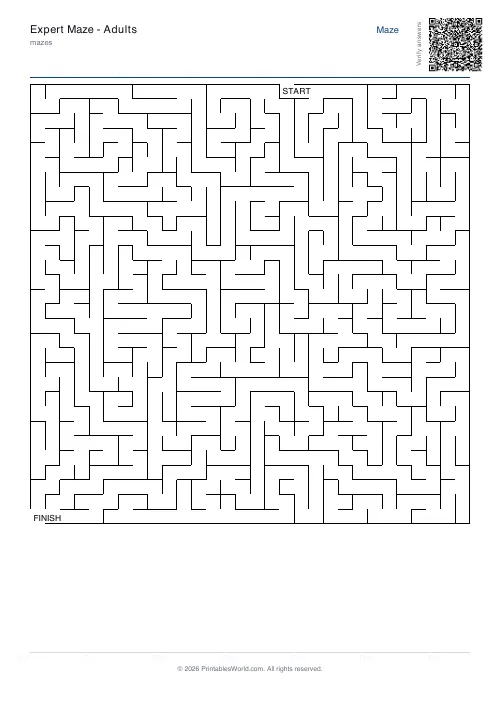
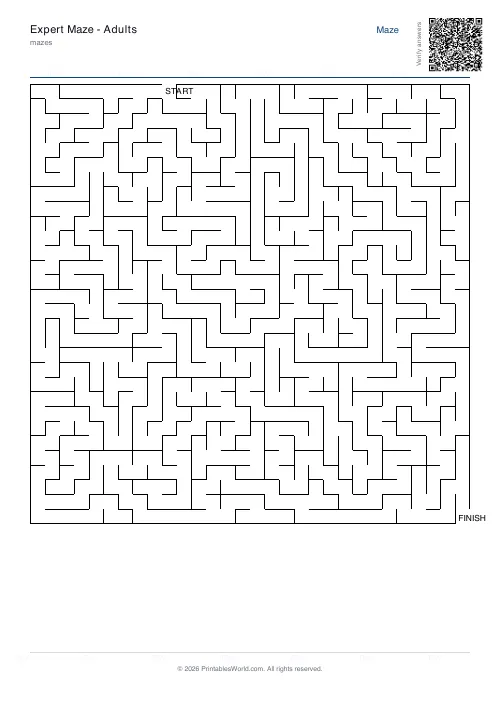
- Adults. 30×30, hard, thin. A long solve, and the one to print when you want twenty minutes of quiet.
There is a sixth worth knowing: braided at 25×25 gives a maze with more than one way through, which is a better race between two children than a single-path maze, because neither can simply copy the other's route.
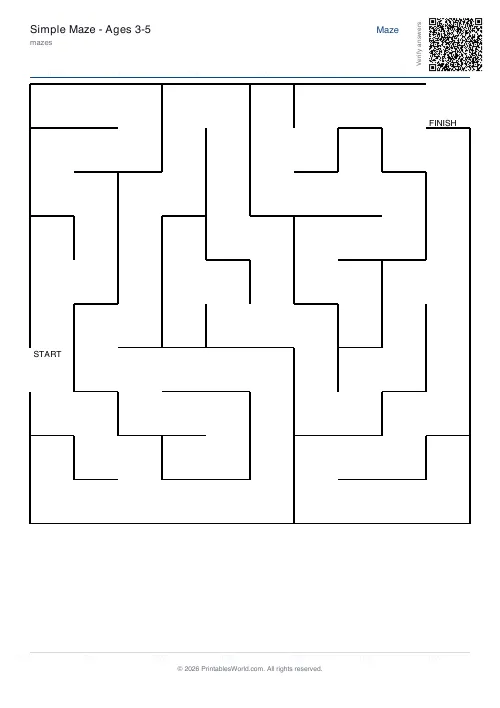
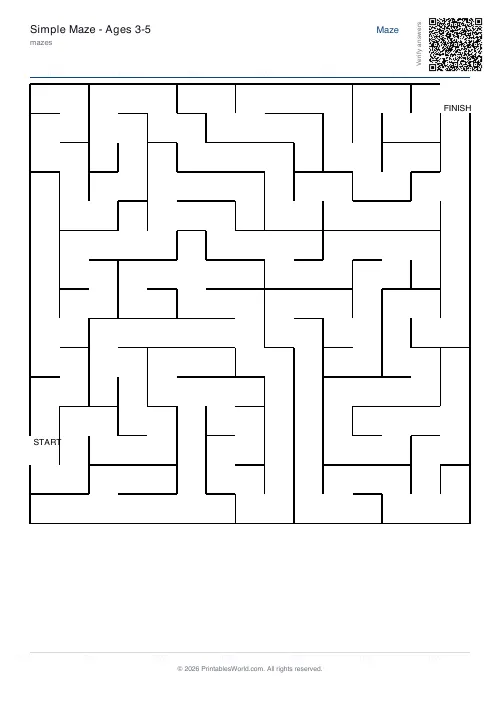
All of those presets have ready-made PDFs in the gallery below if you would rather print a graded set than generate one.
Thickness, placement, and the seed
Line thickness runs thin, medium, thick. Thick is not only for young children: it is also what you want if the sheet is going through an old photocopier or being read by anyone whose eyesight is not what it was.
Start and finish sit in opposite corners by default. Switch to random and they land anywhere on the edges, which sometimes produces a very short solve and sometimes a brutal one. Corners are the safer choice for a class set.
The seed accepts a number or a word. Leave it blank for something new every time; type something in and that exact maze comes back whenever you want it, which is how you reprint a favourite that went missing.
Thirty mazes for a Friday
Medium difficulty, grid size 20, perfect type, medium lines. Seed left blank. Press generate thirty times, numbering the files as you save them.
Tick the solution box on one of those generations to keep a master answer sheet. On the day, every child has a different maze, which cuts the comparing and the copying down to nothing, and the teacher can check finished work against a single page.
How the grid is actually carved
A depth-first recursive backtracker, run over a grid that starts as solid walls. It carves until every cell has been visited exactly once, which is what guarantees the single solution in a perfect maze.
Braided mazes get a second pass afterwards that knocks out some dead-end walls to create the loops. Room layouts carve their chambers first and then run the main algorithm around them. The solution path is found with a breadth-first search, so the line drawn on the overlay is genuinely the shortest route and not merely a route.
Where it stops
- Above about 50×50 the walls get too thin to read once printed. Test one before you run off thirty.
- Braided does not promise multiple solutions. It promises loops. Whether those loops create a genuinely alternative route depends on where the start and finish landed.
- Room chambers are fixed rectangles. You cannot place them or shape them yourself.
- The solution prints as one continuous line, with no numbered waypoints along it.
- No colour fills, no shading, no themed artwork inside the maze. Print at full scale rather than shrink-to-fit, or the narrow passages close up.
FAQs
Quick answers
Can I print the same maze again later?
Yes. Enter a seed value (any number or word) before generating. Write down that seed; entering it again with the same settings will reproduce the identical maze layout.
What is the difference between perfect, braided, and room mazes?
Perfect mazes have one unique solution and no loops. Braided mazes include loops and multiple paths, though not necessarily multiple solutions. Room mazes carve rectangular open chambers connected by narrower corridors.
How do I make a maze harder without changing the grid size?
Switch the difficulty from easy to medium or hard. This narrows paths, increases dead ends, and makes the solution route less obvious. You can also choose a perfect maze type to eliminate loops that might offer hints.
Will the solution page show step-by-step directions?
No. The solution page draws a continuous line from start to finish along the correct path. It does not include arrows, numbered steps, or turn-by-turn instructions.
Can I change the start and finish to the middle of the maze?
No. Start and finish points are always placed on the outer edges of the grid, either in opposite corners or at random edge positions. Interior start points are not supported.
Does the tool work on US Letter paper?
Yes. The PDF is designed to print correctly on both A4 and US Letter without clipping or requiring scale adjustments.
What happens if I set the grid size very high?
The maze will pack more cells into the same page area, making walls and paths narrower. Above 50 × 50, lines may become difficult to trace on some printers. Test a sample before printing many copies.
Related tools
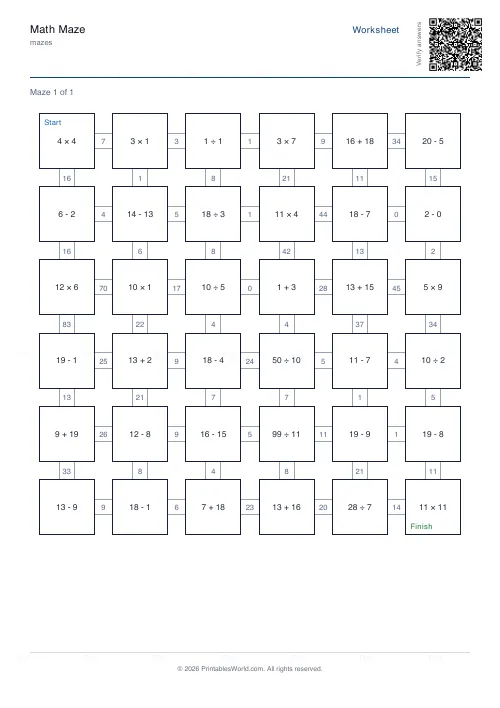
Math Maze Generator
Print math maze worksheets where students solve arithmetic to find the correct path through the grid.
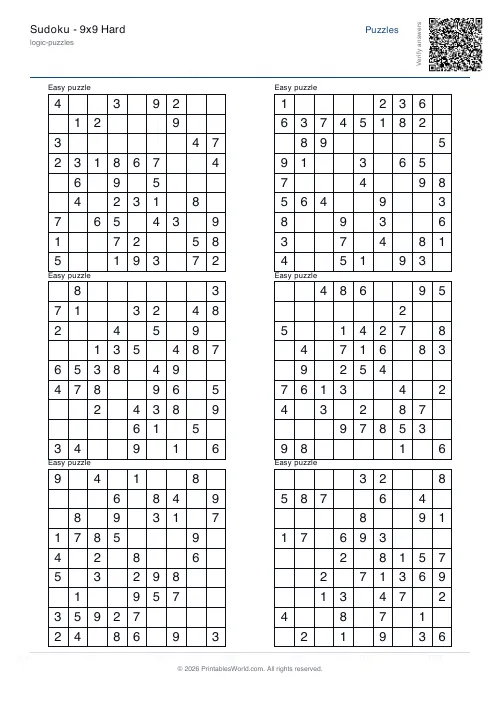
Sudoku Generator
Generate printable Sudoku puzzles with six per page, multiple difficulty levels, and optional solutions.
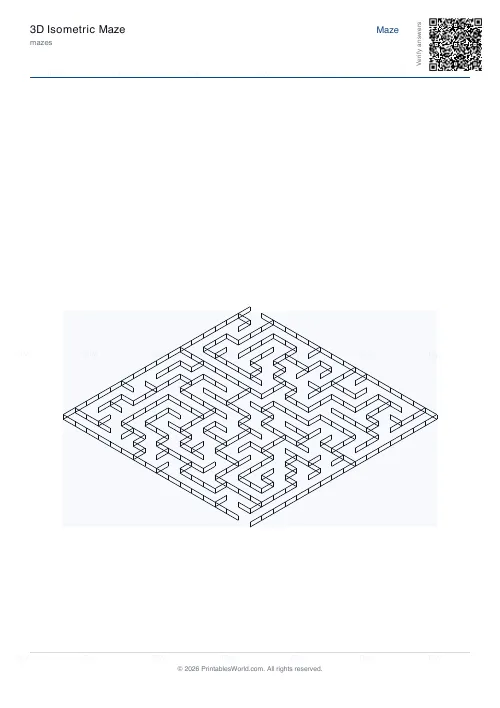
3D Isometric Maze
Maze drawn in isometric 3D perspective. Visually striking.
Further reading
Mazes
Why mazes are great for kids' development
Mazes are one of the few activities that exercise pencil control and forward planning at the same time. Which is why they suit the years just before formal handwriting.
4 min read
Mazes
Printable maze difficulty: matching mazes to ages
Maze difficulty has two independent dials, and confusing them is why a maze is either too fiddly or too easy. Here is which to turn for which child.
4 min read
Puzzles & Brain Games
Sudoku for kids: which difficulty to start at, by age
A practical guide to picking the right sudoku difficulty for a child by age, with a copyable first session and free printable grids in seconds.
7 min read