What this tool does
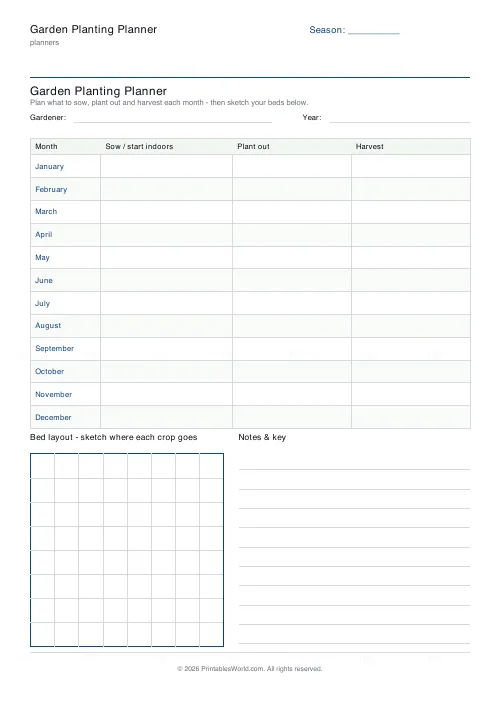
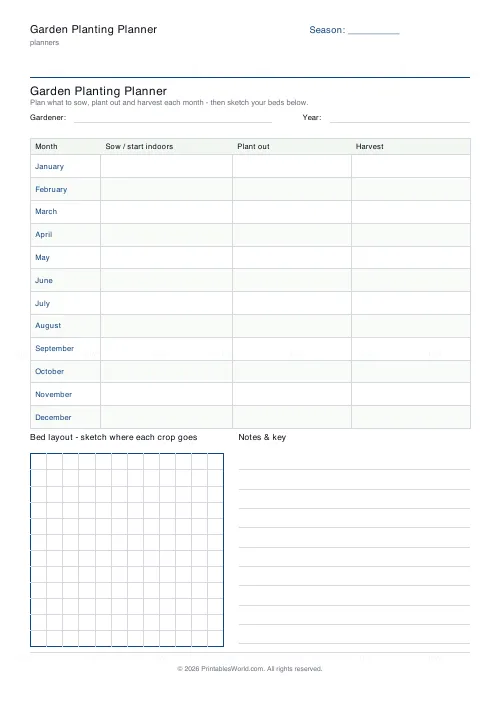
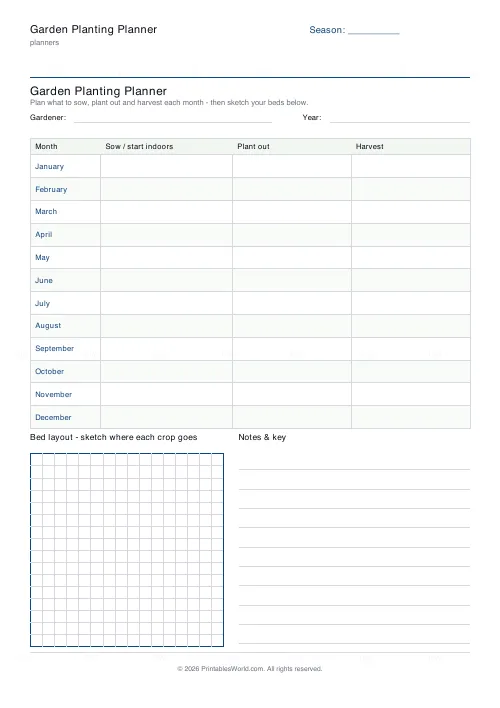
A year of growing on one page: a month-by-month table with sow, plant out and harvest columns, plus a square grid at the foot for sketching the beds.
People also used
Feedback
Spotted something off with this tool?
A table and a plot plan
Twelve month rows, three columns each: sow or start indoors, plant out, harvest. Under the table, a square grid for drawing the beds, six to sixteen cells a side.
A season or plot label prints in the corner, so a sheet can say 2027 or Allotment or Back garden rather than nothing.
Three columns because there are three dates
The commonest beginner's error: treating the sowing date on the packet as the only date that matters.
A tomato sown indoors in March is planted out in late May and picked from July. Those are three separate decisions in three separate months, and the packet usually gives you one of them clearly and the others in small print. Splitting the columns forces all three onto the page, which is what turns a list of intentions into a schedule.
Read down, not across
Filled in properly, the table shows the problem months before they arrive.
Everybody plans April. Nobody remembers the windowsill holds nine trays rather than twenty-five, and reading down the sow column tells you that in January while it can still be fixed. The harvest column does the same job at the other end, which is where you find that everything ripens in one fortnight in August and you are away for it.
Succession sowing lives in this table
The single change that most improves a small vegetable plot. It only works written down.
Sow a whole row of lettuce at once and you get forty lettuces in one week and none for the rest of the season. A short row every fortnight gives you lettuce all summer instead. That is a plan made on a page in January rather than a decision made standing in a garden centre in April, and the month table is exactly the right shape to hold it.
The bed grid
Draw the plot to scale. Decide what a cell is worth and write it in the margin — one cell to a foot works for most raised beds, one to a metre for a larger plot.
Then use it for rotation. Last year's sheet beside this year's is what stops brassicas going back where brassicas were — which matters for club root and a good deal else. Rotation is a three or four year idea. It is unworkable from memory.
Keep the old ones
A completed year is a record of what actually cropped and what failed. That is worth more than any general planting guide, because it is about your soil, your aspect, your weather.
Related: the houseplant care tracker for indoors.
FAQs
Quick answers
Does the planner cover a full year?
By default it shows all 12 months, January to December. You can drop to as few as 6 rows if you only want to plan the active growing season.
What is the grid box at the bottom for?
It is a blank square grid for sketching your bed layout. Draw your beds, label sections, and use the notes-and-key column to explain any shading or crop codes.
Can I make the bed grid finer or coarser?
Yes. Choose between 6 and 16 cells per side. Fewer cells suit a quick plot sketch; more cells let you map a detailed raised-bed layout.
Is the planner pre-filled with crops?
No. The month labels are printed for you, but the sow, plant out and harvest columns are left blank so you can plan around your own climate, crops and seed packets.
Related tools
Cleaning Schedule
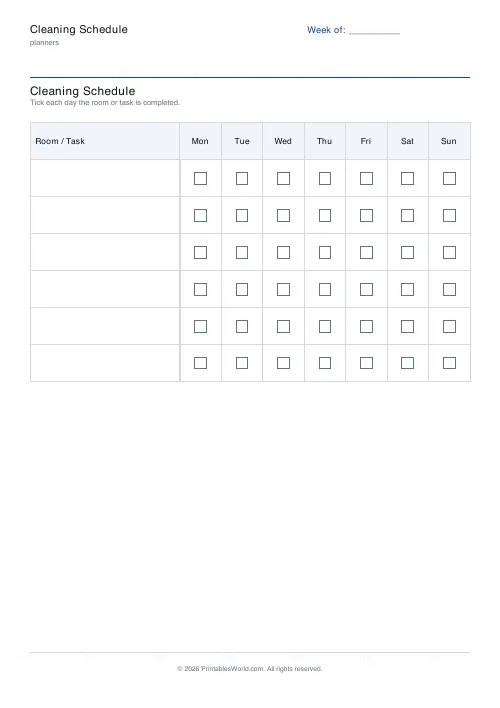
Print a weekly cleaning schedule grid with custom rooms and tasks across Monday to Sunday.
Monthly Budget Planner
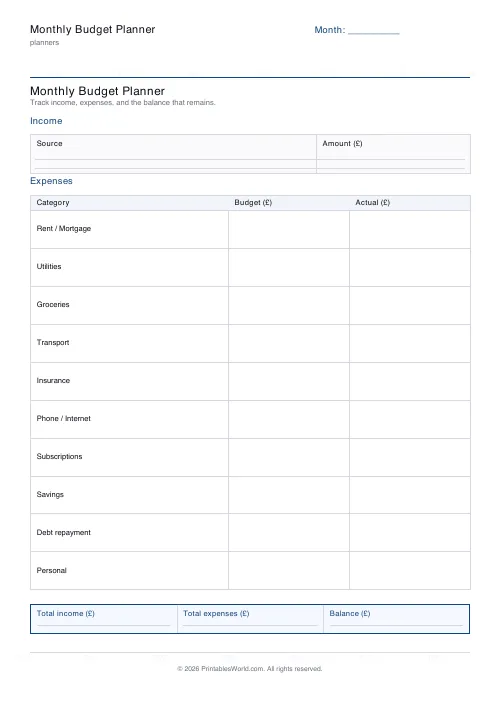
One-page printable budget: income, categorised expenses, balance summary.
Monthly Bill Tracker
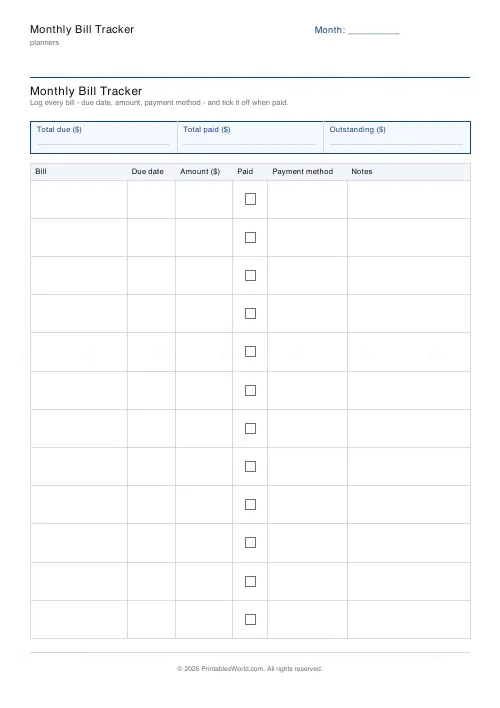
Printable bill tracker: due date, amount, paid check, payment method, notes.
Period & Cycle Tracker
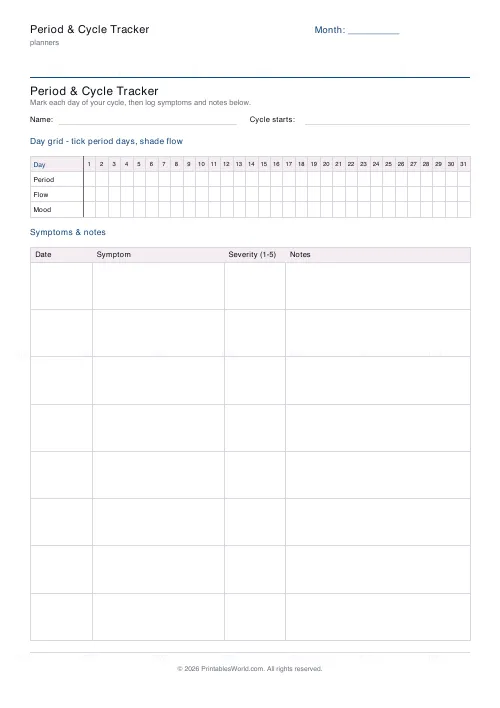
Printable period tracker: day grid for period, flow and mood, plus a symptoms and notes table.
Travel Itinerary & Packing List
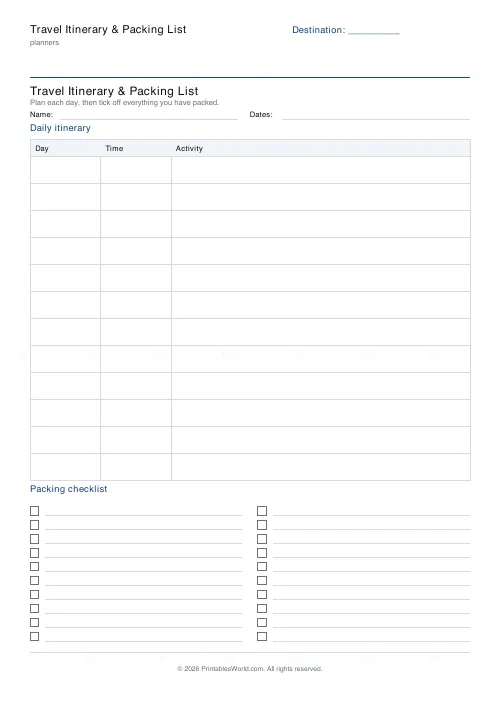
Printable travel planner: a day-by-day itinerary table plus a two-column packing checklist.
Further reading
Planners
ADHD-friendly planning: systems that work
Standard planners assume you will remember to open them. That single assumption is why they fail for a lot of ADHD brains. And what an ADHD-friendly system has to replace.
6 min read
Planners
Budgeting for beginners: the 50/30/20 rule explained
Half to needs, 30% to wants, 20% to savings and debt. A useful starting frame. And this covers what actually counts as which, plus what to do when the numbers do not fit.
5 min read
Planners
How to build a daily routine that actually sticks
Most routines fail in week two, when motivation runs out and nothing has replaced it. The fix is structural: fewer items, fixed anchors, and a plan for the day you miss.
6 min read