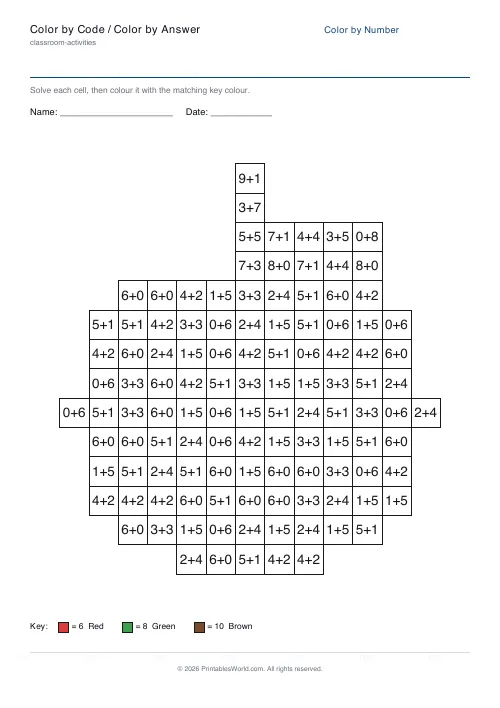
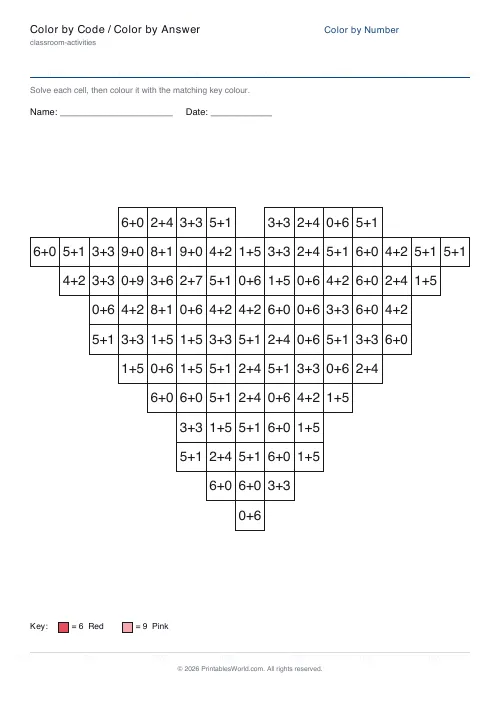
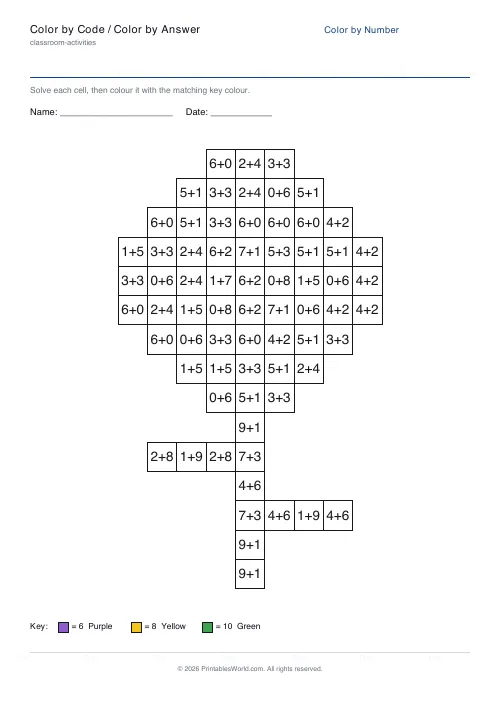
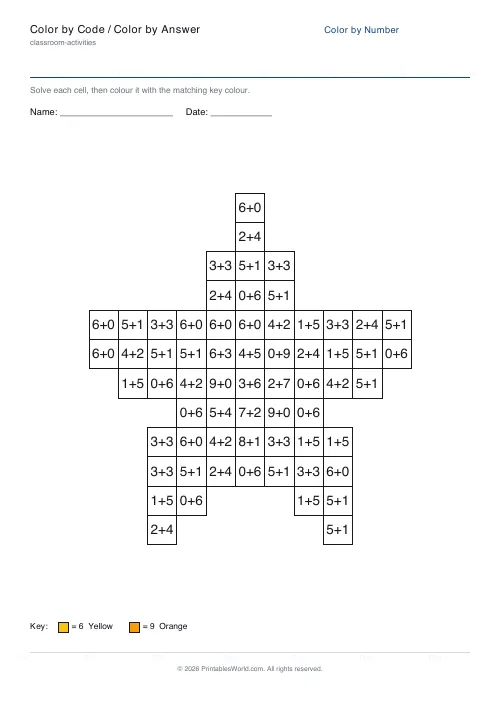
What this tool does
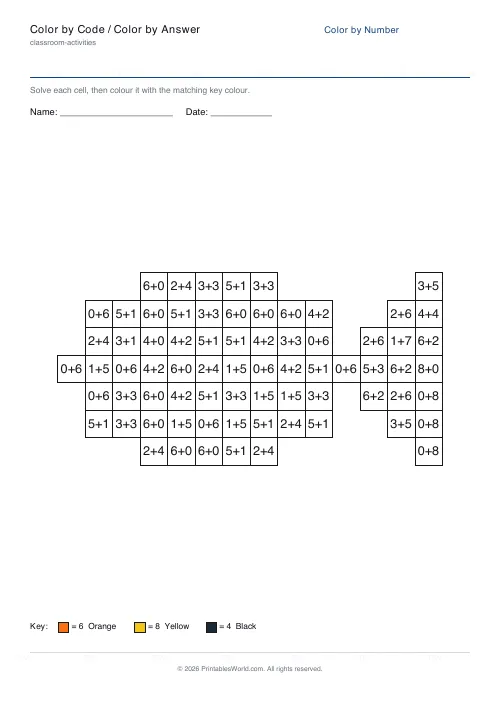
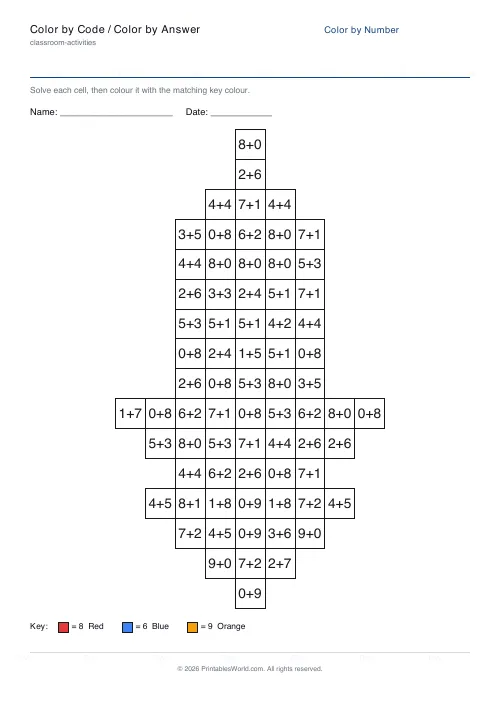
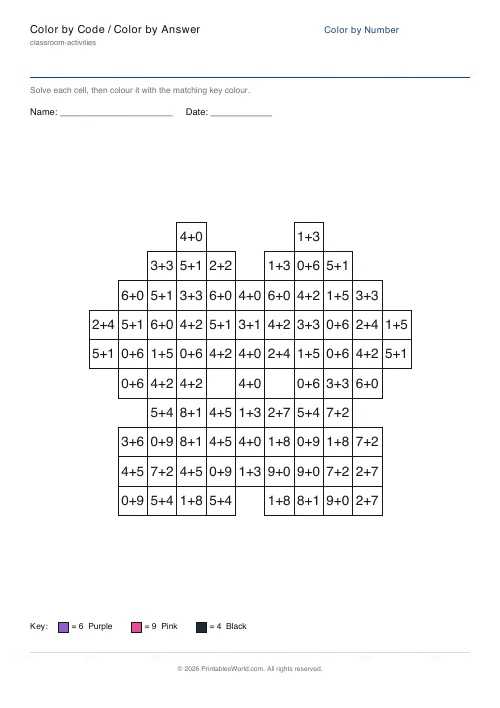
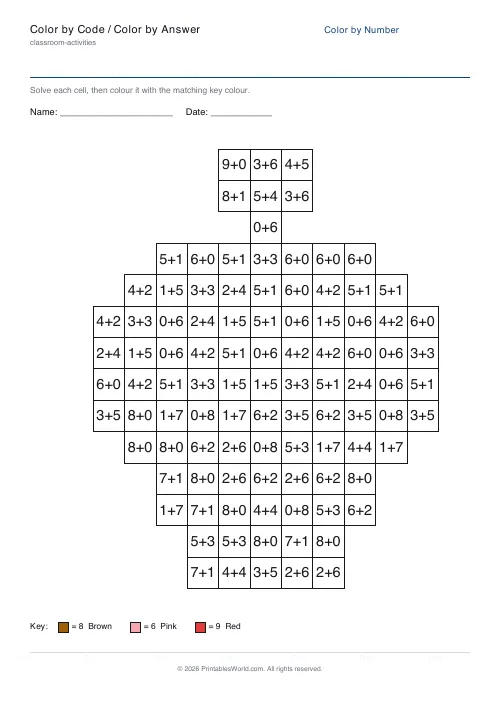
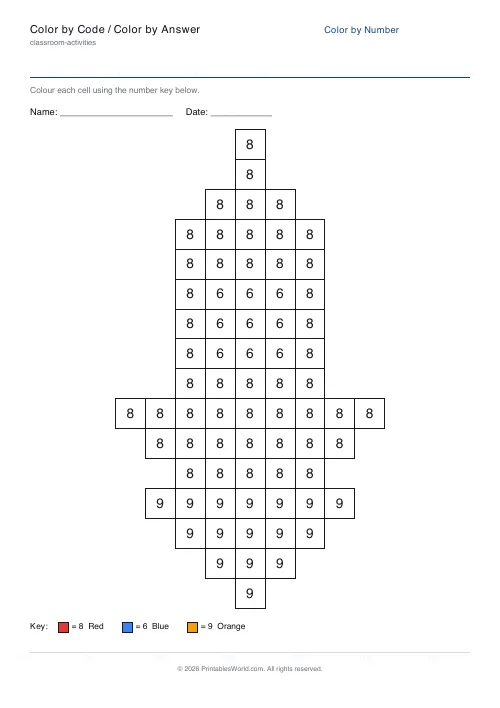
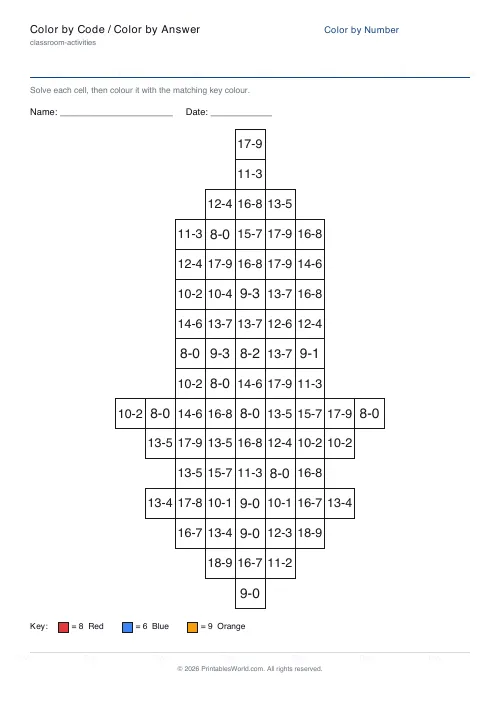
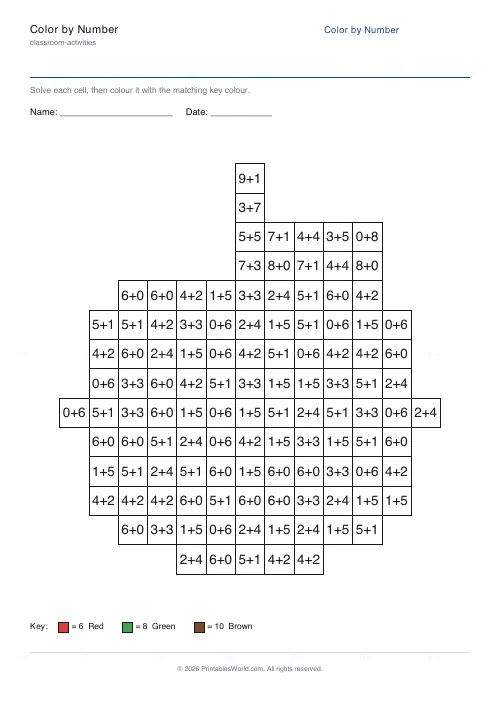
Printable color-by-code and color-by-answer worksheets. Every cell holds a small problem, and its answer is that cell's colour code. The child solves it, finds the answer in the key, and colours the cell. Finish the grid and a picture appears. Eight pictures to choose from, five ways to code a cell, and an optional answer key that prints the completed picture so marking takes seconds. Everything renders in your browser as a branded PDF for A4 or US Letter.
People also used
Color by Number Generator
Make printable color-by-number sheets. Numbers, sums, or sight words, with an answer key.
Coloring Page Maker
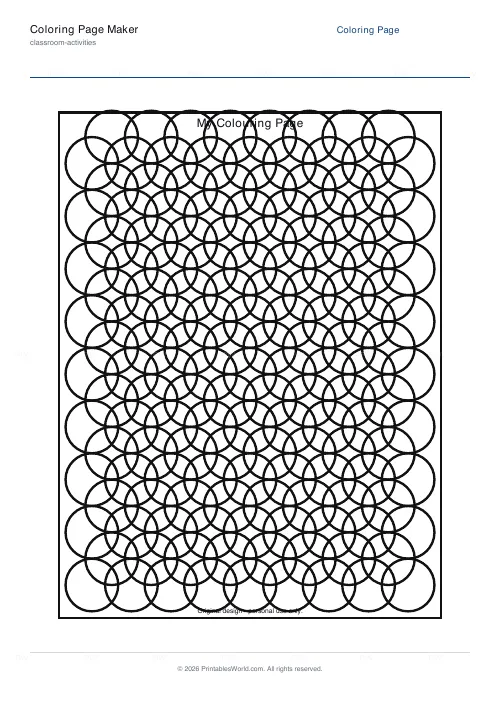
Create printable coloring pages with mandala, geometric, and animal templates in any line thickness.
Bingo Card Generator
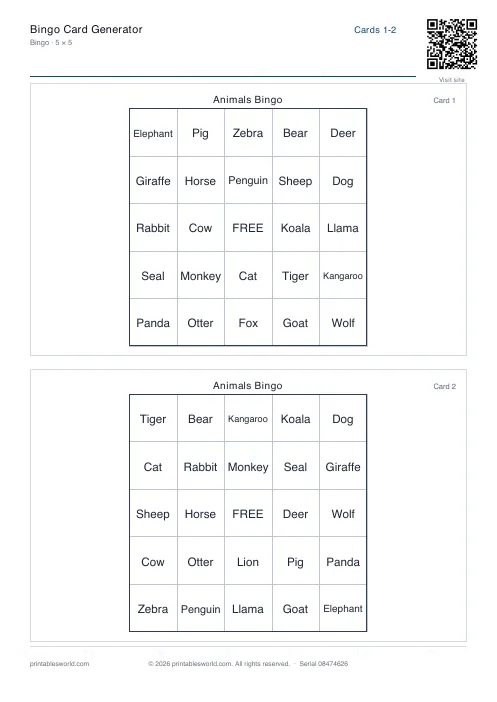
Generate unique printable bingo cards with custom words, FREE centre toggle, call sheet, and seeded shuffles.
Feedback
Spotted something off with this tool?
The answer is the colour
A colour-by-number sheet asks a child to match a digit to a swatch. This one prints a small problem in each cell instead, and the answer to that problem is the colour code. Solve, look up, colour.
That single extra step is where the maths lives. The picture underneath does not change and neither does the colouring, but the child now has to work out that the cell showing 3 × 4 is a twelve before they can find out what colour twelve is. Get the whole grid right and a picture appears, which is a reward the sheet earns rather than promises.
Five ways to code a cell
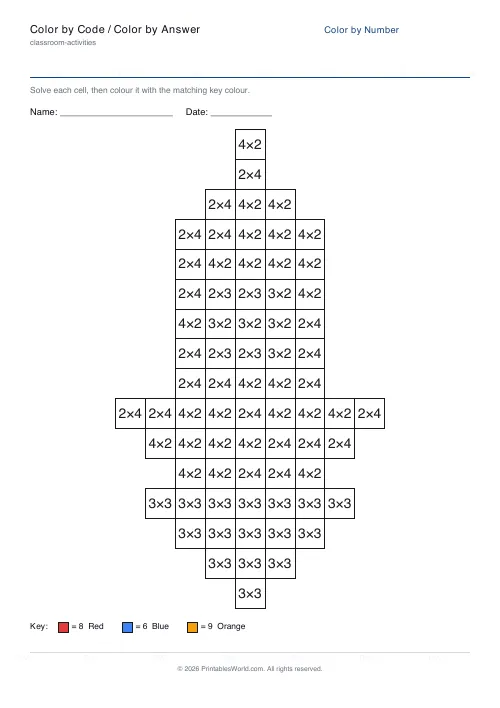
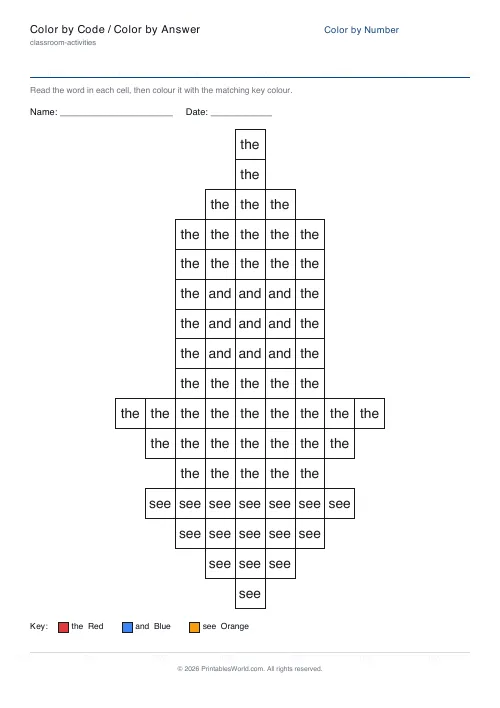
Plain numbers first, because the youngest children need the colouring to be the only task. Then addition, then subtraction, then multiplication as facts firm up. Sight words are the fifth and they do not involve arithmetic at all: the cell shows a word and the key maps words to colours, which turns the same picture into reading practice.
For addition and subtraction you set the largest number that can appear, anywhere from five to twenty, and it starts at nine. Multiplication ignores that and draws from each colour's own times table instead, so the difficulty there comes from which facts a colour needs rather than from a ceiling you pick.
Eight pictures, and the same seed every time
An apple, a heart, a flower, a star. A fish, a rocket, a butterfly, a cupcake. Or Random, which picks for you.
Each picture is stored as a grid of colour codes, with zero meaning leave that cell white. The generator then builds a problem for every non-blank cell whose answer equals that cell's code, drawing its numbers from a repeatable sequence. Which is why the same settings give you the same worksheet, every time, on any machine. Press Generate new and the picture stays put while a fresh set of problems is drawn over it, so a class can have thirty different sheets of the same rocket.
The answer key is the finished picture
It is off by default and worth turning on. What it prints is not a list of answers but the same grid filled with the palette colours, so marking is a matter of holding the two pages next to each other and looking for a cell that is the wrong colour. No reading required.
One key per teacher, not per child.
A Year 3 multiplication week
Pick the rocket, set the code type to multiplication, turn the answer key on. Every cell now holds a fact such as 3 × 4 or 6 × 2, and the product is the colour.
By the time the rocket is finished a child has rehearsed several dozen multiplication facts and has not once been told they were doing a test. Print one per child, one key for yourself, and use the same picture again on Friday with Generate new so the facts change and the familiarity does not.
Getting the difficulty right
Match the ceiling to what the group is actually working on rather than to their year. A sheet where every answer is under ten will be finished in silence; a sheet pitched two years high will be abandoned at cell four and you will not find out why.
Rotating the code type across a unit is the cheapest way to reuse one picture: addition one week, subtraction the next, multiplication when the facts are secure. Laminate a completed sheet as a colour reference for the class. And there is an Add to workbook button if you want several of these bound into a single themed pack rather than handed out loose.
FAQs
Quick answers
What is the difference between color by code and color by number?
In a color-by-number sheet each cell shows the colour's number and you just match it to the key. In a color-by-code (color-by-answer) sheet each cell shows a problem to solve, an addition, subtraction or multiplication fact, and the answer is the colour code. You solve first, then colour. Both reveal the same picture; the coded version adds maths practice.
Which code types can each cell show?
Addition, subtraction and multiplication problems whose answer is the colour code. You can also switch to plain numbers for the youngest children, or to sight words for reading practice. Every mode reveals the same picture.
Can I print an answer key?
Yes. Turn on the answer key and the PDF adds a second page showing the picture fully coloured with the palette colours. It always matches the worksheet exactly, which makes marking quick.
Will the same settings always make the same sheet?
Yes. The generator is deterministic. The same picture, code type, difficulty and seed always produce an identical worksheet. To draw a fresh set of problems for the same picture, click Generate new.
Can I print on A4 and US Letter?
Both. Choose your paper size in the settings and the live preview and PDF update to match. The grid is centred and scaled to fit either size cleanly.
Related tools
Color by Number Generator
Make printable color-by-number sheets. Numbers, sums, or sight words, with an answer key.
Coloring Page Maker
Create printable coloring pages with mandala, geometric, and animal templates in any line thickness.
Bingo Card Generator
Generate unique printable bingo cards with custom words, FREE centre toggle, call sheet, and seeded shuffles.
Printable Escape Room Kit
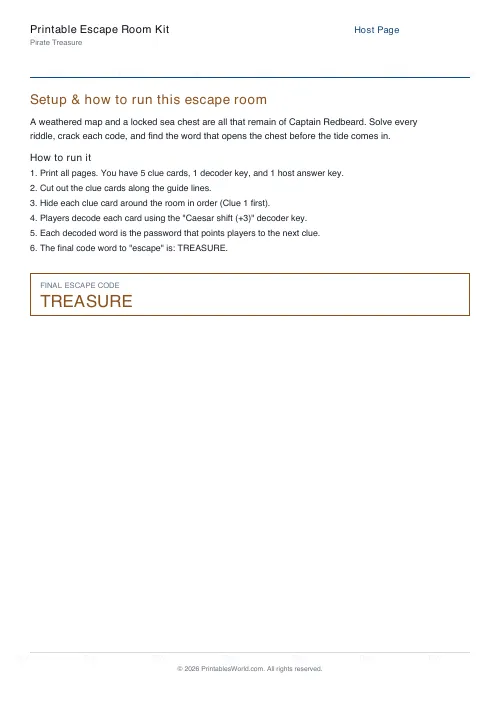
Print a ready-to-run escape room: themed clue cards, a cipher decoder key, and a host answer sheet.