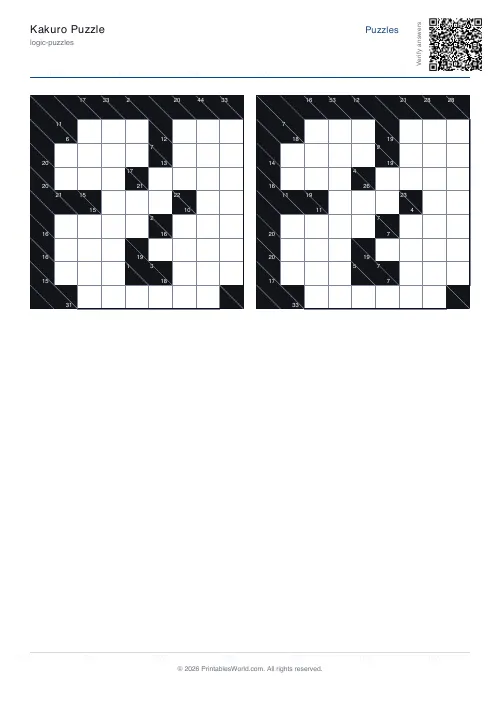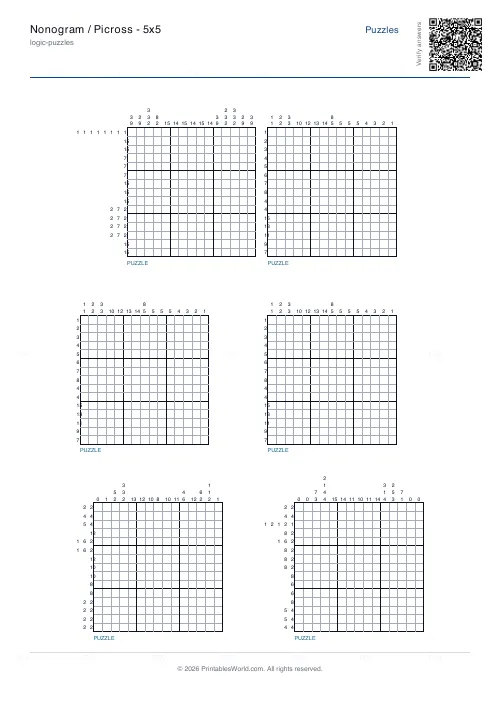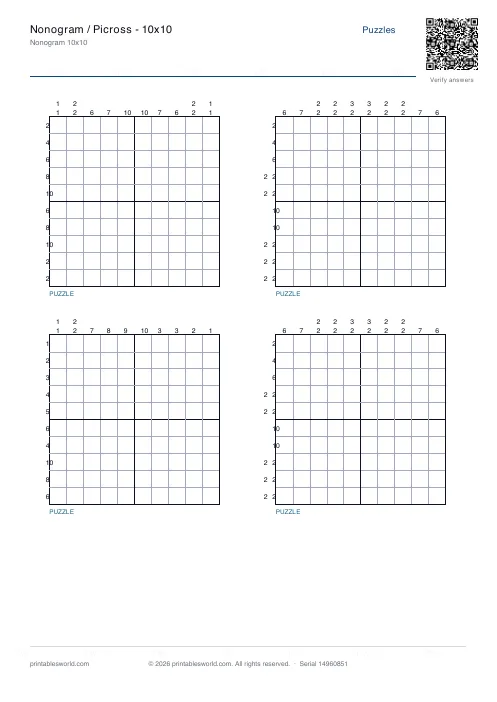
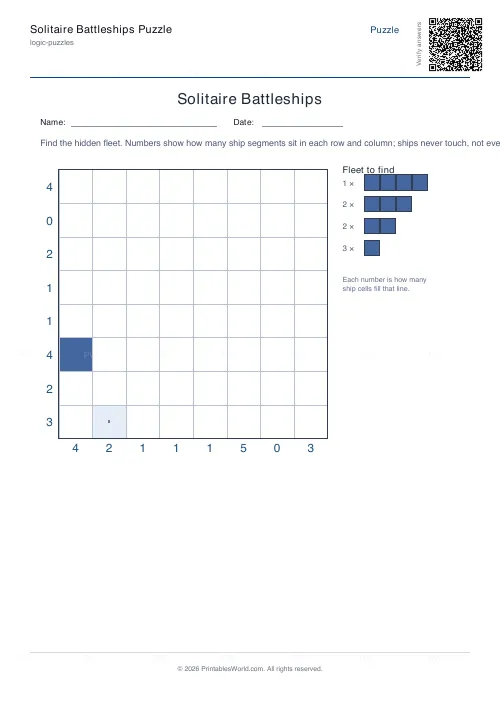
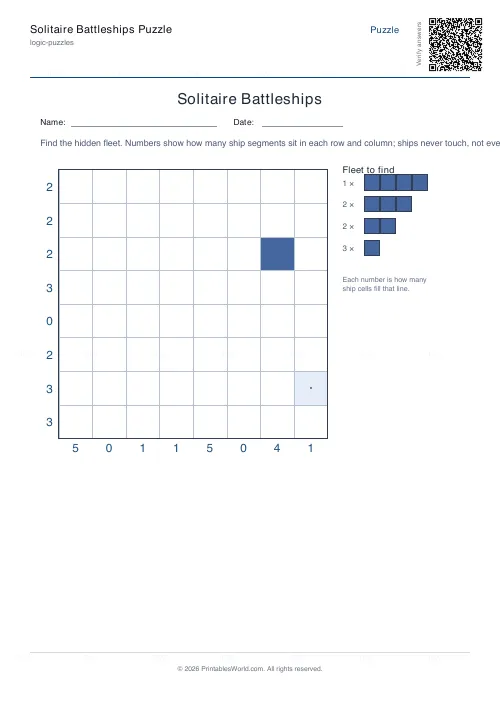
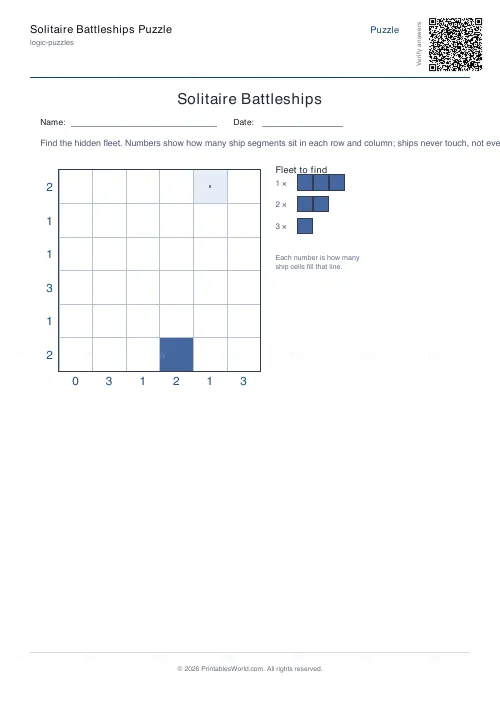
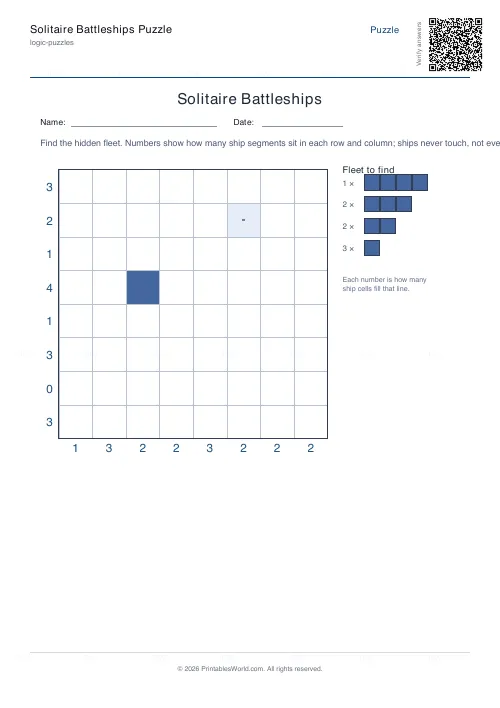
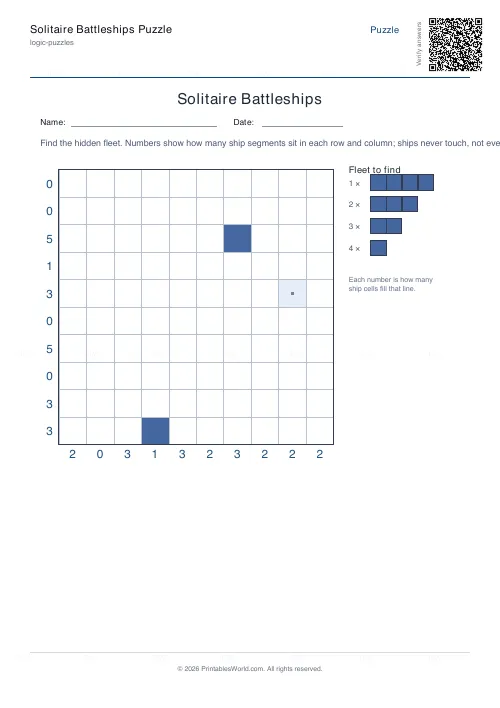
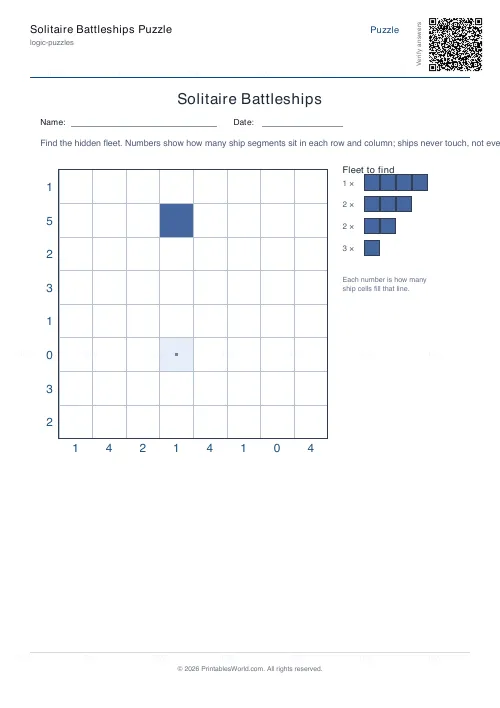
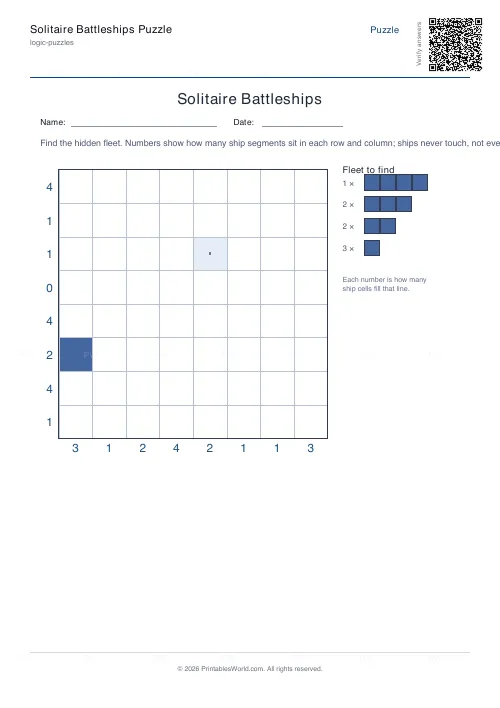
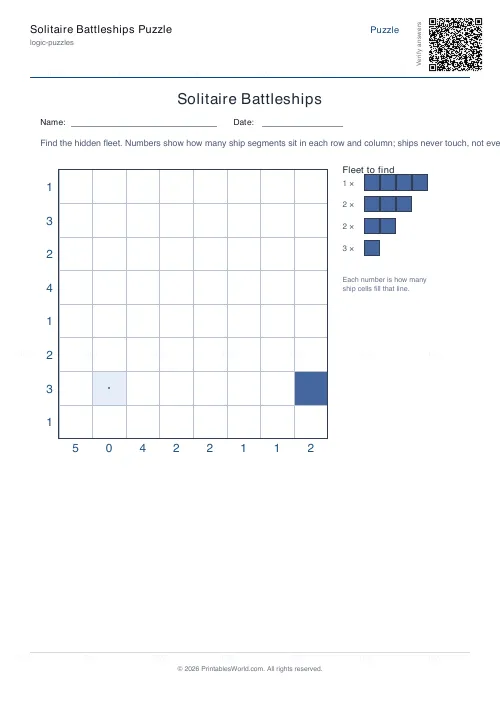
What this tool does
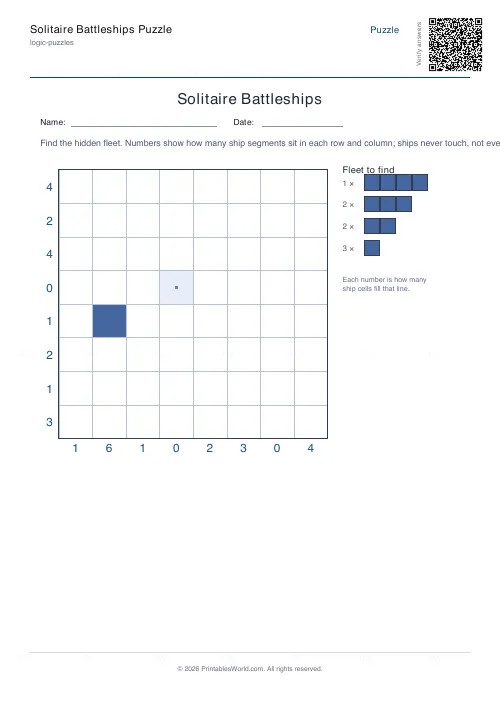
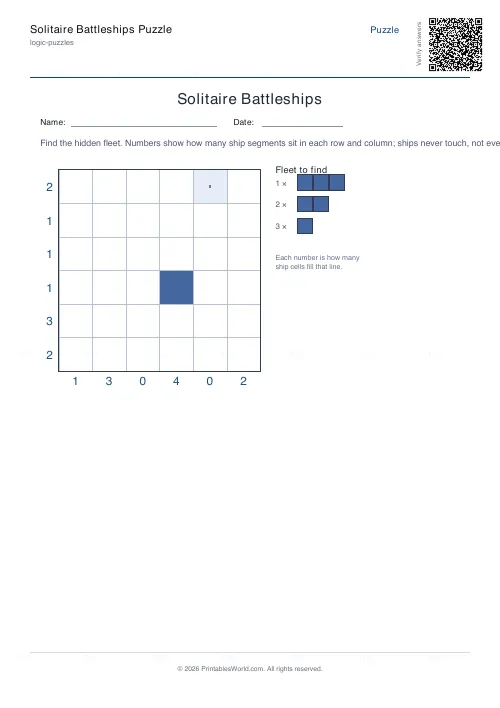
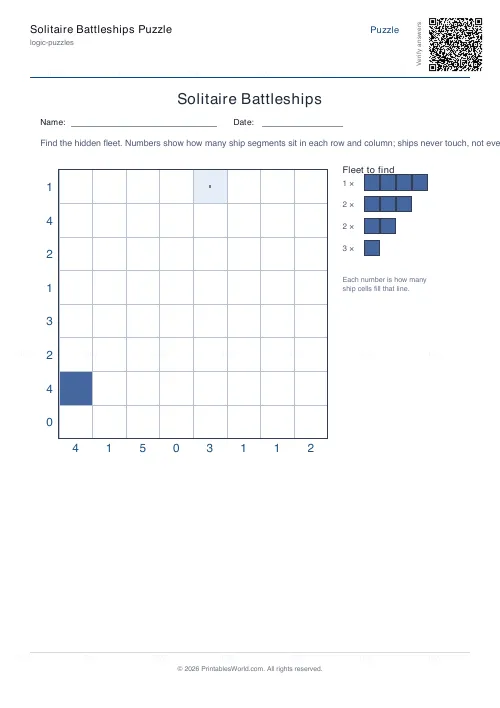
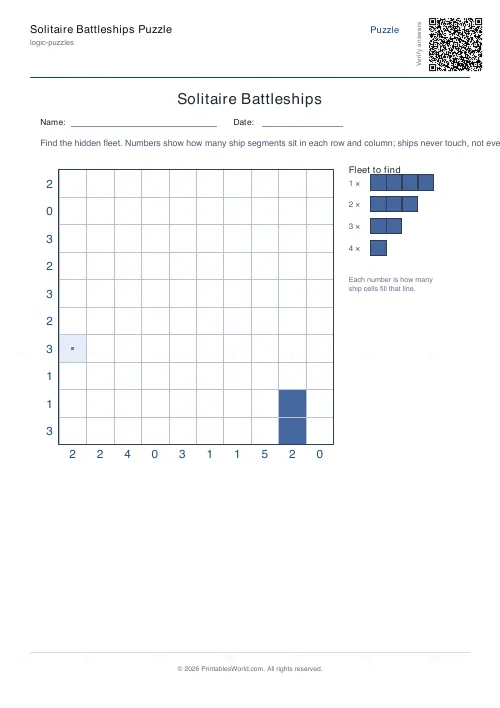
Generate printable Solitaire Battleships puzzles. A complete fleet is hidden on the grid; the numbers around the edge tell you how many ship segments sit in each row and column, and ships never touch. Choose the grid size, add a couple of revealed cells as a head-start, and print with an optional answer key.
People also used
Sudoku Generator
Generate printable Sudoku puzzles with six per page, multiple difficulty levels, and optional solutions.
Binary Puzzle Generator: Printable
Create printable binary logic puzzles (Takuzu/Binairo) with customisable grid sizes and difficulty levels.
Logic Grid Puzzle Generator: Printable
Create custom logic grid puzzles with your own categories, items, and clues. Print-ready PDFs in seconds.
Feedback
Spotted something off with this tool?
What is Solitaire Battleships?
Solitaire Battleships is a one-player logic puzzle based on the classic pen-and-paper game. Instead of guessing against an opponent, you are given a single grid with a whole fleet of ships hidden inside it, and your job is to work out exactly where every ship sits. The clues are the numbers printed along the edges: each number tells you how many ship segments lie in that row or column. A short list of revealed cells gives you a foothold to begin. Because the puzzle has one tidy solution, it rewards careful, step-by-step deduction rather than luck. Making it a satisfying companion to Sudoku and Nonograms.
This generator builds a fresh puzzle every time. It first lays out a complete, valid fleet, then counts the segments in each row and column to produce the clues, so the puzzle and its answer key are always perfectly consistent.
The rules of the fleet
A few simple rules make the puzzle solvable by pure reasoning. First, the fleet is fixed and shown in the legend. For example one four-cell battleship, a couple of three-cell cruisers, some two-cell destroyers and several single submarines. Every ship must appear exactly once in the quantity shown. Second, ships are straight lines of cells, placed either horizontally or vertically; they are never bent or diagonal. Third, and most importantly, no two ships may touch each other, not even at a corner. Every ship is therefore surrounded by water on all sides, which is the key fact that lets you rule cells in and out. Finally, the row and column numbers must match the finished grid exactly: if a row says three, precisely three of its cells are ship.
How to solve it
Start with the extremes. A row or column whose number equals the grid width must be completely full, and one marked zero must be entirely water. Shade those in straight away. Use the no-touching rule aggressively: as soon as you know a cell is part of a ship, every diagonally adjacent cell must be water, which often forces neighbouring rows and columns. Cross-reference the counts: if a column needs only one more segment and only one cell remains that is not already ruled out, that cell must be a ship. Keep an eye on the fleet legend too. Once you have found the longest ship, you can stop looking for another of that size, which narrows the remaining possibilities. Mark water cells as confidently as ship cells; knowing where ships cannot go is just as powerful.
Choosing a grid size
Smaller grids carry a lighter fleet and make a gentle introduction for newcomers and younger solvers, while larger grids pack in more ships and demand more bookkeeping. Pick a size to match the solver and the time available: a small grid is a quick coffee-break puzzle, and a larger one is a proper sit-down challenge. Each size comes with a fleet scaled to fit, shown in the legend on the puzzle page so you always know exactly what you are hunting for.
Printing and classroom use
Every sheet prints on A4 or US Letter through the same branded template, with an optional Name and Date row for classroom sets and an optional answer key on a second page for quick marking. Because each generation is unique, you can hand a different puzzle to every pupil or print a stack for a puzzle club. Battleships is a friendly way to build the same skills Sudoku and logic grids develop, careful elimination, constraint-checking and patient reasoning, without any arithmetic, so it suits a wide range of ages.
FAQs
Quick answers
How do the row and column numbers work?
Each number printed along the edge of the grid tells you how many cells in that row or column are occupied by ship segments. The total of all the row numbers always equals the total of all the column numbers, which is the number of ship cells in the whole fleet.
Can ships touch each other?
No. Ships must never touch, not even diagonally at a corner. Every ship is completely surrounded by water. This rule is the main tool you use to rule cells in and out as you solve.
Is there an answer key?
Yes. Toggle the answer key on and the PDF adds a second page showing the complete fleet shaded in, so you can check your solution or mark a class set in seconds.
Will every puzzle be different?
Yes. Each generation lays out a fresh fleet, so you can print a unique puzzle for every solver. Press Generate New to reshuffle the preview, or enter a seed to reproduce the same puzzle again.
Related tools
Sudoku Generator
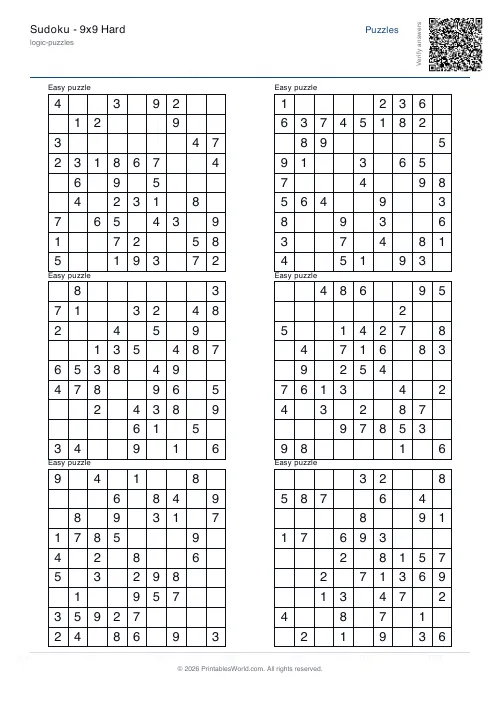
Generate printable Sudoku puzzles with six per page, multiple difficulty levels, and optional solutions.
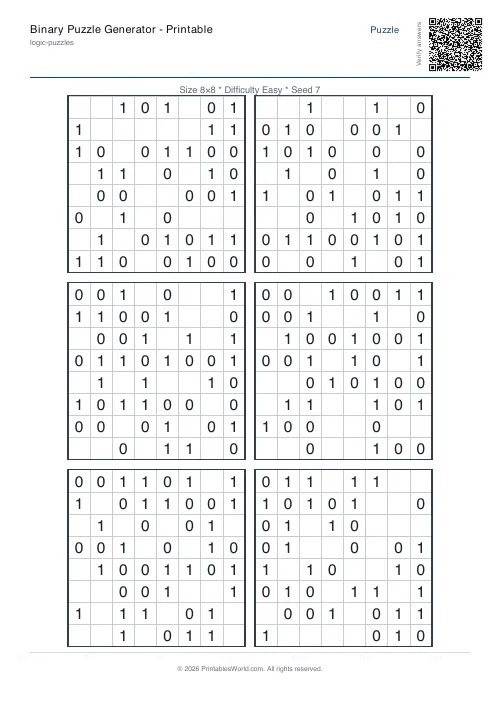
Binary Puzzle Generator: Printable
Create printable binary logic puzzles (Takuzu/Binairo) with customisable grid sizes and difficulty levels.
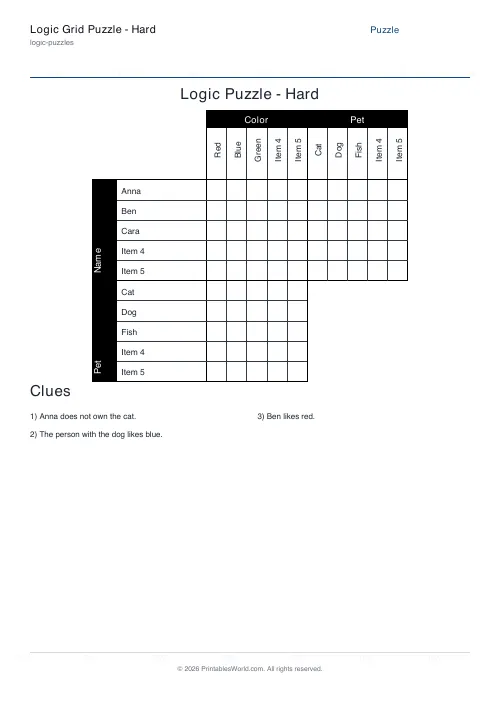
Logic Grid Puzzle Generator: Printable
Create custom logic grid puzzles with your own categories, items, and clues. Print-ready PDFs in seconds.
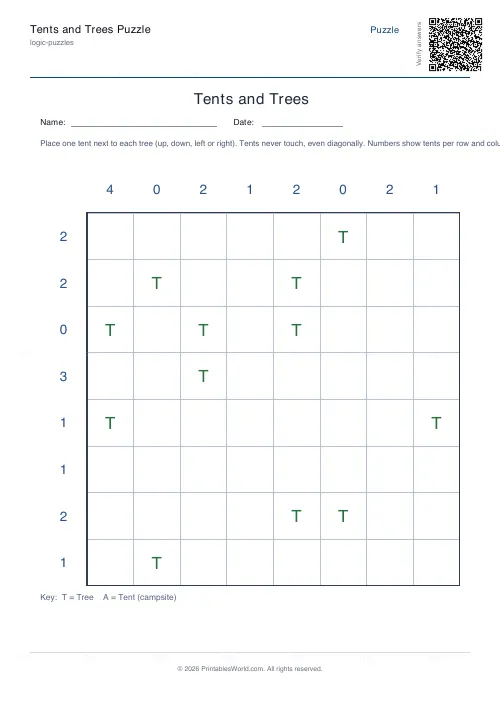
Tents and Trees Puzzle
Pitch one tent beside every tree using the row and column clues.
Further reading
Logic Puzzles
The benefits of logic puzzles for developing brains
Logic puzzles teach deduction and persistence, which are worth having. The claim that they make children generally smarter is weaker than the marketing suggests.
5 min read
Puzzles & Brain Games
Printable brain games for seniors: a free puzzle pack
A free printable puzzle pack for older adults, with a sample seven-day plan, large-print and easier-difficulty tips, and how to use the Logic Puzzles collection.
7 min read
Logic Puzzles
Kakuro, killer sudoku and other number puzzles explained
If sudoku has stopped being a challenge, these are the natural next steps. And unlike sudoku, most of them genuinely involve arithmetic.
5 min read