What this tool does
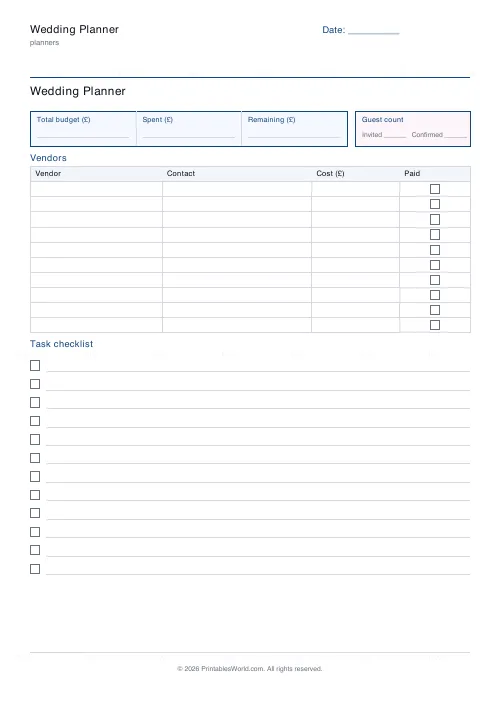
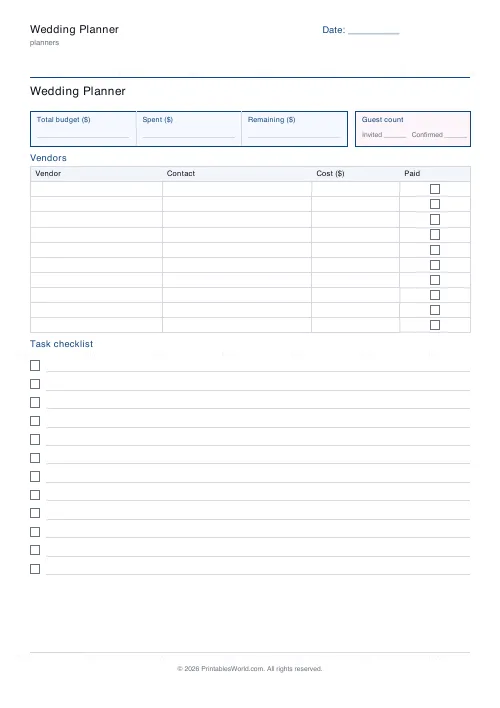
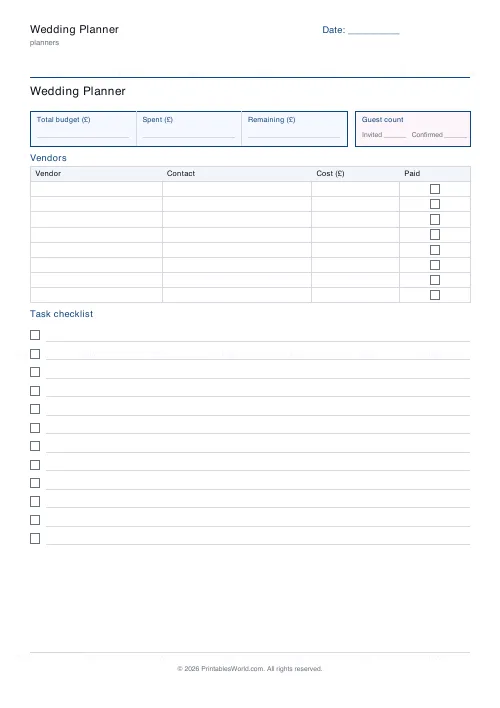
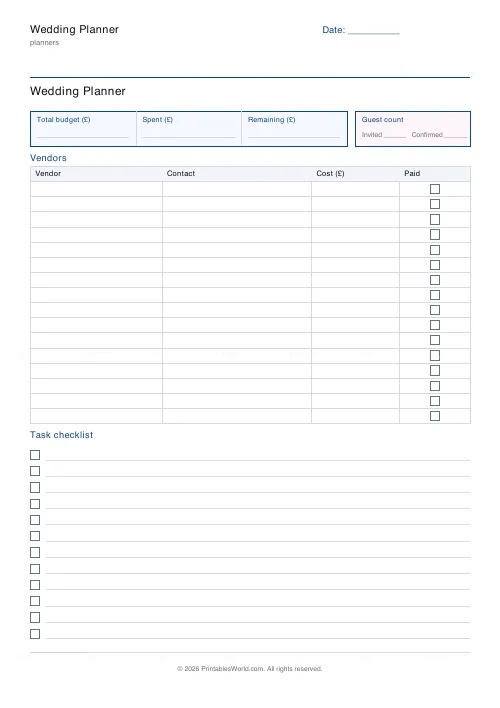
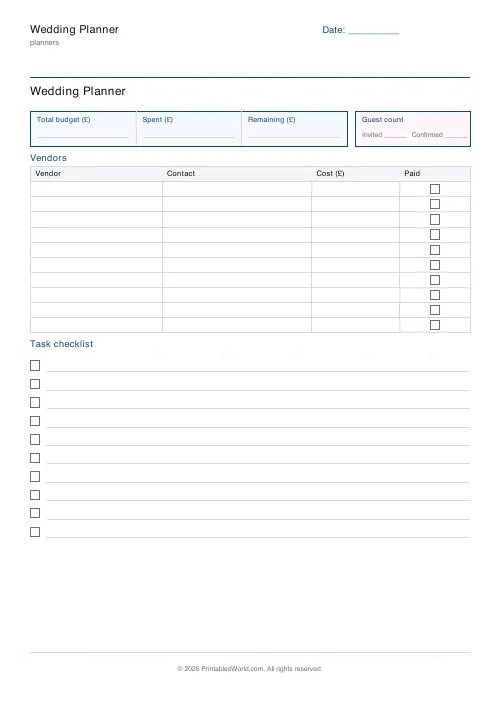
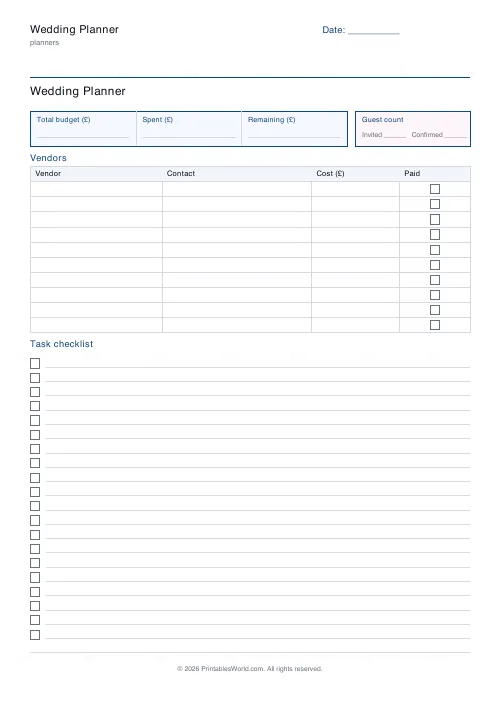
A wedding sheet with the date in the corner: a vendor table with costs, and a task checklist. 6 to 16 vendor rows, 8 to 20 tasks, with the money in sterling, dollars or euros.
People also used
Monthly Budget Planner
One-page printable budget: income, categorised expenses, balance summary.
Monthly Bill Tracker
Printable bill tracker: due date, amount, paid check, payment method, notes.
Savings Goal Tracker
Goal-based printable savings tracker with 10-segment progress bar and month-by-month deposits.
Feedback
Spotted something off with this tool?
Vendors and tasks
The wedding date prints in the top-right. Below it, a vendor table with a cost column, and a checklist of tasks — six to sixteen vendors, eight to twenty tasks, sized to whatever kind of wedding you are having.
The vendor table is the money
Almost the whole budget sits in a handful of suppliers. So does almost every overrun.
Write the quoted figure against each one as you book, not the figure you hoped for. Then add the two things quotes routinely exclude: VAT, and travel or overnight costs for anyone coming from a distance. A photographer's day rate and a photographer's invoice are frequently different documents.
Note the deposit and the balance date beside each. Deposits are usually non-refundable, and the balances tend to cluster in the last fortnight, which is the point at which people discover the cashflow problem.
Book in the right order
Venue and date first, because everything else prices and schedules off them. Then whoever is in shortest supply for your date — typically photographer, then catering if the venue does not provide it, then music.
Everything else has more slack in it than the internet suggests. Flowers can wait. So can the cake, the stationery, the transport — and waiting sometimes improves the price.
The checklist wants deadlines
Not a list of jobs. A list of jobs with dates against them.
Legal notice periods are the ones that catch people: in England and Wales you must give notice at a register office and there is a statutory waiting period, and the rules differ in Scotland, Northern Ireland and everywhere else. Check yours early, because it is the one item on the sheet that cannot be hurried with money.
Others with real lead times: dress alterations, suit hire, invitations to be printed and posted, final numbers to the caterer, seating plan, and anything requiring a licence or a permission.
Print it and take it with you
Venue visits and supplier meetings are where details get agreed, and then forgotten. A sheet written on in the room is worth a great deal more than anybody's memory of the conversation, and it means the second visit picks up where the first one finished rather than going over the same ground.
One sheet, one couple
Fill it in together. A wedding planned by one person is a wedding one person is responsible for, and that is the commonest source of the arguments this is meant to prevent.
Related: the party and event planner for a smaller occasion, and the sinking funds tracker for saving towards it.
FAQs
Quick answers
What goes in each part of the page?
A budget summary (total, spent, remaining), a guest-count box (invited and confirmed), a vendor table (vendor, contact, cost, paid tick box) and a task checklist with tick boxes.
How many vendors and tasks can I list?
Choose 6 to 16 vendor rows and 8 to 20 checklist tasks. The page adjusts so everything fits on a single sheet.
Which currencies are supported?
GBP (£), USD ($) and EUR (€). The chosen symbol appears in the budget summary and vendor cost headers.
Is it a fillable PDF or a print-and-write template?
It is a print-and-write template. You fill it in by hand, so none of your wedding details are stored anywhere. Print at 100% scale so the tick boxes stay square.
Related tools
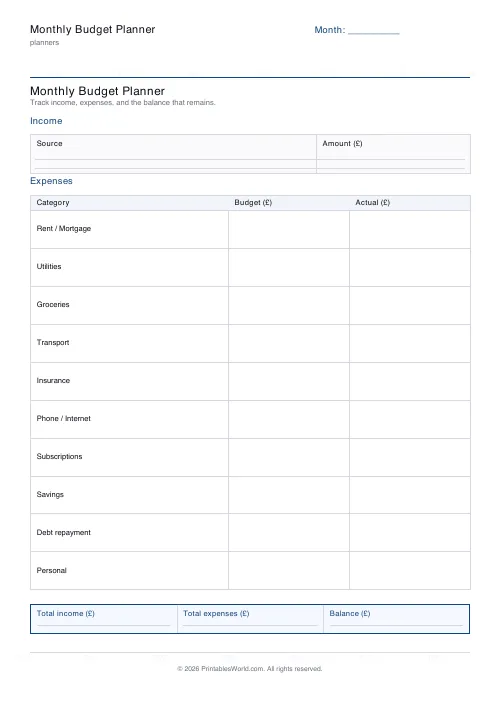
Monthly Budget Planner
One-page printable budget: income, categorised expenses, balance summary.
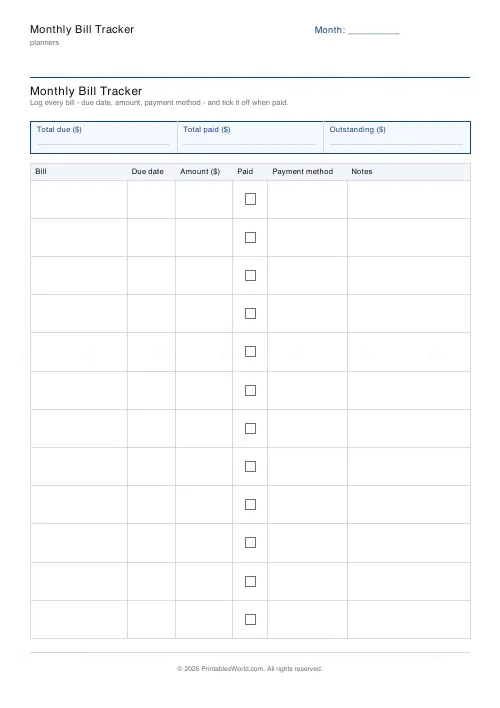
Monthly Bill Tracker
Printable bill tracker: due date, amount, paid check, payment method, notes.
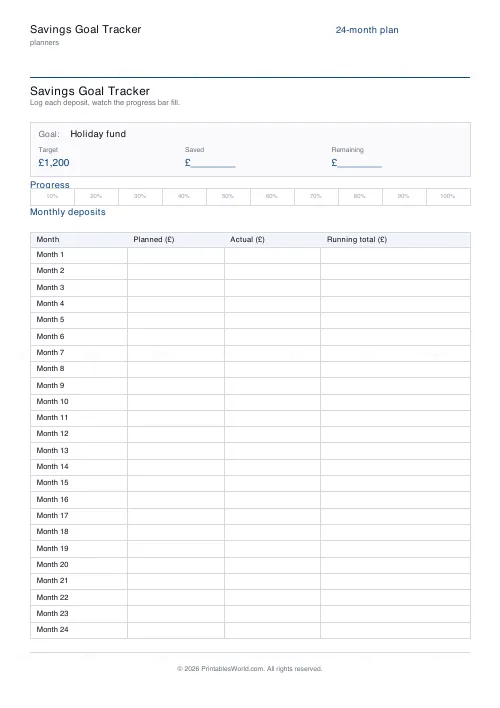
Savings Goal Tracker
Goal-based printable savings tracker with 10-segment progress bar and month-by-month deposits.
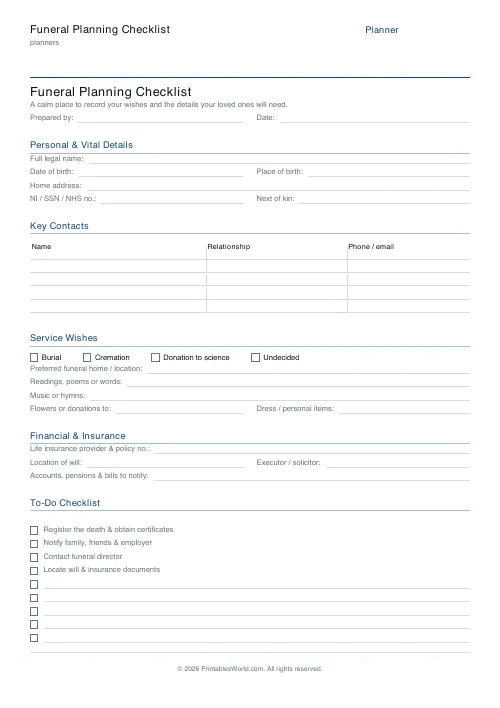
Funeral Planning Checklist
A calm one-page organiser for end-of-life wishes, contacts and arrangements.
Further reading
Planners
ADHD-friendly planning: systems that work
Standard planners assume you will remember to open them. That single assumption is why they fail for a lot of ADHD brains. And what an ADHD-friendly system has to replace.
6 min read
Planners
Budgeting for beginners: the 50/30/20 rule explained
Half to needs, 30% to wants, 20% to savings and debt. A useful starting frame. And this covers what actually counts as which, plus what to do when the numbers do not fit.
5 min read
Planners
Time blocking for beginners: a complete guide
Time blocking is deciding when each task happens, not just what. Here is how to size blocks realistically, what to do when the day breaks, and why most beginners over-schedule.
5 min read