What this tool does
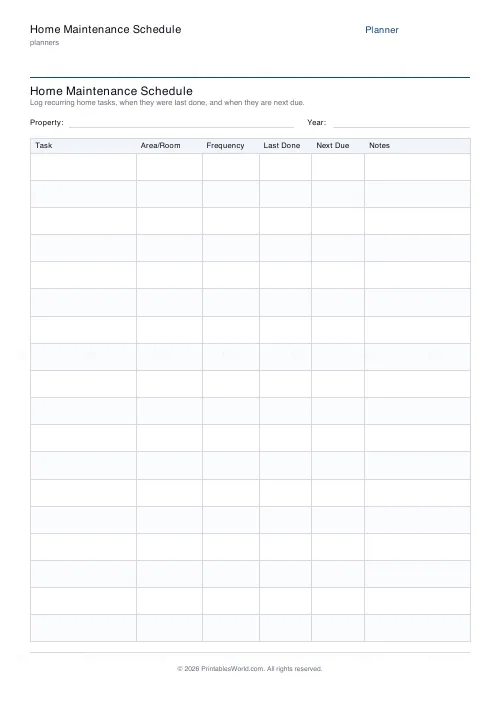
A house maintenance schedule: task, area or room, frequency, last done, next due, notes. 12 to 24 rows, optionally split into four seasonal groups.
People also used
Feedback
Spotted something off with this tool?
Six columns
Task. Area or room, frequency, last done, next due, notes. Eighteen rows by default, twelve to twenty-four available.
Turn on seasonal grouping and the rows split into four banded sections — spring, summer, autumn, winter — which is how most household maintenance actually falls.
Last done is the column that matters
Frequency without a date is an aspiration. "Annually" says nothing at all about whether the thing is due this month or was done a fortnight ago.
Write the date you did it and the date it is next due, and the sheet answers the question by itself. That is the whole mechanism, and it is why a maintenance list without those two columns gets read once and then ignored.
What belongs on it
The annual ones first, because they are the ones that get missed. Boiler service, gutter clearing, chimney sweep if you have one, smoke and carbon monoxide alarm tests, bleeding radiators before the heating goes on.
Then the seasonal: outside taps off before the first frost, garden furniture in, filters and vents, drains. Then the occasional but consequential — roof and flashing checked from the ground with binoculars, sealant round the bath, the loft looked at after a storm.
Include the boring ones. Descaling a kettle is not interesting, and neither is checking the mastic round a bath, and both are a great deal cheaper than what eventually happens if nobody does either.
Cheaper than the alternative
This is an economic argument, not a tidiness one.
A gutter cleared for the price of an afternoon prevents a damp wall that costs a great deal more; a boiler serviced annually is a boiler that keeps its warranty and does not fail in February. Almost every large domestic repair bill started as a small maintenance job that nobody had written down anywhere.
Seasonal grouping
Turn it on if you want the sheet to work as a calendar rather than a register. Each band becomes a weekend's worth of jobs.
Leave it off if your list is mostly monthly and quarterly items, where the seasons are not the organising idea.
Renting, and selling
Tenants benefit too. A dated record of when a problem was reported is exactly what you want if a repair drags on, and the notes column is where that goes.
Sellers: keep the completed sheets. Documented maintenance reassures a buyer in the same way a service history reassures someone buying a car, and it costs nothing to have kept.
Related: the car maintenance log works the same way for a vehicle.
FAQs
Quick answers
How many maintenance tasks can I list on one page?
Between 12 and 24 rows per sheet. The default of 18 covers most households; the engine scales row heights so there is always comfortable writing space.
What does each column track?
Six columns: Task, Area/Room, Frequency, Last Done, Next Due and Notes. Together they turn a list of jobs into a dated schedule.
Can I group tasks by season?
Yes. Turn on "Group by season" and the rows are split into Spring, Summer, Autumn and Winter bands so seasonal jobs stay together.
Is this a fillable PDF?
No. It prints as a clean worksheet you fill in by hand. That keeps it universal, works offline, and needs no PDF editor.
How do I work out the Next Due date?
Write the date you finished a task in Last Done, then add its frequency (monthly, quarterly, annually) to fill in Next Due. It is a manual schedule, not an automatic reminder.
Which paper sizes are supported?
A4 and US Letter. Print at 100% scale to keep the six columns aligned across the page.
Can landlords use it for rental properties?
Yes. Rename the title for each property and keep the printed sheets in a folder as a maintenance history for compliance and handovers.
Related tools
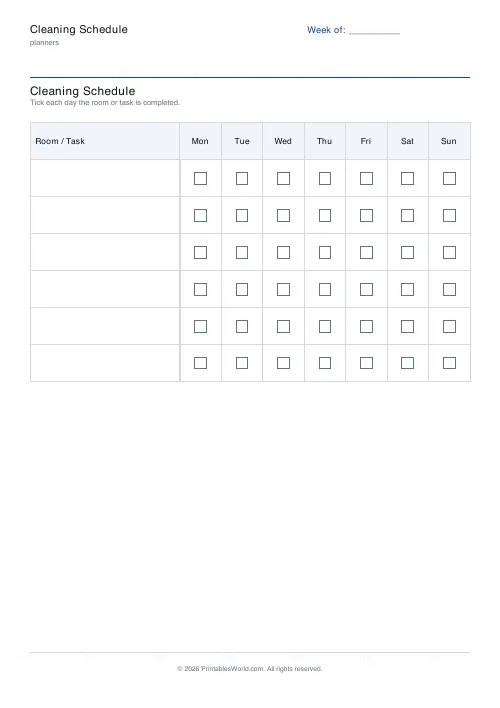
Cleaning Schedule
Print a weekly cleaning schedule grid with custom rooms and tasks across Monday to Sunday.
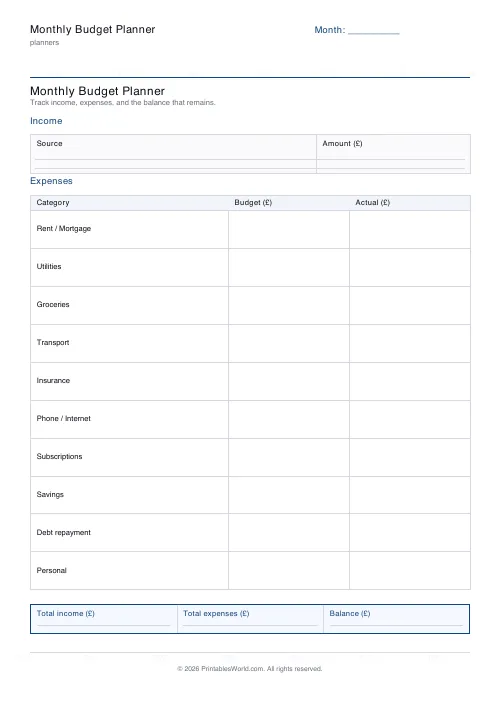
Monthly Budget Planner
One-page printable budget: income, categorised expenses, balance summary.
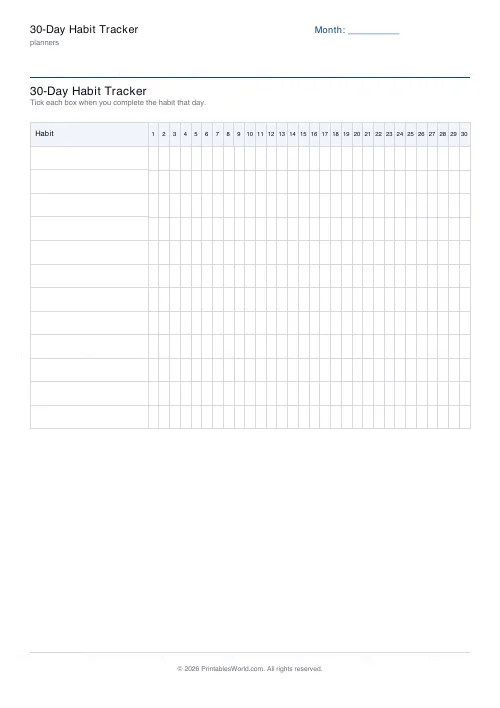
30-Day Habit Tracker
A printable 30-day habit grid to tick off every morning. One row per habit.
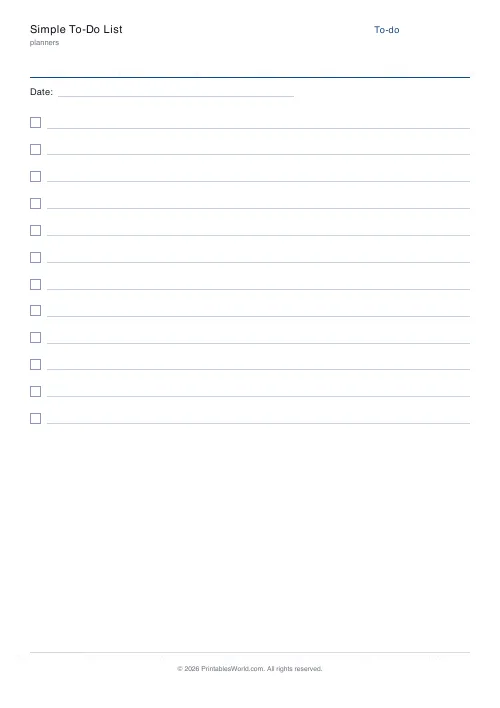
Simple To-Do List
Minimal printable to-do list with tick boxes and a configurable item count.
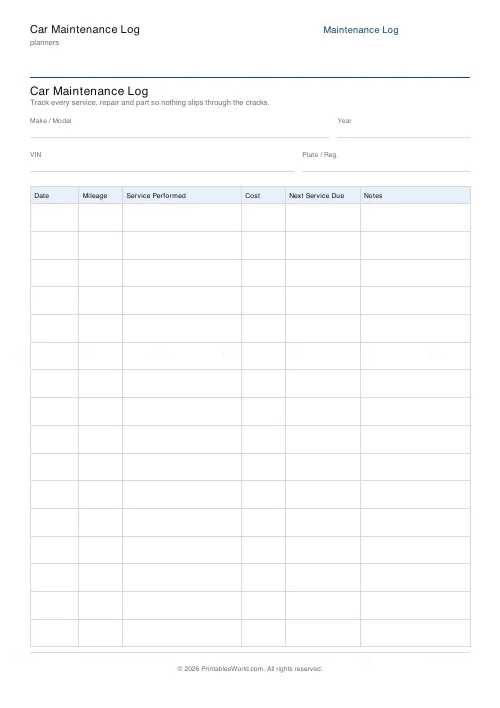
Car Maintenance Log
One-page printable service log: vehicle details plus a dated maintenance history table.
Further reading
Planners
Time blocking for beginners: a complete guide
Time blocking is deciding when each task happens, not just what. Here is how to size blocks realistically, what to do when the day breaks, and why most beginners over-schedule.
5 min read
Planners
Study planning for exams: a student's complete guide
A revision timetable is only as good as what goes in the slots. Here is how to build one backwards from the exam date, and which study methods the evidence actually supports.
5 min read
Planners
How to pay off debt faster with a payoff tracker
One method costs less; the other is easier to stick to. Here is how to choose between them honestly, and why a visual tracker changes the odds either way.
5 min read