What this tool does
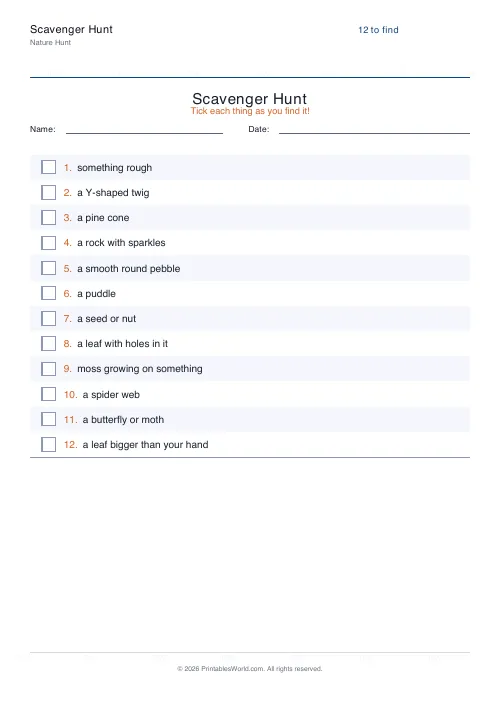
A printable scavenger hunt checklist drawn from seven themed word banks. Nature, park, beach. Indoor, classroom, city, holiday. Set how many items you want, up to forty, and print a numbered tick-box list with optional name and date fields and a where-and-notes column. Generate New reshuffles the bank for a completely different hunt.
People also used
Bingo Card Generator
Generate unique printable bingo cards with custom words, FREE centre toggle, call sheet, and seeded shuffles.
Would You Rather Cards
Printable dilemma cards. Two tempting or awkward options, and a reason required.
Coloring Page Maker
Create printable coloring pages with mandala, geometric, and animal templates in any line thickness.
Feedback
Spotted something off with this tool?
A list of things to find, on a clipboard
Numbered rows, generous tick boxes, and items pulled from a themed bank. Twelve by default, anything up to forty.
The items are written to be findable rather than generic. A nature hunt asks for a leaf bigger than your hand, a Y-shaped twig, something that makes a sound in the wind. That is a different instruction from find a leaf, because it makes a child look at leaves rather than pick up the first one.
Seven word banks
- Nature. Pebbles, feathers, pine cones, moss, footprints. Woodland and garden.
- Park. Swings, ducks, benches, the things a playground actually contains.
- Beach. Shells, driftwood, rock pools.
- Indoor. A rainy-day hunt around the house, which is the one that gets used most and is nobody's first choice.
- Classroom. Rulers, maps, plants, everyday objects.
- City. Postboxes, street signs, landmarks, for a walk through a town.
- Holiday. Festive decorations and seasonal things.
Match the bank to where you actually are. A nature list handed out on a city street produces a frustrated child and an adult improvising.
The notes column changes the age it suits
Off by default. Turn it on and each item gets a line beside it for where it was found.
With tick boxes alone, this is a five-year-old's activity: spot it, tick it, move on. With the notes column it becomes a recording task, and a nine-year-old who has to write down where they saw the spider web is looking more carefully and remembering more of the walk. Same sheet, two different activities, one toggle.
Name and date fields are on by default, which matters the moment more than one child is holding a clipboard.
Reshuffling is the point
Press Generate New and the list is redrawn from the bank. Different items, same theme.
So you can hand slightly different lists to different children, which stops the hunt turning into one child finding everything and the rest following. You can run the same theme again next month without it being the same walk. And a stack printed in advance costs nothing to keep in a drawer for the afternoon the weather turns.
Where they get used
Keeping small legs moving on a family walk, which is the honest reason most of these get printed. A birthday party activity that runs itself while the adults get the food out. A screen-free brain break in a classroom that has stopped concentrating.
Clipboards help more than they should. A child with a clipboard is on a mission; a child with a loose sheet of paper is holding a sheet of paper.
FAQs
Quick answers
Is this scavenger hunt generator free?
Yes. Generate as many themed scavenger hunt sheets as you like and download or print them for free, at home or in the classroom.
Can I get a different hunt each time?
Yes. Items are drawn from a built-in word bank using a shuffle, so pressing Generate New gives you a fresh selection. Pick a theme to keep every list on the same topic.
Which themes can I choose from?
Nature, park, beach, indoor, classroom, city and holiday. Each theme has its own age-appropriate word bank of things to find.
Can I add somewhere to write notes?
Yes. Turn on the notes column to add a 'where / notes' line beside each item, which is handy for older hunters recording where they spotted things.
Related tools
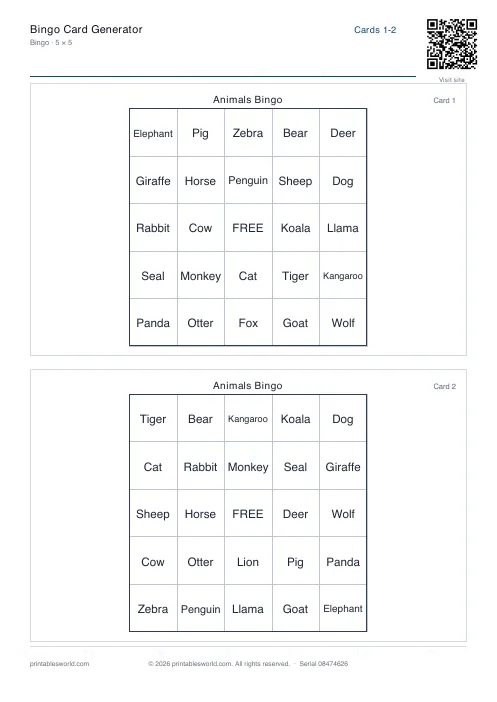
Bingo Card Generator
Generate unique printable bingo cards with custom words, FREE centre toggle, call sheet, and seeded shuffles.
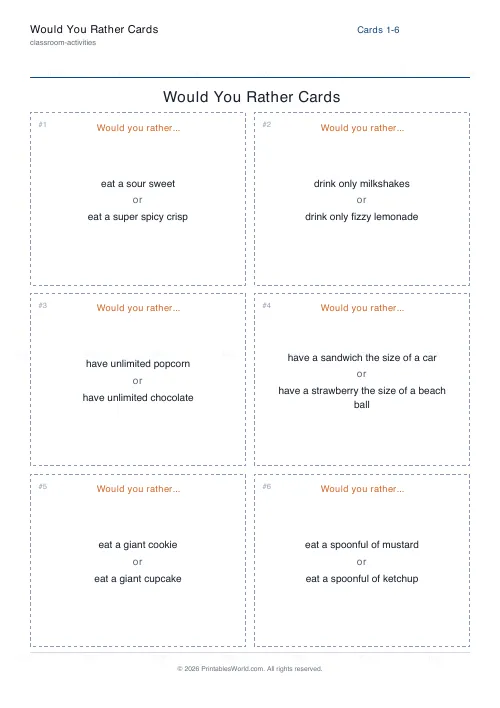
Would You Rather Cards
Printable dilemma cards. Two tempting or awkward options, and a reason required.
Coloring Page Maker
Create printable coloring pages with mandala, geometric, and animal templates in any line thickness.
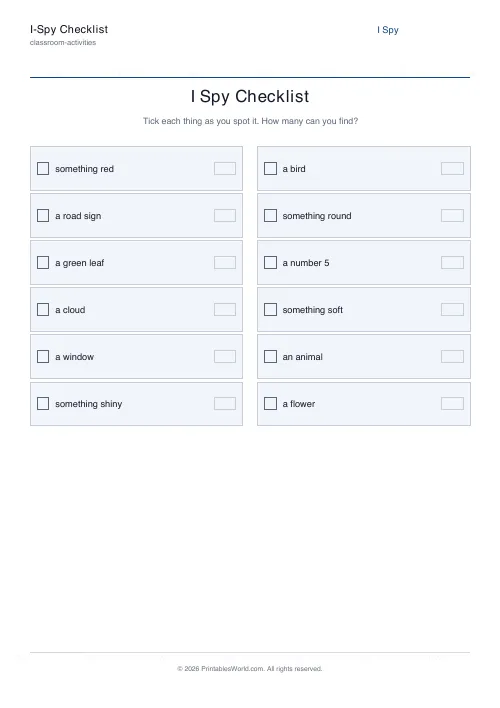
I-Spy Checklist Generator
Build a printable I-spy checklist. Your own list of things to find, with tick boxes and a count box.