What this tool does
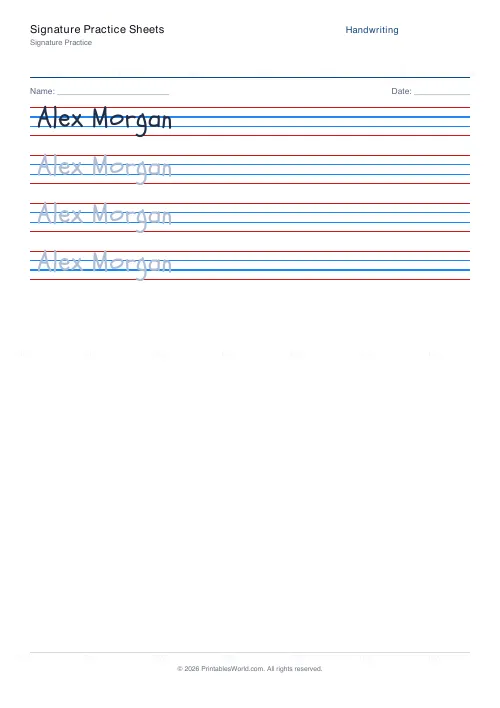
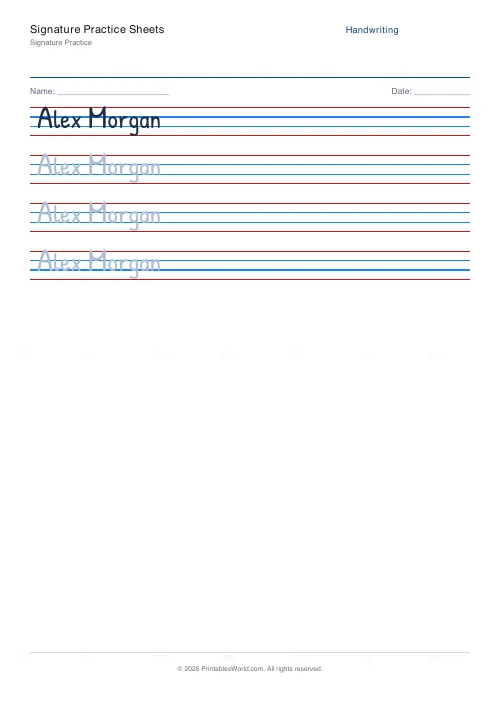
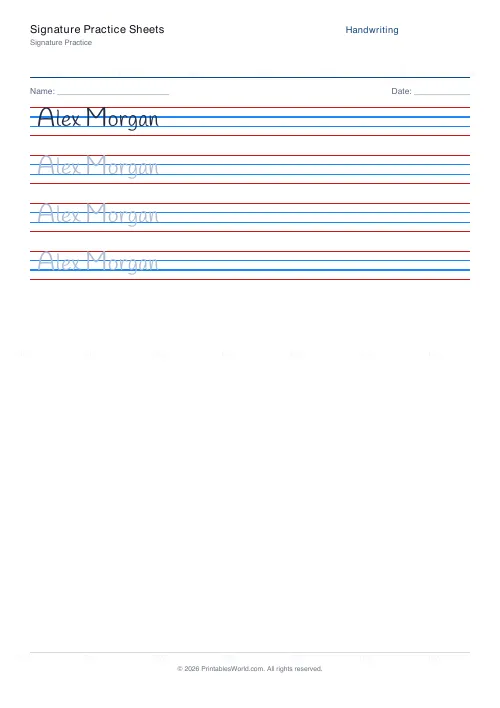
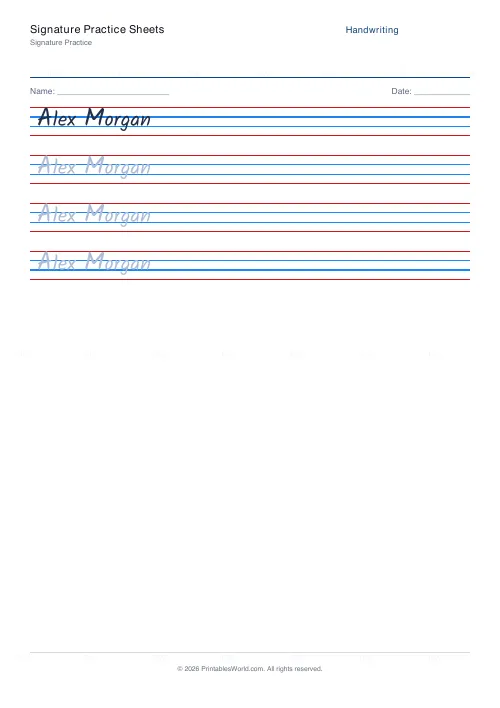
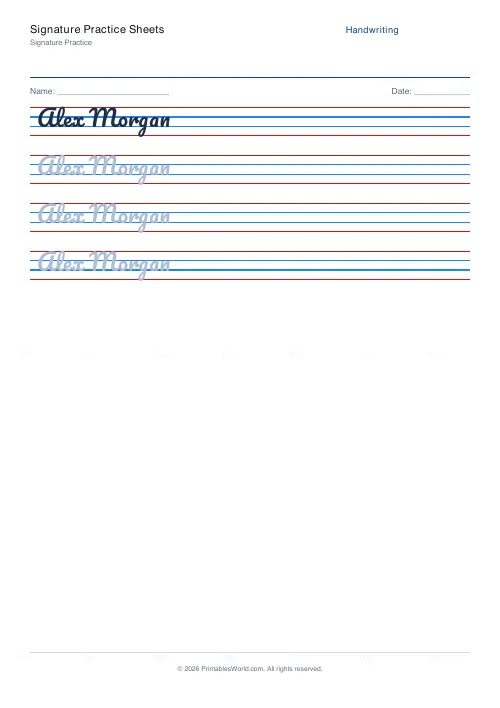
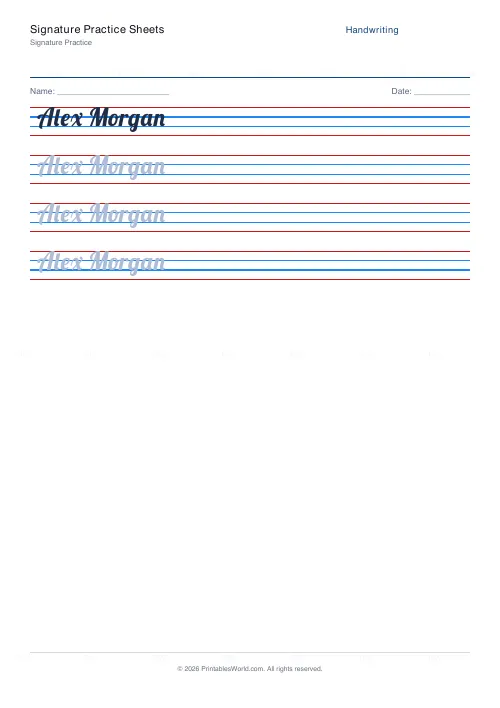
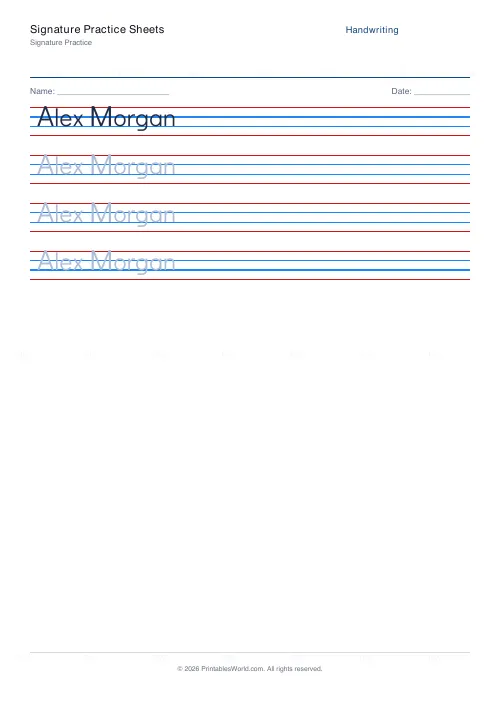
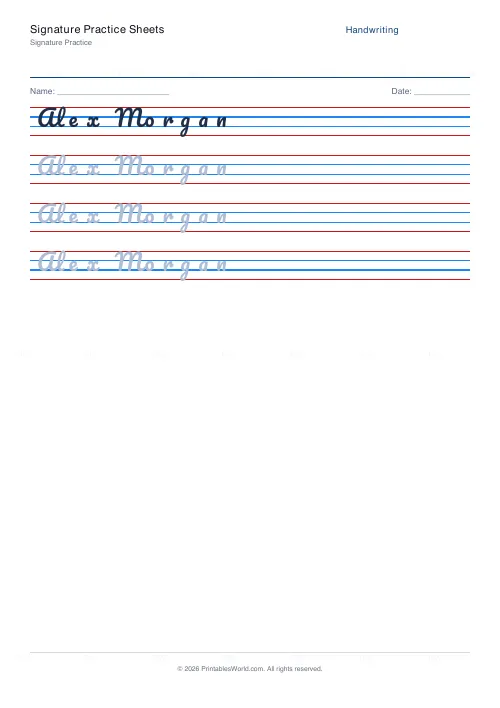
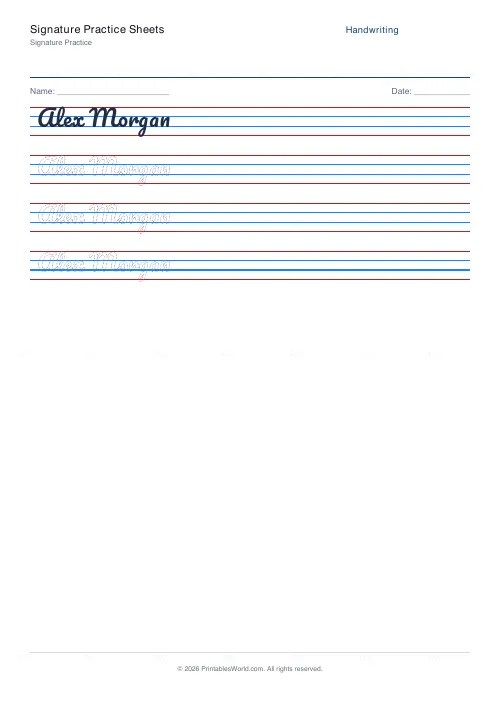
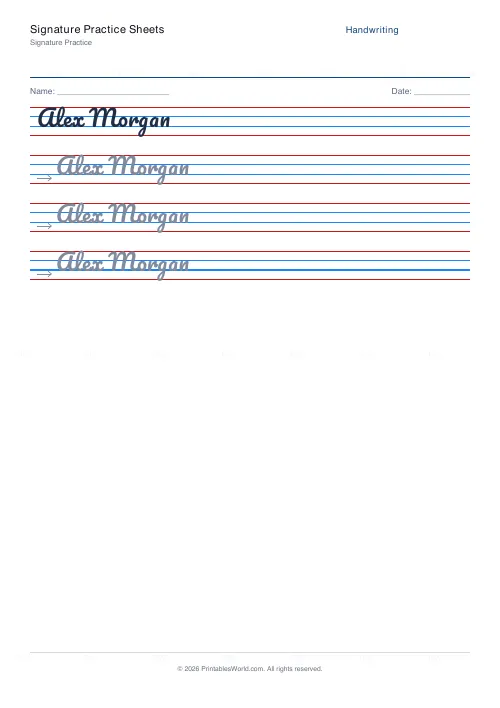
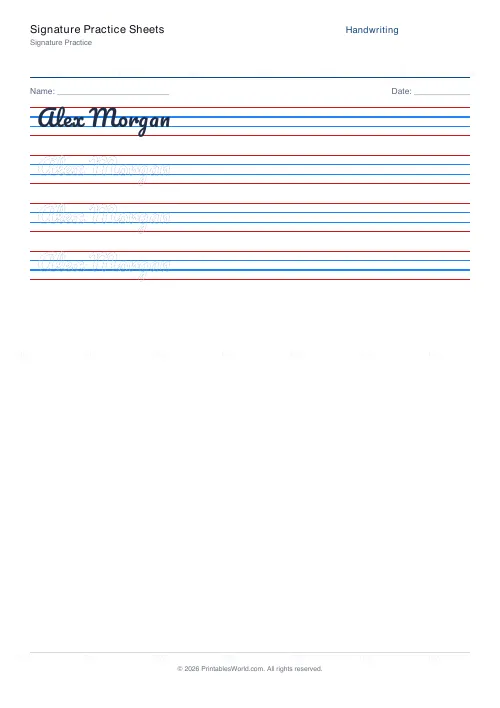
Joined-script practice for a signature: type your name and get rows to trace in a flowing hand, four rows per pass with three tracing rows.
People also used
Feedback
Spotted something off with this tool?
Your name, repeatedly
Type the name you want and the sheet renders it in a flowing joined script — three rows to trace, then rows to write unaided, repeated down the page.
The default is a placeholder. Replace it with your own name, and change the font if the style is not yours; several joined faces are available.
What a signature actually needs
Two things, and legibility is not one of them.
It has to be consistent, so that yours looks like yours every time, and it has to be reproducible at speed, because a signature made slowly and carefully is easier to imitate than one made fluently. Speed is a security property: the pressure changes, pen lifts and rhythm of a fast signature are far harder to copy than its shape.
An unreadable signature is normal and entirely valid. It is a mark, not a piece of writing.
Designing one
Start from your actual name and simplify rather than inventing something from nothing. A signature with no relationship to your name is harder to remember and, in some contexts, harder to defend.
Decide which parts stay legible — usually the initial capitals — and let the rest become a run. Keep it short. A long signature takes longer to make consistent and you may sign a hundred documents in an afternoon at a house purchase.
Then stop changing it. The point at which it becomes secure is the point at which you stop making decisions about it.
Practising properly
Tracing rows build the shape. The unaided rows are where the learning is, so do not skip to the next tracing row when one goes wrong.
Work up to speed deliberately. Trace slowly, write slowly, then write at the pace you would actually sign at — and expect the fast version to be worse for a while. It is the fast version that matters, because that is the one that will be on the document.
Ten minutes a day for a fortnight is enough for most people.
Who wants this
Teenagers about to need one for the first time. Anyone who has changed their name, on marriage or otherwise, and now has a signature that does not match anything. People whose signature has drifted so far from their bank's record that cards get declined. And anyone who has simply never settled on one and produces something different each time.
A note on the obvious
Practise your own name. Practising somebody else's is forgery, whatever the intention, and it is a criminal offence in every jurisdiction this site reaches.
Related: the handwriting practice generator for any other text in the same joined styles.
FAQs
Quick answers
How do I practise my own signature?
Replace the placeholder name in the practice text box with your own name, exactly as you want to sign it. The sheet then repeats that form across the page for you to trace and copy.
Why so many trace rows?
A signature is muscle memory. The extra trace rows let you over-write the same shape several times before attempting it freehand, which is how the stroke becomes automatic.
Can I change the script style?
Yes. Pacifico gives a flowing, signature-like script by default; switch to Lobster for a bolder cursive. Choose whichever best matches the look you want.
Can I practise more than one version?
Yes. Type each version on its own line in the practice text. The tool builds a block of repeat rows for each, so you can compare a full name against a first-name-only signature.
Related tools
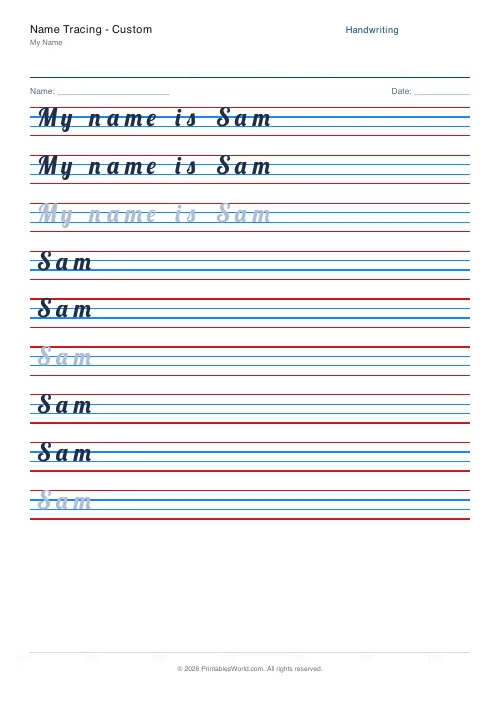
Name Tracing: Custom
Enter any name and generate a personalised tracing worksheet.
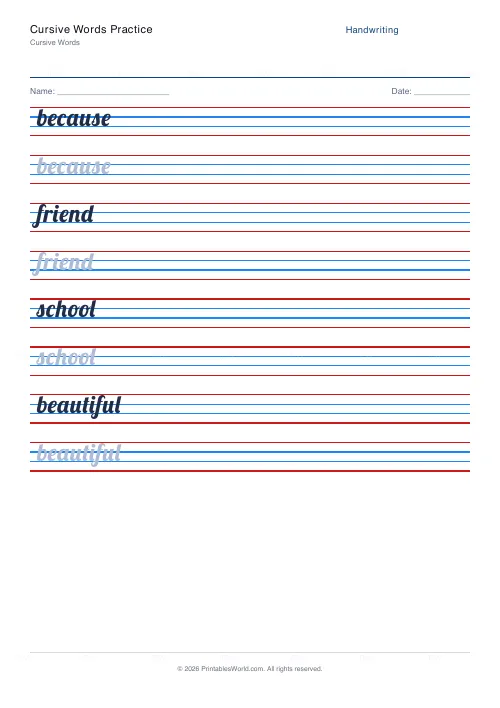
Cursive Words Practice
Practise writing common words in cursive script. Custom word input.
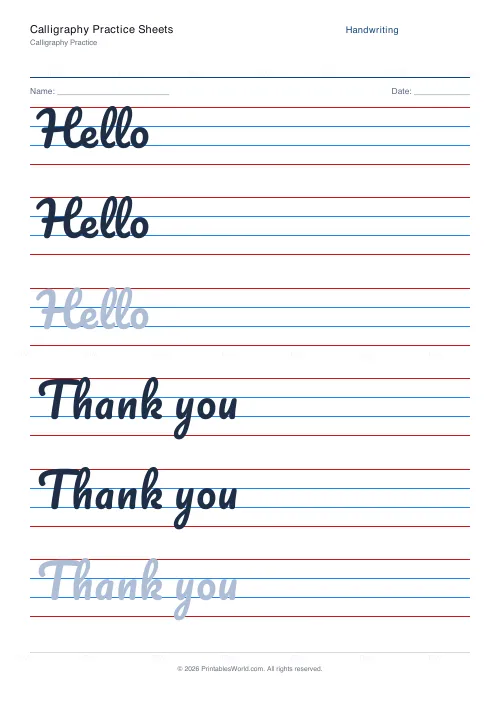
Calligraphy Practice Sheets
Brush-style lettering on wider 4-line ruling for hand-lettering practice.
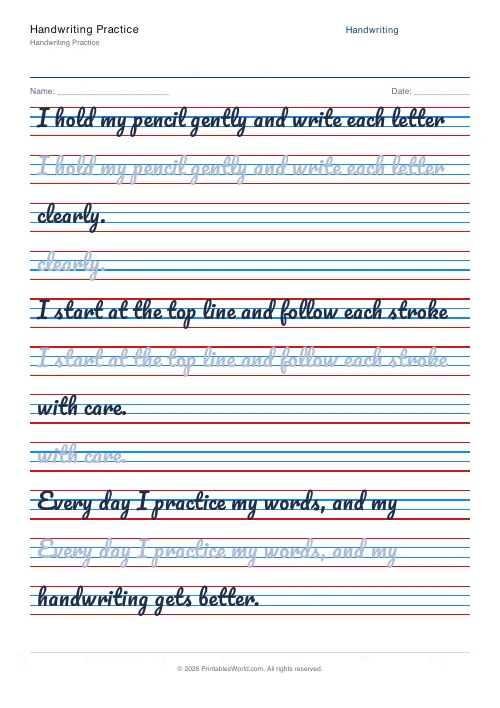
Handwriting Practice Generator
Create custom 4-line handwriting practice sheets with trace rows, adjustable guides, and your own text.
Further reading
Handwriting
Left-handed handwriting practice: free printable sheets
How to set up left-handed handwriting practice for comfort: paper angle, grip and page layout, plus free printable sheets designed for lefties.
7 min read
Handwriting
The best age to start handwriting practice
Age is the wrong question. Three readiness signs predict whether handwriting practice will help or frustrate. And what to do with the child who is not there yet.
5 min read
Handwriting
Dotted vs solid trace lines: what works best for beginners
Each trace style removes a different amount of support. The mistake is staying on one too long. Tracing feels productive and teaches less than copying.
4 min read
More like this
- Handwriting Practice Generator
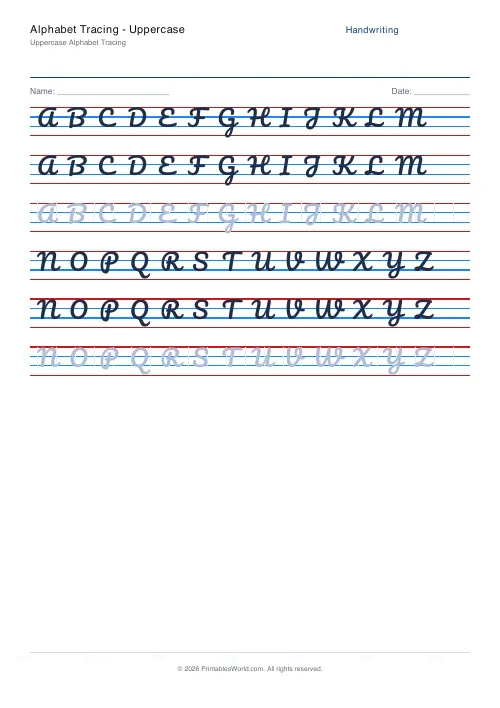 Alphabet Tracing: Uppercase
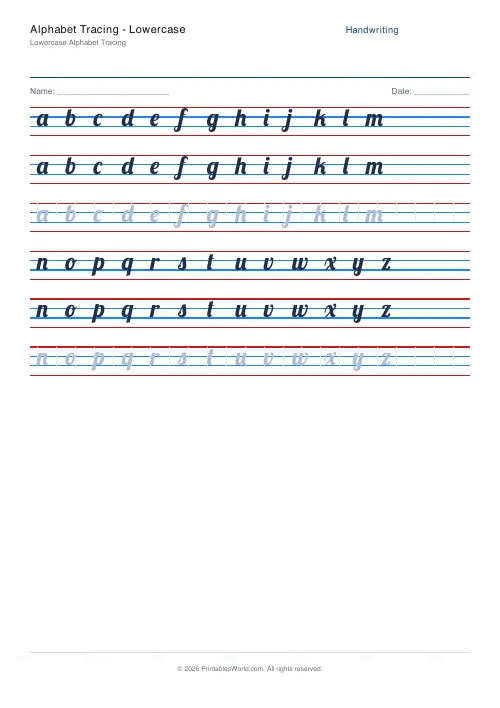 Alphabet Tracing: Lowercase
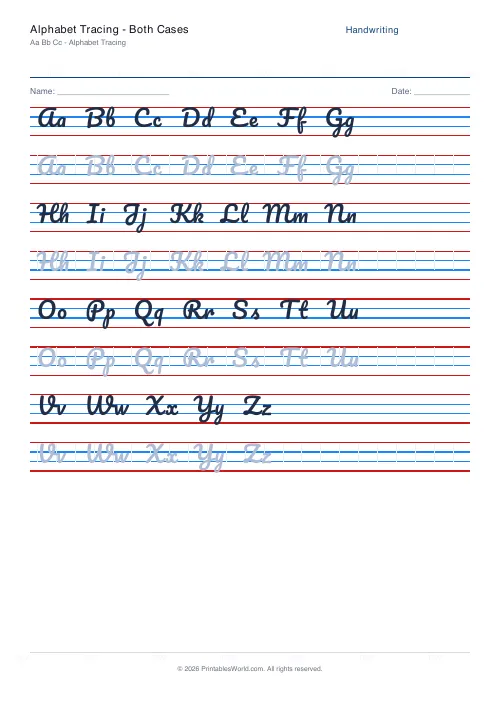 Alphabet Tracing: Both Cases
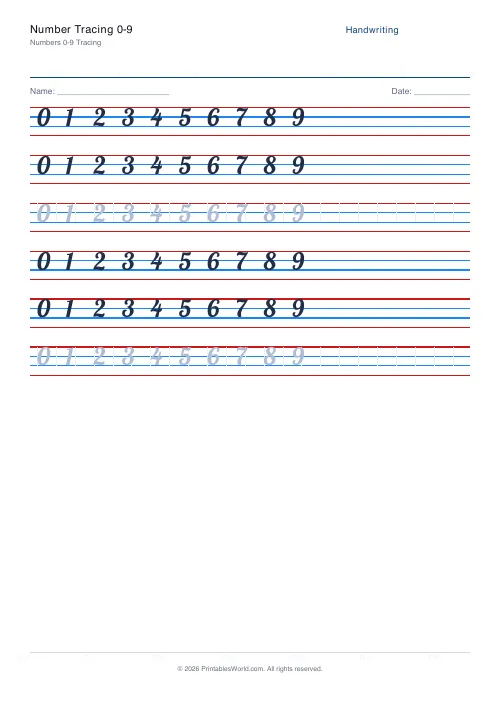 Number Tracing 0-9
- Name Tracing: Custom
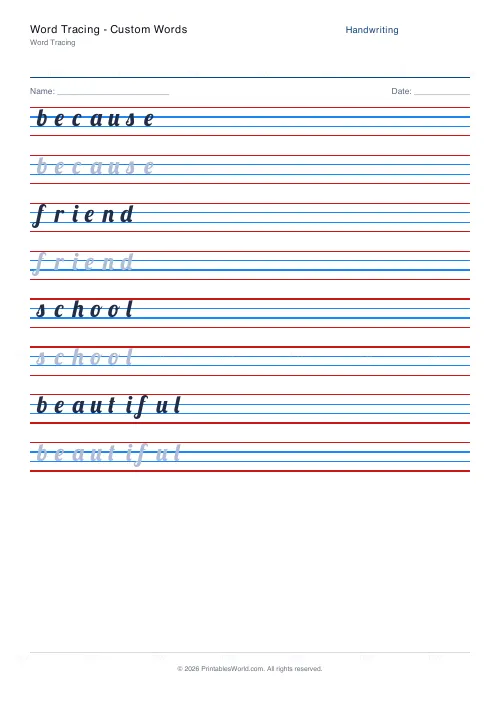 Word Tracing: Custom Words
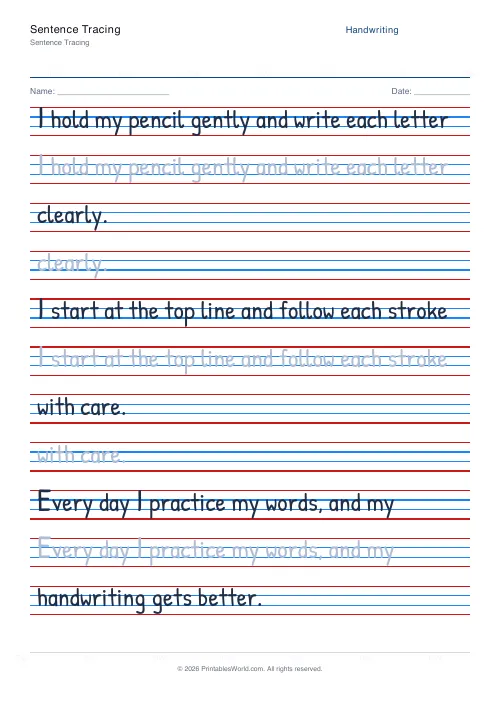 Sentence Tracing
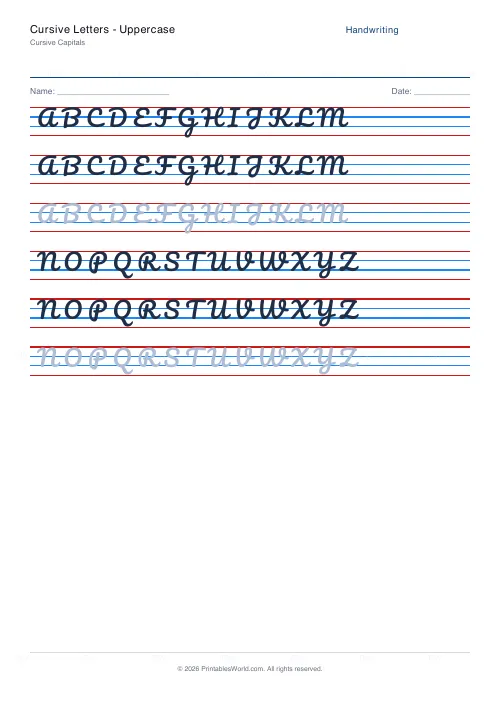 Cursive Letters: Uppercase
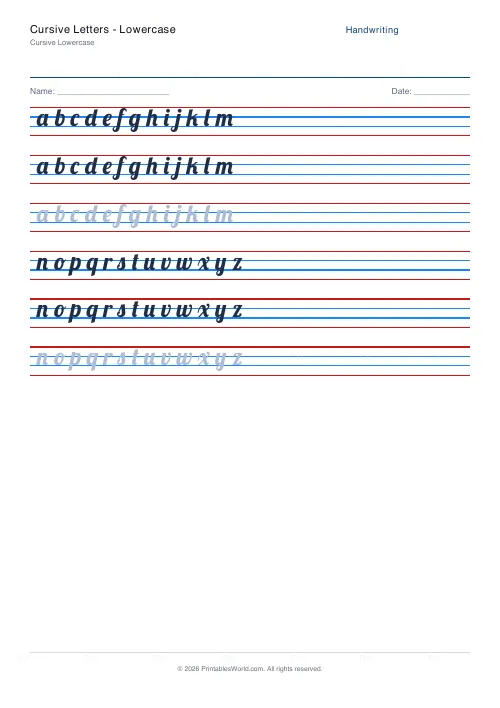 Cursive Letters: Lowercase
- Cursive Words Practice
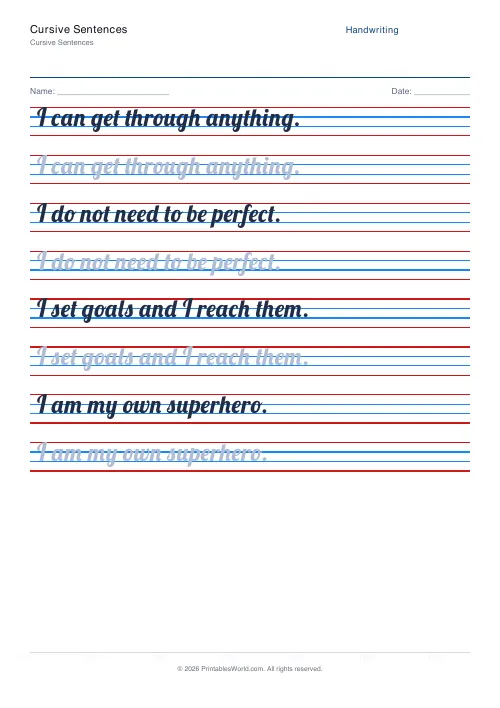 Cursive Sentences
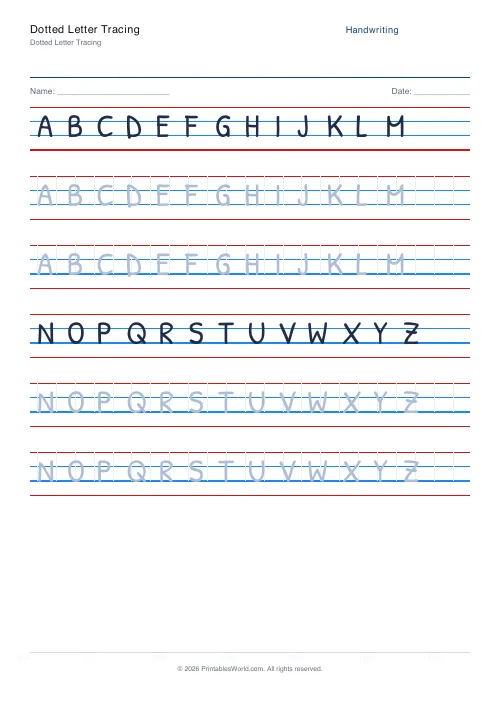 Dotted Letter Tracing
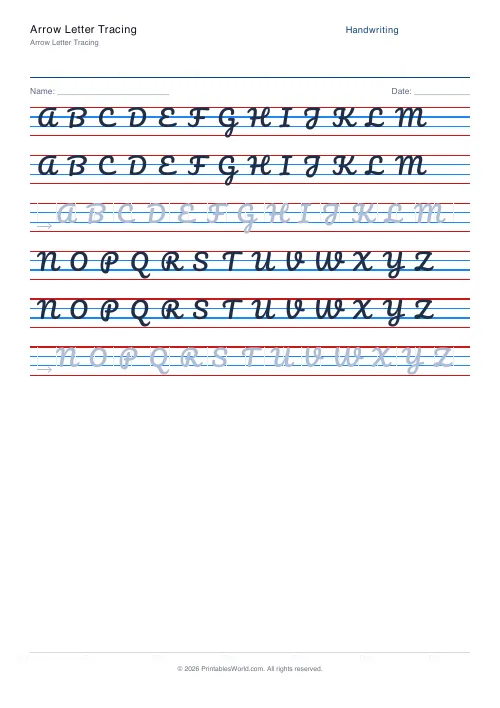 Arrow Letter Tracing