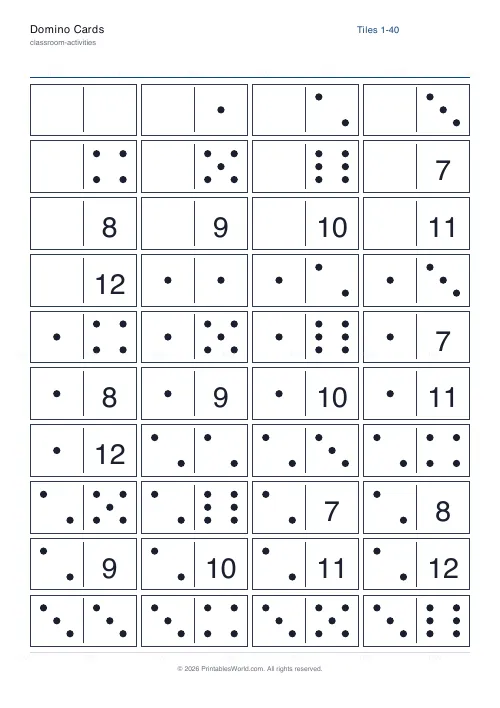
What this tool does
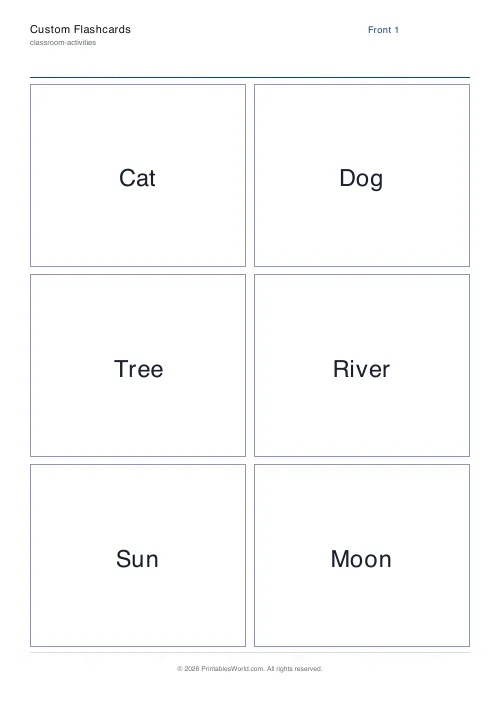
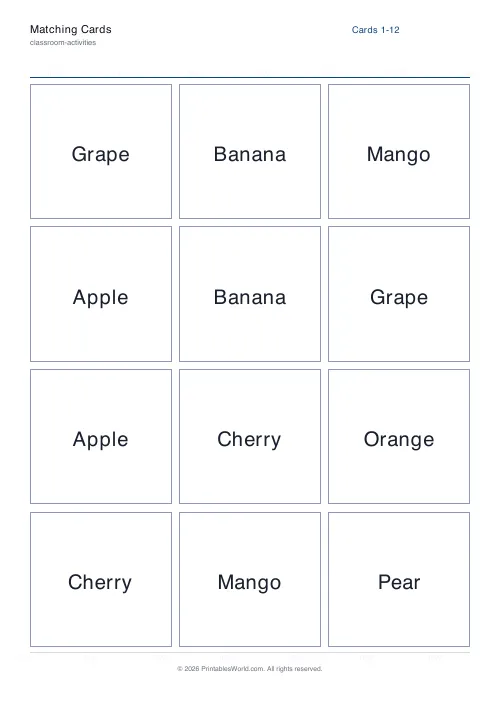
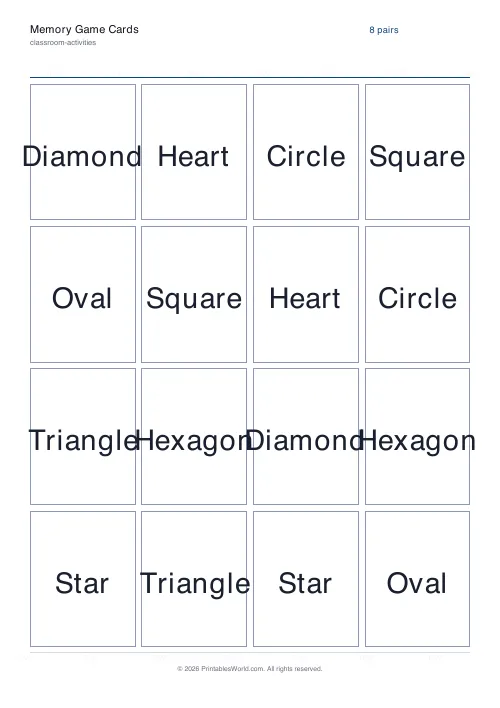
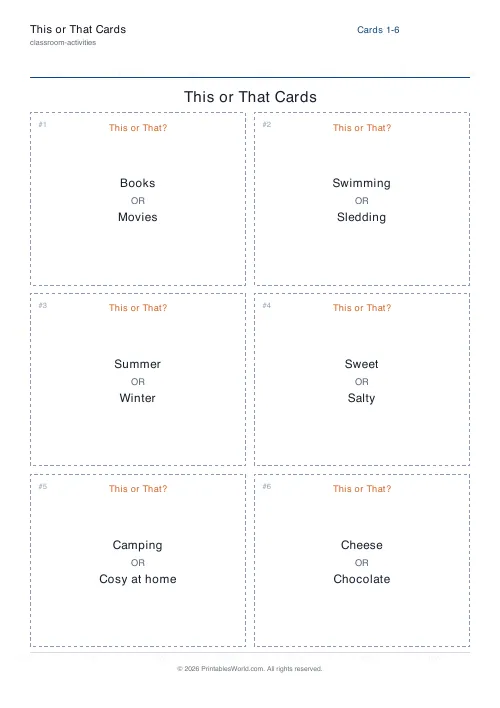
A grid of cut-out This or That cards drawn from a built-in deck of classroom-safe either/or choices. Five themes: mixed, everyday, food, seasons, animals. Set how many cards you want, print on A4 or US Letter, and cut along the dashed lines. Each card carries two short options with an OR between them.
People also used
Feedback
Spotted something off with this tool?
Two options, one OR, two seconds
Beach or mountains. Each card prints a single either/or choice and a dashed line to cut along, laid out as a grid so a sheet becomes a deck in a couple of minutes.
The choices come from a built-in list written to be light and uncontroversial, which is the part that matters when thirty children are answering out loud in a room you have to keep working in afterwards. Twelve cards to a sheet by default.
The speed is the whole design
There is no case to make and no wrong answer. That is not a limitation, it is the point.
Every child can answer immediately, including the ones who freeze the moment they are asked to explain themselves, so this works as a warm-up in a room that is not yet talking. Nobody is exposed, because a preference cannot be marked and cannot be wrong.
It also means you get through a lot of them. Twenty cards round a class of thirty is a couple of minutes, which is why it fits the awkward gaps: waiting to be called for assembly, the last four minutes of a lesson, settling a room after lunch.
If what you want is children reasoning and defending a position, this is the wrong tool. That needs a dilemma where both options cost something.
Get them out of their chairs
A binary answer is a movement activity waiting to happen, and with a restless group that is where most of the value is.
- Two sides of the room. Read the card, children walk to the side matching their choice. The split is visible instantly and the room resets itself between cards.
- Four corners. Combine two cards and each corner is one pair of answers. Harder, and noisier.
- Stand up or sit down when there is no floor space. Same effect, no furniture involved.
- Human bar chart. Children queue behind their choice and the longer line is the mode, which turns a filler into a data-handling starter that needed no extra printing.
One rule makes all four work: read the card, pause, then say go. Children who are allowed to move while you are still reading will pick whichever option they heard first, every time.
The five decks
Mixed, everyday, food, seasons, animals. Mixed pulls from all of them, which suits a party or a club where a coherent theme would be lost anyway.
Keeping a theme narrow makes the deck feel deliberate rather than random, and it also lets you match the deck to the moment: food cards before lunch land differently from food cards at nine in the morning. Seasons is the one worth printing twice a year, because half the choices only make sense in the weather you are actually having.
There is no field for typing your own choices, so a topic-specific deck means writing on blanks. If you do that, two rules make a good card. Both options have to be genuinely plausible, or everyone picks the same one and there is nothing to notice. And keep them to a few words, because anything needing a clause to explain it has stopped being quick-fire.
Making a deck that survives the year
A full sheet cuts into a set in about two minutes with a guillotine.
Print on 160gsm card, or laminate the sheet before cutting. These get handled constantly and plain paper cards curl inside a fortnight, at which point they no longer shuffle and start to look like litter. A corner punch is optional and makes a surprising difference to how long they last in a box.
Name and date fields are off by default and should stay off for a reusable deck. Turn them on only if children are writing answers down, which is the one use where these stop being a two-second activity and become paperwork.
FAQs
Quick answers
Are the choices suitable for children?
Yes. Every choice is drawn from a built-in, classroom-safe list and is written to be light-hearted and inclusive, so the cards work for primary and lower-secondary groups.
How many cards fit on a page?
Six cards print per page in a two-by-three grid. Choose any number of cards and the tool spreads them across as many pages as needed.
Can I get different cards each time?
Yes. The cards are drawn from the list using a shuffle, so pressing Generate New gives you a fresh selection. Pick a theme to keep them on one topic.
Do I need to laminate them?
Not at all, but laminating after cutting along the dashed lines makes a reusable deck for circle time, ice-breakers and brain breaks.
Related tools
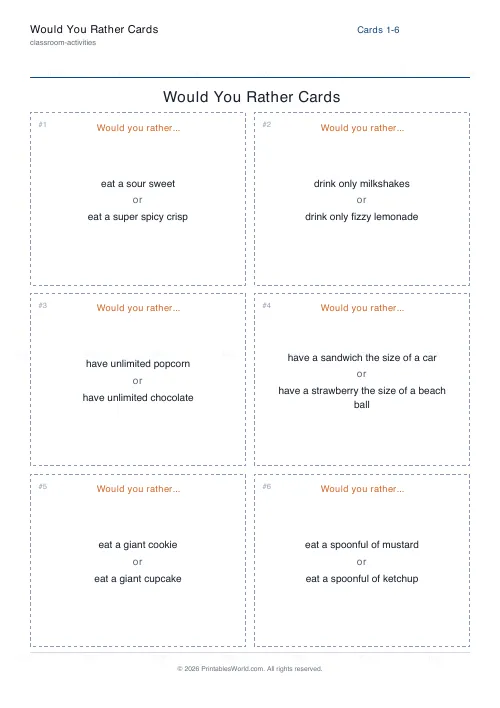
Would You Rather Cards
Printable dilemma cards. Two tempting or awkward options, and a reason required.
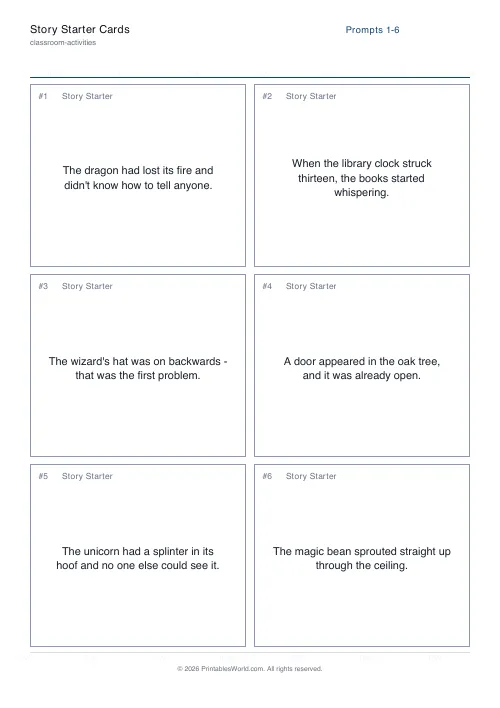
Story Starter Cards
Creative-writing prompt cards to spark a story in one sentence.
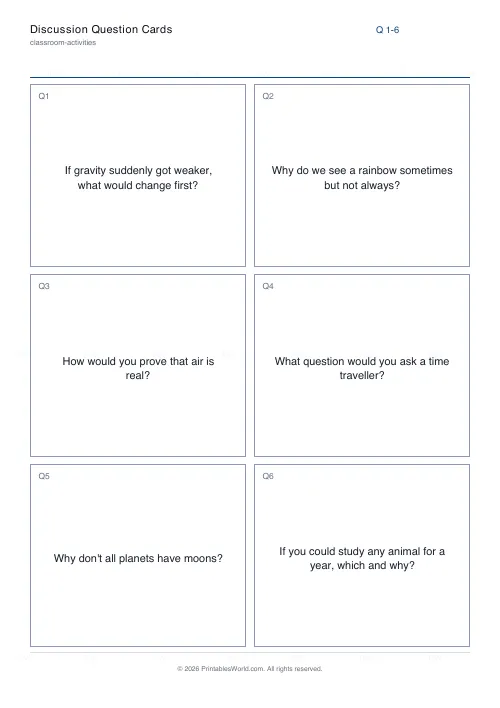
Discussion Question Cards
Open-ended question cards to spark a classroom conversation.
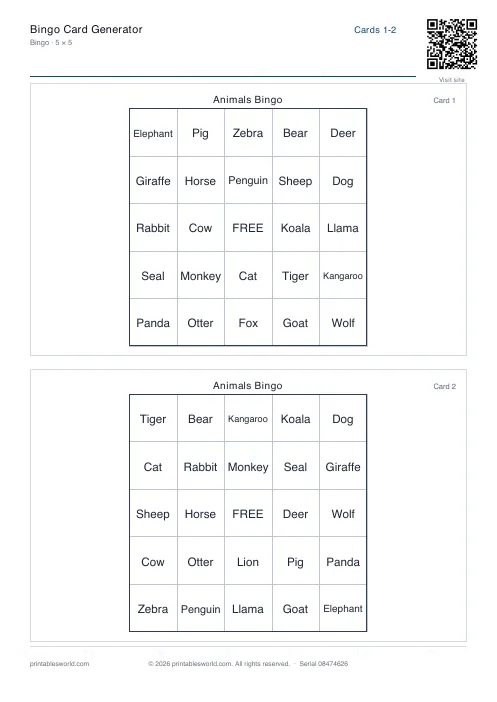
Bingo Card Generator
Generate unique printable bingo cards with custom words, FREE centre toggle, call sheet, and seeded shuffles.
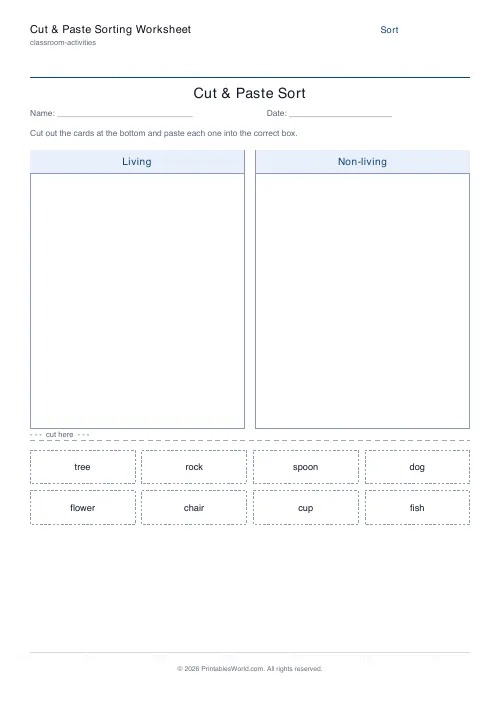
Cut & Paste Sorting Worksheet
Cut out the cards and paste each one into the right group.
Further reading
Classroom Activities
Bingo in the classroom: 10 subjects, one game
Bingo works in almost every subject because the mechanic never changes. Only the call does. Ten variations, and the one rule that turns it from a filler into retrieval practice.
4 min read
Classroom Activities
20 classroom games that need zero prep
Games organised by the gap they fill: two minutes at the end of a lesson, ten minutes before assembly, or a whole wet lunchtime. Almost all need nothing but a voice.
6 min read
Classroom Activities
Positive reinforcement in the classroom: charts that work
Reward charts work when they name a specific behaviour and fade over time. They backfire when they rank children publicly. Here is the difference in practice.
5 min read