What this tool does
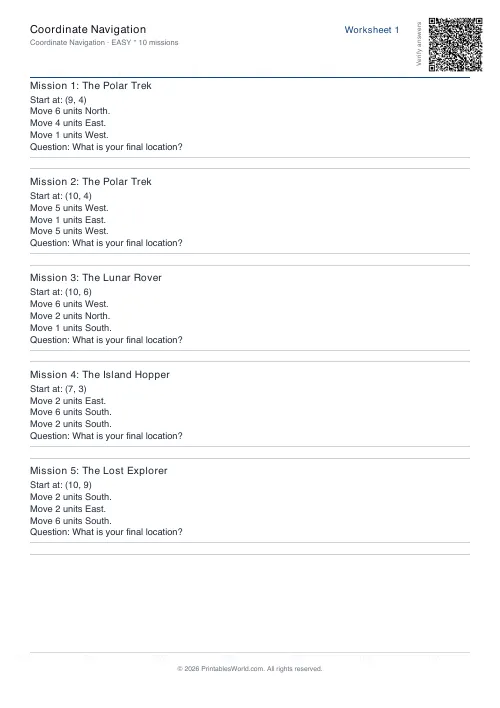
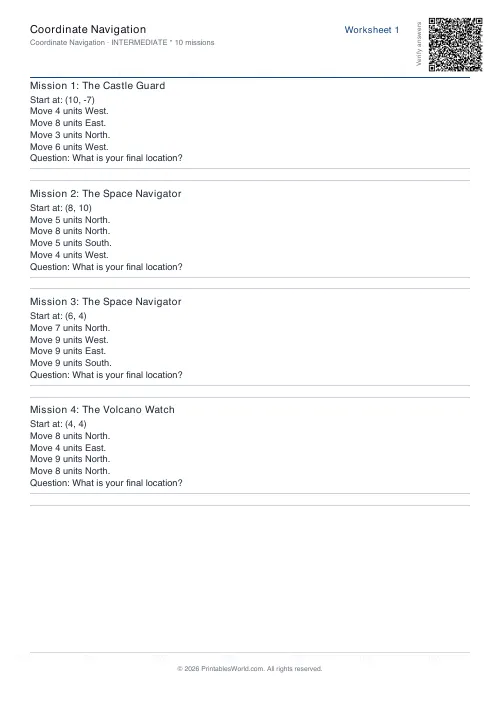
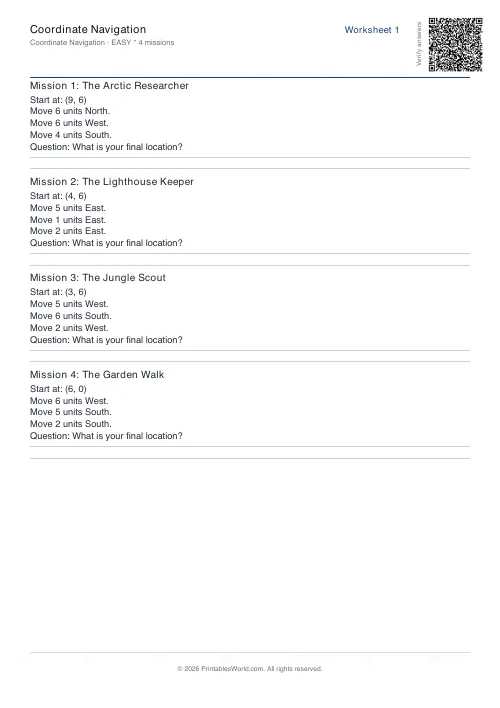
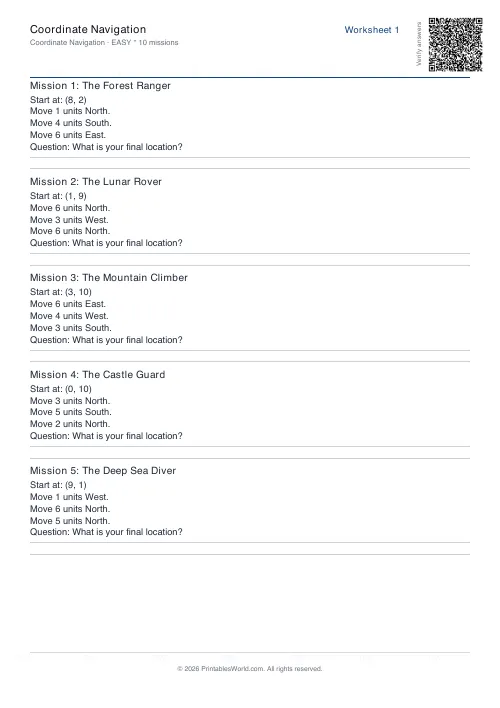
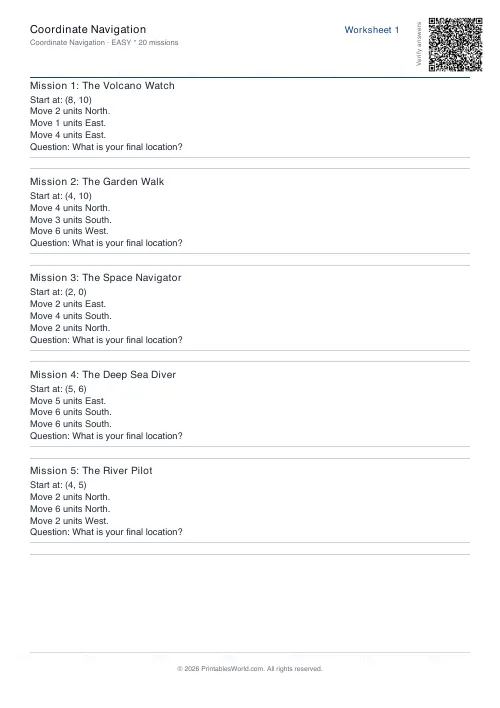
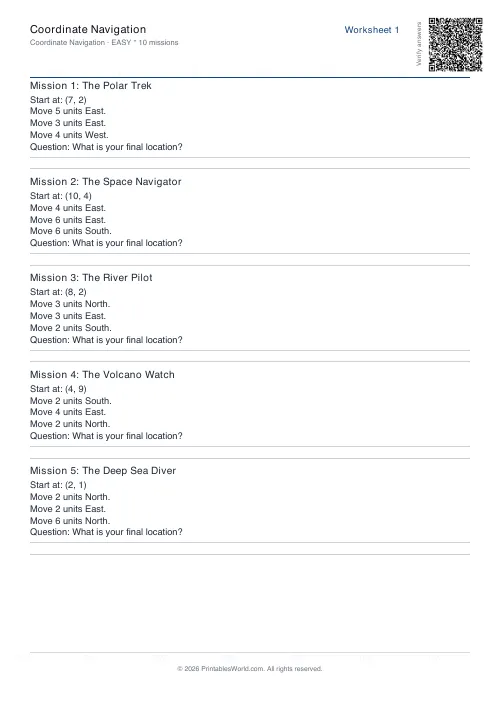
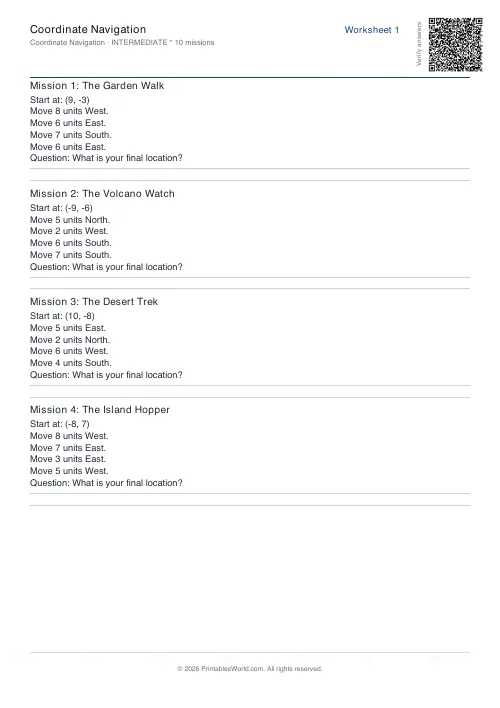
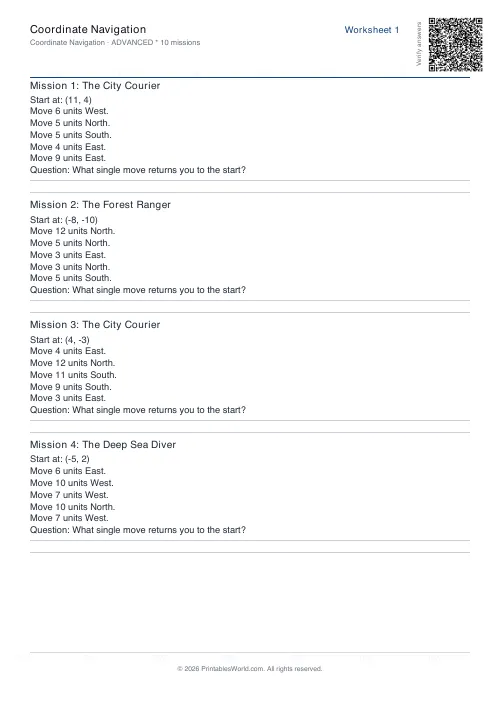
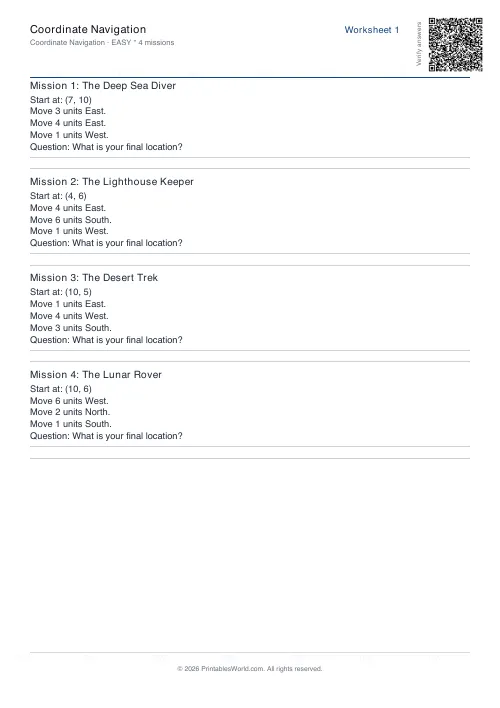
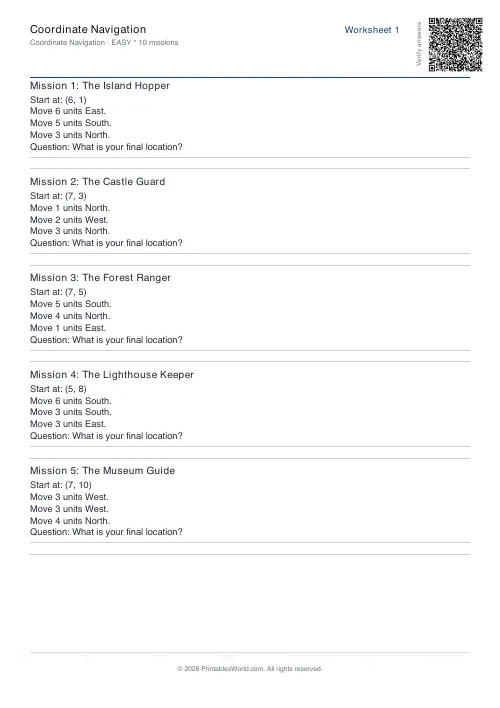
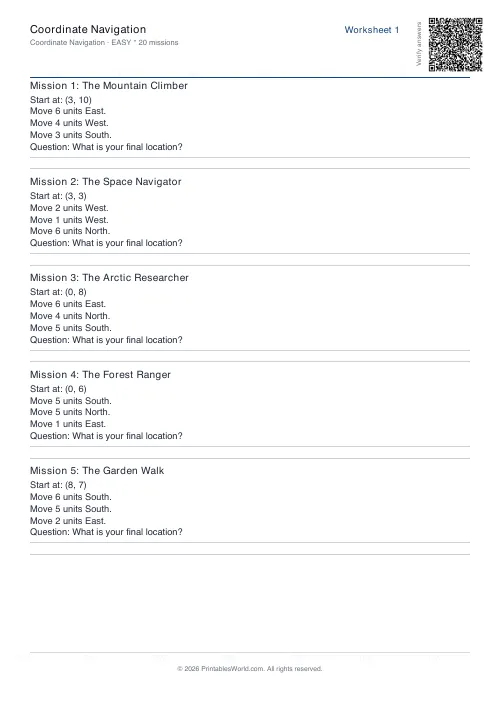
Coordinate work as a navigation puzzle: follow the directions across a grid, or write the route between two points.
People also used
Math Word Problems Generator
Generate printable math word problem worksheets with customisable topics, difficulty, and answer keys.
Multiplication Table Generator
Create free printable multiplication tables in table or line-by-line format with custom ranges and themes.
Graphing Linear Equations Worksheets
Print worksheets where students build a table of values and plot y = mx + b lines on a coordinate grid.
Feedback
Spotted something off with this tool?
Coordinates with a reason
Rather than plotting isolated points, these sheets set a journey. A start, a set of moves, somewhere you end up. Coordinates become the way of saying where you are, not the answer being asked for.
Why the framing helps
A plotting exercise hands a child two numbers and asks for a dot. A navigation task gives them a reason to care where it goes.
That difference matters most for the pupils who find abstract coordinate work meaningless. Told to plot (4, 7) they can do it and gain nothing; told to move four east and seven north to reach the treasure, they are doing the same arithmetic inside a problem that holds their attention, and the coordinate notation arrives as a useful shorthand rather than as a rule.
The direction convention
Across before up, exactly as in every other coordinate task. The navigation framing gives it a language: east then north, corridor then stairs.
Watch for the reversal error, which shows up here as ending at the wrong location rather than as a wrong pair — and being visibly in the wrong place is a much more useful correction than a red cross next to an ordered pair.
Two directions of task
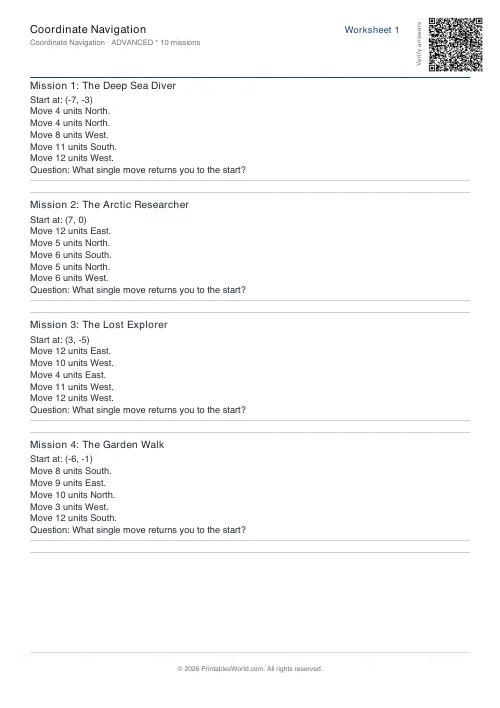
Following a route tests whether a pupil can execute instructions written in coordinates. Describing one is harder. Given two points, write the moves — that requires working out the difference between two positions, which is a genuinely different operation.
That second task is the one that leads somewhere. The difference between two coordinates is what a vector is, what a translation is, and what every distance formula rests on.
Where it fits in the curriculum
Between first coordinate work and formal transformations. Roughly ages nine to thirteen. It also covers a chunk of geography — grid references, compass points, describing a route — so it earns its place in two subjects rather than one.
Extending it
Have pupils write routes for each other, on squared paper, with the destination hidden. Marking somebody else's route is a better test of understanding than following one, and the arguments about whose instructions were wrong are unusually productive.
Related: coordinates and grids for the plain plotting work this builds on, and map grid paper if you want pupils to draw the territory themselves.
FAQs
Quick answers
Can I control which specific missions appear on my worksheet?
You can't hand-pick individual missions, but you can use the seed field to lock a configuration. If you find a set of missions you like, note the seed value and enter it again with the same difficulty and count settings to reproduce that exact worksheet.
What grid size does each difficulty level use?
Easy missions use a 0 to 10 grid (first quadrant only). Intermediate missions use a −10 to 10 grid (all four quadrants). Advanced missions use a −12 to 12 grid with longer step sequences and larger unit counts.
How many missions should I put on one worksheet?
For younger learners or introductory lessons, 3–5 missions per sheet works well. Older students or homework assignments can handle 8–12 missions. The tool supports up to 20 missions per worksheet if you need extended practice or assessment material.
Does the answer key show the full path or just the final coordinates?
The answer key lists the final coordinates for each mission. It does not include step-by-step workings or drawn paths. Use it for quick marking or let students compare their end points during peer review.
Can students plot the path on the worksheet itself?
Yes. Each mission leaves space for students to draw arrows or mark intermediate points on the printed grid. The single-column layout and generous margins make it easy to annotate directly on the page.
What if a mission asks students to move off the edge of the grid?
The generator ensures all paths stay within the grid bounds for the chosen difficulty level. Procedurally generated missions calculate the end point before printing, so you won't see instructions that send coordinates into negative territory beyond the stated range.
Can I use these worksheets for homework or timed assessments?
Absolutely. Set a higher mission count (10–15) for homework, or print multiple worksheets without the answer key for in-class tests. The consistent format and independent missions make it straightforward to assign different sheets to different groups or retest with a fresh set.
Related tools
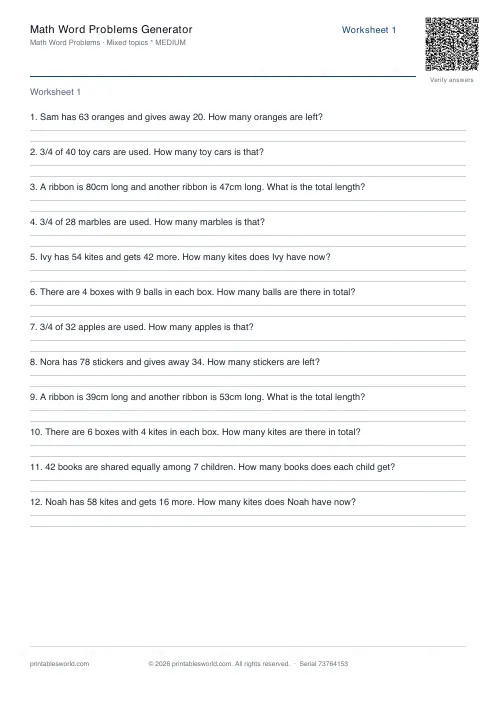
Math Word Problems Generator
Generate printable math word problem worksheets with customisable topics, difficulty, and answer keys.
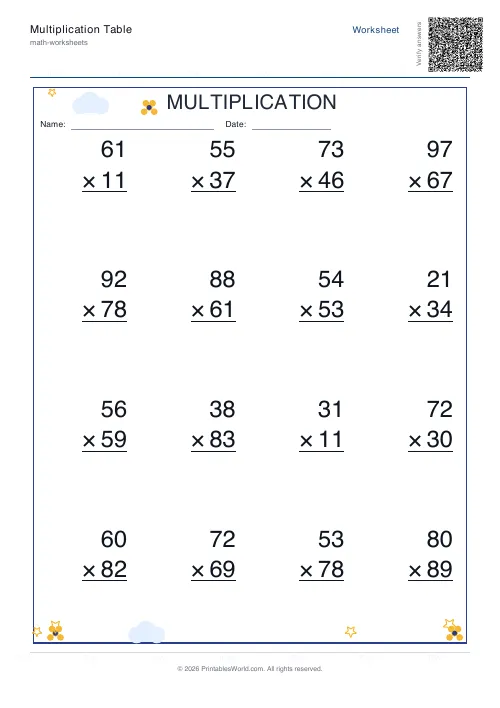
Multiplication Table Generator
Create free printable multiplication tables in table or line-by-line format with custom ranges and themes.
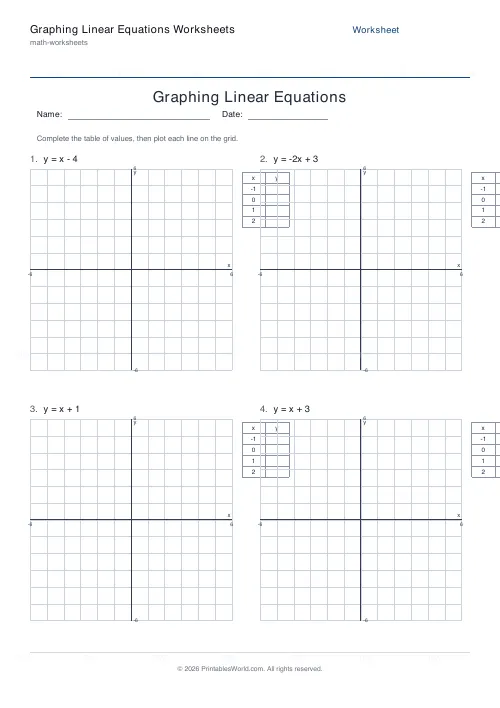
Graphing Linear Equations Worksheets
Print worksheets where students build a table of values and plot y = mx + b lines on a coordinate grid.
Further reading
More like this
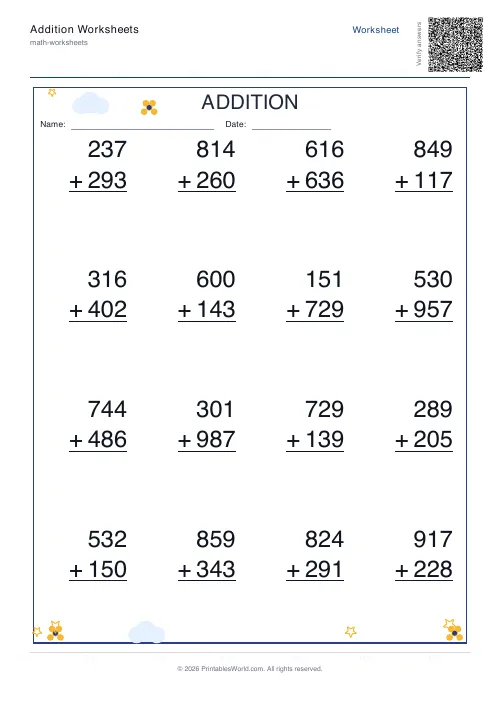 Addition Worksheets Generator
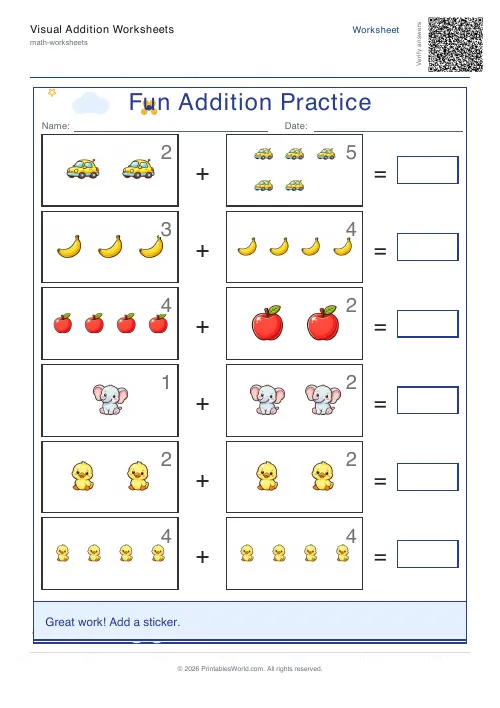 Visual Addition Worksheets Generator
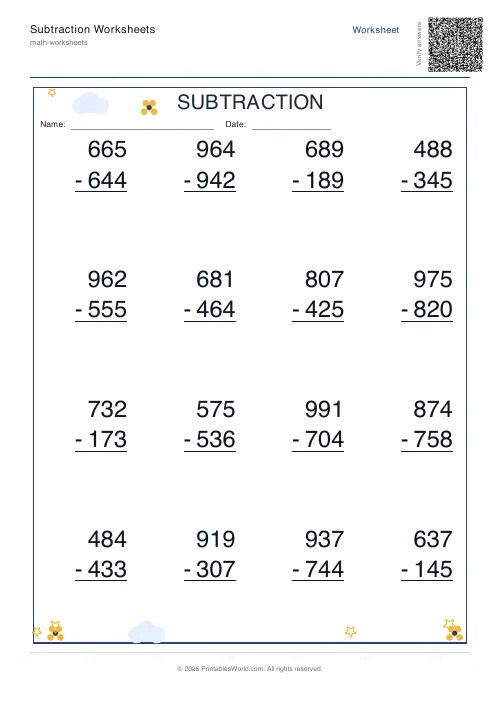 Subtraction Worksheets Generator
- Multiplication Table Generator
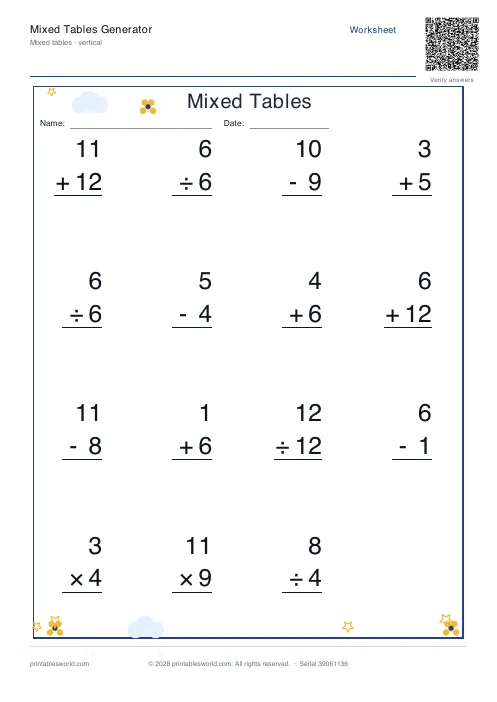 Mixed Tables Generator
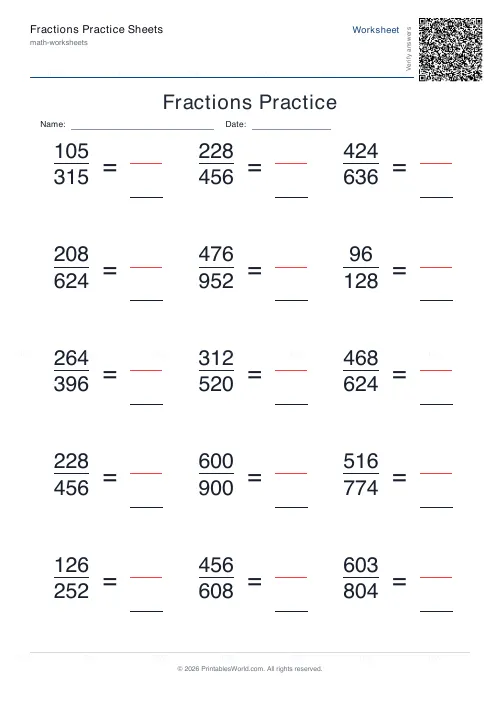 Fractions Practice Sheets Generator
- Math Word Problems Generator
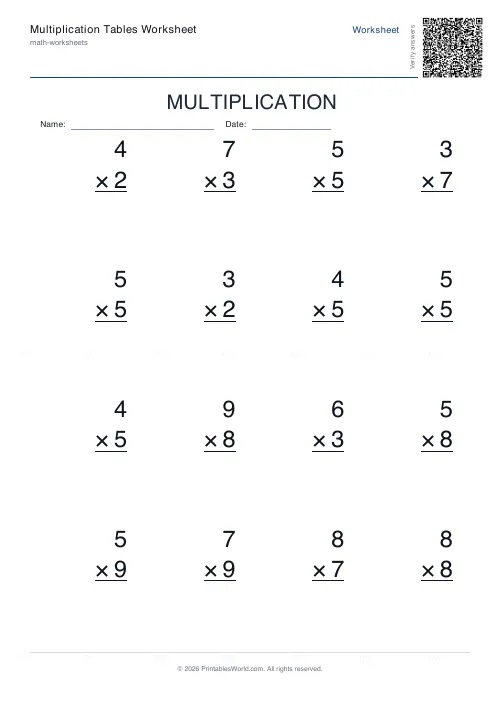 Multiplication Tables Worksheet
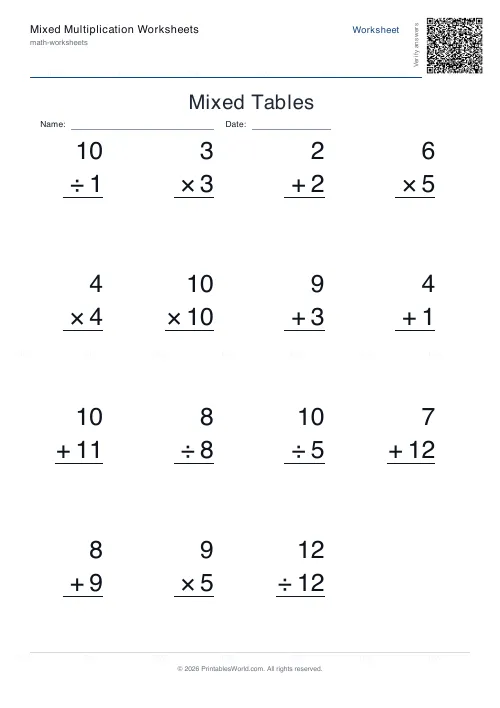 Mixed Multiplication Worksheets
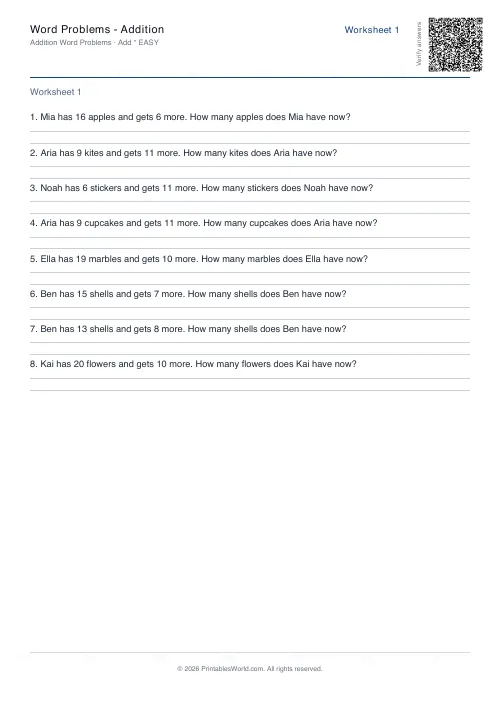 Word Problems: Addition
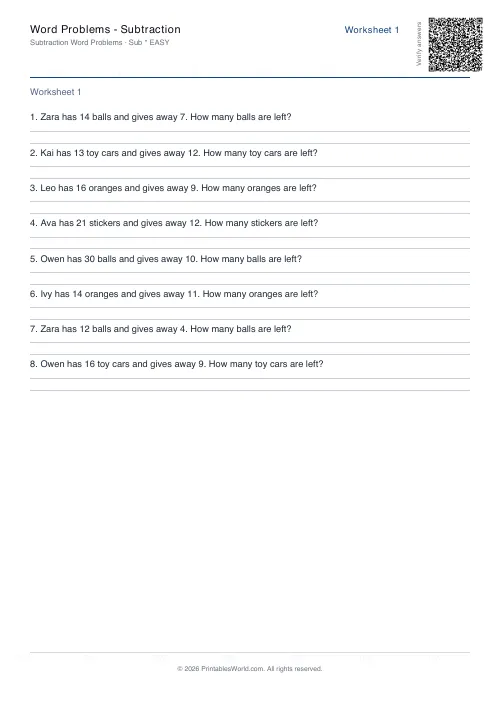 Word Problems: Subtraction
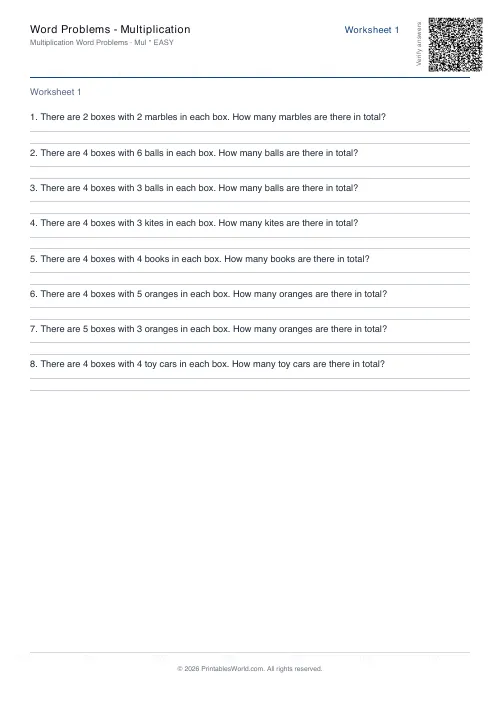 Word Problems: Multiplication
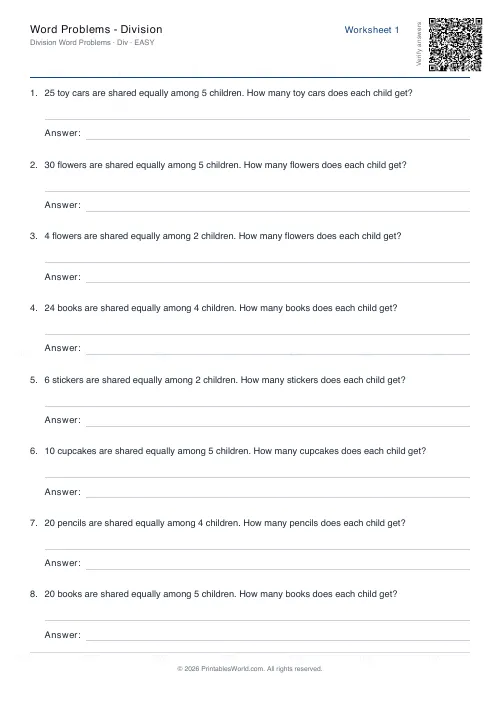 Word Problems: Division
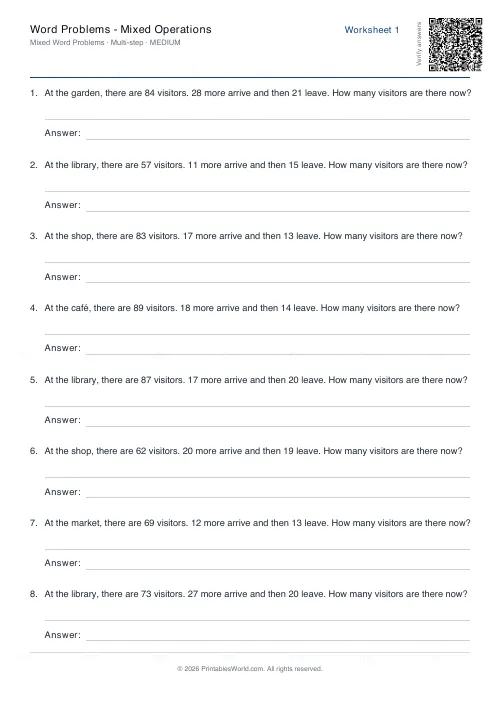 Word Problems: Mixed Operations